# Crowdy Unreal SDK
Source: https://docs.dev.crowdedkingdoms.com/unreal-sdk/intro
# Crowdy Unreal SDK
The Crowdy Unreal SDK is an Unreal Engine plugin that connects your game to the Crowded Kingdoms platform. It gives you a small surface you can drive from C++ or Blueprint: real-time networking for large numbers of players, voice chat, teams, channels, and avatars.
This guide describes **SDK 2.24**. Open `Plugins/CrowdySDK/CrowdySDK.uplugin` and check `VersionName` before you rely on a feature described here.
:::note[This guide is written for Unreal Engine 5.8 and a C++ project.]
Gameplay can be driven entirely from Blueprint, but the plugin itself compiles as C++, so your project needs a C++ target. See [Installation](./installation.md).
:::
## The two planes
Everything the SDK replicates lives on one of two planes, and the whole guide leans on the split.
1. **The view plane (CrowdyState).** Fast, client-owned state such as movement, animation, and transient effects. The client that owns an entity writes its state and everyone else sees it. Nothing here is checked by a server.
2. **The elected host is a convention.** One client is elected host to coordinate the view plane. It is a helper for shared logic, not a rule enforcer.
3. **The truth plane (your server code).** Server-owned gameplay state such as hit points, stats, and inventory, held by your app's code on [ck-exec](/exec/intro). Clients ask the server for it and ask the server to change it; the server decides. This is the only place a rule is enforced. The SDK reaches it from C++ through [Server Logic](./exec/overview.md).
4. **The planes touch in one way.** A client asks the server's code for a change and is told the result. No gameplay value ever flows from the view plane into the truth plane as trusted input.
Read [The Two Planes](./concepts/two-planes.md) before you decide where a new piece of state belongs.
:::caution[The host is a convention the SDK helps you follow, not a server that enforces rules.]
:::
## Entities
Almost everything on the view plane is an **entity**: an actor with a `UCrowdyEntityComponent` that has a shared identity (`NetID`) on every client, one owner, and a remote proxy everywhere else. Events (RPC calls) are aimed at entities, and replicated properties belong to them. [Entities, Identity, and Ownership](./concepts/entities-identity-ownership.md) covers the details.
## How to read this guide
Work through it in order the first time.
1. **Start**: [Installation](./installation.md) and the [Quickstart](./quickstart.md).
2. **Concepts**: [The Two Planes](./concepts/two-planes.md), [Entities, Identity, and Ownership](./concepts/entities-identity-ownership.md), [Sessions and Presence](./concepts/sessions-and-presence.md), [The Host Is a Convention](./concepts/host-is-a-convention.md).
3. **Crowdy Studio**: [sign in and connect your app](./studio/overview.md) from inside the editor.
4. **Runtime (view plane)**: [map profiles](./runtime/map-profile.md), entities, RPC events, Crowdy State.
5. **Server Logic (truth plane)**: [server-owned state on ck-exec and the code that changes it](./exec/overview.md), from Blueprint or C++.
6. **Services**: [voice chat](./services/voice-chat.md), [teams](./services/teams.md), [avatars](./services/avatars.md).
7. **Guides** and **Reference**: [best practices](./guides/best-practices.md), the [sample project](./guides/sample-project.md), [packaging](./guides/packaging.md), and lookup tables such as [console variables](./reference/console-cvars.md).
:::tip[Do Crowdy Studio first]
Nothing on the network works until your project knows which app it belongs to. Sign in and run [Config Sync](./studio/config-sync.md) before anything else.
:::
## What is next
Add the plugin with [Installation](./installation.md), connect your app in [Crowdy Studio](./studio/overview.md), then follow the [Quickstart](./quickstart.md) to put your player, one entity, one event, and one replicated property on screen.
# Installation
Source: https://docs.dev.crowdedkingdoms.com/unreal-sdk/installation
# Installation
This page adds the CrowdySDK plugin to your project, enables it, adds the module dependencies your code needs, and points the project at your app.
## Prerequisites
- Unreal Engine 5.8.
- A C++ project (Visual Studio 2022 with the Desktop C++ workload). Gameplay can be driven entirely from Blueprint, but the plugin compiles as C++.
:::caution[The plugin compiles C++ modules, so a Blueprint only project cannot use it.]
Add a C++ class to a Blueprint project once (File, New C++ Class) and it becomes a C++ project.
:::
## Step 1: Get the release
Download the `v2.24.0` release of the plugin from the public repository, `CrowdedKingdoms/CrowdySDK-Unreal` on GitHub.
:::note[The release you install must match the version this guide describes (2.24).]
:::
From 2.24.0 the plugin root also carries a `MIGRATION.md` that lists, per release, what changed and the exact steps to migrate; read it when you update an existing project. The packaged zip of 2.24.0 is the first to include the plugin's `Config/` folder (see [What's Changed](./guides/whats-changed.md#2026-11-02-sdk-v2240)).
## Step 2: Place the plugin at `Plugins/CrowdySDK`
Unpack the release into your project's `Plugins` folder so the plugin descriptor sits at:
```
YourProject/Plugins/CrowdySDK/CrowdySDK.uplugin
```
Create the `Plugins` folder if it does not exist. The first time you open the project afterwards, the editor offers to build the plugin's modules; accept.
:::warning[Keep it under Plugins. Do not reach it through an external plugin directory.]
A plugin mounted from anywhere else (for example through `AdditionalPluginDirectories` in the `.uproject`) is an External plugin, and Unreal silently drops the config it ships in `Plugins/CrowdySDK/Config/*.ini`. That config is load-bearing:
- `CoreRedirects` that repoint content saved against the SDK's older single-module layout to the current modules, so older assets still load.
- `AssetRegistry` cook-tag exclusions that keep editor-only tags, left on assets saved by an older SDK, out of a packaged build's asset registry.
- A packaging entry that cooks the plugin's shipped map profile (the per-map data asset that switches the SDK on; see [Map profiles](./runtime/map-profile.md)), without which a packaged build is inactive on any map that configured nothing.
Once the project opens in the editor (after Step 5), check the Output Log for `Mounting Project plugin CrowdySDK`. If the line says External, move the plugin.
:::
## Step 3: Enable the plugin
From the editor: open the project, go to **Edit, Plugins**, search for `CrowdySDK`, tick **Enabled**, and restart when asked.
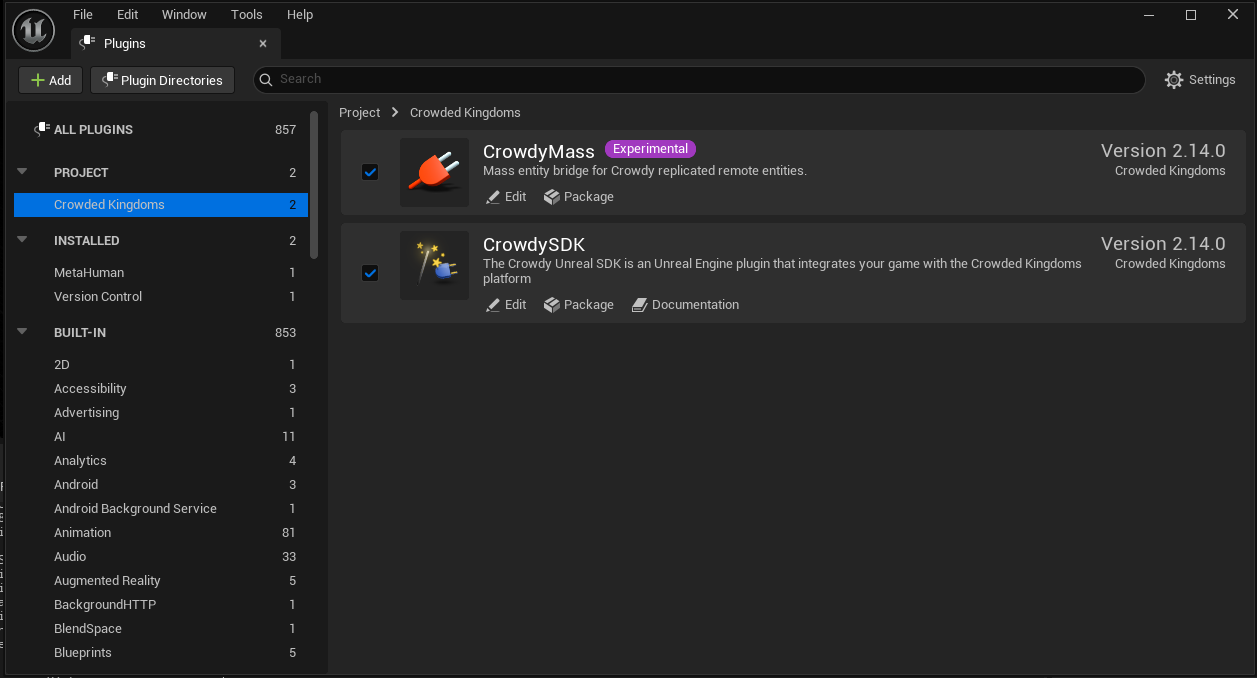
Or add it to your `.uproject` by hand:
```json
{
"Name": "CrowdySDK",
"Enabled": true
}
```
Enabling `CrowdySDK` brings in all twelve modules in this table, including the two Mass modules, and the engine plugins they need (MassGameplay and MassCrowd). You never enable them one by one, and there is no separate Mass plugin to add. The engine marks MassGameplay and MassCrowd experimental, and they bring in the engine plugins they depend on (among them MassAI, ZoneGraph, SmartObjects, StateTree and PoseSearch), so every project with the SDK carries them and the engine's Mass processing runs each frame, even on maps that draw no crowd rows; the SDK's own Mass work runs only on maps whose profile selects the Mass backend. That holds since v2.19.0; on v2.18.0 and earlier CrowdyMass was a separate plugin, which a project upgrading removes from its `.uproject`. See [What's Changed](./guides/whats-changed.md#2026-10-12-sdk-v2190).
| Module | Type | What it holds |
|---|---|---|
| `CrowdySDK` | Runtime | The top-level subsystem: login, connection, voice toggle. |
| `CrowdyReplication` | Runtime | Entities, RPC events, Crowdy State, map profiles, project settings. |
| `CrowdyServices` | Runtime | Authentication, teams, channels, avatars, host election. |
| `CrowdyNet` | Runtime | The UDP transport, the API client, and the routing enums. |
| `CrowdyVoice` | Runtime | Microphone capture, encode and decode, playback. |
| `CKSharedTypes` | Runtime | Shared data types used across modules. |
| `CrowdyCppBridge` | Runtime | The vendored native client the transport is built on. You never include it directly. |
| `CrowdyMass` | Runtime | The Crowdy Mass Rendering Backend, which draws remote entities as crowd rows. See [Draw a crowd with Mass](./mass/draw-a-crowd-with-mass.md). |
| `CrowdyNodes` | UncookedOnly | The compiler checks for Crowdy-replicated variables. |
| `CrowdyMassNodes` | UncookedOnly | The editor-side Blueprint nodes for crowd rows. |
| `CrowdySDKEditor` | Editor | Turns event and state markers into Blueprint authoring surfaces and bakes them for cooked builds. |
| `CrowdyStudio` | Editor | Crowdy Studio, the management console: sign-in, apps, Config Sync, authoring pages. |
The SDK has no Game Model API: the game API no longer serves game models, and the SDK dropped
its side of them in v2.19.0. Keep the state your game must trust in
your server code on [ck-exec](/exec/intro); see
[Move from Game Models](./exec/move-from-game-models.md) and [the two planes](./concepts/two-planes.md).
## Step 4: Add the module dependencies
In your game module's `Build.cs`, add the modules your code calls. Most projects need these four:
```csharp
PrivateDependencyModuleNames.AddRange(new string[]
{
"CrowdySDK",
"CrowdyReplication",
"CrowdyServices",
"CrowdyNet"
});
```
:::note[Add CrowdyVoice only if your code calls the voice capture module directly.]
The voice toggle on the SDK subsystem does not need it. `CKSharedTypes` arrives through the public dependencies of the four modules above, so it rarely needs listing.
:::
## Step 5: Recompile
Regenerate project files and build:
- **Rider or Visual Studio**: right-click the `.uproject`, choose *Generate project files*, then build.
- **Unreal Editor**: accept the prompt to recompile on the next launch.
Or from a command line, which is what a build machine runs:
```text
"C:\Program Files\Epic Games\UE_5.8\Engine\Build\BatchFiles\Build.bat" YourProjectEditor Win64 Development -Project="C:\Path\To\YourProject.uproject" -WaitMutex
```
The first build compiles the whole plugin and takes a few minutes. The log ends with `Link [x64] UnrealEditor-CrowdyStudio.dll` and `Result: Succeeded`. Expect a few warnings from a third-party header inside the plugin (a `C4324` padding warning from the vendored client's `spsc.hpp`); they are harmless and repeat on every build.
Once it compiles, the SDK subsystems are available in both C++ and Blueprint.
## Step 6: Connect your app
Open Crowdy Studio inside the editor, sign in, pick your app, and run Config Sync. It writes the connection settings into the project for you.
Until you run Config Sync for the first time, the project has no Backend of its own, so it dials the tier the plugin release you downloaded was built for: Production for a tagged GitHub release. See [Project settings](./reference/project-settings.md#the-default-backend).
:::warning[Do not type your app id and API URLs into Project Settings by hand.]
The network settings on `UCrowdySDKDeveloperSettings` (`AppID`, `OrgId`, `Environment`, `DiscoveryUrl`, `GameApiHttpUrl`, `GameApiWsUrl`, `UDPProtocol`, `UDPTimeoutSeconds`, `HostPollIntervalSeconds`) are read-only in Project Settings on purpose (they live under **Project Settings, Plugins, Crowdy SDK**). Crowdy Studio owns them; a value you type elsewhere is overwritten by the next sync. See [Config Sync](./studio/config-sync.md).
:::
## Related
- [Crowdy Studio overview](./studio/overview.md): open the console and sign in.
- [Quickstart](./quickstart.md): your first entity, event, replicated property, and server-owned value.
- [Map profiles](./runtime/map-profile.md): every playable map needs one before anything replicates.
# Quickstart
Source: https://docs.dev.crowdedkingdoms.com/unreal-sdk/quickstart
# Quickstart
This page puts you on the wire, then builds one small thing, a lantern, with one of each SDK idea on it: an entity, an RPC event, and a Crowdy State property. Each step is a few lines of C++ or a few Blueprint nodes, and each ends with something you can see. A single Play in Editor client is enough for all of it.
Two words you will meet on every step. An **entity** is an actor other players can see: an actor with a Crowdy Entity Component, which gives it a shared identity and one **owner**, the client that simulates it; every other client holds a **proxy** that plays back what the owner sends. A **map profile** is a small data asset (`UCrowdyMapProfile`) that switches the SDK on for one map; it is assigned per map under **Project Settings, Plugins, Crowdy SDK, Map Profiles**.
One fact shapes the order of the steps. The server knows a client by the actor updates it sends: your player pawn, as an entity, is what makes you present, and a client with no fresh actor is at no position on the map and receives no spatial event. So the pawn comes first, the lantern after.
## Before you start
1. [Install the plugin](./installation.md) into a project whose player already moves, the Third Person template or your own game, and confirm it compiles. Step 1 adds a component to the character you have; a bare Character has no body and no input, so start from one that walks.
2. Open Crowdy Studio, [sign in](./studio/sign-in.md), pick your app on the Project page, and press **Sync to project** on its Configuration tab. See [Config Sync](./studio/config-sync.md).
3. Optional: give your test map a [map profile](./runtime/map-profile.md) of its own. Without one it runs on the SDK's shipped default, which is enough for this page.
4. Know that nothing on this page reaches another client until your own pawn is sending updates (step 1). An event sent before that goes to nobody.
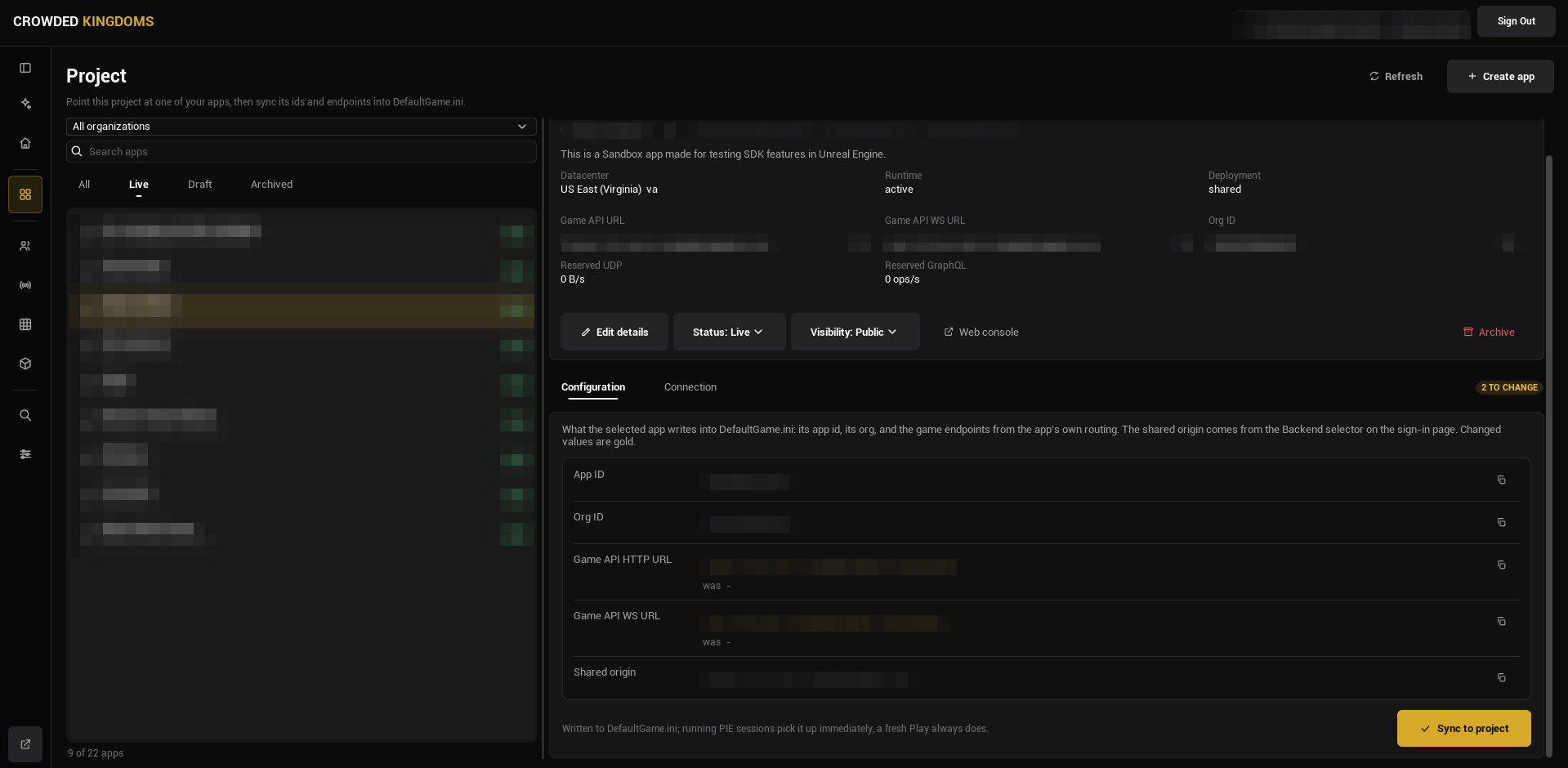
:::caution[If you skip the sync, the SDK has no app id or Game API URLs to connect with, and nothing replicates.]
:::
:::note[A map with no profile of its own runs on the SDK's shipped default.]
Config Sync points the project at an app; a map profile decides what the SDK does on a map. With none assigned, the shipped default applies (networking on, the actor pool drawing remote entities with the shipped transform policy), so every step below works without authoring one. Author a profile when you need per-map settings; see [Map profiles](./runtime/map-profile.md).
:::
## About the code on this page
The C++ steps build three small things. Step 0 is the Game Instance, `LanternGameInstance.h` and `LanternGameInstance.cpp`. Step 1 is your player, `LanternPlayer.h` and `LanternPlayer.cpp`, with a Game Mode, `LanternGameMode.h` and `LanternGameMode.cpp`, that spawns it at the right moment. Steps 3 to 5 build one actor, `ALantern`, in `Lantern.h` and `Lantern.cpp`: step 3 gives you both files, each later step is what you add to them, and the finished actor is at the end of the page. The first comment line of each block names the file it goes in. The usual boilerplate is left out so the SDK parts stand out: add `#pragma once`, `#include "CoreMinimal.h"`, and the base class include (`GameFramework/Actor.h`, `GameFramework/Character.h`, `GameFramework/GameModeBase.h`, `Components/ActorComponent.h`, or `Engine/GameInstance.h`) at the top of each header yourself. Everything else, including the `.generated.h` line, is in the block.
The Blueprint steps build the same things with one difference: the sign-in lives in the Game Mode Blueprint, not in a Game Instance, so there is a Game Mode Blueprint, a Character Blueprint, and one Actor Blueprint for the lantern. The lantern needs two components before you start: a **Sphere Collision** (the trigger a player walks into) and a **Point Light** named `Light`, the thing every lantern graph drives. Every Blueprint figure can be panned with the right mouse button. Press **Copy nodes**, then Ctrl+V in your own event graph.
## 0. Sign the player in
Nothing connects by itself. The SDK requests its realtime connection only after a player signs in, so the game signs the player in once, at startup (from its Game Instance in C++, from its Game Mode in Blueprint): call `Login` (or `Register` for a new account) on the Crowdy SDK subsystem and wait for two events: **On Login** (the account is signed in) and then **On UDP Connection Success** (the realtime connection is up). Every entity, event, and property below depends on that connection.
```cpp
// LanternGameInstance.h
#include "Subsystem/CrowdySDKSubsystem.h"
#include "LanternGameInstance.generated.h"
UCLASS(Config = Game)
class ULanternGameInstance : public UGameInstance
{
GENERATED_BODY()
public:
virtual void Init() override;
// A development account read from Config/DefaultGame.ini. Never ship credentials in a game.
UPROPERTY(Config)
FString Email;
UPROPERTY(Config)
FString Password;
private:
UFUNCTION()
void HandleLogin(bool bSuccess, FString Message);
UFUNCTION()
void HandleConnected();
};
// LanternGameInstance.cpp
#include "LanternGameInstance.h"
void ULanternGameInstance::Init()
{
Super::Init();
UCrowdySDKSubsystem* Sdk = GetSubsystem();
Sdk->OnLogin.AddDynamic(this, &ULanternGameInstance::HandleLogin);
Sdk->OnUDPConnectionSuccess.AddDynamic(this, &ULanternGameInstance::HandleConnected);
Sdk->Login(Email, Password);
}
void ULanternGameInstance::HandleLogin(bool bSuccess, FString Message)
{
UE_LOG(LogTemp, Log, TEXT("Login %s %s"), bSuccess ? TEXT("ok") : TEXT("failed:"), *Message);
}
void ULanternGameInstance::HandleConnected()
{
// From here on entities register on the wire and a host is elected.
UE_LOG(LogTemp, Log, TEXT("Connected to the app"));
}
```
Make it the project's Game Instance under **Project Settings, Maps & Modes, Game Instance Class**, then give it a test account in `Config/DefaultGame.ini` (`YourModule` is your game module's name):
```ini
[/Script/YourModule.LanternGameInstance]
Email=you@example.com
Password=your-test-password
```
A package ships `DefaultGame.ini`, so remove these two lines before you package the game.
Create a Blueprint with **Game Mode Base** as its parent class and make it the project's default under **Project Settings, Maps & Modes, Default Modes, Default GameMode**, or set it as the test map's Game Mode Override in World Settings. In its event graph, **Event BeginPlay** gets the **Crowdy Authentication** subsystem and branches on its **Is Signed In**, so a map the player travels to later does not sign in again; when it is false, the latent **Login** node runs, with **On Success** and **On Error** pins. Fill in a test account.
[Blueprint snippet: qs-login, see /bp/unreal-sdk/qs-login.txt]
Sign in from the Game Mode, not from a Game Instance Blueprint's **Event Init**: that event runs before the SDK's subsystems exist, so **Login** would fail at once. [Authentication](./services/authentication.md#signing-in) says why.
**Success signal.** The log reports `Login ok`, then `Connected to the app` (the two handlers in the C++ block; in Blueprint, bind **On UDP Connection Success** on the Crowdy SDK Subsystem for the second moment). From then on `Get UDP Connection State` on the subsystem reads connected. See [Authentication](./services/authentication.md) for the sign-in link and provider flows, and for restoring a saved session so a returning player types nothing.
:::caution[A test account belongs in a config file or a pin default, never in shipped code.]
:::
## 1. Make your player a Crowdy entity
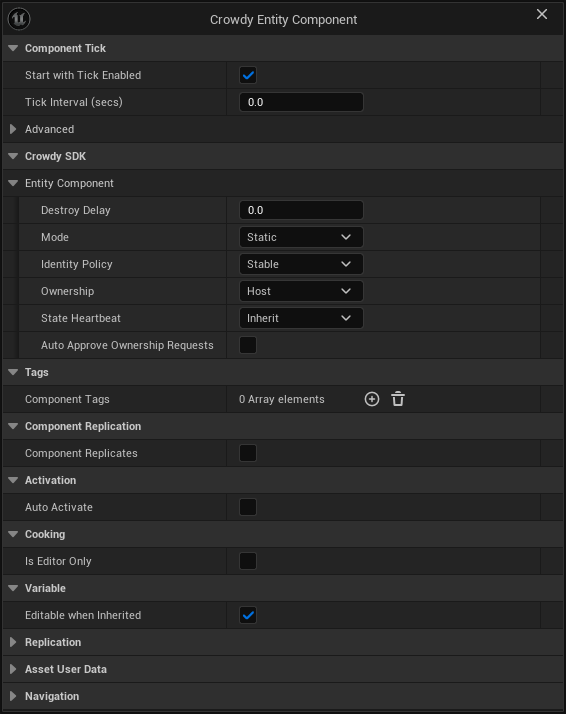
Your player pawn is the first entity, before any lantern, because it is what makes you exist to the server. A pawn with a `UCrowdyEntityComponent` in **Dynamic** mode sends an actor update every replication interval (ten a second on the shipped profile), and a heartbeat at least once a second while it stands still; the server registers your position from those updates, and from then on you are a recipient of everything sent near you. The component needs three settings changed from their defaults: **Mode** Dynamic (the continuous channel; the default, Static, is for things that do not move), **Identity Policy** Player Derived (the identity is derived from the signed-in account, so it is the same on every client and on every launch; only valid on the locally controlled pawn), and **Ownership** Local Client (this client simulates the pawn; a pawn the Game Mode spawns is owned by the client that spawned it whatever this reads, so Local Client is the honest value; the default, Host, is for a level-placed world entity, which sends nothing until the elected host is known). Leave **State Executor** empty: the SDK's default executor snapshots the pawn's location and rotation, which is all this page needs.
The identity is derived once and nothing re-derives it later: at `BeginPlay` when the pawn already has a controller, otherwise inside its first possession, which for a pawn the Game Mode spawns during play is the `RestartPlayer` call that spawned it. A pawn spawned by the Game Mode on the first frame begins play before the sign-in has answered, and its first updates leave before the server is ready for them, so the Game Mode starts players as spectators and the connected handler spawns the pawn instead. **On UDP Connection Success** fires once the server has assigned you and its readiness wait has elapsed (the SDK times that, you never do), and every update the pawn sends after it counts.
Where the account id becomes readable. The engine possesses a pawn spawned during play only after its `BeginPlay`, so the component waits and registers inside that first possession, after the pawn's own **Possessed** and **Controller Changed** events; the first controller of any kind completes it, and an AI-possessed pawn takes the random-id fallback with its warning. A respawn that leaves the old pawn standing hands the account id to the new one, and the old pawn's component stops replicating. Read the id from the component's **On Crowdy Ownership Assigned** (`OnCrowdyOwnershipAssigned`) or the entity subsystem's `OnEntityRegistered`, never from `BeginPlay` or **Possessed**; **Is Locally Owned** on the pawn reads false until that registration, so a pawn graph that gates on it at `BeginPlay` runs nothing.
`ALanternPlayer` is a Character with a `Torch` point light and the entity component. `ALanternGameMode` names it as the default pawn, starts players as spectators, binds **On UDP Connection Success** in its own `BeginPlay`, and spawns the pawn with `RestartPlayer` when the event fires. The event fires again after a re-assignment, and `RestartPlayer` keeps a pawn the player already has, so a reconnect does not respawn you.
```cpp
// LanternPlayer.h
#include "Components/PointLightComponent.h"
#include "Replication/Components/CrowdyEntityComponent.h"
#include "LanternPlayer.generated.h"
UCLASS()
class ALanternPlayer : public ACharacter
{
GENERATED_BODY()
public:
ALanternPlayer();
UPROPERTY(VisibleAnywhere, Category = "Lantern")
TObjectPtr Torch;
UPROPERTY(VisibleAnywhere, Category = "Crowdy")
TObjectPtr CrowdyEntity;
};
// LanternPlayer.cpp
#include "LanternPlayer.h"
ALanternPlayer::ALanternPlayer()
{
Torch = CreateDefaultSubobject(TEXT("Torch"));
Torch->SetupAttachment(RootComponent);
// Dynamic sends the transform every interval, Player Derived names the entity after the signed-in user, Local Client makes this client its sender.
CrowdyEntity = CreateDefaultSubobject(TEXT("CrowdyEntity"));
CrowdyEntity->Mode = ECrowdyEntityMode::Dynamic;
CrowdyEntity->IdentityPolicy = ECrowdyIdentityPolicy::PlayerDerived;
CrowdyEntity->Ownership = ECrowdyOwnership::LocalClient;
}
```
```cpp
// LanternGameMode.h
#include "LanternGameMode.generated.h"
// Spawns the Lantern Player only once the app connection is up, so its first update carries the signed-in identity.
UCLASS()
class ALanternGameMode : public AGameModeBase
{
GENERATED_BODY()
public:
ALanternGameMode();
virtual void BeginPlay() override;
private:
UFUNCTION()
void HandleConnected();
};
// LanternGameMode.cpp
#include "LanternGameMode.h"
#include "LanternPlayer.h"
#include "Subsystem/CrowdySDKSubsystem.h"
ALanternGameMode::ALanternGameMode()
{
DefaultPawnClass = ALanternPlayer::StaticClass();
bStartPlayersAsSpectators = true;
}
void ALanternGameMode::BeginPlay()
{
Super::BeginPlay();
GetGameInstance()->GetSubsystem()->OnUDPConnectionSuccess.AddDynamic(this, &ALanternGameMode::HandleConnected);
}
void ALanternGameMode::HandleConnected()
{
// The pawn's updates from here on are what make this client present to the server; on a reconnect the player keeps the pawn it has.
RestartPlayer(GetWorld()->GetFirstPlayerController());
}
```
`ALanternPlayer` has no mesh and no input of its own, so keep the body and the movement you already have: open the template's `BP_ThirdPersonCharacter` (or your own Character), set its **Parent Class** to `Lantern Player` under **Class Settings**, then create a Blueprint whose parent is `Lantern Game Mode` and set its **Default Pawn Class** to that character, overriding the C++ class the constructor names. Make that Game Mode Blueprint the project's default under **Project Settings, Maps & Modes, Default Modes, Default GameMode**, or set it as the test map's Game Mode Override in World Settings. The Game Instance from step 0 is unchanged.
One more Blueprint, the Character, and the Game Mode from step 0.
1. **The Character.** Open the template's `BP_ThirdPersonCharacter`, or your own Character that already moves; a new Blueprint with **Character** as its parent has no body and no input, so do not start from one. In the Components panel click **Add** and choose **Crowdy Entity Component**. In its Details panel, under **Crowdy SDK, Entity Component**, set **Mode** to **Dynamic**, **Identity Policy** to **Player Derived**, and **Ownership** to **Local Client**. Two rows appear once Mode is Dynamic, **State Executor** and **Auto Register**: leave the executor at None and Auto Register ticked; a third, **Host Override**, appears once Ownership is Local Client: leave it at Allow. Add a **Point Light** named `Torch` while you are there; a later page drives it.
2. **The Game Mode.** Open the Game Mode Blueprint from step 0. Set **Default Pawn Class** to your Character and tick **Start Players as Spectators** under **Game Mode**.
3. **The spawn.** In the same Game Mode's event graph, from **Event BeginPlay**, get the **Crowdy SDK Subsystem** and **Bind Event to On UDP Connection Success** to a custom event `OnConnected` (the same **Bind Event** shape the [Authentication](./services/authentication.md#after-sign-in) page uses for On Login). A graph has one **Event BeginPlay** and step 0 already uses it, so run the event into a **Sequence** node: the bind on its first pin, the sign-in from step 0 on its second. `OnConnected` calls **Restart Player** with **Get Player Controller** (index 0) on its New Player pin. In a map the player travels to later, the connection is already up and On UDP Connection Success does not fire again, so on a third Sequence pin check **Get UDP Connection State** and, when it is **Connected**, call **Restart Player** the same way.
[Blueprint snippet: qs-player-spawn, see /bp/unreal-sdk/qs-player-spawn.txt]
**Success signal.** Press Play. The map sits still under a fixed camera until `Connected to the app`, then your character spawns at a Player Start and you can move it. With `crowdy.entity.trace 1` on, the log shows the pawn's entity registering on the wire right after the connection comes up.
:::caution[A pawn that begins play before the sign-in has answered derives its identity from user id 0.]
Nothing warns. Two such clients conflate into one player, and the host cannot be found by its avatar. Keep the pawn's spawn behind **On UDP Connection Success**, as the block does: the pawn then registers under your account's id inside the possession that `RestartPlayer` performs.
:::
## 2. See yourself
Walk forward. Within a second or two a second copy of your character appears where you were a moment ago and follows you around at a small delay (if you kept a bare Character with no mesh, the copy is the torch light alone). That is not a local mirror: your updates went to the server, the server fanned them back to every client in range, you included, and the actor pool on this client drew the result as a proxy of your own class, interpolated to about 100 milliseconds plus one round trip behind you. The shipped profile keeps that echo because **Enable Owner Tracking** on the map profile defaults to on; turning it off drops your own echo and nothing else.
What it means: the server received your updates, so you exist to it. The same updates are what make you a recipient of the lantern's event in step 4. In a shipped game you hide one side of the pair yourself (`SetActorHiddenInGame` on the local pawn when `IsLocallyOwned()`, or leave the echo off); for this page, keep it: it is the proof.
{/* Screenshot pending: qs-own-reflection (window shot, user-driven; steps in the shot manifest). */}
The other way to see the same thing is two real clients. Open two Play in Editor windows signed into two different accounts, as [Testing locally](./guides/testing-locally.md#two-pie-client-setup) describes; each window shows the other's pawn as a proxy, moving as its owner moves.
**Success signal.** A second character follows you. If none appears, check in this order: the log shows `Connected to the app`; the pawn spawned after it, not on the first frame; the map's profile (or the shipped default) has its actor tracker on; `crowdy.entity.trace 1` shows the registration.
## 3. Light a lantern
An entity is an actor with a `UCrowdyEntityComponent`. Two of the component's defaults are what most level-placed things want: **Static** mode (event-only; the other mode, **Dynamic**, streams a state snapshot every replication interval, as your pawn does) and a **Stable** identity every client derives the same way. This example changes the third: it sets **Ownership** to Local Client, so the client that placed the lantern owns it the moment it registers. With the default, Host, an entity is owned by the elected host, and `IsLocallyOwned()` stays false until the host is known, which happens after the sign-in above completes.
The lantern is a sphere trigger with a point light on it. On the client that owns it, the light turns blue; on every other client it keeps its default colour. That is the ownership question, asked once at `BeginPlay`.
```cpp
// Lantern.h
#include "Components/PointLightComponent.h"
#include "Components/SphereComponent.h"
#include "Replication/Components/CrowdyEntityComponent.h"
#include "Lantern.generated.h"
UCLASS()
class ALantern : public AActor
{
GENERATED_BODY()
public:
ALantern();
virtual void BeginPlay() override;
UPROPERTY(VisibleAnywhere, Category = "Lantern")
TObjectPtr Trigger;
UPROPERTY(VisibleAnywhere, Category = "Lantern")
TObjectPtr Light;
// Makes the actor an entity: every client in the session sees it, one of them owns it.
UPROPERTY(VisibleAnywhere, Category = "Crowdy")
TObjectPtr CrowdyEntity;
};
// Lantern.cpp
#include "Lantern.h"
ALantern::ALantern()
{
Trigger = CreateDefaultSubobject(TEXT("Trigger"));
Trigger->InitSphereRadius(100.f);
SetRootComponent(Trigger);
Light = CreateDefaultSubobject(TEXT("Light"));
Light->SetupAttachment(Trigger);
// The client that places the lantern owns it at once; a host-owned entity waits for the host election.
CrowdyEntity = CreateDefaultSubobject(TEXT("CrowdyEntity"));
CrowdyEntity->Ownership = ECrowdyOwnership::LocalClient;
}
void ALantern::BeginPlay()
{
Super::BeginPlay();
if (CrowdyEntity->IsLocallyOwned())
{
Light->SetLightColor(FLinearColor(0.4f, 0.7f, 1.f));
}
}
```
In the Actor Blueprint, click **Add** in the Components panel and choose **Crowdy Entity Component**, then set its **Ownership** to **Local Client** in the Details panel. In the event graph:
[Blueprint snippet: qs-entity, see /bp/unreal-sdk/qs-entity.txt]
**Success signal.** Place the lantern in the map and press Play. Its light is blue, because this client owns it. The component also broadcasts `OnCrowdyOwnershipAssigned` on every client on the tick after the entity registers, with `bIsLocallyOwned` true on the owner; bind to it when you need the answer from an event rather than a poll. Once the sign-in has connected, `crowdy.entity.trace 1` logs the entity's registration on the wire.
## 4. Send one RPC event
An RPC event is a function you mark with `CrowdyEvent`. You call it like any function; the SDK runs the matching receiver on the other clients. The recipient decides who: `SpatialMulticast` (everyone in range, the default), `Multicast` (everyone on the session channel), `OwningClient`, or `Host`. A spatial event is addressed by position, and a client's position is the one its pawn's updates registered: this works now because step 1 put you on the map, and it reaches only clients whose pawns did the same.
The lantern's event is `Flicker`: walking into the lantern blinks its light off and on for a moment, and every client in range sees the blink. Only the owning client reacts to the overlap; on a `SpatialMulticast` event the owner runs the body itself and sends it to everyone in range, so a proxy's copy of the overlap must not send a second one.
In C++ the pattern has two halves. The **receiver** is a normal `UFUNCTION` you declare yourself, named `_Implementation` and tagged with the `CrowdyEvent` meta; it is what runs on every recipient. The **call site** is `CROWDY_EVENT()`, a macro placed inside the class body (no trailing semicolon) that generates `(...)`: calling it marshals the arguments and sends them. The receiver has to be a real `UFUNCTION` because the header tool does not expand macros when it scans for reflected functions.
```cpp
// Lantern.h
#include "Replication/RPC/CrowdyEvent.h"
virtual void NotifyActorBeginOverlap(AActor* OtherActor) override;
// The receiver runs on every client in range, the caller included; Flicker() is the call that sends it.
UFUNCTION(meta = (CrowdyEvent, CrowdyRecipient = "SpatialMulticast"))
void Flicker_Implementation();
CROWDY_EVENT(Flicker)
// Lantern.cpp
#include "TimerManager.h"
void ALantern::NotifyActorBeginOverlap(AActor* OtherActor)
{
Super::NotifyActorBeginOverlap(OtherActor);
if (!CrowdyEntity->IsLocallyOwned())
{
return;
}
Flicker();
}
void ALantern::Flicker_Implementation()
{
Light->ToggleVisibility();
FTimerHandle Handle;
GetWorldTimerManager().SetTimer(Handle, FTimerDelegate::CreateWeakLambda(this, [this] { Light->ToggleVisibility(); }), 0.2f, false);
}
```
A replicated event is a Custom Event with **Crowdy Replicates** ticked in its Details panel and a **Recipient** chosen there. The figure is the receiver. Call it by name from any graph on the actor, exactly like a local custom event: from **Event ActorBeginOverlap**, behind the same **Is Locally Owned** branch as step 3; the call node is the ordinary one the editor offers for any custom event.
[Blueprint snippet: qs-event, see /bp/unreal-sdk/qs-event.txt]
**Success signal.** Walk your pawn into the lantern: the light blinks. With one client there is nobody else to receive the event (a sender never receives its own event from the network); to see the send and the receive on the wire, loop it back to yourself:
```text
crowdy.rpc.loopback 1
crowdy.rpc.trace 1
```
Now the blink comes from the looped-back receive instead of the local run, and the trace logs the send and the receive (function, entity, addressing, parameter bytes). Turn both off before you measure anything.
## 5. Replicate one property
A Crowdy State property is a `UPROPERTY` marked `CrowdyState`. On the lantern, which step 3 made Local Client owned, the owner assigns and stops: the SDK diffs the property every tick, ships the change to every proxy, then runs the `CrowdyOnRep` function there. That is the client-owned pattern, in either entity mode, Static or Dynamic. A host-owned entity is different: the lantern post on the [identity page](./concepts/entities-identity-ownership.md#example), or any placed actor left at **Ownership** = Host, never ships a plain assignment; mark the property `CrowdyManualDirty` and call `MarkStateDirty` on the entity component after each write (or give it `CrowdyHeartbeat`), as [the host push](./runtime/crowdy-state.md#on-an-entity-you-do-not-own-the-host-push) explains.
The flicker in step 4 is a moment: a client that joins afterwards never sees it. The lantern's lit state is different, it has to be the same on every client, late joiners included, so it is a replicated property, `bLit`. Walking out of the lantern flips it, and `OnRep_Lit` applies it to the light wherever the value lands. The SDK runs the owner's notify too, on the tick that ships the change; calling it here as well makes the light react on the same frame. That is safe because `OnRep_Lit` only applies the current value.
```cpp
// Lantern.h
virtual void NotifyActorEndOverlap(AActor* OtherActor) override;
// View state: a wrong value is a visual glitch, not a cheat, so it belongs on the Crowdy State plane.
UPROPERTY(meta = (CrowdyState, CrowdyOnRep = "OnRep_Lit"))
bool bLit = true;
UFUNCTION()
void OnRep_Lit();
// Lantern.cpp
void ALantern::NotifyActorEndOverlap(AActor* OtherActor)
{
Super::NotifyActorEndOverlap(OtherActor);
if (!CrowdyEntity->IsLocallyOwned())
{
return;
}
// On a client-owned entity, assign and stop: the SDK ships the change to every proxy; the owner runs the notify itself. A host-owned entity needs CrowdyManualDirty and MarkStateDirty.
bLit = !bLit;
OnRep_Lit();
}
void ALantern::OnRep_Lit()
{
Light->SetVisibility(bLit);
}
```
There is no node for this; it is a setting on the variable.
1. Add a Boolean variable named `Lit` to the Actor Blueprint, default true.
2. Select it in **My Blueprint** and find the **Crowdy Replication** dropdown in the Details panel.
3. Set it to **Replicated**. A **RepNotify** field appears; the editor creates an `OnRep_Lit` function for you. In it, call **Set Visibility** on `Light` with `Lit`.
4. Compile. The variable's Get and Set nodes now show the replication badge in their corner.
From **Event ActorEndOverlap**, behind the same **Is Locally Owned** check, set `Lit` to NOT `Lit` and call `OnRep_Lit`. That is the client-owned pattern, the lantern's. On a host-owned actor (Ownership left at Host) a plain Set ships nothing: tick **Update manually** in the same dropdown and call **Mark Crowdy State Dirty** with the variable on its Property Name pin after each Set; see [the host push](./runtime/crowdy-state.md#on-an-entity-you-do-not-own-the-host-push). See [Crowdy State](./runtime/crowdy-state.md) for the other toggles in that dropdown.
:::warning[Crowdy State and Unreal replication are mutually exclusive on one variable.]
A Blueprint variable that is both natively Replicated and Crowdy Replicated fails to compile with an error in the Message Log. In C++, keep `Replicated` off a `CrowdyState` property. Pick one.
:::
**Success signal.** Walk through the lantern: the light goes out, and stays out; walk through again and it comes back. A single client owns the property but has no proxy to receive it, so to see the delivery, spawn a local mirror:
```text
crowdy.state.loopback 1
crowdy.state.trace 1
```
The trace logs each delta and its size, and `OnRep_Lit` runs on the mirror. Turn both off afterwards.
## 6. The finished lantern
The two lantern files after steps 3 to 5, for comparison with your own:
```cpp
// Lantern.h
#include "Components/PointLightComponent.h"
#include "Components/SphereComponent.h"
#include "Replication/Components/CrowdyEntityComponent.h"
#include "Replication/RPC/CrowdyEvent.h"
#include "Lantern.generated.h"
UCLASS()
class ALantern : public AActor
{
GENERATED_BODY()
public:
ALantern();
virtual void BeginPlay() override;
UPROPERTY(VisibleAnywhere, Category = "Lantern")
TObjectPtr Trigger;
UPROPERTY(VisibleAnywhere, Category = "Lantern")
TObjectPtr Light;
// Makes the actor an entity: every client in the session sees it, one of them owns it.
UPROPERTY(VisibleAnywhere, Category = "Crowdy")
TObjectPtr CrowdyEntity;
virtual void NotifyActorBeginOverlap(AActor* OtherActor) override;
// The receiver runs on every client in range, the caller included; Flicker() is the call that sends it.
UFUNCTION(meta = (CrowdyEvent, CrowdyRecipient = "SpatialMulticast"))
void Flicker_Implementation();
CROWDY_EVENT(Flicker)
virtual void NotifyActorEndOverlap(AActor* OtherActor) override;
// View state: a wrong value is a visual glitch, not a cheat, so it belongs on the Crowdy State plane.
UPROPERTY(meta = (CrowdyState, CrowdyOnRep = "OnRep_Lit"))
bool bLit = true;
UFUNCTION()
void OnRep_Lit();
};
// Lantern.cpp
#include "Lantern.h"
#include "TimerManager.h"
ALantern::ALantern()
{
Trigger = CreateDefaultSubobject(TEXT("Trigger"));
Trigger->InitSphereRadius(100.f);
SetRootComponent(Trigger);
Light = CreateDefaultSubobject(TEXT("Light"));
Light->SetupAttachment(Trigger);
// The client that places the lantern owns it at once; a host-owned entity waits for the host election.
CrowdyEntity = CreateDefaultSubobject(TEXT("CrowdyEntity"));
CrowdyEntity->Ownership = ECrowdyOwnership::LocalClient;
}
void ALantern::BeginPlay()
{
Super::BeginPlay();
if (CrowdyEntity->IsLocallyOwned())
{
Light->SetLightColor(FLinearColor(0.4f, 0.7f, 1.f));
}
}
void ALantern::NotifyActorBeginOverlap(AActor* OtherActor)
{
Super::NotifyActorBeginOverlap(OtherActor);
if (!CrowdyEntity->IsLocallyOwned())
{
return;
}
Flicker();
}
void ALantern::Flicker_Implementation()
{
Light->ToggleVisibility();
FTimerHandle Handle;
GetWorldTimerManager().SetTimer(Handle, FTimerDelegate::CreateWeakLambda(this, [this] { Light->ToggleVisibility(); }), 0.2f, false);
}
void ALantern::NotifyActorEndOverlap(AActor* OtherActor)
{
Super::NotifyActorEndOverlap(OtherActor);
if (!CrowdyEntity->IsLocallyOwned())
{
return;
}
// On a client-owned entity, assign and stop: the SDK ships the change to every proxy; the owner runs the notify itself. A host-owned entity needs CrowdyManualDirty and MarkStateDirty.
bLit = !bLit;
OnRep_Lit();
}
void ALantern::OnRep_Lit()
{
Light->SetVisibility(bLit);
}
```
## Gotchas
- No login, no connection. Until `Get UDP Connection State` reads connected, every step looks dead.
- No pawn, no presence. The server knows you by your pawn's updates; a client whose pawn is not sending is at no position and receives no spatial event, and its own spatial sends reach nobody. A `Multicast` event is the exception: it goes by session channel membership, which connecting joins.
- Spawn the pawn after **On UDP Connection Success**. Before it, the identity derives from user id 0 and the first updates leave before the server is ready to take them; nothing is queued or replayed, the next interval's update is the recovery. A pawn spawned after it registers inside its first possession, so read its id from **On Crowdy Ownership Assigned**, not at `BeginPlay`.
- The Game Mode binds the event in its own `BeginPlay`. A map opened after the connection is already up never sees it; check **Get UDP Connection State** at `BeginPlay` first and restart the player at once when it reads connected, or bind in the Game Instance and spawn from there.
- A map whose `MapProfiles` row or `DefaultProfile` names an asset that did not load is inactive; the warning names the asset. Check that before any code. A map with no row at all runs on the shipped default.
- The loopback variables are test aids. Leave them off in a normal session; they change what a single client sees.
- An RPC receiver must be a real `UFUNCTION` you declare yourself; the `CROWDY_EVENT` macro only generates the call site.
## Next steps
- [The Two Planes](./concepts/two-planes.md): decide where each new piece of state goes.
- [Entities, Identity, and Ownership](./concepts/entities-identity-ownership.md): owner, proxy, host, and what Ownership chooses.
- [Sessions and presence](./concepts/sessions-and-presence.md): what the server counts as a present player, and when it stops.
- [Continuous state](./runtime/continuous-state.md): what your pawn sends every interval, and how to send more than the transform.
- [Entities and spawning](./runtime/entities-and-spawning.md): spawn entities at runtime and receive them on remote clients.
- [RPC events in C++](./runtime/rpc-events-cpp.md) and [in Blueprint](./runtime/rpc-events-blueprint.md).
- [Crowdy State](./runtime/crowdy-state.md): the five metadata keys and what each does.
# For AI Agents
Source: https://docs.dev.crowdedkingdoms.com/unreal-sdk/for-ai-agents
# For AI Agents
This page is the routing layer for a coding agent working inside a studio's Unreal project. It does not re-explain the SDK; every row links the page that owns the fact, and the text of every page is available as plain-text files, one per section. Read this page, then pull only the pages a task needs.
Machine-readable files sit beside the docs. This page is where they are described. Start at the index, pull one section file, and check the slim symbol index before the full manifest.
| File | Size | Use it when |
|---|---|---|
| [`/helpers/unreal-sdk/llms.txt`](pathname:///helpers/unreal-sdk/llms.txt) | about 42 KB | You are starting a task. Every page with its URL and a one-line description, grouped into sections, each with the URL and size of its section file. |
| `/helpers/unreal-sdk/llms-.txt`: [`start`](pathname:///helpers/unreal-sdk/llms-start.txt), [`concepts`](pathname:///helpers/unreal-sdk/llms-concepts.txt), [`studio`](pathname:///helpers/unreal-sdk/llms-studio.txt), [`runtime`](pathname:///helpers/unreal-sdk/llms-runtime.txt), [`mass`](pathname:///helpers/unreal-sdk/llms-mass.txt), [`exec`](pathname:///helpers/unreal-sdk/llms-exec.txt), [`services`](pathname:///helpers/unreal-sdk/llms-services.txt), [`guides`](pathname:///helpers/unreal-sdk/llms-guides.txt), [`reference`](pathname:///helpers/unreal-sdk/llms-reference.txt) | 20 to 430 KB each | You know which part of the SDK the task touches. Every page of that section as plain text, with C++ snippets inlined and a pointer line for each Blueprint graph. A section over 200 KB is split by subfolder: `exec` and `mass` also have `llms-exec-from-blueprint.txt`, `llms-exec-from-cpp.txt`, `llms-exec-examples.txt` and the same three for `mass`; `llms-exec.txt` then holds only the section's top-level pages. The index lists every file with its size. |
| [`/helpers/unreal-sdk/sdk-surface-index.jsonl`](pathname:///helpers/unreal-sdk/sdk-surface-index.jsonl) | about 340 KB | You need to know whether a symbol exists, which module and header it lives in, or where to look. One line per symbol: name, kind, module, header, and the first sentence of its help text where the manifest has one (console variables only today). Line one names the columns. |
| [`/helpers/unreal-sdk/sdk-surface.json`](pathname:///helpers/unreal-sdk/sdk-surface.json) | about 3 MB | The index is not enough: you need a function's specifiers and return type, a struct's metadata, an enum's values or a delegate's signature. Too large to read whole; query it with `jq` or a script. See [SDK surface manifest](./reference/sdk-surface.md). |
| [`/helpers/unreal-sdk/llms-full.txt`](pathname:///helpers/unreal-sdk/llms-full.txt) | about 1.6 MB | A tool wants every page in one file. About 400,000 tokens, so it does not fit a context window. Prefer the section files. |
| [`/helpers/unreal-sdk/AGENTS.md`](pathname:///helpers/unreal-sdk/AGENTS.md) | under 8 KB | A drop-in for a project root, `CLAUDE.md`, or `.cursorrules`: the locked rules and one example per marker. |
## Where does this state go
Ask one question: can a malicious client benefit from lying about this value? If yes, it belongs on the truth plane, in your app's server code on [ck-exec](/exec/intro), which the SDK reaches from C++ or Blueprint through [Server Logic](./exec/overview.md). If no, it is view state. [The Two Planes](./concepts/two-planes.md#deciding-where-a-field-goes) owns the rule and every row but the door's; that one applies the same test.
| State | Plane | Mechanism | Owning page |
|---|---|---|---|
| Movement | View | Dynamic entity mode, continuous state channel | [Continuous state](./runtime/continuous-state.md) |
| Animation blend state | View | `meta=(CrowdyState)` property, diffed on change | [Crowdy State](./runtime/crowdy-state.md) |
| A one-shot trigger (muzzle flash, impact) | View | `meta=(CrowdyEvent)` RPC, not a state field | [RPC events](./runtime/rpc-events-cpp.md) |
| Hit points, inventory, currency | Truth | Your server code | [The Two Planes](./concepts/two-planes.md#deciding-where-a-field-goes) |
| Match score | Truth | A hub for the match in your server code | [The Two Planes](./concepts/two-planes.md#deciding-where-a-field-goes) |
| A chat line | View | `CrowdyEvent` with the `Multicast` recipient, session channel | [Channels](./runtime/channels.md) |
| A door's open flag | View | `CrowdyState` boolean: a lie is a visual glitch. A placed door is host-owned, so the flag is also `CrowdyManualDirty` and the host calls `MarkStateDirty` after each write. If the door gates progress (a lock), the lock state belongs in your server code | [The Two Planes](./concepts/two-planes.md#deciding-where-a-field-goes), [the host push](./runtime/crowdy-state.md#on-an-entity-you-do-not-own-the-host-push) |
| A player's display name | View | `CrowdyState` property; route it through the avatars service if it must persist | [The Two Planes](./concepts/two-planes.md#deciding-where-a-field-goes), [Avatars](./services/avatars.md) |
:::danger[Authoritative or cheat-sensitive state never belongs in Crowdy State.]
Crowdy State is written by the owning client and believed by everyone else. Low latency is not a reason to move a value to the view plane; predict locally and let the server's confirmed value overwrite the prediction. [The Two Planes](./concepts/two-planes.md#gotchas).
:::
## The marker vocabulary
Two of the three are `meta=(...)` keys; the entity is a component. One canonical example each, all from the same lantern the [Quickstart](./quickstart.md) builds; the snippet id names the file the docs render.
| Marker | Goes on | Canonical example | Owning page |
|---|---|---|---|
| `CrowdyEntity` | A `UCrowdyEntityComponent` on an `AActor` (the component is the marker; set `Ownership`) | `qs-entity` | [Entities, identity, ownership](./concepts/entities-identity-ownership.md) |
| `CrowdyState` (+ `CrowdyOnRep`) | A `UPROPERTY` on an entity actor. On a client-owned entity (`Ownership` = Local Client, the lantern) the owner assigns and calls the notify itself; on a host-owned entity (`Ownership` = Host, the default a placed actor keeps) a plain assignment never ships: add `CrowdyManualDirty` and call `MarkStateDirty` after each write, or add `CrowdyHeartbeat` | `qs-state` | [Crowdy State](./runtime/crowdy-state.md#mark-a-property), [the host push](./runtime/crowdy-state.md#on-an-entity-you-do-not-own-the-host-push) |
| `CrowdyEvent` + `CrowdyRecipient` | A `UFUNCTION` named `X_Implementation`, plus `CROWDY_EVENT(X)`; recipient is one of `SpatialMulticast`, `Multicast`, `OwningClient`, `Host` | `qs-event` | [RPC events](./runtime/rpc-events-cpp.md#routing-keys) |
Four rules the examples assume: the first thing a client needs is its own pawn as a `Dynamic`, `PlayerDerived`, `LocalClient` entity spawned after **On UDP Connection Success** (`qs-player`), because the server knows a client by its actor updates and a `SpatialMulticast` reaches only clients with a fresh actor; that pawn registers inside its first possession, since the engine possesses a runtime spawn after its `BeginPlay`, so read its id and `IsLocallyOwned()` from `OnCrowdyOwnershipAssigned`, not at `BeginPlay`; a `SpatialMulticast` body runs on the caller too, so guard the call with `IsLocallyOwned()` ([RPC events](./runtime/rpc-events-cpp.md#gotchas)); a `CrowdyOnRep` function takes no parameters, read the property for the new value ([Crowdy State](./runtime/crowdy-state.md)); and the lantern's assign-and-stop is the client-owned pattern, because the Quickstart sets its `Ownership` to Local Client: a host-owned entity (`Ownership` = Host, the default a placed actor keeps: Static, Stable, level-placed) never ships a plain `CrowdyState` write, so mark the property `CrowdyManualDirty` and call `MarkStateDirty` after each write, or give it `CrowdyHeartbeat` ([the host push](./runtime/crowdy-state.md#on-an-entity-you-do-not-own-the-host-push)).
## Three things that break silently in a cooked build
Editor and Play in Editor hide all three. Only a packaged build shows them.
| Break | Why it is silent | Fix | Owning page |
|---|---|---|---|
| Reading `HasMetaData` at runtime | Cooked and Shipping builds strip UObject metadata; the check answers `false` and marker-driven code goes dark with no error | Read `UCrowdyBakedRegistry`; the SDK already does this for RPC and Crowdy State metadata | [Packaging](./guides/packaging.md#1-rebuild-the-baked-registry) |
| A marker added after the last cook | The baked registry is a snapshot taken at cook time; a new marker is invisible until it is rebaked | Cook again: the cook rebakes the registry at its start, so the break is a package cooked before the marker existed. **Tools > Rebuild Crowdy Registry** or Studio's **Rebuild (Deep Scan)** only refresh the in-editor view of the bake | [Packaging](./guides/packaging.md#1-rebuild-the-baked-registry), [Inspector and Registry](./studio/inspector-and-registry.md) |
| A placement guid read at `BeginPlay` | The engine releases the per-placement guid before `BeginPlay` in a cooked build; the editor keeps it alive | Read placement data at `OnRegister`, never at `BeginPlay` | [Stable identity in a packaged build](./concepts/entities-identity-ownership.md#stable-identity-in-a-packaged-build) |
A fourth hazard is loud, not silent: Shipping sets `WITH_DEV_AUTOMATION_TESTS` to 0, and a target that forces dev tests back on can then fail to compile a test file through a `!UE_BUILD_SHIPPING` region it reaches via a header. [What Shipping strips](./guides/packaging.md#5-what-shipping-strips).
## Settings never to hand-edit
Config Sync in Crowdy Studio writes the Network category of `UCrowdySDKDeveloperSettings` into `Config/DefaultGame.ini` under `[/Script/CrowdyReplication.CrowdySDKDeveloperSettings]`. The fields are read-only in Project Settings on purpose; a hand-pasted value is overwritten by the next sync, and a drifted project fails to connect with no obvious error.
| Never hand-type | Owned by you (fine to edit) | Owning page |
|---|---|---|
| `Environment`, `DiscoveryUrl`, `AppID`, `OrgId`, `GameApiHttpUrl`, `GameApiWsUrl`, `UDPProtocol`, `UDPTimeoutSeconds`, `HostPollIntervalSeconds` | `MapProfiles`, `DefaultProfile`, `BakedRegistry`, `PreloadedEntityClasses`, `IDOverrides`, `ClassIDOverrides` | [Config Sync](./studio/config-sync.md#what-config-sync-writes-and-what-you-own), [Project settings](./reference/project-settings.md) |
Do not copy the plugin's `[CoreRedirects]` into the project's `DefaultEngine.ini` either; `Plugins/CrowdySDK/Config/DefaultCrowdySDK.ini` already carries them. [Packaging](./guides/packaging.md#6-coreredirects-ship-with-the-plugin).
## Drive the editor without a window
An agent cannot press editor buttons. Two commandlets do what the Server Compute panel and Crowdy Studio's Project page do, from a shell:
```
UnrealEditor-Cmd.exe .uproject -run=CrowdyServerCompute -op= [switches] [-out=result.json]
UnrealEditor-Cmd.exe .uproject -run=CrowdyStudio -op= [switches] [-out=result.json]
```
Exit code 0 is success, 1 is a refusal or a failure, and `-out=` writes the result as JSON (`ok`, `error`, and the op's own fields). An op that changes the project or the app needs `-yes`; without it the op says what it would do and changes nothing. A commandlet run with an unknown or no `-op` prints every op it has.
Close the Unreal Editor first. It holds the project's Server Object types and settings in memory and saves its own copy over what an op wrote, so an op that writes the project refuses while an editor runs unless you pass `-editoropen`.
| Step | Op | Owning section |
|---|---|---|
| Check the sign-in and the project's app | `-run=CrowdyServerCompute -op=whoami` | [From the command line](./exec/deploy-with-server-compute.md#from-the-command-line) |
| List organizations, apps and datacenters | `-run=CrowdyStudio -op=apps` | [Sync from the command line](./studio/config-sync.md#sync-from-the-command-line) |
| Create an app | `-run=CrowdyStudio -op=createapp -org= -name="My Game" -slug=my-game -datacenter= -yes` | [Sync from the command line](./studio/config-sync.md#sync-from-the-command-line) |
| Point the project at an app | `-run=CrowdyStudio -op=sync -app= -yes` | [Sync from the command line](./studio/config-sync.md#sync-from-the-command-line) |
| Read every entity class's CrowdyEvent routing and CrowdyState flags | `-run=CrowdyStudio -op=registry [-class=] [-norebuild] [-out=file]` | [Sync from the command line](./studio/config-sync.md#sync-from-the-command-line) |
| Add Game Kit starters | `-op=addstarter -starter=` | [Add a starter](./exec/use-game-kit-starters.md#add-a-starter) |
| Define a Server Object type | `-op=exporttype -spec=type.json` (a template), `-op=newtype -spec=@type.json`, `-op=edittype -type=T -spec=@type.json -yes` | [Define a type from a file](./exec/deploy-with-server-compute.md#define-a-type-from-a-file) |
| Generate its server code | `-op=generate -type=T`, or `-op=generate -yes` for every type that is out of date | [From the command line](./exec/deploy-with-server-compute.md#from-the-command-line) |
| Remove or rename a type | `-op=removetype -type=T -yes`, `-op=renametype -type=T -to=/Game/Path/NewName -yes` (without `-yes` they only say what they would do) | [From the command line](./exec/deploy-with-server-compute.md#from-the-command-line) |
| Write its logic | Edit `Server//src/logic.rs` | [Write logic.rs](./exec/write-server-logic.md#write-logicrs) |
| Deploy, call and read back | `-op=deploy -yes`, `-op=call -type=T -fn=F -key=K -inputs=@in.json -yes`, `-op=logs [-level=errors]`, `-op=instances` | [From the command line](./exec/deploy-with-server-compute.md#from-the-command-line) |
| Move running Server Objects to the new deploy | `-op=restart -type=T -yes`, or `-op=restart -yes` for every type with an instance on older code | [From the command line](./exec/deploy-with-server-compute.md#from-the-command-line) |
| Set up access features, teams, channels and grids | `-run=CrowdyStudio -op=features`, `-op=definefeature`, `-op=createteam`, `-op=createchannel`, `-op=creategrid`, `-op=grantgrid` and more (comma lists without spaces: `-keys=a,b`) | [Access, teams, channels and grids](./studio/config-sync.md#access-teams-channels-and-grids) |
`-op=generate` reports, per type, the functions `logic.rs` is missing and the ones it defines that the type no longer has, so the next edit is known. `-op=batch -ops=` runs many ops in one editor start.
Who owns which file:
| File | Owner |
|---|---|
| `Server//src/logic.rs`, and any `src/logic/.rs` it declares with `mod ;` | You |
| `Cargo.toml`, `src/lib.rs`, `src/types.rs` in the same folder | Generate rewrites them; never edit |
| `Server//revisions.json` | Server Compute: every kept deploy's code in full, so a restore is a copy |
| `GameKitWorld`, `GameKitActorStarters`, `PreloadedEntityClasses` and the map profiles in `Config/DefaultGame.ini` | You |
| The Network settings in `Config/DefaultGame.ini` | Config Sync, or `-run=CrowdyStudio -op=sync` |
Two things still need a person. Crowdy Studio's sign-in is once per machine and again when it expires; `-op=whoami` says whether it is there. The Blueprint-only editors (the Crowdy Replication variable panel, Crowdy Replicates events) have no text form; write the [C++ markers](#the-marker-vocabulary) instead. The `sbx.*` console commands exist only in the SDK's own Sandbox project, not in yours.
## Testing without a second client
Both switches are off by default. Turn them back off before testing real two-client routing. [Testing locally](./guides/testing-locally.md).
| Console variable | What it does | Owning section |
|---|---|---|
| `crowdy.rpc.loopback 1` | A sent `CrowdyEvent` is also delivered to your own receive path, once; a call made from inside the replayed body does not loop again | [Single-client RPC loopback](./guides/testing-locally.md#single-client-rpc-loopback) |
| `crowdy.state.loopback 1` | A state delta for an owned entity is decoded onto a lazily spawned local mirror (`RemoteProxy` role, its own NetID), so `OnRep` fires with one client. The mirror's trace line always says `(targeted)`; that label is cosmetic | [Single-client Crowdy State loopback](./guides/testing-locally.md#single-client-crowdy-state-loopback) |
For a headless smoke test in a development build, `crowdy.auth.signin.file ` signs in a test account from a JSON file (`{"email": "...", "password": "..."}`; never type a password on a console line), and `crowdy.auth.status` reports `SignedIn=true` once it has finished: poll it before player-side commands. [Sign in from the console](./guides/testing-locally.md#sign-in-from-the-console).
## Trace console variables
Every area exposes `crowdy..trace`, off by default; warnings and errors print regardless. The four to reach for first, and the two to leave alone:
| Console variable | Shows | Owning page |
|---|---|---|
| `crowdy.rpc.trace` | Every `CrowdyEvent` send and receive: function, entity, addressing, owned or delegated | [Testing locally](./guides/testing-locally.md#trace-console-variables) |
| `crowdy.state.trace` | Owned-entity diffing, delta emission, datagram sizes | [Testing locally](./guides/testing-locally.md#trace-console-variables) |
| `crowdy.entity.trace` | Registry add and remove, event routing and dispatch, actor tracking | [Testing locally](./guides/testing-locally.md#trace-console-variables) |
| `crowdy.net.trace` | UDP transport: socket open and close, sends and receives, pool churn | [Testing locally](./guides/testing-locally.md#trace-console-variables) |
| `crowdy.serialize.scopes`, `crowdy.state.scopes` | CPU trace scopes around every message decode, a real per-message cost; leave off unless reading that timing | [Console variables](./reference/console-cvars.md#trace-gates) |
The full table, including behavior switches and diagnostic commands, is on [Console variables](./reference/console-cvars.md); which log category pairs with which trace is on [Log categories](./reference/log-categories.md).
## Locked rules in one place
| Rule | Owning page |
|---|---|
| Every id is `int64`; the app id travels as a JSON string and the SDK encodes it, never you | [The Two Planes](./concepts/two-planes.md#what-the-split-means-for-your-code) |
| The host is a convention, not enforcement; never gate cheat-sensitive state on it | [Host is a convention](./concepts/host-is-a-convention.md), [Host authority](./runtime/host-authority.md) |
| Presence is the player's actor: a client with no fresh actor is at no position and receives no spatial event | [Sessions and presence](./concepts/sessions-and-presence.md#presence-is-the-players-actor) |
| A world subsystem null-checks `GetGameInstance()` in `Initialize()`; it is null in the transient world at engine start | [Host authority](./runtime/host-authority.md#the-host-subsystem), [Replicated subsystems](./runtime/replicated-subsystems.md) |
| An array parameter on a delegate handler is `const TArray&`; a by-value parameter does not match and `AddDynamic` will not compile | [Teams](./services/teams.md) |
| A `Multicast` call has a 1024-byte payload budget and is dropped loudly, never truncated; large payloads go on `SpatialMulticast` | [RPC events](./runtime/rpc-events-cpp.md#containers-and-their-bounds) |
## Related
- [Quickstart](./quickstart.md): the lantern every example above comes from.
- [Best Practices](./guides/best-practices.md): the four rules stated in the abstract.
- [Packaging](./guides/packaging.md): the checklist before a cooked build.
# The Two Planes
Source: https://docs.dev.crowdedkingdoms.com/unreal-sdk/concepts/two-planes
# The Two Planes
Every piece of networked state in the SDK lives on one of two planes. The view plane is fast and client-owned; the truth plane is server-owned and enforced. Keeping them apart is the one rule the rest of the SDK is built on.
## The split
**Plane A, the view plane (Crowdy State).** Continuous, client-authoritative state that has to move fast: movement, animation, transient effects. The client that owns an entity writes its view state; the SDK ships it to every other client over UDP, through RPC events and property replication. Nothing on this plane is checked by a server. An elected host helps coordinate it, but as a convention, not as an authority.
**Plane B, the truth plane (your server code).** Gameplay state the game must be able to trust: hit points, stats, inventory, currency, anything a client could benefit from lying about. The server owns it: your app's code on [ck-exec](/exec/intro) holds it, and a client asks that code for a change, which it decides and confirms. This is the only place a rule is enforced.
:::caution[The SDK reaches ck-exec through Server Objects.]
The SDK once had its own truth-plane API (Game Model containers and attributes, `CrowdyModel` markers, Crowdy Effects, invoke policies and sessions), built on the game API's legacy game-model engine, which ck-exec replaced. The game API no longer serves it and the SDK has removed it. Its replacement is [Server Objects](../exec/overview.md), from Blueprint or C++. See [Move from Game Models](../exec/move-from-game-models.md).
:::
:::note[The elected host is a convention, not an enforcement point.]
Any client can, in principle, lie about its own view state. The host is a coordinator for shared view-plane logic, not a referee. See [The Host Is a Convention](./host-is-a-convention.md).
:::
## Where the planes are allowed to touch
A client can ask the server's code to change a truth value, and is told the result. No gameplay value ever flows from the view plane into the truth plane as trusted input: the server's code decides from what it holds, not from what a client says it sees.
## What the split means for your code
Each of these follows from the split above. The page that owns the detail is linked.
1. **If a cheater would want to change it, it belongs on the truth plane.** Hit points, currency, inventory, scores, cooldowns, anything a win depends on. Crowdy State is for what players see: position, animation, a light that is on or off. The low latency of Crowdy State is not a reason to put a trusted value there.
2. **Never decide gameplay from another client's Crowdy State.** Every client writes its own view state and nothing checks it, so a remote client's health bar, hit flag or score in Crowdy State is a claim, not a fact. Read the trusted value from the server instead. See [Crowdy State](../runtime/crowdy-state.md).
3. **Change a trusted value by asking, not by writing.** The server's code decides and confirms; there is no client-side write to a trusted value. See [Game API best practices](/game-api/best-practices).
4. **Expect the confirmed value to arrive a moment later.** Predict locally if you must, and let the confirmed value overwrite the prediction.
5. **Do not build authority on "I am the host".** The host is an elected client that coordinates view-plane work; it can leave, change, or lie. Anything that must be true for everyone goes through the server's code. See [The Host Is a Convention](./host-is-a-convention.md).
6. **Every server id is 64-bit.** Store app, user and team ids as `int64` (Blueprint `Integer64`), never as a 32-bit integer or a parsed number; the app id travels as a string.
7. **A packaged build only knows the markers it was cooked with.** `CrowdyEvent` and `CrowdyState` markers are baked into a registry at cook time; add a marker, cook again, and never read Unreal metadata at runtime in shipped code. See [Packaging](../guides/packaging.md).
## Deciding where a field goes
Ask one question: **can a malicious client benefit from lying about this value?** If yes, it belongs on the truth plane. If no, it is view state.
:::danger[Authoritative or cheat-sensitive state never belongs in Crowdy State.]
Crowdy State is written by the client that owns the entity and believed by everyone else. A hit-point value there is a hit-point value the owner can set to a million.
:::
The table below is a guide, not a rule book. Each row names the mechanism that fits.
| State | Plane | Mechanism |
|---|---|---|
| Movement | View | Dynamic entity mode: the continuous state channel sends a snapshot every replication interval. |
| Animation blend state | View | A Crowdy State property (`meta=(CrowdyState)`), diffed and sent on change. |
| A one-shot effect trigger (a muzzle flash, an impact) | View | An RPC event (`meta=(CrowdyEvent)`), because a trigger is not continuous state. |
| Hit points | Truth | Your server code, which applies damage and heals. |
| Inventory | Truth | Your server code. |
| Currency | Truth | Server code that outlives any one match. |
| Match score | Truth | A hub for the match, such as the `session` [starter pack](/exec/builds#starter-packs)'s. |
| Chat | View | An RPC event with the `Multicast` recipient over the session channel. Not gameplay truth. |
| A cosmetic display name | View | A Crowdy State property. Route it through the avatars service instead if it has to persist. |
## Gotchas
- Low latency is not a reason to move a value to the view plane. Predict locally if you must, but let the server's confirmed value overwrite the prediction.
- The Blueprint **Crowdy Replication** dropdown offers only **None** and **Replicated**. **Replicated** is for view state; keep trusted values in your server code.
## Related
- [Entities, Identity, and Ownership](./entities-identity-ownership.md): what an entity is and who may write its view state.
- [The Host Is a Convention](./host-is-a-convention.md): what host election does and does not decide.
- [Crowdy State](../runtime/crowdy-state.md): the view-plane property system.
- [ck-exec overview](/exec/intro): where the truth plane's code runs.
# Entities, Identity, and Ownership
Source: https://docs.dev.crowdedkingdoms.com/unreal-sdk/concepts/entities-identity-ownership
# Entities, Identity, and Ownership
An entity is an actor that other players can see and react to. It carries one `UCrowdyEntityComponent`, which gives it a shared identity, a role on each client, and a place in the entity registry. RPC events and Crowdy State are both built on top of that.
## What an entity is
Add a `UCrowdyEntityComponent` to an actor and it becomes an entity. On every client the entity has:
- a **NetID**, the name every client uses for this one thing;
- a **role**: `Owner` on the client that simulates it, `RemoteProxy` everywhere else, or `HostOwned` for a world entity the elected host drives;
- an entry in the entity registry, which is how an event aimed at "this rock" finds the right rock on each machine.
## The NetID
The SDK hands you the NetID as an `FGuid` (`GetNetID()`), which is convenient to compare and store. On the wire it is 32 opaque bytes; the `FGuid` is a derived form. Treat it as an opaque handle: compare it, pass it along, never build one by hand.
:::warning[Never construct a NetID yourself.]
The wire identity is not an RFC 4122 UUID, and a hand-made `FGuid` does not name anything. Let the identity policy below, or a spawn call, mint it.
:::
### `FCrowdyActorId`, the wire type
`FGuid` is the convenient face; `FCrowdyActorId` is what actually travels the wire, 32 raw octets rather
than an RFC 4122 UUID. Build one only through its named constructors: `FromGuid` converts an `FGuid`,
`FromOctets` and the fallible `TryFromOctets` build from an existing 32-byte view (the fallible one returns
`bool` instead of asserting), `FromStringOrUnset` and `TryFromString` parse a hex string, and
`FromAnsiLiteral` builds a compile-time one from a string literal for tests and defaults.
Once you have one, `IsSet()` says whether it names anything, `AsOctets()` gives a read-only view of the 32
bytes, `AppendTo` and `WriteTo` copy them into a buffer you already own, `ToString()` renders the hex form
back, and `Reset()` clears it to unset.
## Identity policies
`IdentityPolicy` on the component decides how the NetID is chosen.
- **Stable** (the default). Derived from the actor's placement in the level, so every client computes the same NetID for the same level-placed actor with no spawn message and no hand-typed seed. Use it for anything that already exists when the map loads: props, spawners, doors.
- **PlayerDerived**. Derived from the signed-in user id. Valid only on the locally controlled player pawn.
- **Random**. A fresh id each time, with no cross-client agreement. Use it for a purely local actor nobody else needs to address.
An actor you spawn during play through the SDK's spawn call is told its identity by the spawner, so its policy does not matter; the spawn travels to every client carrying the NetID.
:::note[PlayerDerived on anything but the local player's pawn falls back to Random.]
The SDK logs one warning and the actor gets an id no other client shares. Keep PlayerDerived for the pawn. The identity is read once: at the component's `BeginPlay` when the pawn already has a controller, otherwise inside its first possession, after the pawn's own **Possessed** and **Controller Changed** events, since a pawn spawned during play (`RestartPlayer`, a respawn) is possessed only after `BeginPlay`. The first controller of any kind completes it; an AI controller gets the fallback. A respawn that leaves the earlier pawn alive moves the account id to the new pawn and clears the old one, which stops replicating. Read the id from the component's **On Crowdy Ownership Assigned** or the entity subsystem's `OnEntityRegistered`, never from `BeginPlay` or **Possessed**; **Is Locally Owned** on the pawn is false until the registration.
:::

### Stable identity in a packaged build
Stable identity prefers the engine's per-placement instance guid, which is saved in the level and is identical on every client. In a cooked build the engine releases that guid before `BeginPlay`, so the SDK snapshots it when the component registers and uses the snapshot. You do not have to do anything, but if you write your own identity code, read placement data at `OnRegister`, never at `BeginPlay`.
:::danger[In a cooked build, read the placement guid at OnRegister, never at BeginPlay.]
Editor and Play in Editor keep the guid alive and hide the bug; only a packaged build shows it.
:::
## Owner and proxy
For each entity exactly one client is the authority, and only the authority writes the entity's view state.
`Ownership` on the component chooses the authority for a level-placed actor:
- **Host** (the default): whichever client is currently the elected host owns it (`Role = HostOwned`). Every client shares one authority, which is what a world or AI entity wants.
- **LocalClient**: this client owns and simulates it (`Role = Owner`).
An entity spawned at runtime is always owned by the client that spawned it, whatever the component says. `Ownership` only applies to level-placed actors that resolve their own identity.
Ask `IsLocallyOwned()` before doing owner work. It is true when this client is the entity's owner, or when the entity is host-owned and this client is the host. A remote proxy never sends state; it receives and plays back.
A player's own avatar has `NetID == OwnerID == the local player id`, and every entity that player spawns carries that id as its `OwnerID`. This is Crowdy ownership and has nothing to do with `AActor::GetOwner()`.
## Example
A lantern post is a lantern that belongs to the level rather than to a player: the [Quickstart](../quickstart.md) lantern with the three settings a level-placed world entity wants. It is event-only, every client derives the same NetID for it, and the elected host is its one authority.
All three settings are `EditAnywhere`, so a constructor (or the Details panel, or Class Defaults) is where they are set. `ALanternPost` inherits everything else from `ALantern`, so a post flickers and lights like any lantern, and its `IsLocallyOwned()` checks are true on the host alone:
```cpp
// LanternPost.h
#include "Lantern.h"
#include "LanternPost.generated.h"
UCLASS()
class ALanternPost : public ALantern
{
GENERATED_BODY()
public:
ALanternPost();
};
// LanternPost.cpp
#include "LanternPost.h"
ALanternPost::ALanternPost()
{
// A level-placed post: event-only, the same NetID on every client, and one shared authority, the elected host.
CrowdyEntity->Mode = ECrowdyEntityMode::Static;
CrowdyEntity->IdentityPolicy = ECrowdyIdentityPolicy::Stable;
CrowdyEntity->Ownership = ECrowdyOwnership::Host;
}
```
Set Mode, Identity Policy, and Ownership on the component in the Details panel (see the screenshot above). At runtime, `Is Locally Owned` is the question to ask before owner work; on a host-owned post it is true on the elected host and false everywhere else. This graph, in an Actor Blueprint with a **Point Light** named `Light` whose **Visible** box is unticked, lights the post on exactly one client, the host:
[Blueprint snippet: identity-policies, see /bp/unreal-sdk/identity-policies.txt]
Pan the graph with the right mouse button. Press **Copy nodes**, then Ctrl+V in your own event graph.
`Get Mode`, `Get Ownership`, `Get Role`, and `Get Net ID` are the component's pure getters for the resolved identity. There is no getter for Identity Policy; it is a design-time setting only.
## Gotchas
- `IsLocallyOwned()` is the question to ask. Do not compare ids by hand to decide who is in charge.
- A proxy of a Static entity never exists on its owner; the owner has the real thing, and an event it sends never comes back to it. A Dynamic entity's owner may see its own echoed proxy as well; see [Rendering backends](../runtime/rendering-backends.md).
- Stable identity depends on level placement. An actor you create in code with Stable set does not agree across clients; spawn it through the SDK instead.
- Identity Policy has no Blueprint getter. If a graph needs it, it is probably asking the wrong question; ask `Get Role` instead.
## Related
- [The Two Planes](./two-planes.md): which state an owner is allowed to write.
- [The Host Is a Convention](./host-is-a-convention.md): what host-owned means.
- [Entities and spawning](../runtime/entities-and-spawning.md): spawning at runtime and receiving spawns.
# Sessions and Presence
Source: https://docs.dev.crowdedkingdoms.com/unreal-sdk/concepts/sessions-and-presence
# Sessions and Presence
"Session" names several things in this SDK, and none of them is a match. A match, a lobby waiting to become one, a room or a table is kept by your app's server code, and every client reads that record rather than keeping its own.
:::note[One word, three things.]
The **login session** is your signed-in identity. The **session channel** is a transport every client of the app joins (`__crowdy_session_`). A **Crowdy Team** is a persistent group with membership and roles. None of them is a match, and being in one does not make a player part of one.
:::
## Presence is the player's actor
There is no heartbeat call. While a client's UDP connection is up and it is replicating an actor in the app, that client is present. The server knows a client by the actor updates it sends: a client with no fresh actor is at no position on the map and receives no spatial event. A headless or API-only client, a test bot with no UDP connection, or a menu-only flow has no actor to be present with.
Server code hears presence too: on [ck-exec](/exec/intro), the app's root hub is told who entered or left the app's world. See [presence](/exec/timers-and-presence#presence). The root the Unreal SDK deploys keeps the count, which a game reads with **Get Players Online**; see [How many players are online](../exec/from-blueprint/read-and-follow-variables.md#how-many-players-are-online).
## The session channel
The session channel is a shared transport, named `__crowdy_session_`, that every client of the app joins as soon as it connects. Reliable RPC events ride it. You never have to create it; the runtime creates it on demand, and the Channels page in Crowdy Studio can pre-create it so it is visible right away.
## Matches, lobbies and rooms
A match is state the game must be able to trust (its roster, its host, whose turn it is, the score), so it lives on the [truth plane](./two-planes.md), in your server code. On ck-exec that is a hub for the match: the `session` [starter pack](/exec/builds#starter-packs) keeps one game from lobby to result, with a host, ready checks, turns with a time limit, and a winner.
:::caution[The SDK's Game Model sessions are gone.]
The SDK's own session API (Create, Join, Leave and End on the Game Model subsystem, and the active session) was built on the game API's legacy game-model engine, which ck-exec replaced; the game API no longer serves it and the SDK has removed it. A match is a [Server Object](../exec/overview.md) (from Blueprint or C++); see [Move from Game Models](../exec/move-from-game-models.md).
:::
## Gotchas
- A client that never spawns an actor is never present. Spawn the player's pawn once the connection is up.
- The session channel is not a match and carries no roster. Keep who is playing in your server code.
## Related
- [The Two Planes](./two-planes.md): why the server, not your client, keeps the record of a match.
- [The Host Is a Convention](./host-is-a-convention.md): what the elected view-plane host does and does not decide.
- [Channels](../runtime/channels.md): the session channel and named channels.
# The Host Is a Convention
Source: https://docs.dev.crowdedkingdoms.com/unreal-sdk/concepts/host-is-a-convention
# The Host Is a Convention
One client of your app is elected host. The host is the natural place to run shared, world-level logic on the view plane: driving world entities, spawning things that belong to nobody. It is a convention the SDK helps you follow, not a rule the server enforces.
## Election is a convention, not enforcement
Host election happens server-side, per user, and the SDK tracks the result locally in `UCrowdyHostSubsystem` (`IsHost()`, `GetHostUserID()`, and the `OnHostElected` event). The identity itself lives with your login session, so it survives level travel.
What election does not do is protect anything. Nothing on the view plane is server-checked, so any client can lie about its own view state, host or not. A host check answers "who is this app's coordinator right now", never "is this write allowed".
:::danger[Never gate anything cheat-sensitive on a host check.]
Neither the client-derived check nor the server-validated one below is an enforcement point. Real enforcement is your server code checking who is asking, on the truth plane. Use host checks to decide who runs shared view-plane logic, and nothing else.
:::
## Two checks, two costs
**Client-derived, instant.** `Is Crowdy Entity Host` (`UCrowdyUtilities::IsCrowdyEntityHost`) compares the entity's id with the locally known host id. No round trip. Use it for cosmetic and convenience decisions: showing a button, choosing who plays the ambient logic.
**Server-validated, one round trip.** `Is Crowdy Entity Host (Server)`, a latent Blueprint node (`UCrowdyIsEntityHostServer`) with `OnIsHost`, `OnIsNotHost`, and `OnFailed` pins, backed in C++ by `UCrowdyHostSubsystem::CheckEntityIsHost`. For the local player's own entity it asks the server directly; for any other actor it resolves that actor's owner on the server and compares with the elected host. Use it when the answer has to be current before you do something a non-host should not trigger, remembering that the trigger itself is still not enforced.
:::note[OnFailed means "unknown", not "no".]
`bSuccess == false` from `CheckEntityIsHost`, or the `OnFailed` pin, means the answer could not be determined: no host elected yet, a network error, an unresolved entity. It is not the same as "not the host". Do not treat it as a confident no.
:::
## Host-owned world entities
A level-placed entity with `Ownership = Host` is `HostOwned`: whichever client is host at the moment owns it, so every client shares one authority for world and AI objects. The host's writes to such an entity are explicit pushes (`MarkStateDirty`, `MarkAllStateDirty`), never a background diff, so an implicit and an explicit write can never race.
A client-owned entity (`Ownership = LocalClient`) has a `HostOverride` policy: `Allow` (the default) lets the host correct that entity's view state as a super-user, `OwnerOnly` refuses even a host correction. This is precedence by convention. It orders who wins on the view plane; it does not make either value trustworthy.
## Gotchas
- Host changes. Bind `OnHostElected` rather than caching the answer at BeginPlay.
- A host-owned entity is written by explicit pushes. Changing a property and waiting does nothing on it.
- `HostOverride` is a view-plane tie-breaker. If the value matters, it belongs in your server code and the question does not arise.
## Related
- [Host authority](../runtime/host-authority.md): the calls and nodes, with examples.
- [Entities, Identity, and Ownership](./entities-identity-ownership.md): owner, proxy, and host-owned roles.
- [Sessions and Presence](./sessions-and-presence.md): a match's host, a different thing your server code keeps.
- [The Two Planes](./two-planes.md): where enforcement actually lives.
# Crowdy Studio Overview
Source: https://docs.dev.crowdedkingdoms.com/unreal-sdk/studio/overview
# Crowdy Studio Overview
Crowdy Studio is the management console for your app, and it runs inside the Unreal Editor as a dockable tab. You use it to point your project at an app, and to author the server-side pieces your runtime reads: teams, channels, and grids.
Use it when you:
- Start a project: sign in, pick the app, and write its ids and endpoints into the project with Config Sync.
- Author server-side data ahead of play: teams, channels, grids.
- Debug: watch a running Play in Editor session in the Inspector, or check the baked registry.
- Manage your own account: your name, your password, and your sessions.
:::tip[Start here before you write any runtime code.]
Most setup mistakes come from a project pointed at the wrong app, or one that never ran Config Sync. Both are fixed on the Project page.
:::
## Open Crowdy Studio
Two ways:
- The Tools menu: **Tools, Crowdy SDK, Crowdy Studio**.
- The **Crowded Kingdoms** wordmark button on the level editor toolbar, next to Play.
The tab is called **Crowdy Studio**. Dock it anywhere, or float it on a second monitor, and it reopens from your saved layout.
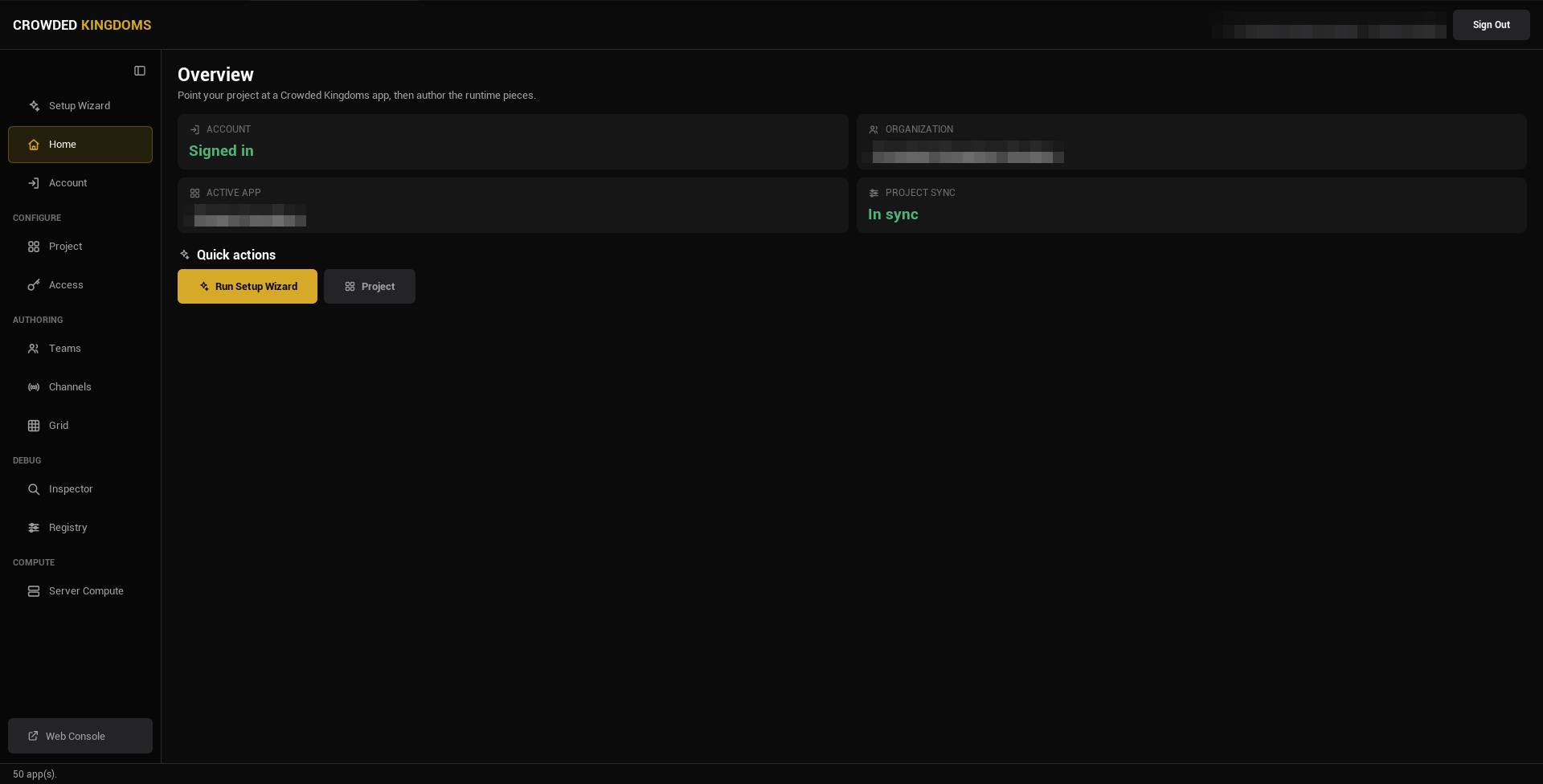
## Editor-only, one-way
Crowdy Studio is an editor module and never ships in a packaged build. It writes settings and server data; the runtime reads those on its own and never talks to Studio.
:::info[Studio is editor-only and has no runtime API.]
Studio writes three things into your project: the connection settings in `DefaultGame.ini` (Config Sync and the Connection tab), the baked registry asset under `Content/CrowdySDK` (the Registry page), and a per-user session file under `Saved/`. Your game reads the settings and the registry at startup. Everything else Studio authors lives on the server.
:::
## Native pages and the Web Console
Studio has two surfaces.
**Native pages** are Slate UI built into the editor. They cover the work you do while building: choosing an app, syncing config, checking the app's features and tier grants, authoring teams, channels and grids, and reading live state.
**The Web Console** is an embedded browser for account and organization administration: members, billing, tokens, secrets. It signs you in with the session you already have in Studio. The sidebar's bottom button opens it on your organization's overview.
## The sidebar
The sidebar on the left lists the pages. A toggle at the top folds it to icons (hover an icon for its label) and remembers your choice.
| Page | Group | Needs sign-in | What it is for |
|---|---|---|---|
| **Setup Wizard** | | No | The guided first run: sign in, pick an app, sync. Studio lands here after you sign in. |
| **Home** | | Yes | Status cards: account, organization, active app, project sync. |
| **Account** | | Yes, with your account | Your own name, password and sessions; an organization token has no account of its own. See [Your account](./sign-in.md#your-account). |
| **Project** | CONFIGURE | Yes | Pick the app, create one, and run [Config Sync](./config-sync.md). See [Projects and Apps](./projects-and-apps.md). |
| **Access** | CONFIGURE | Yes | The selected app's feature keys, and which access tiers grant each one. See [The Access page](#the-access-page). |
| **Teams** | AUTHORING | Yes | Author teams, members, roles, and the team policy. See [Teams and Channels](./teams-and-channels.md). |
| **Channels** | AUTHORING | Yes | Author named channels and the session channel. |
| **Grid** | AUTHORING | Yes | Author spatial permission regions. See [Grids](./grids.md). |
| **Inspector** | DEBUG | No | A read-only view of a running Play in Editor session. See [Inspector and Registry](./inspector-and-registry.md). |
| **Registry** | DEBUG | No | The baked metadata that ships in packaged builds, and the button that rebuilds it. |
| **Server Compute** | COMPUTE | Yes | Deploy your Server Object types and run them: versions, switching off and on, restarts. See [Deploy it with Server Compute](../exec/deploy-with-server-compute.md). |
| **Web Console** | | Yes | Pinned at the bottom: opens the browser console for admin surfaces. |
## The Access page
**Access** sits in the Configure group, under **Project**, and works on the app selected on the Project page. A feature is a key that server logic checks a player's access tier for (`ctx.players().features(player)`, see [World and platform data](/exec/world-and-platform-data)); the tiers themselves are created in the web console.
- The list on the left holds the app's features, with a search box. Each row shows the key, its description and how many tiers grant it.
- Select a feature to see every access tier on the right, marked **GRANTED** where it has the feature, with a **Grant** or **Revoke** button on each.
- **Define feature** opens a form for a new key and an optional description. A key is 1 to 64 letters, digits, underscores, hyphens and dots, the same rule a Server Object's **Required Feature** follows. Defining a key that exists updates its description.
The page loads its lists the first time you open it for the selected app, not when Studio starts. Press **Refresh** to read them again. Features work with a sign-in with your account or with an organization token. A Server Object function uses them through [Required Feature](../exec/access-members-and-timers.md#required-feature).
From a script, `-op=features`, `-op=definefeature`, `-op=grantfeature` and `-op=revokefeature` do the same work; see [Access, teams, channels and grids](./config-sync.md#access-teams-channels-and-grids).
## Signing in
Sign in with your account: email and password, a sign-in link sent by email, or a social provider. That gives you full authoring. An organization token gives management-only access: it can browse apps and run Config Sync, but not author teams, channels or grids. See [Signing In](./sign-in.md).
:::caution[If an authoring page looks read-only, check which credential you signed in with.]
Token sign-in is the usual cause.
:::
## Where to go next
- New project: [sign in](./sign-in.md), then [pick your app](./projects-and-apps.md) and run [Config Sync](./config-sync.md).
- Building gameplay: [Entities and Spawning](../runtime/entities-and-spawning.md).
- Shipping a build: [Packaging](../guides/packaging.md), and rebuild the [registry](./inspector-and-registry.md) first.
# Signing In
Source: https://docs.dev.crowdedkingdoms.com/unreal-sdk/studio/sign-in
# Signing In
Crowdy Studio opens on its Sign In page. You sign in once; Studio remembers the session across editor launches until you sign out.
## The sign-in page, top to bottom
1. **Backend.** A selector above the form. Leave it at its default unless Crowded Kingdoms told you otherwise.
2. **Continue with ...** buttons, one per social provider your backend offers: Google, GitHub, Discord, Apple, or Microsoft. The section is hidden when none is offered. A provider sign-in opens your system browser, never an embedded web view, and returns to Studio when it completes.
3. **Email** and **Password**, with **Log In**.
4. **Email me a sign-in link.** Uses the email you typed above and sends a one-time link. Click the link in your mail client and this Studio window signs you in, no password needed.
5. **Use an organization token instead.** A toggle at the bottom that reveals a token field and **Sign In with Token**.
Options 2, 3, and 4 are all account sign-ins and end in the same place: a session that can author everything.
## What each credential grants
**An account sign-in** (email and password, a sign-in link, or a provider) gives you full authoring: Config Sync, teams, channels, grids, and the Web Console.
**An organization token** gives management-only access. It can browse apps, run Config Sync, and reach the Web Console, but it cannot author game-plane data.
:::caution[An organization token cannot author teams, channels, or grids.]
Those pages need an account sign-in. If you signed in with a token and an authoring page looks read-only, sign out and sign in with your account. The token is the right choice for a build machine that syncs config and must not hold authoring credentials.
:::
After a successful sign-in Studio lands on the Setup Wizard, so the guided path is the first thing you see.
## Agreeing to the terms
When Studio asks the server for its access to your app and the account has not yet agreed to the current terms and age confirmation, Studio opens a small window titled **Crowdy Studio: terms and age** over the editor. It is the same prompt a player sees in your game: the documents as links, two check boxes, **Accept** and **Decline**. **Accept** carries on where Studio left off. **Decline**, or closing the window, stops there and Studio reports `Studio needs the terms and the age confirmation accepted for this account.` You see the prompt again only when a document gets a new version. How the same prompt works in a game, and how to draw your own, is on [Authentication](../services/authentication.md#let-the-player-agree-to-the-terms).
## Where the session is kept
Studio stores the signed-in session in a per-user file under your project's `Saved/CrowdyStudio/` folder, never under `Config/` and never in anything you would commit. The stored record remembers whether it was an account or a token sign-in, so a remembered account session comes back with its full authoring rights.
:::info[On Windows the stored session is encrypted for your user account with the operating system's data protection (DPAPI). On other platforms it is written in the clear, and Studio warns about it.]
Treat the `Saved` folder on a shared macOS or Linux machine as you would a credential file.
:::
## Your account
The **Account** page, under **Home** in the sidebar, is for the account Studio is signed in with: yours, not a player's. It needs an account sign-in; an organization token has no account of its own, and the page says so. **Refresh** reads your name and email again, and **Web console** opens your account on the web, where sign-in methods and connected apps are managed.
- **The name card** shows your gamertag, its disambiguation and your user id (with a copy button), and your email. **Edit name** turns it into two fields; **Save** changes both, and a pair another account has is refused.
- **Password**: pick **I have a password** to change it, with your current password and a new one; your other devices are signed out while Studio stays signed in. Pick **I don't have one yet** to add one to an account made by magic link or social sign-in; it works at once, and a security email goes to your address.
- **Sessions**: **Sign out everywhere** ends every session of your account, on every device and in every game, Studio's included, and returns Studio to the Sign In page.
What a player can change from inside your game is on [Authentication](../services/authentication.md#account-settings) and [Player Names](../services/player-names.md).
## Signing out
Press **Sign Out** in the Studio header. It ends the session on the server, clears the stored session, clears the Web Console's browser session too, and returns you to the Sign In page. A token sign-in is only forgotten: the token stays valid, since others may use it.
## Gotchas
- The provider buttons come from the backend. A provider you expect but do not see is not enabled for that backend.
- A sign-in link arrives by email. Check the address you typed if nothing comes.
- Token sign-in is silent about what it cannot do until you open an authoring page. The page subtitle tells you it needs an account sign-in.
- The backend selector is remembered with the project. Changing it changes which servers Config Sync writes into the project.
## Related
- [Projects and Apps](./projects-and-apps.md): pick or create the app after signing in.
- [Config Sync](./config-sync.md): write the app's ids and endpoints into the project.
- [Crowdy Studio overview](./overview.md): the sidebar and what needs a sign-in.
# Projects and Apps
Source: https://docs.dev.crowdedkingdoms.com/unreal-sdk/studio/projects-and-apps
# Projects and Apps
An **app** is one Crowded Kingdoms backend application: it has an id, an organization, a datacenter, a status, a visibility, and Game API endpoints. Your **project** is this Unreal project. The Project page points the project at exactly one app, then [Config Sync](./config-sync.md) writes that app's ids and endpoints into it.
:::note[Since 2.14]
The Project page is a single split view: the app list on the left, the selected app's details and its Configuration and Connection tabs on the right.
:::
## The Project page
Open Crowdy Studio, sign in, and pick **Project** in the sidebar (the CONFIGURE group).
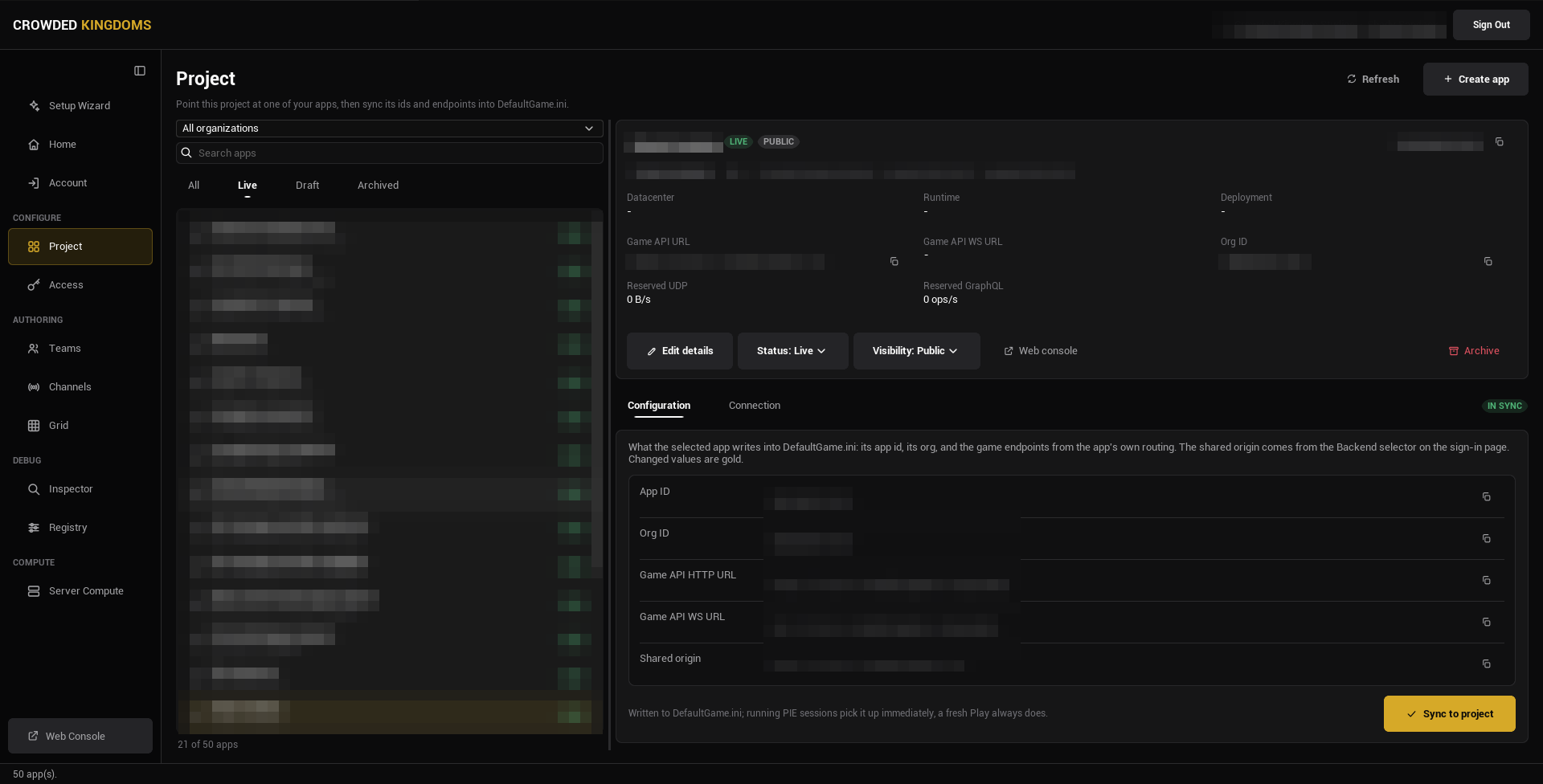
The left rail:
- An **organization** combo box, with **All organizations** at the top. This is a filter for the list; it does not by itself change which organization new resources are created in.
- A **Search apps** box.
- A status strip: **All**, **Live**, **Draft**, **Archived**. It opens on All.
- The app list, each row showing the app's name, its URL identifier, and its status. The count under the list says how many apps match, and how many free app slots the organization has used when one organization is selected.
:::tip[Picking an organization in the filter narrows the list.]
It does not move where a new app is created until you also pick or create an app there.
:::
Select an app and the right pane shows its details.
## The app details
The header card shows the app's name, a status pill (Draft or Live), a visibility pill (Private, Unlisted, or Public), a copyable app id, a copyable URL identifier, the organization, and creation and update dates.
Below it, a fact grid: **Datacenter**, **Runtime** (the app's current runtime status), **Deployment**, **Game API URL**, **Game API WS URL**, **Org ID**, **Reserved UDP** (bytes per second), and **Reserved GraphQL** (operations per second).
The action row:
- **Edit details**: rename the app or change its description inline.
- **Status**: Draft or Live.
- **Visibility**: Private, Unlisted, or Public.
- **Web console**: opens the organization's Apps tab in the browser console.
- **Archive**: reversible.
:::caution[Create, Edit details, Status, Visibility, and Archive need the manage_apps permission on the organization.]
Without it the controls are disabled. That is a permission on your account or token, not a Studio setting.
:::
Under the details are two tabs, **Configuration** and **Connection**, which are the subject of [Config Sync](./config-sync.md).
## Create an app
Press **Create app** in the page header. It needs an organization to create in: pick one in the filter, or have an app of that organization selected. The dialog opens inside the page in two steps.
**Step 1, Name your app.** Type a name; the URL identifier (lowercase letters, digits, hyphens) is derived from it, and **Advanced options** lets you override it and add a description. Pick a datacenter card. The first available datacenter is preselected.
**Step 2, Review.** The name, identifier, and organization, the datacenter with its permanence notice, and the organization's free app slots. Press **Create app**. The Game API connection is available immediately; there is no provisioning wait.
:::note[The datacenter is chosen once, at creation, and cannot be changed later.]
Everything the app stores lives in that one datacenter. Pick the one closest to your players. Status and visibility are not asked at creation; the server defaults them and the details pane changes them afterwards.
:::
## Gotchas
- The organization filter and the selected app are separate things. Picking an app never changes the filter; picking an organization is remembered.
- The strip opens on All. Pick Draft to see only unpublished apps.
- The URL identifier must be lowercase letters, digits, and hyphens; the dialog refuses anything else.
- Archive is reversible, but an archived app disappears from Live and Draft. Look under Archived.
## Related
- [Config Sync](./config-sync.md): write the selected app into the project.
- [Signing In](./sign-in.md): the account or token you need.
- [Crowdy Studio overview](./overview.md).
# Config Sync
Source: https://docs.dev.crowdedkingdoms.com/unreal-sdk/studio/config-sync
# Config Sync
Config Sync writes the selected app's ids and endpoints into your project's settings, so connecting a game to an app is one button instead of copying ids and URLs by hand. It lives on the Project page's **Configuration** tab.
:::caution[If you never run it, the SDK has no app id or Game API URLs to connect with, and nothing replicates.]
:::
## Run a sync
1. Open Crowdy Studio, [sign in](./sign-in.md), and pick **Project** in the sidebar.
2. Select the app the project should talk to.
3. Open the **Configuration** tab under the app's details. It shows every value the sync would write. A value that differs from what the project holds is drawn in gold with the current value on a "was" line beneath it, and a badge beside the tab strip reads **IN SYNC** or **N TO CHANGE**.
4. Read the diff, then press **Sync to project**.
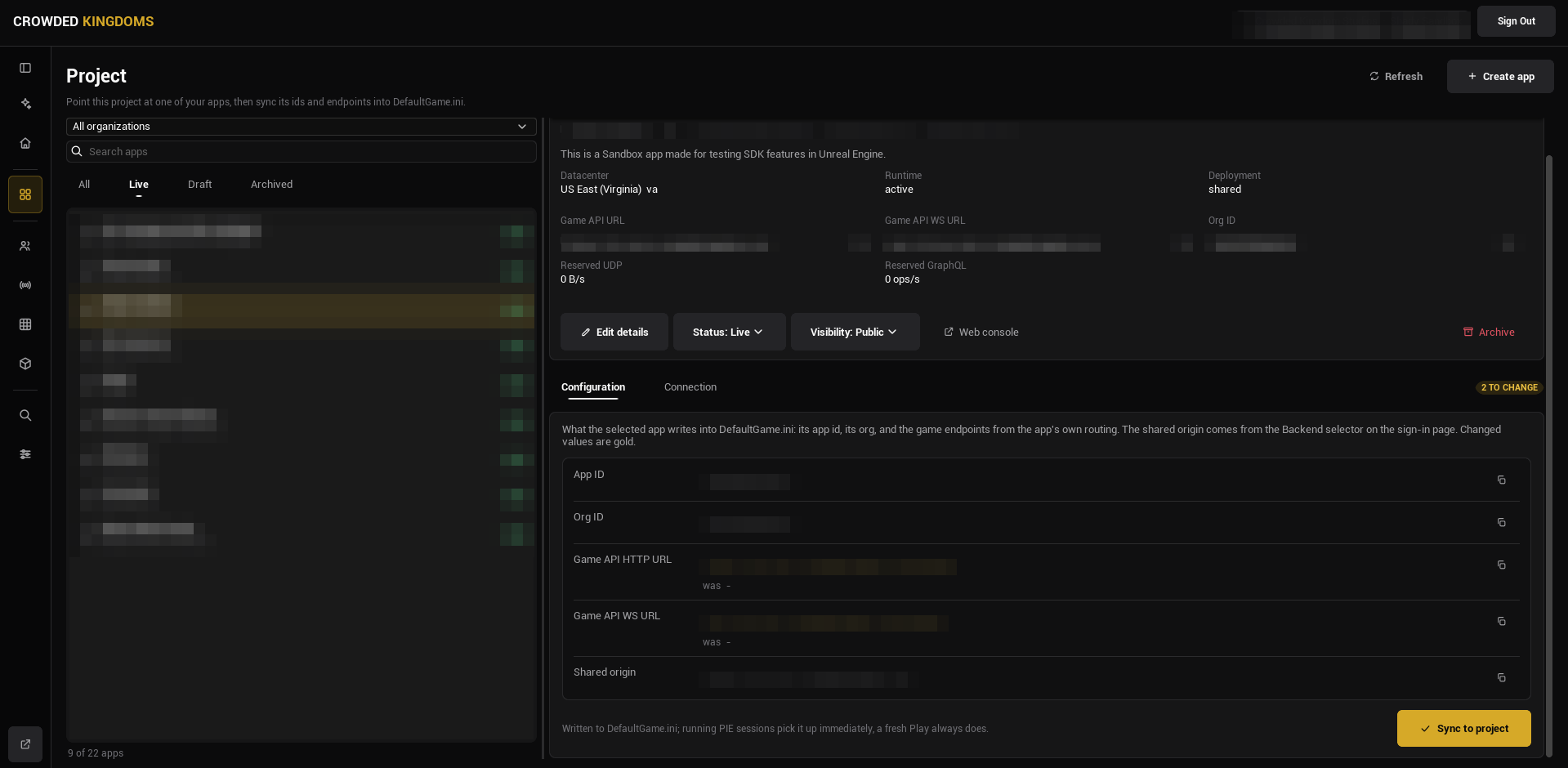
The rows are **App ID**, **Org ID**, **Game API HTTP URL**, **Game API WS URL**, and a read-only **Shared origin**, which comes from the backend selector on the Sign In page rather than from the app.
:::tip[A running Play in Editor session picks the change up without a restart.]
Sync pushes the new values into any running PIE or standalone session; a fresh Play always reads them. The **Connection** tab works differently: its UDP knobs and its Server Object timeouts are written the moment you change them, with no Sync button. The UDP knobs reach a running session at once; the Server Object timeouts apply from the next Play.
:::
## Sync from the command line
For a script or a coding agent, the same steps run without the editor window. [Sign in](./sign-in.md) to Crowdy Studio on the machine once; the commands use that sign-in, and no token goes on the command line:
```text
UnrealEditor-Cmd.exe Oakford.uproject -run=CrowdyStudio -op=apps
```
| Operation | What it does |
|---|---|
| `-op=apps` | Reads, and changes nothing. The account's organizations and their apps, each with its id, name, slug, datacenter, status and whether it is archived; the datacenters an app can be placed in; who is signed in; and the project's current Network settings. |
| `-op=createapp -org= -name="My Game" -slug=my-game -datacenter= [-description="..."] -yes` | Creates an app, as the Create app sheet on the Project page does, and prints the new app's id. The organization must be one of the account's, and the datacenter one of the codes `-op=apps` lists, written with the same capitals. The datacenter cannot be changed later. |
| `-op=sync -app= -yes` | Writes the app's id, its organization and its game endpoints into `Config/DefaultGame.ini`, exactly what **Sync to project** writes. `Environment` and the shared origin stay as they are. An app the project is already synced to succeeds without `-yes` and changes nothing. A write that fails, for example because the file is read only, fails the operation. |
| `-op=registry [-class=] [-norebuild] [-out=]` | Rebuilds the baked registry, then prints every entity class's CrowdyEvents (recipient, decay, distance) and CrowdyState properties (owner-only, manual dirty, heartbeat, OnRep) as JSON. `-class=` keeps only the classes whose path contains the text; `-norebuild` reads the saved registry as it is. It needs no sign-in. It needs `-yes` only when the project has no registry asset yet and the rebuild would create it. See [Inspector and Registry](./inspector-and-registry.md). |
`createapp` and `sync` only say what they would do, and exit with code 1, until you pass `-yes`. Add `-out=` to get the result as JSON. The sign-in token is never printed.
`sync -yes` refuses while an Unreal Editor is running, since the editor holds its own copy of the settings and would write it over the synced app. Close the editor first, or pass `-editoropen` to write anyway.
A typical run on a new project:
```text
UnrealEditor-Cmd.exe Oakford.uproject -run=CrowdyStudio -op=apps -out=Saved/apps.json
UnrealEditor-Cmd.exe Oakford.uproject -run=CrowdyStudio -op=createapp -org=1234 -name="Oakford" -slug=oakford -datacenter= -yes
UnrealEditor-Cmd.exe Oakford.uproject -run=CrowdyStudio -op=sync -app= -yes
```
The [Server Compute](../exec/deploy-with-server-compute.md#from-the-command-line) operations then use the app you synced; its `-op=whoami` checks the sign-in and the app.
The command line never changes which app Crowdy Studio opens on in the editor.
### Access, teams, channels and grids
The same commandlet does what the Access, Teams, Channels and Grid pages do, so a script can set up an app without the editor window. Every operation below follows the same rules:
- It runs against `-app=`, or against the app the project is synced to when you leave `-app` out. The result says which app it used.
- It needs `-yes` to change anything. Without it, it says what it would do, changes nothing and exits with code 1.
- When nothing would change, it succeeds and the result says `changed:false`.
- After a write it reads the result back from the server to check it, and fails if the server does not hold what was written.
- A list of values is written with commas and no spaces: `-keys=a,b`. Quotes are not needed (the engine drops them from a value with no spaces). A list with a space after a comma, `-keys=a, b`, is refused rather than cut short.
**Access.** See [The Access page](./overview.md#the-access-page). A feature key is 1 to 64 letters, digits, `_`, `-` and `.`.
| Operation | What it does |
|---|---|
| `-op=features` | Reads, and changes nothing. The app's feature keys. |
| `-op=definefeature -key= [-description="..."] -yes` | Defines a feature key, like **Define feature**. |
| `-op=grantfeature -tier= -key= -yes` | Grants the feature to an access tier, like **Grant**. The key must be defined first. Needs `manage_apps`. |
| `-op=revokefeature -tier= -key= -yes` | Takes it away again, like **Revoke**. The same rules. |
**Teams and channels.** See [Teams and Channels](./teams-and-channels.md#from-the-command-line). These need a sign-in with your account, not an organization token. `-kind=` is `team` or `channel`, `-group=` the team's or channel's id, and `-user=` a user id.
| Operation | What it does |
|---|---|
| `-op=teams`, `-op=channels` | Read the app's teams or channels. |
| `-op=groupdetail -kind=team -group=` | Reads one team or channel, with its members and their roles. |
| `-op=createteam -name="Oakford Guild" [-description="..."] [-policy=] -yes` | Creates a team. `-policy=` is `open`, `request`, `invite` or `admin`. |
| `-op=createchannel -name=oakford-chat [-description="..."] [-policy=] [-memberscansend=] -yes` | Creates a channel. |
| `-op=updategroup -kind= -group= [-name=] [-description=] [-policy=] -yes` | Changes a team or channel. |
| `-op=deletegroup -kind= -group= -yes` | Deletes it, with its members and roles. This cannot be undone. |
| `-op=addmember`, `-op=removemember` with `-kind= -group= -user= -yes` | Adds a user to a team or channel, or removes them. |
| `-op=setroles -kind= -group= -user= -roles=1,2 -yes` | Sets a member's roles by role id. `-noroles` in place of `-roles=` clears them. |
| `-op=createrole -kind= -group= -name= [-perms=manage_members,invite_members] [-rank=] -yes` | Creates a custom role. A team role can grant `manage_group`, `manage_members`, `manage_roles` and `invite_members`; a channel role can also grant `send_messages`, which decides who may post. `-op=updaterole` and `-op=deleterole` change and delete one. |
| `-op=setteampolicy`, `-op=setchannelpolicy` | Write the app-wide policy, like **Set Policy**. They take `-creation=` (`admin`, `member` or `anyone`), `-membership=`, `-maxmembers=` and `-maxgroupsperuser=`, all optional, and `-yes`. 0 for a maximum means unlimited. |
Creating a team or channel whose name already exists succeeds with `changed:false` when the existing one matches what you asked for, and fails naming the differences when it does not.
**Grids.** See [Grids](./grids.md#from-the-command-line). Corners and regions are chunk coordinates written `x,y,z`, with no spaces.
| Operation | What it does |
|---|---|
| `-op=grids -low=x,y,z -high=x,y,z [-user=]` | Reads the grids a region touches, like **Scan for grids**. |
| `-op=creategrid -corner1=x,y,z -corner2=x,y,z -yes` | Creates a grid, like **Create grid**. A grid cannot be deleted from the command line. |
| `-op=grantgrid -grid= -user= -keys=a,b -yes` | Grants permission keys on a grid to a user. Give `-group=` and an optional `-role=` in place of `-user=` to grant them to a team or channel; the group must be one of the app's teams or channels. |
| `-op=revokegrid -grid= -user= -keys=a,b -yes` | Takes keys away again, with `-group=` in place of `-user=` for a group. `-all` in place of `-keys=` takes all of them. Checked by reading the keys back. |
| `-op=gridlimits -grid= -keys=a,b -yes` | Sets the grid's permission whitelist. `-nolimit` in place of `-keys=` removes the limit. |
| `-op=gridgrants -grid= -group=` | Reads a group's grants on a grid. |
| `-op=gridpermissions -grid= [-user=]` | Reads the permissions a user has on a grid. |
## What Config Sync writes, and what you own
All of it lands on one settings class, `UCrowdySDKDeveloperSettings`, which you can see under **Project Settings, Plugins, Crowdy SDK**. The network fields are shown there read-only.
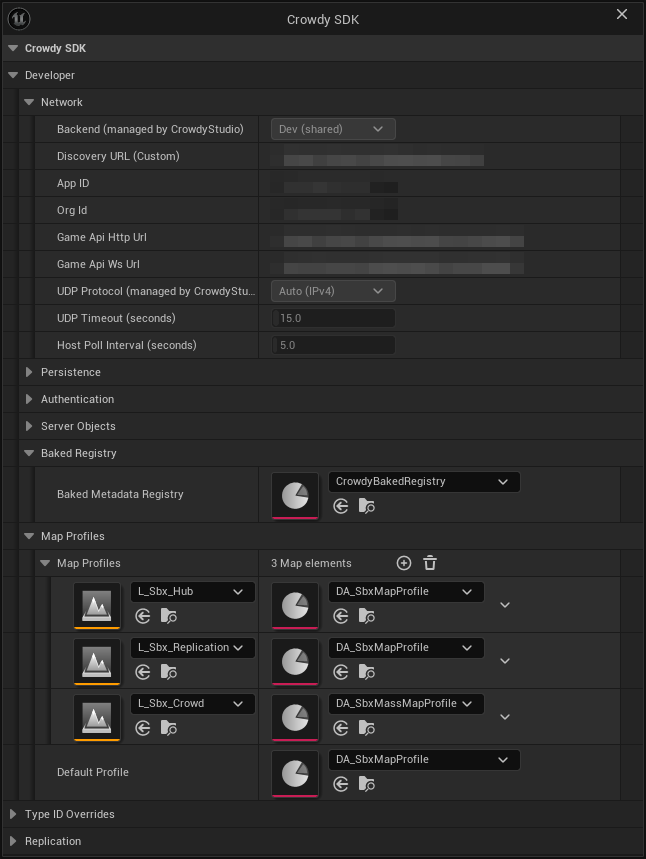
**Written by Crowdy Studio** (category Network; read-only in Project Settings):
| Property | Written from |
|---|---|
| `Environment` | The backend selector on the Sign In page. |
| `DiscoveryUrl` | The shared origin, used when the backend is Custom. |
| `AppID` | The selected app. |
| `OrgId` | The selected app's organization. |
| `GameApiHttpUrl` | The app's own routing. |
| `GameApiWsUrl` | The same endpoint with a WebSocket scheme. |
| `UDPProtocol` | The Connection tab. |
| `UDPTimeoutSeconds` | The Connection tab (6 to 120 seconds). |
| `HostPollIntervalSeconds` | The Connection tab (1 to 60 seconds). |
| `ServerObjectCallTimeoutSeconds` | The Connection tab, under Server Objects, as **Call Timeout** (11 to 120 seconds, default 20). |
| `ServerObjectOpenTimeoutSeconds` | The Connection tab, under Server Objects, as **Open Timeout** (1 to 60 seconds, default 10). |
Under a **Server Objects** heading, the Connection tab holds two timeouts for [Server Object](../exec/overview.md) connections:
- **Call Timeout** is how long a Server Object call waits for the platform's answer before it fails with a `Timeout`. It runs from 11 to 120 seconds, 20 by default, and stays above the longest **Time per Call** a type may have (10 seconds), so a call the server is allowed to finish is not given up on. A **Call** node's **Timeout** can shorten it for one call; see [Give up sooner](../exec/from-blueprint/call-functions.md#give-up-sooner).
- **Open Timeout** is how long opening the Server Object connection waits before the attempt fails, from 1 to 60 seconds, 10 by default.
Both apply from the next Play, and to the editor's developer connections. A dropped Server Object connection is always reopened, and has no setting.
**Owned by you** (editable in Project Settings):
| Property | What it does |
|---|---|
| `MapProfiles`, `DefaultProfile` | Per-map SDK configuration and the fallback when a map has no entry. See [Map profiles](../runtime/map-profile.md). |
| `BakedRegistry` | The cooked snapshot of Crowdy metadata. See [Inspector and Registry](./inspector-and-registry.md). |
| `PreloadedEntityClasses` | Entity classes to preload so a class nobody has spawned yet can still resolve off the wire. |
| `IDOverrides`, `ClassIDOverrides` | Populate only when the log reports a type id hash collision. |
:::warning[Never hand-type the network settings.]
They are read-only in Project Settings on purpose, so that Crowdy Studio is the one source of truth. A value pasted into `DefaultGame.ini` by hand is overwritten by the next sync, and a project whose settings drift from its app fails to connect with no obvious error.
:::
### The runtime setters
The same goes for the two runtime setters on `UCrowdySDKSubsystem`: `SetDiscoveryUrl` stores a shared origin for this session and is read only when `Environment` is Custom (it warns otherwise), and `SetGameApiUrl` stores one Game API HTTP endpoint for this session, an address that is normally resolved from the origin rather than typed. `ReloadEndpointsFromSettings` is deprecated and does nothing, so remove it from your graphs and code; it is kept only so existing call sites still compile: the API client re-reads both endpoints from the settings on every call, so a sync already reaches a running session.
`RequestVersionInfo` asks the server for its version before or after sign-in and answers on `OnVersionInfo` (`FOnVersionInfo`, two `FGameVersion` parameters: the server's version and, in `ClientVersion`, the minimum client version it still accepts). Both arrive as zeroes when the query fails.
## Where the settings land
The class is `Config=Game`, so the values are written to `Config/DefaultGame.ini` under:
```ini
[/Script/CrowdyReplication.CrowdySDKDeveloperSettings]
```
Commit that file as usual; it holds ids and URLs, not secrets.
## When to sync again
The **N TO CHANGE** badge tells you. It goes non-zero whenever the values the selected app would write differ from what the project holds: you selected a different app, changed the backend selector, or the app's endpoints moved. Press **Sync to project** again. Updating the plugin does not require a sync: the values live in `DefaultGame.ini` and the badge stays **IN SYNC**. Sync again only when the badge says so.
:::warning[Config Sync does not decide what a map does; the map profile does.]
Config Sync points the project at an app. A map with no [map profile](../runtime/map-profile.md) of its own runs on the SDK's shipped default; a `MapProfiles` row or `DefaultProfile` naming an asset that fails to load resolves to no profile, and on that map the entity subsystem, the auto replicator, and the actor manager do nothing, so replication looks dead even though the connection is fine. The warning in the log names the asset.
:::
## The Setup Wizard
If you prefer a guided path, the **Setup Wizard** page walks through the same steps in order: sign in, pick an organization and app, run the sync. Studio lands on it after you sign in. Once you know the flow, the Project page does each step directly.
## Gotchas
- The Configuration tab writes on **Sync to project**. The Connection tab writes on every edit.
- The shared origin is not per app. Change it on the Sign In page's backend selector, then sync.
- A PIE session that was already running picks up a sync; a packaged build needs the new `DefaultGame.ini` cooked in.
- An organization token is enough to run Config Sync. It is not enough to author teams, channels, or grids, from the pages or from the command line.
- A Studio sign-in with an organization token is cleared only when the server rejects the token. A network error no longer signs you out.
## Related
- [Projects and Apps](./projects-and-apps.md): picking and creating the app.
- [Map profiles](../runtime/map-profile.md): the second half of "make replication work".
- [Project settings reference](../reference/project-settings.md): every property on the settings class.
# Teams and Channels
Source: https://docs.dev.crowdedkingdoms.com/unreal-sdk/studio/teams-and-channels
# Teams and Channels
Teams group players together: guilds, parties, factions. Channels are named groups your runtime sends reliable events and messages over. Both live on the game server, and the Teams and Channels pages in Crowdy Studio author them ahead of play.
The same create, update, delete, role, and policy operations exist at runtime through `UCrowdyTeams` and `UCrowdyChannels`. Use Studio to set things up ahead of time or to do admin work in the editor; use the runtime APIs when your game creates teams or channels on the fly. The runtime side is on the [Teams](../services/teams.md) and [Channels](../runtime/channels.md) pages.
:::note[Authoring teams and channels needs an account sign-in.]
Sign in with your account (email and password, a sign-in link, or a provider). An organization token gives management-only access and these pages stay empty. The page subtitle says so when that is the case.
:::
## Open the pages
Open Crowdy Studio (**Tools, Crowdy SDK, Crowdy Studio**), sign in, and select your app on the Project page. Then pick **Teams** or **Channels** in the AUTHORING group of the sidebar. Press **Refresh** if the list is empty.
## Teams
The page has three cards plus the detail view, top to bottom: the list, the detail view for the selected row, Create team, Team policy.
**Teams.** Every team in the app, one row each: the name, an id chip, the team's membership policy, and a status badge. Select a row to open its detail view.
**Create team.** A name, an optional description, and a **Default membership** choice (Open, Request, Invite, or Admin) that decides how players enter this team at runtime. Press **Create Team** and the row appears in the list.
**Team policy.** The app-wide rules for teams:
- **Creation policy**: who may create a team. Admin, Member, or Anyone.
- **Default membership**: the membership policy a new team starts with. Open, Request, Invite, or Admin.
- **Max members per team** and **Max teams per user**. Blank means unlimited.
Press **Set Policy** to write it. The current policy is echoed above the controls once loaded; before a Refresh it reads "Current policy not loaded".
## Channels
The Channels page mirrors Teams: a **Channels** list, a **Create channel** card with a name, a description, and a **Members can send** checkbox (on by default), and a **Channel policy** card with the same four settings as the team policy.
:::caution[A channel name authored here is the exact string gameplay code references.]
It is the value of the `CrowdyChannel` meta on a Multicast `CrowdyEvent`, and the target of a raw channel publish. Keep the name stable once code uses it.
:::
### The session channel
Every client of the app joins one reliable channel on connect, named `__crowdy_session_`. Multicast events with no channel named ride it. The runtime creates it on demand, so you never have to.
The Channels page has a **Create session channel** button that creates it ahead of time with the settings it wants: creation by members, open membership, members can send. The policy card repeats those three settings as a hint.
:::tip[Create the session channel once per app if you want to see it in the list right away.]
If you do not, the runtime still creates it the first time a client connects. Either way it behaves like any other channel you author here.
:::
## The detail view
Select a team or channel row and the detail view opens beneath the list. It is the same widget for both.
**Edit team** (or **Edit channel**): name, description (blank keeps the current one), a membership choice with **Keep** as the default, and **Save Changes**.
**Members.** Add a member by user id, remove one, and see who is in. A pending join request shows **Approve** and **Reject**; an active member shows **Remove**. Select a member to edit their roles.
**Roles.** A role is a named, ranked permission set you assign to members. Create one with a name, a rank (higher is more senior), and a checklist of the permissions its kind of group has. A team's are **Manage Team**, **Manage Members**, **Manage Roles** and **Invite Members**; a channel's are **Send Messages**, **Manage Channel**, **Manage Members**, **Manage Roles** and **Invite Members**. A role badged `system` (the leader role, for example) is read-only; a `custom` role can be edited and deleted.
:::note[Group roles are membership permissions, not gameplay permissions.]
The keys above decide who may manage the team or channel, who may invite to it and who may send on a channel. The spatial permission keys a grid checks (see [Grids](./grids.md)) are a separate catalog. A team can be granted grid permissions, but the two lists never mix.
:::
**Danger zone.** Delete the whole team or channel. Deleting a team removes all its members and roles and revokes any grid grants it conferred, and it cannot be undone.
## From the command line
A script can do the same work without the editor window: create and delete teams and channels, add and remove members, set roles, and write the policies. It needs a sign-in with your account, and every change needs `-yes`. The operations are listed under [Access, teams, channels and grids](./config-sync.md#access-teams-channels-and-grids) on the Config Sync page.
## What a policy is
A **policy** is four settings that apply to every team (or channel) in the app: who may create one, the membership policy a new one starts with, and two optional caps. A **membership policy** on an individual team or channel decides how a player gets in: Open (anyone joins), Request (a member approves), Invite (a member invites), or Admin. Runtime joins go through `UCrowdyTeams::JoinTeam`, and the server applies the policy you set here.
## Gotchas
- Nothing loads until an app is selected on the Project page. The list stays empty otherwise.
- Refresh is manual. After another client changes a team at runtime, press it to see the change.
- Deleting a team also deletes its grid grants. Check the Grid page first if the team carried any.
- A `system` role cannot be edited or deleted. Create a `custom` role for anything you want to change later.
## Related
- [Teams](../services/teams.md): join, query, and read membership at runtime.
- [Channels](../runtime/channels.md): send channel messages and receive them at game time.
- [Grids](./grids.md): grant a team permissions inside a region.
# Grids
Source: https://docs.dev.crowdedkingdoms.com/unreal-sdk/studio/grids
# Grids
A grid is a region of your world, in chunk coordinates, that carries a permission whitelist and per-user or per-team grants. When a client acts inside the region, the server checks the grid and allows or refuses the action. You author grids on the **Grid** page in Crowdy Studio.
## Grids are server-side only
- Every grid operation requires the `manage_apps` permission on the organization.
- There is no player-scoped grid query. Game code cannot list or read grids at runtime, and there is no runtime grid API in the SDK. The one runtime call that touches grids is `Request Teleport Permission` on the Crowdy SDK subsystem, which asks the server whether the player may enter a chunk and answers on `On Teleport Permission` (`OnTeleportPermission`, an `FOnTeleportPermission` with one `bAllowed` parameter).
- Enforcement is server-side. When a client tries to act inside a region, the server checks the whitelist and the grants, then allows or rejects. The client never receives the grid definition.
:::warning[Do not try to drive grid operations from gameplay code.]
The only surface is this Studio page. Sign in with your account; the page's subtitle tells you if the credential you used is not enough.
:::
## Open the Grid page
Open Crowdy Studio, sign in, select your app on the Project page, then pick **Grid** in the AUTHORING group of the sidebar.
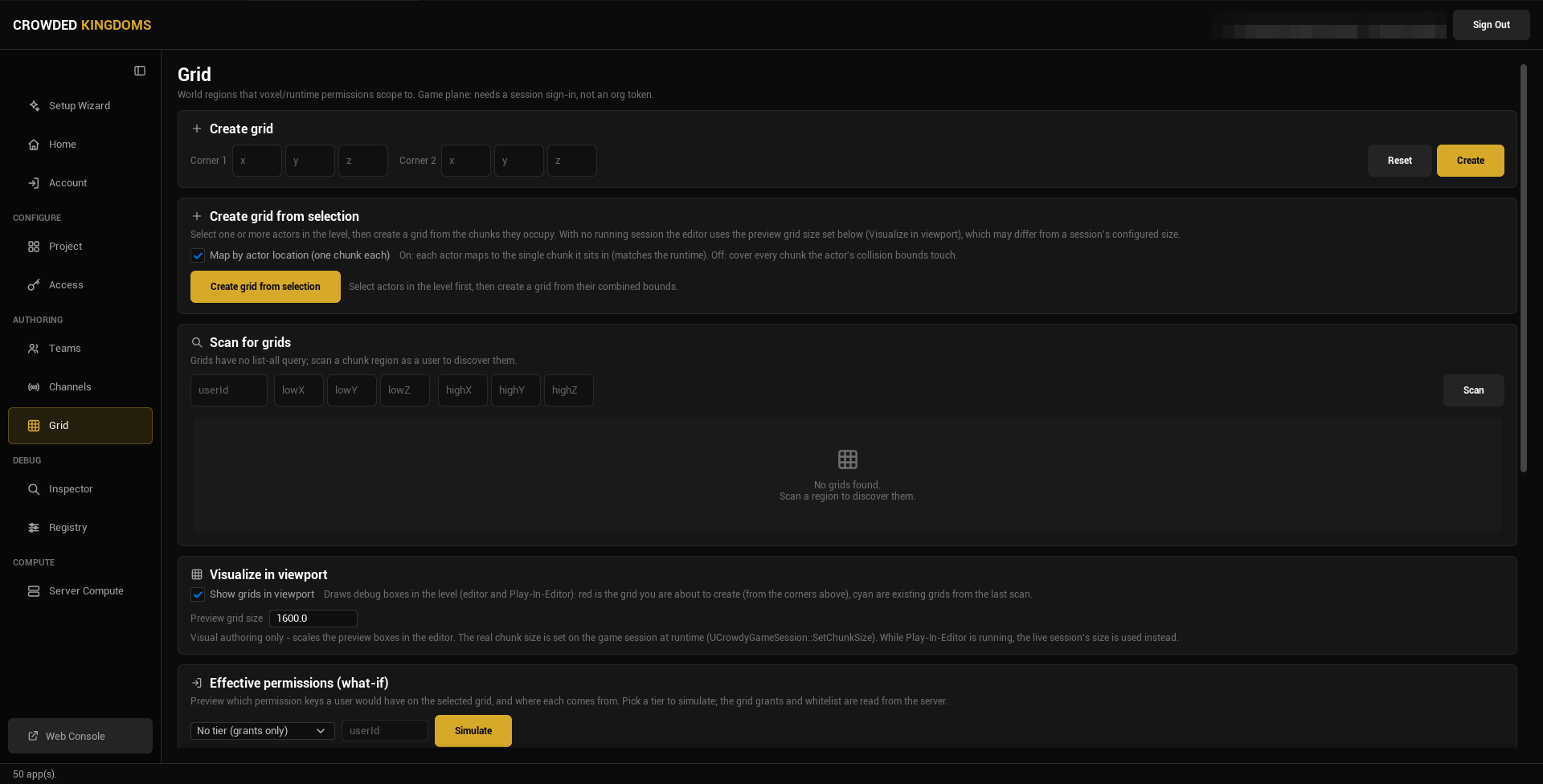
The page is a column of cards. Top to bottom:
## Create grid
Type the two corners of the region (**Corner 1** and **Corner 2**, each X, Y, Z in chunk coordinates) and press **Create**. **Reset** clears the boxes. Use this when you know the bounds you want, for example a region that lines up with a named area of your level.
## Create grid from selection
Select one or more actors in the level, then press **Create grid from selection**. Studio derives the region from the chunks the actors occupy. The **Map by actor location (one chunk each)** checkbox chooses between mapping each actor to the single chunk it stands in (on, which matches the runtime) and covering every chunk the actor's collision bounds touch (off).
With no session running, the editor uses the preview grid size from the Visualize card below, which may differ from a session's configured chunk size.
## Scan for grids
Grids have no list-all query. To discover the ones that exist, type a user id and a region (**lowX** to **highZ**) and press **Scan**. The results list shows every grid that region touches; select one to populate the **Selected grid** card.
Scanning also loads the app's runtime permission catalog, which the whitelist and grants below pick from.
## Visualize in viewport
Tick **Show grids in viewport** to draw debug boxes in the level, in the editor and in Play in Editor: red for the grid you are about to create (from the corners above), cyan for the existing grids from the last scan.
**Preview grid size** scales those boxes at edit time only. The real chunk size is set on the game session at runtime, and while Play in Editor runs the live session's size is used instead.
## Effective permissions (what-if)
Pick a user id and an access tier to simulate (the dropdown reads **No tier (grants only)** by default), then press **Simulate**. The card lists every permission key the user would have on the selected grid and where each comes from: the tier, or a grid grant. The grid's whitelist is applied last: effective permissions are the tier's keys plus the user's grants, restricted to the whitelist. Admins bypass all of this on the server.
## Selected grid
Once a scan result is selected:
- **Permission whitelist**: a checklist of runtime permission keys. Nothing checked means no restriction.
- **User grants**: grant, revoke, or read a user's keys on this grid.
- **Group grants**: assign a team (optionally with a role) to a set of keys, with an expiry shown per grant. **List Grants** reads the current ones.
:::note[Teams themselves are authored on the Teams page.]
A group grant references a team by id. Create the team first; see [Teams and Channels](./teams-and-channels.md). Deleting a team revokes every grid grant it conferred.
:::
## From the command line
A script can scan for grids, create one, grant and revoke keys for a user or a team, set a grid's whitelist, and read the grants and effective permissions, all without the editor window. Every change needs `-yes`. The operations are listed under [Access, teams, channels and grids](./config-sync.md#access-teams-channels-and-grids) on the Config Sync page.
## Gotchas
- There is no list of all grids. Scan a region to find them, and scan again after you create one.
- Chunk coordinates, not world units. The preview grid size only affects the debug boxes.
- An empty whitelist means no limit, not no access.
- The what-if simulation reads the grants and whitelist from the server; it is a preview of what the server would decide, not a change.
## Related
- [Crowdy Studio overview](./overview.md)
- [Teams and Channels](./teams-and-channels.md)
# Inspector and Registry
Source: https://docs.dev.crowdedkingdoms.com/unreal-sdk/studio/inspector-and-registry
# Inspector and Registry
The two pages in the sidebar's DEBUG group. Neither needs a sign-in.
- The **Inspector** is a read-only view of the running Play in Editor session.
- The **Registry** shows the baked metadata a packaged build reads, and rebuilds it.
Open Crowdy Studio (**Tools, Crowdy SDK, Crowdy Studio**) and pick either page in the sidebar.
## Inspector
The Inspector reads the live state of the current Play in Editor session and shows it as text. Nothing here changes the game. Press **Refresh** after the session connects or fetches data, or tick **Auto-refresh** and pick an interval (1, 2, or 5 seconds).
:::note[Start a Play in Editor session first.]
With none running the page reads "No running session".
:::
What it lists:
- **Session**: the app id, your user id, the game token id, your UUID, the host id, and whether a game token is held (never its value).
- **Teams (N)**: the teams the local player is in, from the runtime cache. Until the game has fetched teams it says so.
- **Channels (N)**: the channels the client has joined, whether the reliable RPC channels are ready, and the session channel's id.
- **Avatars (N)**: the local player's avatars, from the cache.
- **Entities**: the local player id, the host id, and the entities this client owns, by actor name. There is no every-entity list; the owned slice is the one that confirms spawns and ownership while you debug.
:::tip[If the Inspector is empty while you are playing, check the map profile.]
A [map profile](../runtime/map-profile.md) row that names an asset that failed to load resolves to no profile; the entity subsystem then does nothing on that map and the session looks dead. The log warning names the asset. A map with no row runs on the shipped default.
:::
To change teams, channels, or entity state, use the runtime APIs in your game: [Teams](../services/teams.md), [Channels](../runtime/channels.md), [Entities and Spawning](../runtime/entities-and-spawning.md).
## Registry
Every marker you write (`CrowdyEvent` and its routing keys, `CrowdyState` and its keys) is Unreal metadata, and a cooked build strips metadata. The SDK therefore bakes what it needs into an asset, `UCrowdyBakedRegistry` at `/Game/CrowdySDK/CrowdyBakedRegistry`, and a packaged build reads that instead. The editor and Play in Editor read live metadata, so the page can look stale until you rebuild.
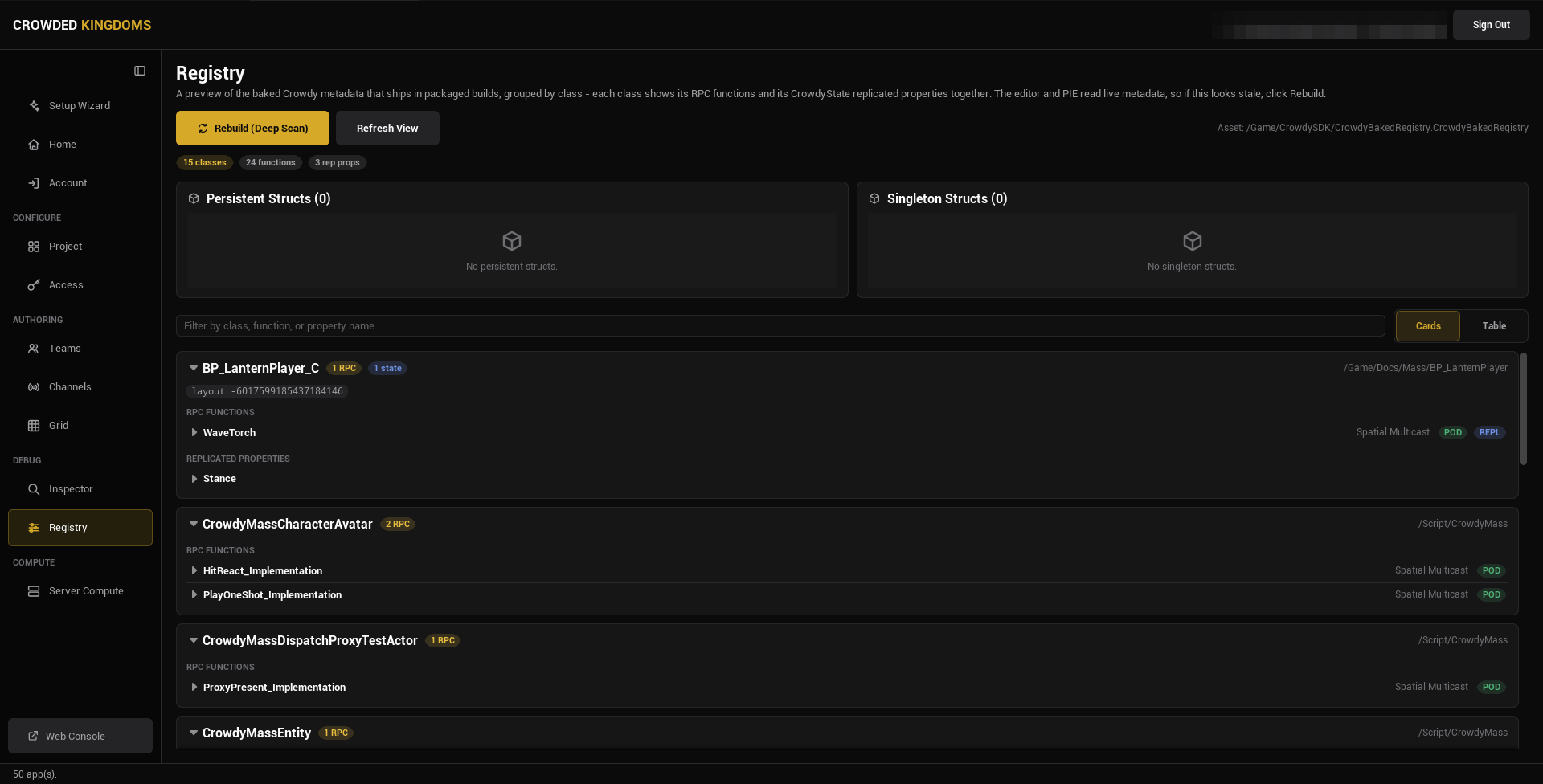
:::warning[Shipped code never reads metadata. It reads the baked registry.]
If your own game code reads a Crowdy marker at runtime, read it through the registry, never through `HasMetaData`; in a packaged build the metadata is gone and the call returns nothing.
:::
### The two buttons
**Rebuild (Deep Scan)** regenerates the registry from every C++ class and Blueprint in the project, then refreshes the view. It is the authoritative bake, and packaging runs the same thing automatically at cook time. It runs asynchronously (assets stream in; the editor does not freeze) and shows "Rebuilding registry..." while it works. If the button is disabled, the CrowdySDK editor module is not loaded.
**Refresh View** re-reads the already-baked asset and redraws the page without re-baking anything. Use it after something else changed the asset on disk, such as a cook.
:::note[Rebuild is optional for a correct package.]
The cook rebakes on its own, so a packaged build is right even if you forget. Press Rebuild to verify the bake before a long cook, or to bring the in-editor view up to date.
:::
### What the page shows
Three summary pills: classes, functions, and replicated properties. A search box filters by class, function, or property name, and a **Cards** / **Table** toggle picks the layout.
In Cards view, each class is an expandable card with an **RPC FUNCTIONS** section and a **REPLICATED PROPERTIES** section. Expand an RPC function for its function id, recipient, decay rate, distance, whether its parameters are plain data, and whether it is replicated. Expand a replicated property for its property id, layout order, owner-only flag, manual update flag, and rep-notify function. The class header shows a layout hash and, where the class has an entity component, its Ownership and Host Override, read live from the class defaults rather than baked.
In Table view the same data is one flat table: type, name, routing or notify, flags, id.
To read the baked registry from the console instead, type `crowdy.registry.dump` in a non-shipping build. It logs every entry the cook baked in, one line each: the structs and their layout hashes, the CrowdyState properties, and the CrowdyEvent functions, with their ids. See [Console variables and commands](../reference/console-cvars.md).
### When to press Rebuild
- After you add or change a `CrowdyEvent` receiver, or its recipient, channel, or other routing key.
- After you change a container or any Crowdy-tagged struct.
- Before you cook, if you want to check the bake first.
:::note[The baked asset is generated.]
It is rewritten by every Rebuild and every cook. Ignore it in your version control rather than committing it.
:::
For the full packaging flow, see the [Packaging guide](../guides/packaging.md).
## Gotchas
- The Inspector's team, channel, and avatar lists come from the runtime caches. An empty list with a "not populated yet" note means the game has not fetched, not that there is nothing.
- Refresh View does not rebake. If a marker you just added is missing, press Rebuild.
- Ownership and Host Override on a class card are live values, not part of the bake.
## Related
- [Packaging](../guides/packaging.md)
- [Crowdy Studio overview](./overview.md)
# Player Sign-in
Source: https://docs.dev.crowdedkingdoms.com/unreal-sdk/runtime/player-sign-in
# Player Sign-in
Nothing replicates until a player is signed in. Once sign-in succeeds the SDK opens the realtime connection itself, so this is the one step every page in this section assumes has already happened. This page shows the most basic way to do it and nothing more.
## When you touch this
Once per project, at startup, before any entity, event, or property.
## Sign in with a password
The Game Instance signs in from `Init`, after `Super::Init()` has created its subsystems: bind **On Login** and **On UDP Connection Success** on the Crowdy SDK Subsystem, then call `Login` with an email and password read from `Config/DefaultGame.ini`. The first handler reports the sign-in; the second fires when the connection is up.
```cpp
// LanternGameInstance.h
#include "Subsystem/CrowdySDKSubsystem.h"
#include "LanternGameInstance.generated.h"
UCLASS(Config = Game)
class ULanternGameInstance : public UGameInstance
{
GENERATED_BODY()
public:
virtual void Init() override;
// A development account read from Config/DefaultGame.ini. Never ship credentials in a game.
UPROPERTY(Config)
FString Email;
UPROPERTY(Config)
FString Password;
private:
UFUNCTION()
void HandleLogin(bool bSuccess, FString Message);
UFUNCTION()
void HandleConnected();
};
// LanternGameInstance.cpp
#include "LanternGameInstance.h"
void ULanternGameInstance::Init()
{
Super::Init();
UCrowdySDKSubsystem* Sdk = GetSubsystem();
Sdk->OnLogin.AddDynamic(this, &ULanternGameInstance::HandleLogin);
Sdk->OnUDPConnectionSuccess.AddDynamic(this, &ULanternGameInstance::HandleConnected);
Sdk->Login(Email, Password);
}
void ULanternGameInstance::HandleLogin(bool bSuccess, FString Message)
{
UE_LOG(LogTemp, Log, TEXT("Login %s %s"), bSuccess ? TEXT("ok") : TEXT("failed:"), *Message);
}
void ULanternGameInstance::HandleConnected()
{
// From here on entities register on the wire and a host is elected.
UE_LOG(LogTemp, Log, TEXT("Connected to the app"));
}
```
Make it the project's Game Instance under **Project Settings, Maps & Modes, Game Instance Class**, and give it a test account in `Config/DefaultGame.ini` (`YourModule` is your game module's name):
```ini
[/Script/YourModule.LanternGameInstance]
Email=you@example.com
Password=your-test-password
```
:::caution[A test account belongs in a config file or a pin default, never in shipped code.]
A package stages `Config/DefaultGame.ini`, so an account written there ships with the game. Remove the `Email` and `Password` lines before you package, and sign players in from your own sign-in screen instead.
:::
Create a Widget Blueprint with two **Editable Text Box** widgets and a **Button**, and two String variables, `Email` and `Password`, each set from its box's **On Text Committed**. The button's **On Clicked** calls a custom event `SignIn`, whose graph reads the two variables into the latent **Login** node and removes the widget from its parent on `On Success`. Add the widget to the viewport from your Game Mode's **Event BeginPlay** or a level Blueprint at startup, not from a Game Instance's **Event Init**, which runs before the SDK's subsystems exist ([why](../services/authentication.md#signing-in)).
[Blueprint snippet: signin-widget, see /bp/unreal-sdk/signin-widget.txt]
:::warning[Never print, log, or store the token in the result.]
The `Result` a success carries holds the player's `UserID` and a token the SDK already keeps for you. The SDK's own **On Login** event on the Crowdy SDK Subsystem carries a message and no credential, on purpose; keep anything you put on screen the same way.
:::
A player who has not yet agreed to the current terms sees a prompt over the game before the sign-in completes, and it finishes on its own once they accept; you add nothing for it. [Authentication](../services/authentication.md#let-the-player-agree-to-the-terms) covers what it shows and how to draw your own.
If this machine signed in before, restore instead of asking: call `RestoreSession` first and show the widget only on its error path, as [Authentication](../services/authentication.md#restore-a-saved-session) shows; the connection then comes up exactly as after a `Login`.
**Success signal.** The log reads `Login ok`, then `Connected to the app`. From then on `Get UDP Connection State` on the subsystem reads connected, and the rest of the Runtime section applies. Start replicating your pawn only from that moment: **On UDP Connection Success** fires once the server has assigned this client and its readiness wait has elapsed, an update sent earlier is not held for it, and the [Quickstart](../quickstart.md#1-make-your-player-a-crowdy-entity) spawns the pawn from the connected handler for that reason.
## Related
- [Authentication](../services/authentication.md): register, magic link, social sign-in, restoring a saved session, sign-out, and the events.
- [Quickstart](../quickstart.md): this step in the context of one complete lantern, and the pawn that makes the signed-in player present.
- [Connection and reconnect](./connection-and-reconnect.md): what the SDK does once the sign-in succeeds.
# Map Profiles
Source: https://docs.dev.crowdedkingdoms.com/unreal-sdk/runtime/map-profile
# Map Profiles
A map profile is a `UCrowdyMapProfile` data asset: one asset configures one map end to end. A map you configure nothing for runs on the profile the plugin ships; a profile of your own is how you change a map's settings, or switch the SDK off there. A configured row whose asset fails to load resolves to no profile, and that map has no networking however correct the code is.
## When you need one
When a map needs settings the shipped default does not have: a Backend Config of your own, a different send cadence, a tighter relevance distance. The [Quickstart](../quickstart.md) authors none and runs on the shipped default. A map that should run without the SDK gets a profile with **Enable Networking** unticked; that records the intent, and it is the only way to switch the SDK off on one map.
## Create the asset
In the Content Browser, **Add**, **Miscellaneous**, **Data Asset**, pick **Crowdy Map Profile**. The Details panel shows every field of the asset:
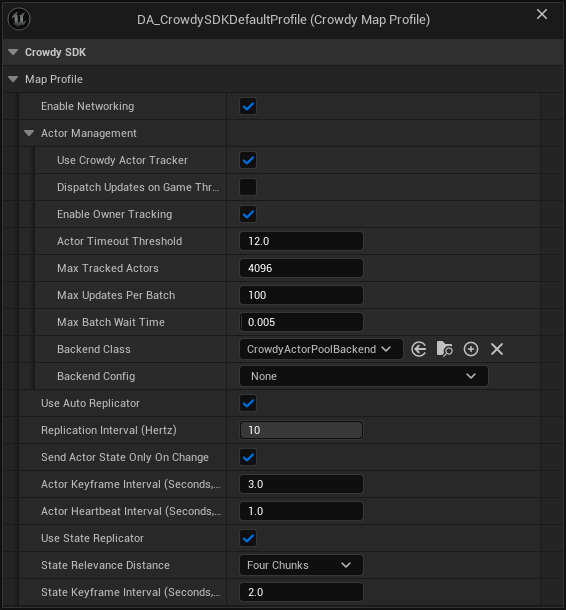
The screenshot is the SDK's own shipped default profile. **Backend Config** is empty on it, which is fine: the actor pool runs on a built-in config when none is set.
| Field | Default | What it controls |
|---|---|---|
| `bEnableNetworking` | on | Gates the host subsystem, the event router, and the entity subsystem on this map. Off means the map runs with the SDK loaded but idle. |
| `ActorManagement` | see [Rendering backends](./rendering-backends.md) | Which backend draws remote entities (`BackendClass`, `BackendConfig`) and the actor tracker settings. Pick **Crowdy Mass Rendering Backend** as the **Backend Class** to draw a crowd; see [Turn Mass on for a map](../mass/turn-mass-on-for-a-map.md). |
| `bUseAutoReplicator` | on | The continuous state channel for Dynamic entities. See [Continuous state](./continuous-state.md). |
| `ReplicationIntervalHz` | 10 (1 to 10) | Shown as **Replication Interval (Hertz)**. The send cadence shared by the continuous channel and the Crowdy State replicator. Greyed out in the Details panel when Use Auto Replicator is off, but still read by the Crowdy State replicator. |
| `bSendActorStateOnlyOnChange` | on | Shown as **Send Actor State Only On Change**. An unchanged Dynamic entity sends a keyframe or a heartbeat instead of restating its state every interval. |
| `ActorKeyframeIntervalSeconds` | 3.0 | Full re-send period for an unchanged Dynamic entity, so a late observer converges. 0 turns keyframes off. |
| `ActorHeartbeatIntervalSeconds` | 1.0 | Heartbeat period for an unchanged Dynamic entity: the spatial header and no state, which is what keeps an idle entity from being reaped. 0 turns heartbeats off. |
| `bUseStateReplicator` | on | Master switch for Crowdy State property replication. See [Crowdy State](./crowdy-state.md). |
| `StateRelevanceDistance` | Four Chunks | Shown as **State Relevance Distance**. How far a Crowdy State delta travels, as a chunk count (`ECrowdyReplicationDistance`), tighter than the continuous channel. |
| `StateKeyframeIntervalSeconds` | 2.0 | Period of the Crowdy State keyframe, the full re-send of every property marked `CrowdyHeartbeat`. 0 turns the keyframe off map-wide; on-change replication is unaffected. |
:::note[An empty Backend Config means the built-in default, not a disabled backend.]
`ActorManagement.BackendClass` defaults to `UCrowdyActorPoolBackend`. With `ActorManagement.BackendConfig` left empty, the backend creates a transient **Actor Pool Backend Config** and applies remote movement with `UCrowdyTransformRepPolicy`, the shipped policy that reads the default executor's `FCrowdyActorState` (location and rotation) and interpolates across a ring of recent samples, extrapolating briefly when an update is late. Set a config of your own when your executor sends a state struct of its own, when you want pool sizes per class, or when you want a different pool policy. The actor pool refuses a config of another backend's class with a warning naming the field. The Crowdy Mass Rendering Backend takes its own Backend Config, and ignores a config of another class without a word. See [Rendering Backends](./rendering-backends.md) and [Turn Mass on for a map](../mass/turn-mass-on-for-a-map.md).
:::
## Assign the profile
Open **Project Settings, Plugins, Crowdy SDK** and find the **Map Profiles** category of `UCrowdySDKDeveloperSettings`:
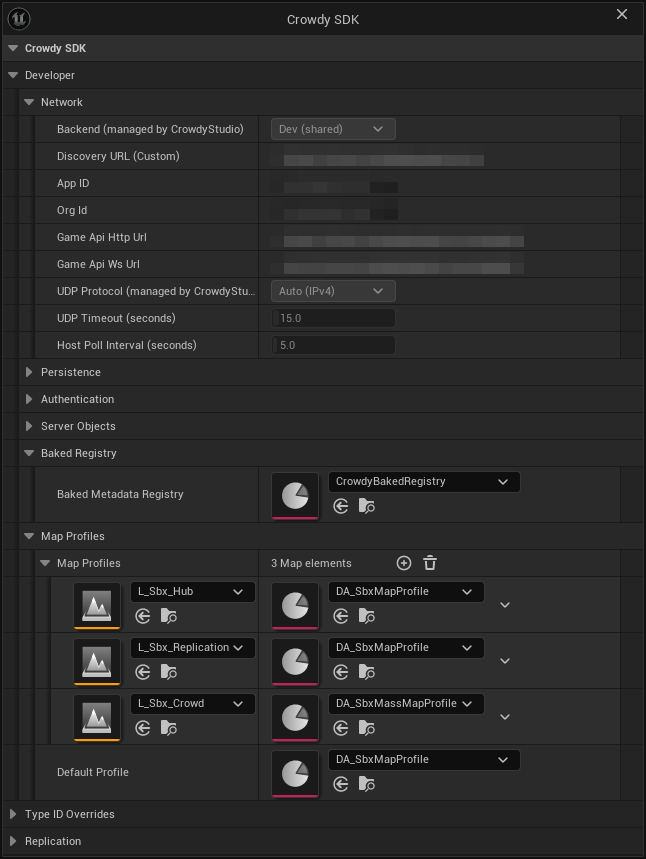
- `MapProfiles` maps a level asset to a profile. The lookup is by the map's short name, with the Play in Editor prefix stripped, so a PIE session resolves the same entry as a packaged build.
- `DefaultProfile` covers every map without an entry.
The SDK resolves the profile for a world through `UCrowdySDKDeveloperSettings::ResolveProfileForWorld`, in this order:
1. A `MapProfiles` entry whose map matches the current one.
2. `DefaultProfile`, if set.
3. The profile a plugin ships. The Crowdy SDK plugin registers its own `DA_CrowdySDKDefaultProfile` at module startup through `RegisterShippedDefaultProfile`, so a project that sets nothing at all runs on that asset rather than going inactive. The log says so once per world.
4. Nothing: the SDK stays inactive on the map and logs a warning, once per world, naming the map and the fix.
:::caution[An entry that names an asset that fails to load is a broken setting, not an absent one. Resolution stops there.]
A `MapProfiles` row or a `DefaultProfile` that points at an asset the build cannot load returns no profile and does not fall through to the next step. The warning names the asset path; check that it still exists and is packaged.
:::
Every SDK subsystem resolves through the same function, and both warnings are reported once per world rather than once per subsystem, so you will see one line, not a dozen.
## Check it from code
A lantern that never lights for other players is nearly always a map whose profile did not resolve. The example, `CheckMapProfile`, called from the lantern's `BeginPlay`, asks the same question the SDK asks, once, so the answer is in the log before anything else is suspected.
```cpp
// Lantern.cpp
#include "Data/CrowdyMapProfile.h"
#include "Utils/CrowdySDKDeveloperSettings.h"
void ALantern::CheckMapProfile()
{
// A lantern that never lights for other players usually has no active profile; rule that out first.
const UCrowdyMapProfile* Profile = UCrowdySDKDeveloperSettings::ResolveProfileForWorld(GetWorld());
if (!Profile || !Profile->bEnableNetworking)
{
UE_LOG(LogTemp, Warning, TEXT("ALantern: no active map profile; this lantern will not replicate."));
}
}
```
`ResolveProfileForWorld` is a plain C++ static. There is no Blueprint node for it.
There is no Blueprint node for profile resolution: assigning a profile is Project Settings and Data Asset editing only, which the two screenshots above cover. What a Blueprint can read is the connection, `Get UDP Connection State` on the Crowdy SDK Subsystem; a connected state with dead entities is the profile symptom.
**Success signal.** With a resolved profile the entity subsystem logs registrations once `crowdy.entity.trace 1` is on. Without one, the log carries a single `resolved no map profile` warning for the map and no entity ever registers.
## The shipped default, in one paragraph
The plugin registers a shipped profile under the provider name `CrowdySDK`, and only one registration is in effect at a time: a second plugin offering a different profile is refused and logged, so which one a map runs on never depends on module load order. `UnregisterShippedDefaultProfile` withdraws an offer at module shutdown; `GetShippedDefaultProfilePath` and `GetShippedDefaultProfileProvider` report what is currently offered; `ResolveShippedDefaultProfile` returns the asset, or null with a reason when an offer exists but its asset failed to load. None of these is something a game calls; they exist so a plugin can carry a profile.
## Gotchas
- A `MapProfiles` row or `DefaultProfile` naming an asset that did not load means no networking on that map. Check this first when a map looks dead; the warning names the asset.
- The shipped default profile has no `BackendConfig`, which means the built-in transform policy draws remote entities. On 2.14.0 and earlier nothing was drawn from the continuous channel in that state; see [What's Changed](../guides/whats-changed.md#2026-09-22-sdk-v2150).
- A non-networked map wants a profile with **Enable Networking** off, not no profile. The warning text asks for exactly that.
- `StateKeyframeIntervalSeconds` is a safety net, not the mechanism. Changed properties ship on change whatever the interval; 0 only stops the periodic baseline for `CrowdyHeartbeat` properties.
- `ReplicationIntervalHz` is one clock for two channels: continuous state and Crowdy State share it but send independently.
## Related
- [Rendering backends](./rendering-backends.md): `BackendClass`, `BackendConfig`, and the policy classes.
- [Turn Mass on for a map](../mass/turn-mass-on-for-a-map.md): choose the Crowdy Mass Rendering Backend and give it a Backend Config.
- [Continuous state](./continuous-state.md): what `bUseAutoReplicator` and the keyframe and heartbeat intervals drive.
- [Crowdy State](./crowdy-state.md): what `bUseStateReplicator`, `StateRelevanceDistance`, and `StateKeyframeIntervalSeconds` drive.
- [Config Sync](../studio/config-sync.md): the network half of the same settings class, written by Crowdy Studio.
# Entities and Spawning
Source: https://docs.dev.crowdedkingdoms.com/unreal-sdk/runtime/entities-and-spawning
# Entities and Spawning
An entity is an actor with a `UCrowdyEntityComponent`. A level-placed one needs no spawn call: every client loads it and derives the same NetID. This page is about the other kind, an actor created during play, which one client spawns and every other client rebuilds from a spawn event. For identity policies, NetIDs, and the owner and proxy roles, read [Entities, Identity, and Ownership](../concepts/entities-identity-ownership.md) first.
## When to spawn through the SDK
Whenever an actor created at runtime must exist on other clients: a dropped item, a thrown object, a summoned creature. The plain engine `SpawnActor` creates a local actor and tells nobody; the SDK's spawn call creates the same actor and announces it.
## Spawning
`UCrowdyEntitySubsystem::SpawnEntity(EntityClass, SpawnTransform, InitialState)` spawns the class locally with a deferred spawn, injects the entity's identity into its component before `BeginPlay`, and broadcasts a spawn event so every client in range spawns the same class as a proxy. The client that called it is the owner; `Role` is `Owner` there and `RemoteProxy` everywhere else. `UCrowdyUtilities::SpawnCrowdyEntity(WorldContextObject, EntityActorClass, SpawnTransform, InitialState)` is the same operation as a static call with a world context pin, which is the form a Blueprint uses.
`InitialState` is an `FInstancedStruct` of your own type. It travels with the spawn and lands in the component's `OnCrowdySpawned` event on every client; pass an empty struct when there is nothing to send.
The lantern world's runtime spawn is the player arriving with a lantern. `ALanternPlayer` is the player character: a pawn carrying a `UCrowdyEntityComponent` in Dynamic mode with PlayerDerived identity and LocalClient ownership, declared in full on [Continuous state](./continuous-state.md). Once the character knows it is locally owned, `ALanternPlayer::DropLantern` spawns an `ALantern` a short way in front of it, and the new lantern appears there on every client in range. The moment is `OnCrowdyOwnershipAssigned`, not `BeginPlay`: a player pawn spawned during play (`RestartPlayer`) is possessed after its `BeginPlay`, and its Player Derived identity resolves inside that first possession, so `IsLocallyOwned()` is still false at `BeginPlay`. The `AddDynamic` in the block sits in `ALanternPlayer::BeginPlay`, after `Super::BeginPlay()`; the handler fires on the tick after the entity registers, on the first-frame pawn and the runtime-spawned one alike.
```cpp
// LanternPlayer.h
virtual void BeginPlay() override;
UFUNCTION()
void HandleOwnershipAssigned(const FGuid& NewOwnerID, ECrowdyRole NewRole, bool bIsLocallyOwned);
void DropLantern();
// LanternPlayer.cpp
#include "Lantern.h"
#include "Utils/CrowdyUtilities.h"
void ALanternPlayer::BeginPlay()
{
Super::BeginPlay();
// A pawn spawned during play registers inside its first possession, after BeginPlay, so the owner answer arrives here.
CrowdyEntity->OnCrowdyOwnershipAssigned.AddDynamic(this, &ALanternPlayer::HandleOwnershipAssigned);
}
void ALanternPlayer::HandleOwnershipAssigned(const FGuid& NewOwnerID, ECrowdyRole NewRole, bool bIsLocallyOwned)
{
// Each player arrives carrying a lantern; only the owner spawns it, every client then sees it.
if (bIsLocallyOwned)
{
DropLantern();
}
}
void ALanternPlayer::DropLantern()
{
const FTransform SpawnAt(GetActorRotation(), GetActorLocation() + GetActorForwardVector() * 150.f);
UCrowdyUtilities::SpawnCrowdyEntity(this, ALantern::StaticClass(), SpawnAt, FInstancedStruct());
}
```
Any Actor Blueprint can spawn; nothing on the spawner needs a component. In the player pawn's Blueprint, at **Event BeginPlay**, **Get Crowdy Entity Component** feeds **Bind Event to On Crowdy Ownership Assigned**, whose `Event` pin is wired to a custom event, `OnOwnershipAssigned`, that receives the owner id, the role, and the `Is Locally Owned` flag; the pawn registers inside its first possession, after `BeginPlay`, so this is where the answer arrives. The event's `Is Locally Owned` pin feeds a **Branch** (the owner gate: only the owner spawns), and on the true side **Get Actor Transform** feeds the `Spawn Transform` pin of **Spawn Crowdy Entity**, which takes the entity class and an optional Initial State struct and returns the spawned actor. The class pin in the figure names the sample lantern; pick your own entity class there. A spawner that is not a Player Derived pawn can run the same Branch straight from **Event BeginPlay** with the pure **Is Crowdy Entity Locally Controlled** as the condition; only a Player Derived pawn learns its identity after `BeginPlay`.
[Blueprint snippet: spawn-entity, see /bp/unreal-sdk/spawn-entity.txt]
:::warning[A runtime-spawned entity never consults its Identity Policy or its Ownership.]
`SpawnEntity` injects a fresh NetID, `Role = Owner`, and the spawning client's player id before `BeginPlay`, so the component's `IdentityPolicy` and `Ownership` settings are not read. Setting Stable on a class you spawn does not give it a stable id, and setting Host does not make it host-owned; a level-placed `ALanternPost` is how you get both, and [Ownership transfer](./ownership-transfer.md) is how a spawned entity changes hands afterwards.
:::
:::danger[Do not spawn an entity with the engine's SpawnActor.]
A plain `SpawnActor` never broadcasts the spawn event. The component still registers locally, so the actor looks like an entity on the spawning client and exists nowhere else.
:::
:::caution[A Dynamic entity's spawn event is a one-shot spatial send, so a client that joins later never receives its `InitialState`.]
It reaches the clients within eight chunks of the spawn point at that moment and is never replayed. A client that joins afterwards, or comes into range later, still draws a Dynamic entity from its position updates, but with no spawn event `OnCrowdySpawned` does not fire there. A Static entity is different: its owner repeats the spawn event every 4 seconds (below), so a late joiner gets the actor, its owner, and `OnCrowdySpawned` with the `InitialState`. Anything a late joiner must see on a Dynamic entity belongs in class defaults or in replicated state, and anything that must exist for everyone from the start is level-placed.
:::
**Success signal.** On a second client the proxy appears and its `OnCrowdySpawned` fires with `bIsLocallyOwned` false. A single client can only confirm the send: `crowdy.entity.trace 1` logs the registration and the spawn event; `crowdy.rpc.loopback` replays RPC calls, not spawn events, so no proxy appears.
## Destroying
Three calls converge on the same path: broadcast a destroy event, then destroy the actor after the component's `DestroyDelay` (0 by default, so immediately).
| Call | Where |
|---|---|
| `UCrowdyEntitySubsystem::DestroyEntity(TargetEntity)` | The subsystem, given the actor. |
| `UCrowdyUtilities::DestroyCrowdyEntity(WorldContextObject, TargetEntity)` | The static form with a world context pin; the Blueprint node. `TargetEntity` defaults to self. |
| `UCrowdyEntityComponent::DestroyEntity()` | The component, on itself. See [Entity component](./entity-component.md). |
On every client `OnCrowdyDestroyed` fires first, with `bIsLocallyOwned` true on the client that called the destroy and false everywhere else; nothing stops a non-owner from destroying an entity. The actor goes after the delay. A `DestroyDelay` above zero is for a dissolve or a fade the actor plays out before it disappears. The entity stops sending updates when the destroy is called, not when the actor goes, and other clients do not draw updates that arrive in the half second after the destroy event, so an update already on its way does not bring the entity back.
```cpp
// LanternPlayer.h
virtual void NotifyActorBeginOverlap(AActor* OtherActor) override;
void PickUpLantern(AActor* Target);
// LanternPlayer.cpp
#include "Lantern.h"
#include "Utils/CrowdyUtilities.h"
void ALanternPlayer::NotifyActorBeginOverlap(AActor* OtherActor)
{
Super::NotifyActorBeginOverlap(OtherActor);
// Walking over one of your own lanterns that has gone out picks it up; every client sees it go.
const ALantern* Lantern = Cast(OtherActor);
if (Lantern && !Lantern->bLit && Lantern->CrowdyEntity->IsLocallyOwned())
{
PickUpLantern(OtherActor);
}
}
void ALanternPlayer::PickUpLantern(AActor* Target)
{
UCrowdyUtilities::DestroyCrowdyEntity(this, Target);
}
```
The player picks up a lantern of their own that has gone out: in C++ the character's overlap checks the lantern is unlit and locally owned, then `PickUpLantern` destroys it. The graph is the call alone: from **Event ActorBeginOverlap**, **Destroy Crowdy Entity** takes `Other Actor` on its `Target Entity` pin; the "unlit and yours" check is yours to add in front of it. The removal is visible on every client without any further node.
[Blueprint snippet: despawn, see /bp/unreal-sdk/despawn.txt]
## Receiving a spawn on a remote client
A remote client that receives the spawn event spawns the named class, injects the identity as `RemoteProxy`, finishes spawning, and broadcasts `OnCrowdySpawned` with the `InitialState` from the event. The event carries the class path, so a class that is not loaded yet is streamed in and spawned when it arrives; a destroy event that lands during the load cancels the spawn. If the class ships without a `UCrowdyEntityComponent`, the SDK adds one so the lifecycle callbacks have a home.
That actor is the one players see: the actor pool draws it rather than a pooled copy, so whatever your `OnCrowdySpawned` handler set on it stays. When the entity's first update arrives before its spawn event, the pool draws it at once and the spawn event then hands its `InitialState` to that actor instead of spawning a second one. Either way `OnCrowdySpawned` fires once per entity on each client.
:::note[The spawn and destroy payloads are wire format, not something you build.]
`FCrowdyEntitySpawnEvent`, `FCrowdyEntityDestroyEvent`, and the registry's `FCrowdyEntityRecord` are Blueprint-visible types because they cross a delegate, but you never construct one. `InitialState` is the only payload you author.
:::
### A Dynamic entity can appear with no spawn event at all
A Dynamic-mode entity (see [Continuous state](./continuous-state.md)) streams position updates, and each update carries the class id and the state struct type. The `UCrowdyActorManager` resolves the class from that (`RegisterStateClass` is filled in for you by each entity component's `BeginPlay`) and asks the rendering backend to draw a proxy, so a moving entity shows up on a client that joined late without any spawn round trip.
A Static entity spawned with `SpawnEntity` sends no updates, so its owner repeats the spawn event instead: every 4 seconds while a client owns it, that client sends the spawn event again, from where the entity is now, naming its owner and carrying its `InitialState`. A client that joins later builds the entity from a repeat exactly as if it had seen the spawn, and its `OnCrowdySpawned` fires there. A client that already has the entity ignores repeats, and `OnCrowdySpawned` never fires twice. A repeat costs about 280 bytes plus your `InitialState`: about 70 bytes per second of upload per entity on its owner, and the same in download for each client within eight chunks. A spawn event for an entity destroyed less than 10 seconds earlier is ignored, so a repeat already on its way cannot bring it back; an owner that never received the destroy keeps repeating, and the entity reappears after those 10 seconds. A Static entity placed in the level, or registered with `RegisterStaticEntity`, sends nothing.
:::warning[Preloaded Entity Classes is empty by default, and an observer on this path needs it.]
This path resolves the class by id against loaded classes; a spawn event carries the class path and loads it for you, this does not. The startup scan walks loaded classes, and a Blueprint entity class that nobody on this client has spawned yet is not loaded, so an observer that meets it first over the network cannot name it. The actor manager warns `cannot resolve to a loaded class ... Preload the entity class or give it a ClassIDOverride` and the entity stays undrawn. List every Blueprint entity class a client can be shown before it spawns one itself under **Project Settings, Plugins, Crowdy SDK, Replication, Preloaded Entity Classes** (`PreloadedEntityClasses` on `UCrowdySDKDeveloperSettings`). Classes already loaded for another reason need no entry, and a duplicate costs nothing.
:::
## The actor tracker
Inbound actor updates arrive at `UCrowdyActorTracker`, a world subsystem the actor manager listens to. Its settings live on the `ActorManagement` struct of the [map profile](./map-profile.md) (`FCrowdyActorManagementConfigStruct`, the same struct a `UCrowdyActorManagementConfig` asset holds):
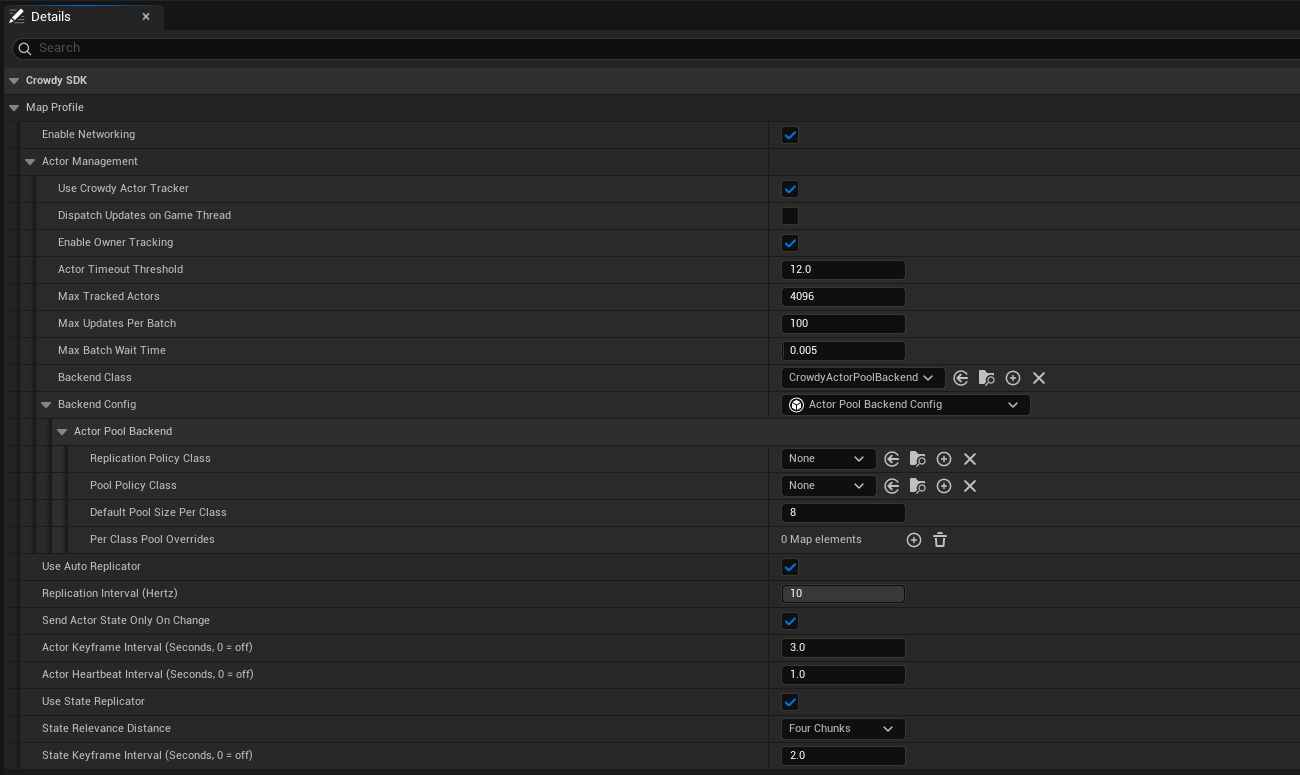
The shipped default profile leaves **Backend Config** at None and runs on the built-in one; the [map profile page](./map-profile.md#create-the-asset) shows that state and when to assign your own.
| Field | Default | Effect |
|---|---|---|
| `bUseCrowdyActorTracker` | on | Off means no tracker, no actor manager, and no backend on this map. |
| `bDispatchUpdatesOnGameThread` | off | Also broadcast each update batch to `OnUpdatesGameThread` for a Blueprint listener. |
| `bEnableOwnerTracking` | on | Track the local player's own actor echo as well: the reflection the [Quickstart](../quickstart.md#2-see-yourself) uses as proof that the server is receiving you. |
| `ActorTimeoutThreshold` | 12 s | Seconds of silence before an entity is dropped on a guess. The server announces a real departure about five seconds after the last update, so this is the fallback. |
| `MaxTrackedActors` | 4096 | How many network-received actors may be tracked at once. A bound on forged ids, not a performance setting; set it above the largest crowd you intend to show. |
| `MaxUpdatesPerBatch`, `MaxBatchWaitTime` | 100, 5 ms | How updates for not-yet-seen entities are batched off the game thread. |
The tracker's events, all on the game thread: `OnRemoteEntityAppeared` (an id seen for the first time, with its `InitialState`), `OnRemoteEntityTimedOut` (this client heard nothing for `ActorTimeoutThreshold`), `OnRemoteEntityLeft` (the server said it is gone, with an `FCrowdyActorLeft` carrying the `ECrowdyActorLeftReason`: `Stale`, or `SessionReleased` when the server ended that actor's session), and `OnRemoteEntityLeftAnnounced` (every departure, including one for an actor this client never held, for code keeping its own per-sender state). Whichever of timed-out and left reaches an actor first is the only one that reports it. The delegate types are `FOnActorSpawnRequested`, `FOnActorTimeoutRequested`, `FOnActorLeftReported` (used by both departure events), and `FOnActorUpdateGameThreadBatch`. `ToggleOwnerTracking` and `ToggleBroadcastUpdatesToGameThread` change those two settings at runtime. `Configure` does not: it applies only before the tracker starts, which is before any Blueprint can call it, so on a running tracker it logs a Warning and changes nothing, and its Blueprint node is deprecated. Set the limits in the [map profile](./map-profile.md) or in the Crowdy SDK developer settings instead. `FCrowdyActorUpdate` is the batch element, carrying `PayloadTypeID`, the payload type id the sender's state blob led with, kept even when no struct is registered for it on this client. `crowdy.replication.tracker.maxgatheredupdates` caps the backlog of gathered updates for actors already on screen. You do not normally touch any of this: the actor manager and the [rendering backend](./rendering-backends.md) consume it for you.
## Looking entities up
`UCrowdyEntitySubsystem` is the registry. `FindEntity(NetID)` returns the actor or null; `FindEntityID(Actor)` is the reverse lookup; `IsLocallyOwned(NetID)` is true when the record names the local player as the owner and the role says this client simulates it (a record that contradicts itself reads as not mine); `GetLocalPlayerID` and `GetHostID` read the two ids everything else is compared against; `SetLocalPlayerID` exists for a game that manages the player id itself, which the session normally seeds for you. `OnEntityRegistered` and `OnEntityUnregistered` (`FOnCrowdyEntityRegistered`, `FOnCrowdyEntityUnregistered`) fire with the NetID as records come and go. The Blueprint-friendly statics on `UCrowdyUtilities` wrap the same registry: `GetCrowdyEntityID`, `GetCrowdyEntity`, `GetCrowdyEntityOwnerID`, `GetCrowdyEntityRole` (an `ECrowdyRole`), `GetAllCrowdyEntitiesByOwner`, `CrowdyIsEntityRegistered`, and `GetLocalPlayerEntityID`.
## Gotchas
- `IsLocallyOwned` means two different things: on the subsystem it takes a NetID and asks the record; on the component it takes nothing and asks whether this client is the entity's authority, host-owned included. See [Entity component](./entity-component.md).
- A spawned entity is owned by its spawner, full stop. To hand it over, use [Ownership transfer](./ownership-transfer.md).
- `InitialState` reaches `OnCrowdySpawned` once on each client that receives the spawn event, on the actor that client draws. A late joiner receives it for a Static entity (from a repeat) but not for a Dynamic one.
- Two unrelated participants can derive the same NetID (a NetID has 32 bits of real entropy). The incumbent keeps it and the newcomer is refused with a log line; a system that binds state to an id should register through `TryRegisterEntity` and give up its claim when the `ECrowdyEntityRegistration` it returns is `RefusedIdHeldByLiveParticipant` (or `RefusedInvalidNetID` for a record with no usable id) rather than `Registered`.
- `UHelperFunctions` has the id helpers a custom identity scheme would reach for: `GetDeterministicID(Seed)` turns a seed into the same `FGuid` on every client, with those same 32 bits of entropy, and `GetNewID` and `GetNewUUID` mint random ones. Prefer the component's identity policies; these exist for code that already has a seed.
## Related
- [Entities, Identity, and Ownership](../concepts/entities-identity-ownership.md): NetIDs, policies, owner and proxy.
- [Entity component](./entity-component.md): every callable and event on the component.
- [Ownership transfer](./ownership-transfer.md): moving an entity to another player.
- [Rendering backends](./rendering-backends.md): how a proxy is drawn, and the pooled-proxy gotchas.
- [Continuous state](./continuous-state.md): Dynamic mode and the executor.
# Entity Component
Source: https://docs.dev.crowdedkingdoms.com/unreal-sdk/runtime/entity-component
# Entity Component
`UCrowdyEntityComponent` is the one component the SDK tracks an actor by. It registers the actor in the entity registry, hands out its identity, optionally feeds the continuous state channel, and raises the lifecycle events. This page is the reference; the concepts are on [Entities, Identity, and Ownership](../concepts/entities-identity-ownership.md).
## Getting the component
In C++ the actor usually holds the pointer it created in its constructor. From anywhere else, `UCrowdyUtilities::GetCrowdyEntityComponent(Actor)` (Blueprint: **Get Crowdy Entity Component**, `Actor` defaults to self) resolves it GAS-style: if the actor implements `ICrowdyEntityComponentProvider` its answer is used, otherwise `FindComponentByClass`. Implement the interface when the component lives on a child actor or is chosen at runtime; it is deliberately not a node you call directly.
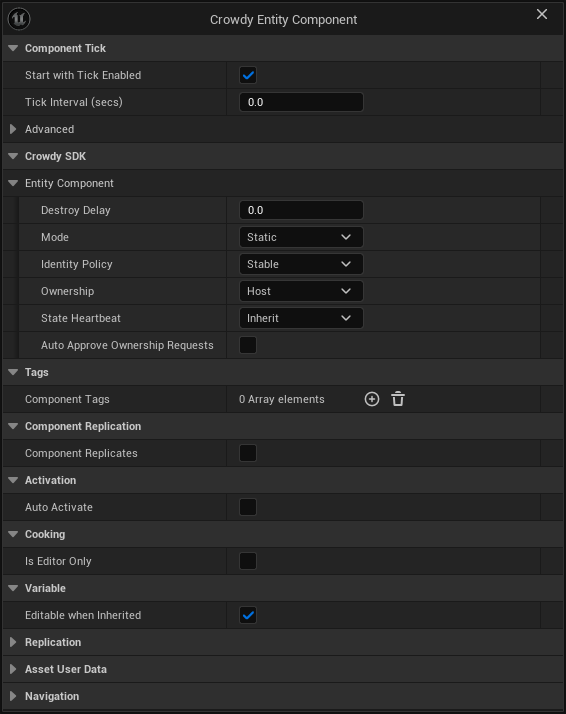
## Settings
All `EditAnywhere`, so a constructor, a Blueprint's Class Defaults, or a placed instance can set them.
| Setting | Default | One line |
|---|---|---|
| `Mode` (`ECrowdyEntityMode`) | Static | Static is event-only. Dynamic also streams the `StateExecutor` snapshot every replication interval. Unrelated to ownership and to Crowdy State, which work in either mode. |
| `IdentityPolicy` (`ECrowdyIdentityPolicy`) | Stable | Stable, PlayerDerived, or Random. Read only when the actor resolves its own identity; a runtime spawn ignores it. |
| `Ownership` (`ECrowdyOwnership`) | Host | Host: the elected host owns it (`Role = HostOwned`). LocalClient: this client owns it (`Role = Owner`). Level-placed actors only. |
| `HostOverride` (`ECrowdyHostOverride`) | Allow | For a LocalClient entity: may the host correct its Crowdy State as a super-user (Allow), or never (OwnerOnly). Hidden when Ownership is Host. |
| `StateHeartbeat` (`ECrowdyStateHeartbeat`) | Inherit | Inherit follows the map profile's keyframe; Off never emits a keyframe for this entity. On-change replication is unaffected. |
| `bAutoApproveOwnershipRequests` | off | The current authority grants any transfer request at once instead of raising `OnOwnershipRequested`. |
| `StateExecutor` (`UActorUpdateExecutor`) | none | Dynamic only. Builds the snapshot; unset means the SDK's transform-only default. |
| `bAutoRegister` | on | Dynamic only. Join the continuous channel at `BeginPlay`; off means you call `StartReplication` yourself. |
| `DestroyDelay` (float) | 0 | Seconds between `OnCrowdyDestroyed` and the actor being destroyed. |
## Callables
Category **Crowdy SDK, Entity Component** in the Blueprint palette.
| Function | One line |
|---|---|
| `GetNetID()` | The entity's shared id, as an `FGuid`. |
| `GetOwnerID()` | The owning player's id; invalid for a host-owned entity. |
| `GetRole()` | `ECrowdyRole`: `Owner`, `RemoteProxy`, `HostOwned`, or `None` before registration. |
| `IsLocallyOwned()` | True when this client is the authority: it owns the entity, or the entity is host-owned and this client is the host. The question to ask before owner work. |
| `GetMode()`, `GetOwnership()`, `GetHostOverridePolicy()`, `GetStateHeartbeat()` | The settings above, read back. There is no getter for `IdentityPolicy`. |
| `StartReplication()`, `StopReplication()` | Join or leave the continuous channel. Meaningful for a Dynamic entity this client owns; `bAutoRegister` calls the first one for you. |
| `SendEvent(Payload, Scope)` | Sends a struct payload addressed at this entity. `ECrowdyEventScope::Everyone` runs the entity's handlers on every client, `OwnerOnly` only on the owner. The lower-level sibling of a `CrowdyEvent`; see [Recipients and routing](./recipients-and-routing.md). |
| `MarkStateDirty(PropertyName)`, `MarkAllStateDirty()` | Schedule one, or every, `CrowdyManualDirty` property to ship on the next replication tick. See [Crowdy State: marking state from outside the actor](./crowdy-state.md#marking-state-from-outside-the-actor). |
| `DestroyEntity()` | Broadcast the destroy event and destroy the owner after `DestroyDelay`. The same path as the subsystem's `DestroyEntity(Actor)` and `UCrowdyUtilities::DestroyCrowdyEntity`. |
`IsLocallyOwned()` here takes no argument and answers for the authority; `UCrowdyEntitySubsystem::IsLocallyOwned(NetID)` answers a narrower question about the record's owner id and does not count the host of a host-owned entity. Do not treat them as interchangeable.
## Events
| Event | Signature | When |
|---|---|---|
| `OnCrowdySpawned` (`FOnCrowdyEntitySpawned`) | `InitialState`, `bIsLocallyOwned` | Runtime-spawned entities only: fired by `SpawnEntity` on the spawner and by the spawn event on every proxy, with the spawn payload. A level-placed entity never receives it; bind `OnCrowdyOwnershipAssigned` there instead. |
| `OnCrowdyDestroyed` (`FOnCrowdyEntityDestroyed`) | `bIsLocallyOwned` | On every client when the entity is torn down, before the delay. |
| `OnCrowdyOwnershipAssigned` (`FOnCrowdyOwnershipAssigned`) | `NewOwnerID`, `NewRole`, `bIsLocallyOwned` | Once the entity knows its owner, on the tick after registration (so a bind in `BeginPlay` still gets it), and again on every reassignment. `NewOwnerID` is invalid for a host-owned entity. |
The example binds all three in `ALantern::BeginPlay`, after `Super::BeginPlay()`; the three `AddDynamic` lines in the block go there. A lantern the player drops at runtime is the kind of entity that receives all three: the spawn path announces `OnCrowdySpawned` right after `BeginPlay`, on the owner and on every proxy, so a bind made there is in place in time. A level-placed post never gets the spawn event; on it only the destroy and ownership handlers ever run. The light shows on spawn, hides on destroy, and brightens or dims as the answer to "do I own this" arrives.
```cpp
// Lantern.h
UFUNCTION()
void HandleSpawned(const FInstancedStruct& InitialState, bool bIsLocallyOwned);
UFUNCTION()
void HandleDestroyed(bool bIsLocallyOwned);
UFUNCTION()
void HandleOwnershipAssigned(const FGuid& NewOwnerID, ECrowdyRole NewRole, bool bIsLocallyOwned);
// Lantern.cpp
CrowdyEntity->OnCrowdySpawned.AddDynamic(this, &ALantern::HandleSpawned);
CrowdyEntity->OnCrowdyDestroyed.AddDynamic(this, &ALantern::HandleDestroyed);
CrowdyEntity->OnCrowdyOwnershipAssigned.AddDynamic(this, &ALantern::HandleOwnershipAssigned);
void ALantern::HandleSpawned(const FInstancedStruct& InitialState, bool bIsLocallyOwned)
{
// Spawned entities only: the spawn path announces it right after BeginPlay, on the owner and on every proxy.
Light->SetVisibility(true);
}
void ALantern::HandleDestroyed(bool bIsLocallyOwned)
{
Light->SetVisibility(false);
}
void ALantern::HandleOwnershipAssigned(const FGuid& NewOwnerID, ECrowdyRole NewRole, bool bIsLocallyOwned)
{
Light->SetIntensity(bIsLocallyOwned ? 8000.f : 2000.f);
}
```
In the spawned lantern's Blueprint, at **Event BeginPlay**, **Get Crowdy Entity Component** feeds **Bind Event to On Crowdy Spawned**, whose `Event` pin is wired to a custom event, `OnLanternSpawned`, that receives the spawn payload and the ownership flag; its body calls **Set Visibility** on `Light`. The other two events bind the same way from the same getter.
[Blueprint snippet: ec-on-spawned, see /bp/unreal-sdk/ec-on-spawned.txt]
## Asking a different question than IsLocallyOwned
The [Quickstart](../quickstart.md) and the identity page both branch on `IsLocallyOwned()`. The accessor family answers finer questions: `GetRole()` distinguishes the owner from the host of a host-owned entity from a proxy, which the boolean cannot. The example grades the post's light by role.
Four more `UCrowdyUtilities` nodes ask role questions without fetching the component: `CrowdyIsRemoteProxy(Entity)` (**Crowdy Is Remote Proxy**) is true when the entity's role is `RemoteProxy`, and `IsCrowdyEntityPlayerControlled(TargetActor)` (**Is Crowdy Entity Player Controlled**) is true for an actor with a Dynamic entity component or a registered remote-proxy record; `SwitchCrowdyIsRemoteProxy` and `SwitchIsCrowdyEntityPlayerControlled` are the same two answers as exec pins.
```cpp
// LanternPost.h
void ShowRole();
// LanternPost.cpp
void ALanternPost::ShowRole()
{
// The same client can own, host, or only mirror this post; each reads a different brightness.
switch (CrowdyEntity->GetRole())
{
case ECrowdyRole::Owner: Light->SetIntensity(8000.f); break;
case ECrowdyRole::HostOwned: Light->SetIntensity(4000.f); break;
default: Light->SetIntensity(1000.f); break;
}
}
```
The generated graphs branch on booleans, so the three-way role grading of the C++ half is shown as its two-way half: **Get Crowdy Entity Component**, **Is Locally Owned**, a **Branch**, and **Set Intensity** to 8000 on `Light` for the owner. For the full grading in Blueprint, replace the Branch with a **Switch on ECrowdyRole** fed by **Get Role**.
[Blueprint snippet: ec-is-owned, see /bp/unreal-sdk/ec-is-owned.txt]
## The two RPC receivers on the component
`RequestOwnership_Implementation(RequesterID)` and `GrantOwnership_Implementation(NewOwnerID, PreviousOwnerID)` are `CrowdyEvent` functions with `CrowdyRecipient = "Multicast"` that carry [ownership transfer](./ownership-transfer.md) over the session channel. Call the static `UCrowdyOwnershipTransfer` nodes instead of these; `GrantOwnershipTo(NewOwnerID)` is the C++ entry the static nodes funnel through.
:::caution[These two events are Multicast with no CrowdyChannel on purpose. Do not re-declare them with a channel.]
They ride the app's session channel, which the SDK always joins, so a request or a grant reaches every client. Re-declared on a channel of their own they would reach that channel's members instead of the entity's audience. Ownership on this plane is a convention in any case; the enforced kind lives in your server code, on the [truth plane](../concepts/two-planes.md).
:::
## Advanced: the static identity helpers
C++ only, pure, and the same functions the SDK's own identity resolution calls. Useful when writing custom identity code; not needed otherwise.
| Static | What it answers |
|---|---|
| `DeriveAuthority(Ownership, LocalPlayerID, OutRole, OutOwnerID)` | The role and owner id an `Ownership` value produces. |
| `ResolveEffectiveOwnership(AuthoredOwnership, bIsLevelPlaced)` | Why a runtime spawn is always owned by its spawner. |
| `ResolveActorInstanceGuid(Actor)` | The engine's per-placement guid, the Stable identity seed. |
| `ShouldUsePlacementGuid(bIsLevelPlaced, bHasInstanceGuid)`, `SelectPlacementGuid(AtRegister, Live)` | When that guid may be used, and why the snapshot taken at `OnRegister` wins over a live read in a cooked build. |
| `ComputeStableNetID(bOutUsedPathFallback)` | The Stable NetID for this actor, and whether it fell back to hashing the path. |
| `DoesOwnershipMatch(OwnerRole, OwnerNetID, TargetRole, TargetOwnerID, HostID)` | The ownership test behind `UCrowdyUtilities::DoesCrowdyEntityOwn`; fails closed when a host-owned side has no host id. |
| `ClassifyPlayerDerivedIdentity(Facts)`, `DescribePlayerDerivedIdentity(Verdict)` | Which condition made PlayerDerived fall back to Random, and the sentence the warning uses. |
| `ShouldReportHostOwnedAutoRegister(Mode, bAutoRegister, Role)`, `DescribeHostElectionState(bHostKnown, bLocalClientIsHost)` | The two authoring diagnostics: a Dynamic host-owned entity ends `BeginPlay` sending nothing, and what this client currently knows about the host. |
| `GetClassID()` | The class hash carried on spawn events. |
`InitIdentity`, `AssignPooledIdentity`, `ClearIdentity`, `MarkPooledDormant`, and `IsPooledDormant` are the injection points the entity subsystem and the actor pool use; game code has no reason to call them.
## Gotchas
- `OnCrowdyOwnershipAssigned` is announced on the tick after registration, deliberately, so a bind in the actor's own `BeginPlay` is not too late.
- A Dynamic entity with `Ownership = Host` and `bAutoRegister` on leaves `BeginPlay` sending nothing: auto-register only starts the channel for an entity this client owns outright. The log says so once per component.
- `DestroyEntity()` exists in three places with three signatures and one behaviour. Use whichever you already hold a reference for.
- The enum getters return the setting, not a live derivation. `GetRole()` is the live answer.
## Related
- [Entities, Identity, and Ownership](../concepts/entities-identity-ownership.md): what the settings mean.
- [Entities and spawning](./entities-and-spawning.md): the subsystem's spawn, destroy, and lookup calls.
- [Ownership transfer](./ownership-transfer.md): the static nodes that replace calling the two receivers.
- [Crowdy State](./crowdy-state.md): the properties `MarkStateDirty` serves.
- [Continuous state](./continuous-state.md): `Mode`, `StateExecutor`, and `bAutoRegister`.
# RPC Events in C++
Source: https://docs.dev.crowdedkingdoms.com/unreal-sdk/runtime/rpc-events-cpp
# RPC Events in C++
A CrowdyEvent is a `UFUNCTION` you call like a normal method. The SDK marshals the arguments by reflection, routes them over the transport, and runs the matching `_Implementation` on the receivers the recipient names. No payload struct, no base class, no manual send call.
## When to use one
For a moment, not a value: a flicker, a swing, a chat line, a one-shot trigger. Anything a late joiner must still see is a [Crowdy State](./crowdy-state.md) property; anything a client could gain by lying about belongs on the [truth plane](../concepts/two-planes.md), in your server code.
## The two halves
**The receiver** is a reflected `UFUNCTION` named `_Implementation`, declared by you, tagged `meta=(CrowdyEvent)` plus the routing keys. It is what runs on every recipient, the caller included when the recipient says so.
**The call site** is `CROWDY_EVENT()`, a macro placed in the class body with no trailing semicolon. It generates a template `(Args...)` that forwards to `FCrowdyRPC::SendChecked`, which checks the argument count and each argument's convertibility against the receiver's declared parameters at compile time, marshals them, and routes the call.
Both halves work on any actor or component that carries a `UCrowdyEntityComponent`, and on a [replicated subsystem](./replicated-subsystems.md).
:::warning[The receiver must be a literal UFUNCTION you write by hand, never one emitted from inside another macro.]
UnrealHeaderTool does not expand macros when it scans for reflected declarations. A `UFUNCTION` produced by a macro is invisible to reflection, so `CROWDY_EVENT` generates only the non-reflected thunk and the routing lives on the receiver's metadata.
:::
The lantern's second event is `Sparkle`: the owner announces a one-time ignition sparkle at `BeginPlay`, everyone in range tints the light and reads a set of spark offsets. The four blocks below are facets of that one member. `FLanternSparkleStyle`, the struct the receiver takes, is declared under [Parameters](#parameters) below.
```cpp
// Lantern.h
// The receiver runs on every client in range; Sparkle() is the call that sends it.
UFUNCTION(meta = (CrowdyEvent, CrowdyRecipient = "SpatialMulticast"))
void Sparkle_Implementation(const FLanternSparkleStyle& Style, const TArray& SparkOffsets);
CROWDY_EVENT(Sparkle)
```
The call, inside `ALantern::BeginPlay` after `Super::BeginPlay()`, behind the owner check that every `SpatialMulticast` send needs:
```cpp
// Lantern.cpp
// The owner announces its ignition sparkle to everyone nearby.
if (CrowdyEntity->IsLocallyOwned())
{
FLanternSparkleStyle Style;
Style.Color = FLinearColor::Yellow;
Style.Intensity = 8000.f;
TArray Offsets = { FVector(0.f, 0.f, 40.f), FVector(0.f, 0.f, 80.f) };
Sparkle(Style, Offsets);
}
```
## Routing keys
The meta keys are read from the receiver at scan time and baked into a registry, so a packaged build never reads metadata at runtime.
| Meta key | Value | Default when omitted |
|---|---|---|
| `CrowdyEvent` | none | Required. Marks the function as a receiver. |
| `CrowdyRecipient` | An `ECrowdyEventRecipient` enumerator name: `SpatialMulticast`, `Multicast`, `OwningClient`, `Host` | `SpatialMulticast` |
| `CrowdyDecay` | An `ECrowdyDecayRate` name | `No_Decay`. Spatial only. |
| `CrowdyDistance` | An `ECrowdyReplicationDistance` name | `Eight_Chunks`. Spatial only. |
| `CrowdyChannel` | A channel name | Empty, the app's session channel. Multicast only. |
Who each recipient reaches, and over which transport, is on [Recipients and routing](./recipients-and-routing.md). One more key, `CrowdyAction`, declares that the parameters describe a one-shot action; it changes nothing for an actor that runs the body itself and matters only to a backend that holds the entity as data.
## Parameters
`FCrowdyRPC::IsSupportedParamType` decides what may ride the wire. A parameter may be:
- a primitive (`bool`, any integer width, `float`, `double`, a byte), an enum, an `FName`, an `FString`, or an `FText`;
- a `USTRUCT`;
- an object or class reference (`UObject*`, `TSubclassOf`, and their soft forms), resolved by identity on the receiver;
- a `TArray` of any of the above, object references included;
- a `TSet` or `TMap` whose element, key, and value are not object references.
Not supported: a return value, a non-const output reference, a delegate, an interface, a `TSet` or `TMap` of object references, and a container buried inside a struct parameter at any depth a real struct reaches (`FCrowdyRPC::StructTransitivelyContainsContainer` is the check; it stops at eight levels). A `const TArray&` is an input and is fine.
:::warning[An unsupported signature is not a compile error. The event is dropped at scan time and every call to it goes nowhere.]
The startup scan runs `FCrowdyRPC::DescribeSignatureProblem` on each receiver and logs an error of the shape `[CrowdyAutoRegistry] CrowdyEvent 'ALantern::Sparkle_Implementation' parameter 'X' has unsupported type 'Y' ... not registered; calls to it will be dropped.` Grep the log for `not registered` when an event compiles but never arrives.
:::
A struct parameter travels as a value, so a small cosmetic struct is the natural way to pass several fields at once:
```cpp
// Lantern.h
// Cosmetic view data for the ignition sparkle; server-owned state never goes here.
USTRUCT()
struct FLanternSparkleStyle
{
GENERATED_BODY()
UPROPERTY() FLinearColor Color = FLinearColor::White;
UPROPERTY() float Intensity = 1.f;
};
```
### Containers and their bounds
A container parameter is decoded with a bound of 65536 elements; a count past that is treated as forged and the whole call is dropped on receipt. The struct-buried form is refused at scan time because that decode cannot be bounded.
```cpp
// Lantern.cpp
void ALantern::Sparkle_Implementation(const FLanternSparkleStyle& Style, const TArray& SparkOffsets)
{
Light->SetLightColor(Style.Color);
// One spark per offset in a real project; here each offset brightens the ignition flash.
Light->SetIntensity(Style.Intensity * SparkOffsets.Num());
}
```
:::warning[A Multicast call has a 1024-byte budget. A call that would exceed it is dropped loudly, never truncated.]
`CrowdyChannelPayloadMaxBytes` caps the encoded payload of a reliable (`Multicast`) call. A receiver whose fixed-width parameters alone can never fit is refused at registration with an error naming the byte count; a call whose actual encoded size exceeds the cap is dropped at send with `[CrowdyRPC] Reliable '' dropped ... over the 1024-byte channel limit`. A payload that might be large, such as a list of offsets, belongs on `SpatialMulticast`, which fragments across datagrams.
:::
### Object references
An object parameter is encoded by stable identity, tagged as one of three kinds: null, a tracked entity (addressed by its NetID), or an asset or class (addressed by its object path). On the receiver an entity resolves against the local registry and a path resolves against loaded objects. A runtime object that is neither a tracked entity nor an asset has no portable identity and is sent as null with a warning.
:::caution[A class or asset reference resolves by path on the receiver, and the receiver only finds what is already resident.]
By default an asset that is not loaded on the receiving client decodes to null with a warning naming it. `crowdy.rpc.allowObjectLoad 1` opts into loading it on demand; leave that off in a shipping build and make sure the asset is loaded on every client that can receive the call.
:::
## What happens on the wire
The call is packed into an `FCrowdyRpcCall`: the declaring class id, a function id hashed from the full signature (class path, name, and the ordered canonical parameter types), and the parameter bytes prefixed with a format version (`CrowdyRpcParamBlobVersion`). The receiving `UCrowdyEventRouter` looks the pair up in the registry `UCrowdyAutoRegistry` built at startup and invokes the `_Implementation` on the local instance of that entity. A signature that drifted between two builds, or a class that is not loaded, drops with `[CrowdyEventRouter] RPC dropped - no function for ClassID=... FunctionID=...`. A receiver that holds the entity as data rather than as an object reads the same parameters by name through `FCrowdyEventParams`, not through a live object. The Crowdy Mass Rendering Backend works this way, and runs your event's body on a stand-in; see [Run your code on a crowd row](../mass/run-your-code-on-a-crowd-row.md).
Tracing:
```text
crowdy.rpc.trace 1 every send and receive: function, entity, addressing, parameter bytes
crowdy.rpc.reliable.trace 1 the channel transport only
crowdy.rpc.loopback 1 deliver your own sends to your own receiver, for a single-client test
crowdy.rpc.dumpfn BP_Hero_C MyEvent print one function's routing info
```
## Gotchas
- `SpatialMulticast` runs the body on the caller too, so guard the call with `IsLocallyOwned()`; a proxy's copy of the trigger must not send a second one.
- A receiver declared with no `CrowdyRecipient` is `SpatialMulticast`. On a subsystem that default is rejected at send; see [Replicated subsystems](./replicated-subsystems.md).
- A `SpatialMulticast` reaches only clients with a fresh actor of their own on the map. A client whose pawn is not sending updates is at no position, so it receives none and its own sends reach nobody; see the [Quickstart](../quickstart.md#1-make-your-player-a-crowdy-entity).
- A late joiner receives nothing from a past call. If it matters after the moment, it is state.
- Delivery is on the game thread, always. A handler may touch actors freely.
## Related
- [RPC events in Blueprint](./rpc-events-blueprint.md): the same system with a checkbox instead of a macro.
- [Recipients and routing](./recipients-and-routing.md): the four recipients, chunks, decay, and targeted sends.
- [Channels](./channels.md): where a `Multicast` call travels.
- [RPC types](../reference/rpc-types.md) and [RPC meta keys](../reference/rpc-meta-keys.md).
# RPC Events in Blueprint
Source: https://docs.dev.crowdedkingdoms.com/unreal-sdk/runtime/rpc-events-blueprint
# RPC Events in Blueprint
A Blueprint sends and receives CrowdyEvents with no C++: tick one checkbox on a Custom Event, choose a recipient, and call the event by name. The body of the event is the receiver.
## When to use one
The same cases as [RPC events in C++](./rpc-events-cpp.md): a moment other clients should see, not a value a late joiner needs. The Blueprint needs a **Crowdy Entity Component** on the actor (or to be a [replicated subsystem](./replicated-subsystems.md)); a Custom Event on an actor without one has no entity to route by.
## Mark the event
Select the Custom Event node. Its Details panel gains a **Crowdy SDK** category with a **Crowdy Replicates** checkbox; this is the node's own Details panel, not the actor's.
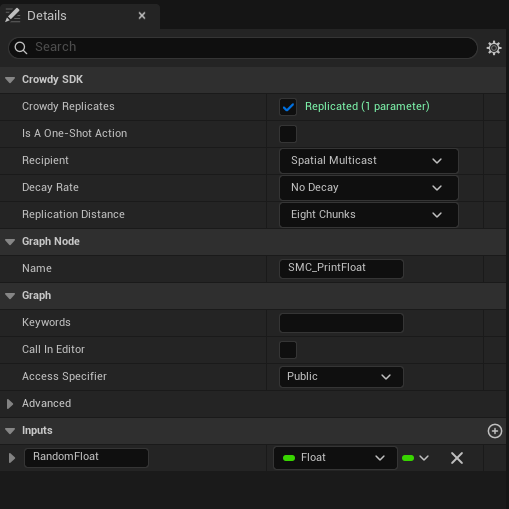
Ticking it writes the `CrowdyReplicates` marker onto the event and clears any Unreal replication flag on the node, since the two cannot combine. A status line under the checkbox tells you at once whether the signature is accepted: green `Replicated (N parameters)`, or a red problem naming the parameter, using the same validator the C++ scan runs. Old assets marked with the earlier spelling `CrowdyReplicate` are still recognised.
:::warning[Crowdy Replicates cannot combine with Unreal's own replication, and the event must be Public.]
The status line reads `Disable Unreal replication - it cannot combine with Crowdy replication`, or `Set Access Specifier to Public - Crowdy Replicates cannot be private`, until you fix the node. A private or protected event is refused because the SDK invokes it from outside the class.
:::
:::caution[Toggling the checkbox needs a recompile before it takes effect.]
The compiler splices a dispatch gate into the head of a marked event at compile time. Until you press Compile the log says `Custom event 'X' Crowdy Replicates ... Recompile to activate.` and the event still runs locally only.
:::
The lantern's `Sparkle` event is the Blueprint twin of the C++ page's `Sparkle_Implementation`, with the style struct flattened into two inputs, `Color` and `Intensity`. Its body is the receiver: **Set Light Color** and **Set Intensity** on `Light`, each fed by a **Get Light** node. The graph below is the whole example; the Details panel of its event node is where Crowdy Replicates is ticked and Spatial Multicast is chosen.
[Blueprint snippet: rpc-mark-event, see /bp/unreal-sdk/rpc-mark-event.txt]
## Pick the recipient
Once Crowdy Replicates is ticked, three more rows appear. **Recipient** is the `ECrowdyEventRecipient` the C++ page uses, with the same default:
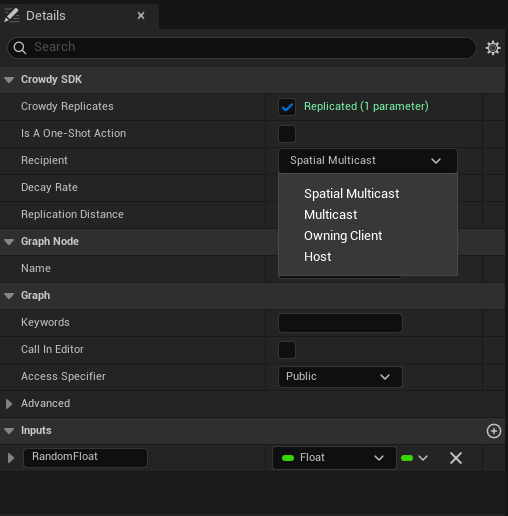
- **Spatial Multicast** (the default): everyone in range, over the chunk-based path, thinned by decay.
- **Multicast**: every member of the app's session channel, whatever the distance, over the channel transport.
- **Owning Client**: only the target entity's owner; another client's call becomes a request to that owner.
- **Host**: only the elected host; another client's call becomes a request to the host.
**Decay Rate** and **Replication Distance** sit below the recipient and are greyed out unless the recipient is Spatial Multicast, because only the spatial path reads them. **Channel** appears only for Multicast: type a channel name, or press **Pick** to choose from the app's channels, which the picker fetches live from Crowdy Studio when you are signed in there; free text always works. **Is A One-Shot Action** appears only once a map profile assigned in **Project Settings, Plugins, Crowdy SDK** (a **Map Profiles** entry or the **Default Profile**) selects a backend that draws crowd rows. A project that uses only the actor pool never sees it. See [Play poses and one-shot actions](../mass/play-poses-and-one-shot-actions.md).
:::warning[A channel you type here must already exist. Only the session channel is created for you.]
A typo, or a channel nobody created, logs a warning at connect time and every call to the event silently reaches nobody. See [Channels](./channels.md).
:::
:::caution[Host runs the call on whatever instance it holds, regardless of who owns that entity, and tells nobody else.]
There is no ownership gate on the host. If the rest of the session must see the outcome of a Host event, the host sends a second, Multicast or Spatial Multicast event with the result.
:::
## Call it
Call the event by name from any graph on the actor, exactly like a local Custom Event: drag off an exec pin, type `Sparkle`, and fill the `Color` and `Intensity` pins. There is no separate node kind for the call and none in the figure above; the call node is the ordinary one the editor offers for any custom event. The gate at the head of the event routes the call over the transport and skips the local body when this client is not a recipient; when it is, the body runs here as well.
For a Spatial Multicast event the owner runs the body itself and sends it, so the call sits behind an **Is Locally Owned** check the way the [Quickstart](../quickstart.md) does; a proxy's copy of the trigger must not send a second one.
## Receive it
There is no second node and no second graph. The same `Sparkle` body shown above is the receiver: on every recipient the SDK replays the call through the event, the gate recognises the replay and lets the body run, and `Color` and `Intensity` arrive on the event's own pins with the values the caller passed.
What the checkbox generates is a call to `UCrowdyReplicatedEventLibrary::CrowdyDispatchReplicatedEvent` at the top of the event. It is marked internal-use and never placed by hand; if a marked event ever loses its gate (a manual edit, a bad merge), calling it runs the body locally and announces nothing, which looks exactly like a transport drop. Recompile.
**Success signal.** With one client, `crowdy.rpc.loopback 1` and `crowdy.rpc.trace 1` show the send and the looped-back receive; the sparkle then comes from the receive rather than the local run.
## Gotchas
- The checkbox lives on the Custom Event node's Details, not the actor's.
- A red status line is the fastest signal that a pin type is rejected. Read it before compiling.
- The Channel field is join-only. Create the channel in Crowdy Studio or at runtime first.
- The Blueprint event body runs on the caller for Spatial Multicast and Multicast, and only where the recipient says for Owning Client and Host. Do not add a second local call.
- Cheat-sensitive data never rides a CrowdyEvent; it belongs on the [truth plane](../concepts/two-planes.md), in your server code.
## Related
- [RPC events in C++](./rpc-events-cpp.md): the parameter rules and the routing keys in full.
- [Recipients and routing](./recipients-and-routing.md): what a chunk is, decay, and targeted sends.
- [Channels](./channels.md): creating the channel a Multicast event names.
# Recipients and Routing
Source: https://docs.dev.crowdedkingdoms.com/unreal-sdk/runtime/recipients-and-routing
# Recipients and Routing
Every CrowdyEvent names a recipient, and the recipient decides two things: who runs the body, and which transport carries it. This page is the delivery model behind both the [C++](./rpc-events-cpp.md) and the [Blueprint](./rpc-events-blueprint.md) authoring pages.
## The four recipients
`ECrowdyEventRecipient`, set with `CrowdyRecipient` in C++ or the Recipient dropdown in Blueprint. `SpatialMulticast` is the default when the key is omitted.
| Recipient | Travels over | Distance and decay | Who runs the body |
|---|---|---|---|
| `SpatialMulticast` (default) | The spatial path, addressed by the sender's chunk | Yes: `CrowdyDistance` and `CrowdyDecay` | Every client in range, the caller included |
| `Multicast` | A channel: the session channel, or the one `CrowdyChannel` names | No: every member, any distance, never thinned | Every channel member, the caller included |
| `OwningClient` | A targeted delivery to one client | No | Only the target entity's owner. A non-owner's call becomes a request to the owner; the owner's own call runs locally and sends nothing. |
| `Host` | A targeted delivery to one client | No | Only the elected host. A non-host's call becomes a request; the host's own call runs locally. The host runs it on whatever instance it holds, whoever owns that entity. |
The decision is a pure function of the recipient, the participant kind, and the local authority facts, so it is the same on every client and in every build.
"In range" is measured from the position each client's own actor updates registered, so a `SpatialMulticast` reaches only clients with a fresh actor on the map; a client whose pawn is not sending is nowhere and receives nothing. The [Quickstart](../quickstart.md#1-make-your-player-a-crowdy-entity) makes the player's pawn that actor before it sends anything.
:::warning[On a replicated subsystem the default recipient is rejected. Set Multicast or Host explicitly.]
A subsystem has no world position, so a `SpatialMulticast` event declared on one has nowhere to be sent from. The send logs `uses SpatialMulticast, which has no location; set CrowdyRecipient=Multicast or Host. Dropping.` and consumes the call so a Blueprint caller does not run the body as a fallback. Since `SpatialMulticast` is what an unannotated event gets, every event on a subsystem needs the key written out. See [Replicated subsystems](./replicated-subsystems.md).
:::
## Spatial: chunks, distance, and decay
The world is divided into chunks of `ChunkSize` units on a side; a spatial event is sent from the sender's chunk and reaches every client whose actor stands within `CrowdyDistance` chunks of it. `ChunkSize` lives on the game session (`UCrowdyGameSession::GetChunkSize`, `SetChunkSize`) and defaults to 1600 units, so `ECrowdyReplicationDistance::Four_Chunks` is 6400 units at the default. A distance is a chunk count, not a world distance: changing the chunk size changes what every distance value means.
To see which chunk a point falls in, `UHelperFunctions::GetChunkCoordinateAtLocation(WorldContextObject, WorldLocation, ChunkX, ChunkY, ChunkZ)` (Blueprint: **Get Chunk Coordinate At Location**) reads the session's chunk size and returns the three `int64` coordinates; the older `GetChunkCoordinatesAtWorldLocation` without a world context is deprecated.
`ECrowdyReplicationDistance` runs from `None` through `One_Chunk` to `Eight_Chunks` (the default). `ECrowdyDecayRate` thins delivery with distance:
| Value | Effect |
|---|---|
| `No_Decay` (default) | Every client inside the distance receives the event. |
| `Exponential_Decay` | Delivery probability falls off exponentially with distance. |
| `Linear_50`, `Linear_25`, `Linear_10`, `Linear_5` | Linear falloff, from the mildest to the most aggressive. |
Decay is a server-side filter applied before the event reaches remote clients. Use it for high-rate cosmetic events where a distant client missing some of them is fine.
## Multicast: what reliable means
A `Multicast` event rides a [channel](./channels.md). "Reliable" here means coverage: every member of the channel is a recipient, at any distance, with no decay. It does not mean guaranteed delivery. The transport is still UDP with no acknowledgement, no retransmit, and no duplicate suppression.
:::warning[Reliable is coverage, not delivery. A late joiner gets nothing from a past Multicast call.]
Treat a Multicast event like any other fire-and-forget call for anything that must not be silently missed. If a value has to be right on a client that missed the event or joined afterwards, put it in a [Crowdy State](./crowdy-state.md) property, or in your server code if it is [truth](../concepts/two-planes.md); an event has no history to replay.
:::
The payload of a Multicast call is capped at 1024 bytes (see the [C++ page](./rpc-events-cpp.md#containers-and-their-bounds)); a large container belongs on `SpatialMulticast`.
## Targeted: OwningClient and Host
Both are delivered by the server as a single-actor message to exactly one client, never as a broadcast. On receipt an actor participant drops a broadcast that claims to carry an owner-only or host-only function, since a real one never arrives that way. On a subsystem there is no single-actor transport, so the same events legitimately arrive as channel broadcasts and are gated by identity on receipt.
:::caution[A Host send needs the host's own entity within the sender's known range.]
The targeted message is addressed to the host's avatar entity and the chunk it stands in. If this client holds no record of that entity, the send logs `Run-On-Host '' dropped ... the host's avatar is not in range` and the call is gone; it is not queued until the host comes into range.
:::
An `OwningClient` event aimed at a world entity nobody owns has no destination and drops; use `Host` for a world entity.
The lantern world uses `Host` for a relight: a client whose lantern has gone dark asks the elected host to relight it, and the host acts on whichever `ALantern` instance it holds. The lantern the host holds is a proxy of another client's entity, so setting `bLit` on it would stay on the host; the receiver marks the property dirty as well, which on an entity the host does not own is the [host push](./crowdy-state.md#on-an-entity-you-do-not-own-the-host-push) that makes the owner adopt the value. `Flicker` from the [Quickstart](../quickstart.md) is the `SpatialMulticast` row; the other two recipients are described in the table above and need no new member.
```cpp
// Lantern.h
UFUNCTION(meta = (CrowdyEvent, CrowdyRecipient = "Host"))
void RequestRelight_Implementation();
CROWDY_EVENT(RequestRelight)
// Lantern.cpp
void ALantern::RequestRelight_Implementation()
{
Light->SetVisibility(true);
bLit = true;
// The host does not own this lantern; the mark is the host push that makes the owner adopt it.
CrowdyEntity->MarkStateDirty(TEXT("bLit"));
}
```
A `RequestRelight` custom event with Crowdy Replicates ticked and **Recipient** set to **Host**; its body is **Set Visibility** on `Light`, fed by **Get Light**. Call it from any client whose lantern is dark and it runs on the host alone. The figure is the visible half only. To make the owner adopt the value as the C++ does, add two nodes after it: **Set Lit** to true, then **Mark Crowdy State Dirty** with `Lit` as the property name; without them the relight stays on the host's proxy.
[Blueprint snippet: recipient-each, see /bp/unreal-sdk/recipient-each.txt]
## Receiving raw notifications in Blueprint
`UCrowdyBlueprintReceptionLayer` (**Crowdy Blueprint Reception Layer**) is a Blueprintable object that receives the wire-level notifications behind the systems on this page, for a game that wants to see them before the SDK's own routing does: subclass it in Blueprint, list the payload structs it claims in `SupportedEvents` (empty means unclaimed events only) and the actor update types in `SupportedActorUpdateTypes`, create it with **Create and Register Layer** (`CreateAndRegisterLayer(WorldContextObject, Class)`), and bind its two events. `OnEventNotificationReceived` (`FOnGameEventNotificationReceived`) delivers an `FGameEventNotificationBP` (the sender `UUID`, the chunk, the `Timestamp`, and the `Event` as an instanced struct); `OnActorUpdateReceived` (`FOnActorUpdateReceived`) delivers an `FActorUpdateNotificationBP` with the same envelope around an `ActorUpdate` struct. A game that uses CrowdyEvents and Crowdy State never needs one; it exists for custom payloads sent with `SendCrowdyEvent` and for diagnostics.
## Delivery is on the game thread
Every routing and dispatch entry point in `FCrowdyRPC` and `UCrowdyEventRouter` is game-thread only, and every handler runs there. A handler may spawn, destroy, and touch components without marshalling.
## Sending without an actor
Two lower-level entry points exist for callers the ordinary path cannot serve.
**A CrowdyEvent for an entity you hold only by identity.** `FCrowdyRPC::SendToTarget(World, Target, Fn, Frame)` sends a receiver function to an entity described by an `FCrowdyRpcTarget`: its `NetID`, an optional `Location`, its `OwnerID`, and this client's `Role` toward it. It routes by the function's own recipient, all four of them, and where this client already holds a registration for the entity the record's owner, role, and position win over the target's fields. It returns false only when there was no transport at all; every drop returns true, so a caller must not run a local body as a fallback for a refused send. Read the location from the entity's own live state, never from a caller's argument, because the location decides which region the message is addressed to. A plain `UObject` that stands for an entity with no actor can also implement `ICrowdyEventSource` and use the ordinary `CROWDY_EVENT` call; the send path asks the interface for the identity and the position it would otherwise read from an actor. The five overrides are `GetEventEntityID` (the entity's NetID), `GetEventLocation` (where it stands right now, or false when unknown), `GetEventOwnerID` (the owning player, invalid for a world entity), `GetEventRole`, and `IsEventLocallyOwned` (only an owner, or the host for a world entity, may originate). Answer for the entity you stand for, read live; never hand back a location a caller passed in, because the location decides which region the event is addressed to.
**A struct payload with no declared receiver.** `UCrowdyUtilities::SendCrowdyEvent(WorldContextObject, TargetEntity, Payload, Recipient, DecayRate, ReplicationDistance)` in C++, **Send Crowdy Event** (`K2_SendCrowdyEvent`, a wildcard struct pin) in Blueprint, broadcasts any `USTRUCT` at a target actor with an explicit recipient. It goes through `UCrowdyEntitySubsystem::DispatchGameEvent`, whose `ECrowdyTarget` (`Everyone`, `Entity`, `Owner`, `Host`, `AllExceptSender`) is the wire-level addressing the recipient enum maps onto; `DispatchGameEventAt` is the same send from an explicit location, `DispatchGameEventView` and `DispatchGameEventViewAt` borrow the payload instead of copying it, and `DispatchSingleActorMessage` and `DispatchSingleActorMessageTo` are the targeted delivery behind OwningClient and Host. A handler receives the struct, and may declare an `FCrowdyEventContext` as an optional second parameter to read the `SenderID`, the `TargetID`, the `Target`, and `bSentByLocalPlayer`. `UCrowdyEntityComponent::SendEvent(Payload, Scope)` is the same send addressed at the component's own entity, with `ECrowdyEventScope::Everyone` or `OwnerOnly`.
:::caution[The struct send has none of the compile-time checking a CrowdyEvent receiver gets.]
Any struct is accepted, there is no `_Implementation` naming convention to tie a sender to a receiver, and a mismatch is found at runtime or not at all. Prefer a `CrowdyEvent` unless you are building a system on top of the SDK.
:::
## Gotchas
- Omitting `CrowdyRecipient` means `SpatialMulticast`. Write the key out on anything that is not an actor.
- Decay and distance are read only for `SpatialMulticast`. Setting them on a `Multicast` event does nothing.
- `OwningClient` on a host-owned world entity drops. Use `Host`.
- The Host recipient has no ownership gate. The host may act on any entity it holds.
- Changing `ChunkSize` changes the meaning of every distance in the project.
## Related
- [RPC events in C++](./rpc-events-cpp.md) and [in Blueprint](./rpc-events-blueprint.md).
- [Channels](./channels.md): what the Multicast path rides, and the session channel.
- [Host authority](./host-authority.md): who the Host recipient reaches.
- [Replicated subsystems](./replicated-subsystems.md): the non-spatial participant.
- [Enums](../reference/enums.md).
# Crowdy State
Source: https://docs.dev.crowdedkingdoms.com/unreal-sdk/runtime/crowdy-state
# Crowdy State
Mark a `UPROPERTY` with `meta=(CrowdyState)` and the client that owns the entity diffs it at the map's replication cadence and ships only the changed values to every proxy, which write them back onto their own copy of the actor. No wire struct, no executor, no manual send unless you ask for one. It replicates single values: POD leaves and `USTRUCT`s made of them, never containers or object references, and it says so once at startup for each property it drops.
## When to use it
For view state that has to be the same on every client, late joiners included: a lantern's lit flag, an animation stance, a cosmetic colour. It works in either entity mode, Static or Dynamic, and on a [replicated subsystem](./replicated-subsystems.md).
:::danger[Authoritative or cheat-sensitive state never belongs in Crowdy State.]
This is the view plane. The owner writes a value and every other client believes it; the host's precedence below is a convention the receiver honours, not a check. Hit points, currency, inventory: your server code, always. See [The Two Planes](../concepts/two-planes.md).
:::
## Prerequisites
The actor carries a `UCrowdyEntityComponent`, and the map profile's `bUseStateReplicator` is on (the default). A property the class declares is discovered at startup by the auto registry, which builds the class's replication layout once; the layout is baked into the [registry](../studio/inspector-and-registry.md) for packaged builds, so no metadata is read at runtime.
## The metadata keys
All on the `UPROPERTY`, all spelled exactly as shown.
| Key | Value | Effect |
|---|---|---|
| `CrowdyState` | none | The marker. The property replicates on the view plane. |
| `CrowdyOnRep` | a function name | A parameterless `UFUNCTION` run after the value is written, on the receiver and on the sender. Read the property for the new value; there is no previous-value argument. |
| `CrowdyOwnerOnly` | none | Delivered only to the owning client, over the targeted path, never on the spatial broadcast. Scope, not secrecy. |
| `CrowdyHeartbeat` | none | Opt in to the periodic keyframe: the property is re-sent every `StateKeyframeIntervalSeconds` even when unchanged, so a late or desynced observer converges. Off by default in C++; the Blueprint dropdown turns it on. |
| `CrowdyManualDirty` | none | Never auto-diffed. The value ships only when you mark it, with `MarkStateDirty`. For a property that is expensive to compare every tick. See [Marking state from outside the actor](#marking-state-from-outside-the-actor). |
:::warning[An enum without CrowdyHeartbeat can show a stale value to a late joiner.]
An enum is held state: sent on change, never re-sent. A client that starts observing after the last change, or that loses the one datagram carrying it, shows the wrong value until it changes again. The startup scan warns once per such property; `crowdy.state.heartbeat.advisories` lists every one it found. Add `CrowdyHeartbeat`, or tick Keyframe heartbeat in the variable's Crowdy Replication settings, unless the value is meant to be transient.
:::
## Mark a property
The Quickstart's `bLit` is the plain form: assign, and the change ships. This page adds a second property to `ALantern`, `TimesLit`, marked `CrowdyManualDirty`, so the count is pushed once per lighting instead of compared every tick. `RecordLighting` (a plain `void RecordLighting();` member you declare in the header) is called from the owner-gated overlap of the Quickstart's step 3; it increments the count and marks it, and every proxy's `OnRep_TimesLit` scales the light by the count.
```cpp
// Lantern.h
// A manual-dirty property ships only when you schedule it, not every tick.
UPROPERTY(meta = (CrowdyState, CrowdyManualDirty, CrowdyOnRep = "OnRep_TimesLit"))
int32 TimesLit = 0;
UFUNCTION()
void OnRep_TimesLit();
// Lantern.cpp
void ALantern::RecordLighting()
{
++TimesLit;
CrowdyEntity->MarkStateDirty(TEXT("TimesLit"));
}
void ALantern::OnRep_TimesLit()
{
Light->SetIntensity(2000.f * TimesLit);
}
```
Add an Integer variable `TimesLit`, set its **Replication** dropdown under **Crowdy Replication** to **Replicated**, and tick **Update manually** there (the other two toggles are **Keyframe heartbeat** and **Only send to owner**). From **Event ActorBeginOverlap**, the pure **Is Crowdy Entity Locally Controlled** feeds a **Branch**; on the true side **Get TimesLit** feeds a **+**, **Set TimesLit** stores the result, and the static **Mark Crowdy State Dirty** schedules it with `TimesLit` on the Property Name pin and `Target` left as self (the member form on the component would need a component getter as well). Seven nodes, one of them the owner gate the lantern's C++ overlap handler has: on a proxy the mark is not ignored, it becomes the [host push](#on-an-entity-you-do-not-own-the-host-push) described below.
[Blueprint snippet: state-mark, see /bp/unreal-sdk/state-mark.txt]
## The notify
`CrowdyOnRep` names a parameterless function, GAS-style. It fires wherever the value genuinely moved since the last send: on every receiver after the write, and on the sender itself, because a sent delta never comes back to its sender and the owner would otherwise never run it. A keyframe re-sending an unchanged value fires nothing, and a manual dirty mark on a value that did not move fires nothing either. Each slot fires at most once per tick, and a change the notify makes to its own property is folded into the sent baseline rather than re-sent.
The [Quickstart](../quickstart.md) lantern is the `state-onrep` example: `bLit` with `CrowdyOnRep = "OnRep_Lit"`, and a notify that sets the light's visibility.
```cpp
// Lantern.h
// View state: a wrong value is a visual glitch, not a cheat, so it belongs on the Crowdy State plane.
UPROPERTY(meta = (CrowdyState, CrowdyOnRep = "OnRep_Lit"))
bool bLit = true;
UFUNCTION()
void OnRep_Lit();
// Lantern.cpp
void ALantern::OnRep_Lit()
{
Light->SetVisibility(bLit);
}
```
Select the variable, set **Crowdy Replication** to **Replicated**, and a **RepNotify** field appears; the editor creates the `OnRep_` function. The variable's Get and Set nodes then carry the replication badge:
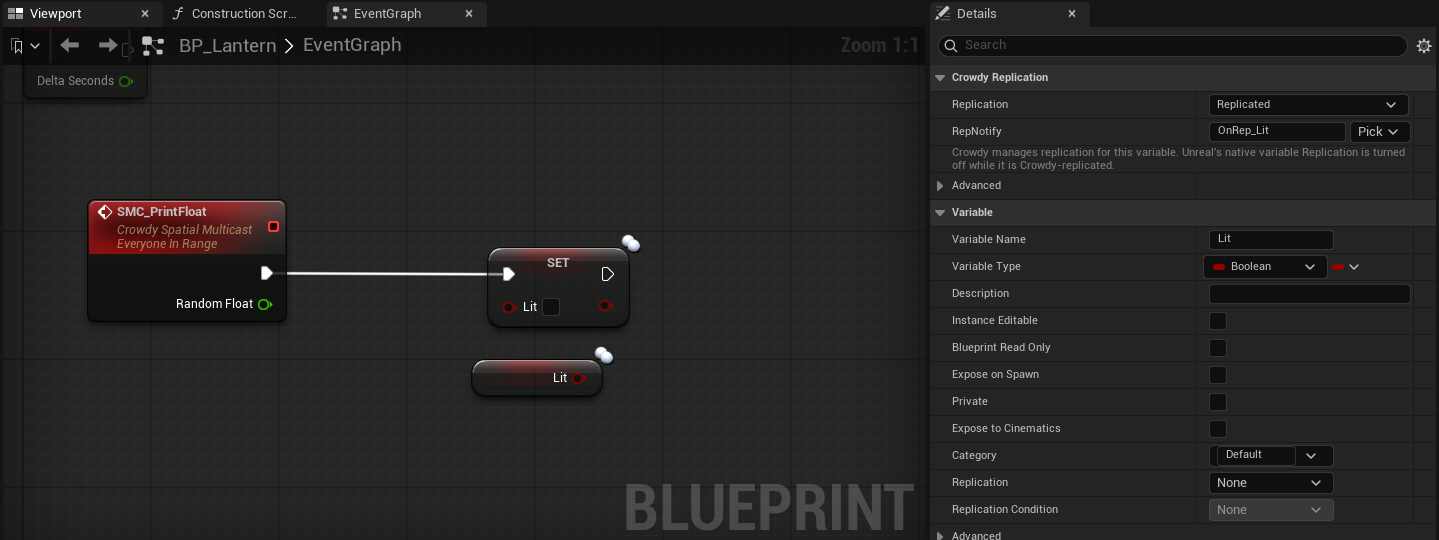
The body of the notify, drawn here as a custom event named `OnRep_Lit` because a generated graph cannot draw the editor-made function itself: **Get bLit** feeds **Set Visibility** on `Light`.
[Blueprint snippet: state-onrep, see /bp/unreal-sdk/state-onrep.txt]
:::caution[The notify runs on the sender too, at the next replication tick, and only on a real change.]
Write the notify as the one place the value is applied to the world, the way `OnRep_Lit` drives the light, and keep it idempotent. The Quickstart calls `OnRep_Lit` itself right after the assignment for an immediate local response; the replicator runs it once more on the tick that ships the change, which is harmless for a notify that only applies the current value and wrong for one that counts its own calls.
:::
## What ships, and when
Only the owning client diffs. A remote proxy never diffs; it applies. The cadence is the map profile's `ReplicationIntervalHz` (1 to 10, default 10), the same clock the continuous channel uses, though the two send independently. Each tick the replicator compares every auto-diffed property of every entity this client drives against a shadow copy of the last sent value and encodes the changed ones into one `FCrowdyStateDelta`; owner-only properties go out as a second, targeted delta. Every `StateKeyframeIntervalSeconds` (default 2, on the map profile; 0 turns it off) each entity also emits a keyframe carrying its `CrowdyHeartbeat` properties, unless the entity's `StateHeartbeat` is Off. A delta travels as far as the profile's `StateRelevanceDistance` (Four Chunks by default), which is tighter than the continuous channel.
A struct with a native net serializer (`FVector_NetQuantize`, `FRotator`) rides the engine's own quantized serializer automatically; a plain `FVector` stays exact. Quantization is chosen by type, not by a key. See [What a state property may be](#what-a-state-property-may-be).
Every delta carries a layout hash that folds each property's name and canonical type in declaration order. A receiver whose own hash for the class differs drops the delta cleanly rather than reading bytes by position, so adding, removing, reordering, or retyping a replicated property on one build and not another costs you deltas, not corruption. An enum property is carried as its underlying integer (blob version 2, `CrowdyStateBlobVersion`); a peer on the older format drops these deltas rather than misparsing them, so every client of an app runs one build.
## What a state property may be
You marked a property `CrowdyState` and nothing arrives, or you are about to mark one and want to know if it will. The classifier every surface shares, `FCrowdyStateLayoutBuilder::ClassifyStateProperty` (with `IsStateReplicatable` as the yes-or-no form and `DescribeStateSupport` for the sentence), decides at discovery; the Blueprint compiler's variable check and the variable-details dropdown reuse it, so every surface reports the same reason.
### Accepted
| Kind | Examples | Notes |
|---|---|---|
| Numeric | `int32`, `int64`, `uint8`, `float`, `double` | Diffed and sent as their bytes. |
| Boolean | `bool` | |
| Enum | `enum class E : uint8`, `TEnumAsByte` | Carried as the underlying integer. Consider `CrowdyHeartbeat`; see [The metadata keys](#the-metadata-keys). |
| Name and string | `FName`, `FString` | |
| Plain struct | any `USTRUCT` whose fields, at every depth, hold no container | One slot in the layout; diffed and sent as one unit. |
| Net-serialized struct | `FVector`, `FRotator`, `FVector_NetQuantize`, any struct with a native net serializer | Rides its own `NetSerializeItem`, quantized as the engine defines it, and exempt from the nested-container check because its serializer bounds the decode. |
### Rejected
:::warning[Containers and object references are rejected at discovery, in any position, including inside a struct. Use a CrowdyEvent, or your server code.]
The error names the escape hatch: `CrowdyState: property 'Players' on '/Script/MyGame.Lantern' is a container; CrowdyState does not replicate containers; use a CrowdyEvent RPC or a Server Object. Omitting it.` A list of who lit the lantern is a `TArray` parameter on a [CrowdyEvent](./rpc-events-cpp.md) if it is a moment, or a [Server Object](../exec/overview.md) if it is [truth](../concepts/two-planes.md). Never re-attempt it here.
:::
| Rejected | The reason discovery logs |
|---|---|
| `TArray`, `TSet`, `TMap` | `is a container; CrowdyState does not replicate containers; use a CrowdyEvent RPC or a Server Object` |
| A plain struct that holds a container at any depth | `is a USTRUCT that transitively contains a container (TArray/TSet/TMap); such nested containers are rejected because a forged element count would drive an unbounded allocation on decode` |
| A fixed-size C array (`float Values[4]`) | `is a fixed-size array; CrowdyState replicates only single-value POD and USTRUCT properties (its positional diff would miss changes past element 0)` |
| `UObject*`, `TSubclassOf`, soft object and class references, interfaces, delegates | `is an object/interface/delegate reference; CrowdyState replicates only POD and USTRUCT values` |
| Anything else, `FText` for one | `has an unsupported type 'X'; CrowdyState replicates only POD and USTRUCT values` |
A rejected property is omitted from the class's layout, so it never corrupts the positional wire order of the ones that were accepted; the rest of the class replicates normally. The line is an error and is not gated by `crowdy.state.trace`, so it is in the log whether or not tracing is on.
### Structs
A plain `USTRUCT` is a single slot. The whole struct is compared with the engine's `Identical` and, when any field differs, the whole struct is sent; on the receiver every field lands together, before the notify runs. That is the reason to use one: two fields that must always be seen together, a colour and an intensity, cannot arrive half-applied the way two separate properties can.
The lantern's glow is such a pair. `FLanternGlow` holds a colour and an intensity; `WarmGlow` on the owner changes both, and `OnRep_Glow` applies both to the light in one step.
```cpp
// Lantern.h
// A plain struct rides CrowdyState as one value; its fields always arrive together.
USTRUCT()
struct FLanternGlow
{
GENERATED_BODY()
UPROPERTY() FLinearColor Color = FLinearColor::White;
UPROPERTY() float Intensity = 1.f;
};
UPROPERTY(meta = (CrowdyState, CrowdyOnRep = "OnRep_Glow"))
FLanternGlow Glow;
UFUNCTION()
void OnRep_Glow();
// Lantern.cpp
void ALantern::WarmGlow()
{
Glow.Color = FLinearColor(1.f, 0.6f, 0.2f);
Glow.Intensity += 500.f;
}
void ALantern::OnRep_Glow()
{
Light->SetLightColor(Glow.Color);
Light->SetIntensity(Glow.Intensity);
}
```
A Blueprint variable of a C++ struct type replicates the same way: set its **Crowdy Replication** dropdown to **Replicated** and give it a RepNotify, exactly as for a scalar. Authoring a new struct type in Blueprint for this is unusual, so this section has no Blueprint graph of its own; the mechanics of marking and notifying are under [Mark a property](#mark-a-property) and [The notify](#the-notify).
:::caution[A struct diffs and ships as one unit.]
Changing one field of a five-field struct re-sends all five. Five scalar properties diff independently and each ships alone. Group fields into a struct when they must land together; keep them separate when they change at different times.
:::
### Where the list you wanted belongs
| You wanted | Put it on |
|---|---|
| The names of the players who lit the lantern this match | Your server code, if it is truth the server should hold; otherwise a `TArray` parameter on a `Multicast` CrowdyEvent when it changes. |
| A ring buffer of recent positions | The [continuous state](./continuous-state.md) snapshot, as fixed fields, or nothing: the proxy interpolates for you. |
| A reference to another actor | Its NetID as an `FGuid`, resolved with `FindEntity` on the receiver. |
| A list of active effects | Your server code. |
## Marking state from outside the actor
`UCrowdyStateBlueprintLibrary` has two static nodes that schedule a `CrowdyManualDirty` property to ship without first fetching the actor's Crowdy Entity Component: **Mark Crowdy State Dirty** and **Mark All Crowdy States Dirty**. Each resolves the target actor's component and forwards to its `MarkStateDirty` or `MarkAllStateDirty`. Use them whenever the caller does not already hold the component: a graph on another actor, a function library, a UI widget. From the actor's own graph either form works; the static one needs no component reference wired in.
### The two nodes
| Node | C++ | What it does |
|---|---|---|
| **Mark Crowdy State Dirty** | `UCrowdyStateBlueprintLibrary::MarkCrowdyStateDirty(Target, PropertyName)` | Schedules one manual-dirty property on the target's entity for the next replication tick. |
| **Mark All Crowdy States Dirty** | `UCrowdyStateBlueprintLibrary::MarkAllCrowdyStatesDirty(Target)` | Schedules every manual-dirty property on that entity. |
Both are `DefaultToSelf` on `Target`: from an actor's own graph you wire nothing and pick the property. From a component graph or a plain object graph, self is not an actor, so wire the actor in; the node shows a "Wire an Actor into Target" hint until you do.
Both are safe no-ops, never a crash, when the target is null, has no entity component, or the map runs no state replicator. On an entity this client does not drive the two differ: **Mark All Crowdy States Dirty** is ignored, while **Mark Crowdy State Dirty** is not a no-op at all; it becomes the host push described below. On an entity this client does drive, marking a property that is auto-diffed anyway is a no-op logged at verbose level as `ignored: not a manual-dirty property`, never an error.
The example is the same `TimesLit` member [Mark a property](#mark-a-property) added; this is the alternate call site, not a second gameplay moment.
```cpp
// Lantern.cpp
#include "Replication/State/CrowdyStateBlueprintLibrary.h"
void ALantern::PushTimesLit()
{
// Schedule the same property from anywhere, without fetching the component first.
UCrowdyStateBlueprintLibrary::MarkCrowdyStateDirty(this, TEXT("TimesLit"));
}
```
From **Event ActorBeginOverlap**, the pure **Is Crowdy Entity Locally Controlled** feeds a **Branch**, and the true side calls **Mark Crowdy State Dirty** with `Target` left unwired (self) and `TimesLit` picked from the Property Name dropdown. No component reference is needed. The branch is the owner gate the C++ caller has: on a proxy the same mark becomes the push described below, which is not what an overlap on a proxy means.
[Blueprint snippet: state-static-dirty, see /bp/unreal-sdk/state-static-dirty.txt]
### The property picker
The Property Name pin carries a dropdown, supplied in the editor by `FCrowdyStatePropertyPinFactory`, listing the resolved target class's properties that are marked `CrowdyManualDirty` and pass the type check. The dropdown is editor-only metadata scanning; the name you pick bakes into the compiled Blueprint as a literal `FName`, so a packaged build never reads metadata for this node.
:::note[If your property is not in the dropdown, it is either auto-diffed already or it failed the type check.]
An auto-diffed property does not need marking; assign it and it ships. A property that failed the check was omitted from the layout at startup with an error; see [What a state property may be](#what-a-state-property-may-be).
:::
### On an entity you do not own: the host push
**Mark Crowdy State Dirty** on an entity another client owns is not a no-op. It becomes a one-shot super-user push: the live value of the named property is read on the next replication tick and broadcast once, with no shadow and no ongoing tracking, stamped host-sourced when the caller is the elected host. It works for any Crowdy State property on that entity, not only the manual-dirty ones, because a host override may need to correct anything. An `OwnerOnly` entity refuses it at the source: the push is dropped before it is sent, and a receiver drops one that arrives anyway.
A host-owned world entity is the other case. On the host it is tracked with auto-diff off, so a plain `CrowdyState` property on it never ships on change; the host's mark works only for a `CrowdyManualDirty` property (the `CrowdyHeartbeat` keyframe still restates the rest). Mark a host-owned entity's changing properties manual-dirty, or give them `CrowdyHeartbeat`.
The receiver honours a push by the entity's `HostOverride` policy: `Allow` (the default) adopts a host-sourced value into the owner's baseline. A push from a client that is not the host is not stamped, so the real owner drops it, and every other proxy applies it, so the proxies disagree with the owner until the owner's next change. That is the hazard behind the owner gate above: a mark issued on a proxy by mistake is a push.
:::warning[A push on an entity you do not own is a live correction with no undo.]
The value on the calling client is broadcast as it stands. There is no shadow to revert to and no acknowledgement. Read the current value first, set what you mean, then mark.
:::
:::caution[Anyone can call this on any entity. Precedence is a convention, not enforcement.]
A modified client can stamp its own pushes host-sourced. This orders who wins on the view plane and nothing more; see [Host authority](./host-authority.md) and [The Two Planes](../concepts/two-planes.md).
:::
## A field that silently does nothing
The first thing to check. Discovery logs an unconditional error for every marked property it cannot carry, of the shape `CrowdyState: property 'X' on '/Script/MyGame.Lantern' is a container; CrowdyState does not replicate containers; use a CrowdyEvent RPC or a Server Object. Omitting it.` The reasons are a container, a struct that buries a container, a fixed-size array, an object or interface or delegate reference, or an otherwise unsupported type such as `FText`; [Rejected](#rejected) lists them. One more line to know: a property whose name and type also appear in the actor's continuous-state executor struct is dropped with `also lives in its executor state struct ... Dropping it from the CrowdyState layout`, so a field lives on exactly one channel.
These fire at class registration and are not gated by the trace variable. Grep the log for `CrowdyState: property`, which all three lines share, before turning anything on. When the property is in the layout but the change is not arriving, that is the other question:
```text
crowdy.state.trace 1 per delta: entity, changed-property count, byte size, spatial or owner-only or keyframe
crowdy.state.loopback 1 decode your own deltas onto a local mirror entity, for a single-client test
```
Two read-only diagnostics on `UCrowdyStateReplicator` answer the same questions from code or Blueprint: `IsStateReplicated(Actor)` is true when the actor's class carries at least one accepted property, whichever client drives it, and `GetLastSentStateBytes(Actor)` is the blob size this client last sent for the actor, or -1 when this client does not drive it. `crowdy.state.scopes` adds a CPU trace scope around each delta decode for profiling.
## Host precedence
When the local client is the elected host, every delta it sends is stamped host-sourced. A receiver that owns the entity adopts a host-sourced value into its own baseline instead of reverting it on the next diff, provided the entity's `HostOverride` is `Allow` (the default); `OwnerOnly` drops even a host correction. A host-owned world entity is driven by the host alone, and only by explicit pushes: its manual-dirty marks and its keyframe, never a background diff. See [Host authority](./host-authority.md).
:::warning[Host precedence is a convention with no server-side check. A forged host-sourced flag is honoured as real.]
It orders who wins on the view plane; it does not make either value trustworthy. If the value matters, it belongs in your server code and the question does not arise.
:::
## Gotchas
- Grep for `CrowdyState: property` first. A property that is not in the layout replicates nothing and says so once, at startup, as an error.
- The notify has no parameters and no old value. Keep the previous value yourself if you need it.
- A Blueprint variable that is both natively Replicated and Crowdy Replicated fails to compile. In C++, keep `Replicated` off a `CrowdyState` property.
- `CrowdyOwnerOnly` is delivery scope, not secrecy. The value still travels in the clear to the owner.
- `StateKeyframeIntervalSeconds` at 0 stops the baseline re-send only; on-change replication is unaffected.
- The loopback and trace variables are test aids. Leave them off in a normal session.
- `FText` is not accepted on this plane, though it is on a CrowdyEvent. Use an `FString` or an `FName`.
- A struct that is net-serialized is exempt from the nested-container check only because its serializer bounds the decode. A plain struct with a `TArray` inside is rejected however small the array.
- Quantization is decided by the struct's type. To ship a quantized position, declare `FVector_NetQuantize`, not `FVector`.
- `Target` on the static nodes defaults to self only where self is an actor. In a component or widget graph, wire the actor.
- The push is scheduled, not sent. It goes out on the next replication tick with the value the property holds then.
- Marking twice in one tick sends once.
- A host-owned world entity is written only through the host's manual-dirty marks and the keyframe; assigning a plain property on it and waiting does nothing. See [Host authority](./host-authority.md).
## Related
- [Continuous state](./continuous-state.md): the sibling channel for many fields that move together.
- [Map profiles](./map-profile.md): the cadence, the relevance distance, and the keyframe interval.
- [State meta keys](../reference/state-meta-keys.md).
- [RPC events in C++](./rpc-events-cpp.md): containers and object references as event parameters.
- [The Two Planes](../concepts/two-planes.md): what belongs on the truth plane instead.
- [Host authority](./host-authority.md): host-owned entities and the host override.
- [Ownership transfer](./ownership-transfer.md): making another client the owner instead of pushing over it.
# Continuous State
Source: https://docs.dev.crowdedkingdoms.com/unreal-sdk/runtime/continuous-state
# Continuous State
Continuous state is how a moving entity moves on every other client. Set the entity component to Dynamic mode and, every replication interval, the owner sends a snapshot of the actor's location and rotation; each other client in range applies it to a proxy through the [rendering backend](./rendering-backends.md). There is nothing to write for that: the SDK's default executor takes the snapshot for you.
:::note[What is coming]
A later SDK release simplifies this further: continuous state will happen by itself, with location and rotation, and need no executor at all, and it adds an extension point for sending your own data alongside them. The aim is to take this setup out of your hands. Everything this page teaches keeps working.
:::
## When to use it
Almost always the default is enough: a pawn, a player, an AI that moves. Write a custom snapshot only when more fields must travel with the transform at the movement cadence, a pose, say. For many small independent values that change at different times, prefer [Crowdy State](./crowdy-state.md) properties: they diff per property and ship only what changed. The two are independent channels, not alternatives; an entity can use both.
:::warning[Dynamic mode is unrelated to ownership and to Crowdy State property replication.]
`Mode` on the entity component chooses whether the continuous channel runs. It does not decide where your replicated properties go, and Static mode does not disable them; both work in either mode. Set Dynamic for a moving entity and nothing else changes.
:::
## The default: no executor at all
Set `Mode` to `ECrowdyEntityMode::Dynamic` and leave `StateExecutor` unset. The SDK's `UCrowdyDefaultActorUpdateExecutor` snapshots the actor's transform into `FCrowdyActorState`, a `Location` and a `Rotation` and deliberately nothing else. With `bAutoRegister` on (the default) the component joins the channel at `BeginPlay`; off, you call `StartReplication` yourself, and `StopReplication` leaves the channel.
The lantern world's mover is `ALanternPlayer`, the player character from the [Quickstart](../quickstart.md): a `UCrowdyEntityComponent` in Dynamic mode with PlayerDerived identity and LocalClient ownership, and a `Torch` point light, so a moving light is what every other client sees.
```cpp
// LanternPlayer.h
#include "Components/PointLightComponent.h"
#include "Replication/Components/CrowdyEntityComponent.h"
#include "LanternPlayer.generated.h"
UCLASS()
class ALanternPlayer : public ACharacter
{
GENERATED_BODY()
public:
ALanternPlayer();
virtual void BeginPlay() override;
UPROPERTY(VisibleAnywhere, Category = "Lantern")
TObjectPtr Torch;
UPROPERTY(VisibleAnywhere, Category = "Crowdy")
TObjectPtr CrowdyEntity;
};
// LanternPlayer.cpp
#include "LanternPlayer.h"
ALanternPlayer::ALanternPlayer()
{
Torch = CreateDefaultSubobject(TEXT("Torch"));
Torch->SetupAttachment(RootComponent);
// Dynamic sends the transform every interval, Player Derived names the entity after the signed-in user, Local Client makes this client its sender.
CrowdyEntity = CreateDefaultSubobject(TEXT("CrowdyEntity"));
CrowdyEntity->Mode = ECrowdyEntityMode::Dynamic;
CrowdyEntity->IdentityPolicy = ECrowdyIdentityPolicy::PlayerDerived;
CrowdyEntity->Ownership = ECrowdyOwnership::LocalClient;
}
```
On the Crowdy Entity Component set **Mode** to **Dynamic** in the Details panel and leave **State Executor** empty. There is no graph to build: **Auto Register** joins the channel at BeginPlay.
Start the pawn only once the SDK reports the connection up (`OnUDPConnectionSuccess`, or `GetUDPConnectionState()` at `Connected`); the Quickstart spawns it from that event, and the Gotchas say why.
**Success signal.** On a second client the player's torch moves with the owner. `crowdy.entity.trace 1` logs the registration; if nothing moves, check [the backend config](./map-profile.md) before the executor.
:::caution[A host-owned Dynamic entity leaves BeginPlay sending nothing.]
`bAutoRegister` starts the channel only for an entity this client owns outright. A level-placed Dynamic entity with `Ownership = Host` has no owner at `BeginPlay`, so nothing is sent until the host is known; the component logs this once. A moving world entity is driven by the host through `StartReplication` once it knows it is the host, or by an owner after an [ownership transfer](./ownership-transfer.md).
:::
## A custom executor
Subclass `UActorUpdateExecutor` when the snapshot needs more than a transform. Two functions: `GetActorState(UpdateComponent)` returns the `FInstancedStruct` snapshot (`UpdateComponent` is the entity component; `GetOwner()` on it is the actor), and `GetStateStruct()` returns the `UScriptStruct` it is made of, which registers the type for the wire; the struct needs no annotation.
:::danger[Override the `_Implementation` functions, with `const`, never the bare event names.]
Both are `BlueprintNativeEvent`s, so the bare names are not virtual in the generated C++. A native subclass declares `GetActorState_Implementation(const UActorComponent*) const override` and `GetStateStruct_Implementation() const override`; `UCrowdyDefaultActorUpdateExecutor` is the shipped example of the correct shape. Marking `GetActorState` itself `override` does not compile, because there is nothing virtual to override.
:::
`ULanternPlayerExecutor` snapshots `FLanternPlayerState`: the transform the default carries plus one field of the player's own, `bTorchLit`, so a proxy's torch can follow its owner's. The struct is declared next to the executor, and the executor is assigned to `StateExecutor` in the character's constructor. On the other clients the snapshot is applied by the backend's [replication application policy](./rendering-backends.md#the-replication-application-policy), which is what moves a remote player's proxy: the shipped one applies `Location` and `Rotation`, and a policy of your own replaces it, so write one only when your executor sends more than the transform, and then apply the transform yourself first.
```cpp
// LanternPlayer.h
#include "Replication/Executor/ActorUpdateExecutor.h"
// The custom snapshot: the transform the default carries, plus one field of your own.
USTRUCT()
struct FLanternPlayerState
{
GENERATED_BODY()
UPROPERTY() FVector Location = FVector::ZeroVector;
UPROPERTY() FRotator Rotation = FRotator::ZeroRotator;
UPROPERTY() bool bTorchLit = true;
};
UCLASS()
class ULanternPlayerExecutor : public UActorUpdateExecutor
{
GENERATED_BODY()
public:
virtual FInstancedStruct GetActorState_Implementation(const UActorComponent* UpdateComponent) const override;
virtual UScriptStruct* GetStateStruct_Implementation() const override;
};
// LanternPlayer.cpp
CrowdyEntity->StateExecutor = CreateDefaultSubobject(TEXT("Executor"));
FInstancedStruct ULanternPlayerExecutor::GetActorState_Implementation(const UActorComponent* UpdateComponent) const
{
FLanternPlayerState State;
if (const ALanternPlayer* Player = UpdateComponent ? Cast(UpdateComponent->GetOwner()) : nullptr)
{
State.Location = Player->GetActorLocation();
State.Rotation = Player->GetActorRotation();
State.bTorchLit = Player->Torch->IsVisible();
}
return FInstancedStruct::Make(State);
}
UScriptStruct* ULanternPlayerExecutor::GetStateStruct_Implementation() const
{
return FLanternPlayerState::StaticStruct();
}
```
Create a Blueprint with **Actor Update Executor** as its parent class. In **My Blueprint**, under Functions, press **Override** and pick the two functions:
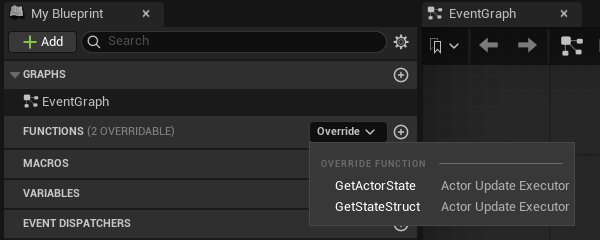
**Get State Struct** returns the struct type; **Get Actor State** builds the snapshot with **Make InstancedStruct** from the owning actor's transform. Then set the character's **State Executor** to the new class in the Details panel. An override on an executor subclass is not an actor event graph, so the screenshot above is the reference.
:::caution[Only the owner runs GetActorState. Keep it a read-only snapshot.]
A remote proxy is fed from the network and never calls it, so a side effect inside the override happens on one client only; a value the proxy needs comes from the backend's policy. Read the actor, fill the struct, return it.
:::
The owner evaluates `GetActorState` every interval (`ReplicationIntervalHz`, 10 by default, 1 to 10 Hz, one clock shared with Crowdy State; `bUseAutoReplicator` off means no polling at all). With `bSendActorStateOnlyOnChange` on, the default, an unchanged snapshot does not repeat: a full keyframe goes out every `ActorKeyframeIntervalSeconds` (3 s) so a late or lossy observer converges, and a heartbeat every `ActorHeartbeatIntervalSeconds` (1 s) so an idle entity is not reaped; off, the snapshot goes out every interval whether it changed or not. The [map profile](./map-profile.md) page lists each field. A field lives on exactly one channel: a `CrowdyState` property whose name and canonical type also match a field of the executor struct is dropped from the Crowdy State layout at discovery, with an error mentioning `also lives in its executor state struct`.
## Gotchas
- `Mode` is orthogonal to `Ownership` and to Crowdy State. Do not set Dynamic hoping to make properties replicate; they already do.
- `_Implementation`, `const`, `override`. The shipped default is the template.
- Nothing is held until the connection is up. `OnUDPConnectionSuccess` already includes the server's readiness wait after assignment, so you never time anything; but an actor update sent before it is neither held nor replayed, so it is lost, mostly silently, until the next interval's update or keyframe repairs it. A Dynamic entity you own that begins play early heals that way; spawn a player pawn from the event instead, as the Quickstart does.
- An unchanged actor is not silent. Set both intervals to 0 and an idle entity sends nothing after its first snapshot, and its observers time it out after the tracker's `ActorTimeoutThreshold`.
- The policy is what moves the proxy. With no Backend Config the shipped `UCrowdyTransformRepPolicy` applies `FCrowdyActorState`, interpolating across a ring of recent samples with bounded extrapolation; a custom struct like `FLanternPlayerState` is skipped until the profile names a policy that reads it, and that policy must apply the transform itself, or the proxy stands still while the owner moves.
- Class identity travels on every update, so several entity classes may share one state struct; the receiver never derives the class from the struct. This is what lets the default executor serve every entity in a project.
- `RegisterStateClass` on `UCrowdyActorManager` is filled for you at `BeginPlay`; you never call it.
## Related
- [Quickstart](../quickstart.md): the player pawn as a Dynamic entity, spawned once connected, and your own reflection as the first thing you see.
- [Entity component](./entity-component.md): `Mode`, `StateExecutor`, `bAutoRegister`, `StartReplication`.
- [Rendering backends](./rendering-backends.md): the policy that moves a proxy from the snapshot.
- [Map profiles](./map-profile.md): the cadence and the keyframe and heartbeat intervals.
- [Connection and reconnect](./connection-and-reconnect.md): what `OnUDPConnectionSuccess` and `Connected` mean.
- [Crowdy State](./crowdy-state.md): the per-property alternative.
# Host Authority
Source: https://docs.dev.crowdedkingdoms.com/unreal-sdk/runtime/host-authority
# Host Authority
One client of your app is the elected host, and the SDK tells every client who it is. Use it to decide who runs shared view-plane logic: who drives the world entities, who spawns the things that belong to nobody. Why election is a convention and not a security boundary is on [The Host Is a Convention](../concepts/host-is-a-convention.md); this page is the calls.
## Checking authority
`UCrowdyUtilities::GetCrowdyHasAuthority(WorldContextObject)` returns true when the local client is the host. It is a pure node, **Crowdy Has Authority**, in Blueprint; **Switch Crowdy Has Authority** (`CrowdyHasAuthority`) is the same answer as two exec pins. `CrowdyGetHostID` returns the host's id and whether one is set, and `CrowdyIsConnectedToServer` says whether there is a connection to ask through at all.
The lantern world gates a one-time action on it: at `BeginPlay` an `ALanternPost` turns its light up on the host alone, and a client that is not the host returns early and leaves host work to the host.
```cpp
// LanternPost.h
void RelightIfHost();
// LanternPost.cpp
#include "Utils/CrowdyUtilities.h"
void ALanternPost::RelightIfHost()
{
if (!UCrowdyUtilities::GetCrowdyHasAuthority(this))
{
return; // Not the host; the host's work replicates to us instead.
}
Light->SetIntensity(5000.f);
}
```
In the post's Blueprint, at **Event BeginPlay** the pure **Crowdy Has Authority** feeds a **Branch**; the true side calls **Set Intensity** on `Light` from a **Get Light**.
[Blueprint snippet: host-gate, see /bp/unreal-sdk/host-gate.txt]
:::danger[Host is a convention, not enforcement. Never gate cheat-sensitive state on it.]
Nothing on the wire is rejected for not coming from the host, and a modified client can claim to be it. Use the check to pick who runs shared logic; anything a player could gain by winning that check is decided by your server code, on the [truth plane](../concepts/two-planes.md).
:::
**Success signal.** With two clients, the post is bright on exactly one of them, the host. The effect is local by design: a post the whole village must see bright makes the intensity a [Crowdy State](./crowdy-state.md) property the host pushes. `crowdy.entity.trace 1` shows the election result on both clients.
## The host subsystem
`UCrowdyHostSubsystem` is a world subsystem that tracks the election result and broadcasts it. `IsHost()` is the same answer as `GetCrowdyHasAuthority`; `IsHostSet()` says whether an election result has arrived at all, so an early `IsHost()` false does not mean "someone else is host"; `GetHostID()` is the host's entity id, the id the host's own entities are owned under, and `GetHostUserID()` its raw user id, a different number. The member table, the thread-safety notes, and the server-validated check it carries are on [Host election](../services/host-election.md).
Bind `OnHostElected` (`FOnCrowdyHostElected`, `HostID`, `PreviousHostID`, on the game thread) rather than caching the answer at `BeginPlay`: the host changes when the current one leaves, and a host-owned entity's authority moves with it. A world subsystem of your own that lives next to it must null-check `GetGameInstance()` in `Initialize`; [Replicated subsystems](./replicated-subsystems.md#inherit-a-base) says why.
## World entities and the host override
A level-placed entity with `Ownership = ECrowdyOwnership::Host` is `HostOwned`: whichever client is host at the moment is its one authority, and its `IsLocallyOwned()` is true there alone. Its Crowdy State is written by the host through explicit pushes (`MarkStateDirty`, `MarkAllStateDirty`, or the [static nodes](./crowdy-state.md#the-two-nodes)) and the keyframe, never by a background diff, so an implicit and an explicit write cannot race. On a host change the entity is re-tracked by the new host without any code of yours.
A client-owned entity (`Ownership = LocalClient`) has a `HostOverride` (`ECrowdyHostOverride`): `Allow`, the default, lets the host correct its Crowdy State as a super-user and the owner adopts the value; `OwnerOnly` refuses even a host correction. This is precedence by convention. It orders who wins on the view plane; it does not make either value trustworthy.
Two more client-side helpers on `UCrowdyUtilities` answer ownership questions without a round trip: `IsCrowdyEntityHost(Entity)` is true when the entity is the host player's own entity (its NetID equals the host id), and `DoesCrowdyEntityOwn(OwnerActor, TargetActor)` is true when the first actor's player owns the second, resolving a host-owned side to the concrete host id on both ends. `IsCrowdyEntityLocallyControlled(Entity)` is the same question as the component's `IsLocallyOwned`, as a static.
## The server-validated check
For the moment a local answer is not enough, ask the server. `UCrowdyHostSubsystem::CheckEntityIsHost(Entity, Callback)` in C++, or the latent **Is Crowdy Entity Host (Server)** node in Blueprint, asks the server whether an entity's owner is the elected host and answers Is Host, Is Not Host, or Failed, where Failed means unknown, never a confirmed no. The lantern world uses it where a wrong answer costs something: a claim on a lantern post is granted only after a definite server yes. The check, its pins, its failure cases, and that example in both languages are on [Host election](../services/host-election.md#the-server-validated-check).
The server-validated check is still not enforcement. It tells you the current truth about who the host is; what you do with the answer runs on an unenforced plane.
## Gotchas
- `IsHostSet()` before `IsHost()`. Until an election result arrives, every client reads false.
- `GetHostID()` and `GetHostUserID()` are different ids. Compare `GetOwnerID()` with the first only for an entity a player spawned; a host-owned entity carries no owner id at all, so ask `GetRole() == ECrowdyRole::HostOwned`, `IsLocallyOwned()`, or `DoesCrowdyEntityOwn` instead.
- A host-owned entity is written by explicit pushes. Assigning a property on it and waiting does nothing. A [replicated subsystem](./replicated-subsystems.md) the host owns is the exception: it is auto-diffed.
- `HostOverride` is a view-plane tie-breaker. If the value matters, it belongs in your server code.
- The server check needs the target to exist on the server. A freshly spawned, never-updated entity answers Failed.
## Related
- [The Host Is a Convention](../concepts/host-is-a-convention.md): election as a convention, and the two checks compared.
- [Host election](../services/host-election.md): the host subsystem and the server-validated check in full, from the service side.
- [Ownership transfer](./ownership-transfer.md): the grant flow the server check feeds.
- [Entity component](./entity-component.md): `Ownership`, `HostOverride`, and `IsLocallyOwned`.
- [Crowdy State](./crowdy-state.md#host-precedence): what a host-sourced delta does on the receiver.
# Ownership Transfer
Source: https://docs.dev.crowdedkingdoms.com/unreal-sdk/runtime/ownership-transfer
# Ownership Transfer
An entity spawned at runtime belongs to its spawner and a level-placed one to whoever its `Ownership` says. Ownership transfer moves it: a client asks, the entity's current authority grants or ignores, and the grant lands on every client. `UCrowdyOwnershipTransfer` is a static Blueprint library with the four verbs.
## When to use it
A player picks up a lantern post that belonged to the level, a vehicle changes driver, a world creature becomes a player's pet. Anything where "who simulates this" should change hands without destroying and respawning.
:::warning[Ownership is a coordination convention on the view plane, not enforcement, and a transfer is transient.]
No server checks who may request or grant. And a client that first observes the entity after a grant sees the spawn-time owner, or re-baselines from proxy defaults, not necessarily the transferred one. Cheat-sensitive ownership belongs on the [truth plane](../concepts/two-planes.md), in your server code.
:::
## The flow
1. A client that does not own the entity calls **Request Ownership Transfer**. The request travels as a Multicast `CrowdyEvent` on the session channel (`UCrowdyEntityComponent::RequestOwnership_Implementation`), so every client sees it, and only the entity's current authority reacts: the owning client, or the host for a host-owned world entity.
2. On the authority, either `bAutoApproveOwnershipRequests` on the component is on and the grant happens at once, or `UCrowdyEntitySubsystem::OnOwnershipRequested` fires for game code to decide.
3. Game code approves by calling one of the three grant nodes, or ignores the request. There is no deny node; silence is the rejection.
4. The grant travels the same way (`GrantOwnership_Implementation`), every client re-points the entity's record through `UCrowdyEntitySubsystem::ReassignOwnership`, and `OnEntityOwnershipChanged` fires everywhere once ownership has actually moved.
## The four nodes
| Node | C++ | Who calls it |
|---|---|---|
| **Request Ownership Transfer** | `RequestOwnershipTransfer(WorldContextObject, TargetEntity)` | Any client that does not own the entity. A no-op when the target is not a registered entity or this client is already its authority. |
| **Grant Ownership Transfer** | `GrantOwnershipTransfer(WorldContextObject, TargetEntity, NewOwner)` | The current authority. `NewOwner` is any entity the new owner's player owns, typically their avatar. |
| **Grant Ownership Transfer To Player** | `GrantOwnershipTransferToPlayer(WorldContextObject, TargetEntity, NewOwnerPlayerID)` | The current authority, with the requester's id straight from `OnOwnershipRequested`; no local actor of theirs is needed. |
| **Grant Ownership To Host** | `GrantOwnershipToHost(WorldContextObject, TargetEntity)` | The current authority, to make the entity host-owned again. The one verb an actor reference cannot express, because the host is not an actor. |
Every node resolves the target's entity component and subsystem and is a safe no-op, never a crash, on a null or unregistered target. All three grants funnel through the component's C++ `GrantOwnershipTo(NewOwnerID)`, which is also a no-op with a warning unless this client is the current authority.
:::caution[Grant Ownership Transfer refuses a NewOwner that is not client-owned. It does not fall back to the host.]
Passing a host-owned or unregistered actor logs a warning and does nothing, and the log tells you to use **Grant Ownership To Host** instead. The choice between a player and the host is explicit.
:::
The lantern world's transfer is a player claiming a lantern post. The post is level-placed and host-owned; the player asks for it, and the host approves.
The request: the post's overlap, when this client does not own the post, calls `TryClaim`:
```cpp
// LanternPost.h
// A player who walks into a post they do not own asks to carry it.
virtual void NotifyActorBeginOverlap(AActor* OtherActor) override;
void TryClaim();
// LanternPost.cpp
#include "Replication/Ownership/CrowdyOwnershipTransfer.h"
void ALanternPost::NotifyActorBeginOverlap(AActor* OtherActor)
{
Super::NotifyActorBeginOverlap(OtherActor);
if (!CrowdyEntity->IsLocallyOwned())
{
TryClaim();
}
}
void ALanternPost::TryClaim()
{
UCrowdyOwnershipTransfer::RequestOwnershipTransfer(this, this);
}
```
The grant, on whichever client is the authority: `HandleOwnershipRequested`, bound to `OnOwnershipRequested` in `BeginPlay`, ignores requests for other entities and hands the requester's id to `VerifyThenGrant`, which grants behind the server-validated host check on [Host authority](./host-authority.md#the-server-validated-check):
```cpp
// LanternPost.h
UFUNCTION()
void HandleOwnershipRequested(AActor* TargetEntity, AActor* RequesterActor, const FGuid& RequesterID);
// LanternPost.cpp
#include "Replication/Subsystems/CrowdyEntitySubsystem.h"
GetWorld()->GetSubsystem()->OnOwnershipRequested.AddDynamic(this, &ALanternPost::HandleOwnershipRequested);
void ALanternPost::HandleOwnershipRequested(AActor* TargetEntity, AActor* RequesterActor, const FGuid& RequesterID)
{
if (TargetEntity != this)
{
return;
}
VerifyThenGrant(RequesterID);
}
```
From **Event ActorBeginOverlap**, **Request Ownership Transfer** with `Target Entity` wired to a Self reference; the "not already mine" check the C++ makes is a no-op inside the node anyway, since a request for an entity you already own does nothing:
[Blueprint snippet: own-request, see /bp/unreal-sdk/own-request.txt]
The grant: at **Event BeginPlay**, a **Crowdy Entity Subsystem** getter feeds **Bind Event to On Ownership Requested**, whose custom event `OnClaimRequested` compares its `Target Entity` with a Self reference (**==** into a **Branch**, because the event fires for every entity this client is the authority of) and, when they match, passes its `Requester ID` to **Grant Ownership Transfer To Player** with `Target Entity` wired to self. Eight nodes; the compare is the guard the C++ has. The [server-checked version](./host-authority.md#the-server-validated-check) puts the host check between the event and the grant:
[Blueprint snippet: own-grant, see /bp/unreal-sdk/own-grant.txt]
**Success signal.** `OnEntityOwnershipChanged` fires on both clients with the new owner's id, the post's `IsLocallyOwned()` turns true on the requester and false on the host, and `OnCrowdyOwnershipAssigned` on the post's component fires with `bIsLocallyOwned` matching.
## The two events
On `UCrowdyEntitySubsystem`, both Blueprint-assignable, both on the game thread:
| Event | Parameters | Fires |
|---|---|---|
| `OnOwnershipRequested` (`FOnCrowdyOwnershipRequested`) | `TargetEntity`, `RequesterActor`, `RequesterID` | On the entity's current authority only, when another client requests it. `RequesterActor` is the requester's avatar when this client holds it, else null; `RequesterID` is always valid. |
| `OnEntityOwnershipChanged` (`FOnCrowdyEntityOwnershipChanged`) | `TargetEntity`, `NetID`, `NewOwnerID`, `PreviousOwnerID` | On every client once ownership has actually changed. `NewOwnerID` is invalid when the result is host-owned. |
`bAutoApproveOwnershipRequests` is authored config on the component, read on whichever client is the authority when a request arrives. Changing it at runtime on one client affects only the requests that client receives while it holds authority.
## What happens to in-flight state
The entity record is the single source of truth for both planes, so re-pointing its owner is the whole transfer: RPC routing and Crowdy State tracking follow. The old owner stops sending the moment it relinquishes; the new owner builds a fresh shadow of the entity's properties and starts diffing; bystanders are untouched. The actor's NetID never changes, so every address stays valid.
:::caution[There is a brief window with no writer.]
Between the old owner relinquishing and the reliable grant landing on the new owner, nobody diffs the entity. There is never a double writer, but for that short window there is no writer at all, by design. A Dynamic entity's continuous channel moves with the authority the same way: the new owner joins it and the old one leaves.
:::
A grant carries the previous owner's id, and `ReassignOwnership` compares and swaps on it, so a stale or duplicate grant is dropped rather than applied twice.
## Gotchas
- Silence is the rejection. If you want the requester to know, send them an `OwningClient` event yourself.
- The request short-circuits on the component's `IsLocallyOwned()`, so the host of a host-owned entity cannot accidentally request its own world entity into personal ownership.
- Granting to a player id with no local presence orphans the entity until it is granted again. Check the requester is still in the session before you grant.
- A new owner that never observed the entity re-baselines from proxy defaults. The durable truth lives in your server code, not on the view plane.
- Two Multicast events on the component carry all of this. Never give them a `CrowdyChannel`; see [Entity component](./entity-component.md).
## Related
- [Host authority](./host-authority.md): the host as the authority for a world entity, and the server-validated check before a grant.
- [Entity component](./entity-component.md): `bAutoApproveOwnershipRequests`, `OnCrowdyOwnershipAssigned`, and the two receivers.
- [Crowdy State](./crowdy-state.md): the shadow and the diff the transfer restarts.
- [Entities, Identity, and Ownership](../concepts/entities-identity-ownership.md).
# Replicated Subsystems
Source: https://docs.dev.crowdedkingdoms.com/unreal-sdk/runtime/replicated-subsystems
# Replicated Subsystems
A UE subsystem is not an actor, but it can take part in both view-plane mechanisms: `meta=(CrowdyState)` properties diff and replicate on it exactly as on an actor, and `meta=(CrowdyEvent)` functions ride the reliable channel. Two abstract bases do the enrollment; a function library exists for the cases they do not cover.
One difference from a host-owned world actor, whose Crowdy State moves only on explicit marks and the keyframe: a subsystem is auto-diffed on the host, so assign the property and the change ships. Its deltas ride the reliable channel with no spatial filter.
## When to use one
For a world-level value that belongs to nobody in particular and every client should agree on: a village clock, a weather phase, a match state on the view plane. A subsystem is host-owned, a singleton every client resolves by class path with no handshake, so it is the natural home for "the one of these".
:::danger[Host-owned only, on the view plane. A replicated subsystem is not where a score lives.]
Host precedence is a convention here as everywhere on this plane. A match score, a winner, anything a client could gain by lying about, belongs on the [truth plane](../concepts/two-planes.md); a subsystem is for the shared cosmetic state around it.
:::
## Inherit a base
| Base | Extends | Enrolls |
|---|---|---|
| `UCrowdyReplicatedWorldSubsystem` | `UWorldSubsystem` | Once, in its own `Initialize`; unenrolls in `Deinitialize`. Created only in Play in Editor and game worlds. |
| `UCrowdyReplicatedGameInstanceSubsystem` | `UGameInstanceSubsystem` | Per world: into each new world's registry when that world's actors are initialized, out again as the world is cleaned up. It outlives worlds, and the entity registry it enrolls into is per world. |
Both have one protected hook, `GetReplicatedOwnership()`, which returns `ECrowdyOwnership::Host` and is the only supported answer for a singleton: a per-owner proxy makes no sense for a class every client holds exactly once.
The lantern village's night clock is a world subsystem: `ULanternNightSubsystem` holds one Crowdy State property, `NightPhase`, marked `CrowdyHeartbeat` so a late joiner converges, with a notify, `OnRep_NightPhase`, that sets every lantern's intensity from the phase, one CrowdyEvent, `AnnounceDawn`, a Multicast that resets the phase on every client, and a `BlueprintCallable`, `AdvanceNight`, the host calls to step it.
```cpp
// LanternNight.h
#include "Replication/RPC/CrowdyEvent.h"
#include "Replication/Subsystems/CrowdyReplicatedSubsystem.h"
#include "LanternNight.generated.h"
// A world subsystem replicates both planes at once: a CrowdyState property and a CrowdyEvent.
UCLASS()
class ULanternNightSubsystem : public UCrowdyReplicatedWorldSubsystem
{
GENERATED_BODY()
public:
UPROPERTY(meta = (CrowdyState, CrowdyHeartbeat, CrowdyOnRep = "OnRep_NightPhase"))
uint8 NightPhase = 0;
UFUNCTION()
void OnRep_NightPhase();
UFUNCTION(meta = (CrowdyEvent, CrowdyRecipient = "Multicast"))
void AnnounceDawn_Implementation();
CROWDY_EVENT(AnnounceDawn)
UFUNCTION(BlueprintCallable, Category = "Lantern")
void AdvanceNight();
};
// LanternNight.cpp
#include "LanternNight.h"
#include "EngineUtils.h"
#include "Lantern.h"
void ULanternNightSubsystem::OnRep_NightPhase()
{
for (TActorIterator It(GetWorld()); It; ++It)
{
It->Light->SetIntensity(NightPhase * 1000.f);
}
}
void ULanternNightSubsystem::AnnounceDawn_Implementation()
{
NightPhase = 0;
OnRep_NightPhase();
}
void ULanternNightSubsystem::AdvanceNight()
{
++NightPhase;
OnRep_NightPhase();
}
```
The game-instance twin is `ULanternCalendarSubsystem` on the other base: a `DayCount` declared the same way, which survives travel between village levels and needs no override of `Initialize` at all. The block is the declaration only; a notify and a caller are yours to add:
```cpp
// LanternNight.h
// A game instance subsystem outlives worlds, so a day count survives travel between village levels.
UCLASS()
class ULanternCalendarSubsystem : public UCrowdyReplicatedGameInstanceSubsystem
{
GENERATED_BODY()
public:
UPROPERTY(meta = (CrowdyState, CrowdyHeartbeat))
int32 DayCount = 0;
};
```
A replicated subsystem is defined in C++; a Blueprint may not subclass one. Once the class exists, its Blueprint surface appears by itself: a **Get Lantern Night Subsystem** getter node (the editor offers one for every `BlueprintType` world or game-instance subsystem), and off it every `BlueprintCallable` and `BlueprintPure` the class declares, `Advance Night` here. A `CrowdyState` property with `BlueprintReadWrite` is readable the same way. There is no pasted graph on this page because a graph would name your class, not one the site can ship; the shape is Event BeginPlay, the getter, the call, behind a **Crowdy Has Authority** branch (the [host-gate figure](./host-authority.md#checking-authority)), since only the host's write to a host-owned subsystem ships.
:::warning[If you override Initialize or Deinitialize, call Super. Enrollment lives inside the base's override.]
There is no separate hook and no runtime check. A subclass that overrides `Initialize` without calling `Super::Initialize` is never enrolled, and nothing it replicates ever leaves the machine.
:::
:::danger[A world subsystem must null-check GetGameInstance() in Initialize.]
Any further work you add to `Initialize` after `Super::Initialize` runs on a transient game world the engine creates at startup, whose game instance is set only after the world exists. `GetGameInstance()` returns null there, and reaching through it crashes with an access violation on launch that Play in Editor never reproduces. The SDK's own world subsystems guard for it; so must yours.
:::
**Success signal.** On the host, call `AdvanceNight` and every client's `OnRep_NightPhase` runs at the next tick; `crowdy.state.trace 1` logs the delta. `AnnounceDawn` shows up in `crowdy.rpc.trace 1` as a reliable send over the session channel.
## What a subsystem cannot do
Two consequences of having no actor.
:::warning[Every CrowdyEvent on a subsystem needs an explicit CrowdyRecipient of Multicast or Host.]
The default recipient, `SpatialMulticast`, needs a world position to send from. A subsystem has none, so the send is rejected with `uses SpatialMulticast, which has no location; set CrowdyRecipient=Multicast or Host. Dropping.` `OwningClient` also works, delivered over the channel and gated on receipt, but on a host-owned singleton the owner is the host, so `Host` says what you mean.
:::
- A `CrowdyOwnerOnly` property never transmits on a subsystem: the targeted path addresses an actor's owner, and a host-owned singleton has none. The replicator logs `is non-spatial; owner-only propert(ies) not emitted` once and moves on.
- There is no spawn event and no `InitialState`. A subsystem's first values on a late joiner come from its class defaults and then the keyframe, which is why `CrowdyHeartbeat` belongs on every property a newcomer must see.
## The library, for cases the bases do not cover
`UCrowdyReplicatedSubsystemLibrary` is what the bases call. **Register Replicated Subsystem** (`RegisterReplicatedSubsystem(Subsystem, Ownership)`, `Subsystem` defaults to self) resolves the entity subsystem from the caller's world and enrolls it, returning the participant's NetID or an invalid `FGuid` on failure; **Unregister Replicated Subsystem** reverses it. In a world with no entity subsystem, which is any editor world, unregister is silent and register logs a warning and enrolls nothing.
:::caution[Do not call Register Replicated Subsystem from a game-instance subsystem.]
Its world is the ambiguous "current" world. Inherit `UCrowdyReplicatedGameInstanceSubsystem`, which enrolls per world, instead.
:::
Underneath both is the two-call pattern on `UCrowdyEntitySubsystem`, `RegisterParticipant(Participant, Ownership)` and `UnregisterParticipant(Participant)`, which any `UObject` may use. If you write it by hand in a world subsystem's `Initialize`, the order below is not optional.
:::warning[Initialize both dependencies before enrolling: the entity subsystem, then the state replicator.]
`Collection.InitializeDependency(UCrowdyEntitySubsystem::StaticClass())` and then `Collection.InitializeDependency(UCrowdyStateReplicator::StaticClass())`, before the register call. The replicator binds the registration event in its own `Initialize`; enroll first and the broadcast fires before anyone is listening, the subsystem is never tracked, and no later rescan recovers it. Depending on the entity subsystem alone does not pull the replicator in.
:::
## Gotchas
- Both bases are `Abstract`. Your concrete subclass is what the engine instantiates.
- A subsystem's NetID is the hash of its class path. Rename the class and every client agrees on the new id at the same time, because they all run one build.
- The world base is created only in PIE and game worlds. In an editor world it does not exist, and that is correct.
- The game-instance base ignores worlds owned by another game instance, so two PIE clients in one process each enroll their own.
- A subsystem's traffic shares the session channel with the two ownership-transfer events. Its reliable sends have the same 1024-byte payload cap as any [Multicast call](./rpc-events-cpp.md#containers-and-their-bounds).
## Related
- [Crowdy State](./crowdy-state.md): the properties a subsystem replicates.
- [RPC events in C++](./rpc-events-cpp.md): the events it declares.
- [Recipients and routing](./recipients-and-routing.md): why the default recipient is rejected here.
- [Channels](./channels.md): the transport a subsystem's deltas and events ride.
- [Host authority](./host-authority.md): who drives a host-owned subsystem.
# Rendering Backends
Source: https://docs.dev.crowdedkingdoms.com/unreal-sdk/runtime/rendering-backends
# Rendering Backends
A rendering backend turns the [continuous state](./continuous-state.md) a remote entity's owner sends into something on screen for everyone else. The SDK ships two: the actor pool, which is the default, and the Crowdy Mass Rendering Backend, which draws remote entities as crowd rows (see [Draw a crowd with Mass](../mass/draw-a-crowd-with-mass.md)). A project customises the actor pool through two policy classes, or replaces the backend by implementing four methods.
## When you touch this
When a Dynamic entity moves on its owner and not on anyone else, when you want your own state struct applied to a proxy, or when pooled actors of the entity's class are the wrong way to draw a crowd; see [Draw a crowd with Mass](../mass/draw-a-crowd-with-mass.md). A Static entity never comes through here: its proxy is the actor its spawn event made, driven by Crowdy State and events, and a client that joined after the spawn builds it from a repeat of that event.
## The default: the actor pool
`FCrowdyActorManagementConfigStruct::BackendClass` on the map profile defaults to `UCrowdyActorPoolBackend`, so a profile that never chose a backend gets this one. It uses `UCrowdyActorPoolSubsystem` to keep a pool of pre-spawned actors per entity class, checks one out when a remote entity appears, registers it in the entity registry so entity-targeted events reach it like any actor, and hands every update to a `UCrowdyRepApplicationPolicy`: the shipped `UCrowdyTransformRepPolicy` unless you provide one.
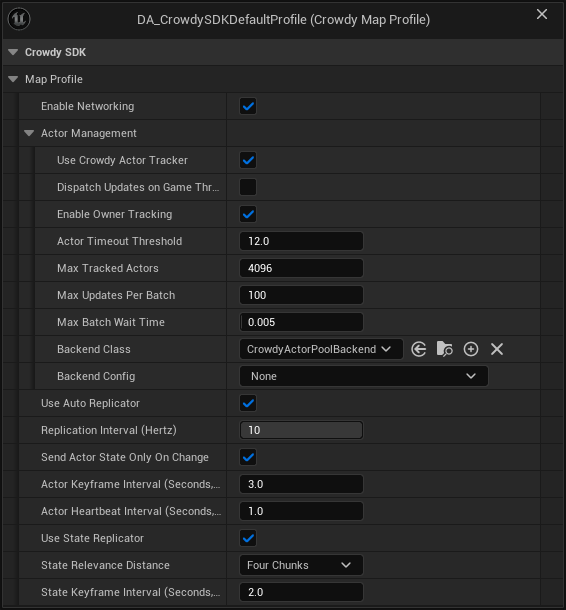
The screenshot is the SDK's shipped default profile, and its **Backend Config** reads None: the backend runs on a built-in config in that case.
:::note[No Backend Config means the built-in one: the actor pool with the transform policy.]
When `BackendConfig` is empty, `UCrowdyActorPoolBackend::InitializeBackend` creates a transient **Actor Pool Backend Config** and, since it names no policy, instantiates `UCrowdyTransformRepPolicy`: it reads the default executor's `FCrowdyActorState` and sets the pooled actor's location and rotation, interpolated across a ring of recent samples with bounded extrapolation. A `BackendConfig` of another backend's class is refused: the backend logs `Backend Config is a , but this backend needs a CrowdyActorPoolBackendConfig` and returns false, the actor manager logs `could not initialize, so no remote entity will be drawn on this map`, and remote entities arriving as continuous-state updates are tracked with nothing on screen. Spawn-event proxies and Crowdy State are unaffected either way. See [Map profiles](./map-profile.md).
The fallback arrived in 2.15.0. On 2.14.0 and earlier an empty Backend Config, or one with no Replication Policy Class, tracks remote entities and draws nothing, and the fix there is an **Actor Pool Backend Config** naming `UCrowdyTransformRepPolicy`. See [What's Changed](../guides/whats-changed.md#2026-09-22-sdk-v2150).
:::
### Configure it
`UCrowdyActorPoolBackendConfig`, set as the profile's `BackendConfig`:
| Field | Default | Effect |
|---|---|---|
| `ReplicationPolicyClass` | none | Your `UCrowdyRepApplicationPolicy` subclass. Unset means `UCrowdyTransformRepPolicy`, which moves the proxy from `FCrowdyActorState`; set it when your executor sends more than the transform, and move the proxy yourself in it. |
| `PoolPolicyClass` | none, optional | A `UCrowdyActorPoolPolicy` subclass. Unset means the concrete base, which already hides pooled actors, shows them on activation, and strips proxy movement. |
| `DefaultPoolSizePerClass` | 8 | Pools are created lazily per entity class with this many actors made up front. |
| `PerClassPoolOverrides` | empty | A per-class up-front size; a class listed here is also pre-warmed at map load. |
| `MaxPoolSizePerClass` | 256 | How far a class's pool may grow. When every actor is in use, the pool spawns one more, up to this cap (never below the up-front size). |
| `bRenderLocalOwner` | off | Also draw a pooled copy of entities this client owns, driven by the server's echo of its own updates. Off, the owner sees only its real actor. Turn it on to watch the round trip on a single client. |
When an entity's spawn event already made an actor of the entity's class, the pool draws that actor and takes nothing from the pool, so what `OnCrowdySpawned` set on it stays. When ownership of a drawn entity moves to this client, the pool lets go of the actor, which this client now moves; when it moves away, the pool draws this client's actor from the new owner's updates.
A pool that is full grows by one actor at a time, spawned during play with collision off until it is activated. At the cap, a new entity of that class waits: it is activated as soon as another entity of the class leaves, or, if its spawn event already made an actor for it, that actor is kept and drawn instead of being replaced. Nothing is dropped. The cap is there so a flood of made-up entity ids from a misbehaving peer cannot make your client spawn without limit; raise it if you legitimately expect more than 256 live remote entities of one class.
:::caution[A custom executor needs a matching policy. The default policy reads FCrowdyActorState and refuses anything else.]
`UCrowdyTransformRepPolicy` skips an update whose struct is not `FCrowdyActorState`, so a Dynamic entity whose executor sends its own struct stands still until its profile names a policy that reads it. `UCrowdyRepApplicationPolicy` has two pure virtuals and requires a subclass; `UCrowdyActorPoolPolicy` ships full bodies and is meant to be instantiated as is.
:::
### The replication application policy
The policy is what moves a remote player's proxy. Continuous state is how pawns, players, and AI move, so a policy's first job is to take the location and rotation out of each update and put the proxy where the owner was at `RenderTimeMs`. The shipped `UCrowdyTransformRepPolicy` does exactly that for `FCrowdyActorState`, and for a pawn that only moves it is all you need. You write your own only when your executor sends more than the transform, and then you apply the transform yourself first and your extra fields after, because a custom policy replaces the shipped one rather than adding to it: `UCrowdyActorPoolBackend::ResolvePolicyClass` instantiates the config's class instead of `UCrowdyTransformRepPolicy`, so a policy that never sets location and rotation leaves every proxy under it standing still.
`UCrowdyRepApplicationPolicy` reads a state struct out of each update and applies it to the pooled actor each frame:
| Override | Called | What you do |
|---|---|---|
| `ExtractFields(State, ServerTimestampMs, SlotId)` | Per update, per slot | Read your struct out of `State` into your own per-slot buffers. Return false when the struct type is wrong and the update is skipped. |
| `ApplyToActor(Actor, SlotId, RenderTimeMs)` | Per frame, per active slot | Apply the buffered state, interpolated to `RenderTimeMs`, to the actor. |
| `OnInstanceActivated(Actor, InitialState)` | Once, when a slot activates | A `BlueprintNativeEvent`: set initial state on the actor. |
| `OnInstanceDeactivated(SlotId)` | When the entity leaves | Clean up per-slot state. |
| `GetExpectedSlotCount()` | At startup | How many slots to pre-allocate; 64 by default. Match your expected player count. |
#### The sample ring
Both the shipped policy and the example below keep their per-slot history in `TInterpolatedField`, a small ring buffer the SDK ships in `Data/TInterpolatedField.h`, 32 samples deep by default. `TInterpolatedField::Push(Value, TimestampMs)` stores one sample with the server timestamp the update carried. `TInterpolatedField::Sample(RenderTimeMs, LerpFn)` finds the two samples that bracket the render time by binary search and blends between them with the function you pass (`FMath::Lerp` for a location; a quaternion slerp for a rotation). When the render time runs past the newest sample, `Sample` extrapolates from the last two by calling the same function with an alpha above 1, for at most 0.2 seconds beyond the newest; after that it holds the value extrapolated to 0.2 seconds. The step is measured over at least the average gap of the last four samples (50 ms when only two are held), so two updates that arrive almost together after a sender hitch extrapolate at the sender's normal pace instead of throwing the proxy far ahead for a frame. A render time older than the oldest sample holds the oldest sample; a slot is in that state only briefly after activation, until the render time, which runs one interpolation delay behind, catches up with the samples already held. A location follows that extrapolation in full; the rotation slerp clamps its alpha to 1.2, so a rotation extrapolates by at most a fifth of a step. With one sample it returns that sample; with none, the default you pass. `PhysicalIndex` is the ring's own index arithmetic, nothing you call.
The reason a proxy built on it does not jitter is the render time itself: the actor manager renders at the estimated server time minus the interpolation delay (100 ms), so the proxy is always drawn a little behind the newest sample, between two samples it already holds, and never snaps to the latest one as it lands. Extrapolation only runs when an update is late, and its cap keeps a lost stream from sliding a proxy across the map.
#### The example: the same shape, with your own field added
`ULanternRepPolicy` is what the shipped policy does, plus one field. `FLanternPlayerState`, the struct the [continuous state](./continuous-state.md) page's executor sends for `ALanternPlayer`, carries `Location`, `Rotation`, and `bTorchLit`. The policy keeps one `TInterpolatedField` and one `TInterpolatedField` per slot: `ExtractFields` refuses any other struct type and pushes the location and rotation with the update's server timestamp; `ApplyToActor` samples both at `RenderTimeMs`, calls `SetActorLocationAndRotation` on the proxy, and only then applies the torch flag to the proxy's `Torch` light. The flag is applied as the latest value: a boolean is not something to blend. `OnInstanceDeactivated` resets the slot so a reused slot never starts from a departed player's history. The policy header includes `LanternPlayer.h` for the struct, so this snippet depends on the [`executor-override` block](./continuous-state.md#a-custom-executor) being in your project first.
```cpp
// LanternRepPolicy.h
#include "Data/CrowdyRepApplicationPolicy.h"
#include "Data/TInterpolatedField.h"
#include "LanternPlayer.h"
#include "LanternRepPolicy.generated.h"
// Replaces the shipped transform policy, so it moves the proxy itself and then applies the one field of its own.
UCLASS()
class ULanternRepPolicy : public UCrowdyRepApplicationPolicy
{
GENERATED_BODY()
public:
virtual bool ExtractFields(const FInstancedStruct& State, int64 ServerTimestampMs, int32 SlotId) override;
virtual void ApplyToActor(AActor* Actor, int32 SlotId, int64 RenderTimeMs) override;
virtual void OnInstanceDeactivated(int32 SlotId) override;
private:
TArray> Positions;
TArray> Rotations;
TArray bTorchLitBySlot;
void EnsureSlot(int32 SlotId);
};
// LanternRepPolicy.cpp
#include "LanternRepPolicy.h"
#include "Components/PointLightComponent.h"
bool ULanternRepPolicy::ExtractFields(const FInstancedStruct& State, int64 ServerTimestampMs, int32 SlotId)
{
const FLanternPlayerState* Player = State.GetPtr();
if (!Player)
{
return false;
}
// Each slot keeps a ring of timestamped samples; Sample reads them back at whatever render time the pool asks for.
EnsureSlot(SlotId);
Positions[SlotId].Push(Player->Location, ServerTimestampMs);
Rotations[SlotId].Push(Player->Rotation, ServerTimestampMs);
bTorchLitBySlot[SlotId] = Player->bTorchLit;
return true;
}
void ULanternRepPolicy::EnsureSlot(int32 SlotId)
{
if (SlotId >= Positions.Num())
{
Positions.SetNum(SlotId + 1);
Rotations.SetNum(SlotId + 1);
bTorchLitBySlot.SetNumZeroed(SlotId + 1);
}
}
```
```cpp
// LanternRepPolicy.cpp
void ULanternRepPolicy::ApplyToActor(AActor* Actor, int32 SlotId, int64 RenderTimeMs)
{
if (!Positions.IsValidIndex(SlotId))
{
return;
}
const FVector Location = Positions[SlotId].Sample(RenderTimeMs, [](const FVector& A, const FVector& B, float T) { return FMath::Lerp(A, B, T); });
const FRotator Rotation = Rotations[SlotId].Sample(RenderTimeMs, [](const FRotator& A, const FRotator& B, float T)
{
return FQuat::Slerp(A.Quaternion(), B.Quaternion(), FMath::Clamp(T, 0.f, 1.2f)).GetNormalized().Rotator();
});
// The transform first, then the field of your own: the proxy's torch follows the owner's.
Actor->SetActorLocationAndRotation(Location, Rotation);
if (const ALanternPlayer* Player = Cast(Actor))
{
Player->Torch->SetVisibility(bTorchLitBySlot[SlotId]);
}
}
void ULanternRepPolicy::OnInstanceDeactivated(int32 SlotId)
{
if (!Positions.IsValidIndex(SlotId))
{
return;
}
Positions[SlotId] = {};
Rotations[SlotId] = {};
bTorchLitBySlot[SlotId] = false;
}
```
`ExtractFields` and `ApplyToActor` are C++ only, so the policy class is C++. Set it as **Replication Policy Class** on the Actor Pool Backend Config in the map profile's Details panel. `OnInstanceActivated` is the one hook a Blueprint subclass of the policy may implement.
### The pool policy
`UCrowdyActorPoolPolicy` decides what a pooled actor does at three moments, each a `BlueprintNativeEvent` a Blueprint subclass can implement without C++: `OnActorPooled(Actor)` once per actor right after it is spawned into the pool, `OnActorActivated(Actor, InitialState)` when it is checked out (its `InitialState` is empty in the shipped pool, and the identity lands on the component right after it returns), and `OnActorDeactivated(Actor)` when it goes back. The base hides and shows the actor and disables proxy movement; subclass only to add per-actor behaviour at those moments.
Pooled actors are genuinely spawned (`SpawnActorDeferred` and `FinishSpawning`), so their constructors and Blueprint-added components run. Before `BeginPlay` the pool marks any entity component on them dormant, so a pre-warmed actor registers no entity and no listener while it stands for nothing. `UCrowdyActorPoolSubsystem::RegisterPool(FCrowdyPoolConfig)` (`ActorClass`, `PoolPolicyClass`, `PoolSize`, `MaxPoolSize`) is what the backend calls to create a pool, a no-op for a class that already has one, and `HasPool(Class)` says whether one exists; `AcquireActor` checks an actor out, growing the pool up to `MaxPoolSize` when every actor is in use, and `ReleaseActor` checks it back in. `crowdy.pool.trace 1` logs spawn, release, reuse, and growth.
## What a pooled proxy does and does not do
:::warning[A pooled Dynamic proxy never sees the spawn event's InitialState.]
The spawn event creates a proxy actor and broadcasts `OnCrowdySpawned` with the payload; the actor pool then treats that actor as an orphan, destroys it, and swaps in a pre-warmed pooled actor that never received it. Anything a proxy needs to look right must be a class default or a field of the replicated state struct, never a one-time spawn value.
:::
:::warning[The owner of a client-spawned Dynamic entity sees two visuals.]
The pool is fed only by inbound network state, so the owner ends up with the local actor it drives directly and the pooled proxy the server echoes back, interpolation-delayed. There is no per-entity flag to choose. Hide one side yourself, in the entity's own code: `SetActorHiddenInGame` on the local actor when `IsLocallyOwned()` if the round-tripped proxy is the one that should show. With **Enable Owner Tracking** on (the default) the local player's own avatar is echoed and drawn the same way; turning it off suppresses that one echo and no other owned entity's.
:::
- A proxy's `GetNetID()` and `GetRole()` work: the backend assigns the identity to the pooled actor's component when it checks it out. `RemoteProxy` is the role it reports.
## Swapping at runtime
`UCrowdyActorManager::SetBackend(NewBackend)` (Blueprint: **Set Backend**) swaps the active backend: the previous one is deinitialized, slot state is preserved, and the new one receives `ApplyInterpolation` from the next tick. The new backend must already be initialized, and `InitializeBackend` is C++ only, so this is a C++ operation in practice. `GetActiveBackend()` is the live backend, null when none initialized; a backend that refused to initialize is absent here and present in the profile, which is how to tell the two apart from code.
## Writing a backend
Subclass `UCrowdyRenderingBackend` and pair it with a `UCrowdyRenderingBackendConfig` subclass carrying whatever your backend needs (an instanced mesh, a pool size). Four overrides are required and three optional:
| Override | Required | Contract |
|---|---|---|
| `ActivateInstance(SlotId, UUID, EntityClass, InitialState)` | yes | A remote instance became visible. Acquire the rendering resource for `SlotId`. `EntityClass` is never null. |
| `DeactivateInstance(SlotId, UUID)` | yes | It left. Release the resource and the per-slot state. |
| `ExtractUpdate(State, ServerTimestampMs, SlotId)` | yes | An update arrived. Parse the struct into your interpolation buffers. |
| `ApplyInterpolation(SlotId, RenderTimeMs)` | yes | Apply the interpolated state; `RenderTimeMs` is already offset by the interpolation delay. |
| `InitializeBackend(World, Config)` | no | Acquire subsystems, read the config. Return false, after logging the reason and the remedy, when you cannot draw with what you were given; the manager refuses you rather than installing you. |
| `DeinitializeBackend()` | no | Release what you held. |
| `IsInstanceActive(SlotId)` | no | Whether `SlotId` holds something drawn. Return false when `ActivateInstance` could not acquire a resource (a full pool), and the actor manager calls `ActivateInstance` again once capacity may have freed or the entity registers. The default, true, never retries. |
`DrawsEntitiesAsCrowdRows()` is one more, for a backend that represents entities without spawning an actor of the entity's class; the editor reads it off the class default object to decide whether to show authoring surfaces that only make sense on that representation. The default is false. The Crowdy Mass Rendering Backend that ships in the SDK is the one backend that returns true; choose it as the map profile's **Backend Class** and see [Turn Mass on for a map](../mass/turn-mass-on-for-a-map.md).
`SlotId` is a stable index the actor manager assigns for the instance's lifetime; keep your per-instance state in arrays indexed by it.
:::danger[A custom backend must never subscribe to the actor tracker itself.]
The actor manager is already the single caller of `ActivateInstance` and `DeactivateInstance`. A backend that also subscribes to `UCrowdyActorTracker` activates every entity twice and spawns everything double. The four overrides are your only entry points.
:::
## Gotchas
- `BackendClass` alone draws the default executor's movement through `UCrowdyTransformRepPolicy`. A custom state struct needs `BackendConfig` with a `ReplicationPolicyClass` that reads it, and that policy replaces the shipped one: apply `Location` and `Rotation` yourself before anything else, or every proxy stands still.
- A policy built on `TInterpolatedField` is the smooth choice for anything that moves. Sample it at `RenderTimeMs`, never at the newest sample: the delay is what hides the network.
- `bUseCrowdyActorTracker` off on the profile means no tracker, no manager, and no backend at all.
- A pooled proxy's spawn-time look comes from class defaults or the state struct, never the spawn payload.
- A pool at its cap warns once per class, naming the class and `MaxPoolSizePerClass`; each entity it could not draw is a `crowdy.pool.trace` line, not a warning, since it is retried. Raise `MaxPoolSizePerClass` if you see the warning. On 2.16.0 and earlier, a pool never grew past `DefaultPoolSizePerClass` (8), every entity past that was dropped with a warning and never retried, and its spawn-event actor was destroyed first; see [What's Changed](../guides/whats-changed.md#2026-09-26-sdk-v2170).
- A class that arrives over the wire before it is loaded cannot be drawn; see Preloaded Entity Classes on [Entities and spawning](./entities-and-spawning.md).
## Related
- [Map profiles](./map-profile.md): where `BackendClass` and `BackendConfig` live.
- [Draw a crowd with Mass](../mass/draw-a-crowd-with-mass.md): the Crowdy Mass Rendering Backend, which draws remote entities as crowd rows.
- [Continuous state](./continuous-state.md): the executor that produces what the policy consumes.
- [Entities and spawning](./entities-and-spawning.md): the actor tracker and the spawn event.
- [Entity component](./entity-component.md): the identity a pooled actor is given.
# Channels
Source: https://docs.dev.crowdedkingdoms.com/unreal-sdk/runtime/channels
# Channels
A channel is a named message group within one app: create it, join it, publish to it, and every member receives the message wherever they stand. It is also the transport a `Multicast` CrowdyEvent and a [replicated subsystem](./replicated-subsystems.md)'s state deltas ride, and every client joins one channel, the session channel, whether or not it ever creates another.
`UCrowdyChannels` is a game-instance subsystem. Every server call on it is asynchronous and answers through exactly one of two delegates, success or `FOnChannelError`, including when the request never reaches the server. Publishing is not one of those calls: it goes out over UDP and is not acknowledged.
## When to use one
Guild chat, a party's coordination, a village-wide announcement, trade broadcasts: anything that must reach a group regardless of distance. For a moment that only nearby players need, a `SpatialMulticast` event is cheaper; for a value, [Crowdy State](./crowdy-state.md), or your server code if it is [truth](../concepts/two-planes.md).
## The session channel
Every app has one channel every client joins on connect, named `__crowdy_session_`, created on demand when it does not exist and the app's creation policy lets a member create one (otherwise create it once in Crowdy Studio, or the log warns that default-channel events will drop). It is an SDK-owned transport, not a place for your own messages. It carries every `Multicast` CrowdyEvent with no `CrowdyChannel` of its own and every replicated subsystem's Crowdy State delta.
:::warning[A message you publish on the session channel, or on any channel a Multicast event names, never reaches OnChannelMessageReceived.]
Every channel the connect-time bootstrap joins (the session channel and each channel a Multicast event names) and every channel you hand to `RegisterReliableRpcChannel` is an RPC transport: a payload arriving on it goes to the RPC decoder and is never broadcast to the game. Publish your own notices on a channel of your own, one channel per purpose.
:::
`GetSessionChannelId()` is its resolved id, 0 until joined or created, and `AreReliableChannelsReady()` turns true once the connect-time bootstrap has joined every channel the app's Multicast events name plus the session channel. Both are pure nodes you can poll.
:::warning[A channel a Multicast event names must already exist. Only the session channel is created for you.]
The bootstrap joins named channels; it never invents one, because a missing name is usually a typo. It logs `[CrowdyChannels] Multicast channel 'X' was not found for this app - RPCs targeting it will drop. Create it (or fix the name) in Crowdy Studio.` A channel you create at runtime after the bootstrap has run needs `RegisterReliableRpcChannel(ChannelId, Name)` once you have joined it, or events naming it still drop. Registering it makes it an RPC transport: raw `PublishChannelMessage` payloads on it are decoded as RPC frames and are not delivered to `OnChannelMessageReceived`, so keep one channel per purpose.
:::
## Create and join
`CreateChannel(Name, Description, MembershipPolicy, bMembersCanSend, OnSuccess, OnError)` creates one; the creator becomes its owner with the system `leader` role, which holds every permission including `send_messages`. `ECrowdyChannelMembershipPolicy` decides how others get in: `Open` (join at once), `Request` (a join request awaits approval), `Invite` (managers add members), `Admin` (app admins only). `bMembersCanSend` true creates a default `member` role granting `send_messages` to everyone who joins; false makes an announce-only channel where joiners receive but cannot post until given a role. The app's `FCrowdyChannelPolicy` (read with `GetChannelPolicy`) holds who may create channels at all (`ECrowdyChannelCreationPolicy`: `Admin`, `Member`, `Anyone`), the default membership policy, and the caps `MaxMembers` and `MaxChannelsPerUser` (0 means none); `SetChannelPolicy` sets the two policies, and the caps are set in Crowdy Studio.
The lantern village creates a `village` channel for lit notices once the connection is up: `CreateVillageChannel`, called from the game instance's connected handler (the create needs the game token), and `HandleVillageChannelCreated` stores the id behind `GetVillageChannelId`, the one place the id lives.
```cpp
// LanternGameInstance.h
#include "Queries/Data/Channels/Types/FCrowdyChannel.h"
UFUNCTION(BlueprintPure, Category = "Lantern")
int64 GetVillageChannelId() const { return VillageChannelId; }
private:
int64 VillageChannelId = 0;
void CreateVillageChannel();
UFUNCTION()
void HandleVillageChannelCreated(FCrowdyChannel Channel);
// LanternGameInstance.cpp
#include "Subsystem/CrowdyChannels.h"
void ULanternGameInstance::CreateVillageChannel()
{
// Called once connected (the create needs the game token); one client creates, the rest join.
UCrowdyChannels* Channels = GetSubsystem();
FOnChannelSuccess Created;
Created.BindDynamic(this, &ULanternGameInstance::HandleVillageChannelCreated);
Channels->CreateChannel(TEXT("village"), TEXT("Lantern lit notices"),
ECrowdyChannelMembershipPolicy::Open, true, Created, FOnChannelError());
}
void ULanternGameInstance::HandleVillageChannelCreated(FCrowdyChannel Channel)
{
VillageChannelId = Channel.ChannelId;
}
```
In the Game Mode Blueprint, at **Event BeginPlay** a **Crowdy SDK Subsystem** getter feeds **Bind Event to On UDP Connection Success**, whose custom event `OnConnected` calls **Create Channel**, a latent node with `Name`, `Description`, `Membership Policy`, and `Members Can Send` inputs and **On Success** (a `Channel` struct) and **On Error** pins. Binding to the connection is what keeps the create after sign-in; at BeginPlay there may be no token yet and the create would answer on **On Error**. The Game Mode belongs to one map, so keep the id in a variable on the Game Instance if the next map needs it. (Do not start from the Game Instance's **Event Init**: it runs before the SDK's subsystems exist, see [Authentication](../services/authentication.md#signing-in).) To keep the id, drag a **Break Crowdy Channel** off the `Channel` pin on the success branch and set an Integer64 variable `VillageChannelId` from `Channel Id`.
[Blueprint snippet: ch-create, see /bp/unreal-sdk/ch-create.txt]
Every connecting client running this asks the server to create the channel. A real game has one client create it, the host for instance, or calls `GetChannels` first and creates only on a miss; the server's creation policy is the real gate on who may.
`JoinChannel(ChannelId, ...)` joins an open channel and `RequestToJoinChannel` files a request on a `Request` channel; `LeaveChannel` leaves. The creator is already a member and needs neither, though the local cache (`HasCachedChannels`, `IsPlayerInChannel`) does not show the new channel until `GetMyChannels` has run.
## Ban a member
A manager removes a member for good with `BanChannelMember(ChannelId, UserId, Reason, OnSuccess, OnError)`. It takes the user out of the channel and refuses every later join, request to join and add of that user until a manager lifts the ban with `UnbanChannelMember(ChannelId, UserId, OnSuccess, OnError)`. The caller needs the manage-members permission, and the channel's owner and the caller themselves cannot be banned. A user who is not a member yet can be banned too, and leaving or being removed does not lift a ban.
`Reason` is optional and at most 500 characters. A longer one fails at once with a `PolicyViolation` error, and nothing is sent. Ban answers the member record, whose `Status` is `banned`; unban answers `bWasBanned`, which is false when the user had no ban.
The village's elder bans a member from the `village` channel. `VillageChannelId` is the id the game instance kept when it created the channel.
A Ban button on the member list calls `BanFromVillageChannel` with the member picked. `HandleChannelBanned` receives the member record, and `HandleChannelBanFailed` the error.
```cpp
// LanternGameInstance.h
#include "Queries/Data/Channels/Types/FCrowdyChannelMember.h"
#include "Queries/Data/Channels/Types/FCrowdyChannelError.h"
public:
// A Ban button on the member list calls this for the member picked.
void BanFromVillageChannel(int64 UserId, const FString& Reason);
UFUNCTION()
void HandleChannelBanned(FCrowdyChannelMember Member);
UFUNCTION()
void HandleChannelBanFailed(FCrowdyChannelError Error, FString Message);
// LanternGameInstance.cpp
#include "Subsystem/CrowdyChannels.h"
void ULanternGameInstance::BanFromVillageChannel(int64 UserId, const FString& Reason)
{
UCrowdyChannels* Channels = GetSubsystem();
FOnChannelMemberSuccess Banned;
Banned.BindDynamic(this, &ULanternGameInstance::HandleChannelBanned);
FOnChannelError Failed;
Failed.BindDynamic(this, &ULanternGameInstance::HandleChannelBanFailed);
// Needs the manage-members permission; the owner and yourself cannot be banned. A Reason over 500 characters fails before it is sent.
Channels->BanChannelMember(VillageChannelId, UserId, Reason, Banned, Failed);
}
void ULanternGameInstance::HandleChannelBanned(FCrowdyChannelMember Member)
{
UE_LOG(LogTemp, Log, TEXT("User %lld is banned from the village channel"), Member.UserId);
}
void ULanternGameInstance::HandleChannelBanFailed(FCrowdyChannelError Error, FString Message)
{
UE_LOG(LogTemp, Warning, TEXT("The ban failed: %s"), *Message);
}
```
**Ban Channel Member** is a latent node with `Channel Id`, `User Id` and `Reason` inputs. The figure bans the user that the `OnBanPressed` event passes in, for a fixed reason. **On Success** carries the member record; **On Error** carries `Error` and `Message`, and the figure opens `Error` with **Break Crowdy Channel Error** to print its `Code` and the `Message`.
[Blueprint snippet: ch-ban-node, see /bp/unreal-sdk/ch-ban-node.txt]
## Handle a ban on join
A banned user's `JoinChannel`, `RequestToJoinChannel`, or a manager's `AddChannelMember` for them, fails with the error code `Banned` in `ECrowdyChannelErrorCode`. The code comes from the server's own error code, not from the message text, so it is safe to branch on. A ban lasts until a manager lifts it, so do not retry: tell the player instead.
A Join the Village button calls `JoinVillageChannel`. Its failure handler checks the code first.
```cpp
// LanternGameInstance.h
#include "Queries/Data/Channels/Types/FCrowdyChannelError.h"
public:
// A Join the Village button calls this.
void JoinVillageChannel();
UFUNCTION()
void HandleVillageJoinFailed(FCrowdyChannelError Error, FString Message);
// LanternGameInstance.cpp
#include "Subsystem/CrowdyChannels.h"
void ULanternGameInstance::JoinVillageChannel()
{
FOnChannelError Failed;
Failed.BindDynamic(this, &ULanternGameInstance::HandleVillageJoinFailed);
GetSubsystem()->JoinChannel(VillageChannelId, FOnChannelMemberSuccess(), Failed);
}
void ULanternGameInstance::HandleVillageJoinFailed(FCrowdyChannelError Error, FString Message)
{
// A ban stays until a manager lifts it, so trying again is pointless; tell the player instead.
if (Error.Code == ECrowdyChannelErrorCode::Banned)
{
UE_LOG(LogTemp, Warning, TEXT("You are banned from the village channel: %s"), *Message);
return;
}
UE_LOG(LogTemp, Warning, TEXT("Could not join the village channel: %s"), *Message);
}
```
On the **Join Channel** node's **On Error** pin, open `Error` with **Break Crowdy Channel Error** and compare `Code` with **Banned** in a **Branch**; the figure prints the `Message` on the banned branch.
[Blueprint snippet: ch-banned-join, see /bp/unreal-sdk/ch-banned-join.txt]
## Publish and receive
`PublishChannelMessage(ChannelId, Payload)` sends raw bytes to every active member except the sender. The caller must already be a member holding `send_messages`; an open channel's default member role grants it. The server caps a channel message payload at 1024 bytes. `PublishChannelMessageAs(ChannelId, SenderUuid, Payload)` sends under a sender id you choose, as the Game Kit's chat does, since the session's own id is empty until the player's entity resolves; a receiver sees that id, which proves nothing. `CanPublishChannelMessage()` is true once the game session exists and the realtime connection is routing.
:::warning[Publishing is unacknowledged UDP: no ordering, no delivery guarantee, and the caller is never told if it was dropped.]
It is the right tool for a notice, not for a value. Put anything that must be right on every client in a state property, or in your server code if it is truth.
:::
The lantern's `PublishLit`, called from the owner-gated overlap, publishes a one-byte notice, its lit flag, on the village channel, reading the id from the game instance's `GetVillageChannelId`:
```cpp
// Lantern.cpp
#include "LanternGameInstance.h"
#include "Subsystem/CrowdyChannels.h"
void ALantern::PublishLit()
{
// Tell every village member the lantern changed, over the channel the game instance created.
const ULanternGameInstance* Game = GetGameInstance();
UCrowdyChannels* Channels = Game ? Game->GetSubsystem() : nullptr;
if (Channels)
{
Channels->PublishChannelMessage(Game->GetVillageChannelId(), { uint8(bLit) });
}
}
```
From **Event ActorBeginOverlap**, behind an **Is Crowdy Entity Locally Controlled** branch (the owner gate the C++ has): a **Crowdy Channels** subsystem getter feeds the `Target`, **Get VillageChannelId** (the Integer64 variable the create graph set) the `Channel Id`, and a one-element **Make Array** the `Payload` byte array of **Publish Channel Message**. The array's one element is the lit byte, 0 in the figure; wire your lit flag into it. It is a plain call with no result pins.
[Blueprint snippet: ch-publish, see /bp/unreal-sdk/ch-publish.txt]
`OnChannelMessageReceived` fires on the game thread for every delivery, with the channel id, the sender's `SenderUUID`, and the payload. The village's `HandleVillageNotice`, bound by `WatchVillageChannel` from `Init`, reads the one byte and sets every lantern's visibility from it; the check on the payload's length before the read is the validation the caution below asks for.
```cpp
// LanternGameInstance.h
void WatchVillageChannel();
UFUNCTION()
void HandleVillageNotice(int64 ChannelId, FString SenderUUID, const TArray& Payload);
// LanternGameInstance.cpp
#include "EngineUtils.h"
#include "Lantern.h"
#include "Subsystem/CrowdyChannels.h"
void ULanternGameInstance::WatchVillageChannel()
{
GetSubsystem()->OnChannelMessageReceived.AddDynamic(this, &ULanternGameInstance::HandleVillageNotice);
}
void ULanternGameInstance::HandleVillageNotice(int64 ChannelId, FString SenderUUID, const TArray& Payload)
{
// A channel message is not server-signed; validate it before acting. Here the one byte is the lit flag.
const bool bLit = Payload.Num() > 0 && Payload[0] != 0;
for (TActorIterator It(GetWorld()); It; ++It)
{
It->Light->SetVisibility(bLit);
}
}
```
There is no Blueprint figure for the receive side: `OnChannelMessageReceived` carries a byte-array `Payload`, and the generated graphs on this site cannot express a bound event with an array parameter. In your own Blueprint, drag off a **Crowdy Channels** subsystem getter, choose **Bind Event to On Channel Message Received**, and create the matching custom event from the `Event` pin; it receives `Channel Id`, `Sender UUID`, and `Payload` as an array of bytes.
:::caution[A channel message is not signed on the way down. Validate the payload before acting on it.]
The server does not sign the delivery, and any member with `send_messages` could have sent it. Treat the bytes as untrusted input: bound every length, clamp every value, and never let one decide an outcome that must hold against a modified client. The SDK does not filter payloads on a channel: every payload you are sent reaches your handler, whatever text it begins with.
:::
## The full surface
Cache and queries, on `UCrowdyChannels`: `HasCachedChannels` (has `GetMyChannels` ever completed), `GetCachedMyChannels` (the memberships, no round trip), `IsPlayerInChannel`, `GetMyChannelById`, `IsInAnyChannel`, `HasPermissionInChannel` (an `ECrowdyChannelPermission`: `SendMessages`, `ManageChannel`, `ManageMembers`, `ManageRoles`, `InviteMembers`), `GetMyChannels`, `GetChannel`, `GetChannels`, `GetChannelMembers`, `GetChannelRoles`, `GetChannelPolicy`, `GetPendingJoinRequests`. `OnMyChannelsCacheChanged` fires when the cached membership list changes.
Mutations: `CreateChannel`, `UpdateChannel`, `DeleteChannel`, `JoinChannel`, `RequestToJoinChannel`, `LeaveChannel`, `AddChannelMember`, `RemoveChannelMember`, `BanChannelMember`, `UnbanChannelMember`, `CreateChannelRole`, `UpdateChannelRole`, `DeleteChannelRole`, `SetChannelMemberRoles`, `SetChannelPolicy`.
Every query and mutation also exists as a latent Blueprint node with **On Success** and **On Error** pins, one class each: `UCrowdyChannels_GetMyChannels` (**Get My Channels**), `UCrowdyChannels_GetChannel`, `UCrowdyChannels_GetChannels` (**Get All Channels**), `UCrowdyChannels_GetChannelMembers`, `UCrowdyChannels_GetChannelRoles`, `UCrowdyChannels_GetChannelPolicy`, `UCrowdyChannels_GetPendingJoinRequests`, `UCrowdyChannels_CreateChannel`, `UCrowdyChannels_UpdateChannel`, `UCrowdyChannels_DeleteChannel`, `UCrowdyChannels_JoinChannel`, `UCrowdyChannels_RequestToJoinChannel` (**Request to Join Channel**), `UCrowdyChannels_LeaveChannel`, `UCrowdyChannels_AddChannelMember`, `UCrowdyChannels_RemoveChannelMember`, `UCrowdyChannels_BanChannelMember` (**Ban Channel Member**), `UCrowdyChannels_UnbanChannelMember` (**Unban Channel Member**), `UCrowdyChannels_SetChannelMemberRoles`, `UCrowdyChannels_CreateChannelRole`, `UCrowdyChannels_UpdateChannelRole`, `UCrowdyChannels_DeleteChannelRole`, `UCrowdyChannels_SetChannelPolicy`. A list result arrives wrapped (`FCrowdyChannelsResult`, `FCrowdyMyChannelsResult`, `FCrowdyChannelMembersResult`, `FCrowdyChannelRolesResult`) so a **Break** node unwraps it. `PublishChannelMessage` has no latent twin; it is a plain call on the subsystem.
**On Success** and **On Error** of a node share one set of data pins: the result (`Channel`, `Member`, `Channels`, and so on; a node that returns nothing has none), then `Error` and `Message`. On **On Success**, `Error` and `Message` are empty. On **On Error** the result is empty, `Error` is an `FCrowdyChannelError` (break it to read its `Code`) and `Message` is the text to show.
The types:
| Type | Holds |
|---|---|
| `FCrowdyChannel` | `ChannelId`, `AppId`, `Name`, `Description`, `OwnerUserId`, `MembershipPolicy`, `Status`, `CreatedAt`. |
| `FCrowdyChannelMember` | `ChannelMemberId`, `ChannelId`, `UserId`, `Status` (`active`; `pending` while a request waits; `banned` in the answer to a ban), `Roles` sorted by rank, `CreatedAt`. |
| `FCrowdyChannelMembership` | Your own membership of one channel: `Channel`, `Roles`, the effective `Permissions` across them, `JoinedAt`. |
| `FCrowdyChannelRole` | `ChannelRoleId`, `ChannelId`, `RoleName`, `Rank`, `bIsSystem`, `Permissions`, `CreatedAt`. Every channel has a non-deletable `leader` role. |
| `FCrowdyChannelPermissions` | The five flags: `bSendMessages`, `bManageChannel`, `bManageMembers`, `bManageRoles`, `bInviteMembers`. |
| `FCrowdyChannelPolicy` | `AppId`, `CreationPolicy`, `DefaultMembershipPolicy`, `MaxMembers`, `MaxChannelsPerUser`. |
| `FCrowdyChannelError` | An `ECrowdyChannelErrorCode` (`Unknown`, `NotFound`, `Forbidden`, `PolicyViolation`, `AlreadyMember`, `NotMember`, `NetworkError`, `ServerError`, `Banned`) and the `Message` to show. All but `Banned` are a best-effort classification of the message text; `Banned` comes from the server's own error code. |
Every id is an `int64`; the server's ids are 64-bit.
In C++ each call takes a pair of dynamic delegates: a success type shaped for its result (`FOnChannelSuccess` with an `FCrowdyChannel`, `FOnChannelsSuccess` with the array, `FOnChannelMemberSuccess`, `FOnChannelMembersSuccess`, `FOnChannelRoleSuccess`, `FOnChannelRolesSuccess`, `FOnMyChannelsSuccess` with the memberships, `FOnChannelPolicySuccess`, `FOnChannelVoidSuccess` for the calls that return nothing, `FOnChannelUnbanSuccess` with a `bWasBanned` for an unban) and `FOnChannelError`. The two events are `FOnMyChannelsCacheChanged` and `FOnChannelMessageReceived`. The latent nodes expose the same shapes as multicast pins that also carry `Error` and `Message`: `FChannelAsyncResult`, `FChannelsAsyncResult`, `FMyChannelsAsyncResult`, `FChannelMemberAsyncResult`, `FChannelMembersAsyncResult`, `FChannelRoleAsyncResult`, `FChannelRolesAsyncResult`, `FChannelPolicyAsyncResult`, `FChannelUnbanAsyncResult`, and `FChannelAsyncOnError` for the nodes that return nothing.
## What rides a channel from the SDK itself
A `Multicast` CrowdyEvent is encoded into a channel payload and published over the session channel, or the channel its `CrowdyChannel` names once this client has joined it. A replicated subsystem's Crowdy State delta travels the same way. Both are capped at 1024 bytes by the SDK's own codec and dropped loudly, never truncated, when they would exceed it; a Multicast event whose parameters can never fit is refused at registration. "Reliable" on this path means every member is a recipient, not that delivery is guaranteed; see [Recipients and routing](./recipients-and-routing.md#multicast-what-reliable-means).
`crowdy.rpc.reliable.trace 1` logs the reliable sends and receives on the channel transport.
## Gotchas
- The session channel is always joined, even in a project with no Multicast event.
- A named channel is join-only from the SDK's side. Create it in Crowdy Studio or at runtime, then `RegisterReliableRpcChannel` if you created it after connecting.
- `send_messages` gates publishing, not membership. An announce-only channel is a channel whose joiners lack it.
- The sender never receives an echo of its own message.
- Channel management is a Game API call and needs the app-scoped token the sign-in gives you; see [Authentication](../services/authentication.md). The wire protocol and the GraphQL calls are on the [Game API channels page](/game-api/channels).
## Related
- [Recipients and routing](./recipients-and-routing.md): the Multicast recipient.
- [RPC events in C++](./rpc-events-cpp.md): the `CrowdyChannel` key and the payload cap.
- [Replicated subsystems](./replicated-subsystems.md): deltas over the session channel.
- [Connection and reconnect](./connection-and-reconnect.md): when the channel bootstrap runs.
- [Teams and channels in Studio](../studio/teams-and-channels.md): authoring channels without code.
- [Play together](../services/play-together.md): chat rooms and party chat as text, with Send Chat and On Chat Message.
# Connection and Reconnect
Source: https://docs.dev.crowdedkingdoms.com/unreal-sdk/runtime/connection-and-reconnect
# Connection and Reconnect
The realtime connection opens after sign-in, re-assigns itself a server when it loses one, and tells the game only when that fails. This page is what a game can read about the connection, what it should react to, and the two knobs that shape the traffic.
## When you need this
A connection indicator in the HUD, a "reconnecting" overlay, a decision about what to show while the world is not being updated. Everything else on the view plane depends on the connection and needs nothing from this page.
## The states
`UCrowdySDKSubsystem::GetUDPConnectionState()` (Blueprint: **Get UDP Connection State**) returns an `EUDPConnectionState`:
| State | Meaning |
|---|---|
| `Disconnected` | Not connected, and no reconnect in progress. |
| `Connecting` | The connection is being opened. |
| `Connected` | Up and carrying traffic. |
| `Reconnecting` | The connection lost its server and is assigning another. Reported, not acted on: it recovers on its own. |
| `GateKeep` (shown as Gate Kept) | The server is gatekeeping this client because the app is full. Nothing retries; the player has already been told. |
:::note[Poll it. No delegate is needed for a status indicator.]
`GetUDPConnectionState` is a pure node, safe to read every frame. Reserve the events below for the moments you must react to.
:::
The events on `UCrowdySDKSubsystem`, all Blueprint-assignable: **On UDP Connection Success** (`OnUDPConnectionSuccess`, an `FOnUDPConnectionSuccess`) whenever the connection comes up, including after a re-assignment, since that is a new session; **On UDP Timed Out** (`OnUDPTimedOut`, an `FOnUDPTimedOut`) when the transport gave up on a re-assignment, with the state at `Reconnecting`; **On UDP Address Notify** (`OnUDPAddressNotify`, an `FOnUDPAddressNotify` with `bSuccess` and `GateKeep`) when the server answers the access request. `RequestUDPAccess()` asks for the connection; the [Quickstart](../quickstart.md) never calls it because the sign-in does. Underneath sits `UCrowdyUDPSubsystem`, whose `GetConnectionState()` is the C++ read that needs no game thread and whose `GetUDPNetworkStats()` returns an `FUDPNetworkStatistics` (bytes and datagrams each way, messages per second, `Ping`, the client-notify counters and loss percentage); `ResetUDPNetworkStats()` zeroes it.
Coming up does more than flip the state: the same handler that broadcasts **On UDP Connection Success** joins the reliable-RPC channels, which is what makes the [session channel](./channels.md) "always joined".
:::note[Connected means the server is ready for your traffic, not only that the socket is open.]
After the server assigns this client, it needs a moment to install the session before it accepts spatial traffic. The SDK waits that out itself: the state stays `Connecting` until the assignment plus the readiness wait have elapsed, and only then does it turn `Connected` and broadcast **On UDP Connection Success**. You never time anything. What the SDK does not do is hold your sends for that moment: an actor update or a spatial event sent while the state is still `Connecting` goes out, or is dropped, and is never replayed once connected; the next replication interval is the recovery. So gate the thing that starts sending, the pawn's spawn or the entity component's activation, on this event or on `Get UDP Connection State` reading `Connected`, as the [Quickstart](../quickstart.md#1-make-your-player-a-crowdy-entity) does. A `Multicast` event is the one exception, queued until the channel bootstrap finishes (see the Gotchas).
:::
## When it drops
The low-level connection re-assigns a server on its own; the SDK only surfaces it as `Reconnecting`. A failed re-assignment is where the game hears about it: the SDK marks the state `Reconnecting`, broadcasts **On UDP Timed Out**, and immediately asks for the connection again itself, so a handler that polls the state inside that event reads `Reconnecting`, never `Disconnected`. `Disconnected` is what you read only after that request fails too. If the failure was the app being full, the state is `GateKeep` instead and nothing retries. The timeout that starts a re-assignment is `UDPTimeoutSeconds` in the project settings, and the address family is `UDPProtocol` (`ECrowdyUDPProtocol`: `Auto` takes the IPv4 address, `IPv4` records that choice deliberately, `IPv6` takes the IPv6 address and does not fall back). Both are managed by Crowdy Studio and shown read-only in Project Settings; see [Config Sync](../studio/config-sync.md).
`StopNetworkOperations()` reports the session as disconnected for the UI to read; it does not close the socket or interrupt a recovery already under way, deliberately. `ToggleNetworkMessageProcessing()` discards received messages for development.
:::caution[StopNetworkOperations changes what the UI reads. It does not stop the connection.]
The connection belongs to the transport and recovers on its own. Asking the UI to show a disconnect must not be able to cancel that.
:::
## Reacting to a drop
There is no reconnect code to write. The SDK asks for the connection again itself, and the game hears two events: **On UDP Timed Out** when a re-assignment failed and the SDK is opening the connection again, and **On UDP Connection Success** when it is back. Bind both once, in your Game Instance's `Init` after `Super::Init()` in C++ or from your Game Mode's Event BeginPlay in Blueprint, and do the visible thing in each.
:::note[Do not call RequestUDPAccess from the timeout handler.]
The SDK calls it itself as soon as the event has been broadcast. A second request from the game is a second reconnect in flight for the same client.
:::
The lantern village dims every placed lantern while the connection is down and restores them when it is back: `WatchConnection`, called from `Init`, binds the two events to `HandleConnectionLost` and `HandleConnectionRestored`.
```cpp
// LanternGameInstance.h
void WatchConnection();
UFUNCTION()
void HandleConnectionLost();
UFUNCTION()
void HandleConnectionRestored();
// LanternGameInstance.cpp
#include "EngineUtils.h"
#include "Lantern.h"
void ULanternGameInstance::WatchConnection()
{
// The SDK reconnects by itself after a timeout; a game only reacts to the two events.
UCrowdySDKSubsystem* Sdk = GetSubsystem();
Sdk->OnUDPTimedOut.AddDynamic(this, &ULanternGameInstance::HandleConnectionLost);
Sdk->OnUDPConnectionSuccess.AddDynamic(this, &ULanternGameInstance::HandleConnectionRestored);
}
void ULanternGameInstance::HandleConnectionLost()
{
for (TActorIterator It(GetWorld()); It; ++It)
{
It->Light->SetIntensity(0.f);
}
}
void ULanternGameInstance::HandleConnectionRestored()
{
for (TActorIterator It(GetWorld()); It; ++It)
{
It->Light->SetIntensity(5000.f);
}
}
```
In the Game Mode Blueprint, from **Event BeginPlay**, a **Crowdy SDK Subsystem** getter feeds **Bind Event to On UDP Timed Out** and then **Bind Event to On UDP Connection Success**; the custom events `OnConnectionLost` and `OnConnectionRestored` are theirs. Dimming every lantern needs a loop, which is more than a six-node figure shows, so the graph binds the events and stops.
[Blueprint snippet: conn-events, see /bp/unreal-sdk/conn-events.txt]
## When the server refuses a send
A send leaves this client before the server judges it, so a refusal arrives later, on its own. **On Send Refused** on the realtime subsystem (`UCrowdyCppReplicationSubsystem::OnSendRefused`; in Blueprint, **Get Game Instance**, **Get Subsystem (Crowdy Cpp Replication Subsystem)**, **Bind Event to On Send Refused**) fires on the game thread for each one (an `FOnCrowdySendRefused`), with an `FCrowdySendRefusal`: the **Code** and **Code Name**, whether it was a channel message and its **Channel Id**, the **Message Type**, **What** was refused in words and a **Remedy**. The same line goes to the log as a Warning. C++ that reads the bridge's own send errors can turn one into the same struct with `UCrowdyCppReplicationSubsystem::DescribeSendRefusal(Error, OutRefusal)`, which returns false when the server's error names no send this client has on record.
The usual one is **Unauthorized** for a permission the player's access tier does not grant. The permissions belong to each access tier of the app: `use_text_chat` for channel messages (party and guild chat, chat rooms, reliable CrowdyEvents such as Multicast events, and CrowdyState sent on a channel) and proximity text, and `use_direct_messages` for a message to one actor (an Owning Client or Host event, and CrowdyState only its owner reads); without them the server refuses every such send from that tier's players. The tiers an app had when these permissions arrived were given both; check a tier's permissions on the web console when its players' sends are refused. A refused channel message can also mean the player is not a member with the send messages permission, and the remedy says both.
The server names a refused send only by a one-byte sequence number, so on a busy connection a refusal can be put down to the wrong send. Show it to the player or the log; do not undo game state because of it.
## Bundled sends
Outbound replication messages of one network pass are packed into bundle datagrams. `crowdy.net.send.bundle` (default 1) controls it; 0 sends one datagram per message, a diagnostic switch rather than a setting a shipping build needs. The variable is read when a connection opens, so flipping it takes effect on the next connect, not on the live socket.
## Signed inbound bundles
Once the connection is up, the transport tells the replication server what this client can read (a `CLIENT_CAPABILITIES` message), and repeats it every 15 seconds so a token refresh or a server-side move, both of which reset the server's record without saying so, never leaves it stale. A server at v0.30.0 or later then packs the notifications it sends you into `MESSAGE_BUNDLE_SIGNED` datagrams: the members inside carry no signature of their own, and one HMAC at the end covers the whole datagram. The transport checks that one signature, drops the datagram if it fails, and delivers the members exactly as it delivers any other notification. Your handlers see no difference; a datagram that used to cost one verification per member costs one. An older server ignores the message and keeps signing every member, which is also what the tagged 2.14.0 plugin receives, since it never announces itself.
`crowdy.net.recv.signedbundles` (default 1) is the switch; 0 stops the announcement and keeps the per-member form, for a before-and-after comparison rather than for shipping. Like `crowdy.net.send.bundle` it is read when a connection opens.
## The receive budget
Inbound messages are delivered on the game thread, per frame, under two budgets: `crowdy.net.receive.maxmessages` (default 3072) caps how many messages one frame may deliver, and `crowdy.net.receive.maxdrainms` (default 4.0) caps the milliseconds one frame may spend delivering them. Whichever binds first ends that frame's drain and the rest waits for the next frame. The budget covers every message the connection receives, channel notifications and video fragments included, not only actor updates.
:::note[Raise the message count first.]
If drains keep ending on the time budget instead, delivery is costing more per message than the frame can afford, and the count is not the lever.
:::
`crowdy.net.receive.poolactorupdates` (default 1) reuses actor update message objects instead of allocating one per message; `crowdy.net.routes` prints the network router's subscription table; `crowdy.net.trace 1` logs socket, send, and receive activity, and `crowdy.serialize.trace 1` the encode and decode of each payload. `crowdy.serialize.scopes` adds CPU trace scopes inside decode for profiling.
## Deprecated calls
Five functions on `UCrowdySDKSubsystem` are deprecated (the compiler warns on each call) and do nothing useful: `StartUDPTimeoutMonitoring`, `StopUDPTimeoutMonitoring`, `TriggerUdpHeartbeat`, `DeregisterAllReceptionLayers`, and `SetQueryEndpoint`. The connection tracks its own liveness now; remove the calls.
## Gotchas
- `Reconnecting` needs nothing from you. Only `Disconnected` after a timeout does.
- `GateKeep` is an answer, not a failure. Retrying against a full app asks a server with no room whether it has room.
- Coming up joins the channels. A Multicast event sent before **On UDP Connection Success** is queued and flushed when the bootstrap finishes; see [Channels](./channels.md).
- `crowdy.net.send.bundle` and `crowdy.net.recv.signedbundles` changes take effect on the next connect.
## Related
- [Channels](./channels.md): what connecting joins.
- [Video frames](./video-frames.md): the largest consumer of the receive budget.
- [Authentication](../services/authentication.md): the sign-in that requests the connection.
- [Console variables](../reference/console-cvars.md).
# Video Frames
Source: https://docs.dev.crowdedkingdoms.com/unreal-sdk/runtime/video-frames
# Video Frames
`UCrowdyVideoFrameReceiver` turns the video fragments the server fans out into whole frames and hands each one to you once, as an encoded image. The SDK does not decode it, does not know its dimensions, and has not checked that it is a valid image; turning the bytes into a texture is your code.
This SDK receives only. It has no public call, node, or subsystem that sends a video frame; the frames come from a client on the same app that publishes them through another Crowdy client, such as a browser on the JavaScript SDK ([Webcam video](/crowdyjs/webcam-video)). A game built on this SDK alone never produces one.
## When you need it
A picture-in-picture of a nearby player, a video wall in the village square, any feature that shows another client's camera. If the game never shows video it pays for none of this: with no listener bound a fragment is dropped the moment it reaches the receiver, with no copy and no partial frame held.
## Receive a frame
The receiver is a world subsystem, created for Play in Editor and game worlds only. Bind `OnVideoFrameAssembled` (an `FOnCrowdyVideoFrameAssembled`) and it fires on the game thread once per completed frame with an `FCrowdyVideoFrame`. C++ code may bind `OnVideoFrameReady` instead, a plain multicast delegate (`FOnCrowdyVideoFrameReady`) at the same firing point with no dynamic-delegate overhead.
The lantern village's player character binds at `BeginPlay`, and its `HandleVideoFrame` sets the torch's intensity to the byte count of each frame: a visible stand-in for the decode the example deliberately leaves out, because decoding is not the SDK's, as the page says below.
```cpp
// LanternPlayer.h
#include "Replication/Subsystems/CrowdyVideoFrameReceiver.h"
UFUNCTION()
void HandleVideoFrame(const FCrowdyVideoFrame& Frame);
// LanternPlayer.cpp
void ALanternPlayer::BeginPlay()
{
Super::BeginPlay();
if (UCrowdyVideoFrameReceiver* Video = GetWorld()->GetSubsystem())
{
Video->OnVideoFrameAssembled.AddDynamic(this, &ALanternPlayer::HandleVideoFrame);
}
}
void ALanternPlayer::HandleVideoFrame(const FCrowdyVideoFrame& Frame)
{
// The bytes are an encoded image the SDK never decodes; a consumer turns them into a texture.
Torch->SetIntensity(static_cast(Frame.Bytes.Num()));
}
```
In Blueprint the receiver is reached like any world subsystem: a **Crowdy Video Frame Receiver** getter node, **Bind Event to On Video Frame Assembled** off it, and a custom event with a `Frame` pin; **Break Crowdy Video Frame** opens the struct. The twin below, in the player character's Blueprint, binds at **Event BeginPlay**: a **Crowdy Video Frame Receiver** getter feeds **Bind Event to On Video Frame Assembled**, whose custom event `OnVideoFrame` calls **Set Visibility** on `Torch` (a Point Light component you add). Break the `Frame` pin to reach `Bytes`, `Sender Id`, and `Codec`.
[Blueprint snippet: video-receive, see /bp/unreal-sdk/video-receive.txt]
:::caution[Binding late costs you the frame already in flight, and nothing else.]
Reassembly is turned on by the first bind. The one frame that was assembling when you bound may be missed; every frame after it is delivered. Nothing before the bind was kept.
:::
**Success signal.** With a publishing client (not one built on this SDK) sending video into the same app, the torch's intensity jumps with every completed frame, and `GetPendingSenderCount()` reads above zero while a frame is half arrived.
## The frame
`FCrowdyVideoFrame`, all fields read-only:
| Field | What it is |
|---|---|
| `SenderId` (`FString`) | The sender's 32 wire octets as text. Exact and unambiguous; empty for an unset id. |
| `SenderUUID` (`FGuid`) | The key derived from those octets, the id the rest of the SDK addresses an actor by. Lossy: the derivation reads the octets as hexadecimal, so two senders whose ids differ only outside that alphabet derive the same key. `USerializationFunctionLibrary::ToGuid` (Blueprint: **To Guid**) derives the same key from a `SenderId` string, and returns an invalid guid for text that is not an actor id. |
| `Codec` (`ECrowdyVideoCodec`) | `Jpeg` or `WebP`. `Unknown` is what a byte this build has no entry for maps to; a fragment carrying one is dropped before it reaches you. |
| `FrameId` (`int32`) | The sender's own counter. It wraps, orders that sender's frames, and means nothing across two senders. |
| `Bytes` (`TArray`) | The encoded image, JPEG or WebP according to `Codec`. |
| `ChunkX`, `ChunkY`, `ChunkZ` (`int64`) | The chunk the last fragment was broadcast over. |
| `ServerTimestamp` (`int64`) | When the server stamped that last fragment, in milliseconds since the epoch. |
:::warning[Use SenderId, not SenderUUID, to tell two senders apart for certain.]
`SenderUUID` is the convenient key for matching a frame to an entity you already track by `FGuid`. It can name more than one sender. When correctness depends on which camera this is, compare `SenderId`.
:::
:::danger[There is no decode anywhere in the SDK.]
`Bytes` is a JPEG or WebP file in memory. Turning it into a `UTexture2D` is your own code, with the engine's image wrapper module or a decoder of your choice, and validating it as an image is part of that job: the bytes came off the network from another client.
:::
## Housekeeping
| Call | What it answers or does |
|---|---|
| `GetPendingSenderCount()` | Senders with a frame half arrived. Zero while nothing is listening, since nothing is ingested. |
| `GetDroppedFragmentCount()` | Fragments dropped for a malformed header, or for a frame their sender had already moved past. |
| `GetAbandonedFrameCount()` | Frames abandoned incomplete: superseded by a newer frame, timed out, or the sender left. |
| `ForgetSender(SenderGuid)` | Drops whatever is half assembled for one sender and forgets its frame counter. Exposed because a sender the server never announced as gone is otherwise never released, and a sender that rejoins and restarts at frame zero has every fragment dropped as a straggler until its counter climbs back past the old value. One key can name more than one sender, and every sender it names is forgotten. |
The receiver releases a sender itself when the server announces its departure or the tracker times it out, using the same lossy key.
## What is not delivered
- A client's own fragments. The server fans a video packet out over the chunk it was sent to, which includes the sender, and a frame of your own camera is one you already have. They are discarded, never reassembled.
- A frame that never completes. A fragment for a frame the sender has moved past is dropped; the incomplete frame is abandoned and counted.
Video fragments share the per-frame receive budget with every other message the connection receives; see [Connection and reconnect](./connection-and-reconnect.md#the-receive-budget).
## Gotchas
- The receiver is a world subsystem. There is none in an editor world, and a new world has a new receiver with nothing bound.
- Nothing is reassembled until something is bound. A diagnostic that reads the counters with no listener sees zeros.
- `FrameId` is per sender. Do not use it to order frames from two cameras.
- `SenderUUID` is the SDK's actor key and is lossy by construction; `SenderId` is exact.
## Related
- [Connection and reconnect](./connection-and-reconnect.md): the receive budget these fragments share.
- [Voice chat](../services/voice-chat.md): the sibling communication feature.
- [Entities and spawning](./entities-and-spawning.md): the actor tracker whose departures release a sender.
# Draw a crowd with Mass
Source: https://docs.dev.crowdedkingdoms.com/unreal-sdk/mass/draw-a-crowd-with-mass
# Draw a crowd with Mass
:::note[Part of the SDK since v2.19.0.]
Since v2.19.0 CrowdyMass is part of the SDK; on v2.18.0 and earlier it was the separate CrowdyMass plugin, as [What's Changed](../guides/whats-changed.md#2026-10-12-sdk-v2190) explains.
:::
Crowds with Mass is a way to draw many remote players, or other Dynamic entities, without spawning an actor for each one. The other players on a map become rows of a crowd that the engine draws and animates in bulk. This page tells you what that means, when it is the right choice, and where to read next. If you learn by doing, follow [Market night in Oakford](./examples/market-night-in-oakford.md).
## What it is
Crowds with Mass is a [rendering backend](../runtime/rendering-backends.md). A rendering backend decides what a machine puts on screen for an entity that belongs to someone else. The default backend, the actor pool, spawns a real actor of the entity's class. The **Crowdy Mass Rendering Backend** (`UCrowdyMassRenderingBackend`) draws the same entity as one row of a crowd instead: a position, an animation state and a few numbers in a table that Unreal's Mass framework updates in bulk and draws as instanced skinned meshes. No actor exists for that row.
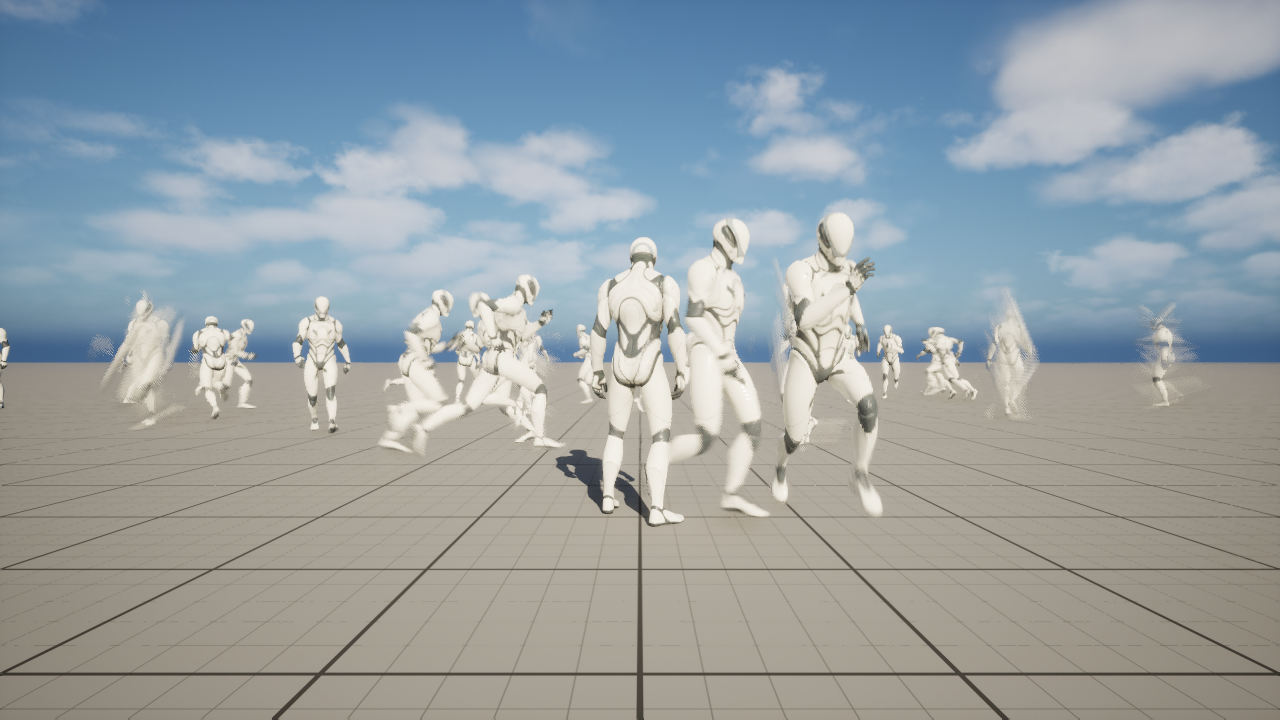
You do not need to know Mass to use it. Everything here is Blueprint and assets except three jobs that need C++: registering the fields a graph reads by name, writing your own fragment, trait and processor, and registering an event handler that adds an effect while the row keeps playing its action. [Add your own crowd data](./add-your-own-crowd-data.md), [Read and write its fields, from Blueprint](./from-blueprint/read-and-write-its-fields.md) and [Receive its events, from C++](./from-cpp/receive-its-events.md) say where.
Crowds with Mass is part of the CrowdySDK plugin. There is nothing to install and nothing to enable beyond the plugin you already use. A map opts in by choosing the backend on its map profile.
:::note[Your own player is always a real actor.]
Every player is a real actor on their own machine, whatever backend the map uses. A crowd row is how someone else's machine draws that player, never how you see yourself.
:::
## Why you would use it
The actor pool spawns one actor for every remote entity in range. Each actor carries its components, its animation graph and its tick, which is the right cost for a few players and the wrong one for a square full of them.
A crowd row costs a table entry instead of an actor. It draws through an instanced skinned mesh. It plays its animation from a bank shared by every row of the same character. A few hundred to a few thousand remote players can stay on screen at a steady frame rate.
On market night in Oakford the village square fills with players, far more than the actor pool should draw. The Oakford map profile selects Mass, and every other player in the square is a crowd row.
## When not to use it
- **You expect few remote entities.** With a dozen or so players in range, the actor pool is simpler and costs you no extra authoring.
- **Every remote entity must be a full actor everywhere.** A crowd row has no components, no physics body of its own and no animation graph. Code that lives on the actor does not run for a row. An event body runs on a stand-in instead, and it has limits; see [Run your code on a crowd row](./run-your-code-on-a-crowd-row.md).
- **You want full actors only up close.** That is possible: a character can opt into a near tier, and the closest entities, up to a ceiling you set, are drawn as real actors. See [Promote close entities to actors](./promote-close-entities-to-actors.md). Everything beyond the ceiling stays a row.
| Question | Actor pool | Crowds with Mass |
|---|---|---|
| How you choose it | It is the default; set nothing | Set **Backend Class** on the map profile |
| How a remote entity is drawn | A pooled actor of its class | A crowd row; an actor only when close, and only for a class that opts in |
| What the cost grows with | The number of actors | The number of rows, each far cheaper than an actor |
| Animation | The actor's own animation graph | An anim set and bank you author, shared by every row |
| Your code on a remote entity | Runs on the actor as usual | An event body runs on a per-class stand-in; component code does not run |
| A good fit for | Tens of remote entities | Hundreds to thousands |
| Extra work | None | A flagged material, an anim set, optionally a near tier shell |
## Where it sits
The backend is chosen per map, by the **Backend Class** on the map profile. A map that chooses nothing runs on the actor pool, and a project can use the actor pool on one map and Mass on another. Choosing Mass changes how remote entities are drawn; it does not change how they are sent, found or owned. Entity identity, [Crowdy State](../runtime/crowdy-state.md), [events](../runtime/rpc-events-blueprint.md) and [continuous state](../runtime/continuous-state.md) work the same way under both backends.
[Turn Mass on for a map](./turn-mass-on-for-a-map.md) shows the setting.
## Three ways one entity is drawn
One entity can be drawn three ways on one machine, and every call you author has to be correct on all three.
| Representation | When | What runs your code |
|---|---|---|
| A real actor | Always for the player on their own machine; for every entity everywhere, on an actor pool map | Your actor, as usual |
| A near tier actor | A row that comes within **Near Tier Distance** of the camera, for a class that opted in | The per-class stand-in, as for a row; the near tier actor only draws the entity and plays its actions |
| A crowd row | The default for a remote entity under Mass | Fragments and processors, and the per-class stand-in for event bodies; no actor exists |
A near tier actor is a pooled copy of the shell you build, bound to one entity while it is close. The stand-in is an object the SDK makes for each class to run your event bodies on when no real actor exists.
## Author once, on the actor class
You never author a "Mass version" of your character. You author the character, and on another machine the SDK draws it as a row. Everything is declared once, on your own actor class:
- the Crowdy entity component and the state it sends, on `ALanternPlayer`;
- the replicated `Stance` property that drives a pose, and the `WaveTorch` event that drives an action;
- the anim set the crowd animates from, named by a component on the class;
- the near tier shell, if you want close players drawn as actors.
## Two planes, kept apart
The SDK keeps two kinds of state and Crowds with Mass does not mix them.
| | View state | Server values |
|---|---|---|
| What it is | Crowdy State, continuous state and events | A Server Object, with a record per entity |
| Owned by | The client being observed | The server |
| Carries | Movement, stance, animation, anything cosmetic | Health, stats, inventory, anything that decides an outcome |
| Trust | Forgeable | Authoritative |
| Reaches a crowd row by | A field you register, then a fragment on the row | A read from the entity's record, on demand |
:::caution[View state decides what is drawn. Server values decide what is true.]
Anything a peer sends about itself can be forged, so a crowd row may use it to look right and never to decide an outcome. Put anything a peer must not be able to influence in a Server Object. A row reads those values in place; see [Read its server values, from Blueprint](./from-blueprint/read-its-server-values.md) and [Read its server values, from C++](./from-cpp/read-its-server-values.md), and [Keep a record per entity](../exec/keep-a-record-per-entity.md) for the Server Object itself.
:::
## The example in this section
The pages follow one world, the village of Oakford. Players are `ALanternPlayer`, a character that sends `FLanternPlayerState` through its own executor, `ULanternPlayerExecutor`; `BP_LanternPlayer` is your Blueprint subclass of it. On market night every other player in the square is drawn as a crowd row. The raiders on the north road, from [Raiders on the north road](../exec/examples/raiders-on-the-north-road.md), show server values on rows. [Market night in Oakford](./examples/market-night-in-oakford.md) puts the whole thing together.
## Before you start
You need a signed-in project with a Dynamic Crowdy entity, usually the player pawn, and a character with a skeletal mesh: a row is built from that mesh, so a bare Character with no mesh produces no row. The [Entity Component](../runtime/entity-component.md) page lists the entity settings, and [Continuous State](../runtime/continuous-state.md#a-custom-executor) builds the custom executor that `ALanternPlayer` uses. The [Quickstart](../quickstart.md) gets a project connected first.
## Read this section in order
1. [Turn Mass on for a map](./turn-mass-on-for-a-map.md): choose the backend, set its options and project settings, flag the material.
2. [Make a character draw as a crowd row](./make-a-character-draw-as-a-crowd-row.md): the entity component, the state struct, the mesh and where the entity config comes from.
3. [Set up the animation set](./set-up-the-animation-set.md): the bank, the **Crowdy Mass Anim Set**, gaits and the rule that an index must change.
4. [Play poses and one-shot actions](./play-poses-and-one-shot-actions.md): a replicated enum becomes a held pose, and an event becomes a one-shot action.
5. [Promote close entities to actors](./promote-close-entities-to-actors.md): the near tier shell, pooling and distances.
6. [Run your code on a crowd row](./run-your-code-on-a-crowd-row.md): what an event body does when the observer holds a row.
7. [Add your own crowd data](./add-your-own-crowd-data.md): your own fragment, trait and processor, and the state fields that feed them.
8. From Blueprint: [Target an entity](./from-blueprint/target-an-entity.md), [Call an event on it](./from-blueprint/call-an-event-on-it.md), [Receive its events](./from-blueprint/receive-its-events.md), [Read and write its fields](./from-blueprint/read-and-write-its-fields.md), [Read its server values](./from-blueprint/read-its-server-values.md).
9. From C++: the same five pages, [Target an entity](./from-cpp/target-an-entity.md), [Call an event on it](./from-cpp/call-an-event-on-it.md), [Receive its events](./from-cpp/receive-its-events.md), [Read and write its fields](./from-cpp/read-and-write-its-fields.md) and [Read its server values](./from-cpp/read-its-server-values.md).
10. [Fix a crowd that does not look right](./troubleshooting.md): symptoms first, then the diagnostics you may use.
11. [Market night in Oakford](./examples/market-night-in-oakford.md): the worked example from end to end.
## Related
- [Rendering Backends](../runtime/rendering-backends.md): the actor pool, and what a backend is.
- [Map Profiles](../runtime/map-profile.md): where **Backend Class** and **Backend Config** live.
- [Crowdy State](../runtime/crowdy-state.md): the view state that reaches a row.
- [The Two Planes](../concepts/two-planes.md): why view state and server values stay apart.
- [Keep a record per entity](../exec/keep-a-record-per-entity.md): the server side of a row's values.
# Turn Mass on for a map
Source: https://docs.dev.crowdedkingdoms.com/unreal-sdk/mass/turn-mass-on-for-a-map
# Turn Mass on for a map
Mass is a rendering backend, so you turn it on per map, on the map profile. This page sets **Backend Class**, shows the options the backend reads, lists the project settings you are likely to touch, and walks the material change every crowd needs. By the end the Oakford map draws every other player as a crowd row.
## When you need this
When a map should draw its remote players as a crowd. A map that sets nothing keeps the actor pool, and nothing on this page changes it.
## Pick the backend on the map profile
The switch is on a **Crowdy Map Profile** data asset, under **Actor Management**. For Oakford:
1. In the Content Browser, **Add**, **Miscellaneous**, **Data Asset**, pick **Crowdy Map Profile**, and name it `DA_OakfordProfile`.
2. Open it. Under **Actor Management**, set **Backend Class** to **Crowdy Mass Rendering Backend**.
3. Leave **Backend Config** empty for now. The backend then reads everything from the project settings below.
4. Open **Project Settings, Plugins, Crowdy SDK**, find **Map Profiles**, and add the Oakford map with `DA_OakfordProfile` as its profile. Use **Default Profile** instead to draw every map through Mass.
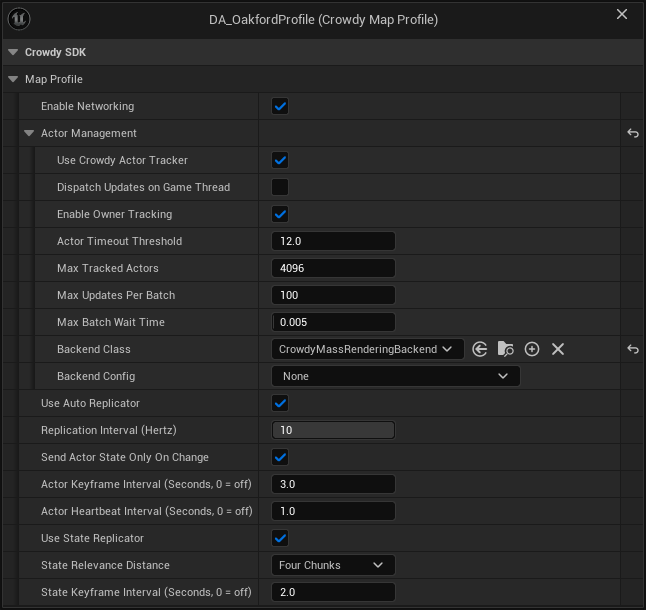
The map profile page covers the asset and how a profile is found: [Create the asset](../runtime/map-profile.md#create-the-asset) and [Assign the profile](../runtime/map-profile.md#assign-the-profile).
| Field | Set it to |
|---|---|
| **Backend Class** | **Crowdy Mass Rendering Backend**. The default is **Actor Pool Rendering Backend**. |
| **Backend Config** | A **Crowdy Mass Backend Config**, or leave it empty. |
:::caution[Nothing draws as a crowd until a profile selects the Mass backend.]
Installing or updating the SDK changes no map. A project that sets no profile runs on the profile the SDK ships, and that profile draws actors.
:::
:::caution[The crowd nodes work only on a map that selects the Mass backend.]
The Mass subsystems are created only in a Play In Editor or game world whose map profile has **Backend Class** set to **Crowdy Mass Rendering Backend**. On an actor pool map, the Crowdy Mass nodes and C++ calls that need them do nothing, quietly. A **Crowdy Mass Area Spawner** spawns nothing and warns once. **Set Crowdy Mass Hit Zone Table** warns once and hits use the default zone. **Receive Crowdy Event on Entity** and **Receive Server Values Changed on Entity** log once and receive nothing. **Play Crowdy Mass Action** still works, because it reads the actor's class.
The rest of the Mass module stays out of the way on such a map too. Its two per-frame processors sit out that world, and a **Crowdy Mass Near Tier** component does not tick there until something binds it.
:::
In C++, `UCrowdySDKDeveloperSettings::ProfileDrawsCrowdRows(Profile)` tells you whether a profile selects a backend that draws crowd rows.
**Backend Class** and **Backend Config** are greyed out when `bUseCrowdyActorTracker` is off on the profile. Without the tracker there is no backend at all.
:::caution[Backend Config must match the Backend Class.]
The Mass backend ignores a **Backend Config** of another class without a word and reads the project settings instead, so none of its overrides apply. (The actor pool backend is the one that refuses a mismatched config and then draws nothing.) Pair **Crowdy Mass Rendering Backend** with a **Crowdy Mass Backend Config** or with nothing.
:::
**Success signal.** Two clients on the Oakford map: the other player appears as a crowd row and moves. If nothing appears, start at "Nothing appears at all" on [Fix a crowd that does not look right](./troubleshooting.md).
## Start from the shipped profile
`/CrowdySDK/Mass/Data/DA_CrowdyMassDefaultProfile` is a ready-made profile that selects the Mass backend with an empty **Backend Config** and **Enable Networking** on. Use it as a starting point, or to try Mass before you author your own.
Nothing registers it for you. Point **Map Profiles** at it, as the **Default Profile** to draw every map through Mass or as the entry for one map, and that map is on Mass.
## Set the backend's options
A **Crowdy Mass Backend Config** (`UCrowdyMassRenderingBackendConfig`) is created inline on the profile's **Backend Config** field. Its properties are under **Mass Backend**:
| Label | Default | What it does |
|---|---|---|
| **Remote Entity Config Override** (`RemoteEntityConfigOverride`) | unset | The Mass entity config for every class this backend does not bind by name. Unset means the project-wide **Remote Entity Config**. It must include the Crowdy Remote Entity trait. |
| **Per Class Entity Configs** (`PerClassEntityConfigs`) | empty | Rows of **Entity Class** and **Entity Config** (`FCrowdyMassEntityConfigBinding`). A class in a row is built from the config beside it. Subclasses inherit the row. |
| **Smoothing Duration Override** (`SmoothingDurationOverride`) | -1.0 | Seconds a movement segment is replayed over. A negative value uses the project's **Default Smoothing Duration**. |
| **Render Local Owner** (`bRenderLocalOwner`), under **Mass Backend, Debug** | off | Also draw your own entity as a crowd row, overlapping your real pawn. A single-client check; leave it off in a shipped game. |
Which config a class is built from, and how to author one, is on [Make a character draw as a crowd row](./make-a-character-draw-as-a-crowd-row.md#where-the-entity-config-comes-from). Most projects leave all of this at its default.
:::caution[A per-class row with one half filled in is not skipped silently.]
A row with only **Entity Class** or only **Entity Config** logs `per-class entity config entry ignored, class '' and config '' must both resolve`, and that class falls back to the next config. A row with both empty is skipped without a word. Swapping the backend replaces the whole set of rows; they are never merged.
:::
## Tune the project settings
**Project Settings, Plugins, Crowdy Mass** (`UCrowdyMassDeveloperSettings`) holds the project-wide defaults, saved to `Config/DefaultGame.ini` under `[/Script/CrowdyMass.CrowdyMassDeveloperSettings]`. The backend config above overrides a few of them per map profile. The ones you are likely to touch:
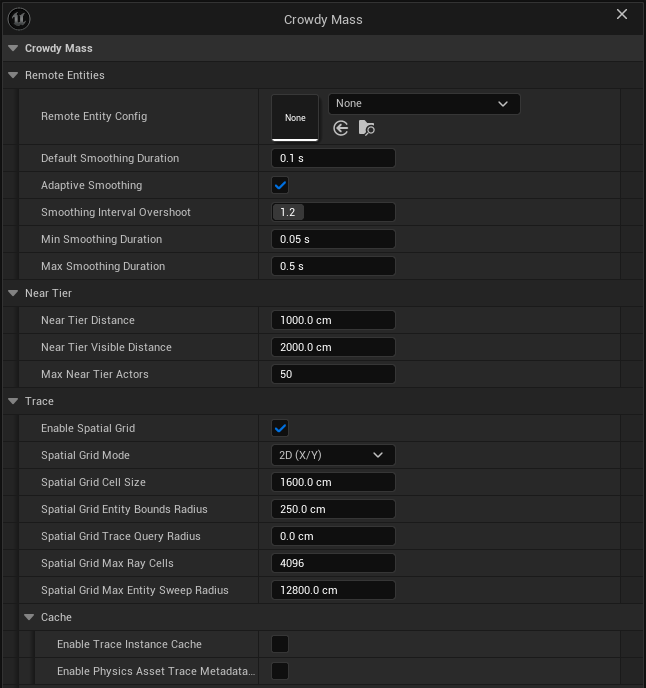
**Remote Entities**
| Label | Default | What it does |
|---|---|---|
| **Remote Entity Config** (`RemoteEntityConfig`) | unset | The Mass entity config for every class no per-class row or backend override answers. Unset means each class is built from itself. |
| **Default Smoothing Duration** (`DefaultSmoothingDuration`) | 0.1 s | Seconds a movement segment is replayed over until an arrival interval has been measured, and for every update when adaptive smoothing is off. |
| **Adaptive Smoothing** (`bAdaptiveSmoothing`) | on | Replay each segment over the interval measured between arrivals instead of a fixed time. |
| **Smoothing Interval Overshoot** (`SmoothingIntervalOvershoot`) | 1.2 | How much longer than the measured interval a segment is replayed over. Above 1 removes the stall at the cost of sitting slightly behind. Only used with adaptive smoothing. |
| **Min Smoothing Duration** (`MinSmoothingDuration`) | 0.05 s | Shortest span a measured segment may be replayed over. |
| **Max Smoothing Duration** (`MaxSmoothingDuration`) | 0.5 s | Longest span any segment may be replayed over, including one a sender asked for. |
**Near Tier**
**Near Tier Distance** (`NearTierDistance`), **Near Tier Visible Distance** (`NearTierVisibleDistance`) and **Max Near Tier Actors** (`MaxNearTierActors`) decide when a close row becomes a real actor. They are described, with their defaults, on [Promote close entities to actors](./promote-close-entities-to-actors.md).
**Trace**
Traces and overlaps against the crowd find candidates through a spatial grid first, then test exact shapes. The defaults suit a ground-based crowd.
| Label | Default | What it does |
|---|---|---|
| **Enable Spatial Grid** (`bEnableSpatialGrid`) | on | Use the grid. Off, every trace scans all tracked entities. |
| **Spatial Grid Mode** (`SpatialGridMode`, `ECrowdyMassSpatialGridMode`) | **2D (X/Y)** | Split the grid on X and Y only, or on X, Y and Z (**3D (X/Y/Z)**). |
| **Spatial Grid Cell Size** (`SpatialGridCellSize`) | 1600 cm | Smaller cells give fewer candidates but make a long trace visit more cells. |
| **Spatial Grid Entity Bounds Radius** (`SpatialGridEntityBoundsRadius`) | 250 cm | The radius used to place an entity in the grid. Exact mesh bounds still decide hits. |
| **Spatial Grid Trace Query Radius** (`SpatialGridTraceQueryRadius`) | 0 cm | Extra radius around a ray when collecting cells. |
| **Spatial Grid Max Ray Cells** (`SpatialGridMaxRayCells`) | 4096 | The most cells one trace or overlap visits, and the most one entity may cover. A straight trace longer than this, or a sweep whose radius or end points are not finite or are out of range, is not answered from the grid: it tests every tracked entity instead, which is slower but finds far entities it used to miss. |
| **Spatial Grid Max Entity Sweep Radius** (`SpatialGridMaxEntitySweepRadius`) | 12800 cm | Ceiling on the radius one position update may claim, so a forged jump cannot cover unbounded cells. |
| **Enable Trace Instance Cache** (`bEnableTraceInstanceCache`) | off | Cache each entity's visual instance lookup, at a small memory cost per entity. |
| **Enable Physics Asset Trace Metadata Cache** (`bEnablePhysicsAssetTraceMetadataCache`) | off | Cache trace metadata per mesh and physics asset pair. Turn it off while you edit physics assets live. |
The four settings under **Trace, Debug** (`SpatialGridDebugColor`, `SpatialGridDebugLineThickness`, `SpatialGridDebugTwoDimensionalHeightPadding`, `SpatialGridDebugTwoDimensionalCornerLineHalfLength`) only change how the grid is drawn when a trace node's **Draw Spatial Grid Cells** is on.
In a Development build, `crowdy.mass.interp.adaptive`, `crowdy.mass.interp.overshoot`, `crowdy.mass.interp.min` and `crowdy.mass.interp.max` change the four smoothing values in a running session. A negative value (for `crowdy.mass.interp.adaptive`, -1) leaves the setting in charge. See [Fix a crowd that does not look right](./troubleshooting.md).
## Flag the material
This is the most common reason a crowd looks wrong, and it is a material setting, not a Mass one.
A material draws through the instanced skinned mesh path only if its base material carries the instanced skinned usage flag. Without it the engine silently draws the default material: the row spawns, animates and can be hit, and it is grey.
1. Open the parent **Material** of the character's materials, not a material instance. Instances inherit the flag.
2. Under **Usage**, tick **Used with Instanced Skinned Mesh**.
3. Save the material. A flag that is set in the editor and never saved is gone on the next launch.
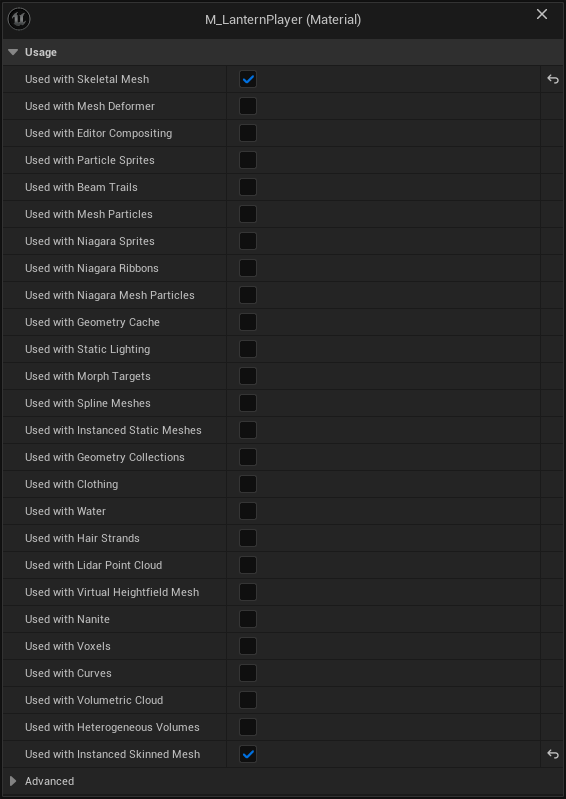
The SDK checks the flag for you. When it builds a crowd row from a class it logs, once per material, how many material slots are not flagged and which base material to flag, and `crowdy.mass.derive` prints the same verdict. The flag's evidence is in `LogMaterial`; no crowd log line reports the substitution itself, because the engine does it quietly.
If you author the entity config yourself, its mesh was chosen for a crowd and its material was prepared with it. The check matters most for a class the SDK derives a config from, since an ordinary character material has no reason to carry the flag.
## The engine's animation pass
The SDK hands each row's animation to the renderer itself, in place of the engine's own pass. With both running, every row is handed over twice and the animation of one row can land on another. The CrowdyMass module turns the engine's pass off when the game starts, so your project does not need a `DefaultMass.ini` for it.
If the project uses the MetaHuman crowd plugin, that plugin's own pass is left alone. To turn it off as well, add this to `Config/DefaultMass.ini`, with the editor closed:
```ini
[/Script/MetaHumanCrowd.MetaHumanMassSimpleAnimationProcessor]
bAutoRegisterWithProcessingPhases=False
```
Write the file rather than unticking the setting in the editor: the checkbox is not saved and is back on at the next launch.
**Success signal.** With `crowdy.mass.anim.dump 1`, `LogCrowdyMass` reports as many animation entries as instances on each crowd mesh. If it warns, once a second, that more than one processor is filling the batch, something turned the engine's pass back on; see [Fix a crowd that does not look right](./troubleshooting.md).
:::caution[A Mass crowd of your own that stands still gets no animation.]
The SDK's pass animates moving skinned rows. The engine's pass, now off, also animated skinned entities Mass keeps as stationary instances. If your project runs its own Mass crowd of stationary skinned characters, they hold their last pose. Crowdy crowd rows are not affected.
:::
## Add the module dependency
A Blueprint-only project needs no Build.cs change. A C++ module that uses the Mass types of Crowds with Mass lists the `CrowdyMass` module:
```csharp
PublicDependencyModuleNames.AddRange(new string[]
{
"Core", "CoreUObject", "Engine",
"CrowdySDK", "CrowdyNet", "CrowdyReplication", "CrowdyServices", "CrowdyMass",
});
```
`CrowdyMass` brings `MassCore`, `MassEntity` and `MassSpawner` with it. List them yourself only if your module declares Mass types of its own; see [Add your own crowd data](./add-your-own-crowd-data.md).
## Check it with one client
The Mass backend skips your own entity on purpose, so on one client you see nothing. Two ways to see a crowd:
**Draw yourself as a row.** Give the profile a **Crowdy Mass Backend Config** and tick **Render Local Owner**. Your own pawn is then also drawn as a crowd row, overlapping it. Render Local Owner exists only on the backend config, so with an empty **Backend Config** the option is off.
**Place a Crowdy Mass Area Spawner.** Drop a **Crowdy Mass Area Spawner** (`ACrowdyMassAreaSpawner`) in the level of a map that selects Mass. It spreads entities on an even grid over its **Spawn Area** box, a box with extent 1000 x 1000 x 100 (2000 by 2000 by 200 cm) by default. They stand where they are placed; they do not move.
Set **Entity Class** to the actor class they stand for. A spawner entity with no class renders from the fallback config, and no Crowdy event can ever be sent to it.
| Label | Default | What it does |
|---|---|---|
| **Spawn Area** (`SpawnArea`) | box extent 1000 x 1000 x 100 | The box entities are spread over. Resize and move it in the level. |
| **Entity Count** (`EntityCount`) | 100 | How many to spawn. |
| **Entity Class** (`EntityClass`) | none | The actor class the entities stand for. Set it for anything you intend to trace or send events to. |
| **Spawn on Begin Play** (`bSpawnOnBeginPlay`) | on | Spawn when the level begins play. |
| **Destroy Spawned on End Play** (`bDestroySpawnedOnEndPlay`) | on | Destroy the entities when play ends. |
| **Clear Before Spawn** (`bClearBeforeSpawn`) | on | Destroy what this spawner made before spawning again. |
| **Position Jitter** (`PositionJitter`), under **Distribution** | 0.0 | Moves each entity off its grid point by up to this fraction of a cell, from 0 to 1. |
| **Use Deterministic Seed** (`bUseDeterministicSeed`) | off | Use **Random Seed** so the layout is the same every run. |
| **Random Seed** (`RandomSeed`) | 1337 | The seed, when **Use Deterministic Seed** is on. |
| **Randomize Yaw** (`bRandomizeYaw`) | off | Give each entity a random facing. |
| **Project to Ground** (`bProjectToGround`), under **Grounding** | off | Drop each entity onto the first surface a line trace finds. |
| **Ground Trace Distance** (`GroundTraceDistance`) | 10000 | How far above and below each entity the ground trace reaches. |
| **Ground Trace Channel** (`GroundTraceChannel`) | **WorldStatic** | The collision channel the ground trace uses. |
The spawner also has Blueprint-callable functions. **Spawn Entities** and **Respawn Entities** return the number spawned, **Destroy Spawned Entities** removes them, and **Get Spawned UUIDs** and **Get Spawned Entities** list them.
**Success signal.** In play, a grid of crowd rows stands in the spawn box, drawn from the entity class you set.
## Gotchas
- Map profile matching is by the map's short name. `/Game/Maps/Oakford` and `/Game/Test/Oakford` both match the key `Oakford`; give two maps different names.
- A **Default Profile** or map row that names an asset that fails to load does not fall through to the shipped default. It resolves to nothing and the SDK is inactive on that map; see [Assign the profile](../runtime/map-profile.md#assign-the-profile).
- The Mass entity subsystem exists only in a Play In Editor or game world whose map profile selects the Mass backend, so nothing here runs in the editor viewport or on an actor pool map.
## Related
- [Map Profiles](../runtime/map-profile.md): the asset, the Project Settings entries and how a profile is found.
- [Rendering Backends](../runtime/rendering-backends.md): the actor pool, and what a backend is.
- [Make a character draw as a crowd row](./make-a-character-draw-as-a-crowd-row.md): the entity, its payload and its mesh.
- [Promote close entities to actors](./promote-close-entities-to-actors.md): the Near Tier settings and what they apply to.
- [Fix a crowd that does not look right](./troubleshooting.md): the crowd is grey, nothing appears, and the diagnostics.
# Make a character draw as a crowd row
Source: https://docs.dev.crowdedkingdoms.com/unreal-sdk/mass/make-a-character-draw-as-a-crowd-row
# Make a character draw as a crowd row
A character becomes a crowd row on other machines without a second version of it. You make the class a Dynamic Crowdy entity, send a state struct whose field names the crowd can read, give the class a skinned mesh, and check the result with one console command. By the end `ALanternPlayer` appears in Oakford's square as a moving row on every other player's machine.
## When you need this
When a map selects Mass (see [Turn Mass on for a map](./turn-mass-on-for-a-map.md)) and you want a class, usually the player pawn, drawn as a row. This page starts from `ALanternPlayer`, a character whose `ULanternPlayerExecutor` sends `FLanternPlayerState`, built as in [Continuous State](../runtime/continuous-state.md#a-custom-executor). `BP_LanternPlayer` is your Blueprint subclass of `ALanternPlayer`.
## Make the class a Dynamic entity
Add a **Crowdy Entity Component** to `ALanternPlayer`, or to `BP_LanternPlayer` if you work in Blueprint, and set:
| Setting | Value | Why |
|---|---|---|
| **Mode** | **Dynamic** | Streams the executor's snapshot every replication interval. **Static** is event-only and moves nothing. |
| **Identity Policy** | **Player Derived** | For a player pawn: the id comes from the signed-in account, so only one actor per client can use it, the locally controlled primary pawn. |
| **Ownership** | **Local Client** | This client owns the entity. The options are **Local Client** and **Host**, and **Host** is the default. |
| **State Executor** | An executor whose state struct has the fields below | Builds the snapshot sent every interval. Unset means the SDK's transform-only default. |
| **Auto Register** | on | Joins the continuous channel at `BeginPlay`. |
Every setting is described on [Entity Component](../runtime/entity-component.md), and the executor on [Continuous State](../runtime/continuous-state.md#a-custom-executor).
## Send a payload the crowd can read
The crowd binds a row's position by reflecting over the field names of the struct your executor sends. The names are the contract:
- a field called `Transform`, or
- a field called `Location` (or `Position`) plus a field called `Rotation`.
The default executor's `FCrowdyActorState` already has `Location` and `Rotation`. A struct of your own needs the same names. `FLanternPlayerState` below keeps them and adds `bTorchLit`.
```cpp
// LanternPlayer.h
#include "Replication/Executor/ActorUpdateExecutor.h"
// The custom snapshot: the transform the default carries, plus one field of your own.
USTRUCT()
struct FLanternPlayerState
{
GENERATED_BODY()
UPROPERTY() FVector Location = FVector::ZeroVector;
UPROPERTY() FRotator Rotation = FRotator::ZeroRotator;
UPROPERTY() bool bTorchLit = true;
};
UCLASS()
class ULanternPlayerExecutor : public UActorUpdateExecutor
{
GENERATED_BODY()
public:
virtual FInstancedStruct GetActorState_Implementation(const UActorComponent* UpdateComponent) const override;
virtual UScriptStruct* GetStateStruct_Implementation() const override;
};
// LanternPlayer.cpp
CrowdyEntity->StateExecutor = CreateDefaultSubobject(TEXT("Executor"));
FInstancedStruct ULanternPlayerExecutor::GetActorState_Implementation(const UActorComponent* UpdateComponent) const
{
FLanternPlayerState State;
if (const ALanternPlayer* Player = UpdateComponent ? Cast(UpdateComponent->GetOwner()) : nullptr)
{
State.Location = Player->GetActorLocation();
State.Rotation = Player->GetActorRotation();
State.bTorchLit = Player->Torch->IsVisible();
}
return FInstancedStruct::Make(State);
}
UScriptStruct* ULanternPlayerExecutor::GetStateStruct_Implementation() const
{
return FLanternPlayerState::StaticStruct();
}
```
1. Create a Structure asset with a **Vector** variable named `Location` and a **Rotator** variable named `Rotation`. Add any extra fields after them.
2. Create a Blueprint with **Actor Update Executor** as its parent class. Override **Get State Struct** to return your structure, and override **Get Actor State** to build it from the owning actor with **Make InstancedStruct**.
3. Set the character's **State Executor** to the new executor class.
:::caution[A payload whose fields have other names binds nothing, and the row stands at the world origin.]
`LogCrowdyMass` names the struct by its full path once, lists both accepted spellings with the types they need, and says what each lookup found. Read that warning before you suspect anything else about the row's position.
:::
:::caution[Add fields at the end of the struct and never reorder it.]
The struct is read in declared order. Appending keeps an older client's shorter payload readable, and reordering silently reads bytes as the wrong field. Give every field a safe default, because a truncated or older payload keeps it.
:::
That is movement done. Poses, actions and your own fields are separate steps: [Play poses and one-shot actions](./play-poses-and-one-shot-actions.md) and [Add your own crowd data](./add-your-own-crowd-data.md).
## Give the class a mesh
A row is built from a skinned mesh found on the class's default object. The class needs:
- a `USkinnedMeshComponent`, which a **Skeletal Mesh Component** is,
- with a mesh asset assigned,
- and a base material that carries **Used with Instanced Skinned Mesh**; see [Flag the material](./turn-mass-on-for-a-map.md#flag-the-material).
The component can be declared in C++, added in the Blueprint, or inherited from a parent class that the Blueprint overrides. All three work, and the check below names which one answered.
Components are not read most-derived first. Every component declared in C++ is read before any Blueprint component, and the most-derived rule only applies among the Blueprint routes. A component that lists no mesh is skipped, so a C++ base class can expose a mesh slot that a Blueprint child fills.
## Check it before you run
`crowdy.mass.derive` says what a row of a class would be made of, without spawning anything:
```
crowdy.mass.derive BP_LanternPlayer
```
It takes a short class name, an asset path or a full object path, and it logs one line on `LogCrowdyMass` naming:
- the mesh and which of the three routes supplied it,
- the collision object type the row is traced as,
- the material verdict: how many slots are not flagged, and which base material to flag,
- the anim set and where it came from,
- and whether an authored config would be used instead of any of it.
The line is a warning when the mesh is missing, when any material is not flagged, or when an authored config wins. Otherwise it is an ordinary log line.
The editor world can answer the mesh, route, collision and material parts. The config and animation parts need a Play In Editor or game world, on a map whose profile selects the Mass backend, because the Mass entity subsystem exists only there; without it the line says the config answer is unknown.
When no mesh resolves, the line gives the reason and the fix. The mesh reasons are:
- no class was given,
- the class is not an Actor class,
- the class has no class default object yet because it is still loading,
- it has a skinned mesh component with no mesh assigned,
- it has no skinned mesh component at all.
The command can also fail before the class is known: the name is not found, the name is ambiguous (it lists the paths that match), the asset registry is still scanning, or the path will not load.
**Success signal.** For `BP_LanternPlayer`, one line that names the mesh, shows no unflagged material, and names an anim set once you have one.
## Where the entity config comes from
Every crowd row is built from a Mass entity config (`UMassEntityConfigAsset`): what the row is made of, its mesh, its animation and its collision. There are five places a class's config can come from. They are consulted in this order. The first one that is set answers; if what it names does not load, the class is derived from itself rather than trying the next place:
1. A per-class binding in the **Per Class Entity Configs** of the map profile's **Backend Config**, matching the class exactly.
2. An inherited per-class binding: the nearest bound ancestor of the class.
3. The backend's **Remote Entity Config Override**.
4. The project-wide **Remote Entity Config** in **Project Settings, Plugins, Crowdy Mass**.
5. A config the SDK works out from the class itself, called derivation.
Most characters use the fifth and never author a config.
### Per-class bindings are inherited
A binding on a base class also covers every class that derives from it, and the nearest bound ancestor wins. Bind a base character and also one of its Blueprint children, and the child uses its own row while every other child uses the base's row.
Two consequences follow. If you bind a broad base class, you have bound its whole subtree. And if one variant should look different, give it its own row. Do not delete the ancestor's row to get there, because that changes every class beneath it.
When a warning says an authored config is overriding something your class declares, it names the class that actually carries the row. If nothing binds your class, it says so and names what answered instead.
### What derivation builds
With nothing authored, the SDK builds a config in memory from your class, in this order:
1. `UCrowdyMassRemoteEntityTrait`: transform, actor, velocity, viewer information, identity and interpolation.
2. `UCrowdyMassViewPoseTrait`: the fragment a replicated pose lands in.
3. `UMassMovableVisualizationTrait` with the mesh found above, every level of detail set to a skinned mesh instance. The mesh is placed where the class places it: the mesh component's location and rotation become the mesh entry's **Local Transform**, so a character whose mesh sits 90 cm below its capsule centre, turned a quarter, stands on the ground and faces forward as a row too. A mesh nested under other components is placed by the whole chain up to the actor's root, and a mesh that is the root gets no placement of its own. When the class's anim set names a **Bank**, the mesh gets that bank as its transform provider.
4. `UCrowdyMassTraceCollisionTrait`, with an object type taken from a capsule component or from the mesh's physics asset.
5. `UCrowdyMassAnimationTrait`, only if the class names an anim set.
6. The traits your class declares, last. See [Add your own crowd data](./add-your-own-crowd-data.md).
The **Crowdy Mass Trace Collision** trait keeps its settings in an `FCrowdyMassTraceCollisionSettings` under **Trace Collision**:
| Label | Default | What it does |
|---|---|---|
| **Enable Trace Collision** | on | Lets traces hit the row. |
| **Object Type** | **WorldDynamic** | What sort of thing the row is, for traces that look for one object type. |
| **Default Response** | **Ignore** | The response to a channel with no override. |
| **Response Overrides** | **Camera** blocks | A list of `FCrowdyMassCollisionResponseOverride`, each a **Channel** and a **Response**. |
A config you assemble in code can set only the object type, with `UCrowdyMassTraceCollisionTrait::SetObjectType`.
The result is cached per class, and one summary line names the mesh, the route and the material verdict.
If no mesh resolves, nothing is derived and the row does not appear. The log says `nothing configures a Mass entity config for` the class, `and one could not be worked out from the class, so entities of it will not appear`, followed by what is missing and what to change.
A class with a **Crowdy Mass Anim Set** component whose set names a **Bank** animates with nothing else authored. A class with no anim set, or a set with no **Bank**, is not a failure: the log says it was built from the class itself with no animation, and its rows render in their bind pose. To give them a set and a bank, see [Set up the animation set](./set-up-the-animation-set.md); if rows stand in bind pose when they should animate, see [Fix a crowd that does not look right](./troubleshooting.md).
### Author a config by hand
You rarely need to. Author one when you want level-of-detail distances, spawn counts or representation types that a derived config does not give you. Make a Mass Entity Config asset with these traits: **Crowdy Remote Entity**, **Crowdy Mass Trace Collision** if the row must be traceable, and **Crowdy Mass Animation** to animate it. Then bind it on the **Backend Config** or set it as the **Remote Entity Config**.
An authored config keeps control of its own mesh description. In its visualization trait, the **Skinned Mesh Instance Desc** entry under **Meshes** names the **Transform Provider** itself, and it should be the same bank as the anim set's **Bank**, because the set's rows and its validation index into that **Bank**. See [Connect the bank to the crowd's mesh](./set-up-the-animation-set.md#connect-the-bank-to-the-crowds-mesh). The entry's **Local Transform** is yours to set too: give it the location and rotation the class's mesh component has, or the rows float by the mesh's drop and face a quarter turn away.
:::caution[An authored config takes over completely.]
The **Crowdy Mass Entity Traits** component on the class is not read at all, and you get one warning per class saying so. The Near Tier project settings do not apply; the config's own level-of-detail settings win.
:::
:::caution[A config with no animation trait draws in bind pose, even when the class has an anim set.]
The class's **Crowdy Mass Anim Set** component is still found, so poses and actions resolve their names, but nothing renders the set. Rows stand in bind pose and the log says `nothing renders that set` and names the set. `crowdy.mass.derive` reports the same. Add a **Crowdy Mass Animation** trait that names the set to the config.
:::
To compare a derived row against your setup without unwinding it, set the console variable:
```
crowdy.mass.derive.force 1
```
With it on, every class is built from itself. It pushes aside per-class bindings, the backend override, the project-wide config, and the anim set that an authored config's animation trait names; the class's own **Crowdy Mass Anim Set** component is used instead. Rows already spawned keep the config they were built from, and every class's animation answer is worked out again.
## Gotchas
- The Mass backend skips your own locally owned entity. Use **Render Local Owner** or an area spawner to see a row on one client; see [Check it with one client](./turn-mass-on-for-a-map.md#check-it-with-one-client).
- An update names its class by id, and an observer resolves only classes that were loaded when the SDK started. List the class under **Project Settings, Plugins, Crowdy SDK, Replication, Preloaded Entity Classes**, or a spectator, or an observer that has not spawned one itself, may not resolve it. The log warns when an id does not resolve, and the entity is not drawn; see [A Dynamic entity can appear with no spawn event at all](../runtime/entities-and-spawning.md#a-dynamic-entity-can-appear-with-no-spawn-event-at-all) on Entities and Spawning. Check this before suspecting a pose or a field.
- `crowdy.mass.derive` and `crowdy.mass.derive.force` are compiled out of Shipping builds; see [Fix a crowd that does not look right](./troubleshooting.md).
## Related
- [Turn Mass on for a map](./turn-mass-on-for-a-map.md): the backend, its config and the material flag.
- [Set up the animation set](./set-up-the-animation-set.md): the anim set a row animates from.
- [Add your own crowd data](./add-your-own-crowd-data.md): your own traits on a derived config.
- [Entity Component](../runtime/entity-component.md): every setting of the component used above.
- [Continuous State](../runtime/continuous-state.md): the executor and the snapshot it sends.
- [Fix a crowd that does not look right](./troubleshooting.md): a row at the origin, in bind pose, or missing.
# Set up the animation set
Source: https://docs.dev.crowdedkingdoms.com/unreal-sdk/mass/set-up-the-animation-set
# Set up the animation set
A crowd row has no animation graph, so it cannot play a clip the way an actor does. Instead you author one asset, a Crowdy Mass Anim Set, that lists what the rows of your character class can look like: how they move at each speed, which held poses they can take, and which one-shot actions they can play. This page builds `DA_LanternPlayerAnims`, the anim set for the Oakford player, and `TP_LanternPlayer`, the bank of clips it indexes into.
## What a crowd row can show
A row shows one of three things at a time, and the set has a section for each.
| Kind | What it is | What chooses it |
|---|---|---|
| Gait | Locomotion by speed: idle, walk, run | The observer, from how fast the row is moving. You send nothing. |
| Pose | A held state: sitting, fallen, mounted | A replicated enum on your character. See [Play poses and one-shot actions](./play-poses-and-one-shot-actions.md). |
| Action | A one-shot that plays once and returns: a wave, a swing | An event, or Send Crowdy Action. See [Play poses and one-shot actions](./play-poses-and-one-shot-actions.md). |
A class with no set, or a set with no **Bank**, stands in bind pose. That is the not-yet-authored state, not a failure.
## The set and the bank
You author two assets.
**The anim set** is a Data Asset of class `UCrowdyMassAnimSet`. In the Content Browser choose **Add**, **Miscellaneous**, **Data Asset**, then pick **Crowdy Mass Anim Set** and name it `DA_LanternPlayerAnims`. It holds rows that name clips.
**The bank** is a `UAnimSequenceTransformProviderData`, the engine asset the crowd's mesh draws through. It is a flat list of animation clips, and `TP_LanternPlayer` is the one the Oakford crowd uses. The renderer does not take a clip. It takes an index into that list. [Create the bank](#create-the-bank) below builds it and sets it as the set's **Bank**.
The set's **Bank** field names the bank the crowd's mesh draws through. A config the SDK builds from your class gives its mesh that bank, so a class whose set names a **Bank** animates with nothing else authored. The editor also checks your rows against the same **Bank** while you work.
### The renderer only reacts when the index changes
This one engine behavior shapes how you author everything else.
:::caution[Hand the renderer the index it already has and nothing happens.]
The renderer starts a new animation only when the index it is given changes. Ask for the same index again and the animation does not restart and does not blend. It stays where it is.
:::
Three authoring rules follow from it.
- **An action needs two bank slots holding the same clip.** Playing the action alternates between them, so the index always changes and the clip always restarts. Playing a wave twice in a row only works because of the second slot.
- **A pose needs a bank slot of its own.** If a pose shares a slot with the animation the row returns to, the renderer is handed the index it already has when the pose ends. The row stays frozen in the pose.
- **Two gaits may not share a clip.** They would resolve to the same slot, and switching between them would change nothing.
[Sync actions into the bank](#sync-actions-into-the-bank) does the first rule for you. [Validation](#check-the-rows-against-the-bank) checks all three.
## Create the bank
The bank is an asset you create in the editor, fill with clips, and set as the anim set's **Bank**. Do these three steps once for each character mesh.
### Create the asset
1. In the Content Browser choose **Add**, **Miscellaneous**, then **Transform Provider Data**. The editor opens a class picker titled **Pick Transform Provider Data Class**.
2. Choose **Anim Sequence Transform Provider Data** and name the asset `TP_LanternPlayer`.
3. Open it and set **Skinned Asset** to the Skeletal Mesh your character class draws with.
The Skeletal Mesh must have **Optimize for Instancing** switched on in its build settings. Validating the bank reports an error naming the mesh when it does not.
### Add the clips
Leave **Sequence List** empty and add one entry under **Sequences** for each clip a gait or pose will use. For `TP_LanternPlayer` those are the Idle, Walk, Run, Sitting and Fallen clips. Each entry has a **Sequence**, a **Play Rate** and a **Position**.
- An entry with no **Sequence** is a validation error, and the engine treats a bank with such an entry, or with no entries, as switched off.
- Every clip must be for the mesh's skeleton, or for one the engine can map onto it. Validation reports a clip whose skeleton it cannot map.
- A clip is found by its position in the list, so add new clips at the end. Removing or reordering entries changes the slot number every action row already holds.
You do not add the action clips by hand. [Sync actions into the bank](#sync-actions-into-the-bank) appends them.
### Connect the bank to the crowd's mesh
Open `DA_LanternPlayerAnims` and set **Bank**, in the set's **Bank** section, to `TP_LanternPlayer`. That is the only step a class needs.
The bank reaches the crowd through the mesh description of the class's Mass entity config. Each entry of the description has an **Asset**, the Skeletal Mesh, and a **Transform Provider**, the bank. When the first row of a description is drawn, Mass creates one instanced skinned mesh component for each entry, gives it the **Asset**, and sets the **Transform Provider** as the component's bank. Every row that shares the description shares that bank.
A config the SDK builds from your class fills in the mesh description for you. It gives the crowd's mesh the set's **Bank** as its transform provider, so a class with a **Crowdy Mass Anim Set** component whose set names a **Bank** animates with nothing else authored. A set with no **Bank**, or a class with no anim set, stands in bind pose, and the log says the mesh carries no bank so nothing can be animated.
An authored Mass Entity Config keeps control of its own mesh description, so it names the bank itself:
1. Author a Mass Entity Config for the class, as [Make a character draw as a crowd row](./make-a-character-draw-as-a-crowd-row.md) describes, and give it a visualization trait.
2. In the trait's **Skinned Mesh Instance Desc**, add one entry under **Meshes**. Set its **Asset** to the character's Skeletal Mesh and its **Transform Provider** to `TP_LanternPlayer`, the same bank as the set's **Bank**.
3. Add a **Crowdy Mass Animation** trait to the config and set its **Anim Set** to `DA_LanternPlayerAnims`.
4. Bind the config to the class on the **Backend Config**, or set it as the **Remote Entity Config**.
:::caution[An authored config's mesh should name the same bank as the set's Bank.]
The set's rows and its validation index into the set's **Bank**. If the mesh entry's **Transform Provider** is a different bank, those indices point into a list the crowd never draws with, and validation reports no problem, because the set cannot see which mesh description will render it.
:::
The animation pass reads the bank back from the mesh description. If a description carries two different banks it warns and uses the first, because a slot number would mean a different clip in each. The first time the animation pass pairs the set with the bank in a running game, it runs the validation checks and logs each failure.
## Bind the set to the class
A set does nothing until a class names it. Add a **Crowdy Mass Anim Set** component (`UCrowdyMassAnimSetComponent`) to `BP_LanternPlayer` and point its **Anim Set** property at `DA_LanternPlayerAnims`.
| Label | Default | What it does |
|---|---|---|
| **Anim Set** | None | The set this class's crowd rows render through. Read off the class, before anything spawns. The component has no runtime behavior and no tick. |
The entity config the SDK works out from your class gains a Crowdy Mass Animation trait from this component. The trait names the set, and the config's mesh gets the set's **Bank**. See [Connect the bank to the crowd's mesh](#connect-the-bank-to-the-crowds-mesh).
- A component with an empty **Anim Set** is reported as a component with nothing in it. That is a different message from a class with no component at all: one is a slot to fill, the other is a component to add.
- If you authored an entity config for the class by hand, name the set on that config's Crowdy Mass Animation trait, and name the same bank on its mesh entry. The trait wins. The component is still found when the config carries no animation trait, but nothing renders the set, so rows stand in bind pose and the log says so.
## The Oakford set
`DA_LanternPlayerAnims` holds these rows. The sections below explain each setting.
| Section | Rows |
|---|---|
| Gaits | `Idle`, `Walk`, `Run` |
| Poses | `Sitting` (Below Actions), `Fallen` (Above Actions, Hold Last Frame) |
| Actions | `Wave` (id 1), `Cheer` (id 2) |
`TP_LanternPlayer` holds the five clips the gaits and poses name, as [Create the bank](#create-the-bank) builds it. You do not add the action slots by hand, because [Sync actions into the bank](#sync-actions-into-the-bank) appends them.
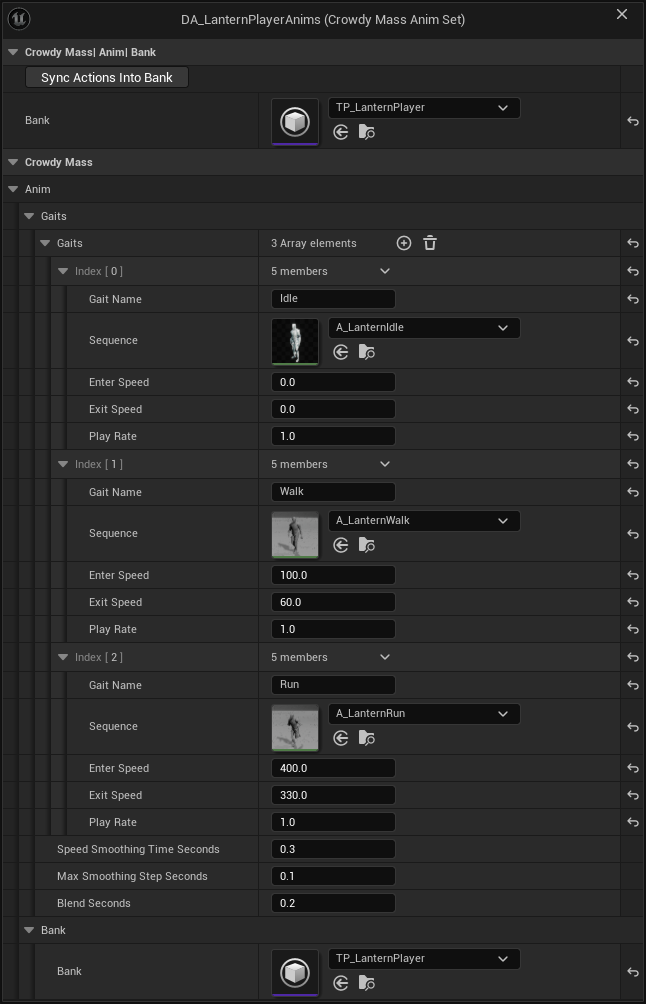
## The asset, section by section
Every setting is on the asset itself or on one of the three row structs, `FCrowdyMassGaitEntry`, `FCrowdyMassActionEntry` and `FCrowdyMassPoseEntry`.
| Section | Label | Default | What it does |
|---|---|---|---|
| Gaits | **Gaits** | Empty | Rows of `FCrowdyMassGaitEntry`. Author them slowest first. Row order decides which gait a row speeds up into. |
| Gaits | **Speed Smoothing Time Seconds** | `0.3` | How long the smoothed speed takes to follow a change in real speed. Keep it above one position-update interval. The default suits the 10 Hz updates remote players arrive on. |
| Gaits | **Max Smoothing Step Seconds** | `0.1` | The longest frame the smoothing treats as real. Without it, one long frame drops the whole crowd to the slowest gait. |
| Gaits | **Blend Seconds** | `0.2` | Blend time when a gait or a pose changes. Does not apply to actions. Zero snaps. |
| Actions | **Actions** | Empty | Rows of `FCrowdyMassActionEntry`. Action id N is row N, counting from 1. Id 0 means no action. |
| Bank | **Bank** | None | The bank the crowd's mesh draws through, a `UAnimSequenceTransformProviderData`. A config the SDK builds from the class gives its mesh this bank. Validation and **Sync Actions Into Bank** work against it. |
| Bank | **Sync Actions Into Bank** (`UCrowdyMassAnimSet::SyncActionsIntoBank`) | Button | Gives each action row its two bank slots in the **Bank**. |
| Pose State | **Pose State Enum Is** | **Native By Name** | Whether the state enum is declared in C++ (**Native By Name**) or is a Blueprint Enumeration asset (**Blueprint Asset**). Chosen with `ECrowdyMassPoseStateEnumSource`. |
| Pose State | **Pose State Enum** | Empty | The enum the pose rows name. A dropdown of every byte-wide enum compiled into the build for **Native By Name**, or an object picker for **Blueprint Asset**. Only one of the two shows. |
| Pose State | **Poses** | Empty | Rows of `FCrowdyMassPoseEntry`. Authored in [Play poses and one-shot actions](./play-poses-and-one-shot-actions.md#hold-a-pose-from-replicated-state). |
One set may hold at most `CrowdyMassMaxGaits` gaits and `CrowdyMassMaxPoses` poses, both 255. Ids are one byte and 0 means none, so row 256 would take an id that wraps to 0 and clear instead of set. Rows past the limit are refused and validation reports it.
:::note[Row 0 of Gaits is the floor.]
The first gait row is what every other gait falls back to. Its **Enter Speed** and **Exit Speed** are never read.
:::
## Check the rows against the bank
With a **Bank** set, saving or validating the asset checks what would otherwise stay invisible until a crowd is on screen:
- an action whose two slots are identical, out of range, or hold two different clips
- a gait or pose whose clip is not in the bank
- an action whose Sequence (the clip an actor plays) disagrees with the clip its slots render for the crowd
- a pose that shares a bank slot with a gait, another pose, or an action
The last one is easy to miss. Every row involved is correct on its own, so only a check that sees the bank can catch it. The message says what will happen:
```text
so an entity leaving that pose is handed the index it already has and stays frozen in the pose. Give the pose a sequence of its own in the bank.
```
With no **Bank**, validation gives one warning, and only when the set has action rows. It says the slot pair on each action row cannot be checked, because a slot pair is raw numbers that mean nothing without the bank they index. Gait and pose rows name clips as assets, so their row-level checks still run without a bank, but the slot collision checks do not. A named bank that fails to load is an error, not a warning.
## Sync actions into the bank
An action is authored as a name plus a clip. The **Sync Actions Into Bank** button works out the two slots.
1. Set **Bank**.
2. Give the action row an **Action Name** and a **Sequence**. Leave **Primary Index** and **Alternate Index** alone.
3. Press **Sync Actions Into Bank** on the asset.
The button follows four rules.
- It only appends. It never reorders or removes bank entries, so every index your gaits and poses already use keeps its meaning.
- It never hands an action the slot a gait or pose already resolves to, even when the clip is the same. It appends a fresh pair instead.
- Running it twice changes nothing the second time, even when a row already names its pair in the other order.
- Ctrl+Z restores both the set and the bank.
It leaves alone the rows it cannot help and names them in the log. A row with no **Sequence** is a crowd-only action whose slots you author yourself. A row whose clip will not load is reported as a fault. The button finishes with a line like this:
```text
CrowdyMassAnimSet DA_LanternPlayerAnims: Sync Actions Into Bank appended 4 slot(s) to 'TP_LanternPlayer' and moved the slot pair on 2 action row(s).
```
For `Wave` and `Cheer` that is two new slots each, four in all, and both rows moved. The button writes to the bank asset, so it runs only when you press it.
The same function can be called from an editor Python script or a Blueprint editor utility, for a batch of sets or a build step. In Python it is `anim_set.sync_actions_into_bank()`, on the loaded set. It follows the same four rules and logs the same line. It refuses while a game or a Play in Editor world is running, so stop Play first.
## Gaits
A gait is locomotion selected by speed. The animation pass smooths each row's 2D velocity into one speed and picks the gait whose band contains it. Selection is local to each observer. Nothing on the sending side changes, and no gait is ever replicated.
Each row of `FCrowdyMassGaitEntry` has these settings:
| Label | Default | What it does |
|---|---|---|
| **Gait Name** | None | A name for authoring and messages. Selection uses the row's position and never searches by name. |
| **Sequence** | None | The clip. It must already be in the bank. The row matches the clip by asset and does not add it. |
| **Enter Speed** | `0.0` | The smoothed speed above which this gait may be entered. Ignored on row 0. |
| **Exit Speed** | `0.0` | The speed below which a row leaves this gait for the one below it. Author it below **Enter Speed**. |
| **Play Rate** | `1.0` | Applied once, when the gait is entered. The renderer reads playback settings only when the index changes, so a rate cannot track speed continuously. |
The gap between **Enter Speed** and **Exit Speed** is the hysteresis band. It stops a row hovering at a boundary from swapping clips every frame. Make it wider than the ripple the smoothing leaves behind, because a remote player's speed arrives as bursts of movement between position updates.
The Oakford player uses three rows. Speeds are in Unreal units per second.
| Row | **Gait Name** | **Enter Speed** | **Exit Speed** |
|---|---|---|---|
| 0 | `Idle` | 0 | 0 |
| 1 | `Walk` | 100 | 60 |
| 2 | `Run` | 400 | 330 |
### What validation rejects
These are errors, reported when the asset is saved or validated.
- A gait row with no **Gait Name**, with a duplicate name, or with no **Sequence**.
- A **Sequence** that does not load, such as a deleted asset.
- Two gaits sharing a **Sequence**. Both resolve to the same slot and the per-gait **Play Rate** is discarded.
- On any row after row 0, an **Exit Speed** above the **Enter Speed**, or equal to it once the **Enter Speed** is above zero.
- From row 2 on, an **Enter Speed** below the row before it. The row can never be shown. Author slowest first.
One case is a warning. A row after row 0 with an **Enter Speed** of zero or less is entered at any speed, so every slower row, the floor row included, can never be shown.
## Look rows up from code
The set carries lookups for tools and tests. None of them belongs in a per-row loop.
| Blueprint name | What it returns |
|---|---|
| **Find Pose Id** (`FindPoseId`) | The id of a pose by name. 0 for an unauthored name or `None`. |
| **Find Pose Id by State Value** (`FindPoseIdByStateValue`) | The id a state enum value selects. A value no row names gives 0, which clears the pose. |
| **Find Action Id** (`FindActionId`) | The id of an action by name. 0 for an unauthored name. |
| **Find Action Sequence** (`FindActionSequence`) | The clip an actor plays for an action id, or none for a crowd-only row. |
| **Get Action Duration Seconds** (`GetActionDurationSeconds`) | An action's length, read through its **Primary Index** slot of a bank you pass in. |
| **Resolve Gait** (`ResolveGait`), **Resolve Pose** (`ResolvePose`) | An `FCrowdyMassResolvedSequence` for a row against a bank you pass in. |
| **Validate Action** (`ValidateAction`), **Validate Against Bank** (`ValidateAgainstBank`) | The bank checks above, at runtime. Both return false if anything failed. **Validate Against Bank** logs each failure. **Validate Action** checks one action's slot pair and does not log. |
An action or pose id is a position in one class's set, so it means nothing across two sets. Resolve it against the set of the class you are asking about.
## Gotchas
- **The set is shared.** One asset serves every entity of every class that names it. Two classes can map the same enum value to different clips by naming different sets.
- **Rows past the limit are lost.** Ids wrap, so the 256th gait or pose is refused rather than risk clearing.
- **A wide enum cannot carry a pose.** A pose value rides one byte. A pose row that names an enum entry outside 0 to 255 is an error, and a property declared over a wider enum is not read as the pose. The log says to declare the enum as `enum class` with `: uint8`.
## Related
- [Play poses and one-shot actions](./play-poses-and-one-shot-actions.md): drive the pose and action rows from your character.
- [Make a character draw as a crowd row](./make-a-character-draw-as-a-crowd-row.md): the mesh and entity config the bank belongs to.
- [Promote close entities to actors](./promote-close-entities-to-actors.md): how the same set drives a near tier actor.
- [Fix a crowd that does not look right](./troubleshooting.md#rows-stand-in-bind-pose): rows that stand in bind pose or stay frozen in a pose.
# Play poses and one-shot actions
Source: https://docs.dev.crowdedkingdoms.com/unreal-sdk/mass/play-poses-and-one-shot-actions
# Play poses and one-shot actions
A crowd row has no animation graph, so you cannot tell it to sit or wave from a graph of its own. You tell it from your character class instead. A held pose rides a replicated enum property. A one-shot action rides a Crowdy event.
Both are authored once on the actor class. Every observer that draws the player as a crowd row animates it from the rows of your anim set; [Set up the animation set](./set-up-the-animation-set.md) builds it. This page makes the Oakford player sit, fall, wave and cheer.
## Pose or action
| | Pose | Action |
|---|---|---|
| What it is | A held state: sitting, fallen, mounted | A one-shot: a wave, a swing, a flinch |
| Driven by | A replicated enum property | An event, or Send Crowdy Action |
| Late joiners | See it, once the heartbeat re-sends it | Miss it. An action is a moment. |
| Row in the set | **Poses**, matched by enum entry name | **Actions**, matched by id |
:::danger[Everything on this page is view state, and a client can send any value.]
A pose value, an action id and a play rate come from the observed client. They decide what is drawn, never what is true. Whether a player is really fallen is a hit-point question that belongs to your server code. The owning client sets `Stance` from that truth. See [The Two Planes](../concepts/two-planes.md).
:::
## Hold a pose from replicated state
A pose is not derived from motion, so something has to say which pose a player is in. That something is one replicated enum property on your character. The SDK matches the arriving value against the enum your anim set names and shows the row that value selects.
### Declare the enum and the property
The Oakford stance is `ELanternStance`, with the entries `Standing`, `Sitting` and `Fallen`. The `Stance` property on `ALanternPlayer` is marked `CrowdyState` and `CrowdyHeartbeat`.
```cpp
// LanternPlayer.h
UENUM(BlueprintType)
enum class ELanternStance : uint8
{
Standing,
Sitting,
Fallen
};
UPROPERTY(BlueprintReadOnly, Category = "Lantern", meta = (CrowdyState, CrowdyHeartbeat))
ELanternStance Stance = ELanternStance::Standing;
```
The type is the contract and the name is yours. The SDK binds its pose writer to whichever `CrowdyState` property is declared as the enum your anim set names.
1. Add a variable named `Stance` to `BP_LanternPlayer`. Make its type the `ELanternStance` enum. A project with no C++ enum creates a Blueprint Enumeration asset and uses that.
2. In the variable's details, set **Replication** under **Crowdy Replication** to **Replicated**. **Keyframe heartbeat** is ticked by default for a newly replicated variable. Leave it ticked.
3. Compile.
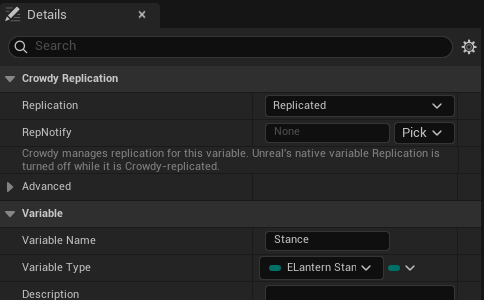
:::caution[The enum must be one byte wide.]
Declare it as `enum class ELanternStance : uint8`. The value rides one byte on the wire, so a wider enum cannot carry a pose. A Blueprint Enumeration is always one byte.
:::
Declare only one property of that enum on the class. Two properties ask for the same pose rows: the first declared drives the pose, the other is never read, and the log names both. A class whose anim set names no enum, or that has no property of that enum, binds no pose, and the log says which of the two it is.
### Keep the heartbeat on
`CrowdyHeartbeat` is not optional in practice. Crowdy State rides unreliable multicast, and an enum is held state: it is sent when it changes and never again. One dropped delta leaves a fallen player standing on every other screen until something else changes the value. The heartbeat re-sends the value on a timer so observers converge.
Two other settings must allow it:
- The map profile's **State Keyframe Interval (Seconds, 0 = off)** must not be 0. It defaults to `2.0`.
- The entity component's **State Heartbeat** must not be **Off**. The default, **Inherit**, follows the map profile.
The SDK warns once per property for any Crowdy State enum outside the heartbeat. `crowdy.state.heartbeat.advisories` lists them all. See [The metadata keys](../runtime/crowdy-state.md#the-metadata-keys), [What ships, and when](../runtime/crowdy-state.md#what-ships-and-when) and [Settings](../runtime/entity-component.md#settings) for the keys and the cadence.
### Name the enum on the set and author the rows
Open `DA_LanternPlayerAnims`. In **Pose State**, leave **Pose State Enum Is** on **Native By Name**, the default and the right answer for a C++ enum, and pick `ELanternStance` from the **Pose State Enum** dropdown. For a Blueprint Enumeration, switch the first field to **Blueprint Asset** and pick the asset. Then add rows to **Poses**. Each row is an `FCrowdyMassPoseEntry`:
| Label | Default | What it does |
|---|---|---|
| **Pose Name** | None | A dropdown of the enum's entries. The row shows when the arriving value is that entry. |
| **Sequence** | None | The clip. It must already be in the bank, in a slot no gait, other pose or action uses. |
| **Rank** | **Below Actions** | `ECrowdyMassPoseRank`. **Above Actions** makes the pose beat a one-shot action while it is held. See [Pose rank](#pose-rank). |
| **Hold Last Frame** | Off | Stops on the last frame instead of looping. Tick it for a fall or a corpse. |
| **Play Rate** | `1.0` | Playback rate. Cannot be negative. |
The Oakford set authors two rows:
| **Pose Name** | **Rank** | **Hold Last Frame** |
|---|---|---|
| `Sitting` | **Below Actions** | Off |
| `Fallen` | **Above Actions** | On |
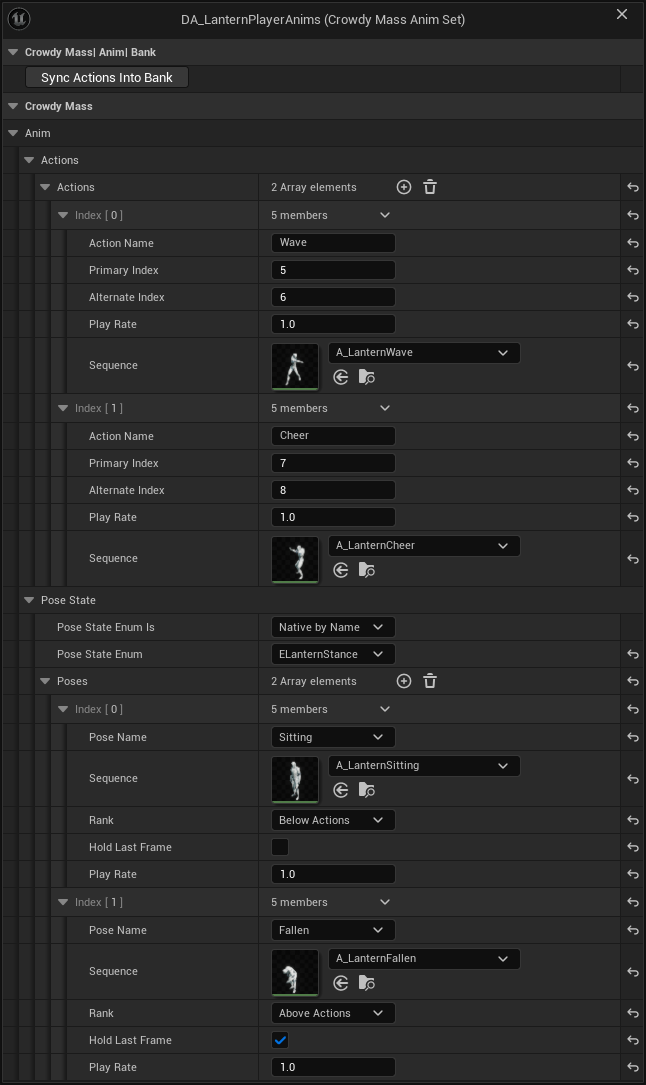
Row order is free. A value's meaning comes from your enum, and the row's id is worked out for you. A value no row names clears the pose and drops the row through to locomotion. That is why `Standing` has no row: a standing player walks, runs or idles.
The class must also name the set, with a **Crowdy Mass Anim Set** component on `BP_LanternPlayer`. See [Bind the set to the class](./set-up-the-animation-set.md#bind-the-set-to-the-class). A class without it, or whose set names no **Bank**, stands in bind pose.
### What validation rejects
- **Poses** has rows but **Pose State Enum** is empty. The error reads: `Poses has rows but no state enum is set, so no replicated state value can select any of them and this set cannot pose a crowd entity at all.`
- A **Pose State Enum** name that no enum matches, or a Blueprint Enumeration named as a string instead of picked under **Blueprint Asset**. A string leaves nothing referencing the asset, so a cooked game would not find it.
- A **Pose Name** that is not an entry of the enum, or left empty.
- Two rows on the same entry, or on two entries that share one value.
- A row with no **Sequence**, or a **Sequence** that does not load.
- A pose entry whose value falls outside 0 to 255.
Two cases are warnings. A row on enum value 0 means entities in the resting state never walk or run, because a pose that resolves always outranks locomotion. A pose ranked **Above Actions** without **Hold Last Frame** loops, which is rarely what a fall or a stun wants.
### Set the pose
Write the property on the machine that owns the player. The owning client diffs it and ships the change, and every observer applies it. There is no pose id to look up and no set to have loaded. The Oakford sit key, X, toggles `Stance` between `Standing` and `Sitting`. The C++ `OnSit` below also sets the player's torch brightness, 0.3 while seated and 1.0 standing. That part belongs to [Add your own crowd data](./add-your-own-crowd-data.md), and the Blueprint steps leave it out.
```cpp
// LanternPlayer.cpp
#include "LanternPlayer.h"
void ALanternPlayer::OnSit()
{
Stance = Stance == ELanternStance::Sitting ? ELanternStance::Standing : ELanternStance::Sitting;
// A seated player's torch burns low, here and on every crowd row that draws this player.
TorchBrightness = Stance == ELanternStance::Sitting ? 0.3f : 1.f;
Torch->SetIntensity(TorchBrightness * 2000.f);
}
```
1. In `BP_LanternPlayer`, add a key event for the **X** key, the sit key.
2. From the event, call **Is Crowdy Entity Locally Controlled** and feed a **Branch**, so only the owner writes.
3. On the true pin, feed a second **Branch** from an **Equal (Enum)** that compares **Get Stance** to `Sitting`.
4. On its true pin call **Set Stance** with `Standing`. On its false pin call **Set Stance** with `Sitting`.
[Blueprint snippet: mass-sit-stance, see /bp/unreal-sdk/mass-sit-stance.txt]
Pan a Blueprint figure with the right mouse button. Press **Copy nodes**, then Ctrl+V in your own event graph.
On an observer drawing the player as a row, the byte arrives, is matched against `ELanternStance` because that is the enum the set names, becomes a pose row id, and lands on the row's pose. The animation pass picks it up on its next run. The observer's own machine holds a real actor, so it does not need any of this to see its own player sit.
### Set a pose locally, by name
**Set Crowdy Mass Entity Pose** (`UCrowdyMassTargetLibrary::SetEntityPose`) puts one row in a pose by name and replicates nothing. It is for presentation on your own machine: a held pose in a menu, a cutscene, a test. The next update that carries a pose overwrites it.
| Pin | What it takes |
|---|---|
| **Target** | The row, from a Crowdy Mass trace or an event. See [Target an entity, from Blueprint](./from-blueprint/target-an-entity.md). |
| **Pose Name** | An authored pose name. `None` clears the pose. |
The name is resolved against the anim set of the class the target stands for, never the caller's class. The node returns false when it refused: off the game thread (an error in the log), while Mass is processing, or when the target's class is not yet known and you named a pose. Add the class to **Preloaded Entity Classes** under **Project Settings, Plugins, Crowdy SDK, Replication**; see [Entities and Spawning](../runtime/entities-and-spawning.md#a-dynamic-entity-can-appear-with-no-spawn-event-at-all). `UCrowdyMassEntitySubsystem::SetEntityPose` does the same thing addressed by entity UUID.
:::caution[A pose name the class's set does not author clears the pose.]
It resolves to id 0, and 0 is the value that clears. The node still returns true. An entity with no recorded class is refused instead, so a misspelled name on a known class is the case to watch.
:::
## Play a one-shot action
An action is a row in the set's **Actions** array. **Action ids start at 1 and follow the row order, and 0 means no action.** In `DA_LanternPlayerAnims`, `Wave` is id 1 and `Cheer` is id 2. Only the id travels on the wire. Each observer resolves it against the set of the class the player is, so ids mean nothing across two different sets.
### Author the action rows
Each row is an `FCrowdyMassActionEntry`:
| Label | Default | What it does |
|---|---|---|
| **Action Name** | None | The name **Send Crowdy Action** resolves to an id. |
| **Primary Index** | `-1` | A bank slot. Filled in by Sync Actions Into Bank. |
| **Alternate Index** | `-1` | The second slot, holding the same clip. |
| **Play Rate** | `1.0` | The row's rate. A crowd row plays at the rate the event carries, not this one. |
| **Sequence** | None | The clip an actor plays. Unset means crowd only. |
**Primary Index** and **Alternate Index** must be two different slots holding the same clip. An unsynced row has both at `-1`, which is the same error as identical slots: `retriggering it will not restart playback`. Press **Sync Actions Into Bank** on the asset, as [Set up the animation set](./set-up-the-animation-set.md#sync-actions-into-the-bank) describes. Set **Sequence** too if actors should play the action, as [Play it on an actor](#play-it-on-an-actor) explains.
### Send an action by name
If all you want is a row to play a named action on everyone's screen, you do not need to declare an event. **Send Crowdy Action** takes a target and an action name. The Oakford player aims at another player's row and presses C to cheer it on.
`TracedTarget` is the member the trace in [Target an entity, from C++](./from-cpp/target-an-entity.md) fills in.
```cpp
// LanternPlayer.cpp
#include "LanternPlayer.h"
#include "Target/CrowdyMassTargetLibrary.h"
void ALanternPlayer::OnCheer()
{
if (!UCrowdyMassTargetLibrary::IsTargetLive(TracedTarget))
{
return;
}
UCrowdyMassTargetLibrary::SendEntityAction(TracedTarget, TEXT("Cheer"), 0, 1.0f);
}
```
1. Get a **Target** with **Crowdy Mass Line Trace Single**, and keep the hit's **Target** in a variable named `TracedTarget` when **Hit Mass Entity** is true. See [Target an entity, from Blueprint](./from-blueprint/target-an-entity.md).
2. Add a key event for the **C** key, the cheer key. Call **Is Crowdy Mass Target Live** with `TracedTarget` and feed its result into a **Branch**, so a stale target sends nothing.
3. On the true pin, call **Send Crowdy Action** (`UCrowdyMassTargetLibrary::SendEntityAction`). Plug `TracedTarget` into **Target** and type `Cheer` into **Action Name**.
4. Under the node's advanced pins, **Variant** defaults to 0 and **Play Rate** to 1.0.
[Blueprint snippet: mass-send-action, see /bp/unreal-sdk/mass-send-action.txt]
The name is resolved here against the set of the class the target is recorded as, and only the resolved id is sent. Everyone who draws that player as a crowd row or as a near tier actor sees the action, this client included.
:::caution[Send Crowdy Action does not reach a machine that holds the player as a real actor.]
A player's own machine holds a real `ALanternPlayer`, not a row, so the cheered player does not see the cheer on themselves. It reaches only machines that draw the player as a row or a near tier actor. For an action the sender's own pawn also shows, declare an event.
:::
The node returns false and logs when it did not send. It logs each of these reasons once per class and name:
- The class is not yet known on this client. List the class under **Project Settings, Plugins, Crowdy SDK, Replication, Preloaded Entity Classes**, as [Entities and Spawning](../runtime/entities-and-spawning.md#a-dynamic-entity-can-appear-with-no-spawn-event-at-all) describes.
- The class names no anim set.
- The set authors no action with that name.
It refuses in two more cases and logs an error: when it is called off the game thread, and while Mass is processing. A target that names no live entity returns false without a log, because a held target hits that every frame. There is no ownership check: any client may play an action on any row. It is a visual.
### Declare an event an action
To run your own code with the action as well, such as a sound or a spark, declare a Crowdy event and mark it an action. Then a client that draws the player as a row starts the matching action with nothing to register and no graph to author.
The Oakford event is `WaveTorch`. It is a `SpatialMulticast` event on `ALanternPlayer` taking `ActionId`, `Variant` and `PlayRate`.
The `CrowdyAction` meta key joins the [routing keys](../runtime/rpc-events-cpp.md#routing-keys) on the receiver.
```cpp
// LanternPlayer.h
#include "Replication/RPC/CrowdyEvent.h"
UFUNCTION(meta = (CrowdyEvent, CrowdyRecipient = "SpatialMulticast", CrowdyAction))
void WaveTorch_Implementation(int32 ActionId, int32 Variant, float PlayRate);
CROWDY_EVENT(WaveTorch)
```
1. Add a Custom Event named `WaveTorch` to `BP_LanternPlayer` and tick **Crowdy Replicates**.
2. Leave **Recipient** on **Spatial Multicast**. See [Pick the recipient](../runtime/rpc-events-blueprint.md#pick-the-recipient).
3. Tick **Is A One-Shot Action**, the row below **Crowdy Replicates**.
4. Press **Add Parameters**. It creates the three pins the SDK reads: `ActionId`, `Variant` and `PlayRate`.
5. Compile.
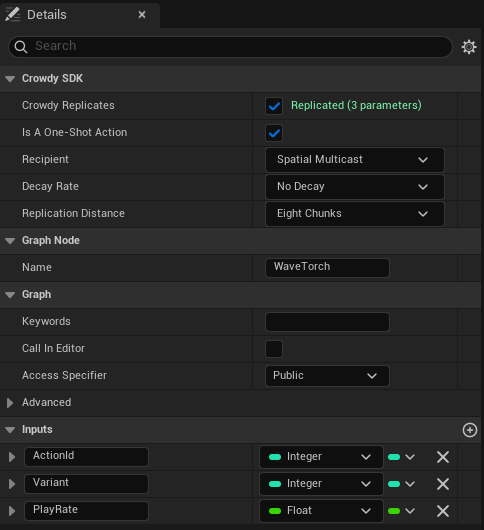
**Is A One-Shot Action** is visible only once a map profile assigned in **Project Settings, Plugins, Crowdy SDK** (a **Map Profiles** entry or the **Default Profile**) selects a backend that draws crowd rows, and **Crowdy Replicates** is ticked. A project whose maps all use the actor pool never sees it.
An observer drawing the player as a row reads `ActionId` off the arriving call and starts the matching row of that class's set. The parameters are read by name. Like every `FName` match, the match ignores case.
| Parameter | Type | Rules |
|---|---|---|
| `ActionId` | `int32` input | Required. A missing one, an `int64`, or a value of 0 or less starts nothing. |
| `Variant` | `int32` | Clamped to 0 to `CrowdyMassMaxActionVariant` (63). A missing one reads 0. It selects nothing. Pass 0. |
| `PlayRate` | `float` or `double` | Clamped to `CrowdyMassMinActionPlayRate` (0.1) to `CrowdyMassMaxActionPlayRate` (4.0). A value that is not a finite number becomes 1.0. A missing one reads 1.0. |
The clamps exist because every one of these values came off the network from the observed client and is forgeable. `CrowdyMassClampActionPlayRate` applies the same clamp if you write your own handler.
An event that spells the parameters differently still works, but needs a registered handler built with `CrowdyMassMakeActionEventHandler` and the three names.
A handler registered in C++ replaces both the event body and the automatic action write. A handler you register for an action event, such as `WaveTorch`, must write the action itself. A bound **Receive Crowdy Event on Entity** node replaces the body only, and the row still plays the declared action. See [Receive its events, from C++](./from-cpp/receive-its-events.md), [Receive its events, from Blueprint](./from-blueprint/receive-its-events.md) and [Run your code on a crowd row](./run-your-code-on-a-crowd-row.md).
An event marked an action that carries no `int32` `ActionId` starts nothing, and the SDK reports that once per function. From the outside it looks exactly like an event nobody sent.
:::caution[In Blueprint, recompile after ticking Is A One-Shot Action.]
The marker lives on the node and is read from the compiled function. If the box is ticked but the class was not recompiled, the event replicates and its body runs, and no crowd row ever animates from it. Check with `crowdy.rpc.dumpfn BP_LanternPlayer_C WaveTorch` on the sender and on the receiver. Both should print `action=1`.
:::
### Play it on an actor
Marking an event an action animates the crowd. It does not animate an actor, because an actor has a body and the body has to play the same clip, or the two representations of one event drift apart. `UCrowdyMassActionLibrary::PlayCrowdyMassAction` closes that. It takes the clip from the same authored row the crowd renders. The `WaveTorch` body calls it, and the input handler that waves calls `WaveTorch`.
```cpp
// LanternPlayer.cpp
#include "LanternPlayer.h"
#include "Mass/CrowdyMassActionLibrary.h"
void ALanternPlayer::WaveTorch_Implementation(int32 ActionId, int32 Variant, float PlayRate)
{
UCrowdyMassActionLibrary::PlayCrowdyMassAction(GetMesh(), ActionId, Variant, PlayRate);
}
void ALanternPlayer::OnWave()
{
// Action ids are one-based rows of the anim set, and Wave is its first action.
WaveTorch(1, 0, 1.f);
}
```
1. In the `WaveTorch` event, call **Play Crowdy Mass Action** (`PlayCrowdyMassAction`). Plug the event's pins into **Action Id**, **Variant** and **Play Rate**, and the character's `Mesh` into **Mesh**.
2. For the sender, add an input action event for the wave key. Call **Is Crowdy Entity Locally Controlled** into a **Branch** so only the owner sends.
3. On the true pin, call `WaveTorch` with **Action Id** set to 1, `Wave`'s id. To look it up by name instead, call **Find Action Id** on `DA_LanternPlayerAnims` with `Wave`.
The figure shows the body from step 1: the `WaveTorch` event feeds **Play Crowdy Mass Action**, with its three pins plugged in and the character's `Mesh` as the target mesh. The sender in steps 2 and 3 is not in the figure.
[Blueprint snippet: mass-wave-body, see /bp/unreal-sdk/mass-wave-body.txt]
That one call is right on every machine:
| The machine holds the player as | What plays the action |
|---|---|
| Its own pawn, or any real actor | The body runs, and this call plays the clip. |
| A crowd row | The row starts the same action from the arriving event. |
| A near tier actor drawn in place of the row | The body runs on the stand-in, as for a row, and the row starts the action. The near tier actor then plays it through its animation Blueprint. See [Promote close entities to actors](./promote-close-entities-to-actors.md). |
On a machine that draws the player as a row or as a near tier actor, your body runs on a stand-in with no animation instance, so the call finds nothing to play on and does nothing. That is expected. See [Run your code on a crowd row](./run-your-code-on-a-crowd-row.md).
An action id is a row position in one class's set, so the call resolves the set of the class of the actor it was given and never a class-less lookup. The full signature quoted from the library:
```text
PlayCrowdyMassAction(USkeletalMeshComponent* Mesh, int32 ActionId, int32 Variant = 0, float PlayRate = 1.0f, FName SlotName = TEXT("DefaultSlot"), float BlendInSeconds = 0.1f, float BlendOutSeconds = 0.1f, float StartSecondsIntoAction = 0.0f)
```
| Pin | Default | What it does |
|---|---|---|
| **Mesh** | Self | The skeletal mesh to play on. The action's set comes from this mesh's owning class. |
| **Action Id** | | The row to play. |
| **Variant**, **Play Rate** | `0`, `1.0` | As above. The rate is clamped. |
| **Slot Name** (advanced) | `DefaultSlot` | The slot node the montage plays through. |
| **Blend in Seconds**, **Blend Out Seconds** (advanced) | `0.1`, `0.1` | Blend times. |
| **Start Seconds Into Action** (advanced) | `0.0` | Seeks the clip forward before it starts. |
`UCrowdyMassActionLibrary::PlayCrowdyMassActionFromSet(Mesh, AnimSet, ActionId, Variant, PlayRate, SlotName, BlendInSeconds, BlendOutSeconds, StartSecondsIntoAction)` is the C++ twin that takes the `UCrowdyMassAnimSet` as an argument instead of working it out from the mesh's owner. Use it when the actor stands in for an entity of a different class, so the action id is looked up in the set it was authored in. It returns the `UAnimMontage` it started, or null, so you can stop it again.
Both calls read the actor's class, not the Mass subsystem, so they work on an actor pool map too.
The action plays as a dynamic montage into a slot, never through `PlayAnimation`, which would put the component into single-node mode and discard your animation Blueprint for good.
:::caution[The mesh's animation graph needs a Slot node named like **Slot Name**.]
The engine default is `DefaultSlot`, which the stock mannequin animation Blueprint already has. Without a slot of that name you get a warning of this shape: `'' refused action ; its animation graph has no 'DefaultSlot' slot node.`
:::
The call returns false, with one warning per action id, when the class names no anim set, when the id names no row, or when the row authored no **Sequence**. For an unauthored row the log says the crowd may still render it from its slot pair. If a row's **Sequence** disagrees with the clip its **Primary Index** slot holds, validation reports an authoring error, because that would show one player a wave and another an emote for the same event. `FindCrowdyMassActionSequence` returns the clip an actor of a class would play, for a body that does something other than play it into a slot.
### Pose rank
`ECrowdyMassPoseRank` decides what happens when an action starts while a pose is held. A pose ranked **Below Actions**, the default, lets the action play over it and the pose returns after. A pose ranked **Above Actions** overrides actions for as long as it is set. The composition order on a crowd row is: an **Above Actions** pose, then an active action, then any pose, then the gait.
So `Sitting` lets a seated player wave. `Fallen` does not, so a fallen player cannot wave from the ground.
:::caution[A near tier actor does not apply pose rank.]
On a near tier actor the action plays into its slot whatever the pose, so a pose that should suppress actions there has to be handled in the animation Blueprint itself. See [Promote close entities to actors](./promote-close-entities-to-actors.md).
:::
## Check it in Oakford
Run two clients on a map whose profile selects the Crowdy Mass Rendering Backend. Each client draws the other as a row.
1. On client A, press X to sit. Client B sees A's row take the `Sitting` pose and hold it. Press it again and the row returns to idle, walk or run.
2. On client A, press the wave key. Client B sees A's row play `Wave` once. A's own screen plays it through the `WaveTorch` body.
3. Aim at B's row from A and press C to cheer. Only machines that draw B as a row or a near tier actor see `Cheer`, so A sees it and B does not, because B holds its own player as a real actor.
## Gotchas
- **A pose and a field cannot share one property.** A `CrowdyState` property can feed your own state fragment field or the pose, not both. The log says so. See [Add your own crowd data](./add-your-own-crowd-data.md).
- **An action is a moment.** A player who arrives after the wave sees nothing. Use a pose for anything a late joiner must see.
- **Unauthored means no animation.** A class with no set, a set with no **Bank**, or a set with no row for an arriving value, shows locomotion or bind pose. That is not an error.
## Related
- [Set up the animation set](./set-up-the-animation-set.md): the set, the bank and **Sync Actions Into Bank**.
- [Run your code on a crowd row](./run-your-code-on-a-crowd-row.md): what an event body does on a machine that draws a row.
- [Promote close entities to actors](./promote-close-entities-to-actors.md): the animation Blueprint side of poses and actions.
- [Call an event on it, from Blueprint](./from-blueprint/call-an-event-on-it.md) and [Call an event on it, from C++](./from-cpp/call-an-event-on-it.md): **Send Crowdy Action** and **Call Crowdy Event on Entity**.
- [Crowdy State](../runtime/crowdy-state.md) and [RPC Events in C++](../runtime/rpc-events-cpp.md): the properties and events these use.
# Promote close entities to actors
Source: https://docs.dev.crowdedkingdoms.com/unreal-sdk/mass/promote-close-entities-to-actors
# Promote close entities to actors
A crowd row has no bones you can reach, no animation Blueprint and no attachments. That is fine at a distance and wrong up close. The near tier promotes a crowd row that comes close to the camera into a real, pooled actor, the near tier actor, and turns it back into a row when it moves away. On this page you build the shell, `BP_LanternPlayer_Shell`, point `ALanternPlayer` at it, and write the animation Blueprint it uses.
## When you need this
Use a near tier when players that come within a few metres of the camera should look like a full character: a real animation graph, a held torch attached to a hand socket, a material you change at runtime. Skip it when a crowd row is good enough at every distance. Promotion is opt-in per class. A class that declares no shell is drawn as a row at every distance and costs nothing extra.
Everything on this page is an observer-side picture. The entity stays the thing that exists: it keeps its identity, its state and its place in the crowd, and the near tier actor only shows it. It never owns state and never sends anything. It does not receive events either. An event aimed at a promoted entity runs on the per-class stand-in exactly as it does for a row, and the near tier actor shows any action through its animation Blueprint. See [Run your code on a crowd row](./run-your-code-on-a-crowd-row.md).
## The three pieces
1. **The class declares a shell.** `BP_LanternPlayer` gets a **Crowdy Mass Near Tier Shell** component (`UCrowdyMassNearTierShellComponent`) whose **Near Tier Actor Class** names the actor to promote to.
2. **The shell is an actor class you build.** The easy path is a Blueprint subclass of **Crowdy Mass Near Tier Actor** (`ACrowdyMassNearTierActor`), which already carries everything the shell needs.
3. **The shell carries a Crowdy Mass Near Tier component** (`UCrowdyMassNearTierComponent`). It joins the spawned actor to its entity and drives it every frame. `ACrowdyMassNearTierActor` has one already, called `NearTier`.
The shell declaration is read from the class defaults before anything is spawned, so the answer is worked out once per class, not once per entity.
## Build the shell
1. In the Content Browser, create a Blueprint whose parent class is **Crowdy Mass Near Tier Actor**. Name it `BP_LanternPlayer_Shell`.
2. Open it. It already has three components:
| Component | Type | What it is |
|---|---|---|
| `Root` | `USceneComponent` | The pivot the actor is placed by. It draws nothing. |
| `Mesh` | `USkeletalMeshComponent` | What the actor draws, under the pivot. |
| `NearTier` | `UCrowdyMassNearTierComponent` | The component that follows the entity. |
3. Select `Mesh`. Set its **Skeletal Mesh** to the mesh `BP_LanternPlayer` uses, and set its **Anim Class** to `ABP_LanternPlayer_Shell`, the animation Blueprint you build for the shell (see [What to put in the AnimBP](#what-to-put-in-the-animbp)). Do not use the character's own animation Blueprint.
4. Leave the event graph empty. An empty shell is the normal shape.
5. Compile and save.
6. Open `BP_LanternPlayer`. In the Components panel choose **Add**, then **Crowdy Mass Near Tier Shell**. Select it and set **Near Tier Actor Class** to `BP_LanternPlayer_Shell`.
7. Compile and save.
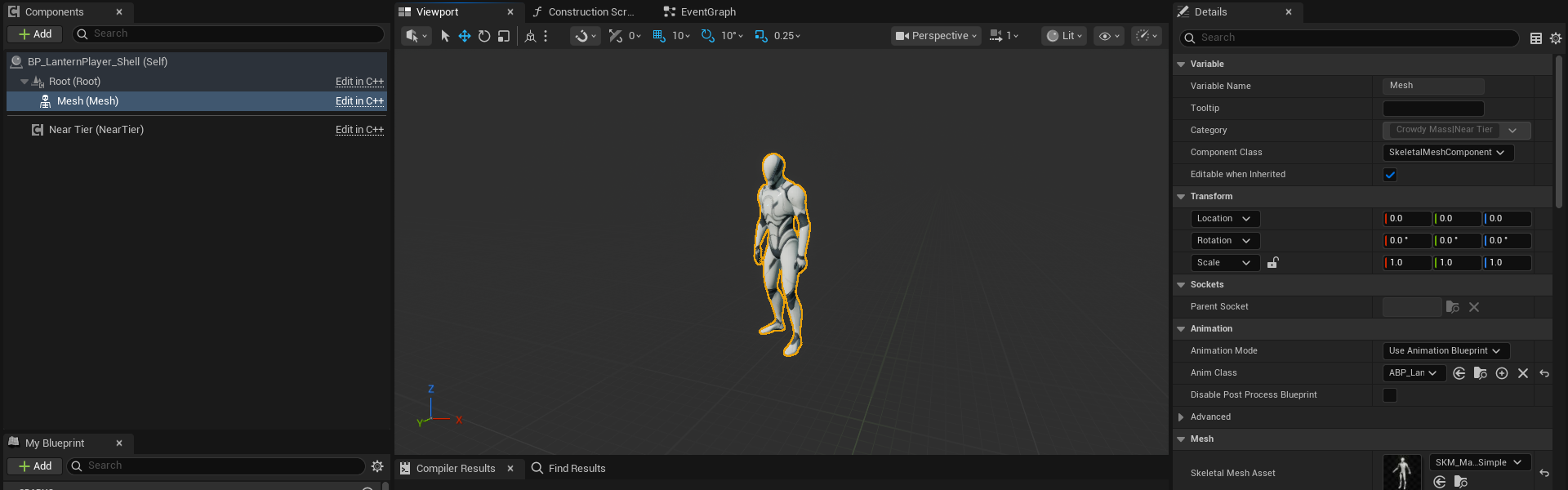
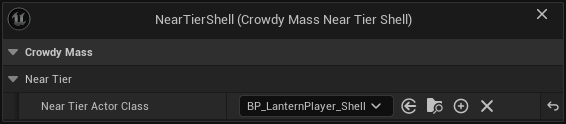
The class named on the shell component is loaded once per class, when its entity configuration is first worked out. The component itself does nothing at runtime.
:::caution[The shell is a picture, not a second copy of your character.]
Its near tier actors are created and released constantly as players walk in and out of range. Give it a mesh and the things that decorate a mesh, and nothing that owns state or talks to the network.
- **Do not add a movement component or a colliding capsule.** The entity's transform is written onto the near tier actor every frame, and a movement component would fight that write.
- **Do not add a Crowdy Entity Component, and do not implement the Crowdy event source interface.** The entity already has its own registered participant, and a second one for the same id is refused.
- **Do not add a Crowdy Mass Anim Set component to the shell.** If the shell's class names a different anim set from the entity's, actions are refused for that pairing and the log names both sets. Motion and pose keep working. A shell that names no anim set of its own is the correct case.
:::
:::caution[A shell with no mesh asset draws nothing, and the player vanishes until it has one.]
The crowd stops drawing a row the moment a promotion is decided, so a near tier actor that is not ready leaves a hole, not a fade. Assign a skeletal mesh asset on the shell before you test. If your shell class adds its own skeletal mesh instead of filling in `Mesh`, readiness, hiding and action playback all use whichever skeletal mesh actually has an asset. Only `Mesh` is placed to match the crowd.
:::
### Entity transform offset
**Entity Transform Offset** (`EntityTransformOffset`, in the shell's Class Defaults) says where the shell's root belongs relative to the entity. It points from the entity to the root, in the entity's own space, so it turns with the entity.
The default is zero, and zero is right for the shape you built above. The entity's transform is the location the owning client replicates, which for a Character is the middle of its capsule. The shell's root sits there, and its `Mesh` takes the crowd's placement, which already carries the character's drop to its feet. Set an offset only for a shell whose root belongs somewhere other than that location. If a promoted player floats or sinks by a fixed amount while its row stands correctly, this is the value to look at.
A C++ shell can override `GetEntityTransformOffset`, which is also a pure node (**Get Entity Transform Offset**), when the offset is computed rather than fixed.
### Correct the mesh, not the placement
When a near tier actor is bound to an entity, its `Mesh` is placed to match the crowd's own placement of that character, so a promoted player faces the same way the row did. What you set on the shell's `Mesh` transform is a correction on top of that placement, not the whole placement. Author only the difference. An unauthored `Mesh` takes the crowd's placement unchanged.
If a promoted player turns or drops compared with its row, the difference is what to author on `Mesh`. To read both halves, run `crowdy.mass.neartier.trace 1`: the log prints where the near tier actor placed its mesh, where the crowd places it, and what the actor added on top.
## Pooling
`ACrowdyMassNearTierActor` is already pooled. Promotions reuse near tier actors instead of spawning and destroying one each time, and you set nothing to get that.
If you promote to an actor class of your own instead of a subclass of **Crowdy Mass Near Tier Actor**, that class needs a Crowdy Mass Near Tier component. It should also implement the engine's `IMassActorPoolableInterface` (`CanBePooled`, `PrepareForPooling`, `PrepareForGame`). Without it every promotion is a real spawn and a real destroy, with no warning, which is the cost the near tier exists to avoid.
`crowdy.mass.neartier.trace 1` prints a line when an actor is taken from the pool, when one had to be spawned because the pool had none to give, and when one goes back. That log is the only evidence that pooling is happening.
## Distances and counts
Three settings in **Project Settings, Plugins, Crowdy Mass** (`UCrowdyMassDeveloperSettings`), under **Near Tier**, decide when a row becomes an actor.
| Label | Default | What it does |
|---|---|---|
| **Near Tier Distance** | 1000 | How close an entity must be, in centimetres, before it is promoted while it is not on screen. |
| **Near Tier Visible Distance** | 2000 | How close an entity the camera can see must be before it is promoted. Normally larger than **Near Tier Distance**, because a visible crowd is worth more. |
| **Max Near Tier Actors** | 50 | The most entities that may be near tier actors at once. The nearest win. The rest stay crowd rows however close they get. |
Only classes that declare a shell are ever promoted.
If you ask for distances that reach past the band beyond them, the SDK cuts them back and logs a warning naming the values it used. Lower them to remove the warning.
:::note[These settings apply only when the entity configuration is built from your class.]
If you authored a Mass entity configuration for the class yourself, its own level distances and ceiling decide when promotion happens, and the near tier settings above are left alone. The log says so when it builds the configuration. See [Make a character draw as a crowd row](./make-a-character-draw-as-a-crowd-row.md) for where the configuration comes from.
- A configuration that already promotes to an actor wins. The shell declaration is never read, and the log warns once per class.
- A configuration that names an actor while its nearest level is still drawn as an instance promotes nothing by itself. The declared shell replaces that actor in a per-class copy of the configuration, the class does promote, and the log warns. If the configuration names another representation actor management class, the SDK also swaps in `UCrowdyMassRepresentationActorManagement` and warns, because only that class hides, places and readies a near tier actor the way the handover needs.
- The engine also logs `Overriding with another instance` as that copy builds. That line is this working.
:::
## How a near tier actor animates
Nothing pushes variables into your animation Blueprint. The SDK does not set AnimBP variables, does not call an event on it and does not need an interface or a special base class. The near tier component reads the entity's data every frame, after physics, and exposes it as read-only getters. Your animation Blueprint reads them.
Every getter is a pure node in the **Crowdy Mass|Near Tier** category and is safe to call from an animation graph's thread-safe update.
| Node | C++ name | Returns | Notes |
|---|---|---|---|
| **Is Bound to Entity** | `IsBoundToEntity` | bool | False means there is no answer yet. It is not an error. |
| **Get Entity UUID** | `GetEntityUUID` | `FGuid` | The id of the entity this near tier actor stands for. |
| **Get Smoothed Speed** | `GetSmoothedSpeed` | float | Drive locomotion from this. |
| **Get World Velocity** | `GetWorldVelocity` | vector | |
| **Get Local Velocity** | `GetLocalVelocity` | vector | The same velocity in the near tier actor's own space, for a strafing blend space. |
| **Get Gait Id** | `GetGaitId` | integer | One-based row in the anim set's gaits. 0 means no gait. |
| **Get Gait Name** | `GetGaitName` | name | The authored gait name, `None` when there is no gait. |
| **Get Pose Id** | `GetPoseId` | integer | One-based row in the anim set's poses. 0 means no pose. |
| **Get Pose Name** | `GetPoseName` | name | The authored pose name, `None` when there is no pose. |
| **Has Pose** | `HasPose` | bool | True when the pose id is not 0. |
| **Get Action Id** | `GetActionId` | integer | 0 while no action is playing. |
| **Get Action Variant** | `GetActionVariant` | integer | |
| **Get Action Play Rate** | `GetActionPlayRate` | float | |
| **Get Action Serial** | `GetActionSerial` | integer | Goes up on every trigger, including a repeat of the same action. |
| **Get Action Elapsed Seconds** | `GetActionElapsedSeconds` | float | How far into the action the entity is. |
:::caution[Drive blend spaces from Get Smoothed Speed, never from the length of the velocity.]
A remote entity's velocity comes from interpolating between position updates, so it reads the speed of one segment and then exactly zero until the next update arrives. Fed into a blend space, that makes a near tier actor stutter between walking and standing while the crowd behind it moves smoothly.
:::
:::note[A gait id or pose id of 0 means no gait or no pose.]
The component does not nudge a missing gait to row 1. Treat 0, and **Is Bound to Entity** being false, as "no answer yet". An id is a row position in one anim set. It means nothing across two classes. Branch on **Get Gait Name** and **Get Pose Name** when one animation Blueprint serves more than one character.
:::
The one thing the near tier does push into your graph is a one-shot action. It plays the action as a dynamic montage in the slot named by **Action Slot Name**, as described below.
### The near tier component's settings
Select the `NearTier` component in the shell, or any Crowdy Mass Near Tier component you add yourself.
| Label | Default | What it does |
|---|---|---|
| **Action Slot Name** | `DefaultSlot` | The Slot node your animation graph exposes for one-shot actions. A graph with no slot of this name plays nothing and says so once. |
| **Action Blend in Seconds** | 0.1 | How long an action blends in. An action picked up already running gets no blend. |
| **Action Blend Out Seconds** | 0.1 | How long an action blends out. |
| **Drive Owner Transform** | on | Moves the near tier actor to the entity's transform every frame. Leave it on. |
| **Apply Trace Collision** | on | Lets the entity's trace collision setting decide the actor's collision object type and channel responses, so a row and a near tier actor answer traces the same way. The promoted shell takes that collision only on its character mesh and on components tagged `CrowdyTraceCollision`; a held weapon, a hat or other decoration is left as authored and cannot be hit. Tag a hand-made hit box with `CrowdyTraceCollision` to keep it hittable. |
**Drive Owner Transform** is what keeps a near tier actor with its entity. Nothing else moves a near tier actor after it is placed, so turning it off leaves the actor standing where it was born while the entity walks away. Turn it off only for an actor that moves itself from somewhere else and wants only the animation inputs.
The component also carries **Get Server Value** and the **On Server Values Changed** event for reading an entity's record. See [Read its server values, from Blueprint](./from-blueprint/read-its-server-values.md).
## What to put in the AnimBP
The shell's `Mesh` uses an animation Blueprint of its own, `ABP_LanternPlayer_Shell`. It reads the near tier getters above, not a character. **Get Owning Actor** returns the near tier actor, which is not your character and has no character movement component. A copy of the character's animation Blueprint that casts to the character fails the cast, and the graph stands in its default pose. Create a new animation Blueprint for the same skeleton and build it from the getters.
If the class uses one-shot actions, the graph needs exactly one thing: a **Slot** node whose slot name matches **Action Slot Name**. The default is `DefaultSlot`, which is also the engine's own default and what the stock mannequin animation Blueprint already has.
For `ABP_LanternPlayer_Shell`, build the graph like this.
1. In **Event Blueprint Initialize Animation**, call **Get Owning Actor**, then **Get Component By Class** with **Crowdy Mass Near Tier**, and keep the result in a variable named `NearTier`. The component belongs to the near tier actor, so it is the same for every player that actor stands for.
2. In **Blueprint Thread Safe Update Animation**, set two variables from `NearTier`: a `Speed` float from **Get Smoothed Speed**, and a `bFallen` bool that is true when **Has Pose** is true and **Get Pose Name** equals `Fallen`. Drive the locomotion blend space from `Speed`. For a strafe axis, use **Get Local Velocity**.
3. Choose the locomotion state from **Get Gait Name**, comparing against `Idle`, `Walk` and `Run`, or ignore gaits and use `Speed` alone.
4. Choose the held pose from **Get Pose Name**, comparing against `Sitting` and `Fallen`. Do not compare ids.
5. Treat **Is Bound to Entity** false, and a gait id of 0, as "no answer yet". Do not read them as the first gait.
6. Route the locomotion output through a **Slot** node named `DefaultSlot`. Actions such as `Wave` and `Cheer` play over whatever the graph shows.
7. `Fallen` is authored **Above Actions**, so it should suppress actions. The near tier component does not apply that rank for you. Add a **Blend Poses by bool** after the Slot node. Plug the Slot node into **False Pose**, a sequence player for the `Fallen` clip into **True Pose**, and drive **Active Value** from `bFallen`. Then plug the blend into **Output Pose**. While the player is down the graph shows the fallen clip and skips the Slot node, so no action plays over it. Set `bFallen` in the update step, as step 2 does, because reading the component inside the AnimGraph itself is not thread safe and the compiler warns about it.
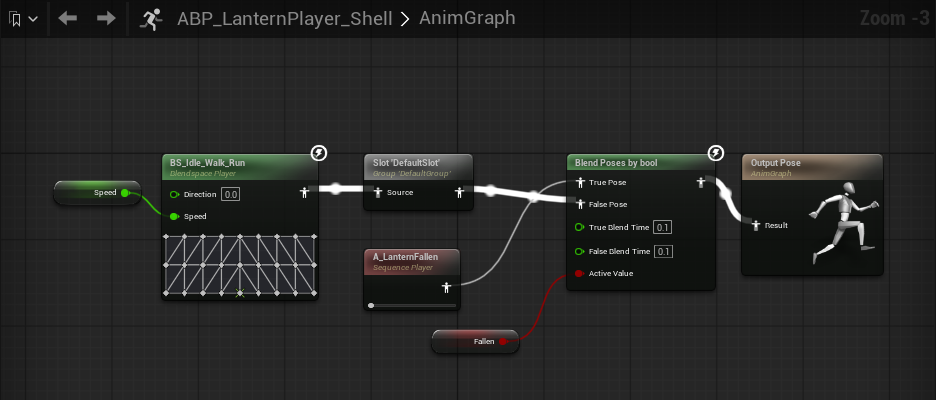
A C++ animation instance does the same: find the component with `FindComponentByClass()` once, then call the getters.
### An action that is already running
A player does not wait to be promoted before it waves. When a promotion happens in the middle of an action, the near tier component starts the montage at the position the action has already reached. The near tier actor then shows the same frame the row was showing. An action that joins mid-clip gets no blend, because easing into a mid-swing pose from the graph's default pose would show a pose the character never holds. An action that starts at its beginning keeps its authored blend.
## What you see at the handover
When a row becomes a near tier actor, it appears already in the right pose: its speed, gait, pose and any running action are applied before its first drawn frame. An actor taken from the pool starts from a fresh animation graph, so you never see a bind pose or the previous player's pose for a frame. You author nothing for this. The actor is shown as a whole, so a component you deliberately left hidden stays hidden.
## If a class does not promote
Promotion needs a class that declares a shell, a shell that loads as an actor and carries a Crowdy Mass Near Tier component, and a free place under **Max Near Tier Actors**. A class with a shell but no assigned **Near Tier Actor Class** is drawn as a row at every distance. For the ordered checklist and the log line each cause prints, see the section "A class never promotes" in [Fix a crowd that does not look right](./troubleshooting.md).
## Demotion and release
When an entity moves out of the near band, a class whose configuration the SDK builds from the class releases its near tier actor back to the pool: the actor is hidden, unbound and has its collision off. If the entity comes back, it takes an actor from the pool again, so it may not be the same one. An authored configuration follows its own level settings.
A release also stops the montage with no blend and gives back the trace collision the actor was pushing. An entity destroyed while promoted goes straight to the pool the same way, so a hidden actor never sits at the dead entity's last position and blocks traces and camera sweeps through a point where nothing is drawn.
## C++ members
Everything above is available from Blueprint. A C++ shell or game system can also use these.
| Member | What it does |
|---|---|
| `UCrowdyMassNearTierComponent::BindToEntity`, `UnbindFromEntity` | Join or leave an entity by hand, for an actor class of your own. Promotion calls them for you. |
| `GetBoundEntity`, `GetResolvedAnimSet` | Read the bound entity and the anim set it renders through. |
| `ReadServerValueInto`, `OnServerValuesChanged` (`FCrowdyMassNearTierServerValuesChanged`) | Read a server value of the bound entity, and listen for changes. |
| `ACrowdyMassNearTierActor::IsReadyForRepresentation` | Virtual. Answer true as soon as there is something to draw. |
## Related
- [Set up the animation set](./set-up-the-animation-set.md): the gaits, poses and actions the near tier actor reads by name.
- [Play poses and one-shot actions](./play-poses-and-one-shot-actions.md): how a pose or an action reaches the entity.
- [Run your code on a crowd row](./run-your-code-on-a-crowd-row.md): what an event body does for a row and for a promoted entity.
- [Read its server values, from Blueprint](./from-blueprint/read-its-server-values.md) and [Read its server values, from C++](./from-cpp/read-its-server-values.md): the near tier component's server value nodes.
- [Fix a crowd that does not look right](./troubleshooting.md): symptoms first, with the diagnostic commands.
# Run your code on a crowd row
Source: https://docs.dev.crowdedkingdoms.com/unreal-sdk/mass/run-your-code-on-a-crowd-row
# Run your code on a crowd row
A Crowdy event body is where you write what a reaction looks like: a swing, a flinch, a flare of light. On a machine that holds the entity as a real actor of its class, the body runs on that actor. On a machine that draws it as a crowd row, or as a promoted near tier actor, there is no such actor, so the SDK runs the same body on a stand-in. This page tells you what that stand-in is, what a body can and cannot do on it, and when to register a handler of your own instead.
## When you need this
You wrote a Crowdy event on `ALanternPlayer`, such as `WaveTorch`, and the map selects the **Crowdy Mass Rendering Backend**. The player who waves runs the body on a real actor. Everyone else may hold that player as a row. Read this page to know that the body is correct in both places.
Declaring and calling events works the same under every backend. That is covered once, in [RPC Events in Blueprint](../runtime/rpc-events-blueprint.md), [RPC Events in C++](../runtime/rpc-events-cpp.md) and [Recipients and Routing](../runtime/recipients-and-routing.md). This page covers only what is different on a row.
## Which events reach a row
Only the two multicast recipients ever reach a crowd row. An entity drawn as a promoted near tier actor is routed the same way.
| Recipient | Reaches a row? |
|---|---|
| `SpatialMulticast` (the default) | Yes. |
| `Multicast` | Yes. |
| `OwningClient` | No. It is delivered to the entity's owner, who holds the entity as a real actor. |
| `Host` | No. It is delivered to the elected host as a request addressed to an actor. |
An `OwningClient` or `Host` event that arrives for an entity a client holds as a row is dropped, and the log says so at most once a second. The routing rules for all four recipients are on [Recipients and Routing](../runtime/recipients-and-routing.md#the-four-recipients).
## What runs when one arrives
When a multicast event arrives for a row, the SDK decides what to do in this order.
| What you did | The stand-in runs your body | The action is started on the row |
|---|---|---|
| Nothing. The event is not marked a one-shot action. | Yes. | Not applicable. |
| The event is marked a one-shot action (`CrowdyAction`, or **Is A One-Shot Action** in Blueprint). | Yes. | Yes. |
| You registered a handler for the event, or bound **Receive Crowdy Event on Entity** to it. | No. | No. Your handler decides. |
The body and the action are different halves of one event. The action is the animation. The body is everything else you do in world space. A marked event with no handler gets both, which is what one body on a real actor does. See [Play poses and one-shot actions](./play-poses-and-one-shot-actions.md) for the action half.
A promoted near tier actor changes none of this. The body still runs on the stand-in, and the near tier actor plays the action from the row's data through its animation Blueprint. It runs no body of its own.
## The stand-in
The stand-in is an object of the entity's own class that exists only to run bodies. It is built once per class, not once per entity: three character classes mean three stand-ins whether two players or two thousand are on screen. It is never spawned into the level, so nothing about it exists in the world.
What your body sees on it:
- **Position.** Before each body runs, the stand-in is moved to the entity's transform. `Get Actor Location` and `Get Actor Rotation` return where the row is, so a body that works in world space at its own location works.
- **Parameters.** They arrive on the event's pins as usual.
- **A world.** Nodes that need one, such as spawning an effect or playing a sound, work.
- **Class defaults.** Every variable on the class is reset to its class default before each body runs. A body reads defaults, not the values the owner's actor holds, and anything it writes is discarded before the next event.
- **No Blueprint components.** Only spawning runs a construction script, so components you add in the Blueprint do not exist on the stand-in. Native components, such as a C++ mesh, exist but are never registered.
Because of that, a body that depends on its own components or on its own earlier state cannot do its work there, and this page lists exactly which kinds.
## A body written for both
`WaveTorch` is the Oakford event: a `SpatialMulticast` event marked as a one-shot action, taking `ActionId`, `Variant` and `PlayRate`. Its body calls `UCrowdyMassActionLibrary::PlayCrowdyMassAction` on the actor's mesh. The declaration and the body are on [Play poses and one-shot actions](./play-poses-and-one-shot-actions.md).
On the owner's machine, and on any machine that holds the player as a real actor, the call plays the clip on the mesh. On a row, the stand-in has no animation graph, so the call plays nothing and says nothing. The row's clip comes from the action half, which the SDK starts for you. One body, one declaration, and each representation plays the same clip.
To add a flare at the player's position, add **Play Sound at Location** (or **Spawn System at Location**) after the call and feed **Get Actor Location** into the location pin. In C++ that is `UGameplayStatics::PlaySoundAtLocation` with `GetActorLocation()`. It works on the stand-in because it needs only a world and a point.
To see the row path with one client, use the single-client check on [Turn Mass on for a map](./turn-mass-on-for-a-map.md).
## What cannot work on the stand-in
Two kinds of work cannot survive on the stand-in. **The Blueprint compiler warns you about both.**
**Work that resumes after the body returns.** A **Delay** or any other latent call, a **Timeline**, an async action, or **Set Timer** on self. The stand-in is reset and moved to the next entity as soon as the body returns, so the continuation would resume against a stand-in for somebody else. Do the work in a single pass.
**A call on one of the actor's own components.** A crowd row is drawn from data by processors and owns no per-entity components. The call reaches either a native component that was never registered or one the construction script never made. It succeeds and changes nothing. Present in world space at the entity's location instead, with a particle system, a sound or a decal, and drive animation through a one-shot action.
:::caution[These are warnings, not errors.]
The same body is correct wherever the entity is a real actor: always on its owner, always under the actor pool, and in every other place a real actor exists. Which representation an observer uses is chosen by the map profile, not by anything on your class, so the compiler cannot know whether your class will be drawn as a row. It warns, and you decide.
:::
The warnings are scoped to one event's body, followed along execution from the event node. A **Delay** in an ordinary function beside a multicast event is correct and is not reported. An event with no recipient chosen is in scope, because the default recipient is Spatial Multicast.
The **Is A One-Shot Action** checkbox, and the warnings on a class with a Crowdy Entity component, appear once a map profile assigned in **Project Settings, Plugins, Crowdy SDK** (a **Map Profiles** entry or the **Default Profile**) selects the **Crowdy Mass Rendering Backend**. A project whose maps all use the actor pool sees neither.
:::danger[An event declared on a component, or on the entity avatar object, cannot run on a stand-in.]
The stand-in is an object of the entity's own class, so an event declared on a component of that class, or on `UCrowdyMassEntity`, has nothing to run on there. It lands on a machine that holds the entity as a real actor, which is why this is easy to miss, and nothing lands on a row. The log reports it once per declaring class. Declare the event on the entity's own class, or register a handler for it.
:::
An abstract class cannot have a stand-in at all. The log reports it once per class, and its events do not run their bodies on rows.
## Register a handler instead
If you would rather decide what an event does to a row yourself, register a handler. `RegisterEventHandler` takes the event's receiver function and a function to run, and **Receive Crowdy Event on Entity** is the Blueprint version. See [Receive its events, from Blueprint](./from-blueprint/receive-its-events.md) and [Receive its events, from C++](./from-cpp/receive-its-events.md). `CrowdyMassMakeActionEventHandler` builds a ready-made handler for an action event, and `CrowdyMassWriteAction` is the call that starts an action on a row.
:::caution[A registered C++ handler replaces the body and the automatic action write.]
The stand-in is a fallback. It runs only when nothing you registered took the call, and a bound **Receive Crowdy Event on Entity** node counts as a registered handler for the body. A game that registered something has already said what the event means for a row, and running your body as well would do the work twice. For a C++ handler on a marked action, a second writer would also start the action twice from one event, so your handler writes the action itself. A bound Blueprint node does not replace the action: the row still plays it.
:::
In Oakford, the C++ handler for `WaveTorch` flares the row's torch (`TargetBrightness = 1`) and writes the wave action with `CrowdyMassWriteAction`, action id 1. The Blueprint node does the flare and the row still waves on its own. The same applies to a promoted entity: a C++ handler that does not write the action leaves the near tier actor with nothing to play.
A registration belongs to one exact function object and one world. A Blueprint recompiled in the editor makes a new function, so register again. Registering the same function twice adds a second handler, and both run, in registration order.
## The rate limit
Inbound events are capped at 30 per second for each target entity, with a burst of 60. The cap is applied before the event's parameters are decoded, because decoding is the expensive half. A cap that is reached drops the event and logs it at a low level.
This is CPU protection. It is not anti-cheat. The limit sits well above normal play, so only a flood of events reaches it.
Two checks happen before the cap and cost no allowance: whether the event is meant for this kind of entity at all, and, when nothing is registered and the event is not an action, whether a body could run at all. An event aimed at the wrong kind of entity cannot spend the allowance of a right one.
## What does not belong in an event
- **Fire-and-forget visuals.** Hit reactions, swings, deaths, flares, sounds. Anything that is fine to miss.
- **Anything that decides an outcome.** Every parameter is chosen by the sender, and a body runs with those parameters on every observer. Any peer can aim an event at any entity, so neither the values nor the claim that the owner sent them can be trusted. A body is for deciding what is drawn.
- **Persistent truth.** Health, stats, inventory and anything cheat-sensitive belong on the server, in a Server Object (see [Keep a record per entity](../exec/keep-a-record-per-entity.md)), and a row reads them from there. Never carry them in an event parameter, and never in a fragment. See the two planes on [Draw a crowd with Mass](./draw-a-crowd-with-mass.md).
## Measure or switch off the stand-in
`crowdy.mass.event.proxy 0` turns the stand-in dispatch off. With it off, an event nothing registered a handler for lands nothing on a row, beyond the action write a marked action gets. Use it to measure what the stand-in costs, or to find a body that misbehaves on observers only. The default is 1. It exists in Editor and Development builds.
`crowdy.rpc.trace 1` prints one line per event delivered to the stand-in, naming the entity, the stand-in, where it was moved to and whether the world will run a body. If the body never seems to run, read that line first. [Fix a crowd that does not look right](./troubleshooting.md) lists the diagnostic commands.
## Gotchas
- A body that works in a one-player test can fail on observers only, because the owner always holds a real actor. Test with a second player or the single-client check.
- A **Delay** or a timer in the body is the usual cause of an effect that fires on the owner and never on a row.
- An event with a typo in `CrowdyRecipient` silently takes the default recipient. The Blueprint dropdown cannot get this wrong. C++ can.
## Related
- [RPC Events in Blueprint](../runtime/rpc-events-blueprint.md) and [RPC Events in C++](../runtime/rpc-events-cpp.md): declaring and calling events.
- [Recipients and Routing](../runtime/recipients-and-routing.md): the four recipients and how far a spatial event travels.
- [Play poses and one-shot actions](./play-poses-and-one-shot-actions.md): the action half of a marked event, and the `WaveTorch` declaration and body.
- [Promote close entities to actors](./promote-close-entities-to-actors.md): what a close entity draws as.
- [Receive its events, from Blueprint](./from-blueprint/receive-its-events.md) and [Receive its events, from C++](./from-cpp/receive-its-events.md): handlers.
- [Fix a crowd that does not look right](./troubleshooting.md): symptoms first, with the diagnostic commands.
# Add your own crowd data
Source: https://docs.dev.crowdedkingdoms.com/unreal-sdk/mass/add-your-own-crowd-data
# Add your own crowd data
A crowd row carries the data the SDK needs to draw it: a transform, a pose, an action. It has no place for a value that belongs to your game. This page adds one. You write a small Mass fragment to hold the value, a trait that puts the fragment on the row, and a processor that acts on it each frame. Then you land a replicated Crowdy State property on the fragment, so the value an actor would read from its own property arrives on the row too.
:::note[This page needs C++.]
The fragment, the trait, the processor and the field registration are C++. A Blueprint graph can read the result afterwards; see [Read and write its fields, from Blueprint](./from-blueprint/read-and-write-its-fields.md).
:::
The page is about crowd data, not Mass in general. For the engine model of fragments, traits and processors, read Epic's [Mass Entity documentation](https://dev.epicgames.com/documentation/en-us/unreal-engine/mass-entity-in-unreal-engine).
## When you need this
On a machine that holds a remote player as a real actor, a replicated view value is free. The SDK writes it onto the actor's property and your code reads the property. On a machine that holds the same player as a crowd row there is no actor, so the value has nowhere to go. It is decoded and then dropped, unless you registered a field for it and the row carries a fragment to land it in.
Reach for this page when:
- A Crowdy State property such as `TorchBrightness` on `ALanternPlayer` should change how the row looks, and the row has no pose, action or transform to carry it.
- You want something per row that a processor eases, counts down or draws from, such as a torch that fades toward the replicated brightness instead of snapping.
Do not use it for anything the game must trust. Every value that reaches a row this way came off the observed player's own client, so it is a visual and can be a lie. Health, loot and the like belong in a record the server keeps; see [Read its server values, from Blueprint](./from-blueprint/read-its-server-values.md) and [Keep a record per entity](../exec/keep-a-record-per-entity.md#crowd-rows).
The Oakford example: on market night every other player in the square is a crowd row of `ALanternPlayer`. Each player's torch has a brightness, replicated as the `float` property `TorchBrightness`. You will put it on `FLanternTorchFragment`, ease it with `ULanternTorchFadeProcessor`, and add the fragment through `ULanternTorchTrait`.
## Write the fragment, the trait and the processor
A game module that declares Mass types lists `"MassCore"`, `"MassEntity"` and `"MassSpawner"` next to `"CrowdyMass"` in its `Build.cs`:
```csharp
PublicDependencyModuleNames.AddRange(new string[] { "CrowdyMass", "MassCore", "MassEntity", "MassSpawner" });
```
### The fragment
A fragment is plain data. `TargetBrightness` is the value the replicated property lands on. `Brightness` is the value the row shows now, and the processor eases it toward the target.
```cpp
// LanternCrowd.h
#include "CoreMinimal.h"
#include "Mass/EntityElementTypes.h"
#include "LanternCrowd.generated.h"
// Wider members come first: this fragment is read for every crowd row every frame.
USTRUCT()
struct FLanternTorchFragment : public FMassFragment
{
GENERATED_BODY()
UPROPERTY()
float TargetBrightness = 1.f;
UPROPERTY()
float Brightness = 1.f;
};
static_assert(sizeof(FLanternTorchFragment) == sizeof(float) + sizeof(float),
"FLanternTorchFragment has gained padding. Declare wider members before narrower ones.");
```
- **Derive from `FMassFragment`.** It comes from `Mass/EntityElementTypes.h`, which lives in MassCore, not MassEntity. `FTransformFragment` comes from `Mass/EntityFragments.h`.
- **Declare wider members before narrower ones** and pin the layout with a `static_assert` written in terms of the members. A processor reads this struct for every row every frame, so padding is a cost on every row.
- **Mark a member `UPROPERTY()` if you want to reach it by name.** A plain C++ member of a `USTRUCT` has no reflection entry, so nothing can find it by name. Registering one is refused up front. You need this for the Blueprint field nodes below.
- **Never make "is this active" a Mass tag.** Adding or removing a tag moves the row to another archetype, which is the dominant per-row cost. Use a sentinel value in a field instead, the way the SDK's action fragment treats an action id of 0 as no action.
### The trait
A trait is what puts the fragment on a row.
```cpp
// LanternCrowd.h
#include "CoreMinimal.h"
#include "MassEntityTraitBase.h"
#include "LanternCrowd.generated.h"
UCLASS(EditInlineNew, CollapseCategories, meta = (DisplayName = "Lantern Torch"))
class ULanternTorchTrait : public UMassEntityTraitBase
{
GENERATED_BODY()
public:
virtual void BuildTemplate(FMassEntityTemplateBuildContext& BuildContext, const UWorld& World) const override;
// Copied onto every entity built from this trait.
UPROPERTY(EditAnywhere, Category = "Lantern")
float StartingBrightness = 1.f;
};
// LanternCrowd.cpp
#include "LanternCrowd.h"
#include "MassEntityTemplateRegistry.h"
void ULanternTorchTrait::BuildTemplate(FMassEntityTemplateBuildContext& BuildContext, const UWorld& World) const
{
FLanternTorchFragment& Torch = BuildContext.AddFragment_GetRef();
Torch.TargetBrightness = StartingBrightness;
Torch.Brightness = StartingBrightness;
}
```
`BuildTemplate` adds the fragment. Two rules to know:
- The trait's `.cpp` includes `MassEntityTemplateRegistry.h`, which is where `FMassEntityTemplateBuildContext` is defined (module MassSpawner). The header only needs `MassEntityTraitBase.h`.
- **Add what you own, require what another trait owns.** `AddFragment` puts your fragment on the row. `RequireFragment` asks for a fragment another trait adds, and a missing requirement fails template validation with a message naming the trait and the type. Adding a fragment another trait already added only logs at Info. Adding the same tag from several traits is fine.
The trait class needs `EditInlineNew` so it shows up in the picker described in the next section, and a `DisplayName` meta if you want a friendlier label than the class name. Properties you put on the trait are authored once and copied onto every row built from it.
### The processor
A processor is what makes the fragment do something each frame. This one eases `Brightness` toward `TargetBrightness`.
```cpp
// LanternCrowd.h
#include "CoreMinimal.h"
#include "MassEntityQuery.h"
#include "MassProcessor.h"
#include "LanternCrowd.generated.h"
UCLASS()
class ULanternTorchFadeProcessor : public UMassProcessor
{
GENERATED_BODY()
public:
ULanternTorchFadeProcessor();
protected:
virtual void ConfigureQueries(const TSharedRef& EntityManager) override;
virtual void Execute(FMassEntityManager& EntityManager, FMassExecutionContext& Context) override;
private:
FMassEntityQuery EntityQuery;
};
// LanternCrowd.cpp
#include "LanternCrowd.h"
#include "MassExecutionContext.h"
ULanternTorchFadeProcessor::ULanternTorchFadeProcessor()
: EntityQuery(*this)
{
// A dedicated server has nothing to draw.
ExecutionFlags = static_cast(EProcessorExecutionFlags::Client | EProcessorExecutionFlags::Standalone);
ProcessingPhase = EMassProcessingPhase::PrePhysics;
bRequiresGameThreadExecution = false;
}
void ULanternTorchFadeProcessor::ConfigureQueries(const TSharedRef& EntityManager)
{
EntityQuery.AddRequirement(EMassFragmentAccess::ReadWrite);
}
void ULanternTorchFadeProcessor::Execute(FMassEntityManager& EntityManager, FMassExecutionContext& Context)
{
EntityQuery.ForEachEntityChunk(Context, [](FMassExecutionContext& Context)
{
const TArrayView Torches = Context.GetMutableFragmentView();
const float DeltaTimeSeconds = Context.GetDeltaTimeSeconds();
for (FMassExecutionContext::FEntityIterator EntityIt = Context.CreateEntityIterator(); EntityIt; ++EntityIt)
{
FLanternTorchFragment& Torch = Torches[EntityIt];
Torch.Brightness = FMath::FInterpConstantTo(Torch.Brightness, Torch.TargetBrightness, DeltaTimeSeconds, 2.f);
}
});
}
```
The processor follows these rules in UE 5.8:
- **Override `ConfigureQueries(const TSharedRef& EntityManager)`.** The no-argument overload is `final`, so overriding it does not compile.
- **Build the query in the constructor's initializer list**, as `EntityQuery(*this)`.
- **Set `ExecutionFlags` to `Client | Standalone`** for a processor that only feeds a visual. A dedicated server has nothing to draw.
- **Set `bRequiresGameThreadExecution` to true** for anything that touches a world subsystem or the representation subsystem. This processor touches only its own fragment, so it leaves it false.
- **Never change an archetype inline.** Adding or removing a tag or fragment from inside the loop goes through the command buffer: `Context.Defer()`.
- **Do per-row work per chunk.** Fetch the fragment view once for the chunk and index it. No allocation and no `Cast` in the per-row loop.
Processor ordering and query pruning are engine behavior; see Epic's Mass Entity documentation above.
## Put the trait on the entity
You do not have to author a whole Mass entity config to add one trait. The SDK works out a config from the actor class (mesh, transform, trace collision, animation), and the **Crowdy Mass Entity Traits** component (`UCrowdyMassEntityTraitsComponent`) adds your traits to it. It is read off the class, so every row of that class gets them.
1. Open `BP_LanternPlayer`.
2. In **Components**, choose **Add**, then **Crowdy Mass Entity Traits**.
3. In the **Details** panel, under **Crowdy Mass|Traits**, find **Traits** and add an element.
4. Pick your trait class in the element's dropdown, here **Lantern Torch**, and set its properties inline.
| Label | Default | What it does |
|---|---|---|
| **Traits** | empty | The traits added to the config worked out for this class, in the order listed. Each row is an inline object with its own settings, not an asset reference. |
:::caution[A class with an authored Mass entity config ignores this component.]
A class whose config you authored by hand is built from that config alone, and the component is not read. The log says so once per class. If you author the config, add your trait to it directly.
:::
How the component combines with the derived config:
- **Your traits are added last.** Mass combines a config's traits by class and keeps the last of each class, so a trait of the same class as a derived one replaces it. That is how you change a derived trait as well as extend the config.
- **The config holds a copy of your trait**, not the instance on the component. Editing the trait in the editor drops the cached config so the next one picks the change up.
- **A second visualization trait of a different class is refused**, with a message. Both would build, and only the first to write the representation parameters keeps them. A visualization trait of the same class as the derived one is allowed and warned about, because it takes the mesh, the level-of-detail table and near tier promotion with it.
- **Put every trait on one component.** The first component that lists anything answers and the rest are counted and warned about. A component declared in C++ is read before one added in a Blueprint, whatever the inheritance order.
- **An empty list and a row set to none are different mistakes** and get different messages. A class with no component at all says nothing, because that is the ordinary case.
## Land a Crowdy State property on the fragment
The fragment is on the row. Now the replicated value has to reach it.
### Mark the property
Declare the property on `ALanternPlayer` and mark it `CrowdyState`. Add `CrowdyHeartbeat` so a player who arrives late is sent the current value on the next keyframe instead of waiting for it to change. The keyframe needs the map profile's **State Keyframe Interval (Seconds, 0 = off)** to be non-zero. [Play poses and one-shot actions](./play-poses-and-one-shot-actions.md) covers the heartbeat in full.
In Oakford the sit key (`OnSit`) is the only thing that sets `TorchBrightness`: 0.3 while the player sits and 1.0 while they stand.
:::caution[A `CrowdyOwnerOnly` property never reaches a crowd.]
An owner-only value goes only to the entity's own owning client, and an observer drawing a row is never the owner. Registering a field for it reads nothing. Drop `CrowdyOwnerOnly` if the crowd should see the value, or read it on the actor representation. The log says this once per class and property.
:::
### Register the field
Register once per world, from a world subsystem, because the registration lives on the world's `UCrowdyMassEntitySubsystem` and a new world starts empty. `ULanternCrowdSubsystem` does it in `Initialize`, when the world's subsystems start. It asks the collection for the Mass entity subsystem with `Collection.InitializeDependency()` first, so that subsystem exists when the call is made.
The entity subsystem exists only in a world whose map profile selects the **Crowdy Mass Rendering Backend**. Gate your own subsystem the same way, in `ShouldCreateSubsystem`: return `Super::ShouldCreateSubsystem(Outer) && GetDefault()->ShouldCreateSubsystem(Outer)`. Your subsystem then exists only on maps that draw crowd rows. On an actor pool map it is never created, and the log stays free of the engine's "Failed to initialize subsystem dependency" line, which a bare `InitializeDependency` would print there. The snippet still checks the result for null, as a guard.
```cpp
// LanternCrowd.h
#include "CoreMinimal.h"
#include "Subsystems/WorldSubsystem.h"
#include "LanternCrowd.generated.h"
UCLASS()
class ULanternCrowdSubsystem : public UWorldSubsystem
{
GENERATED_BODY()
public:
virtual bool ShouldCreateSubsystem(UObject* Outer) const override;
virtual void Initialize(FSubsystemCollectionBase& Collection) override;
virtual void OnWorldBeginPlay(UWorld& InWorld) override;
};
// LanternPlayer.h
UPROPERTY(BlueprintReadOnly, Category = "Lantern", meta = (CrowdyState, CrowdyHeartbeat))
float TorchBrightness = 1.f;
// LanternCrowd.cpp
#include "LanternCrowd.h"
#include "Subsystems/CrowdyMassEntitySubsystem.h"
#include "Target/CrowdyMassFieldAccess.h"
bool ULanternCrowdSubsystem::ShouldCreateSubsystem(UObject* Outer) const
{
// Only where the Mass subsystem is created: a play world whose map profile selects the Mass backend.
return Super::ShouldCreateSubsystem(Outer) && GetDefault()->ShouldCreateSubsystem(Outer);
}
void ULanternCrowdSubsystem::Initialize(FSubsystemCollectionBase& Collection)
{
Super::Initialize(Collection);
// The transient world at engine start has no game instance yet.
if (!GetWorld()->GetGameInstance())
{
return;
}
UCrowdyMassEntitySubsystem* Mass = Collection.InitializeDependency();
if (!Mass || Mass->IsStateFragmentFieldRegistered(TEXT("TorchBrightness")))
{
return;
}
Mass->RegisterStateFragmentField(TEXT("TorchBrightness"), ECrowdyMassStateFieldType::Float,
[](const void* PropertyValuePtr, const FCrowdyMassViewStateContext& Context)
{
FLanternTorchFragment* Torch = Context.GetFragment();
if (!Torch || !PropertyValuePtr)
{
return;
}
Torch->TargetBrightness = *static_cast(PropertyValuePtr);
});
CrowdyMassFields::RegisterField(TEXT("TorchBrightness"), TEXT("TargetBrightness"));
}
```
The ingestor writes `TargetBrightness`, the value that arrived. `ULanternTorchFadeProcessor` eases `Brightness` toward it every frame. The same `ULanternCrowdSubsystem` also registers the `WaveTorch` handler in `OnWorldBeginPlay`, shown on [Receive its events, from C++](./from-cpp/receive-its-events.md). Declare both functions on the one class.
`RegisterStateFragmentField(PropertyName, FieldType, Ingestor)` takes the name of the Crowdy State property, the `ECrowdyMassStateFieldType` it is declared as, and an ingestor: a `FCrowdyMassViewStateIngestor` that runs for each arriving value with a pointer to it and an `FCrowdyMassViewStateContext`. The pointer already has the property's offset applied, so the ingestor never sees the containing struct. The context's `GetFragment` returns the row's fragment of that type, or null if the row does not carry it.
- **Check `IsStateFragmentFieldRegistered` first.** A registration cannot be removed. A second one under the same name is accepted, warned about with a line saying the earlier one keeps the field, and never called.
- **Hold your owner weakly** if the ingestor captures one. The registration lives on a world subsystem, and a game-instance object can be shut down before the world is cleaned up while its pointer still looks alive.
- **Register before values arrive if you can.** Registering later works, because it drops the cached per-class resolution. It does not replay values already received, so the fragment holds what arrives from then on.
- **The name must match the property name**, and the type must match the property's declared type. Names are claimed per world, across every class, and each carries one type.
### Types that can land
`ECrowdyMassStateFieldType` has six values. An enum is read as the type it is declared over, so `enum class EMyStance : uint8` is a `UInt8` field.
| Registered as | A property declared as | Notes |
|---|---|---|
| `UInt8` | `uint8`, `TEnumAsByte`, or `enum class E : uint8` | One byte exactly. An enum declared over something wider is refused. |
| `Int32` | `int32`, or `enum class E : int32` | |
| `Int64` | `int64` | |
| `Float` | `float` | |
| `Double` | `double` | |
| `Bool` | a plain `bool` member | A bitfield `bool` is not accepted here. A Blueprint field read by name does accept one. |
### What is refused
- **A name match with the wrong type.** The property is skipped and the log names the registered type, what the property is declared as, and the fix. Where the property reads as an accepted type, the line tells you to register for that one.
- **A bitfield.** It shares its byte with the flags beside it. Declare it as a plain `bool` member, or read it on the actor representation.
- **Anything else**, such as a struct, an `FName`, an `FString`, an `FVector` or an `int16`. Read it on the actor representation, or split it into properties that do land.
- **Two classes that declare the same name as different types.** Only one binds. Give the other property a name of its own.
### The pose collision
:::caution[Registering a field for your pose property takes the pose away.]
A field you register by name is offered every property before the SDK's own pose field, whatever the registration order. If the property is the enum your anim set names as its pose state, such as `Stance`, your field claims it and nothing poses rows of that class. The log reports it. Register your field against a second property, or drop it and let the pose do its job.
:::
If a class replicates two properties of the pose enum, only one drives the pose and the other is never read. The log names both. See [Play poses and one-shot actions](./play-poses-and-one-shot-actions.md).
### The rules every ingestor obeys
An ingestor runs per arriving value, on the game thread, for a value that came from another player's machine.
- **Never change the row's archetype.** No adding or removing a fragment or a tag, no destroying the row, no trace collision changes. The context remembers the fragment pointers for the rest of the update. After an archetype move a later field writes into the archetype the row just left, and after a destroy the next lookup crashes.
- **Never keep the fragment pointer past the call.** Mass moves a row's data whenever its archetype changes.
- **Only produce a visual.** Every byte is forgeable. A player who lies about `TorchBrightness` decides what their torch looks like on your screen and nothing else. Nothing mechanical may be decided from it.
- **Keep it small.** Do not loop over other rows.
### Check it with `crowdy.mass.state.verdict`
A property that no registered field claims is decoded and then dropped. The log warns once per class and property, names the call to make and the type to give it. Ignore the warning if the property is only meant for actors.
To see the whole picture, run this in a play session, on a client that holds rows:
```
crowdy.mass.state.verdict
```
It prints one block. Paste the whole block when you report a problem.
- Every Crowdy State property no fragment field claims, with its class and how many times it was decided. A property you registered a field for leaves the list, so you confirm the fix by its absence.
- How many rows are held, how many have a recorded class, and how many fields are registered.
- Deltas claimed, applied and delivered, and how many were not claimed.
- Each drop reason: class id mismatch, no layout, no buffer, decode failed.
- Deltas claimed but refused because the row has no recorded class. This is the one refusal that does not mean something is broken.
- The pose writes, and how many carried a real pose rather than the 0 that means no pose.
`IsStateFragmentFieldRegistered` answers whether your own registration ran at all, which is otherwise silent. The command is a diagnostic for development builds; [Fix a crowd that does not look right](./troubleshooting.md) says which builds.
Landing a value makes it available, not visible. Acting on it takes a processor like the one above, or a Blueprint field read.
## Read a value that rides your position payload
`RegisterViewStateField(PropertyName, Ingestor)` is the other way in. It reads a named byte off the wire struct your state executor sends, such as `FLanternPlayerState`, instead of off a Crowdy State property. It takes no type: the field must be a single byte (`uint8`, `TEnumAsByte`, or an `enum class` over `uint8`), and a property of that name that is anything else is skipped with a warning. It matches per struct, `IsViewStateFieldRegistered` is its check, and it obeys every rule above.
Use it when the value already rides the position payload and a second property would be a second thing to replicate. Use `RegisterStateFragmentField` for everything else: it is typed and it works per class. The SDK's own pose arrives on the Crowdy State road, so a byte called `PoseId` on your wire struct is ignored unless you register that name yourself.
## Read the field from a Blueprint
A graph reads and writes the fragment through the Blueprint field nodes, which find a field by name. Register that name in C++ beside the ingestor with `CrowdyMassFields::RegisterField`, which binds a name to one `UPROPERTY` of one fragment. The snippet above binds `TorchBrightness` to `TargetBrightness`, the member the ingestor writes. A graph that reads `TorchBrightness` gets the target. A graph that writes it sets a new target, and the crowd eases toward that until the next replicated value replaces it.
The rules for what can be registered, and the fact that a registered field gives a graph write access, are on [Read and write its fields, from C++](./from-cpp/read-and-write-its-fields.md). [Read and write its fields, from Blueprint](./from-blueprint/read-and-write-its-fields.md) has the nodes and their pins.
## Gotchas
- A fragment is local. The same field on the same row holds different values on two machines, because each machine runs its own processors.
- A value you land is only as fresh as the last delta. A property that rarely changes needs `CrowdyHeartbeat` so a late joiner is not left on the fragment's default.
## Related
- [Make a character draw as a crowd row](./make-a-character-draw-as-a-crowd-row.md): the entity component, the mesh and the config the traits are added to
- [Play poses and one-shot actions](./play-poses-and-one-shot-actions.md): the pose road and the heartbeat
- [Run your code on a crowd row](./run-your-code-on-a-crowd-row.md): what an event does to a row
- [Read and write its fields, from Blueprint](./from-blueprint/read-and-write-its-fields.md): the Blueprint field nodes
- [Read and write its fields, from C++](./from-cpp/read-and-write-its-fields.md): the rules for registering a field
- [Read its server values, from Blueprint](./from-blueprint/read-its-server-values.md): values the server owns
- [Fix a crowd that does not look right](./troubleshooting.md): symptoms and the diagnostics reference
# Fix a crowd that does not look right
Source: https://docs.dev.crowdedkingdoms.com/unreal-sdk/mass/troubleshooting
# Fix a crowd that does not look right
Find the symptom, then work down its list in order. Each list is ordered so a step rules out the layer below it, and each step points to the page that explains the setting. The last two sections list the console commands and switches that help, and the order in which to check a new setup.
## The crowd is grey
The entities spawn, move and can be hit, but they draw in the engine's default grey material.
1. Flag the character's parent material, not a material instance: tick **Used with Instanced Skinned Mesh** under **Usage**. [Turn Mass on for a map](./turn-mass-on-for-a-map.md) has the steps.
2. Resave the material. A flag the editor sets on the fly and nobody saves is gone on the next launch.
3. Run `crowdy.mass.derive` on the class. When a slot is not flagged, the line says how many checked slots are not flagged for instanced skinned meshes and names the slot, the material instance and the base material to flag.
4. Look in `LogMaterial`. The engine substitutes the default material there, so no Crowdy Mass line mentions it.
See [Make a character draw as a crowd row](./make-a-character-draw-as-a-crowd-row.md) for `crowdy.mass.derive`.
## Nothing appears at all
1. Check that a map profile for this map selects **Crowdy Mass Rendering Backend** as its **Backend Class** and has **Enable Networking** ticked. Check that the profile is assigned under **Project Settings, Plugins, Crowdy SDK, Map Profiles**. See [Assign the profile](../runtime/map-profile.md#assign-the-profile).
2. Check that the Mass entity subsystem is running. It exists in Play In Editor and game worlds whose map profile selects the Mass backend, not in the editor world and not on an actor pool map. See [Crowd nodes do nothing on this map](#crowd-nodes-do-nothing-on-this-map).
3. Run `crowdy.mass.derive` on the class and check that a mesh resolves.
4. Check whether you are the only client. The backend does not draw your own entity as a row, so on one client you see nothing. Tick **Render Local Owner**, which lives under **Mass Backend, Debug** on the **Crowdy Mass Backend Config**, or place a **Crowdy Mass Area Spawner** in the level. See [Turn Mass on for a map](./turn-mass-on-for-a-map.md).
5. Search the log for `nothing configures a Mass entity config`. That line says no config could be worked out from the class, and it names what is missing.
6. Search the log for a warning that an entity named a class id this client cannot resolve to a loaded class. If it appears, add the class to **Project Settings, Plugins, Crowdy SDK, Replication, Preloaded Entity Classes**. See [Entities and Spawning](../runtime/entities-and-spawning.md#a-dynamic-entity-can-appear-with-no-spawn-event-at-all).
7. If the rows stand at the world origin instead, name the transform fields of the state struct your executor sends `Transform`, or `Location` (or `Position`) plus `Rotation`. `LogCrowdyMass` names the struct once and lists the accepted spellings. See [Make a character draw as a crowd row](./make-a-character-draw-as-a-crowd-row.md).
## Crowd nodes do nothing on this map
A Crowdy Mass node or call runs without an error, but nothing happens. A **Crowdy Mass Area Spawner** spawns nothing, a trace finds no entity, or a bound event never fires.
1. Open the map's profile and check **Backend Class**. The Mass subsystems are created only when it is **Crowdy Mass Rendering Backend**. On **Actor Pool Rendering Backend** they do not exist, and the nodes and calls that need them do nothing. See [Pick the backend on the map profile](./turn-mass-on-for-a-map.md#pick-the-backend-on-the-map-profile).
2. Check that the profile is the one the map uses: a **Map Profiles** entry for the map's short name, or the **Default Profile**. A map with no entry runs on the profile the SDK ships, which draws actors. See [Assign the profile](../runtime/map-profile.md#assign-the-profile).
3. Look in the log for the one-time line. A **Crowdy Mass Area Spawner** warns once that it spawned nothing, **Set Crowdy Mass Hit Zone Table** warns once and hits keep the default zone, and **Receive Crowdy Event on Entity** and **Receive Server Values Changed on Entity** log once and receive nothing.
4. Remember what still works on an actor pool map. **Play Crowdy Mass Action** and the action id lookup read the actor's class, so they work there.
5. In C++, get the entity subsystem with `World->GetSubsystem()` and check for null before you use it. A world subsystem of your own that needs it should gate itself in `ShouldCreateSubsystem`, so it exists only on maps that draw crowd rows; see [Add your own crowd data](./add-your-own-crowd-data.md). `UCrowdySDKDeveloperSettings::ProfileDrawsCrowdRows(Profile)` answers whether a profile draws crowd rows.
## Rows stand in bind pose
The rows are drawn, but they stand in the mesh's bind pose and do not walk, pose or play actions. Work down the list in order.
1. Run `crowdy.mass.derive` on the class in a Play In Editor or game world on a Mass map. Check what it says for the anim set. An answer of nothing means the class names no set.
2. Check that the class has a **Crowdy Mass Anim Set** component whose **Anim Set** is filled in, and that the set names a **Bank**. Without the component the log says the class names no animation set and its entities render in their bind pose. See [Set up the animation set](./set-up-the-animation-set.md).
3. Check the log for a line saying the set did not load. Fix the reference it names; until then the class renders in bind pose.
4. If you authored a Mass entity config for the class, check that its visualization trait's mesh entry (**Skinned Mesh Instance Desc**, **Meshes**) names a **Transform Provider**, the same bank as the set's **Bank**. When the mesh carries no bank the log says so, and nothing can be animated. See [Set up the animation set](./set-up-the-animation-set.md#connect-the-bank-to-the-crowds-mesh).
5. If you authored a config, also add a **Crowdy Mass Animation** trait that names the set. The class's own **Anim Set** component is still found, so pose and action names resolve, but nothing renders the set. The log says `nothing renders that set` and names it. See [Make a character draw as a crowd row](./make-a-character-draw-as-a-crowd-row.md).
6. Check that the **Bank** holds the clips the set indexes; saving the set runs its checks. See [Set up the animation set](./set-up-the-animation-set.md).
7. Set `crowdy.mass.anim.force` to a bank index to force that clip on every row, then set it back to -1. Turn on `crowdy.mass.anim.trace 1` to log every animation index written, per row.
## Rows float, sink or face sideways
The rows animate, but they stand above or below the ground by a fixed amount, or face a quarter turn away from where they walk.
1. A row draws its mesh where the class places it. Open the class and check the mesh component's location and rotation: a character's mesh usually sits half the capsule's height below the capsule's centre, turned -90 degrees. A config the SDK builds from the class copies that placement, so fix it on the class.
2. If you authored a Mass entity config, set its mesh entry's **Local Transform** to the same location and rotation. An authored config is not given the class's placement. See [Author a config by hand](./make-a-character-draw-as-a-crowd-row.md#author-a-config-by-hand).
3. For a near tier actor that floats or sinks while the rows look right, see **Entity Transform Offset** on [Promote close entities to actors](./promote-close-entities-to-actors.md#entity-transform-offset).
## Animation lands on the wrong row
Rows play each other's clips, or `LogCrowdyMass` warns once a second that a mesh batched more animation entries than instances, so more than one processor is filling its animation batch. The SDK turns the engine's own animation pass off at startup, so something has turned it back on.
1. Open **Project Settings, Mass** and check that the engine's instanced skinned mesh animation pass is not ticked.
2. Open `Config/DefaultMass.ini` if the project has one. If it sets `bAutoRegisterWithProcessingPhases=True` for `MassConsumeInstancedSkinnedMeshAnimationProcessor`, remove that line.
3. If the project uses the MetaHuman crowd plugin, its own pass is left alone and also fills an animation batch. To turn it off, set `bAutoRegisterWithProcessingPhases=False` under `[/Script/MetaHumanCrowd.MetaHumanMassSimpleAnimationProcessor]` in `Config/DefaultMass.ini`.
See [The engine's animation pass](./turn-mass-on-for-a-map.md#the-engines-animation-pass).
## The crowd moves but never poses
1. Name a pose state enum on the anim set. **Poses** with rows and no **Pose State Enum** is a validation error.
2. Declare a property of that enum on your class and mark it `CrowdyState`. It must be that enum, not any enum. The type is the contract; the name is yours.
3. Declare the enum as `enum class : uint8`. A wider enum cannot ride the one byte a pose uses.
4. Check that no fragment field is registered under the name of that same property. A field claimed by name takes the property from the pose, and the log says nothing poses entities of that class. Register the field against a second property, or drop it. See [Add your own crowd data](./add-your-own-crowd-data.md).
5. Drop `CrowdyOwnerOnly` from the property. A crowd observer is never the owner, so it never receives the value.
6. Add the property to the heartbeat. An enum is held state, sent when it changes. Without `CrowdyHeartbeat`, one dropped change leaves the pose wrong until something else changes. The heartbeat also needs a non-zero **State Keyframe Interval (Seconds, 0 = off)** on the map profile and a **State Heartbeat** that is not **Off** on the entity component.
7. Run `crowdy.mass.state.verdict` in a play session. Check whether the property is in the dropped list, and whether the pose writes from CrowdyState move at all.
8. Check that the observer resolves the class. An update names its class by id, and a client resolves only the ids of classes that were loaded when the SDK started. Add the class to **Project Settings, Plugins, Crowdy SDK, Replication, Preloaded Entity Classes**. Until then the log warns that the entity named a class id this client cannot resolve, and the client falls back to guessing from the state struct. The guess works only once a component of that class has begun play on that machine, and it fails for two classes that share one struct. See [Entities and Spawning](../runtime/entities-and-spawning.md#a-dynamic-entity-can-appear-with-no-spawn-event-at-all). Do this before you suspect the pose path.
See [Play poses and one-shot actions](./play-poses-and-one-shot-actions.md) and [Set up the animation set](./set-up-the-animation-set.md).
## An event arrives and nothing animates
The body of the event runs, which makes it look as if everything worked, but the row does not play the action.
1. Mark the event an action. In C++ that is the `CrowdyAction` meta key. In Blueprint it is the **Is A One-Shot Action** box on the custom event. Recompile after you tick it, because the marker is read off the compiled function.
2. Run `crowdy.rpc.dumpfn ` and look for `action=1`. Run it on the receiving machine as well as the sender. A Blueprint class name ends in `_C`.
3. Give the event an `int32` input named `ActionId`. Without it nothing starts, and the log says so once per function. The names `ActionId`, `Variant` and `PlayRate` are read by name, and case does not matter; an event that spells them differently needs a registered handler.
4. Check whether something registered a C++ handler for the event with `RegisterEventHandler`. It replaces both the event's body and the automatic action write on a row, so the handler must write the action itself with `CrowdyMassWriteAction`. A bound **Receive Crowdy Event on Entity** node replaces the body only, and the row still plays the action. See [Run your code on a crowd row](./run-your-code-on-a-crowd-row.md).
5. If the **Is A One-Shot Action** box is missing, assign a map profile that selects the Crowdy Mass Rendering Backend under **Project Settings, Plugins, Crowdy SDK**, as a **Map Profiles** entry or the **Default Profile**. The box stays hidden until one does. See [Mark the event](../runtime/rpc-events-blueprint.md#mark-the-event).
## An action does not restart on a repeat
The first play works, and sending the same action again while it plays does nothing.
1. Open the anim set and check the action row. **Primary Index** and **Alternate Index** must be two different bank slots that hold the same clip. Equal values, or both still `-1`, are a validation error.
2. Set the set's **Bank**, then press **Sync Actions Into Bank**. It adds the clip to the bank twice and writes both indices.
3. If the class uses an authored config, check that its mesh entry names the same bank as the set's **Bank**. Nothing can catch a different one: validation checks the indices against the set's **Bank**.
See [Set up the animation set](./set-up-the-animation-set.md).
## An entity is stuck in a pose
An entity keeps its pose after the replicated value changes back.
1. Check whether the pose shares a bank slot with a gait, another pose or an action. Leaving the pose then hands the renderer the index it already has, and nothing changes on screen.
2. Set the set's **Bank**. Validation names the collision and tells you to give the pose a sequence of its own in the bank.
3. If you set the pose with **Set Crowdy Mass Entity Pose**, use a pose name the class's anim set authors. A name it does not author clears the pose instead of setting it.
See [Set up the animation set](./set-up-the-animation-set.md).
## A replicated variable does nothing on the crowd
`CrowdyState` alone lands nothing on a crowd row, because there is no actor to write onto. The value is decoded and then dropped unless a fragment field claims it.
1. Run `crowdy.mass.state.verdict`. It lists every replicated property that no field claims, and the log message for each names the call to make.
2. Call `IsStateFragmentFieldRegistered` with the property name. If it answers false, your registration never ran.
3. Register the field with the type the property is declared as. A name match with a wrong type is refused, with a line naming both.
4. Check whether the property is a struct, an `FName`, an `FString`, an `FVector`, an `int16` or a bitfield `bool`. None of these can be bound to a fragment field. Read them on the actor representation, or declare a plain `bool`.
5. Drop `CrowdyOwnerOnly` from the property if the crowd should see it. A crowd observer never receives an owner-only value.
6. Check that the name is not already claimed in this world for another type. Names are claimed per world and carry one type.
7. Check that the row carries a fragment to land the value in, and that something reads it. A landed value is stored, not shown. Showing it takes a processor, a near tier AnimBP, or a Blueprint field read.
See [Add your own crowd data](./add-your-own-crowd-data.md) and [A field that silently does nothing](../runtime/crowdy-state.md#a-field-that-silently-does-nothing).
## A row gets no server values
**Get Server Value** answers false for a crowd row, or **Receive Server Values Changed on Entity** never runs.
1. Check that the entity's actor class carries a **Crowdy Server Object** component whose type holds **A Record per Entity**. The class is read once, from the class default object.
2. Set the component's **Instance Mode** to one the rows can follow: **Only One Instance** (a setting of the type, and it wins over every Instance Mode), **Instance Id** with an id typed, or **This Actor's Area**. Any other mode logs one warning for the class and the rows get nothing.
3. Check that the server holds a record whose id is the entity's id, as 32 hex digits. A row finds its record by that id and by nothing else.
4. With **This Actor's Area**, check that the local player has a pawn or a camera to follow. With none, no area is followed.
5. Check that the variable is visible to the player. **Owner Only** and **Team Only** values reach only a player who may see them, and they arrive later than **Everyone** values.
6. Check that the name is the variable's name in the Server Object asset, and that the type you connect to **Value** matches the variable's type.
7. Ask later if you ask too early. A row drawn the moment a player enters an area reads nothing until the object has been read.
See [Read its server values, from Blueprint](./from-blueprint/read-its-server-values.md) and [Keep a record per entity](../exec/keep-a-record-per-entity.md#crowd-rows).
## A class never promotes
A class has a near tier shell, and its entities stay crowd rows however close they get. Reasons 1 to 4 are logged once per class, except a class with no shell component at all, which is the ordinary case and says nothing.
1. Declare the shell on the class. It needs a **Crowdy Mass Near Tier Shell** component with **Near Tier Actor Class** filled in. A component with an empty slot is reported differently from no component.
2. Give the shell class a **Crowdy Mass Near Tier** component. A shell without one is refused, because nothing would drive it from the entity. A Blueprint subclass of **Crowdy Mass Near Tier Actor** has one already.
3. Check whether an authored Mass entity config already promotes. If it names a high-resolution actor and its nearest level spawns it, that decision wins, the shell declaration is never read, and you get one warning.
4. Check whether the config carries more than one visualization trait of different classes. That is refused and named.
5. Check that the entity is inside **Near Tier Distance** (off screen) or **Near Tier Visible Distance** (on screen), and that fewer than **Max Near Tier Actors** are already promoted. The nearest entities win the limited places. These settings apply only when the config was derived from the class. This reason is not logged.
6. Turn on `crowdy.mass.neartier.trace 1` to see each promotion, pool checkout and release.
A config that names an actor while its nearest level still draws an instance is not a reason. It promotes nothing by itself, so the declared shell replaces the actor it names, the class is promoted after all, at the config's own distances, and the log warns.
See [Promote close entities to actors](./promote-close-entities-to-actors.md).
## A near tier actor stands still
Turn **Drive Owner Transform** back on if it is off on the shell's **Crowdy Mass Near Tier** component. Nothing else moves a near tier actor. Also check that the shell has no movement component or colliding capsule: the transform is written every frame, and a movement component fights it.
See [Promote close entities to actors](./promote-close-entities-to-actors.md).
## A near tier actor plays no actions
1. Check that the shell's Mesh uses its own animation Blueprint, such as `ABP_LanternPlayer_Shell`, that reads the near tier getters. A copy of the character's animation Blueprint casts to the character, the cast fails on the near tier actor, and the graph stays in its default pose.
2. Add a Slot node to the shell's animation graph whose name matches **Action Slot Name** on the near tier component. The default is `DefaultSlot`. Without one, a single warning says the graph has no such slot.
3. Remove any **Crowdy Mass Anim Set** component from the shell that names a different set from the entity's. Actions are refused for that pairing, and the message names both sets.
4. Check the pose that should suppress actions. If it is ranked **Above Actions**, the near tier does not honour that rank, so the graph has to bypass the slot itself while **Has Pose** is true.
See [Promote close entities to actors](./promote-close-entities-to-actors.md).
## A Blueprint field read always answers false
**Get Crowdy Mass Field** or **Set Crowdy Mass Field** returns false every time.
1. Register the name in C++, then call **Is Crowdy Mass Field Registered** with the **Field Name** once at startup. An unregistered name fails every read and write. The log warns `Nothing is registered as ''` at most once every five seconds per name.
2. Check **Is Crowdy Mass Target Live** first, and do not keep a stored target across a respawn.
3. Match the node's type to the member. **Integer** is exactly `int32`, **Float** takes `float` or `double`, **Byte** takes `uint8` or a byte-wide enum, and **Boolean** takes `bool` including a bitfield.
4. Do not access a field while Mass is processing. That is refused and logged, an Error for a write and a Warning for a read, at most once every 5 seconds per field name. Move the work to a phase-end delegate or a deferred broadcast.
See [Read and write its fields, from Blueprint](./from-blueprint/read-and-write-its-fields.md).
## The event dropdown is empty
The **Event** dropdown on **Call Crowdy Event on Entity** or **Receive Crowdy Event on Entity** lists nothing.
1. Open the dropdown again. While the asset registry is still scanning, the list is incomplete.
2. Check that the class you want is one the list holds: the classes the Mass rendering backend is configured for, loaded classes that carry a Crowdy Entity component, and the SDK's own events under **Any Crowd Entity**.
3. Turn on `crowdy.mass.nodes.trace 1` in the editor. It logs where each entry came from.
See [Call an event on it, from Blueprint](./from-blueprint/call-an-event-on-it.md).
## Commands and switches
Every `crowdy.mass.*` command and variable is compiled out of Shipping builds, so none of them exists in a shipped game. The four `CrowdyMass.` commands in the first table are also left out of Shipping builds, so they exist in development builds only, and they print their results as ordinary log lines, not warnings. They help when rows draw but their shadows or animation look wrong, and when you are asked for their output in a bug report.
### Commands
| Command | Takes | What it tells you |
|---|---|---|
| `crowdy.mass.derive` | A class: a short name, an asset path or a full object path | What a Mass entity config built from that class would contain, without spawning anything. It names the mesh, which of the three routes supplied it, the trace collision object type and the material verdict. In a Play In Editor or game world on a Mass map it also names the anim set and whether an authored config would be used instead. It logs a warning when the mesh cannot be resolved, a material is not flagged, or an authored config wins. In the editor world with no play session, the animation answer is left out and the config answer says it is unknown. |
| `crowdy.mass.state.verdict` | Nothing; needs a play session | One block saying whether Crowdy State is reaching crowd entities: every replicated property no fragment field claims, how many deltas were claimed and applied, every drop reason, and which road wrote the pose. A property you fix leaves the list. Paste the whole block when you report a problem. |
| `CrowdyMass.LogSkinnedMeshShadowDiagnostics` | Nothing | Logs the shadow and render flags of the crowd's instanced skinned mesh components in the current world. |
| `CrowdyMass.RecreateSkinnedMeshRenderState` | Nothing | Marks the render state of those components dirty, so they rebuild. |
| `CrowdyMass.ForceSkinnedMeshAlwaysAnimate` | Nothing | Sets those components to always animate at the component level and recreates their render state. |
| `CrowdyMass.LogRepresentationAnimationDiagnostics` | Nothing | Logs the Mass representation, level of detail, velocity and animation state of the crowd's remote entities. |
### Commands from the rest of the SDK that this page uses
These belong to the SDK as a whole and are listed on [Console Variables](../reference/console-cvars.md).
| Command or variable | Default | What it does here |
|---|---|---|
| `crowdy.rpc.dumpfn ` | none | Prints how this process routes one event, including `action=` for a function marked an action. |
| `crowdy.state.heartbeat.advisories` | none | Lists every Crowdy State enum property that is outside the keyframe heartbeat. |
| `crowdy.rpc.loopback` | 0 | Delivers your own sends back to you, so one Play In Editor client can exercise a receive path. |
### Switches
| Variable | Default | What it does |
|---|---|---|
| `crowdy.mass.neartier.trace` | 0 | Logs when a crowd entity gains a near tier actor, whether the actor was built or taken from the pool, and when it goes back. Also prints where the near tier actor placed its mesh. |
| `crowdy.mass.event.proxy` | 1 | Runs an inbound event's own body on a per-class stand-in for an entity held as a row. Set 0 to compare: an event nothing registered a handler for then lands only the action write a declared action gets. |
| `crowdy.mass.derive.force` | 0 | Builds every remote entity from a Mass entity config made out of its own class. It pushes aside per-class bindings, the backend override, the project **Remote Entity Config**, and the anim set an authored config's animation trait names; the class's own **Crowdy Mass Anim Set** component is used instead. Entities already spawned keep their config. |
| `crowdy.mass.anim.force` | -1 | Forces one animation bank index on every Mass entity. A negative value turns forcing off. |
| `crowdy.mass.anim.trace` | 0 | Logs every animation sequence index written, per entity. |
| `crowdy.mass.anim.dump` | 0 | While 1, logs once a second a summary of the anim sets in use and of the instance batches handed to each instanced skinned mesh component. |
| `crowdy.mass.interp.adaptive` | -1 | Replays each remote segment over the observed arrival interval. 1 on, 0 off for a fixed duration, -1 follows **Adaptive Smoothing** in the project settings. |
| `crowdy.mass.interp.overshoot` | -1.0 | How much longer than the observed arrival interval a segment is replayed over. Negative follows **Smoothing Interval Overshoot**. |
| `crowdy.mass.interp.min` | -1.0 | Shortest span, in seconds, a segment may be replayed over. Negative follows **Min Smoothing Duration**. |
| `crowdy.mass.interp.max` | -1.0 | Longest span, in seconds, a segment may be replayed over. Negative follows **Max Smoothing Duration**. |
| `crowdy.mass.nodes.trace` | 0 | Editor only. Logs where the entries of the **Call Crowdy Event on Entity** dropdown came from. |
## Check a new setup in this order
Each step rules out the layer below it.
1. Run `crowdy.mass.derive` on your class. Check that it resolves the mesh you expect and reports every material flagged.
2. On one client with **Render Local Owner** on, check that your own pawn draws as a row, stands on the ground, moves, and takes its pose when you change the pose property.
3. On two clients, check that the other player's row is visible, moving and posing on the other machine.
4. On two clients, send an event to an owning client and check that it arrives there.
5. On two clients, send a multicast event and check that it runs your body on the observer's stand-in and that the declared action animates the row.
7. On two clients, call **Get Server Value** on a row and check that it answers with the value the server holds.
## Related
- [Draw a crowd with Mass](./draw-a-crowd-with-mass.md): what the backend does and when to use it
- [Turn Mass on for a map](./turn-mass-on-for-a-map.md): the profile, the settings and the material flag
- [Market night in Oakford](./examples/market-night-in-oakford.md): a worked example that exercises each step above
- [Console Variables](../reference/console-cvars.md): the SDK's own `crowdy.*` switches
# Target an entity
Source: https://docs.dev.crowdedkingdoms.com/unreal-sdk/mass/from-blueprint/target-an-entity
# Target an entity
This page has a C++ twin: [Target an entity, from C++](../from-cpp/target-an-entity.md).
On a Mass map you draw every other player as a crowd row, so there is no actor to drag a reference to. A **Crowdy Mass Entity Target** (the struct `FCrowdyMassEntityTarget`) names one of those players instead: which entity, and which world it lives in. You get one by tracing at the crowd, by overlapping it, or from an event, and every node on the pages after this one takes it. This page shows how to get a target and how to check it is still good.
## When you need a target
- To play an animation on a player you are looking at: [Send Crowdy Action](./call-an-event-on-it.md#send-a-one-shot-action-by-name).
- To send a Crowdy event to them: [Call Crowdy Event on Entity](./call-an-event-on-it.md#call-a-crowdy-event-on-an-entity).
- To read or write a field of their row: [Read and write its fields](./read-and-write-its-fields.md).
- To read a value the server keeps about them, such as a raider's health: [Read its server values](./read-its-server-values.md).
## The three ways to get one
A target has two read-only fields, so a graph cannot build one by hand. There are three ways to get one:
1. The **Target** pin inside **Out Hit** from a Crowdy Mass trace node.
2. The **Target** pin inside each element of **Out Overlaps** from a Crowdy Mass overlap node.
3. The **Target** output pin of a **Receive Crowdy Event on Entity** node, or of a **Receive Server Values Changed on Entity** node.
A target dies with the entity. If the player leaves and comes back, a target you stored before they left does not name the new entity. Check it with **Is Crowdy Mass Target Live** before you use it, as [below](#check-it-before-you-use-it).
## Trace for it
A Crowdy Mass trace works like the engine's trace nodes, and it also tests the crowd. It reports a hit on a crowd row and a hit on a near tier actor the same way. You do not branch on how the player is drawn. The nodes are in the category **Crowdy Mass|Trace**.
To let a player look at another and mark them:
1. In `BP_LanternPlayer`, add a variable named `TracedTarget` of type **Crowdy Mass Entity Target**. The Mass pages that follow read this variable.
2. In the event graph, add the **I** key event and drag off **Pressed**.
3. Add **Crowdy Mass Line Trace Single** and connect **Pressed** to it.
4. For **Start**, add **Get Player Camera Manager** (leave **Player Index** on 0), then drag off it and add **Get Camera Location**.
5. Drag off the same camera manager and add **Get Camera Rotation**, then drag off that and add **Get Forward Vector**.
6. Multiply the forward vector by 3000, add **Start** to the result, and connect the sum to **End**.
7. Set **Trace Channel** to **Visibility**, and leave **Trace Complex** off. Leave **Actors to Ignore** unwired. Set **Draw Debug Type** to **For Duration** while you test.
8. Drag off **Out Hit** and add the break node for the struct, so the fields show as pins.
9. Add a **Branch** after the trace and connect **Hit Mass Entity** to its **Condition**. This is the flag to branch on: it is true for a crowd row and for a near tier actor alike.
10. From **True**, add **Set TracedTarget** and connect the **Target** pin of the broken struct to it.
[Blueprint snippet: mass-trace-target, see /bp/unreal-sdk/mass-trace-target.txt]
Pan a Blueprint figure with the right mouse button. Press **Copy nodes**, then Ctrl+V in your own event graph.
### The shapes and modes
There are 24 trace nodes. A name is built from three choices, in this order:
**Crowdy Mass** + shape + **Trace** + **Single** or **Multi** + how the trace picks what it hits.
| How it picks | The end of the name | The pin that picks |
|---|---|---|
| By channel | nothing | **Trace Channel** |
| By object type | **For Objects** | **Object Types** |
| By collision profile | **By Profile** | **Profile Name** |
| Shape | Its own pins |
|---|---|
| **Line** | none beyond **Start** and **End** |
| **Sphere** | **Radius** |
| **Box** | **Half Size**, **Orientation** |
| **Capsule** | **Radius**, **Half Height** |
So **Crowdy Mass Sphere Trace Multi For Objects** and **Crowdy Mass Capsule Trace Single By Profile** are both real nodes, and **Crowdy Mass Line Trace Single** is the plain form. These are all 24, by their exact names in the palette:
| Node | By channel | For objects | By profile |
|---|---|---|---|
| Line, first hit | **Crowdy Mass Line Trace Single** | **Crowdy Mass Line Trace Single For Objects** | **Crowdy Mass Line Trace Single By Profile** |
| Line, every hit | **Crowdy Mass Line Trace Multi** | **Crowdy Mass Line Trace Multi For Objects** | **Crowdy Mass Line Trace Multi By Profile** |
| Sphere, first hit | **Crowdy Mass Sphere Trace Single** | **Crowdy Mass Sphere Trace Single For Objects** | **Crowdy Mass Sphere Trace Single By Profile** |
| Sphere, every hit | **Crowdy Mass Sphere Trace Multi** | **Crowdy Mass Sphere Trace Multi For Objects** | **Crowdy Mass Sphere Trace Multi By Profile** |
| Box, first hit | **Crowdy Mass Box Trace Single** | **Crowdy Mass Box Trace Single For Objects** | **Crowdy Mass Box Trace Single By Profile** |
| Box, every hit | **Crowdy Mass Box Trace Multi** | **Crowdy Mass Box Trace Multi For Objects** | **Crowdy Mass Box Trace Multi By Profile** |
| Capsule, first hit | **Crowdy Mass Capsule Trace Single** | **Crowdy Mass Capsule Trace Single For Objects** | **Crowdy Mass Capsule Trace Single By Profile** |
| Capsule, every hit | **Crowdy Mass Capsule Trace Multi** | **Crowdy Mass Capsule Trace Multi For Objects** | **Crowdy Mass Capsule Trace Multi By Profile** |
- **Single** returns the first blocking hit in **Out Hit**. **Multi** returns every hit along the trace in **Out Hits**, an array.
- Every trace node returns a bool.
- The pins after the shape pins are the same on every node: **Trace Complex**, **Actors to Ignore**, **Draw Debug Type**, then the output.
- Under **Advanced**: **Ignore Self** (on), **Trace Color**, **Trace Hit Color**, **Draw Time** (5 seconds), **Draw Mass Candidate Shapes** and **Draw Spatial Grid Cells**. The last two draw the crowd's broad-phase shapes and grid cells for debugging.
## Overlap for it
An overlap node finds the entities inside a volume. The nodes are in the category **Crowdy Mass|Overlap**, and each returns a bool and fills **Out Overlaps** with an array of `FCrowdyMassOverlapResult`. There are ten, listed here by their exact names:
| Shape | Actors | Components |
|---|---|---|
| Sphere | **Crowdy Mass Sphere Overlap Actors** | **Crowdy Mass Sphere Overlap Components** |
| Box | **Crowdy Mass Box Overlap Actors**, **Crowdy Mass Box Overlap Actors With Orientation** | **Crowdy Mass Box Overlap Components**, **Crowdy Mass Box Overlap Components With Orientation** |
| Capsule | **Crowdy Mass Capsule Overlap Actors**, **Crowdy Mass Capsule Overlap Actors With Orientation** | **Crowdy Mass Capsule Overlap Components**, **Crowdy Mass Capsule Overlap Components With Orientation** |
The shape pins are **Sphere Pos** and **Sphere Radius**, **Box Pos** and **Box Extent**, or **Capsule Pos**, **Radius** and **Half Height**. The **With Orientation** forms add **Orientation**. All of them take **Object Types**, **Actors to Ignore**, and either **Actor Class Filter** (the Actors forms) or **Component Class Filter** (the Components forms).
Loop over **Out Overlaps** with a **For Each Loop**. Branch on **Overlap Mass Entity**, then use **Target**. Each overlapping entity is reported once, whichever way it is drawn.
:::caution[A class filter applies to actors only, never to crowd entities.]
Every crowd entity inside the volume that passes **Object Types** is reported whatever **Actor Class Filter** or **Component Class Filter** says, including a close player whose near tier actor the filter rejected. Branch on **Overlap Mass Entity** rather than relying on the filter to exclude the crowd.
:::
## Read the hit
**Out Hit** is a `FCrowdyMassTraceHit`.
| Field | What it holds |
|---|---|
| **Blocking Hit** | The trace hit something that blocks. |
| **Hit Mass Entity** | The hit landed on a Crowdy Mass entity, drawn as a crowd row or as a near tier actor. Branch on this. |
| **Hit Crowdy Entity** | The hit landed on a Crowdy entity. |
| **Hit Result**, **Actor**, **Component** | The engine's hit result and the actor and component it hit. |
| **UUID** | Who was hit. It is read from the entity, never from the near tier actor drawing it. |
| **Entity** | The Mass entity handle. |
| **Target** | The same hit as a send target. It is set only when **Hit Mass Entity** is true. |
| **Bone Name** | The bone that was hit. |
| **Hit Zone Name** | The zone the bone belongs to in the active hit zone table, or the table's default zone. |
| **Damage Multiplier** | The hit zone's multiplier. For a flourish only; see below. |
| **Instance Index** | Which crowd row was hit, or -1 for a hit on a near tier actor. |
An `FCrowdyMassOverlapResult` has **Overlap Mass Entity**, **Overlap Crowdy Entity**, **Actor**, **Component**, **UUID**, **Entity**, **Target** and **Instance Index**, with the same meanings, except that **Instance Index** is always -1 on an overlap.
**Get Entity** (pure, in **Crowdy Mass|Trace**) takes a hit and returns the Crowdy Mass entity object for it, or nothing if the hit was not a Crowdy Mass entity. Getting **Target** does not create that object and **Get Entity** does, so do not call **Get Entity** on every hit, and do not keep what it returns across frames.
The entity object has two pure nodes in **Crowdy Mass**, **Get Entity UUID** and **Is Entity Valid**. **Is Entity Valid** is true while the entity the object stands for still exists, and false once it is gone or its world has gone away.
:::caution[Never work out damage from Damage Multiplier.]
The multiplier comes from a table on the machine that ran the trace. The server never reads it. Use it for a hit marker or a damage number that the server's own result will replace.
:::
## Check it before you use it
**Is Crowdy Mass Target Live** (pure, in **Crowdy Mass|Target**) takes a target and returns true while it still names a live entity that is ready to be read or written. It asks the entity manager, so it is stricter than checking that the struct is filled in. Run it on a stored target each time you use it, and do nothing when it is false.
## Hit zones
Assign a hit zone table once, and every Crowdy Mass trace fills **Hit Zone Name** and **Damage Multiplier** from it.
1. Create a **Crowdy Mass Hit Zone Table** data asset (`UCrowdyMassHitZoneTable`). Each row of **Entries** has a **Bone Name**, a **Zone Name** and a **Damage Multiplier**. **Default Zone Name** (`Default`) and **Default Damage Multiplier** (1.0) answer for a bone with no row.
2. At startup, call **Set Crowdy Mass Hit Zone Table** with the asset. Call it once for the world, not on every pawn's Begin Play. A table lasts for that world only.
**Set Crowdy Mass Entity Trace Collision Enabled** switches one entity in or out of traces at run time. It takes the **Entity** handle from a hit and a bool, and returns false for an entity that was never given a trace collision.
## Gotchas
- **Nothing is traceable without the trace collision trait.** An entity with no trace collision never blocks a trace and never passes a filter. A config the SDK derives for you has it. A config you author yourself must include the **Crowdy Mass Trace Collision** trait, or the whole crowd stays untraceable and looks like a trace that is aimed wrong. The log names the fix once.
- **A very long or malformed trace is slower, not wrong.** A trace whose sweep radius or end points are not finite or are out of range, or a straight trace longer than the grid's **Spatial Grid Max Ray Cells** (see [Turn Mass on for a map](../turn-mass-on-for-a-map.md)), is no longer answered partly from the grid. It tests every tracked entity, which costs more but finds far entities the grid used to miss.
- **Targets exist in a play session only.** The Mass subsystem is created in Play In Editor and in a game, not in the editor world, and only when the map profile selects the **Crowdy Mass Rendering Backend**. On an actor pool map the trace and target nodes find nothing.
## Related
- [Call an event on it](./call-an-event-on-it.md): send an action or an event to a target
- [Read and write its fields](./read-and-write-its-fields.md): fields of a row
- [Read its server values](./read-its-server-values.md): values the server keeps per entity
- [Target an entity, from C++](../from-cpp/target-an-entity.md): the same calls in code
- [Make a character draw as a crowd row](../make-a-character-draw-as-a-crowd-row.md): what gives a class a crowd row and trace collision
# Call an event on it
Source: https://docs.dev.crowdedkingdoms.com/unreal-sdk/mass/from-blueprint/call-an-event-on-it
# Call an event on it
This page has a C++ twin: [Call an event on it, from C++](../from-cpp/call-an-event-on-it.md).
Once you have a [target](./target-an-entity.md), two nodes act on the player it names. **Send Crowdy Action** plays a one-shot animation by name, with nothing declared. **Call Crowdy Event on Entity** sends any Crowdy event of your own, so your own code runs on the machines that receive it. Both work whether the player is drawn as a crowd row or as a near tier actor.
## Choose between the two nodes
| | Send Crowdy Action | Call Crowdy Event on Entity |
|---|---|---|
| Use it for | "Everyone sees this player cheer" | An event of your own that also runs your code |
| What you declare | Nothing | A Crowdy event on the entity's actor class |
| What you pass | An action name from the class's anim set | The event's own parameters |
| Who it reaches | Everyone drawing the entity as a row or a near tier actor | The recipients the event's own setting names |
## Send a one-shot action by name
**Send Crowdy Action** (category **Crowdy Mass|Anim**) takes a **Target** and an **Action Name** from the class's anim set, and everyone drawing that entity as a crowd row or as a near tier actor sees the action, including you. The pins, the reasons it returns false and the Oakford cheer are on [Play poses and one-shot actions](../play-poses-and-one-shot-actions.md).
## Call a Crowdy event on an entity
Use this for an event you declared on the entity's actor class, in Blueprint with **Crowdy Replicates** ticked on a custom event, or in C++ with `CROWDY_EVENT`. See [RPC Events in Blueprint](../../runtime/rpc-events-blueprint.md).
In the Oakford square, `ALanternPlayer` declares `WaveTorch` (`ActionId`, `Variant`, `PlayRate`), a `SpatialMulticast` event marked an action. `BP_LanternPlayer` keeps a `TracedTarget` from [Target an entity](./target-an-entity.md#trace-for-it). To make the traced player wave their torch:
1. Add the **V** key event. From **Pressed**, check `TracedTarget` with **Is Crowdy Mass Target Live** and a **Branch**, then on **True** add **Call Crowdy Event on Entity** (category **Crowdy Mass|Events**).
2. In the **Event** dropdown on the node, pick `WaveTorch`. The node is now titled **Call WaveTorch on Entity**, with the class name under it.
3. Wire `TracedTarget` into **Target**.
4. Set the pins the node grew, one per parameter of the event: **Action Id** to 1 (the first action of the anim set, `Wave`), **Variant** to 0 and **Play Rate** to 1.0.
[Blueprint snippet: mass-call-event, see /bp/unreal-sdk/mass-call-event.txt]
Pan a Blueprint figure with the right mouse button. Press **Copy nodes**, then Ctrl+V in your own event graph.
The **Event** dropdown lists:
- the Crowdy events of the entity classes your map profile's Crowdy Mass backend binds;
- the Crowdy events of loaded classes that carry a Crowdy Entity component;
- the SDK's own events, under **Any Crowd Entity**, which can be sent to an entity of any class.
The events are grouped by class, and the grouping shows whenever more than one group has events, which on this node includes **Any Crowd Entity**. Picking an event picks the class that declares it. Defaults on the pins come from the event's own defaults. A parameter that is an array, set or map must be wired, because it cannot hold a typed-in value.
The event goes out as if it had been called on that player's actor, so its recipient setting decides who runs it. A `SpatialMulticast` event reaches everyone near the entity. See [Recipients and Routing](../../runtime/recipients-and-routing.md). On a machine that draws the player as a crowd row or as a near tier actor, the event's body runs on the per-class stand-in, and a near tier actor only draws the entity and plays its actions; see [Run your code on a crowd row](../run-your-code-on-a-crowd-row.md).
:::caution[Nothing tells the graph whether the event arrived.]
The node has no output for the result. A target that cannot be resolved, a class mismatch and a refused call all fail quietly, with a line in the log. A client that cannot resolve the entity's class yet also fails this way: add the class to **Preloaded Entity Classes** under **Project Settings, Plugins, Crowdy SDK, Replication**, as [Entities and Spawning](../../runtime/entities-and-spawning.md#a-dynamic-entity-can-appear-with-no-spawn-event-at-all) describes. Check **Is Crowdy Mass Target Live** first.
:::
### When the node will not compile
The node reports an error, on the node, when:
- no event is picked in the **Event** dropdown;
- the class that declared the event, or the event itself, does not exist: pick it again;
- the picked function is not a Crowdy event you can send, for example a handler that takes a payload;
- **Target** is not wired;
- a container parameter is not wired.
If you reshape the event later, for example by adding a parameter, the call logs an error telling you to recompile the Blueprint that calls it. Recompile it.
## Gotchas
- **An empty dropdown can mean "not yet".** While the asset registry is still scanning, a class bound only by a map profile can be missing. Wait for the scan, or turn on `crowdy.mass.nodes.trace 1` to see where the entries came from.
- **The event must be on the entity's own class.** An event declared on a component cannot run on a crowd row; see [Run your code on a crowd row](../run-your-code-on-a-crowd-row.md).
- **Anyone can call it.** Any client can send an event at any entity. Treat what arrives as a request to draw something, and keep anything that must be true on the server.
## Related
- [Target an entity](./target-an-entity.md): get the target these nodes take
- [Receive its events](./receive-its-events.md): react to an event on the machines that draw the entity
- [Play poses and one-shot actions](../play-poses-and-one-shot-actions.md): author the actions Send Crowdy Action plays
- [Set up the animation set](../set-up-the-animation-set.md): where the action names come from
- [Call an event on it, from C++](../from-cpp/call-an-event-on-it.md): the same calls in code
# Receive its events
Source: https://docs.dev.crowdedkingdoms.com/unreal-sdk/mass/from-blueprint/receive-its-events
# Receive its events
This page has a C++ twin: [Receive its events, from C++](../from-cpp/receive-its-events.md).
When a Crowdy event arrives for a player you draw as a crowd row or a near tier actor, the SDK already runs the event's own body for you on the per-class stand-in; see [Run your code on a crowd row](../run-your-code-on-a-crowd-row.md). **Receive Crowdy Event on Entity** lets a graph of your own take the event instead, with the event's parameters as pins and the entity as a **Crowdy Mass Entity Target**. It is the receiving half of [Call Crowdy Event on Entity](./call-an-event-on-it.md#call-a-crowdy-event-on-an-entity).
## When you need this
- To draw something from one place, for every player, when an event arrives: a counter, a toast, a flare on the row.
- To handle an event in a graph that is not on the entity's own class, such as a manager or the game state.
If the event's own body already does what you want, you do not need this node. Binding it changes what runs; see [what a bound graph replaces](#what-a-bound-graph-replaces).
## Bind a graph to an event
In the Oakford square, the market wants a lantern flare on the row of any player who waves. `ALanternPlayer` declares `WaveTorch`, and `ULanternCrowdSubsystem` registered a `TorchBrightness` field on the crowd row (see [Read and write its fields](./read-and-write-its-fields.md)).
1. Open an **event graph**. The node cannot go in a function or macro graph, and pasting it there is refused.
2. Add **Receive Crowdy Event on Entity** (category **Crowdy Mass|Events**).
3. In the **Event** dropdown on the node, pick `WaveTorch`. The node is now titled **Receive WaveTorch on Entity**, with the class name under it, and it grows an output pin for each parameter of the event.
4. Wire **Event BeginPlay** into **Bind**. Do this from one object per machine, such as the game state or a manager actor. Each bound object runs for every event, so binding from every pawn runs your graph once per pawn.
5. From **On Event**, add **Is Crowdy Mass Target Live** on the node's **Target**, then a **Branch**.
6. On **True**, add **Set Crowdy Mass Field (Float)**. Set **Target** to the node's **Target**, **Field Name** to `TorchBrightness` and **Value** to 1.0.
[Blueprint snippet: mass-receive-event, see /bp/unreal-sdk/mass-receive-event.txt]
Pan a Blueprint figure with the right mouse button. Press **Copy nodes**, then Ctrl+V in your own event graph.
The write sets a new target brightness, and the crowd eases the torch toward it. The next `TorchBrightness` that arrives from the player replaces that target, and the torch eases back to what the player is really showing. If nothing is wired to **Bind**, the compiler warns that the node is never reached and listens for nothing.
:::note[The row still waves.]
The graph above flares the torch, and the row still plays the wave, because `WaveTorch` is marked an action and a bound graph keeps that action. See [what a bound graph replaces](#what-a-bound-graph-replaces).
:::
**Unbind** is optional. The binding also ends when the object that bound it, or its world, goes away. Binding the same object twice is the same binding, not a second one.
## What the pins give you
| Pin | Direction | What it is |
|---|---|---|
| **Bind** | in, exec | Start listening for this event on crowd entities. |
| **Unbind** | in, exec | Stop listening. |
| **Then** | out, exec | Continues as soon as the bind or unbind is done, so several of these chain. |
| **On Event** | out, exec | Runs once for every arriving event, on the game thread. |
| **Event** | in, dropdown | The Crowdy event to listen for. It is picked on the node and cannot be wired. |
| **Target** | out | The entity the event arrived for. It is valid for this run only and does not survive that entity being respawned. |
| One pin per parameter | out | The event's parameters, matched by name and type. |
:::caution[Everything On Event carries came from the player being watched.]
The parameters were chosen by the client you are observing and can be anything at all. Use them to decide what is drawn, never what is true. Keep health, loot and the like in a Server Object (see [Keep a record per entity](../../exec/keep-a-record-per-entity.md)) and read it with [Get Server Value](./read-its-server-values.md).
:::
## What a bound graph replaces
Binding this node counts as registering a handler for the event. While a handler is registered for an event, a crowd row does not run the event's own body. The stand-in body is the fallback for an event nothing took.
The action is not replaced. If the event is marked an action, such as `WaveTorch`, the row still plays it, so you do not need to start the animation yourself. A handler registered in C++ is different: it replaces the action write too, and writes the action itself if it wants one; see [Receive its events, from C++](../from-cpp/receive-its-events.md#what-a-bound-function-replaces).
## Which events you can receive
The **Event** dropdown lists the Crowdy events of the entity classes your map profile's Crowdy Mass backend binds and of loaded classes that carry a Crowdy Entity component. It does not list the events the crowd applies itself, such as `PlayCrowdyAction`. Those run their own body on every machine and hand nothing to a graph, and picking one is a compile error.
An event that has a parameter named `CrowdyMassTarget`, `Then` or `OutputDelegate` cannot be received, because those names are used by the node's own pins. Rename the parameter.
## Gotchas
- **Inbound events are rate limited.** A target can receive 30 events a second, with a burst of 60. See [Run your code on a crowd row](../run-your-code-on-a-crowd-row.md) for what the limit is for.
- **Recompile after reshaping an event.** A bound graph is compiled against the event as it was. If you add or change a parameter, the bind is refused with an error that tells you to recompile the binding Blueprint.
- **The event still needs a recipient that reaches rows.** Only the two multicast recipients reach a machine that draws the player as a crowd row or a near tier actor. An `OwningClient` or `Host` event lands on one machine, which holds the player as a real actor. See [Recipients and Routing](../../runtime/recipients-and-routing.md).
## Related
- [Call an event on it](./call-an-event-on-it.md): the sending half
- [Run your code on a crowd row](../run-your-code-on-a-crowd-row.md): what the event's own body does on a crowd row
- [Read and write its fields](./read-and-write-its-fields.md): the field nodes the graph above uses
- [Receive its events, from C++](../from-cpp/receive-its-events.md): the same binding in code
# Read and write its fields
Source: https://docs.dev.crowdedkingdoms.com/unreal-sdk/mass/from-blueprint/read-and-write-its-fields
# Read and write its fields
This page has a C++ twin: [Read and write its fields, from C++](../from-cpp/read-and-write-its-fields.md).
A crowd row keeps the values your game draws it with, such as the brightness of a torch, in fragments, which are small records of data that Mass owns. The field nodes read and write one of those values by name, for a **Crowdy Mass Entity Target**, with no C++ in the graph. A field is a visual: it holds what this machine draws, and it can differ from machine to machine.
:::note[Registering a field takes C++.]
The nodes work only on names your game registered in C++. The fragment, the trait and the registration are on [Add your own crowd data](../add-your-own-crowd-data.md). A Blueprint-only project can still read and write every field a programmer registered.
:::
## When you need this
- To show something on the screen about the player you are looking at, from a value the row already holds.
- To make a row do something visible from a graph, such as flaring its torch.
For a value that has to be true, such as health, use [Read its server values](./read-its-server-values.md).
## Before you start: the name must be registered
No field is registered for you. The nodes see only the names your game registered in C++, once, under the name of the `CrowdyState` property or view-state field that lands there. In the Oakford square, `ULanternCrowdSubsystem` registers `TorchBrightness`, a float that reads and writes the torch's target brightness: a read returns the target, and a write sets a new target the crowd eases toward. See [Add your own crowd data](../add-your-own-crowd-data.md) and [Read and write its fields, from C++](../from-cpp/read-and-write-its-fields.md).
An unregistered name fails every read and write. The log warns `Nothing is registered as ''` at most once every five seconds for a name, so a typo is easy to miss. Call **Is Crowdy Mass Field Registered** (pure, category **Crowdy Mass|Fields**) with the name once at startup and log a warning if it is false.
## The nodes
All of them are in the category **Crowdy Mass|Fields**. Each takes a **Target** and a **Field Name**, and returns a bool.
| Node | The field's type |
|---|---|
| **Get Crowdy Mass Field (Byte)**, **Set Crowdy Mass Field (Byte)** | `uint8`, and an enum member that is one byte wide |
| **Get Crowdy Mass Field (Integer)**, **Set Crowdy Mass Field (Integer)** | `int32` exactly |
| **Get Crowdy Mass Field (Float)**, **Set Crowdy Mass Field (Float)** | `float` or `double` |
| **Get Crowdy Mass Field (Boolean)**, **Set Crowdy Mass Field (Boolean)** | `bool`, including a bitfield |
| **Get Crowdy Mass Field (Vector)**, **Set Crowdy Mass Field (Vector)** | `FVector` |
| **Is Crowdy Mass Field Registered** | pure; takes a name only |
| **Is Crowdy Mass Target Live** | pure; takes a target only |
The getters have an **Out Value** pin. The setters have a **Value** pin. Unlike a replicated state field, a field read by name accepts a bitfield `bool`.
## Read a field
1. Get a [target](./target-an-entity.md) and check it with **Is Crowdy Mass Target Live**.
2. Add **Get Crowdy Mass Field (Float)**. Set **Target**, and type `TorchBrightness` into **Field Name**.
3. Use **Out Value** only when the node returns true.
## Write a field
1. Add **Set Crowdy Mass Field (Float)** after the live check.
2. Set **Target**, type `TorchBrightness` into **Field Name**, and set **Value**.
3. The node returns true when the write happened.
## When a read answers false
The node returns false for any of these:
- The name is not registered. Check it with **Is Crowdy Mass Field Registered**.
- The entity is gone, or its target is stale.
- The entity has no fragment of the registered type. An entity built from a different config can lack a fragment another one has.
- The field is not of the type the node reads. Read an `int32` with the Integer node, not the Float node.
- Mass is processing right now. See the caution below.
## What a write means
:::caution[A write is a visual, and it is local.]
The same field on the same entity holds different values on two machines. Nothing mechanical may be decided from one. Registering a field also gives every graph write access to it, so register only fields that are yours and safe to draw from. Anything a peer must not be able to influence belongs in a Server Object; see [Keep a record per entity](../../exec/keep-a-record-per-entity.md).
:::
A write lasts only until the next value arrives. In the Oakford square, `TorchBrightness` lands on the torch's target brightness, so your write sets a new target, and the next `TorchBrightness` that arrives from the player replaces it.
:::caution[An access made while Mass is processing is refused.]
A graph reached from inside a Mass processing step would race the processors that read the same fragment. So would an ordinary tick that overlaps a Mass phase. The access is refused and logged: an error for a write, a warning for a read. The log line repeats at most once every five seconds for a field name. A refusal from an ordinary tick comes and goes, because Mass phases run alongside the game thread. Doing the work from a phase-end delegate, or from a broadcast deferred to the end of the frame, avoids it entirely; that is C++ work, described on [the C++ page](../from-cpp/read-and-write-its-fields.md#when-a-read-answers-false).
:::
## Set a pose by name
The pose of a row has its own node, because it is not a plain field. **Set Crowdy Mass Entity Pose** (category **Crowdy Mass|Anim**) takes a **Target** and a **Pose Name**, and puts the row in the pose of that name from its class's anim set.
- A **Pose Name** of `None` clears the pose.
- A name the anim set does not author also clears the pose, and says so in the log.
- It returns false, and does nothing, if the entity is gone, has no pose fragment, Mass is processing, or you named a pose for an entity whose class this client cannot resolve yet. Add the class to **Preloaded Entity Classes** under **Project Settings, Plugins, Crowdy SDK, Replication**; see [Entities and Spawning](../../runtime/entities-and-spawning.md#a-dynamic-entity-can-appear-with-no-spawn-event-at-all).
- The pose is a visual. An arriving pose replaces one you set.
See [Play poses and one-shot actions](../play-poses-and-one-shot-actions.md).
## Gotchas
- **A name is claimed across the process.** Two different fragment fields cannot share a name.
- **Reads are values, not references.** A node hands back a copy, never a pointer into the row, because Mass moves an entity's data when its archetype changes.
## Related
- [Target an entity](./target-an-entity.md): get the target these nodes take
- [Add your own crowd data](../add-your-own-crowd-data.md): the fragment, trait and registration behind a field
- [Read its server values](./read-its-server-values.md): the values that decide what is true
- [Read and write its fields, from C++](../from-cpp/read-and-write-its-fields.md): the same calls and the registration in code
# Read its server values
Source: https://docs.dev.crowdedkingdoms.com/unreal-sdk/mass/from-blueprint/read-its-server-values
# Read its server values
This page has a C++ twin: [Read its server values, from C++](../from-cpp/read-its-server-values.md).
The values the server owns about a player or a creature, such as health, loot or a team's orders, are what is true. They cannot live on an actor for a crowd row, because a crowd row has no actor. They live in a Server Object that keeps **a record per entity**, and a row reads its own record in place. Nothing is copied into a fragment, and nothing runs per row per frame: the work is one pass over a batch of changed records.
The Server Object type and its server code are on [Keep a record per entity](../../exec/keep-a-record-per-entity.md), and this page does not repeat them. It covers what a crowd adds: the setup on the entity's class, and the nodes a row uses.
## When you need this
- To show a value on a player or creature you are looking at: a health bar over a raider.
- To react when a value changes: a bar that moves, a marker that appears.
The pose, the torch and the wave are view state. A modified client can lie about them, and the worst it can do is change what you see. A server value is the truth, and a player may only read what the server chose to send them.
## Set up the class
On the Oakford north road, the raiders are `BP_Raider`, keeping a record each in `CSO_Raider` (see [Raiders on the north road](../../exec/examples/raiders-on-the-north-road.md)). On a Mass map the players who watch the road draw each raider as a crowd row, and a row reads the same record.
1. **Make the type.** A Server Object definition with **Holds** set to **A Record per Entity**, whose server code adds a record for each entity, keyed by the entity's id. Each variable is **Server Only**, **Everyone**, **Owner Only** or **Team Only**. `CSO_Raider` has `Health` for **Everyone**, `Loot` for **Owner Only** and `Hideout` for **Team Only**.
2. **Put the component on the class.** The entity's actor class carries a **Crowdy Server Object** component whose **Definition** is that type. It can be native, in the Blueprint, or inherited. The SDK reads it once for the class, from the class default object. `BP_Raider` has one with **Definition** `CSO_Raider`. See [Add the component](../../exec/from-blueprint/get-a-server-object.md#add-the-component).
3. **Pick the object with the component's Instance Mode.** Rows follow only a mode that is the same for the whole class:
| Instance Mode | What the rows read |
|---|---|
| **Only One Instance** (a setting of the type) | The type's one object. It wins over every Instance Mode. |
| **Instance Id**, with an id typed | The object with that id. |
| **This Actor's Area** | The objects of the areas around the local view. |
With **Signed-In Player**, **This Actor**, **Player's Team** or **From Server Value**, the rows get no server values, and the log says why once for the class.
4. **Use the entity's id as the record id.** A row's record is the one whose id is the entity's UUID as 32 hex digits, the form a census of the world reports as `uuid`.
With **This Actor's Area**, the game follows the areas within the type's **Areas Followed Around a Player** of the local player's pawn or camera, and moves them as the view moves. A value of 1 means the 3 by 3 areas around the view. It lets go of an area only when the view is more than that radius plus one away, so a border does not flap. With no pawn or camera to follow, no area is followed and the rows read nothing.
## Read a value
**Get Server Value** is in the category **Crowdy Mass|Server Values**. Its pins are **Target**, **Name** and **Value**.
1. Get a [target](./target-an-entity.md) of a raider with a trace. You may check it with **Is Crowdy Mass Target Live** first; the graph below leaves that out to stay short.
2. Add the **H** key event, and from **Pressed** add **Get Server Value**. Wire `TracedTarget` into **Target**.
3. Type `Health` into **Name**. It is the variable's name in the asset.
4. Add an Integer variable named `Health` to the Blueprint, then drag it in and choose **Set Health**. Connect **Value** to it. The pin takes the type of whatever you connect.
5. Connect the node's return value to a **Branch**. Use **Value** only when the node returns true.
6. From **True**, add **Set Light Color** with the `Torch` light component of the player as its target. Connect a **Select Color** to **New Light Color**, with red in **A** and white in **B**.
7. Get `Health`, connect it to a `<=` node with 10 in its second input, and connect the result to the **Pick A** pin of **Select Color**. The torch turns red at 10 health or less, and white otherwise.
[Blueprint snippet: mass-server-health, see /bp/unreal-sdk/mass-server-health.txt]
Pan a Blueprint figure with the right mouse button. Press **Copy nodes**, then Ctrl+V in your own event graph.
The node returns true only for a value the server sent that fits the type of **Value**. The server never sends a value the player may not receive, such as an **Owner Only** value of an entity they do not own. The node returns false for it.
## React to a change
**Receive Server Values Changed on Entity** is the twin of [Receive Crowdy Event on Entity](./receive-its-events.md). It runs part of a graph whenever the server values of a row change.
1. Open an **event graph**. The node cannot go in a function or macro graph.
2. Add **Receive Server Values Changed on Entity** (category **Crowdy Mass|Server Values**).
3. Set **Entity Class** to `BP_Raider`. The node listens to rows of that class and its subclasses. The node is an error without a class, and a warning if the class has no Crowdy Server Object component that reads a record per entity.
4. Wire **Event BeginPlay** into **Bind**. If nothing runs into **Bind** the compiler warns that the node is never reached.
5. From **On Changed**, use **Target** and **Changed**. Call **Get Server Value** on **Target** for each variable you care about.
| Pin | Direction | What it is |
|---|---|---|
| **Bind** | in, exec | Start listening. |
| **Unbind** | in, exec | Stop listening. The binding also ends when the object or its world goes away. |
| **Entity Class** | in | The actor class whose crowd rows are listened to, with its subclasses. |
| **Then** | out, exec | Continues as soon as the bind or unbind is done. |
| **On Changed** | out, exec | Runs for each change of a row of that class. |
| **Target** | out | The row. |
| **Changed** | out | An array of strings: the variables that changed, as **Get Server Value** takes them. Empty when the entity's record was removed. |
A record can arrive before its row exists. The record is kept, and the event runs once, with the current values, when the row appears. A row that moves from one followed area into the next does not see its record removed and added again.
## A near tier actor
A class that promotes to the near tier (see [Promote close entities to actors](../promote-close-entities-to-actors.md)) reads and hears the same values through its **Crowdy Mass Near Tier** component, `UCrowdyMassNearTierComponent`. Both answer for the entity the near tier actor stands in for, so the actor and its row never disagree.
- **Get Server Value** on the component has the pins **Name** and **Value**. It reads the bound entity's variable.
- **On Server Values Changed** is an event on the component with a **Changed** array. In `BP_LanternPlayer_Shell`, select the **Crowdy Mass Near Tier** component and click the plus beside the event in the Details panel.
## Gotchas
- **Read to draw.** The values are the server's. Change them by calling a Server Function, not from here.
- **Owner Only and Team Only values arrive later** than **Everyone** values, because they are fetched, at most once a second for each followed area.
- **The first values are not instant.** A row drawn the moment a player enters an area reads nothing until the object has been read.
- **A class stays followed for the life of the world** once a row of it has been seen.
- **A row gets no values.** Work through the checklist on [Fix a crowd that does not look right](../troubleshooting.md).
## Related
- [Keep a record per entity](../../exec/keep-a-record-per-entity.md): the type, the audience of a variable and the server code
- [Raiders on the north road](../../exec/examples/raiders-on-the-north-road.md): the record per raider this page reads
- [Target an entity](./target-an-entity.md): get the target **Get Server Value** takes
- [Promote close entities to actors](../promote-close-entities-to-actors.md): the near tier
- [Fix a crowd that does not look right](../troubleshooting.md): the checklist for a row that gets no values
- [Read its server values, from C++](../from-cpp/read-its-server-values.md): the same reads in code
# Target an entity
Source: https://docs.dev.crowdedkingdoms.com/unreal-sdk/mass/from-cpp/target-an-entity
# Target an entity
This page has a Blueprint twin: [Target an entity, from Blueprint](../from-blueprint/target-an-entity.md).
On a Mass map you draw every other player as a crowd row, so there is no actor to hold a pointer to. An `FCrowdyMassEntityTarget` names one of those players instead: which entity (an `FMassEntityHandle`), and which world it lives in. You get one by tracing at the crowd, by overlapping it, or from an event, and every function on the pages after this one takes it. This page shows how to get a target and how to check it is still good.
Your module needs `CrowdyMass` in its dependencies. It brings in the Mass modules it uses.
```csharp
PublicDependencyModuleNames.Add("CrowdyMass");
```
| You need | Include |
|---|---|
| `FCrowdyMassEntityTarget` | `Target/CrowdyMassEntityTarget.h` |
| `UCrowdyMassTraceBlueprintLibrary`, `FCrowdyMassTraceHit`, `FCrowdyMassOverlapResult` | `Trace/CrowdyMassTraceBlueprintLibrary.h` |
| `UCrowdyMassTargetLibrary` | `Target/CrowdyMassTargetLibrary.h` |
## When you need a target
- To play an animation on a player you are looking at: [`SendEntityAction`](./call-an-event-on-it.md#send-a-one-shot-action-by-name).
- To send a Crowdy event to them: [`SendEventToMassTarget`](./call-an-event-on-it.md#call-a-crowdy-event-on-an-entity).
- To read or write a field of their row: [Read and write its fields](./read-and-write-its-fields.md).
- To read a value the server keeps about them, such as a raider's health: [Read its server values](./read-its-server-values.md).
## The three ways to get one
1. `FCrowdyMassTraceHit::Target` from a Crowdy Mass trace.
2. `FCrowdyMassOverlapResult::Target` from a Crowdy Mass overlap.
3. The first parameter of a function you bind with `UCrowdyMassEntitySubsystem::RegisterObjectEventHandler`, and of one you bind for a server values change. See [Receive its events](./receive-its-events.md) and [Read its server values](./read-its-server-values.md).
The two members, `Entity` and `World`, are public. Code that already holds a live entity handle, in a Mass processor for example, can fill them in. The usual way is still a trace.
A target dies with the entity. Mass bumps a slot's serial when it is reused, so a target you stored before a player left does not name whoever respawns into the same slot. Check it with `IsTargetLive` before you use it, as [below](#check-it-before-you-use-it).
## Trace for it
A Crowdy Mass trace works like the engine's trace functions, and it also tests the crowd. It reports a hit on a crowd row and a hit on a near tier actor the same way. You do not branch on how the player is drawn. The functions are static members of `UCrowdyMassTraceBlueprintLibrary`.
A handler for an inspect key, with the target kept on the pawn:
```cpp
// LanternPlayer.h
#include "Target/CrowdyMassEntityTarget.h"
FCrowdyMassEntityTarget TracedTarget;
// LanternPlayer.cpp
#include "LanternPlayer.h"
#include "Engine/EngineTypes.h"
#include "GameFramework/Controller.h"
#include "Trace/CrowdyMassTraceBlueprintLibrary.h"
void ALanternPlayer::OnInspect()
{
const AController* ViewController = GetController();
if (!ViewController)
{
return;
}
FVector Eye;
FRotator Look;
ViewController->GetPlayerViewPoint(Eye, Look);
FCrowdyMassTraceHit Hit;
UCrowdyMassTraceBlueprintLibrary::CrowdyMassLineTraceSingle(this, Eye, Eye + Look.Vector() * 3000.f,
UEngineTypes::ConvertToTraceType(ECC_Visibility), false, TArray(), EDrawDebugTrace::ForDuration, Hit);
if (!Hit.bHitMassEntity)
{
return;
}
TracedTarget = Hit.Target;
}
```
`UEngineTypes::ConvertToTraceType` turns the collision channel into the `ETraceTypeQuery` the function takes. Branch on `bHitMassEntity`: it is true for a crowd row and for a near tier actor alike, and `Target` is set only then.
### The shapes and modes
There are 24 trace functions. A name is built from three choices, in this order:
`CrowdyMass` + shape + `Trace` + `Single` or `Multi` + how the trace picks what it hits.
| How it picks | The end of the name | The parameter that picks |
|---|---|---|
| By channel | nothing | `ETraceTypeQuery TraceChannel` |
| By object type | `ForObjects` | `const TArray>& ObjectTypes` |
| By collision profile | `ByProfile` | `FName ProfileName` |
| Shape | Its own parameters, after `Start` and `End` |
|---|---|
| `Line` | none |
| `Sphere` | `float Radius` |
| `Box` | `FVector HalfSize`, `FRotator Orientation` |
| `Capsule` | `float Radius`, `float HalfHeight` |
So `CrowdyMassSphereTraceMultiForObjects` and `CrowdyMassCapsuleTraceSingleByProfile` are both real functions, and `CrowdyMassLineTraceSingle` is the plain form. In the Blueprint palette the same functions read **Crowdy Mass Line Trace Single**, **Crowdy Mass Sphere Trace Multi For Objects** and so on. These are all 24:
| Function | By channel | For objects | By profile |
|---|---|---|---|
| Line, first hit | `CrowdyMassLineTraceSingle` | `CrowdyMassLineTraceSingleForObjects` | `CrowdyMassLineTraceSingleByProfile` |
| Line, every hit | `CrowdyMassLineTraceMulti` | `CrowdyMassLineTraceMultiForObjects` | `CrowdyMassLineTraceMultiByProfile` |
| Sphere, first hit | `CrowdyMassSphereTraceSingle` | `CrowdyMassSphereTraceSingleForObjects` | `CrowdyMassSphereTraceSingleByProfile` |
| Sphere, every hit | `CrowdyMassSphereTraceMulti` | `CrowdyMassSphereTraceMultiForObjects` | `CrowdyMassSphereTraceMultiByProfile` |
| Box, first hit | `CrowdyMassBoxTraceSingle` | `CrowdyMassBoxTraceSingleForObjects` | `CrowdyMassBoxTraceSingleByProfile` |
| Box, every hit | `CrowdyMassBoxTraceMulti` | `CrowdyMassBoxTraceMultiForObjects` | `CrowdyMassBoxTraceMultiByProfile` |
| Capsule, first hit | `CrowdyMassCapsuleTraceSingle` | `CrowdyMassCapsuleTraceSingleForObjects` | `CrowdyMassCapsuleTraceSingleByProfile` |
| Capsule, every hit | `CrowdyMassCapsuleTraceMulti` | `CrowdyMassCapsuleTraceMultiForObjects` | `CrowdyMassCapsuleTraceMultiByProfile` |
- Every function takes a world context object first, then `Start`, `End`, the shape parameters and the picker from the tables, then `bTraceComplex`, `const TArray& ActorsToIgnore` and an `EDrawDebugTrace::Type`, then the output, then the defaulted debug parameters.
- `Single` fills one `FCrowdyMassTraceHit& OutHit`. `Multi` fills a `TArray& OutHits`. Every function returns a bool.
- The defaulted parameters are `bIgnoreSelf` (true), `TraceColor`, `TraceHitColor`, `DrawTime` (5 seconds), `bDrawMassCandidateShapes` and `bDrawSpatialGridCells`. The last two draw the crowd's broad-phase shapes and grid cells for debugging.
## Overlap for it
An overlap function finds the entities inside a volume. Each returns a bool and fills `TArray& OutOverlaps`.
| Shape | Actors | Components |
|---|---|---|
| Sphere | `CrowdyMassSphereOverlapActors` | `CrowdyMassSphereOverlapComponents` |
| Box | `CrowdyMassBoxOverlapActors`, `CrowdyMassBoxOverlapActorsWithOrientation` | `CrowdyMassBoxOverlapComponents`, `CrowdyMassBoxOverlapComponentsWithOrientation` |
| Capsule | `CrowdyMassCapsuleOverlapActors`, `CrowdyMassCapsuleOverlapActorsWithOrientation` | `CrowdyMassCapsuleOverlapComponents`, `CrowdyMassCapsuleOverlapComponentsWithOrientation` |
The shape parameters are `SpherePos` and `SphereRadius`, `BoxPos` and `BoxExtent`, or `CapsulePos`, `Radius` and `HalfHeight`. The `WithOrientation` forms add `FRotator Orientation`. All of them take `ObjectTypes`, then a `UClass*` filter (`ActorClassFilter` for the Actors forms, `ComponentClassFilter` for the Components forms), then `ActorsToIgnore`, then the output. Each overlapping entity is reported once, whichever way it is drawn.
:::caution[A class filter applies to actors only, never to crowd entities.]
Every crowd entity inside the volume that passes `ObjectTypes` is reported whatever `ActorClassFilter` or `ComponentClassFilter` says, including a close player whose near tier actor the filter rejected. Branch on `bOverlapMassEntity` rather than relying on the filter to exclude the crowd.
:::
## Read the hit
An `FCrowdyMassTraceHit` has these fields, all read-only in Blueprint.
| Field | What it holds |
|---|---|
| `bBlockingHit` | The trace hit something that blocks. |
| `bHitMassEntity` | The hit landed on a Crowdy Mass entity, drawn as a crowd row or as a near tier actor. Branch on this. |
| `bHitCrowdyEntity` | The hit landed on a Crowdy entity. |
| `HitResult`, `Actor`, `Component` | The engine's hit result and the actor and component it hit. |
| `UUID` | Who was hit. It is read from the entity, never from the near tier actor drawing it. |
| `Entity` | The `FMassEntityHandle`. |
| `Target` | The same hit as a send target. Set only when `bHitMassEntity` is true. |
| `BoneName` | The bone that was hit. |
| `HitZoneName` | The zone the bone belongs to in the active hit zone table, or the table's default zone. |
| `DamageMultiplier` | The hit zone's multiplier. For a flourish only; see below. |
| `InstanceIndex` | Which crowd row was hit, or `INDEX_NONE` for a hit on a near tier actor. |
An `FCrowdyMassOverlapResult` has `bOverlapMassEntity`, `bOverlapCrowdyEntity`, `Actor`, `Component`, `UUID`, `Entity`, `Target` and `InstanceIndex`, with the same meanings, except that `InstanceIndex` is always `INDEX_NONE` on an overlap.
`UCrowdyMassTraceBlueprintLibrary::GetEntity(Hit)` returns the `UCrowdyMassEntity` avatar object for a hit, or null if the hit was not a Crowdy Mass entity. The template form `GetEntity(Hit)` casts it to `T`. Reading `Target` does not create the avatar and `GetEntity` does, so do not call it on every hit, and do not keep the pointer across frames. On the object, `GetUUID()` returns the entity's id and `IsValid()` (the Blueprint node **Is Entity Valid**) is true while the entity still exists, and false once it is gone or its world has gone away.
:::caution[Never work out damage from DamageMultiplier.]
The multiplier comes from a table on the machine that ran the trace. The server never reads it. Use it for a hit marker or a damage number that the server's own result will replace.
:::
## Check it before you use it
`FCrowdyMassEntityTarget::IsSet()` only says both members are filled in. `UCrowdyMassTargetLibrary::IsTargetLive(Target)` asks the entity manager, so it also answers false for an entity that has gone and for a handle whose slot another entity now holds. Call it on a stored target each time you use it, and do nothing when it is false. The snippets on the next pages do.
## Hit zones
Assign a hit zone table once, and every Crowdy Mass trace fills `HitZoneName` and `DamageMultiplier` from it.
1. Create a **Crowdy Mass Hit Zone Table** data asset (`UCrowdyMassHitZoneTable`). Each row of **Entries** is an `FCrowdyMassHitZoneEntry` with a **Bone Name**, a **Zone Name** and a **Damage Multiplier**. **Default Zone Name** (`Default`) and **Default Damage Multiplier** (1.0) answer for a bone with no row.
2. At startup, call `UCrowdyMassTraceBlueprintLibrary::SetHitZoneTable(WorldContextObject, HitZoneTable)`. Call it once for the world, not on every pawn's `BeginPlay`. A table lasts for that world only, and null goes back to the built-in default zone.
`UCrowdyMassTraceBlueprintLibrary::SetEntityTraceCollisionEnabled(WorldContextObject, Entity, bEnabled)` switches one entity in or out of traces at run time. It returns false for an entity that was never given a trace collision.
## Gotchas
- **Nothing is traceable without the trace collision trait.** An entity with no `FCrowdyMassTraceCollisionFragment` never blocks a trace and never passes a filter. A config the SDK derives for you has it. A config you author yourself must include the **Crowdy Mass Trace Collision** trait, or the whole crowd stays untraceable and looks like a trace that is aimed wrong. The log names the fix once.
- **A very long or malformed trace is slower, not wrong.** A trace whose sweep radius or end points are not finite or are out of range, or a straight trace longer than the grid's `SpatialGridMaxRayCells` (see [Turn Mass on for a map](../turn-mass-on-for-a-map.md)), is no longer answered partly from the grid. It tests every tracked entity, which costs more but finds far entities the grid used to miss.
- **Targets exist in a play session only.** The Mass subsystem is created in Play In Editor and in a game, not in the editor world, and only when the map profile selects the **Crowdy Mass Rendering Backend**. On an actor pool map the trace and target calls find nothing.
## Related
- [Call an event on it](./call-an-event-on-it.md): send an action or an event to a target
- [Read and write its fields](./read-and-write-its-fields.md): fields of a row
- [Read its server values](./read-its-server-values.md): values the server keeps per entity
- [Target an entity, from Blueprint](../from-blueprint/target-an-entity.md): the same nodes in a graph
- [Make a character draw as a crowd row](../make-a-character-draw-as-a-crowd-row.md): what gives a class a crowd row and trace collision
# Call an event on it
Source: https://docs.dev.crowdedkingdoms.com/unreal-sdk/mass/from-cpp/call-an-event-on-it
# Call an event on it
This page has a Blueprint twin: [Call an event on it, from Blueprint](../from-blueprint/call-an-event-on-it.md).
Once you have a [target](./target-an-entity.md), two calls act on the player it names. `SendEntityAction` plays a one-shot animation by name, with nothing declared. `CROWDY_MASS_SEND_EVENT` sends any Crowdy event of your own, so your own code runs on the machines that receive it. Both work whether the player is drawn as a crowd row or as a near tier actor. Both are game thread only.
| You need | Include |
|---|---|
| `UCrowdyMassTargetLibrary` | `Target/CrowdyMassTargetLibrary.h` |
| `UCrowdyMassEventLibrary` | `Events/CrowdyMassEventLibrary.h` |
## Choose between the two calls
| | `SendEntityAction` | `CROWDY_MASS_SEND_EVENT` |
|---|---|---|
| Use it for | "Everyone sees this player cheer" | An event of your own that also runs your code |
| What you declare | Nothing | A Crowdy event on the entity's actor class |
| What you pass | An action name from the class's anim set | The class, the event, and its arguments |
| Who it reaches | Everyone drawing the entity as a row or a near tier actor | The recipients the event's own setting names |
## Send a one-shot action by name
`static bool SendEntityAction(const FCrowdyMassEntityTarget& Target, FName ActionName, int32 Variant = 0, float PlayRate = 1.0f)` looks the name up in the anim set of the target's class, and everyone drawing that entity as a crowd row or as a near tier actor sees the action, including you. The cheer in the Oakford square, the reasons the call returns false and the rules around it are on [Play poses and one-shot actions](../play-poses-and-one-shot-actions.md).
## Call a Crowdy event on an entity
Use this for an event you declared on the entity's actor class, in C++ with `CROWDY_EVENT` or in Blueprint with **Crowdy Replicates** ticked on a custom event. See [RPC Events in C++](../../runtime/rpc-events-cpp.md).
In the Oakford square, `ALanternPlayer` declares `WaveTorch` (`ActionId`, `Variant`, `PlayRate`), a `SpatialMulticast` event marked an action. `ALanternPlayer` keeps a `TracedTarget` from [Target an entity](./target-an-entity.md#trace-for-it). To make the traced player wave their torch:
```cpp
// LanternPlayer.cpp
#include "LanternPlayer.h"
#include "Events/CrowdyMassEventLibrary.h"
#include "Target/CrowdyMassTargetLibrary.h"
void ALanternPlayer::OnSignal()
{
if (!UCrowdyMassTargetLibrary::IsTargetLive(TracedTarget))
{
return;
}
// ActionId, Variant, PlayRate: checked against WaveTorch's parameters when this compiles.
CROWDY_MASS_SEND_EVENT(TracedTarget, ALanternPlayer, WaveTorch, 1, 0, 1.0f);
}
```
`CROWDY_MASS_SEND_EVENT(Target, Class, Event, Args...)` calls the `CROWDY_EVENT` called `Event` that is declared on `Class`, for the row that `Target` names. The arguments are checked against the event's parameters when your code compiles, so a wrong count or type is a compile error, and each one is placed by the event's reflected parameters. It expands to a call of `UCrowdyMassEventLibrary::SendEventToMassTarget(Target, TEXT("Event_Implementation"), &Class::Event_Implementation, Args...)`.
:::note[The untyped call still exists.]
`SendEventToMassTarget(const FCrowdyMassEntityTarget& Target, UFunction* Fn, const void* Frame)` is still there for code that already holds the event's `UFunction` and a frame it built. The frame holds the event's input parameters in declaration order, laid out as the reflected function lays them out, and the call does not construct or destroy anything in it. Nothing checks it against the function, so prefer the macro.
:::
The event goes out as if it had been called on that player's actor, so its recipient setting decides who runs it. A `SpatialMulticast` event reaches everyone near the entity. See [Recipients and Routing](../../runtime/recipients-and-routing.md). On a machine that draws the player as a crowd row or as a near tier actor, the event's body runs on the per-class stand-in, and a near tier actor only draws the entity and plays its actions; see [Run your code on a crowd row](../run-your-code-on-a-crowd-row.md).
The return value is not a delivery receipt. It is false only when the target's world is gone, since then there is nothing to route through. A target that cannot be resolved, a function that is not a Crowdy event and a class mismatch all return true, with a line in the log. Check `IsTargetLive` first.
### When a call is refused
The macro and `SendEventToMassTarget` log a refusal and return true when:
- the function is null or is not a Crowdy event;
- the target does not resolve to a live entity with an identity;
- this client cannot resolve the entity's class yet: add the class to **Preloaded Entity Classes** under **Project Settings, Plugins, Crowdy SDK, Replication**, as [Entities and Spawning](../../runtime/entities-and-spawning.md#a-dynamic-entity-can-appear-with-no-spawn-event-at-all) describes;
- the declaring class of the function is not the entity's class or one of its bases.
## Gotchas
- **The event must be on the entity's own class.** An event declared on a component cannot run on a crowd row; see [Run your code on a crowd row](../run-your-code-on-a-crowd-row.md).
- **Anyone can call it.** Any client can send an event at any entity. Treat what arrives as a request to draw something, and keep anything that must be true on the server.
## Related
- [Target an entity](./target-an-entity.md): get the target these calls take
- [Receive its events](./receive-its-events.md): react to an event on the machines that draw the entity
- [Play poses and one-shot actions](../play-poses-and-one-shot-actions.md): author the actions `SendEntityAction` plays
- [Set up the animation set](../set-up-the-animation-set.md): where the action names come from
- [Call an event on it, from Blueprint](../from-blueprint/call-an-event-on-it.md): the same calls as nodes
# Receive its events
Source: https://docs.dev.crowdedkingdoms.com/unreal-sdk/mass/from-cpp/receive-its-events
# Receive its events
This page has a Blueprint twin: [Receive its events, from Blueprint](../from-blueprint/receive-its-events.md).
When a Crowdy event arrives for a player you draw as a crowd row or a near tier actor, the SDK already runs the event's own body for you on the per-class stand-in; see [Run your code on a crowd row](../run-your-code-on-a-crowd-row.md). `UCrowdyMassEntitySubsystem::RegisterEventHandler` lets your own code take that event instead: you get the event's parameters and the entity, and you write what the row does. It is the receiving half of [`SendEventToMassTarget`](./call-an-event-on-it.md#call-a-crowdy-event-on-an-entity).
| You need | Include |
|---|---|
| `UCrowdyMassEntitySubsystem`, `FCrowdyMassEventIngestor`, `FCrowdyMassViewStateContext` | `Subsystems/CrowdyMassEntitySubsystem.h` |
| `CrowdyMassWriteAction`, `CrowdyMassMakeActionEventHandler` | `Mass/CrowdyMassActionEvents.h` |
| `FCrowdyMassActionFragment` | `Fragments/CrowdyMassAnimFragments.h` |
## When you need this
- To drive a crowd row yourself when an event arrives: write an action, set a field, count something.
- To handle an event from code that is not on the entity's own class, such as a subsystem.
If the event's own body already does what you want, or the event is marked an action and uses the names `ActionId`, `Variant` and `PlayRate`, you do not need a handler. Registering one changes what runs; see [what a bound function replaces](#what-a-bound-function-replaces).
## Bind a function to an event
In the Oakford square, `WaveTorch` is a `SpatialMulticast` event marked an action. `ULanternCrowdSubsystem` is a world subsystem that registers a handler for it when the world begins play. The handler does two things. It flares the row's torch by setting `TargetBrightness` on `FLanternTorchFragment` to 1, and it writes the wave into the row's action fragment itself with `CrowdyMassWriteAction` (action id 1, the first action of the anim set).
```cpp
// LanternCrowd.h
#include "CoreMinimal.h"
#include "Subsystems/WorldSubsystem.h"
#include "LanternCrowd.generated.h"
// LanternCrowd.cpp
#include "LanternCrowd.h"
#include "Fragments/CrowdyMassAnimFragments.h"
#include "LanternPlayer.h"
#include "Mass/CrowdyMassActionEvents.h"
#include "Subsystems/CrowdyMassEntitySubsystem.h"
void ULanternCrowdSubsystem::OnWorldBeginPlay(UWorld& InWorld)
{
Super::OnWorldBeginPlay(InWorld);
UCrowdyMassEntitySubsystem* Mass = InWorld.GetSubsystem();
const UFunction* WaveFunction = ALanternPlayer::StaticClass()->FindFunctionByName(TEXT("WaveTorch_Implementation"));
if (!Mass || !WaveFunction)
{
return;
}
// A registered handler replaces the event body and the automatic action write on a crowd row, so it writes the action itself.
Mass->RegisterEventHandler(WaveFunction,
[](const FCrowdyEventParams&, const FCrowdyMassViewStateContext& Context)
{
if (FLanternTorchFragment* Torch = Context.GetFragment())
{
Torch->TargetBrightness = 1.f;
}
FCrowdyMassActionFragment* Action = Context.GetFragment();
if (!Action)
{
return;
}
CrowdyMassWriteAction(*Action, 1, 0, 1.f);
});
}
```
It writes the wave itself because a registered handler replaces the event's body and the automatic action write; see [what a bound function replaces](#what-a-bound-function-replaces).
`RegisterEventHandler(const UFunction* Function, FCrowdyMassEventIngestor Ingestor)` takes the reflected receiver, which for a `CROWDY_EVENT` is the `_Implementation` function on the declaring class. The ingestor is `TFunction`. It returns an `FCrowdyMassEventHandlerHandle`, whose `IsValid()` is false only for a null function or a null ingestor. `UnregisterEventHandler(Handle)` takes the handler off again, and is safe to call from inside the handler.
- Register where the world exists. `UCrowdyMassEntitySubsystem` is created in Play In Editor and game worlds only, and only when the map profile selects the **Crowdy Mass Rendering Backend**, so a world subsystem's `OnWorldBeginPlay` is a good place. On an actor pool map there is no subsystem, and a registration made through the Blueprint node logs once and receives nothing.
- A registration is per exact `UFunction` and per world. A Blueprint class that is recompiled in the editor makes a new function object, so register it again.
- Registering the same function twice adds a second handler. Both run, in registration order, and neither may depend on that order.
- `IsEventHandlerRegistered(Function)` and `NumEventHandlersRegistered(Function)` let a startup check notice that your registration never ran.
`RegisterObjectEventHandler(Function, HandlerObject, HandlerFunctionName)` is the call the Blueprint node **Receive Crowdy Event on Entity** compiles to. The handler function's first parameter must be an `FCrowdyMassEntityTarget`, and its other parameters are matched to the event's parameters by name, and only where the types are exactly the same. It may have no output parameter and no return value. The object is held weakly, and binding the same object and function name again is the same binding. `UnregisterObjectEventHandler(Function, Object, FunctionName)` removes it.
## What the parameters give you
The ingestor receives two things.
- `const FCrowdyEventParams&` holds the event's parameters, which you read by name. See [RPC Events in C++](../../runtime/rpc-events-cpp.md#what-happens-on-the-wire).
- `const FCrowdyMassViewStateContext&` holds `EntityManager`, the `Entity` handle and `EntityClass`. `EntityClass` is always null for an event handler, because it is set only for state fields; call `GetEntityClass` on the subsystem with the entity's UUID if you need the class. `Context.GetFragment()` returns a pointer to one of the entity's fragments, or null if it has none. The pointer is good for this call only.
`CrowdyMassWriteAction(Action, ActionId, Variant, PlayRate)` is the one write behind every one-shot action. It clamps the play rate to 0.1 to 4.0 and the variant to 0 to 63, and it returns false and writes nothing for an `ActionId` of zero or less.
If your action event uses other names for its parameters, you do not need a handler of your own. `CrowdyMassMakeActionEventHandler(ActionIdParam, VariantParam, PlayRateParam)` returns a ready-made ingestor that reads the names you give it.
An ingestor may change what the row looks like and nothing else. It must not add or remove a fragment or tag, destroy the entity, or touch its trace collision.
:::caution[Everything the ingestor receives came from the player being watched.]
The parameters were chosen by the client you are observing and can be anything at all. Use them to decide what is drawn, never what is true. Keep health, loot and the like in a Server Object (see [Keep a record per entity](../../exec/keep-a-record-per-entity.md)) and read it with [`GetServerValueAs`](./read-its-server-values.md).
:::
## What a bound function replaces
A registered handler counts as the game having said what the event means for a row. While one is registered for an event, a crowd row does not run the event's own body. It also skips the automatic action write that an event marked an action would do. The stand-in body is the fallback for an event nothing took.
A bound **Receive Crowdy Event on Entity** node counts as a handler for the body only. It replaces the event's body on a row, but the declared action is still written, so the row still plays the action.
That is why the handler in the snippet writes the action itself. Without `CrowdyMassWriteAction`, registering a handler for `WaveTorch` would stop the row waving.
An event marked an action with no handler registered gets both: the action write, and the body running on the stand-in.
## Which events you can receive
Any Crowdy event declared on your own actor class, with a recipient that reaches rows. Only the two multicast recipients reach a machine that draws the player as a crowd row or a near tier actor. An `OwningClient` or `Host` event lands on one machine, which holds the player as a real actor. See [Recipients and Routing](../../runtime/recipients-and-routing.md).
The events the SDK declares on `UCrowdyMassEntity`, such as `PlayCrowdyAction`, run their own body on every observer and are not offered to a handler. A handler registered for one never runs.
## Gotchas
- **Inbound events are rate limited.** A target can receive 30 events a second, with a burst of 60. See [Run your code on a crowd row](../run-your-code-on-a-crowd-row.md) for what the limit is for.
- **A handler is world scoped.** Two worlds can be alive at once during travel. Register in each world that needs one.
## Related
- [Call an event on it](./call-an-event-on-it.md): the sending half
- [Run your code on a crowd row](../run-your-code-on-a-crowd-row.md): what the event's own body does on a crowd row
- [Read and write its fields](./read-and-write-its-fields.md): fields an ingestor can set
- [Receive its events, from Blueprint](../from-blueprint/receive-its-events.md): the same binding as a node
# Read and write its fields
Source: https://docs.dev.crowdedkingdoms.com/unreal-sdk/mass/from-cpp/read-and-write-its-fields
# Read and write its fields
This page has a Blueprint twin: [Read and write its fields, from Blueprint](../from-blueprint/read-and-write-its-fields.md).
A crowd row keeps the values your game draws it with, such as the brightness of a torch, in fragments, which are small records of data that Mass owns. A field is a name that points at one `UPROPERTY` of one fragment. You register it once, and then `UCrowdyMassTargetLibrary` reads and writes it by name for an `FCrowdyMassEntityTarget`. The same calls are Blueprint nodes. A field is a visual: it holds what this machine draws, and it can differ from machine to machine.
| You need | Include |
|---|---|
| `CrowdyMassFields::RegisterField`, `EAccessResult` | `Target/CrowdyMassFieldAccess.h` |
| `UCrowdyMassTargetLibrary` | `Target/CrowdyMassTargetLibrary.h` |
| `UCrowdyMassEntitySubsystem::RegisterStateFragmentField` | `Subsystems/CrowdyMassEntitySubsystem.h` |
## When you need this
- To show something on the screen about the player you are looking at, from a value the row already holds.
- To make a row do something visible from code that has a target, such as flaring its torch.
For a value that has to be true, such as health, use [Read its server values](./read-its-server-values.md).
## Before you start: the name must be registered
No field is registered for you. Registering is two calls under one name: what an arriving property does, and where it lives. In the Oakford square, `ULanternCrowdSubsystem` registers both when the world's subsystems initialize. It lands the `TorchBrightness` property of `ALanternPlayer` on `TargetBrightness` of `FLanternTorchFragment`, and it makes the name `TorchBrightness` read and write that same member. A read returns the target. A write sets a new target, which `ULanternTorchFadeProcessor` eases the torch toward until the next replicated value replaces it.
```cpp
// LanternCrowd.h
#include "CoreMinimal.h"
#include "Subsystems/WorldSubsystem.h"
#include "LanternCrowd.generated.h"
UCLASS()
class ULanternCrowdSubsystem : public UWorldSubsystem
{
GENERATED_BODY()
public:
virtual bool ShouldCreateSubsystem(UObject* Outer) const override;
virtual void Initialize(FSubsystemCollectionBase& Collection) override;
virtual void OnWorldBeginPlay(UWorld& InWorld) override;
};
// LanternPlayer.h
UPROPERTY(BlueprintReadOnly, Category = "Lantern", meta = (CrowdyState, CrowdyHeartbeat))
float TorchBrightness = 1.f;
// LanternCrowd.cpp
#include "LanternCrowd.h"
#include "Subsystems/CrowdyMassEntitySubsystem.h"
#include "Target/CrowdyMassFieldAccess.h"
bool ULanternCrowdSubsystem::ShouldCreateSubsystem(UObject* Outer) const
{
// Only where the Mass subsystem is created: a play world whose map profile selects the Mass backend.
return Super::ShouldCreateSubsystem(Outer) && GetDefault()->ShouldCreateSubsystem(Outer);
}
void ULanternCrowdSubsystem::Initialize(FSubsystemCollectionBase& Collection)
{
Super::Initialize(Collection);
// The transient world at engine start has no game instance yet.
if (!GetWorld()->GetGameInstance())
{
return;
}
UCrowdyMassEntitySubsystem* Mass = Collection.InitializeDependency();
if (!Mass || Mass->IsStateFragmentFieldRegistered(TEXT("TorchBrightness")))
{
return;
}
Mass->RegisterStateFragmentField(TEXT("TorchBrightness"), ECrowdyMassStateFieldType::Float,
[](const void* PropertyValuePtr, const FCrowdyMassViewStateContext& Context)
{
FLanternTorchFragment* Torch = Context.GetFragment();
if (!Torch || !PropertyValuePtr)
{
return;
}
Torch->TargetBrightness = *static_cast(PropertyValuePtr);
});
CrowdyMassFields::RegisterField(TEXT("TorchBrightness"), TEXT("TargetBrightness"));
}
```
- `RegisterStateFragmentField` says what an arriving `CrowdyState` property does to the row. See [Add your own crowd data](../add-your-own-crowd-data.md).
- `CrowdyMassFields::RegisterField(TEXT("TorchBrightness"), TEXT("TargetBrightness"))` says which `UPROPERTY` of which fragment the name reads and writes. The non-template form takes the `UScriptStruct*` instead. Use the same name as the matching `RegisterStateFragmentField`, so a graph asking for the name and the ingestor landing it cannot drift apart.
- `IsStateFragmentFieldRegistered` and `CrowdyMassFields::IsFieldRegistered` answer whether each registration ran. An unregistered name fails every read and write, and the log warns `Nothing is registered as ''` at most once every five seconds, so check once at startup.
The rules for `RegisterField`:
- The property must be a `UPROPERTY`. A plain C++ member has no reflection entry and is refused.
- The fragment must derive from `FMassFragment`.
- `FCrowdyRemoteIdentityFragment` is always refused. It carries the entity's id, owner and role.
- Registering the same name with the same binding again succeeds and does nothing, which is what makes it safe to call once per world. The same name with a different binding is refused, and the first one is kept.
- A name from `RegisterField` is claimed across the whole process. A name from `RegisterStateFragmentField` is claimed per world, across every class.
- Registering grants a graph write access to the field, so register only fields that are yours and safe to draw from.
- In editor builds a native recompile re-resolves the bindings by itself. `CrowdyMassFields::RebindRegisteredFields()` does it by hand.
## The functions
All of them are static members of `UCrowdyMassTargetLibrary`, game thread only, and return a bool.
| Function | The field's type |
|---|---|
| `GetFieldByte`, `SetFieldByte` | `uint8`, and an enum member that is one byte wide |
| `GetFieldInt`, `SetFieldInt` | `int32` exactly |
| `GetFieldFloat`, `SetFieldFloat` | `float` or `double`; the value is a `double` |
| `GetFieldBool`, `SetFieldBool` | `bool`, including a bitfield |
| `GetFieldVector`, `SetFieldVector` | `FVector` |
| `IsFieldRegistered` | takes a name only |
| `IsTargetLive` | takes a target only |
Their Blueprint display names are **Get Crowdy Mass Field (Float)**, **Set Crowdy Mass Field (Float)** and so on, with **Is Crowdy Mass Field Registered** and **Is Crowdy Mass Target Live**.
## Read a field
A getter takes the target, the field name and an out value: `static bool GetFieldFloat(const FCrowdyMassEntityTarget& Target, FName FieldName, double& OutValue)`. Check the target with `IsTargetLive` first, and use the out value only when the call returns true.
## Write a field
A setter takes the target, the field name and the value: `static bool SetFieldFloat(const FCrowdyMassEntityTarget& Target, FName FieldName, double Value)`. It returns true when the write happened.
## When a read answers false
The call returns false for any of these:
- The name is not registered.
- The entity is gone, or its target is stale.
- The entity has no fragment of the registered type. An entity built from a different config can lack a fragment another one has.
- The field is not of the type the call reads.
- Mass is processing right now.
`CrowdyMassFields::AccessField(Target, FieldName, bWrite, Visitor)` is the lower-level door, and it says which reason it was. It returns an `EAccessResult`: `Ok`, `NoWorld`, `InvalidEntity`, `UnknownField`, `NoFragment`, `TypeMismatch`, `DuringMassProcessing` or `OffGameThread`. `CrowdyMassFields::DescribeAccessResult` turns one into text. The visitor gets the field's `FProperty` and a pointer to its value, and the pointer is valid only during the call.
## What a write means
:::caution[A write is a visual, and it is local.]
The same field on the same entity holds different values on two machines. Nothing mechanical may be decided from one. Anything a peer must not be able to influence belongs in a Server Object; see [Keep a record per entity](../../exec/keep-a-record-per-entity.md).
:::
If an ingestor or a processor writes the same member, your write lasts only until it next runs. In the Oakford square the ingestor writes `TargetBrightness` whenever a `TorchBrightness` arrives from the player, so a write there holds until the next value lands.
:::caution[An access made while Mass is processing is refused.]
Code reached from a delegate broadcast inside a Mass chunk loop would race the processors that read the same fragment. So would an ordinary tick that overlaps a Mass phase, because Mass phases run alongside the game thread. The access is refused and logged: an error for a write, a warning for a read, at most once every five seconds for a field name. Doing the work from a phase-end delegate, or from a broadcast deferred to the end of the frame, puts it outside the schedule and takes the refusal away.
:::
## Set a pose by name
The pose of a row has its own call, because the pose fragment is not a plain field. `UCrowdyMassTargetLibrary::SetEntityPose(Target, PoseName)` puts the row in the pose of that name from its class's anim set.
- `NAME_None` clears the pose.
- A name the anim set does not author also clears the pose, and says so in the log.
- It returns false, and does nothing, if the entity is gone, has no pose fragment, Mass is processing, or you named a pose for an entity whose class this client cannot resolve yet. Add the class to **Preloaded Entity Classes** under **Project Settings, Plugins, Crowdy SDK, Replication**; see [Entities and Spawning](../../runtime/entities-and-spawning.md#a-dynamic-entity-can-appear-with-no-spawn-event-at-all).
- The pose is a visual. An arriving pose replaces one you set.
See [Play poses and one-shot actions](../play-poses-and-one-shot-actions.md).
## Gotchas
- **A name is claimed once.** Two different fragment fields cannot share a name.
- **Reads are values, not references.** A function hands back a copy, never a pointer into the row, because Mass moves an entity's data when its archetype changes.
## Related
- [Target an entity](./target-an-entity.md): get the target these functions take
- [Add your own crowd data](../add-your-own-crowd-data.md): the fragment, trait and processor behind a field
- [Read its server values](./read-its-server-values.md): the values that decide what is true
- [Read and write its fields, from Blueprint](../from-blueprint/read-and-write-its-fields.md): the same calls as nodes
# Read its server values
Source: https://docs.dev.crowdedkingdoms.com/unreal-sdk/mass/from-cpp/read-its-server-values
# Read its server values
This page has a Blueprint twin: [Read its server values, from Blueprint](../from-blueprint/read-its-server-values.md).
The values the server owns about a player or a creature, such as health, loot or a team's orders, are what is true. They cannot live on an actor for a crowd row, because a crowd row has no actor. They live in a Server Object that keeps **a record per entity**, and a row reads its own record in place. Nothing is copied into a fragment, and nothing runs per row per frame: the work is one pass over a batch of changed records.
The Server Object type and its server code are on [Keep a record per entity](../../exec/keep-a-record-per-entity.md), and this page does not repeat them. It covers what a crowd adds: the setup on the entity's class, and the calls a row uses.
| You need | Include |
|---|---|
| `UCrowdyMassServerValuesLibrary` | `Target/CrowdyMassServerValuesLibrary.h` |
| `UCrowdyMassServerRecordsSubsystem`, `FOnCrowdyMassServerValuesChanged` | `Subsystems/CrowdyMassServerRecordsSubsystem.h` |
| `UCrowdyMassNearTierComponent` | `Components/CrowdyMassNearTierComponent.h` |
## When you need this
- To show a value on a player or creature you are looking at: a health bar over a raider.
- To react when a value changes: a bar that moves, a marker that appears.
The pose, the torch and the wave are view state. A modified client can lie about them, and the worst it can do is change what you see. A server value is the truth, and a player may only read what the server chose to send them.
## Set up the class
On the Oakford north road, the raiders are `BP_Raider`, keeping a record each in `CSO_Raider` (see [Raiders on the north road](../../exec/examples/raiders-on-the-north-road.md)). On a Mass map the players who watch the road draw each raider as a crowd row, and a row reads the same record.
1. **Make the type.** A Server Object definition with **Holds** set to **A Record per Entity**, whose server code adds a record for each entity, keyed by the entity's id. Each variable is **Server Only**, **Everyone**, **Owner Only** or **Team Only**. `CSO_Raider` has `Health` for **Everyone**, `Loot` for **Owner Only** and `Hideout` for **Team Only**.
2. **Put the component on the class.** The entity's actor class carries a `UCrowdyServerObjectComponent` whose **Definition** is that type. It can be native, in the Blueprint, or inherited. The SDK reads it once for the class, from the class default object. `BP_Raider` has one with **Definition** `CSO_Raider`. See [One object per area](../../exec/from-cpp/get-a-server-object.md#one-object-per-area).
3. **Pick the object with the component's Instance Mode.** Rows follow only a mode that is the same for the whole class:
| Instance Mode | What the rows read |
|---|---|
| **Only One Instance** (a setting of the type) | The type's one object. It wins over every Instance Mode. |
| **Instance Id**, with an id typed | The object with that id. |
| **This Actor's Area** (`ECrowdyServerObjectInstanceMode::ThisActorsArea`) | The objects of the areas around the local view. |
With **Signed-In Player**, **This Actor**, **Player's Team** or **From Server Value**, the rows get no server values, and the log says why once for the class.
4. **Use the entity's id as the record id.** A row's record is the one whose id is the entity's UUID as 32 hex digits, the form a census of the world reports as `uuid`.
`UCrowdyMassServerValuesLibrary::ClassGetsServerValues(const UClass*)` answers whether rows of a class can get server values at all: whether it carries such a component, reading a record per entity, in a mode rows can follow. Use it in a startup check.
With **This Actor's Area**, the game follows the areas within the type's **Areas Followed Around a Player** of the local player's pawn or camera, and moves them as the view moves. A value of 1 means the 3 by 3 areas around the view. It lets go of an area only when the view is more than that radius plus one away, so a border does not flap. With no pawn or camera to follow, no area is followed and the rows read nothing.
## Read a value
`UCrowdyMassServerValuesLibrary::GetServerValueAs(const FCrowdyMassEntityTarget& Target, FName Name, T& Out)` reads the variable called `Name` into `Out`. `T` must be exactly the type of the variable: a number of the same width, a `bool`, an `FString`, `FName` or `FText`, a `UENUM`, or a `USTRUCT`. The Blueprint node is **Get Server Value**.
The call returns false, and resets `Out` to `T()`, when the value has not arrived yet, when the variable does not exist, or when `T` is not the variable's type. The snippet reads a raider's health into an `int32` and uses the player's torch to show it: a raider on its last legs turns the torch red.
```cpp
// LanternPlayer.cpp
#include "LanternPlayer.h"
#include "Target/CrowdyMassServerValuesLibrary.h"
void ALanternPlayer::OnCheckHealth()
{
int32 Health = 0;
if (!UCrowdyMassServerValuesLibrary::GetServerValueAs(TracedTarget, TEXT("Health"), Health))
{
return;
}
// A raider on its last legs turns the torch red.
Torch->SetLightColor(Health <= 10 ? FLinearColor::Red : FLinearColor::White);
}
```
The server never sends a value the player may not receive, such as an **Owner Only** value of an entity they do not own. The call returns false for it.
:::note[The property-based calls still exist.]
`GetServerValueInto(Target, Name, const FProperty* DestProperty, void* Dest)` reads into a property you already hold and returns true only for a value that fits it. `FindServerValueProperty(Target, Name)` gives you the variable's property, and `PropertyHolds(Property)` tells you whether a `T` fits it. Use them when the type is only known at run time.
:::
`UCrowdyMassServerValuesLibrary::FindServerValues(Target)` gives the whole record at once: a `const FInstancedStruct*` holding the record's value struct, or null when the entity has no record. Read it with `GetPtr()` for the struct your type uses, and do not keep the pointer.
## React to a change
`UCrowdyMassServerRecordsSubsystem` is a world subsystem, created in Play In Editor and game worlds only, and only when the map profile selects the Crowdy Mass Rendering Backend. Get it with `World->GetSubsystem()`. The delegate type is `FOnCrowdyMassServerValuesChanged`, a multicast delegate of `(const FCrowdyMassEntityTarget& Target, TConstArrayView Changed)`. `Changed` names the variables that changed, as `GetServerValueAs` takes them, and is empty when the entity's record was removed.
| Call | What it does |
|---|---|
| `AddClassHandler(const UClass*, FOnCrowdyMassServerValuesChanged::FDelegate)` | Runs the listener after each change of the values of a row of that class or a subclass. Returns an `FDelegateHandle`. |
| `RemoveClassHandler(FDelegateHandle)` | Takes it off. |
| `BindObjectHandler(const UClass*, UObject*, FName FunctionName)` | The same, for a function that takes the entity target and a `TArray`. This is what **Receive Server Values Changed on Entity** compiles to. Binding again changes nothing. |
| `UnbindObjectHandler(const UClass*, const UObject*, FName)` | Takes it off. |
| `WatchEntity(FMassEntityHandle, FOnCrowdyMassServerValuesChanged::FDelegate)` | Follows one row. It also runs once at the next flush if the record is already there. |
| `UnwatchEntity(FMassEntityHandle, FDelegateHandle)` | Stops following it. |
A record can arrive before its row exists. The record is kept, and the event runs once, with the current values, when the row appears. A row that moves from one followed area into the next does not see its record removed and added again.
## A near tier actor
A class that promotes to the near tier (see [Promote close entities to actors](../promote-close-entities-to-actors.md)) reads and hears the same values through its `UCrowdyMassNearTierComponent`. Both answer for the entity the near tier actor stands in for, so the actor and its row never disagree.
- `ReadServerValueInto(FName Name, const FProperty* DestProperty, void* Dest) const` reads the bound entity's variable. The Blueprint node is **Get Server Value**.
- `OnServerValuesChanged` is a dynamic multicast delegate, `FCrowdyMassNearTierServerValuesChanged`, with one parameter, `const TArray& Changed`. Bind it with `AddDynamic`.
## Gotchas
- **Read to draw.** The values are the server's. Change them by calling a Server Function, not from here.
- **Owner Only and Team Only values arrive later** than **Everyone** values, because they are fetched, at most once a second for each followed area.
- **The first values are not instant.** A row drawn the moment a player enters an area reads nothing until the object has been read.
- **A class stays followed for the life of the world** once a row of it has been seen.
- **A row gets no values.** Work through the checklist on [Fix a crowd that does not look right](../troubleshooting.md).
## Related
- [Keep a record per entity](../../exec/keep-a-record-per-entity.md): the type, the audience of a variable and the server code
- [Raiders on the north road](../../exec/examples/raiders-on-the-north-road.md): the record per raider this page reads
- [Target an entity](./target-an-entity.md): get the target `GetServerValueAs` takes
- [Promote close entities to actors](../promote-close-entities-to-actors.md): the near tier
- [Fix a crowd that does not look right](../troubleshooting.md): the checklist for a row that gets no values
- [Read its server values, from Blueprint](../from-blueprint/read-its-server-values.md): the same reads as nodes
# Market night in Oakford
Source: https://docs.dev.crowdedkingdoms.com/unreal-sdk/mass/examples/market-night-in-oakford
# Market night in Oakford
On market night the village square fills with players, far more than the actor pool should draw as real actors. So the Oakford map draws every other player as a row of a crowd. This page builds that, step by step. You switch the map, give the crowd a look, add a sitting pose, a wave and a cheer, promote the players standing close, dim and brighten a torch, and read the health of the raiders on the north road from the server.
Each step shows the values and the order. [Draw a crowd with Mass](../draw-a-crowd-with-mass.md) and the pages linked from each step explain why. Every player is still a real actor on their own machine. A row is how another player's machine draws them.
## What you start from
The player is `ALanternPlayer`, a character class with a `Torch` point light and a `ULanternPlayerExecutor`. The executor sends `FLanternPlayerState`, which holds `Location`, `Rotation` and `bTorchLit`. Build it as [Continuous State](../../runtime/continuous-state.md#a-custom-executor) does, not as the [Quickstart](../../quickstart.md) leaves it. The crowd reads `Location` and `Rotation` to place a row. See [Make a character draw as a crowd row](../make-a-character-draw-as-a-crowd-row.md).
`BP_LanternPlayer` is your own Blueprint subclass of `ALanternPlayer`. It needs a skeletal mesh and the movement and input you already have, not a bare Character. Its Crowdy Entity Component is set to **Dynamic**, **Player Derived** and **Local Client**. You also need an idle, walk, run, sitting, fallen, wave and cheer clip for its skeleton.
Two parts need C++: the `Build.cs` lines, and the torch data under [Brighten the torch](#brighten-the-torch), which is a fragment, a trait, a processor and a field registration. Every other step has a Blueprint half and a C++ half that do the same thing.
The rules of the night:
- Players walk, run and stand at the stalls. One key (X) sits a player down and the same key stands them up again. A seated player's torch burns low.
- A player who trips on the cobbles lies on the ground until they are helped up.
- A wave of the torch (V) greets everyone in range. The inspect key (I) marks the player you are looking at, and the cheer key (C) sends a cheer at them.
- The players standing close to you get a real actor with the full animation graph. The rest of the square is rows.
- You can read how bright another player's torch is.
- The raiders camped on the north road are drawn as rows too. The health key (H) shows you how hurt the one you marked is.
## Add the module
The game module lists `CrowdyMass` in its `Build.cs`. This example declares fragments, a trait and a processor of its own, so it lists the engine's Mass modules too.
```csharp
PublicDependencyModuleNames.AddRange(new string[]
{
"CrowdySDK", "CrowdyNet", "CrowdyReplication", "CrowdyServices",
"CrowdyMass", "MassCore", "MassEntity", "MassSpawner"
});
```
There is no plugin to enable. See [Turn Mass on for a map](../turn-mass-on-for-a-map.md).
## Switch the Oakford map to Mass
1. In the Content Browser, click **Add**, then **Miscellaneous**, then **Data Asset**, and pick **Crowdy Map Profile**. Name it `DA_OakfordProfile`.
2. Open it. Under **Actor Management**, set **Backend Class** to **Crowdy Mass Rendering Backend**.
3. Leave **Enable Networking** ticked and **Backend Config** empty. The backend then reads **Project Settings, Plugins, Crowdy Mass**.
4. In **Project Settings, Plugins, Crowdy SDK**, open **Map Profiles** and add an entry that maps the Oakford map to `DA_OakfordProfile`. See [Assign the profile](../../runtime/map-profile.md#assign-the-profile).
You could also start from the shipped profile `/CrowdySDK/Mass/Data/DA_CrowdyMassDefaultProfile`, which already selects the Mass backend. Every other map keeps the actor pool.
From now on, on the Oakford map, a player you see on your screen is a crowd row, not a spawned `BP_LanternPlayer`. Your own pawn is still a real actor. See [Turn Mass on for a map](../turn-mass-on-for-a-map.md).
## Flag the material
1. Open the parent material of the lantern player's body, `M_LanternPlayer`. Open the parent, not a material instance.
2. Under **Usage**, tick **Used with Instanced Skinned Mesh**.
3. Save the material.
Skip this and the whole square is grey. [Fix a crowd that does not look right](../troubleshooting.md) has the checklist.
## The engine's animation pass
There is nothing to do here. The SDK hands each lantern player's animation to the renderer itself, and it turns the engine's own animation pass off for you when the game starts. Oakford needs no `DefaultMass.ini` for it. See [The engine's animation pass](../turn-mass-on-for-a-map.md#the-engines-animation-pass).
## Check the class with `crowdy.mass.derive`
Before you run anything, in the editor console:
```
crowdy.mass.derive BP_LanternPlayer
```
It prints the mesh it found on `BP_LanternPlayer`, which of the three routes supplied the mesh, the trace collision object type, and whether every material slot is flagged. It warns if the mesh is missing, if a material is not flagged, or if an authored config would win. The editor world has no Mass subsystem, so the anim set and the config answer appear only when you run the same command in Play In Editor, after the anim set below.
Nothing here needs an entity config of your own: Mass works one out from the class. See [Make a character draw as a crowd row](../make-a-character-draw-as-a-crowd-row.md).
## Look at the square
On one machine you see no crowd, because the backend does not draw your own entity as a row. Pick one of these:
- Give `DA_OakfordProfile` a **Backend Config** of **Crowdy Mass Backend Config** and tick **Render Local Owner** under **Mass Backend, Debug**. Your pawn then also draws as a row, overlapping the real one. Turn it off when you are done.
- Or place a **Crowdy Mass Area Spawner** in the square, with **Entity Class** `BP_LanternPlayer` and **Entity Count** 200.
See [Turn Mass on for a map](../turn-mass-on-for-a-map.md) for both. With two Play In Editor windows you see the real thing: each window shows the other player as a row, moving.
## Give the crowd legs
1. In the Content Browser, click **Add**, then **Miscellaneous**, then **Data Asset**, and pick **Crowdy Mass Anim Set**. Name it `DA_LanternPlayerAnims`.
2. Create the bank `TP_LanternPlayer`, the asset the crowd renders through, and add the idle, walk, run, sitting and fallen clips to it, each in its own slot. [Set up the animation set](../set-up-the-animation-set.md) shows how. Then set `TP_LanternPlayer` as `DA_LanternPlayerAnims`'s **Bank**. The config the SDK builds from `BP_LanternPlayer` draws its mesh through that bank, so nothing else needs authoring.
3. Under **Gaits**, add three rows, slowest first. Speeds are in Unreal units per second.
| Gait Name | Sequence | Enter Speed | Exit Speed |
|---|---|---|---|
| `Idle` | the idle clip | 0 | 0 |
| `Walk` | the walk clip | 100 | 60 |
| `Run` | the run clip | 400 | 330 |
4. Add a **Crowdy Mass Anim Set** component to `BP_LanternPlayer` and set its **Anim Set** to `DA_LanternPlayerAnims`.
Which gait a row plays comes from how fast it moves on your screen. Nothing about gaits is sent. See [Set up the animation set](../set-up-the-animation-set.md).
## Sit and fall
A pose is held state, so something must say which one. On `ALanternPlayer` that is the `Stance` property of the enum `ELanternStance : uint8`, with the values `Standing`, `Sitting` and `Fallen`. The property is marked `CrowdyState` and `CrowdyHeartbeat`. A dropped change would otherwise leave a player sitting on every other screen until something else changed.
```cpp
// LanternPlayer.h
UENUM(BlueprintType)
enum class ELanternStance : uint8
{
Standing,
Sitting,
Fallen
};
UPROPERTY(BlueprintReadOnly, Category = "Lantern", meta = (CrowdyState, CrowdyHeartbeat))
ELanternStance Stance = ELanternStance::Standing;
```
1. Add a variable named `Stance` to `BP_LanternPlayer`, of the `ELanternStance` enum.
2. In the variable's details, set **Replication** under **Crowdy Replication** to **Replicated**, and leave **Keyframe heartbeat** ticked.
3. Compile.
In `DA_LanternPlayerAnims`, under **Pose State**, leave **Pose State Enum Is** on **Native By Name** and pick `ELanternStance` as the **Pose State Enum**. Add two **Poses** rows:
| Pose Name | Sequence | Rank | Hold Last Frame |
|---|---|---|---|
| `Sitting` | the sitting clip | **Below Actions** | off |
| `Fallen` | the fallen clip | **Above Actions** | on |
`Standing` is value 0 and has no row. A value with no row clears the pose and the row walks or idles again. `Sitting` is ranked **Below Actions**, so a wave plays over a player who is sitting. `Fallen` is ranked **Above Actions**, so nobody waves from the ground.
The sit key toggles `Stance`. It also sets `TorchBrightness` to 0.3 while the player sits and 1.0 while they stand, and sets the intensity of the local `Torch` light to match. `TorchBrightness` is the property you add under [Brighten the torch](#brighten-the-torch). The sit key is the only thing that sets it.
```cpp
// LanternPlayer.cpp
#include "LanternPlayer.h"
void ALanternPlayer::OnSit()
{
Stance = Stance == ELanternStance::Sitting ? ELanternStance::Standing : ELanternStance::Sitting;
// A seated player's torch burns low, here and on every crowd row that draws this player.
TorchBrightness = Stance == ELanternStance::Sitting ? 0.3f : 1.f;
Torch->SetIntensity(TorchBrightness * 2000.f);
}
```
Bind `OnSit` to the sit key.
1. In `BP_LanternPlayer`, add the **X** key event. From **Pressed**, add **Is Crowdy Entity Locally Controlled** and a **Branch**, so only the pawn you control writes.
2. On true, add a second **Branch** on an **Equal (Enum)** that compares **Get Stance** to `Sitting`. On true, call **Set Stance** with `Standing`. On false, call **Set Stance** with `Sitting`.
[Blueprint snippet: mass-sit-stance, see /bp/unreal-sdk/mass-sit-stance.txt]
Pan a Blueprint figure with the right mouse button. Press **Copy nodes**, then Ctrl+V in your own event graph.
Then, after either **Set Stance**, call **Set TorchBrightness** with a **Select Float** on whether **Get Stance** now equals `Sitting`: 0.3 if so, 1.0 if not. Call **Set Intensity** on the `Torch` component with **Get TorchBrightness** times 2000.
Press the key in one window. In the other, the row sits within a moment. Press it again and the row stands and walks. Set `Stance` to `Fallen` from your own knock-down code in the same way. See [Play poses and one-shot actions](../play-poses-and-one-shot-actions.md).
Each pose needs its own slot in `TP_LanternPlayer`. If a pose shares a slot with a gait, a player who leaves the pose stays frozen in it, and the anim set's validation says so when the set has a **Bank**.
## Wave the torch and cheer
An action is a one-shot that plays once and returns to walking. The anim set gets two rows under **Actions**, in this order:
| Action Name | Sequence |
|---|---|
| `Wave` | the wave clip |
| `Cheer` | the cheer clip |
Press **Sync Actions Into Bank**. It adds each clip to `TP_LanternPlayer` twice and fills in **Primary Index** and **Alternate Index** for both rows. Action ids start at 1 and follow the row order, so `Wave` is 1 and `Cheer` is 2.
### The wave: an event marked an action
`WaveTorch` is a Crowdy event on `ALanternPlayer`. It goes to everyone in range, it is marked an action, and it takes `ActionId`, `Variant` and `PlayRate`. Marked like that, a machine that holds the player as a row starts the matching action row with no code written for it.
```cpp
// LanternPlayer.h
#include "Replication/RPC/CrowdyEvent.h"
UFUNCTION(meta = (CrowdyEvent, CrowdyRecipient = "SpatialMulticast", CrowdyAction))
void WaveTorch_Implementation(int32 ActionId, int32 Variant, float PlayRate);
CROWDY_EVENT(WaveTorch)
```
The body plays the same action on a machine that holds the player as a real actor. The wave key calls `WaveTorch` with the id of `Wave`:
```cpp
// LanternPlayer.cpp
#include "LanternPlayer.h"
#include "Mass/CrowdyMassActionLibrary.h"
void ALanternPlayer::WaveTorch_Implementation(int32 ActionId, int32 Variant, float PlayRate)
{
UCrowdyMassActionLibrary::PlayCrowdyMassAction(GetMesh(), ActionId, Variant, PlayRate);
}
void ALanternPlayer::OnWave()
{
// Action ids are one-based rows of the anim set, and Wave is its first action.
WaveTorch(1, 0, 1.f);
}
```
Bind `OnWave` to the wave key.
1. In the Event Graph of `BP_LanternPlayer`, add a **Custom Event** named `WaveTorch`.
2. In Details, tick **Crowdy Replicates**, set **Recipient** to **Spatial Multicast** and tick **Is A One-Shot Action**.
3. Press **Add Parameters**. It creates the `ActionId`, `Variant` and `PlayRate` pins.
4. Compile. The marker is read off the compiled event, so recompile after you tick the box.
5. From the event, add **Play Crowdy Mass Action**. Wire the **Mesh** component to its **Mesh** pin, and `ActionId`, `Variant` and `PlayRate` to the matching pins.
[Blueprint snippet: mass-wave-body, see /bp/unreal-sdk/mass-wave-body.txt]
Then, on the **V** key, call `WaveTorch` with `ActionId` 1, `Variant` 0 and `PlayRate` 1.
One call, three outcomes. On a machine that holds the player as a real actor, the body plays the clip. On a machine that holds a crowd row, or a near tier actor, the body runs on a stand-in and the declared action plays on the row. The near tier actor shows the same action through its animation Blueprint.
The mesh's animation graph needs a Slot node named `DefaultSlot`, which the stock mannequin graph already has. [Play poses and one-shot actions](../play-poses-and-one-shot-actions.md) owns the declaration and the body, and [Run your code on a crowd row](../run-your-code-on-a-crowd-row.md) explains the stand-in.
### The cheer: send an action by name
A cheer needs no event of its own. The inspect key traces from the camera and keeps the hit's `Target` when it hit a Mass entity. The cheer key sends the action by name to the player you kept.
```cpp
// LanternPlayer.h
#include "Target/CrowdyMassEntityTarget.h"
FCrowdyMassEntityTarget TracedTarget;
// LanternPlayer.cpp
#include "LanternPlayer.h"
#include "Engine/EngineTypes.h"
#include "GameFramework/Controller.h"
#include "Trace/CrowdyMassTraceBlueprintLibrary.h"
void ALanternPlayer::OnInspect()
{
const AController* ViewController = GetController();
if (!ViewController)
{
return;
}
FVector Eye;
FRotator Look;
ViewController->GetPlayerViewPoint(Eye, Look);
FCrowdyMassTraceHit Hit;
UCrowdyMassTraceBlueprintLibrary::CrowdyMassLineTraceSingle(this, Eye, Eye + Look.Vector() * 3000.f,
UEngineTypes::ConvertToTraceType(ECC_Visibility), false, TArray(), EDrawDebugTrace::ForDuration, Hit);
if (!Hit.bHitMassEntity)
{
return;
}
TracedTarget = Hit.Target;
}
```
```cpp
// LanternPlayer.cpp
#include "LanternPlayer.h"
#include "Target/CrowdyMassTargetLibrary.h"
void ALanternPlayer::OnCheer()
{
if (!UCrowdyMassTargetLibrary::IsTargetLive(TracedTarget))
{
return;
}
UCrowdyMassTargetLibrary::SendEntityAction(TracedTarget, TEXT("Cheer"), 0, 1.0f);
}
```
Bind `OnInspect` to the inspect key and `OnCheer` to the cheer key.
To mark a player:
1. Add a variable named `TracedTarget` of type **Crowdy Mass Entity Target** to `BP_LanternPlayer`.
2. Add the **I** key event, and from **Pressed** add **Crowdy Mass Line Trace Single**. Set **Trace Channel** to **Visibility** and **Draw Debug Type** to **For Duration**.
3. For **Start**, add **Get Player Camera Manager** and drag off it to **Get Camera Location**. Drag off the camera manager again for **Get Camera Rotation**, then **Get Forward Vector**. Multiply the forward vector by 3000, add **Start**, and connect the sum to **End**.
4. Break **Out Hit** and branch on **Hit Mass Entity**. It is true for a row and for a near tier actor alike. On true, add **Set TracedTarget** from the **Target** pin.
[Blueprint snippet: mass-trace-target, see /bp/unreal-sdk/mass-trace-target.txt]
To cheer at them:
1. Add the **C** key event. From **Pressed**, add **Is Crowdy Mass Target Live** on `TracedTarget` and a **Branch**.
2. On true, add **Send Crowdy Action**. Wire `TracedTarget` into **Target** and type `Cheer` as the **Action Name**.
[Blueprint snippet: mass-send-action, see /bp/unreal-sdk/mass-send-action.txt]
The name is resolved against the anim set of the class the target stands for, and only the id travels. Everyone who draws that player as a row or a near tier actor sees the cheer, you included. The cheered player holds themselves as a real actor, so they do not see it. The action is a visual, so any client may send it. See [Target an entity, from Blueprint](../from-blueprint/target-an-entity.md) and [Target an entity, from C++](../from-cpp/target-an-entity.md), then [Call an event on it, from Blueprint](../from-blueprint/call-an-event-on-it.md) and [Call an event on it, from C++](../from-cpp/call-an-event-on-it.md).
## Give the players close by a real actor
A row has no animation graph, no bones to attach to and no real components. The players standing close to you should have them. That is the near tier. [Promote close entities to actors](../promote-close-entities-to-actors.md) explains each step.
1. Create a Blueprint class from **Crowdy Mass Near Tier Actor** and name it `BP_LanternPlayer_Shell`.
2. Create an Animation Blueprint for the character's skeleton and name it `ABP_LanternPlayer_Shell`. It is its own graph and not a copy of the character's, because **Get Owning Actor** returns the near tier actor and a cast to the character fails. Build it like this:
- In **Event Blueprint Initialize Animation**, call **Get Owning Actor**, then **Get Component By Class** with **Crowdy Mass Near Tier**, and keep the result in a variable named `NearTier`.
- In **Blueprint Thread Safe Update Animation**, set a `Speed` float from **Get Smoothed Speed** on `NearTier`, and drive the locomotion blend space from `Speed`.
- Choose the sitting and fallen states from **Get Pose Name**, comparing against `Sitting` and `Fallen`.
- Route the output through a Slot node named `DefaultSlot`, then to **Output Pose**. `Wave` and `Cheer` play over whatever the graph shows.
- Add a **Blend Poses by bool** before the Slot node, driven by **Has Pose** and **Get Pose Name** equal to `Fallen`, so the graph skips the slot while the player is down. The near tier does not apply **Above Actions** for you.
3. On the shell's `Mesh` component, set the same **Skeletal Mesh** as `BP_LanternPlayer` and set **Anim Class** to `ABP_LanternPlayer_Shell`. Author nothing else. An empty event graph is the normal shape.
4. In `BP_LanternPlayer`, add a **Crowdy Mass Near Tier Shell** component and set **Near Tier Actor Class** to `BP_LanternPlayer_Shell`.
5. In **Project Settings, Plugins, Crowdy Mass**, under **Near Tier**, keep **Near Tier Distance** at 1000 and **Near Tier Visible Distance** at 2000. Set **Max Near Tier Actors** to 12, lower than the default of 50, so you can see the ceiling. The twelve nearest players win a real actor, and the rest of the square stays rows.
A C++ animation instance can read the same getters instead of a Blueprint graph.
Do not add a movement component, a colliding capsule or a Crowdy Entity component to the shell. Turn on `crowdy.mass.neartier.trace 1` and walk up to another player: the log says when the player gains a near tier actor and whether it came from the pool.
## Brighten the torch
Every player has a torch, and the crowd has to know how bright it is. That is crowd data of the game's own. The recipe is a replicated property, a fragment, a trait, a processor and a registered field.
On `ALanternPlayer`, `TorchBrightness` is a `float` property marked `CrowdyState` and `CrowdyHeartbeat`. It is declared in the snippet further down. In a Blueprint class, add a `float` variable of that name, set **Replication** to **Replicated** and leave **Keyframe heartbeat** ticked. The sit key is the only thing that sets it. A row has no actor to write it to, so the value is decoded and dropped unless a field claims it.
The fragment holds `TargetBrightness`, the value that arrived, and `Brightness`, the value the processor eases toward it, widest member first:
```cpp
// LanternCrowd.h
#include "CoreMinimal.h"
#include "Mass/EntityElementTypes.h"
#include "LanternCrowd.generated.h"
// Wider members come first: this fragment is read for every crowd row every frame.
USTRUCT()
struct FLanternTorchFragment : public FMassFragment
{
GENERATED_BODY()
UPROPERTY()
float TargetBrightness = 1.f;
UPROPERTY()
float Brightness = 1.f;
};
static_assert(sizeof(FLanternTorchFragment) == sizeof(float) + sizeof(float),
"FLanternTorchFragment has gained padding. Declare wider members before narrower ones.");
```
The trait adds the fragment to the entity's template:
```cpp
// LanternCrowd.h
#include "CoreMinimal.h"
#include "MassEntityTraitBase.h"
#include "LanternCrowd.generated.h"
UCLASS(EditInlineNew, CollapseCategories, meta = (DisplayName = "Lantern Torch"))
class ULanternTorchTrait : public UMassEntityTraitBase
{
GENERATED_BODY()
public:
virtual void BuildTemplate(FMassEntityTemplateBuildContext& BuildContext, const UWorld& World) const override;
// Copied onto every entity built from this trait.
UPROPERTY(EditAnywhere, Category = "Lantern")
float StartingBrightness = 1.f;
};
// LanternCrowd.cpp
#include "LanternCrowd.h"
#include "MassEntityTemplateRegistry.h"
void ULanternTorchTrait::BuildTemplate(FMassEntityTemplateBuildContext& BuildContext, const UWorld& World) const
{
FLanternTorchFragment& Torch = BuildContext.AddFragment_GetRef();
Torch.TargetBrightness = StartingBrightness;
Torch.Brightness = StartingBrightness;
}
```
Add `ULanternTorchTrait` to the **Traits** of a **Crowdy Mass Entity Traits** component on `BP_LanternPlayer`. The processor eases `Brightness` toward `TargetBrightness` each frame:
```cpp
// LanternCrowd.h
#include "CoreMinimal.h"
#include "MassEntityQuery.h"
#include "MassProcessor.h"
#include "LanternCrowd.generated.h"
UCLASS()
class ULanternTorchFadeProcessor : public UMassProcessor
{
GENERATED_BODY()
public:
ULanternTorchFadeProcessor();
protected:
virtual void ConfigureQueries(const TSharedRef& EntityManager) override;
virtual void Execute(FMassEntityManager& EntityManager, FMassExecutionContext& Context) override;
private:
FMassEntityQuery EntityQuery;
};
// LanternCrowd.cpp
#include "LanternCrowd.h"
#include "MassExecutionContext.h"
ULanternTorchFadeProcessor::ULanternTorchFadeProcessor()
: EntityQuery(*this)
{
// A dedicated server has nothing to draw.
ExecutionFlags = static_cast(EProcessorExecutionFlags::Client | EProcessorExecutionFlags::Standalone);
ProcessingPhase = EMassProcessingPhase::PrePhysics;
bRequiresGameThreadExecution = false;
}
void ULanternTorchFadeProcessor::ConfigureQueries(const TSharedRef& EntityManager)
{
EntityQuery.AddRequirement(EMassFragmentAccess::ReadWrite);
}
void ULanternTorchFadeProcessor::Execute(FMassEntityManager& EntityManager, FMassExecutionContext& Context)
{
EntityQuery.ForEachEntityChunk(Context, [](FMassExecutionContext& Context)
{
const TArrayView Torches = Context.GetMutableFragmentView();
const float DeltaTimeSeconds = Context.GetDeltaTimeSeconds();
for (FMassExecutionContext::FEntityIterator EntityIt = Context.CreateEntityIterator(); EntityIt; ++EntityIt)
{
FLanternTorchFragment& Torch = Torches[EntityIt];
Torch.Brightness = FMath::FInterpConstantTo(Torch.Brightness, Torch.TargetBrightness, DeltaTimeSeconds, 2.f);
}
});
}
```
`ULanternCrowdSubsystem` is a world subsystem. When the world's subsystems initialize, it registers the state field, which lands an arriving `TorchBrightness` on `TargetBrightness`, and the Blueprint field, which makes the same name readable and writable from a graph. Both registrations point at `TargetBrightness`, so a Blueprint read returns the value that arrived, and a Blueprint write sets a new target the crowd eases toward until the next replicated value replaces it.
```cpp
// LanternCrowd.h
#include "CoreMinimal.h"
#include "Subsystems/WorldSubsystem.h"
#include "LanternCrowd.generated.h"
UCLASS()
class ULanternCrowdSubsystem : public UWorldSubsystem
{
GENERATED_BODY()
public:
virtual bool ShouldCreateSubsystem(UObject* Outer) const override;
virtual void Initialize(FSubsystemCollectionBase& Collection) override;
virtual void OnWorldBeginPlay(UWorld& InWorld) override;
};
// LanternPlayer.h
UPROPERTY(BlueprintReadOnly, Category = "Lantern", meta = (CrowdyState, CrowdyHeartbeat))
float TorchBrightness = 1.f;
// LanternCrowd.cpp
#include "LanternCrowd.h"
#include "Subsystems/CrowdyMassEntitySubsystem.h"
#include "Target/CrowdyMassFieldAccess.h"
bool ULanternCrowdSubsystem::ShouldCreateSubsystem(UObject* Outer) const
{
// Only where the Mass subsystem is created: a play world whose map profile selects the Mass backend.
return Super::ShouldCreateSubsystem(Outer) && GetDefault()->ShouldCreateSubsystem(Outer);
}
void ULanternCrowdSubsystem::Initialize(FSubsystemCollectionBase& Collection)
{
Super::Initialize(Collection);
// The transient world at engine start has no game instance yet.
if (!GetWorld()->GetGameInstance())
{
return;
}
UCrowdyMassEntitySubsystem* Mass = Collection.InitializeDependency();
if (!Mass || Mass->IsStateFragmentFieldRegistered(TEXT("TorchBrightness")))
{
return;
}
Mass->RegisterStateFragmentField(TEXT("TorchBrightness"), ECrowdyMassStateFieldType::Float,
[](const void* PropertyValuePtr, const FCrowdyMassViewStateContext& Context)
{
FLanternTorchFragment* Torch = Context.GetFragment();
if (!Torch || !PropertyValuePtr)
{
return;
}
Torch->TargetBrightness = *static_cast(PropertyValuePtr);
});
CrowdyMassFields::RegisterField(TEXT("TorchBrightness"), TEXT("TargetBrightness"));
}
```
The class declaration in that snippet lists both overrides. The next section defines `OnWorldBeginPlay`.
### Flare the torch when a wave arrives
This step is optional. It shows what a registered handler does. A registered C++ handler for `WaveTorch` replaces both the event's body and the automatic action write on a crowd row. The row still waves only if the handler writes the action itself. The Blueprint node replaces the body only, so the row still waves.
The handler flares the torch and writes the wave action itself. It is the `OnWorldBeginPlay` that `ULanternCrowdSubsystem` declares above.
```cpp
// LanternCrowd.h
#include "CoreMinimal.h"
#include "Subsystems/WorldSubsystem.h"
#include "LanternCrowd.generated.h"
// LanternCrowd.cpp
#include "LanternCrowd.h"
#include "Fragments/CrowdyMassAnimFragments.h"
#include "LanternPlayer.h"
#include "Mass/CrowdyMassActionEvents.h"
#include "Subsystems/CrowdyMassEntitySubsystem.h"
void ULanternCrowdSubsystem::OnWorldBeginPlay(UWorld& InWorld)
{
Super::OnWorldBeginPlay(InWorld);
UCrowdyMassEntitySubsystem* Mass = InWorld.GetSubsystem();
const UFunction* WaveFunction = ALanternPlayer::StaticClass()->FindFunctionByName(TEXT("WaveTorch_Implementation"));
if (!Mass || !WaveFunction)
{
return;
}
// A registered handler replaces the event body and the automatic action write on a crowd row, so it writes the action itself.
Mass->RegisterEventHandler(WaveFunction,
[](const FCrowdyEventParams&, const FCrowdyMassViewStateContext& Context)
{
if (FLanternTorchFragment* Torch = Context.GetFragment())
{
Torch->TargetBrightness = 1.f;
}
FCrowdyMassActionFragment* Action = Context.GetFragment();
if (!Action)
{
return;
}
CrowdyMassWriteAction(*Action, 1, 0, 1.f);
});
}
```
1. In an event graph that runs once per machine, such as the game state, add **Receive Crowdy Event on Entity** and pick `WaveTorch` in its **Event** dropdown.
2. Wire **Event BeginPlay** into **Bind**.
3. From **On Event**, add **Is Crowdy Mass Target Live** on the node's **Target** and a **Branch**.
4. On true, add **Set Crowdy Mass Field (Float)** with **Target** from the node, **Field Name** `TorchBrightness` and **Value** 1.0.
[Blueprint snippet: mass-receive-event, see /bp/unreal-sdk/mass-receive-event.txt]
:::note[The row still waves.]
A bound Receive Crowdy Event on Entity node replaces the event's body on a row, but the declared action is still written, so the row plays the wave. The C++ handler replaces the action write too, so it writes the wave itself. See [Receive its events, from Blueprint](../from-blueprint/receive-its-events.md) and [Receive its events, from C++](../from-cpp/receive-its-events.md).
:::
### Read the brightness
Landing a value makes it available, so a graph reads it by name. Look at a player with the inspect key. Each frame the HUD checks that the traced target is still live, reads the field and puts the value into **Set Percent** on a Progress Bar named `TorchMeter`.
Call `UCrowdyMassTargetLibrary::IsTargetLive(TracedTarget)`. When it is true, call `UCrowdyMassTargetLibrary::GetFieldFloat(TracedTarget, TEXT("TorchBrightness"), Brightness)` and pass `Brightness` to the meter.
On the HUD's tick, add **Is Crowdy Mass Target Live** on the traced target and a **Branch**. On true, add **Get Crowdy Mass Field (Float)** with the **Field Name** `TorchBrightness`. Wire its **Out Value** into **Set Percent** on `TorchMeter`.
When the other player sits, the meter drops to 30 percent. When they stand it returns to 100. Run `crowdy.mass.state.verdict` if the meter never moves. A `TorchBrightness` that no field claims shows in its dropped list. See [Add your own crowd data](../add-your-own-crowd-data.md), [Read and write its fields, from Blueprint](../from-blueprint/read-and-write-its-fields.md) and [Read and write its fields, from C++](../from-cpp/read-and-write-its-fields.md).
## The raiders on the north road
The warband from [Raiders on the north road](../../exec/examples/raiders-on-the-north-road.md) is far more than a village can draw as actors, and each raider already keeps a record on the server. On the Oakford map `BP_Raider` is drawn as a row too, and a row reads its raider's record.
`BP_Raider` is a Crowdy entity with a **Crowdy Server Object** component whose **Definition** is `CSO_Raider` and whose **Instance Mode** is **This Actor's Area**, as [the actors](../../exec/examples/raiders-on-the-north-road.md#the-actors) section of that page sets up. For a row, `BP_Raider` needs the same treatment as the player in the steps above: a flagged material and a `crowdy.mass.derive` check.
A client that never spawns a `BP_Raider` itself cannot resolve the class from the network. Add `BP_Raider` to **Project Settings, Plugins, Crowdy SDK, Replication, Preloaded Entity Classes**. See [Entities and Spawning](../../runtime/entities-and-spawning.md#a-dynamic-entity-can-appear-with-no-spawn-event-at-all).
With **This Actor's Area**, the game follows the areas around the local player's pawn or camera, as many as **Areas Followed Around a Player** says, which is 1 on `CSO_Raider`. A raider outside those areas has no values to read.
The raider's `Health` is visible to Everyone, so every row can read it. Its `Loot` is Owner Only and its `Hideout` Team Only, so a row yields them only for a player who may see them. Mark a raider with the inspect key (I). The health key (H) reads its `Health` and turns your own torch red when the raider is down to 10 or less, and white again otherwise.
```cpp
// LanternPlayer.cpp
#include "LanternPlayer.h"
#include "Target/CrowdyMassServerValuesLibrary.h"
void ALanternPlayer::OnCheckHealth()
{
int32 Health = 0;
if (!UCrowdyMassServerValuesLibrary::GetServerValueAs(TracedTarget, TEXT("Health"), Health))
{
return;
}
// A raider on its last legs turns the torch red.
Torch->SetLightColor(Health <= 10 ? FLinearColor::Red : FLinearColor::White);
}
```
Bind `OnCheckHealth` to the health key.
1. Add an Integer variable named `Health` to `BP_LanternPlayer`.
2. Add the **H** key event. From **Pressed**, add **Get Server Value** with `TracedTarget` as **Target** and the **Name** `Health`. Connect **Value** to **Set Health**.
3. Branch on the node's return value. On true, call **Set Light Color** on the `Torch` component.
4. Feed **New Light Color** from a **Select Color** with red in **A** and white in **B**. Connect `Health` to a `<=` node with 10 in its second input, and connect the result to **Pick A**. The torch turns red at 10 or less, and white otherwise.
[Blueprint snippet: mass-server-health, see /bp/unreal-sdk/mass-server-health.txt]
**Get Server Value** returns true only for a value the server sent that fits the type of **Value**. The pose, the wave and the torch are view state: a modified client can lie about them, and the worst it can do is change what you see. `Health` is a server value, so it is the truth. Decide what is drawn from view state, and what is true from server values. See [Read its server values, from Blueprint](../from-blueprint/read-its-server-values.md), [Read its server values, from C++](../from-cpp/read-its-server-values.md) and [Crowd rows](../../exec/keep-a-record-per-entity.md#crowd-rows).
A record can take a moment to arrive for a raider that has just come into view, and Owner Only values arrive later than Everyone values. The first press can answer false.
## Test with two players in Play In Editor
1. Play the Oakford map. In **Advanced Settings** under **Multiplayer Options**, set **Number of Players** to 2 and click **Play**. The map you play must be the one mapped to `DA_OakfordProfile`. Sign both windows in.
2. In each window, the other player stands in the square as a row of `BP_LanternPlayer`, in its own colours and not grey. Walk one: the other window shows `Walk` at a walk and `Run` at a run.
3. Press the sit key (X) in the first window. The other window shows the player sit. Press it again and they stand.
4. Press the wave key (V). The other window shows the wave, even while the player sits. Press it twice quickly: the wave restarts.
5. In the second window, look at the first player, press the inspect key (I), then the cheer key (C). The second window shows the cheer on that row. The first window does not: it holds its own player as a real actor, and Send Crowdy Action only reaches machines that draw the player as a row or a near tier actor. A third window shows the cheer too.
6. Walk the first player to within 1000 cm (10 metres) of the second. The second window now shows a near tier actor with the full animation graph. Walk away and it goes back to a row.
7. With the first player marked in the second window, press the sit key (X) in the first window. The `TorchMeter` drops to 30 percent. Stand up and it returns to 100.
8. In the second window, look at a raider, press the inspect key (I), then the health key (H). The raider starts at 40 health and loses 5 every 5 seconds, so your torch turns red once it is down to 10 or less. At 0 health it retreats and returns at full health.
If one of these does not happen, [Fix a crowd that does not look right](../troubleshooting.md) has a checklist for it. A good first order is `crowdy.mass.derive`, then one client with **Render Local Owner**, then two clients.
## Related
- [Draw a crowd with Mass](../draw-a-crowd-with-mass.md): what the backend is and when to use it
- [Turn Mass on for a map](../turn-mass-on-for-a-map.md): the profile, the settings and the material flag
- [Make a character draw as a crowd row](../make-a-character-draw-as-a-crowd-row.md): the entity component, the mesh and `crowdy.mass.derive`
- [Set up the animation set](../set-up-the-animation-set.md): the bank, gaits and the slot pairs
- [Play poses and one-shot actions](../play-poses-and-one-shot-actions.md): Stance, `WaveTorch` and Send Crowdy Action
- [Promote close entities to actors](../promote-close-entities-to-actors.md): the shell and the animation graph
- [Add your own crowd data](../add-your-own-crowd-data.md): the torch fragment, trait and processor
- [Raiders on the north road](../../exec/examples/raiders-on-the-north-road.md): the Server Object behind the raiders
- [Fix a crowd that does not look right](../troubleshooting.md): symptoms and the console commands
# What a Server Object is
Source: https://docs.dev.crowdedkingdoms.com/unreal-sdk/exec/overview
# What a Server Object is
:::note
Server Objects run on [ck-exec](/exec/intro). You can use them from Blueprint or from C++; see [From Blueprint](./from-blueprint/get-a-server-object.md) and [From C++](./from-cpp/get-a-server-object.md).
:::
A Server Object is a piece of game state that lives on the server and that every player sees the same way. The server keeps its values, saves them, and is the only thing that changes them. Your game reads the values it is allowed to see, is told each time they change, and asks for a change by calling one of its **Server Functions**. The server decides, and every player watching sees the result.
That makes a Server Object the place for state a player could gain by lying about: a boss's health, a shared stockpile, a match's score, a player's inventory. It is the SDK's door into the [truth plane](../concepts/two-planes.md). Fast view state (movement, animation, a light flickering) stays on the view plane, in [Crowdy State](../runtime/crowdy-state.md).
## In the example world
The village square has a beacon every villager feeds with oil. How much oil it holds is the kind of value a client must not decide for itself, so it is a Server Object: one per village. When a player walks into the beacon, the game calls the beacon's `FeedBeacon` Server Function; the server adds the oil (or refuses), and every player in the village sees the beacon's light change with the new amount. The pages in this section build that beacon, `AVillageBeacon`, one piece at a time.
## How the parts fit
- **A definition asset** (`UCrowdyServerObjectDefinition`) describes one type of Server Object: the variables the server keeps, which of them players may see, and the functions they may call. You make one asset per type, in an editor laid out like the Blueprint editor. See [Create a Server Object type](./create-a-type.md).
- **Access, members and timers** are settings on the asset that the server enforces before your code runs: who may read and call, how often, members and a leader, timers, and calling other types. See [Access, members and timers](./access-members-and-timers.md), and [Relate Server Objects to each other](./relate-server-objects.md) for which to use when one object belongs to a player, lists others or is shared by many.
- **Messages** are what the server code sends to everyone listening when something happens, such as a boss falling. Players hear them in a game, and other Server Object types hear them in their own server code. A message is an event: nothing keeps it. See [Server messages](./create-a-type.md#server-messages).
- **A Server Function Library** is a type with functions and nothing to remember, like a Blueprint Function Library: logic that many callers share, with no instance of its own, answered by several instances at once. You set the asset's **Kind** to make one. See [Make a Server Function Library](./server-function-libraries.md).
- **A record per entity** is a setting on the asset, **Holds**, for a crowd: the same variables kept once for each entity, with some visible to everyone, some to the entity's owner and some to its team. See [Keep a record per entity](./keep-a-record-per-entity.md).
- **The server code** is a Rust crate the editor generates from the definition asset; you fill in what each Server Function does. See [Write its server logic](./write-server-logic.md), then [Deploy it with Server Compute](./deploy-with-server-compute.md).
- **An Instance Id** picks one Server Object of that type. The beacon uses the village's name, so each village has its own.
- **From Blueprint**, the **Crowdy Server Object** component and the typed nodes get the object, read and follow its variables, hear its messages and call its functions. See [Get a Server Object](./from-blueprint/get-a-server-object.md), [Read and follow its variables](./from-blueprint/read-and-follow-variables.md), [Hear its messages](./from-blueprint/hear-server-messages.md), [Call its functions](./from-blueprint/call-functions.md), [Call a Server Function Library](./from-blueprint/call-a-library.md) and [Pins for every type](./from-blueprint/pins-for-every-type.md).
- **From C++**, `UCrowdyServerObjectSubsystem`, a game instance subsystem, hands out Server Objects. Every actor or object that acquires the same definition and Instance Id shares one `UCrowdyServerObject`, and the subsystem gives it back a short while after the last of them is gone. The variables players can see arrive in a copy of the state struct and raise one change event per server change, and Server Functions are called with a params struct and answer with a reply struct or an outcome that says what went wrong. See [Get a Server Object](./from-cpp/get-a-server-object.md), [Read and follow its variables](./from-cpp/read-and-follow-variables.md), [Hear its messages](./from-cpp/hear-server-messages.md), [Call its functions](./from-cpp/call-functions.md) and [Call a Server Function Library](./from-cpp/call-a-library.md).
The platform has its own words for all of this (hubs, keys, methods, topics). You do not need them to use the SDK, but the platform's pages and logs use them; [Unreal and ck-exec names](./unreal-and-ck-exec-names.md) maps one to the other.
## What you need
1. **Your app on the Dev backend.** Server Objects connect with the signed-in player's app token, like the rest of the runtime. See [Player sign-in](../runtime/player-sign-in.md).
2. **The module dependency, for C++.** Blueprint needs none. Add `CrowdyExec` to your game module's `Build.cs`, next to the modules from [Installation](../installation.md#step-4-add-the-module-dependencies):
```csharp
PrivateDependencyModuleNames.Add("CrowdyExec");
```
3. **A definition asset per type**, described on [Create a Server Object type](./create-a-type.md).
4. **The type's server code, deployed to your app on ck-exec.** The editor generates it from the definition asset, so the server and your game agree on every name and field, and you write only what each Server Function does. The Server Compute page in Crowdy Studio sends it to your app. See [Deploy it with Server Compute](./deploy-with-server-compute.md).
## What is next
Describe the beacon's state and functions in [Create a Server Object type](./create-a-type.md), set who may do what in [Access, members and timers](./access-members-and-timers.md), see how types relate in [Relate Server Objects to each other](./relate-server-objects.md), write what its functions do in [Write its server logic](./write-server-logic.md), and [deploy it](./deploy-with-server-compute.md). Then use it [from Blueprint](./from-blueprint/get-a-server-object.md) or [from C++](./from-cpp/get-a-server-object.md). When something does not behave, [Troubleshooting](./troubleshooting.md) has the checks, and [Unreal and ck-exec names](./unreal-and-ck-exec-names.md) maps the SDK's words to the platform's.
If your project used the SDK's Game Models, which were removed in v2.19.0, [Move from Game Models](./move-from-game-models.md) says what to do before you upgrade and what to use instead.
A crowd of entities, each with values of its own, is [Keep a record per entity](./keep-a-record-per-entity.md).
The worked examples, a tip jar, guild halls and an arena, a boss every player hits, a warband of raiders, and a loot roller for the boss and a chest, are together under [Examples](./examples/tip-jar.md).
# Create a Server Object type
Source: https://docs.dev.crowdedkingdoms.com/unreal-sdk/exec/create-a-type
# Create a Server Object type
:::note
Server Objects run on [ck-exec](/exec/intro).
:::
Each type of [Server Object](./overview.md) is described by one data asset of the class `UCrowdyServerObjectDefinition`. The asset names the variables the server keeps, which of them players may see, the functions players may call, and the messages the server sends to everyone listening. The SDK reads it at runtime to encode and decode every value, and the type's server code is generated from it, so both sides agree on every name.
A type that needs functions only, with nothing to remember between calls, sets its **Kind** to **Server Function Library**; see [Make a Server Function Library](./server-function-libraries.md). The rest of this page is about the default, **Server Object**.
## Make the asset
In the Content Browser, choose **Add**, then **Crowdy**, then **Server Object**. The new asset is named `CSO_NewServerObject`; rename it after the type, for example `CSO_VillageBeacon`, and double-click it. Server Object assets take the prefix `CSO_` (Crowdy Server Object), the way Blueprints take `BP_`; an older asset named `DA_` works the same. **Add**, **Miscellaneous**, **Data Asset**, then **Crowdy Server Object Definition** makes the same asset. It opens in an editor laid out like the Blueprint editor (see [The asset editor](#the-asset-editor)), with the type's variables, functions and messages in the **Server Object** panel and whatever you select there in **Details**.
The village beacon keeps its oil, whether it is lit, and who fed it last; feeding it sends an amount of oil and gets back how much the beacon holds afterwards.
1. **Add the variables.** In the **Variables** section of the Server Object panel, clear **Use Struct** in its header if it is ticked, then click **+**. A new variable is an Integer named `NewVar`, and it is selected, so Details shows it. Set its **Variable Name** to `Oil` and its starting value, under **Default Value**, to 50. Click **+** twice more for `bLit`, a Boolean that starts ticked, and `LastFedBy`, an Integer64 that starts at 0; change each one's type with **Variable Type**.
2. **Choose what players see.** Each variable has an eye at the end of its row. Leave it open on `Oil` and `bLit`: **Visible to Players**, so players can read and watch them. Click it on `LastFedBy` to close it: **Server Only**, so it never leaves the server.
3. **Add the function.** Click **+** in the **Functions** section. The new function, `NewFunction`, is selected; set its **Name** to `FeedBeacon` and leave **Callable By** on **Players**. Click **+** in the **Inputs** header, rename the new `NewParam` to `Oil`, leave it an Integer and give it the default value 10. Click **+** in the **Outputs** header and name that one `Oil` too.
4. **Name the type.** Select **Type Settings**, the first row of the Server Object panel, and Details shows the type's own settings: set **Type Name** to `village_beacon`, the **Description**, and **Readable By**.
The panel now reads:
| Server Object panel | The beacon |
|---|---|
| Variables | `Oil` Integer (open eye), `bLit` Boolean (open eye), `LastFedBy` Integer64 (closed eye) |
| Functions | `FeedBeacon` with `(Oil) returns Oil` beside it |
and, with **Type Settings** selected, Details:
| Setting | The beacon's value |
|---|---|
| Type Name | `village_beacon` |
| Description | Keeps the village beacon's oil and whether it is lit. |
| Readable By | Every Player |
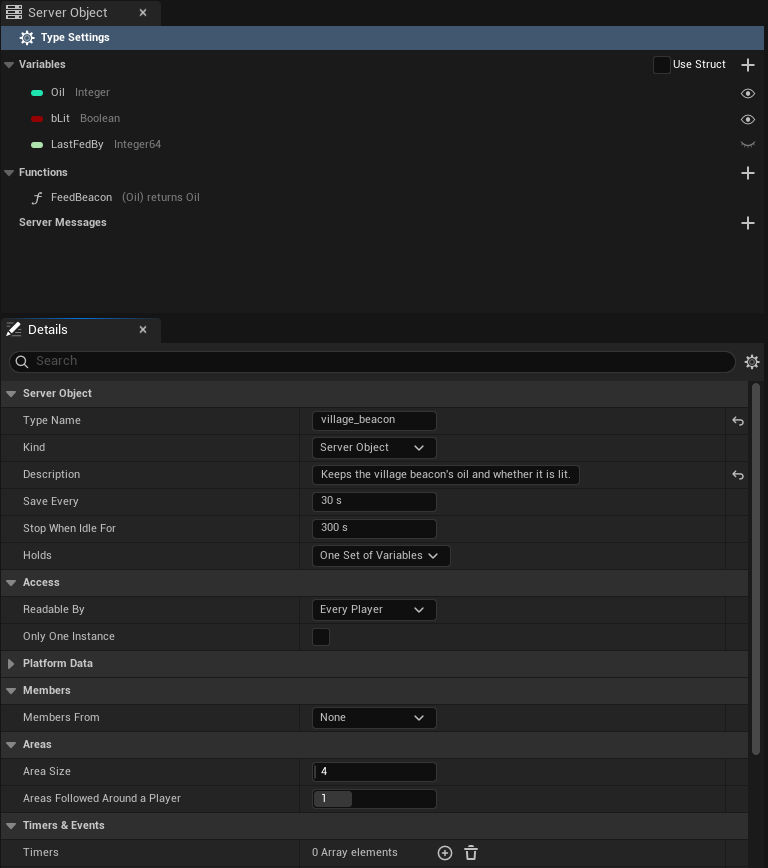
Then pick the asset in the beacon's **Beacon Definition** slot in the level's Details panel; see [Get a Server Object](./from-cpp/get-a-server-object.md).
## Variables, inputs and outputs, or a struct
The variables, and each function's inputs and outputs, can each be added right in the asset, as above, or taken from a `USTRUCT` of your own. Tick **Use Struct** in the section's header to take a struct: for the Variables, pick it as **State Struct** in Details with **Type Settings** selected; for a function's Inputs or Outputs, the list gives way to an **Input Struct** or **Output Struct** picker, where None sends or replies nothing. The beacon's structs:
```cpp
// VillageBeacon.h
// Everything the server keeps for one village's beacon; only the watched fields ever reach a player.
USTRUCT(BlueprintType)
struct FVillageBeaconState
{
GENERATED_BODY()
UPROPERTY() int32 Oil = 50;
UPROPERTY() bool bLit = true;
UPROPERTY() int64 LastFedBy = 0;
};
USTRUCT(BlueprintType)
struct FFeedBeaconParams
{
GENERATED_BODY()
UPROPERTY() int32 Oil = 10;
};
USTRUCT(BlueprintType)
struct FFeedBeaconReply
{
GENERATED_BODY()
UPROPERTY() int32 Oil = 0;
};
```
With **Use Struct** ticked, the Server Object panel lists the struct's fields as the variables, each with its type and eye, but they are renamed and retyped in the struct, not in the asset.
Both travel exactly alike, so the server code and the saved data do not care which you chose. The generated server code gives the ones added in the asset the names the structs would have, `VillageBeaconState`, `FeedBeaconParams` and `FeedBeaconReply`, so the beacon's `logic.rs` is the same either way.
The C++ on the following pages uses these structs. With variables, inputs and outputs added in the asset there is no struct, so C++ reads and sends them by name instead: see [Read and follow its variables](./from-cpp/read-and-follow-variables.md#read-the-values) and [Call its functions](./from-cpp/call-functions.md#call-one-with-inputs-added-in-the-asset). Keep a struct when the same values are shared by several types or functions, when you may rename a field and want to keep its saved value with [Field Names](#every-setting), or when your C++ uses the struct elsewhere.
## The asset editor
Double-click a definition in the Content Browser and it opens in its own editor, laid out like the Blueprint editor and using its words, not as a plain property list. The editor has a toolbar and three tabs.
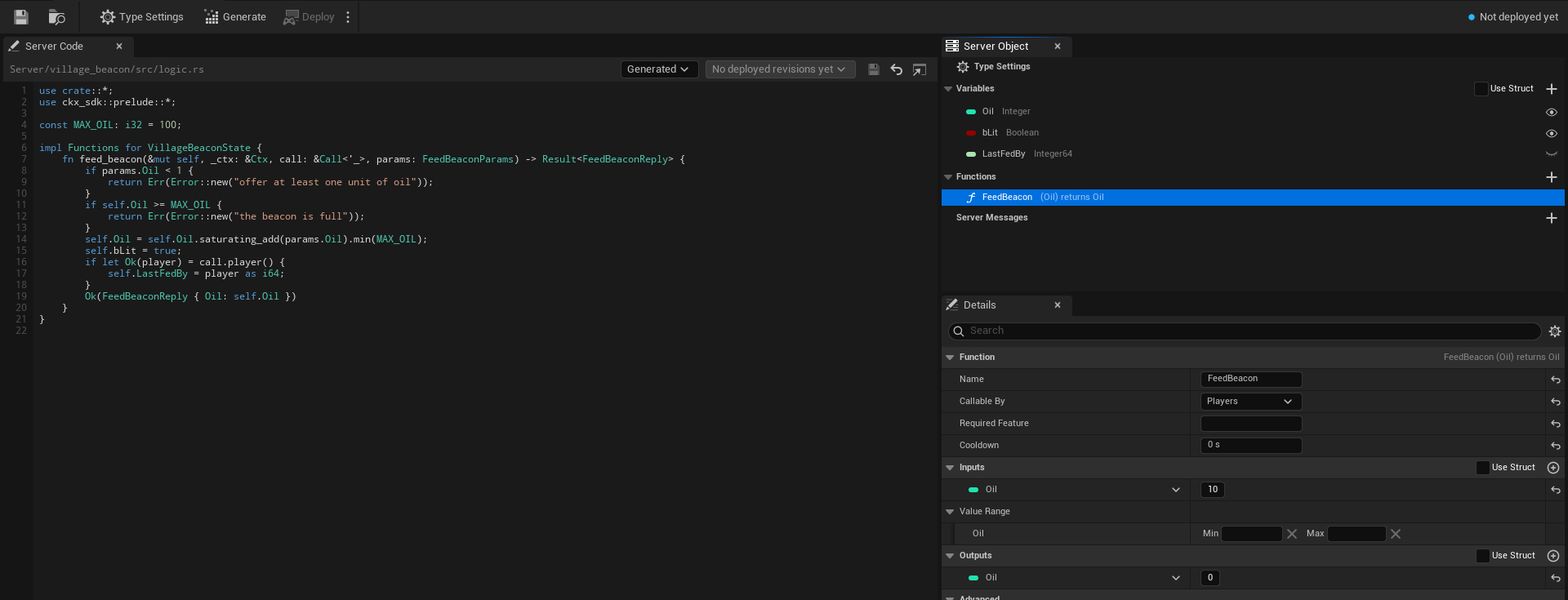
### The toolbar
After the usual **Save** and **Browse** buttons the toolbar holds:
- **Type Settings**, a toggle that selects the **Type Settings** row of the Server Object panel from anywhere, so Details shows the type's own settings.
- **Generate** writes the type's server code, the same as the Content Browser command. Its tooltip reads "Writes this type's server code under `Server/`; your logic file is never replaced".
- **Deploy** builds and deploys every Server Object type in the project together, since a deploy replaces the app's whole version, and asks first. See [Server Compute](./deploy-with-server-compute.md#deploy).
- A small arrow beside Deploy opens a menu with two entries. **Open Server Compute** opens [Crowdy Studio](../studio/overview.md) on the Server Compute page itself (it opens on Sign In first when nobody is signed in, and shows the page after). **Show build output** opens a **Build Output** window with what the last build of this session printed; it is disabled until a build has printed something.
- A **status readout** at the right: a coloured dot and one line saying where the type stands. Hover it for the reason.
Generate is disabled until the Type Name is valid. Deploy is disabled until the Type Name is valid, while another definition has the same Type Name, while another operation runs, and while nothing in the project has changed since the live version. While a deploy runs, its progress line takes the place of the status readout.
The readout says:
| Readout | Meaning |
|---|---|
| **Ready** | The server code on disk matches this definition. It is compared with the live version once [Server Compute](./deploy-with-server-compute.md) has read it, which needs you signed in to Crowdy Studio. |
| **No changes**, then "live in version 7" (green dot) | The live version runs this code with these settings. |
| **Changed since version 7 (server code, save interval)** (yellow dot) | Version 7, the live one, runs something else. The brackets say what: server code, save interval or idle timeout. |
| **Not deployed yet** (blue dot) | The live version does not run this type. Deploy adds it. |
| **Live code unknown**, then "app version 7" (yellow dot) | The live version runs code this project has no record of, for example deployed from another copy of the project. |
| **Needs generating**, **Out of date** (yellow dot) | The type's server code has to be generated, or generated again; see [Write its server logic](./write-server-logic.md#the-server-code-tab). |
| **Problem: ...** (red dot) | The definition fails its checks, or another definition has the same Type Name (see [Two definitions with one Type Name](#two-definitions-with-one-type-name)). The reason follows the colon. |
### The three tabs
- **Server Code**, the large tab on the left: the path of the Server Functions file, the Code Source choice (**Generated** or **My Own File**), the deployed revisions, and the code itself with line numbers, Rust colouring, **Save**, **Revert** and an external-editor button. It is described on [Write its server logic](./write-server-logic.md#the-server-code-tab).
- **Server Object**, top right, where My Blueprint is in the Blueprint editor: the type's variables, functions and messages.
- **Details**, bottom right: the settings of whatever is selected in the Server Object panel.
The tabs dock and rearrange like any editor tab, for example to put the code above the rest; the editor remembers the layout.
### The Server Object panel
The panel starts with a pinned row, **Type Settings**, with a gear icon. It is selected when the asset opens, and selecting it shows the type's own settings in Details. Below it are three sections.
- **Variables**, with a **Use Struct** check-box and a **+** button in its header. Each row shows the variable's type as a coloured pill, the way a Blueprint variable does, its name, its type name (Integer, Boolean, String) and an eye. An open eye is **Visible to Players**: players can read and watch it. A closed eye is **Server Only**: it never leaves the server. Click the eye to switch it. With Use Struct ticked the + button is hidden and the rows are the struct's fields.
- **Functions**, with a **+** button in its header. Each row shows the function's name and its pins the way its node reads, inputs in brackets, then "returns" and the outputs, so `FeedBeacon` reads `(Oil) returns Oil`; a struct shows as its name. A **Server Only** tag follows when only server code may call it (see [Callable By](#callable-by)). Double-click a function to jump the Server Code tab to its `fn` in `logic.rs`. When **Members From** is **This Object**, a **Built-in** section lists **Join**, **Leave**, **Add Member**, **Remove Member**, **Make Leader** and **Set Open for Joining**, greyed out: they cannot be edited or deleted. Each shows its inputs the way a function row does, such as **Add Member (Player)**. See [Members](./access-members-and-timers.md#members).
- **Server Messages**, with a **+** button in its header, below the functions. Each row shows the message's name and its payload the way its Received node reads, so `BossDefeated` reads `(Winner, Hits)` beside it; a message that players cannot listen to carries "(server only)". See [Server messages](#server-messages).
Right-click a section's header for **Add Variable** (while Use Struct is clear), **Add Function** or **Add Message**, a function or a message for **Duplicate** and **Delete**, and a variable added in the asset for **Delete**. The Delete key deletes the one selected. New variables are Integers named `NewVar`, then `NewVar_1` and on; new functions are named `NewFunction`, new messages `NewMessage`, and new inputs and outputs `NewParam`.
A warning icon after a name means the variable, function or message fails a [check made when you save](#checks-when-you-save); hover it to read the problem.
### The Details tab
Details follows the selection in the Server Object panel.
**With Type Settings selected** it shows the type's own settings: **Type Name**, **Kind** (**Server Object** or **Server Function Library**; a library shows only **Type Name**, **Kind**, **Description**, **Platform Data**, **Can Call**, **Scaling** and **Server Limits**, and Details rebuilds when you change it), **Description**, **State Struct** (only when the Variables use a struct), **Save Every** and **Stop When Idle For**, both always in seconds (such as 300 s), and a collapsed **Advanced** group with **Server Names** (**Field Names** and **Enum Value Names**) and **Baked**. Six categories hold the settings for who may do what: **Access** (**Readable By**: **Every Player**, **Owner Only** or **Members**; **Only One Instance**), **Platform Data** (**Reads Players**, **Changes Players' App State**, **Reads World Data**, **Changes the World**, **Reads Grids**, **Manages Grids**, **Grants Grid Permissions**, **Reads Players' Access**, **Manages Players' Access**), **Members** (**Members From**, **Max Members**, **Show Members to Players**, **Remove Members Who Leave**), **Timers & Events**, **Can Call** and **Listen To**. They are described on [Access, members and timers](./access-members-and-timers.md). **Holds** sits with the type's other settings, and two more categories belong to [a record per entity](./keep-a-record-per-entity.md): **Records** (**Max Records**, **Send Changes Every**, **Team From**), shown only when **Holds** is **A Record per Entity**, and **Areas** (**Area Size**, **Areas Followed Around a Player**). A collapsed **Server Limits** category holds what the server allows each Server Object of the type: **Memory per Instance**, **Time per Call**, **Fuel per Call (Millions)** and **Calls Waiting**. When the type has [messages](#server-messages) that players can listen to and some players may read less than every player can, a **Server Messages** category with a warning follows. See [Every setting](#every-setting).
**A variable** shows **Variable Name**, where you rename it, **Variable Type**, and **Visible to Players**, the same switch as the eye. In a type whose **Holds** is **A Record per Entity**, **Visible to Players** is a drop-down of who receives the variable: **Server Only**, **Everyone**, **Owner Only** or **Team Only**; the eye then switches between **Server Only** and **Everyone**. See [Who receives a value](./keep-a-record-per-entity.md#who-receives-a-value). Variable Type is Unreal's Blueprint type picker, offering only the types a Server Object can carry (see [Field types](#field-types)). Below them a **Default Value** section holds the variable's starting value, where a new Server Object starts. A variable from a struct shows its name and type read only; change them in the struct.
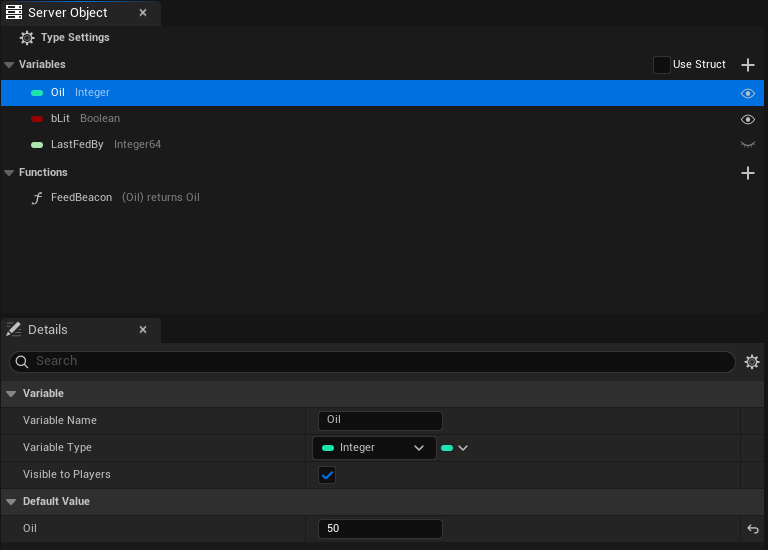
**A function** shows:
- a **Function** section whose header reads the node line, for example `FeedBeacon (Oil) returns Oil`, with **Name**, the name your C++ passes to `Call`, **Callable By** (**Players**, **Members**, **Leader**, **Server Only** or **Developers Only**) and **Cooldown**, in seconds, and for a Server Only or Developers Only function a **Call as Developer...** button (see [Call a function as the developer](./deploy-with-server-compute.md#call-a-function-as-the-developer));
- **Inputs**, what the caller sends, and **Outputs**, what the server answers with. Each has a **Use Struct** check-box and a **+** button in its header, and lists its pins the Blueprint way: type pill, name and default value on each row, with a drop-down to change the type, and rename, delete and drag to reorder. An empty one says "No inputs: the caller sends nothing. Add one with the + button." or "No outputs: the function replies nothing. Add one with the + button." Ticking Use Struct swaps the list for an **Input Struct** or **Output Struct** picker. A number input also gets a **Value Range** under Inputs, two boxes labelled **Min** and **Max** that the server holds callers to; see [Value Range](./access-members-and-timers.md#value-range);
- a collapsed **Advanced** section with the **Server Name**, the [name the function has on the server](#every-setting).
**A message** shows a **Message** section whose header reads the node line, for example `BossDefeated (Winner, Hits)`, with the message's **Name** and **Players Can Listen**; a **Payload** section with a **Use Struct** check-box and a **+** button, listing the values the message carries the way a function's Inputs are listed (an empty one says "No payload: listeners are told it happened and receive nothing. Add a value with the + button."); and a collapsed **Advanced** section with the **Server Name**, the [topic the message has on the server](#every-setting).
**Code Source** and the logic file are not in Details: they are on the Server Code tab, beside the code they choose.
### Type Name
The Type Name box checks what you type as you type it and says what is wrong: "Needed: the type's name on the server.", "At most 48 characters.", "Start with a lowercase letter." or "Use only lowercase letters, digits and underscores." The problem appears under the box with a warning icon. The value is stored when you press Enter or leave the box. When there is a problem and the asset's name gives a better idea, a **Use village_beacon** link beside it sets the Type Name from the asset name ("Sets the Type Name from the asset's name"): `CSO_VillageBeacon` becomes `village_beacon`, dropping the `CSO_` (or the `DA_` of an older asset) and putting an underscore where each word starts.
### Callable By
**Callable By**, in a function's Details, decides whether a player may call it.
| Choice | What happens |
|---|---|
| **Players** | Players can call it, and so can other server code and developer tools. |
| **Members** | Members of the Server Object can call it. Needs **Members From**; see [Members](./access-members-and-timers.md#members). |
| **Leader** | Only its leader can. Needs **Members From**. |
| **Server Only** | Only other server code and developer tools can. **A player's call is refused**, and the caller's `OnDone` sees the `Denied` outcome, with a `Reason` such as "players may not call this function"; see [Troubleshooting](./troubleshooting.md#refusals-from-your-server-code). The function's row in the Server Object panel carries a **Server Only** tag. |
| **Developers Only** | Only developer tools can, such as [Call as Developer](./deploy-with-server-compute.md#call-a-function-as-the-developer): **players and other server code are refused**, with the `Reason` "only developer tools may call this function". The row carries a **Developers Only** tag. |
Other server code and developer tools may call every function whatever it says, except that a Developers Only function refuses other server code too.
Server Only is for functions that should never be reachable from a game client, such as a payout your own server code triggers or an administrative reset. Developers Only is for the ones only a person should run, such as a repair or a data fix you call by hand. The check is made on the server, so a modified game client cannot get around it.
### Two definitions with one Type Name
Two definitions cannot use the same Type Name, since both would write the same `Server//` folder and become the same type on the server. When another definition has the Type Name, the Type Name row says "Another definition already uses this Type Name; give this one its own.", the status readout reads **Problem** followed by the same text, **Generate** and **Deploy** are disabled, and the list of deployed revisions is hidden, until one of them is renamed. [Server Compute](./deploy-with-server-compute.md#deploy) refuses to deploy too, naming both assets: "Two Server Object types are named village_beacon (...) and (...); each needs its own Type Name".
## Server messages
A Server Function answers the player who called it, and the variables tell everyone what a value is now. A **message** is for the third thing: telling everyone listening that something happened. Your server code sends it, and each player listening to that Server Object, and each Server Object type that listens to this one, hears it once. A message is not a value and nothing keeps it: a player who was not listening, or whose connection was closed at that moment, never hears it, so a fact players must be able to look up later belongs in a variable.
The Hollow Giant, the [shared boss](./examples/shared-boss.md), announces its fall with a `BossDefeated` message that names the player who landed the last hit and the hits it took. On `CSO_Boss`, in the **Server Messages** section of the Server Object panel:
1. Click **+**. The new message, `NewMessage`, is selected. Set its **Message** to `BossDefeated`.
2. Leave **Players Can Listen** ticked.
3. Under **Payload**, click **+** twice. Name the first value `Winner`, an Integer64, and the second `Hits`, an Integer. To carry a struct of your own instead, tick **Use Struct** and pick it as the **Payload Struct**.
The row reads `BossDefeated (Winner, Hits)`. A message with no values is allowed: listeners are told it happened and receive nothing, such as a `BossRespawned` message.
| Setting | The boss's value |
|---|---|
| Message | `BossDefeated` |
| Players Can Listen | ticked |
| Payload | `Winner` Integer64, `Hits` Integer |
The message is sent from the type's server code; see [Send a message](./write-server-logic.md#send-a-message). It is heard from Blueprint with **On BossDefeated Received** and **Watch Message**, and from C++ with `WatchMessage`; see [Hear its messages, from Blueprint](./from-blueprint/hear-server-messages.md) and [from C++](./from-cpp/hear-server-messages.md). The message is the struct `FCrowdyServerMessage` in the definition's `Messages`.
### Who hears a message
- **Players Can Listen**, ticked, the default: any player who can connect to the type may listen to the message, whatever the type's **Readable By** says.
- **Players Can Listen** cleared: only the server code of a type that [listens to this one](./access-members-and-timers.md#listen-to-other-server-objects) hears it. Watching it from Blueprint or C++ logs a warning and does nothing, and a **Received** node for it does not compile. A message players cannot listen to does not open the type to players: a type whose only messages are these is still [closed to players](./access-members-and-timers.md#a-type-players-cannot-reach).
**Readable By** and the Owner Only and Team Only variables decide who may read the variables. They do not decide who hears a message. So when the type has a message players can listen to and **Readable By** is not **Every Player**, or any variable is Owner Only or Team Only, the Server Messages section and the type's settings show a warning: "Every player who can connect to this type hears its messages, whoever may read its variables. Keep private data out of messages." Put what only some players may know in a variable, and send a message only for what anyone may hear.
### What a message carries
The payload takes the same types as a variable (see [Field types](#field-types)) and is held to the same limits as a reply: nothing a client could not read, at most 1 MiB and 65,536 list, set and map entries. A message that breaks them is not sent: the send returns an error, which fails the function that made it when its code passes the error on; see [What the generated code does for you](./write-server-logic.md#what-the-generated-code-does-for-you).
A message's **Name** is what Blueprint and C++ use and must be unique in the type. Its **Server Name** in the **Advanced** section is its topic on the server: empty uses the name in snake case, so `BossDefeated` becomes `boss_defeated`. A topic is lowercase letters, digits and underscores, starts with a letter, is at most 64 characters, is not `state` (the topic the variables use), and is not used by another message.
After you add, rename or change a message, [generate the server code](./write-server-logic.md#after-you-change-the-definition) and deploy the type again, since the server code carries it.
## Every setting
The platform term is in brackets, for when you read the platform's own [ck-exec pages](/exec/intro) or its logs. Where the editor labels a setting differently from its C++ name, the label is given too.
**Server Object**
- **Type Name** [node type]: the type's name on the server. Lowercase letters, digits and underscores, starting with a letter, at most 48 characters, and unique in your project.
- **Kind** (`ECrowdyServerObjectKind`): **Server Object**, the default, keeps variables and has one instance for each Instance Id. **Server Function Library** (`FunctionLibrary`) has functions only, saves nothing between calls and is answered by several instances at once. The settings a library cannot have stay on the asset, hidden and ignored. See [Make a Server Function Library](./server-function-libraries.md).
- **Description**: what this type is for, in a sentence. It is shown beside the type on the [Server Compute](./deploy-with-server-compute.md#overview) page. It is for you and your team: it is not sent to the server, and it is not part of a packaged game.
- **Visibility** (`ECrowdyServerObjectVisibility`, labelled **Readable By**): who may see the values.
- **Public** (**Every Player**): every player can read the variables visible to players and is told of each change.
- **Owner Only**: each Server Object belongs to one player. Its Instance Id is that player's user id, and only that player can read its values or call its functions. See [Owner Only types](./from-cpp/get-a-server-object.md#owner-only-types).
- **Members**: only the Server Object's members read its values; anyone can still see who the members are and join. Needs **Members From**. See [Readable By](./access-members-and-timers.md#readable-by).
- **Only One Instance** (`bOnlyOneInstance`): one shared instance for every player, like a registry or a world event; nothing picks an instance. See [Only One Instance](./access-members-and-timers.md#only-one-instance).
- **Platform Data**: **Reads Players** (`bReadsPlayers`), **Changes Players' App State** (`bWritesPlayerState`), **Reads World Data** (`bReadsWorld`), **Changes the World** (`bWritesWorld`), **Reads Grids** (`bReadsGrids`), **Manages Grids** (`bManagesGrids`), **Grants Grid Permissions** (`bGrantsGridPermissions`), **Reads Players' Access** (`bReadsAccess`) and **Manages Players' Access** (`bManagesAccess`): what the type's server code may read and change of players, the world, grids and players' access to the app. All off by default. Deploy asks the platform for a permission [scope] for each one ticked, the way **Required Feature** asks for `players.read`; without it the platform refuses those calls. They work for any type. See [Platform data](./access-members-and-timers.md#platform-data) and, for reading who stands in an area, [Count who stands in the area](./keep-a-record-per-entity.md#count-who-stands-in-the-area).
- **Holds** (`ECrowdyServerObjectHolds`): **One Set of Variables**, the default, keeps the variables once for the Server Object. **A Record per Entity** (`RecordPerEntity`) keeps them once for each entity, keyed by the entity's id, such as the health of every member of a crowd. See [Keep a record per entity](./keep-a-record-per-entity.md).
- **Visible to Players** (`OwnerFields` and `TeamFields` hold the Owner Only and Team Only variables): who receives each variable of a record, **Server Only**, **Everyone**, **Owner Only** or **Team Only**. A variable is in at most one of the two lists, and must be Visible to Players.
- **Max Records** (`MaxRecords`): the most records one Server Object keeps. 2048 unless you change it, 1 to 4096.
- **Send Changes Every** (`PushIntervalMs`): how often the server sends what changed, in milliseconds. 250 unless you change it, 50 to 5000. Changes in between are sent together, and the last value wins.
- **Team From**: where a record's team comes from. **This Object's Records**, the default: a player's team is the team of a record they own in the same Server Object. **Crowdy Team**: a record's team is a Crowdy Team id in digits, and the server checks the player's membership through the platform, so deploying asks for `players.read`.
- A record type needs **Readable By** set to **Every Player** and **Members From** set to **None**.
- **Area Size** (`AreaSizeChunks`) and **Areas Followed Around a Player** (`InterestRadiusAreas`): for a component or a crowd row in **This Actor's Area** mode, in any type (see [Draw a crowd with Mass](../mass/draw-a-crowd-with-mass.md)). Area Size is how many chunks one area measures on each side of the ground, 4 unless you change it, 1 to 64. Areas Followed Around a Player is how many areas out from a player's own a crowd follows, 1 unless you change it, 0 to 3. See [Pick the object](./keep-a-record-per-entity.md#pick-the-object).
- **Members From**, **Max Members**, **Show Members to Players**, **Remove Members Who Leave**, **Timers**, **On Player Joined**, **On Player Left**, **Can Call**, **Can Call Any Type** (`bCanCallAnyType`) and **Listen To**: the settings on [Access, members and timers](./access-members-and-timers.md). Members From is **None**, **This Object** or **Crowdy Team**. **Can Call Any Type** lets the server code call every type in the app and deploys `calls: ["*"]`; see [Call any type](./access-members-and-timers.md#call-any-type).
- **State Form** (`StateForm`, an `ECrowdyServerValuesForm`, shown as the Variables' **Use Struct** check-box): **Struct** (Use Struct ticked) or **Variables** (`List` in C++), added in the asset. The one not chosen is kept but not used.
- **State** (labelled **State Struct**) [the hub's state, kept in its snapshots]: the struct holding everything the server keeps for one Server Object, when the Variables use a struct.
- **State List** (`StateList`, an `FInstancedPropertyBag`, labelled **Variables**): the variables added in the asset, each with its default value, where a new Server Object starts. In the generated server code they are a struct named after the Type Name in PascalCase plus `State`, so `village_beacon` gives `VillageBeaconState`.
- **Watched Fields** [the `state` topic] (labelled **Visible to Players**; the eyes): the variables players can read and watch, by the name the editor gives them. The others never leave the server. In a record type, the Owner Only and Team Only variables are listed here too.
- **Functions** [methods]: what players, other server code and developer tools can ask the Server Object to do. Each, an `FCrowdyServerFunction`, has:
- **Name**: the name your C++ passes to `Call`.
- **Server Name** (in the function's **Advanced** section) [method name]: the function's name on the server. Empty uses Name in snake case, so `FeedBeacon` becomes `feed_beacon`. Lowercase letters, digits and underscores, starting with a letter, at most 64 characters; `read` is reserved.
- **Params Form** (`ParamsForm`, shown as the Inputs' **Use Struct** check-box): **Struct** or **Variables**, added in the asset.
- **Params** (labelled **Input Struct**): the struct the caller sends, when the Inputs use a struct. None sends nothing.
- **Params List** (`ParamsList`, labelled **Inputs**): the inputs the caller sends, with their default values. No inputs sends nothing. In the generated server code they are a struct named after the function plus `Params`, such as `FeedBeaconParams`, with the default values as its defaults.
- **Reply Form** (`ReplyForm`, shown as the Outputs' **Use Struct** check-box): **Struct** or **Variables**.
- **Reply** (labelled **Output Struct**): the struct the server answers with, when the Outputs use a struct. None answers nothing.
- **Reply List** (`ReplyList`, labelled **Outputs**): the outputs the server answers with. No outputs answers nothing. In the generated server code they are a struct named after the function plus `Reply`, such as `FeedBeaconReply`.
- **Who Can Call** (`ECrowdyServerFunctionCaller`, labelled **Callable By**): **Players** lets players call it; **Members** and **Leader** limit it to the members or the leader; **Server Only** refuses a player's call, and only other server code and developer tools can call it; **Developers Only** lets only developer tools call it. See [Callable By](#callable-by).
- **Cooldown** (`CooldownSeconds`): how long one player waits between two calls that succeeded; 0 for none. See [Cooldown](./access-members-and-timers.md#cooldown).
- **Messages** [topics other than `state`]: what the server code sends to everyone listening. Each, an `FCrowdyServerMessage`, has:
- **Name**: the name Blueprint and C++ use, such as the `Message` that `WatchMessage` takes. Unique in the type.
- **Server Name** (in the message's **Advanced** section) [topic]: the message's name on the server. Empty uses Name in snake case, so `BossDefeated` becomes `boss_defeated`. Lowercase letters, digits and underscores, starting with a letter, at most 64 characters; `state` is reserved.
- **Players Can Listen** (`bPlayersCanListen`): on by default. Off, only a type that Listens To this one hears the message. See [Who hears a message](#who-hears-a-message).
- **Payload Form** (`PayloadForm`, shown as the Payload's **Use Struct** check-box): **Struct** or **Variables**, added in the asset.
- **Payload** (labelled **Payload Struct**): the struct the message carries, when the payload uses a struct. None carries nothing.
- **Payload List** (`PayloadList`, labelled **Payload**): the values the message carries, with their default values. No values carries nothing. In the generated server code they are a struct named after the message plus `Message`, such as `BossDefeatedMessage`.
- **Listen To** (`ListenTo`) [`calls`]: other Server Object types whose messages this type's server code listens to. Each is also in Can Call. See [Listen to other Server Objects](./access-members-and-timers.md#listen-to-other-server-objects).
A function added with **+** starts with its inputs and outputs added in the asset, and none of either. A message added with **+** starts with its payload added in the asset, and no values.
Variables, inputs and outputs added in the asset can be any type the Blueprint type picker offers there: booleans, integers, floats and doubles, names, strings, enums, structs, soft object and soft class paths, and arrays, sets and maps of those. Text, object, class and interface references, `FInstancedStruct` and `FGameplayTagContainer` are not offered, since a Server Object cannot carry them.
Variables, inputs or outputs share one struct in the generated server code when they have the same names, types and order and one was copied from the other, which keeps each value's hidden id. Lists you built separately in the editor never share, even if they look alike. The first of the sharing Lists keeps the struct, counting the variables first, then the functions in order with inputs before outputs. Each of the others that starts with the same values gets its own name as a type alias, so `logic.rs` can still use it: in the [tip jar](./examples/tip-jar.md), the Tip output (`Total`, starting at 0) is `pub type TipReply = TipJarState;`, because the jar's `Total` also starts at 0. A List that has the same shape but starts with different values gets its own struct with its own defaults. In the village beacon, the beacon's `Oil` starts at 50, so the FeedBeacon input (`Oil`, starting at 10) and output (`Oil`, starting at 0) are each their own struct, and code that used one for the other no longer builds. Generate shows a notice when a List switches between the two, such as "TipReply is now its own struct, since its starting values differ from those of TipJarState; code that uses one for the other no longer builds." In Unreal each function keeps its own default values: **Make Inputs**, the call nodes and a reply that leaves a value out use that function's. In the generated server code the defaults matter only when an older client leaves out a value it does not know yet.
**Save and stop** (with the type's own settings)
- **Save Interval Seconds** [`persist_every_ms`] (labelled **Save Every**): how often the server saves a running Server Object, 5 to 60 seconds, default 30. After a crash it starts again from its last save, so at most this much is lost.
- **Idle Timeout Seconds** [`evict_after_ms`] (labelled **Stop When Idle For**): how long a Server Object nobody uses keeps running before the server stops it, 1 to 1800 seconds, default 300. The next use starts it again from its last save.
**Scaling** (a Server Function Library only)
- **Min Instances** (`MinInstances`) [`replicas`]: how many instances run all the time, 1 to 64, default 1.
- **Max Instances** (`MaxInstances`) [`max_replicas`]: the most instances the server adds when calls have waited 2 seconds, 1 to 64, default 1. It removes an added one after about 30 seconds nearly idle. It must be at least Min Instances.
- **Parallel Calls per Instance** (`ParallelCallsPerInstance`) [`concurrency`]: how many calls one instance answers at the same time, 1 to 256, default 16.
Each running instance counts toward the app's limit on running Server Objects. See [Scaling](./server-function-libraries.md#scaling).
**Server Limits** (collapsed; the defaults suit most types)
- **Memory Megabytes** [`memory_mb`] (labelled **Memory per Instance**): how much memory each running Server Object may use, 1 to 512 MB, default 64. Each one reserves it from the app's memory limit, so a type that needs less fits more Server Objects. An app with no funds has 1 GB in all, so at 512 MB only two run at once and the next is answered **Unavailable**; a funded app has 64 GB. An app with no funds can also run only 16 Server Objects at once, a funded app 16,384.
- **Call Time Limit Ms** [`deadline_ms`] (labelled **Time per Call**): how long one Server Function call may run before the server stops it and the caller gets **Timeout**, 10 to 10,000 ms, default 2,000. A player's connection waits up to 20 seconds for an answer: the longest **Time per Call** (10 seconds) plus time the call waits behind others at the Server Object. The limit covers only the function itself, not that waiting. A call that runs past it is answered `DeadlineExceeded` (the SDK reports **Timeout**, with a reason such as "AttackBoss ran past its Time per Call on the server: handler exceeded its deadline"; if no answer reaches the game at all, the reason is "The server sent no answer in time; the connection may be slow or lost"), and the platform also restarts that Server Object from its last save, so changes since the last save are lost. Keep functions short, and set **Save Every** low on a type whose recent changes matter.
- **Fuel Per Call Millions** [`fuel_per_call`] (labelled **Fuel per Call (Millions)**): how much work one call may do before the server stops it, 1 to 1,000 million, default 50 million.
- **Max Waiting Calls** [`mailbox`] (labelled **Calls Waiting**): how many calls may wait at one Server Object, 1 to 4,096, default 1,024. Past that a call is answered **Busy**.
Deploy sends a limit only once you change it, so a type that keeps the defaults deploys exactly as before. A value outside its range is brought into it.
**Server Names** (in the Advanced group)
- **Field Names**: keeps a field's name on the server when you rename the field in Unreal. Each entry, an `FCrowdyServerFieldName`, names the struct, the field as the struct now names it, and the Server Name to keep. You pick the struct, then the field from a list of that struct's fields, so there is nothing to spell. For variables, inputs and outputs added in the asset, use **List Value Names**.
- **Enum Value Names**: the same for an enum value, each entry an `FCrowdyServerEnumValueName`: pick the enum, then the value from a list of its values.
- **List Value Names**: the same for a variable, input or output added in the asset, each entry an `FCrowdyServerListValueName`: pick the List (the variables, or a function's inputs or outputs), then the value, and the Server Name to keep. An entry follows its value through later renames, since it records the value's id, not its name. You rarely add one yourself: Generate Server Code adds it when you choose to keep a renamed value's old name (see [After you change the definition](./write-server-logic.md#after-you-change-the-definition)). An entry stops applying when its function is renamed; Generate then asks again.
In both, the second list stays empty until the first is chosen ("Choose the struct first", "Choose the enum first"), a list with nothing to offer says "Nothing to pick", an entry still to be filled in reads "None", and one whose struct, field, enum, value or List is gone reads its name followed by "(missing)" ("Unknown value (missing)" for a List value, which is kept by its id). A Blueprint enum's values are listed by the names the editor shows.
**Server Code** (set on the editor's Server Code tab, not in Details)
- **Code Source**: where this type's Server Functions come from. **Generated** (the default) uses `Server//src/logic.rs`, the file Generate Server Code writes once and never replaces. **My Own File** uses a `.rs` file of your own instead, for example one shared in your repo. It is the combo beside the file's path on the tab. In C++ the choice is the enum `ECrowdyServerCodeSource`, with the values `Generated` and `OwnFile`, and a third, `GameKitStarter` (**Game Kit Starter**), which only **Add starter** sets; see [Use the Game Kit starters](./use-game-kit-starters.md).
- **Logic File**: your `.rs` file, relative to the project folder, chosen with the folder button on the Server Code tab. The button is shown, and the file used, only when Code Source is My Own File; with My Own File and no file chosen, the type cannot be generated or deployed, and the messages say "Code Source is My Own File but no file is chosen". The tab shows the file's state and code; see [Write its server logic](./write-server-logic.md#the-server-code-tab) and [Use your own logic file](./write-server-logic.md#use-your-own-logic-file). The Logic File is editor-only, like the Description; Code Source is kept in a packaged game, which reaches a Game Kit starter differently from other types.
**Baked** (in the Advanced group, read only)
- **Baked Structs** and **Baked Enums**: the field and value tables the SDK uses at runtime, rebuilt every time you save the asset. You never edit them.
## Checks when you save
Saving the asset, and the editor's **Validate Data**, check the whole definition and list every problem at once, naming the struct and field (or the function or message) each is about: a Type Name or Server Name that breaks the rules, two functions or two fields with the same name on the server, a message with no Name, two messages with one Name or one topic, a topic that is `state`, a variable visible to players that is not in the State struct, and any field of a type a Server Object cannot carry. For a record type it also names an Owner Only or Team Only variable that is not a field of the State or not Visible to Players, a variable that is both Owner Only and Team Only, **Readable By** other than **Every Player**, **Members From** other than **None**, a function named `changes`, **Max Records** or **Send Changes Every** out of range, and **Area Size** or **Areas Followed Around a Player** out of range. The Server Object panel puts a warning icon on the variable, function or message a problem is about. A definition with a problem cannot be used until it is fixed.
A Server Function Library is checked on what it shows only, and needs no State struct or variable. It is also refused when a function is **Members** or **Leader**, when a function has a **Cooldown**, and when **Max Instances** is below **Min Instances**; see [Checks when you save](./server-function-libraries.md#checks-when-you-save).
Variables, inputs and outputs added in the asset are checked the same way, named by the name the server code gives them, for example "FeedBeaconParams.Label: text is not supported; use FString". Two more checks are about them only:
- "Add at least one variable, or use a State struct": the Variables are added in the asset and there are none.
- "Two lists are named FeedBeaconParams; give their functions different names": two functions with the same Name both have inputs (or outputs) added in the asset, which would give the server two structs with one name.
Field names on the server are your C++ member names (`Oil`, `bLit`), or a Blueprint struct's field names with every character other than letters, digits and underscores removed (`Max Health` becomes `MaxHealth`). Two fields whose names differ only in case are refused.
:::warning[After you change a struct, save the definition again.]
The tables in the asset describe the structs as they were when it was saved. If a struct gains or loses a field and the asset is not saved again, acquiring a Server Object of that type fails with a message saying the struct has changed since the definition was saved. Every cook saves it again, so this bites in the editor, not in a packaged game.
:::
## Field types
| Type | Notes |
|---|---|
| `bool`, `uint8`, `int32`, `int64`, `float`, `double` | C++ also allows `int8`, `int16`, `uint16`, `uint32`, `uint64`. |
| `FString`, `FName` | Use `FString` for text the server makes up or players choose (names, messages). |
| Enums | Travel by the value's name, so reordering values is safe. |
| Nested `USTRUCT`s | |
| `TArray`, `TSet`, `TMap` | Set elements and map keys must be strings, names, integers or enums. |
| `TOptional` | C++ only. |
| `FVector`, `FVector2D`, `FIntPoint`, `FIntVector`, `FRotator`, `FQuat`, `FLinearColor`, `FColor` | |
| `FDateTime`, `FTimespan` | To the millisecond. |
| `FGuid`, `FGameplayTag` | A tag this build does not know fails to decode. |
| `TSoftObjectPtr`, `TSoftClassPtr`, `FSoftObjectPath` | The path only; nothing is loaded. |
:::warning[Keep server-made text in FString, not FName or a soft path.]
Every `FName` and soft object path the server sends becomes a permanent name in the engine, never freed, so a client accepts at most 1 Mi (1,048,576) characters of new names (Name values and soft object path parts it has not seen before) from the server per run. Past that, a new Name reads as None and an object path made of new names reads as empty; the rest of the message still applies, a map or set entry whose key was skipped is dropped, and the client logs one warning. The text "None" never counts. A variable holding player-chosen names or free text should be a String (`FString`). Keep `FName`, enums, gameplay tags and soft paths for values drawn from a fixed set your game already knows.
:::
Refused: object, class, weak and interface references, `FText`, `FInstancedStruct`, `FGameplayTagContainer` (use a `TArray` of `FGameplayTag`), fixed-size arrays, delegates, and field paths. Editor-only, deprecated and `Transient` properties never travel.
## Changing a type later
A Server Object's state outlives the code that wrote it, so some changes are safe and some are not.
| Change | What happens |
|---|---|
| Add a field | Safe. Older saves and older clients leave it at its default. |
| Remove a field | Safe. The server drops it from its saves. |
| Rename a field | The server sees one field removed and another added, and the old value is lost. Keep the old name under **Field Names** instead. |
| Rename a variable, input or output added in the asset | Generate Server Code notices the rename and asks whether to keep the old name on the server. Keep it and saved values carry over (a **List Value Names** entry holds the old name); rename it on the server and the old value is lost, as with a field. |
| Change a field's type | Refused when the value is read, and a save holding the old type cannot be loaded. Add a new field instead. |
| Reorder enum values | Safe: values travel by name. |
| Change **Kind** | Safe both ways. To a Server Function Library the saved data is kept, unused, and comes back if the type becomes a Server Object again; the deploy says so. See [Switch Kind](./server-function-libraries.md#switch-kind). |
| Rename or remove a message | A **Received** node for the old name no longer compiles ("has no message ... any more"), and `WatchMessage` of it logs a warning and does nothing. Other types that listen to it need their server code generated again. |
| Add an enum value | An older client reads the new value as the field's default and logs a warning; older server code refuses it. |
| Remove or rename an enum value | A save holding it cannot be loaded. Keep the old name under **Enum Value Names**, or stop using the value before you remove it. |
After any change, the server code has to be generated and deployed again for the server to know it; see [After you change the definition](./write-server-logic.md#after-you-change-the-definition).
## Related
- [Make a Server Function Library](./server-function-libraries.md): a type with functions only, answered by several instances at once
- [Access, members and timers](./access-members-and-timers.md): who may read and call, members, timers, and calling other types
- [Keep a record per entity](./keep-a-record-per-entity.md): a Server Object that holds values for every entity of a crowd
- [Write its server logic](./write-server-logic.md): generating the type's server code from this asset, and the Server Code tab
- [Get a Server Object, from Blueprint](./from-blueprint/get-a-server-object.md) and [from C++](./from-cpp/get-a-server-object.md): using the type in a game
- [Hear its messages, from Blueprint](./from-blueprint/hear-server-messages.md) and [from C++](./from-cpp/hear-server-messages.md): listening to the messages defined above
- [Unreal and ck-exec names](./unreal-and-ck-exec-names.md)
- [ck-exec overview](/exec/intro): hubs, snapshots and the manifest these settings become
# Access, members and timers
Source: https://docs.dev.crowdedkingdoms.com/unreal-sdk/exec/access-members-and-timers
# Access, members and timers
:::note
Server Objects run on [ck-exec](/exec/intro).
:::
Some rules are the same in every game: only the players of a team may spend the team's gold, a match starts once and only its leader starts it, a purchase can be made once a minute. You can write each of them in `logic.rs`, or you can set them in the [definition asset](./create-a-type.md) and let the server code the editor generates enforce them before your code runs. Then `logic.rs` holds only the rules that are truly yours.
The settings fall into five groups in the asset's Details tab, each in its own category:
- **Access**: who can read a Server Object, who can call each Server Function, how often, and with what values.
- **Members**: who belongs to a Server Object.
- **Timers & Events**: things the server does on a clock, and when a player arrives or leaves.
- **Can Call** and **Listen To**: the other Server Object types this one's server code may call, or any type with **Can Call Any Type**, and the ones whose messages it listens to; see [Call other Server Objects](#call-other-server-objects) and [Listen to other Server Objects](#listen-to-other-server-objects).
A [Server Function Library](./server-function-libraries.md) has only **Can Call**, **Platform Data** and the function rules **Callable By** (without Members and Leader), **Required Feature** and **Value Range**; the rest of this page is about Server Objects.
After you change any of these, [generate the server code](./write-server-logic.md#after-you-change-the-definition) and deploy it again, since the server enforces them.
Two examples in Oakford's world use every group; see [Guild halls and arena lobbies](./examples/guild-halls-and-arenas.md).
## Access
### Readable By
**Readable By** is on the type: select **Type Settings** in the Server Object panel. It says who can read the variables that are [Visible to Players](./create-a-type.md#the-details-tab) and is told when they change.
| Choice | Who reads the variables |
|---|---|
| **Every Player** | Any player. |
| **Owner Only** | The one player who owns it. Its Instance Id is that player's user id. See [Owner Only types](./from-cpp/get-a-server-object.md#owner-only-types). |
| **Members** | The members of the Server Object. Anyone can still see who the members are and whether joining is open, so a player who is not a member can find it and join. **Members** needs **Members From**. |
With **Members** or **Owner Only** the server does not send a change's values to everyone. It tells the watchers that something changed, and each reads the values again. That is fine for a team of five; for a big group, use **Every Player**. See [Large groups](#large-groups).
### Callable By
**Callable By** is on each function, in its Details.
| Choice | Who may call it |
|---|---|
| **Players** | Any player. |
| **Members** | A player who is a member of this Server Object. |
| **Leader** | The leader of this Server Object. |
| **Server Only** | No player. Only other server code and developer tools. |
| **Developers Only** | Only developer tools, such as [Call as Developer](./deploy-with-server-compute.md#call-a-function-as-the-developer); no player and no other server code. |
Other server code and developer tools may call every function whatever it says, except a Developers Only one, which only developer tools reach. **Members** and **Leader** need **Members From**. The check is made on the server, so a modified game client cannot get around it.
### Required Feature
**Required Feature**, beside **Callable By**, names a feature key the caller's access tier must grant, such as `vip`. Define features and grant them to tiers on the [Access page](../studio/overview.md#the-access-page) in Crowdy Studio. A player whose tier does not grant it is refused before your code runs, with the outcome `Denied`, not retryable, and the reason "needs the vip feature". A refused call does not start the **Cooldown**. Leave it empty for no check.
It checks players only, like **Callable By**: other server code and developer tools are let through. A key is 1 to 64 letters, digits, underscores, hyphens and dots, matched exactly, capitals included. A **Server Only** or **Developers Only** function has no player to check, so a Required Feature there does nothing: the function shows a warning under it ("Cooldown and Required Feature have no effect here: they limit only players' calls, and only developer tools or server code may call this function.") and Deploy lists it ("village_beacon Refill: Required Feature has no effect, since only players are checked."). A type with a Required Feature on a function that players may call asks the platform for the `players.read` scope when it is deployed; nothing else is needed.
### Cooldown
**Cooldown**, in seconds, sits beside **Callable By**. It is how long one player waits between two calls of that function that succeeded; 0 means no wait. A call inside the wait is refused, and the refusal is retryable: "Feed can be called again in 4 s". A call that failed does not start the wait. Each player has their own wait, and the server remembers the last calls of up to 10,000 players per function. Only players wait: on a **Server Only** or **Developers Only** function a Cooldown does nothing, and the function shows the same warning as for a Required Feature, which Deploy lists as "village_beacon Refill: Cooldown has no effect, since only players' calls are limited."
### Value Range
**Value Range** limits a number a caller sends. Select an **Input** of a number type in the function's Details and fill in the two boxes under **Value Range**, **Min** and **Max**, both optional. A call with a number outside them is refused before your code runs: `bad_params: Amount must be 1 to 100`.
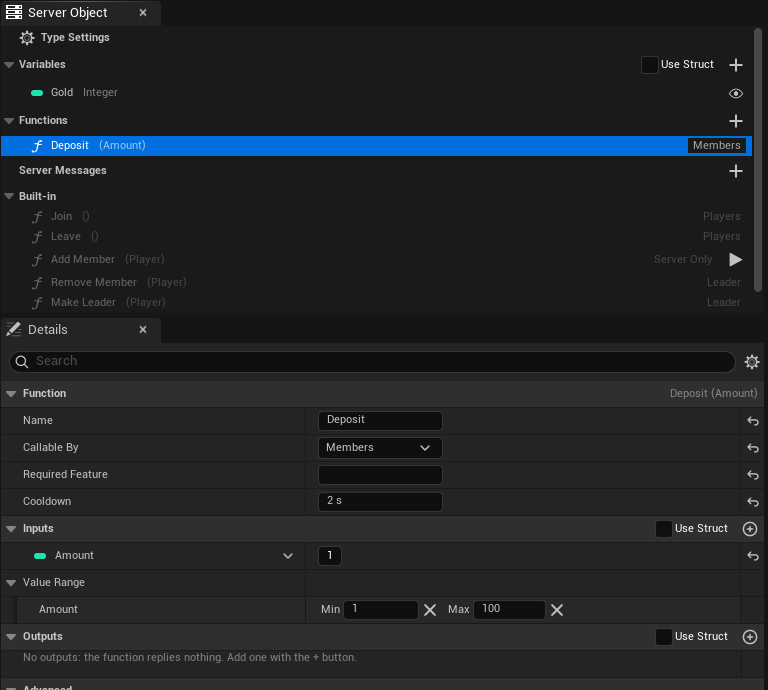
For an input taken from a struct, set the range on the struct's field with `meta = (ClampMin = 1, ClampMax = 100)`; the two ways read the same. The range is read when the server code is generated, so generate and deploy again after changing it. Only number inputs can have one.
### Only One Instance
**Only One Instance** is on the type, in **Access**, beside **Readable By**. Tick it for one shared instance for every player, like a registry or a world event: a list of the world's open arenas, the day's festival. Nothing picks an instance, so no Instance Id is needed anywhere.
- In Blueprint, the [typed nodes](./from-blueprint/get-a-server-object.md#where-the-object-comes-from) for the asset need neither a **Target** nor a **Find By Asset** choice. Place the node and use it. A **Crowdy Server Object** component with the asset joins the one object whatever its **Instance Mode** says.
- From C++, acquire it with any Instance Id, or an empty one; the subsystem uses the one object.
- The generated server code refuses a call for any other instance with `denied`, so a stray tool cannot make a second one.
- It cannot be combined with **Readable By** set to **Owner Only**, whose Instance Id is each player's user id, or with **Members From** set to **Crowdy Team**, whose Instance Id is the team id. The asset says so when you save it.
Ticking or clearing it changes which object players reach, so generate and deploy the type again. Data saved under the old Instance Id is not moved to the new one. A [Server Function Library](./server-function-libraries.md) is reached the same way, with no Instance Id, and never needs this setting.
### Who receives a variable of a record
In a type whose **Holds** is **A Record per Entity**, each variable has its own audience instead of the single **Visible to Players** switch. Select the variable and set **Visible to Players** in its Details:
| Choice | Who receives it |
|---|---|
| **Server Only** | Nobody. It never leaves the server. |
| **Everyone** | Every player who watches the object. |
| **Owner Only** | The player who owns the record's entity. |
| **Team Only** | Players whose own record in the same object has the same team, or who are on the record's Crowdy Team, as **Team From** says. |
The record's owner and team are set by server code, not by a variable. A player who owns no record, or no matching team, receives the Everyone variables only; the others read as their defaults and never raise a change. Everyone values arrive in the server's batches. Owner Only and Team Only values are fetched when the server says they changed, at most once a second for each object, so they arrive a moment later. See [Who receives a value](./keep-a-record-per-entity.md#who-receives-a-value).
**Readable By** must be **Every Player** for such a type, and **Members From** must be **None**: who sees what is decided per variable.
### Platform data
The **Platform Data** category says what the type's server code may read and change outside its own Server Objects: players, the world and grids. Deploy asks the platform for a permission (a scope) for each setting you tick, and the platform refuses the server code's calls into anything else with `Denied`. All are off by default; tick only what the code uses.
| Setting | C++ | Scope | Lets the server code |
|---|---|---|---|
| **Reads Players** | `bReadsPlayers` | `players.read` | Read a player's name, the features their access tier grants, their group membership and permissions, and their app state. |
| **Changes Players' App State** | `bWritesPlayerState` | `players.write` | Replace a player's app state. |
| **Reads World Data** | `bReadsWorld` | `world.read` | Read a chunk, the voxels written into it, and which actors are in or near it. |
| **Changes the World** | `bWritesWorld` | `world.write` | Write voxels and a chunk's state. |
| **Reads Grids** | `bReadsGrids` | `grids.read` | Find the grid over a chunk, read a grid and its owner, and check a player's permission on it. |
| **Manages Grids** | `bManagesGrids` | `grids.write` | Create and delete grids, give a group keys on one, and open one to every player. |
| **Grants Grid Permissions** | `bGrantsGridPermissions` | `permissions.write` | Grant and revoke a player's permissions on the app's grids. |
| **Reads Players' Access** | `bReadsAccess` | `access.read` | Read a player's access to the app: status, tier, expiry and suspension. |
| **Manages Players' Access** | `bManagesAccess` | `access.write` | Grant, revoke and suspend a player's access to the app. |
**Manages Grids** and **Manages Players' Access** give the server code what an app admin can do in Crowdy Studio over grids and players' access, for your app only; tick them only on the types that need them.
Crowdy Team members, records whose **Team From** is **Crowdy Team** and a **Required Feature** on a function players may call ask for `players.read` on their own, so **Reads Players** changes nothing for such a type. The box then shows ticked and greyed, and its tooltip names why, for example "Needed because Members From is Crowdy Team; Required Feature is set on Feed, so deploy asks for players.read whatever this says." (a Required Feature on a Developers Only or Server Only function does not count). The calls themselves are on the platform's [World and platform data](/exec/world-and-platform-data) page.
Before it sends anything, Deploy looks through the type's server code for calls into these, and lists each one whose setting is off, such as "village_beacon: its server code calls world().set_voxels(), which needs world.write; turn on Changes the World or the platform refuses that call". It is a hint, not a check: it sees a call written as `ctx.world().set_voxels(...)`, but not one made through a variable that holds `ctx.world()` or through `ctx.node`. It ignores code inside Rust raw strings and inside `#[cfg(test)]` items (tests), so a call there raises no hint. A changed setting takes a deploy, like changed code.
### A type players cannot reach
A type whose functions are all **Server Only**, with no variable **Visible to Players**, **Holds** set to **One Set of Variables**, **Members From** set to **None**, no message with **Players Can Listen** ticked, and neither **On Player Joined** nor **On Player Left**, gives players nothing to do. (A type that holds a record per entity always reaches players: each record carries its entity, owner and team.) Deploy tells the platform to keep players out of it altogether, so only other server code and developer tools reach its Server Objects, and Server Compute describes it as "closed to players". Acquiring one in a game is refused at once, with "`` is closed to players: only server code and developer tools reach it". Give the type any of those and the next deploy opens it to players again.
## Members
**Members From** is on the type. It decides who belongs to the Server Object.
| Choice | Members are |
|---|---|
| **None** | Nobody. There are no members, and saving refuses **Members** in **Readable By** and **Members** or **Leader** in **Callable By**. |
| **This Object** | Players the Server Object keeps itself. Players **Join** and **Leave**. |
| **Crowdy Team** | The members of a [Crowdy Team](../services/teams.md) whose id is the Server Object's Instance Id. |
### This Object
The Server Object keeps its members, their order of joining, its leader and whether joining is open, and saves them with its variables. Set:
- **Max Members**: the most members it takes. It is 100 unless you change it. 0 means no limit, and needs **Show Members to Players** off.
- **Show Members to Players**: on by default. Players can read who the members are. Turn it off for a large group: players then get only the number of members, and **Max Members** may be 0 or any size. With it on, **Max Members** must be 1 to 4,096.
- **Remove Members Who Leave**: on by default. A member who leaves the game, once their last connection to the Server Object closes, stops being a member. Turn it off to keep a member listed while they are away. When a Server Object restarts (switched off and on, or moved), the platform does not tell it about players whose connection closed while it was stopped, so see [Players who left while it was stopped](#players-who-left-while-it-was-stopped) below.
The panel's **Built-in** section then lists six functions, greyed out, each with its inputs as a function row shows them, such as **Add Member (Player)**: you cannot edit or delete them, and you cannot make a function of your own with the same name. They work like any Server Function: call them from Blueprint with **Make Inputs** and **Call Server Function**, or from C++ with `Call`.
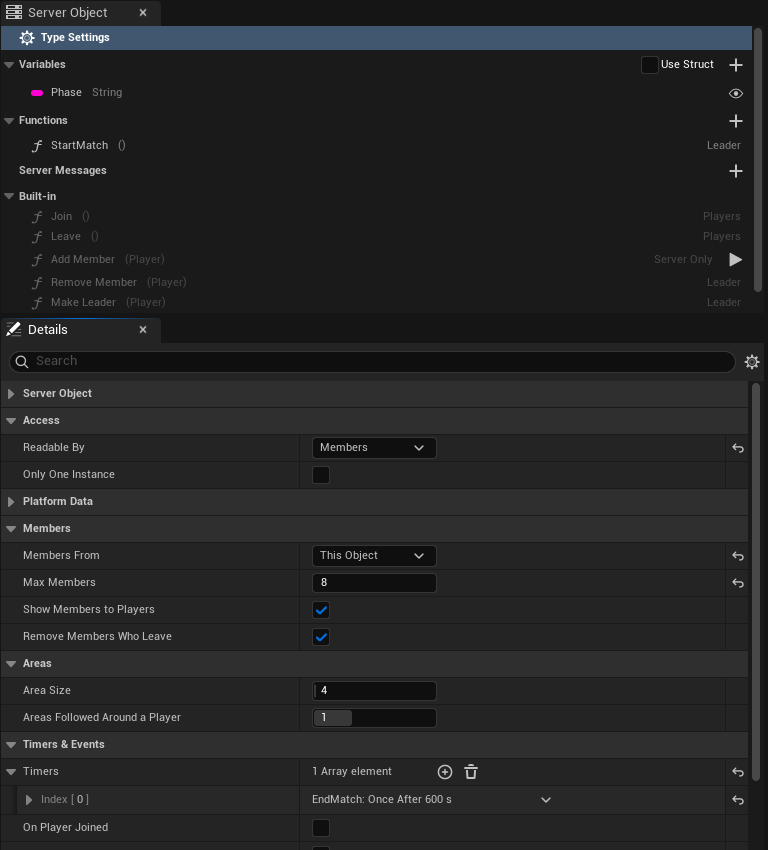
| Function | Inputs | Who may call it | What it does |
|---|---|---|---|
| **Join** | none | Any player | Adds the caller. Refused with "It is full" at **Max Members** and "It is not open for joining" while joining is closed. A player who is already a member succeeds. |
| **Leave** | none | Any player | Removes the caller. A player who is not a member succeeds. |
| **Add Member** | `Player` (Integer64) | Server code only | Adds that player, with the same limits as Join. |
| **Remove Member** | `Player` | The leader, or server code | Removes that player. |
| **Make Leader** | `Player` | The leader, or server code | Makes that member the leader. Refused for a player who is not a member. |
| **Set Open for Joining** | `bOpen` (Boolean) | The leader, or server code | Opens or closes joining. |
The inputs of **Add Member**, **Remove Member** and **Make Leader** are the struct `FCrowdyServerMemberInputs`, whose one field is `Player`. The input of **Set Open for Joining** is `FCrowdyServerOpenInputs`, whose one field is `bOpen`.
**Add Member** exists so that one type can seat players in another, as a registry does; see [Guild Halls](./examples/guild-halls-and-arenas.md#guild-halls). You can also call it by hand as the developer, with the play button on its row in the Built-in list; see [Call a function as the developer](./deploy-with-server-compute.md#call-a-function-as-the-developer).
The inputs of **Add Member**, **Remove Member** and **Make Leader** are the struct `FCrowdyServerMemberInputs`, whose one field is `Player`. The input of **Set Open for Joining** is `FCrowdyServerOpenInputs`, whose one field is `bOpen`.
### The leader
- The first member to join is the leader.
- When the leader leaves or is removed, the member who has been a member longest becomes the leader.
- An object with no members has no leader.
- **Make Leader** hands the lead to another member.
### Open for joining
A Server Object with members kept by itself also has **Open For Joining**, which starts true. While it is false, **Join** and **Add Member** are refused. The leader closes it with **Set Open for Joining**, and your code closes it with `members::set_open(false)`, for example when a match starts. It opens again by itself when the last member leaves, so nobody can close an empty object for good. Everyone can read it, and a registry reads it to skip a match that has already started.
### What a player who is not a member sees
With **Readable By** on **Members**, a player who is not a member can still acquire the Server Object. They read the member count, the leader, **Open For Joining** and, with **Show Members to Players** on, the list of members, so they can decide to join. The variables stay at their defaults, **Is Member** is false, and any function whose **Callable By** is **Members** or **Leader** is refused. With **Show Members to Players** off they see the count, not the list. After a successful **Join** the game reads again and they see everything.
### Crowdy Team
With **Crowdy Team**, the platform's teams own joining, roles and the size of the team. The Server Object keeps no members. Players join and leave through the **Teams** nodes ([Create Team, Join Team, Request to Join Team, Leave Team](../services/teams.md)); the Server Object asks the platform who belongs.
- The Instance Id is the team's id, written in digits. Anything else is refused, as is **Crowdy Team** with **Readable By** on **Owner Only**.
- **Members** means the team's members.
- **Leader** means a member who can manage the team, which the team's leader role can.
- The six built-in functions do not exist, and there are no `Members`, `MemberCount`, `Leader` or `OpenForJoining` variables. **Is Member** and **Is Leader** work as they do for This Object.
- If the platform cannot answer who a player is, the call is refused: "membership could not be checked", with the reason after it.
Give an actor the Server Object of the player's team with the component's **Player's Team** mode; see [Add the component](./from-blueprint/get-a-server-object.md#add-the-component).
## Timers and events
Under **Timers & Events**, a **Timer** is something your Server Object does on a clock, each with:
- **Name**: what it is called. Not empty, unique, and not the name of a function.
- **Runs**: **Every**, which runs again and again, **Time** apart; **Once After**, which runs once, **Time** after it starts; or **On Schedule**, which runs at the times a **Cron** expression names. In C++ this is the enum `ECrowdyServerTimerRepeat`, with the values `Every`, `After` and `Schedule`.
- **Time**: in seconds, at least 0.01. Not shown for **On Schedule**.
- **Cron** and **UTC Offset**: for **On Schedule** only. **Cron** has five fields (minute, hour, day of month, month, day of week), or six with seconds first, or is one of `@hourly`, `@daily`, `@weekly`, `@monthly` and `@yearly`; `0 */6 * * *` is every six hours, on the hour. Times are UTC; **UTC Offset** reads them that many minutes ahead of UTC, from -840 to 840, with no daylight saving: 60 runs `0 9 * * *` at 09:00 in UTC+1. Saving checks each field against its range (an hour of 25 is refused, naming the field), with the syntax in [Timers and presence](/exec/timers-and-presence#cron-schedules).
- **Start Automatically**: on by default. It starts when the Server Object first starts. With it off, your code starts it.
Each timer's row is titled with its name and when it runs, such as "Respawn: Once After 10 s".
A schedule runs on the platform's own clock. Each time it fires, the generated code arms its next run before your function is called, so an error in your function does not end the schedule. A run that came due while the Server Object was stopped runs once when it starts again; the other missed runs are skipped.
Changing a timer's **Runs** reaches instances that are already running too, once they start on the new code: a deploy does not restart them, so that is when they next start, or at once if you press **Restart** on the type in Server Compute (see [Restarting a type](./deploy-with-server-compute.md#restarting-a-type)). Each Server Object saves its timers' Runs with its values, and when it starts after a deploy that changed one, a timer that was still pending is armed again under the new Runs. The Server Object arms the changed timer without stopping it first, so if arming fails the timer keeps its old schedule, and the server log says "timer EndMatch keeps any old schedule: the changed one could not be armed: " followed by the error. A timer you did not change keeps its clock. A timer that had stopped, or a Once After that already ran, stays so. A timer with **Start Automatically** that you add later starts in running instances as well, and a timer you remove or rename stops under its old name. A changed timer starts its new Runs from that moment, so a pending Once After waits its full new time. Server code generated by an earlier SDK did not save the Runs, so the first deploy of code generated by this one re-arms nothing; every deploy after it does.
Each timer is a function in `logic.rs`, named after it in snake case, so a timer named `EndMatch` is `end_match`. It changes the variables the same way a Server Function does, and its changes reach the watchers.
```rust
fn end_match(&mut self, _ctx: &Ctx) -> Result<()> {
self.Phase = "Ended".into();
Ok(())
}
```
Each timer's name is also a constant in the `timers` module, its function's name in capitals: `EndMatch` is `timers::END_MATCH`, which holds `"EndMatch"`. Start and stop one from your code with `timers::start(ctx, timers::END_MATCH)` and `timers::stop(ctx, timers::END_MATCH)`. Use the constant rather than typing the name: the name is matched exactly, capitals included, so `"end_match"` or a misspelling is only refused when the code runs, while a misspelt constant does not compile. A timer whose constant would be `QUEUED` is refused when you generate, since the timers code uses that name itself. Start uses the period set in the asset. Inside a Server Function they take effect only when that function succeeds. If the platform refuses a timer the function starts, the whole call is refused: nothing it changed is kept or published, any timer it already started in that call is cancelled, and the player sees `ServerError` with a reason such as `the change was not kept: timer EndMatch could not start: `.
The two **Events** are tick-boxes, **On Player Joined** and **On Player Left**. Each adds a function to `logic.rs`, `on_player_joined` and `on_player_left`, which get the player's user id. They count a player's connections to the Server Object, not its members. A player who opens the Server Object twice counts once: the first open runs `on_player_joined` and the last close runs `on_player_left`. When **Remove Members Who Leave** is on, the member is removed first and then `on_player_left` runs; it runs even when the player was never a member.
### Players who left while it was stopped
When a Server Object restarts, whether it was switched off and on or moved, the platform does not tell it about players whose connection closed while it was stopped. The generated code keeps the connection counts it restored as unconfirmed. Right after the restart it tells the players watching to read again, and any call from a player confirms them. A player who is not heard from within two minutes is treated as having left: **Remove Members Who Leave** removes them, and `on_player_left` runs. A player who reconnects within that time just continues, and `on_player_joined` does not run again.
## Call other Server Objects
**Can Call**, in the **Can Call** category, is a list of other Server Object definitions. Each is a type this one's server code may call, from `logic.rs`. Add the definition assets of the types, never the type's own. The types deploy together, so the callee is there when the caller runs.
Each function of a listed type becomes a typed function in `logic.rs`, under `calls::::`. It takes the `Ctx`, the callee's Instance Id and its inputs, and returns its outputs:
```rust
let hall = format!("hall-{}", self.Halls);
calls::guild_hall::add_member(ctx, &hall, &calls::guild_hall::MemberInputs { Player: player })?;
```
A call from server code is not stopped by **Callable By**, so this is also how a **Server Only** function gets called. When the call fails, its error comes back to your code with the type and function in front, "guild_hall.add_member failed: It is full". Return it with `?` and the caller's player sees it as the reason their call failed. What the callee already changed stays changed even if your function then fails.
The first call to an instance that is just starting, such as a new match, can take longer than a call is allowed, and fails with "call deadline passed" although the callee may still finish it. A function that is safe to repeat, like **Add Member**, can simply be called again once:
```rust
let inputs = calls::guild_hall::MemberInputs { Player: player };
calls::guild_hall::add_member(ctx, &hall, &inputs).or_else(|_| calls::guild_hall::add_member(ctx, &hall, &inputs))?;
```
### Call a library
A [Server Function Library](./server-function-libraries.md) can be listed under **Can Call** like any other type. It has no Instance Id, so its typed helpers take no key:
```rust
let loot = calls::loot_roller::roll_loot(ctx, &calls::loot_roller::LootRollInputs { Seed: 7, Tier: 1 })?;
```
Everything else is as above, and a call to a library that has been idle can take over a second; see [A call to a library from server code fails](./troubleshooting.md#a-call-to-a-library-from-server-code-fails). A library can list types under **Can Call** too, and calls them with their keys; see [A library that changes a Server Object](./write-server-logic.md#a-library-that-changes-a-server-object).
### Call any type
**Can Call Any Type**, a check-box in the **Can Call** category of any type, lets the type's server code call and listen to every type in the app, including types added later. Deploy then writes `"calls": ["*"]` for the type in place of the names. It keeps the list: **Can Call** and **Listen To** still decide which types get typed helpers in `logic.rs`, so the types you name keep their `calls::::` functions, and **Listen To** keeps its handlers.
For a type that is not in the list, there is one more function, `calls::any`. It is made only when **Can Call Any Type** is on. It calls a type by its Type Name, with a payload you encode yourself, and returns the reply bytes undecoded:
```rust
#[derive(Serialize)]
struct Roll {
Seed: i64,
Tier: i32,
}
#[derive(Deserialize, Default)]
#[serde(default)]
struct Rolled {
Item: String,
}
let payload = encode(&Roll { Seed: 7, Tier: 1 })?;
let reply = calls::any(ctx, "loot_roller", "", "roll_loot", &payload).map_err(|error| Error::new(&format!("loot_roller.roll_loot failed: {error}")))?;
let loot: Rolled = decode(&reply)?;
```
The arguments are the type's Type Name, the Instance Id (empty for a [Server Function Library](./server-function-libraries.md)), the function's **Server Name** and the encoded inputs. A function with no inputs takes `&[0x80]`. You write the structs for the inputs and the reply yourself, with the field names the type has on the server, since only the listed types get them generated.
Use it when the type to call is not known when you write the code, for example a plug-in type another team deploys. Otherwise list the types: a typed helper checks the name and the inputs when the crate builds, while `calls::any` finds a wrong name only when it runs, as a call that fails with "app N has no node type". Deploy does not check that the type exists.
## Listen to other Server Objects
**Listen To**, in the **Listen To** category, is a list of other Server Object definitions, the way **Can Call** is. Each is a type whose [messages](./create-a-type.md#server-messages) this one's server code hears. Add the definition assets of the types, never the type's own. Checks and naming are those of Can Call.
- **Each listened type is also callable.** **Listen To** adds its types to the ones the server code may call, so the `calls::::` functions above exist for them too; there is no need to list a type in both.
- **Every message of the listened type is heard**, including those with **Players Can Listen** off: that setting is what tells a type's messages apart from the ones players hear, and a Server Object type is not a player.
- **Hearing is chosen in server code.** The setting only makes the messages available. The code starts listening to one Server Object of the listened type, by its Instance Id, with a `listen::::` function, and handles what it hears in a function the generator adds, `on__`; see [Listen to a message](./write-server-logic.md#listen-to-a-message).
A Server Object can have up to 256 listens at once, and each one takes effect only when the function that made it succeeds. Messages are not replayed: one sent while the listener is not running is missed.
## What a refused player sees
A refused call reaches the caller's `OnDone`, or **On Failed** in Blueprint, with its **Outcome** and **Reason**. See [Troubleshooting](./troubleshooting.md#outcomes).
| Why | Outcome | Reason |
|---|---|---|
| **Server Only** function | Denied | players may not call this function |
| **Developers Only** function | Denied | only developer tools may call this function |
| **Members** function, caller not a member | Denied | only members may call Deposit |
| **Leader** function, caller not the leader | Denied | only the leader may call StartMatch |
| Owner Only, not the owner | Denied | only the owner may use this Server Object |
| Team membership could not be checked | Denied | membership could not be checked, and the reason |
| **Cooldown** not over | Denied, **Retryable** | Feed can be called again in 4 s |
| The game's server, or this type, is switched off or paused | Paused, **Retryable** | The server is switched off or paused, so it refused the call to Feed: `village_beacon` is switched off in app 123 |
| **Value Range** | ServerError | `bad_params: Amount must be 1 to 100` |
| Join refused | ServerError | It is full, or It is not open for joining |
Denied is not retryable except for a cooldown: calling again will be refused the same way until something changes. A cooldown is retryable, and the number of seconds is rounded up.
## Large groups
A guild of hundreds or a match of thousands works, with care:
- Set **Readable By** to **Every Player** and **Show Members to Players** off, with **Max Members** as high as you need or 0. Players are then sent the member count, the leader and whether joining is open along with each change, and nobody re-reads. With **Members** or **Owner Only**, every change to a large group makes every member read again.
- With the list hidden, **Is Member** and **Is Leader** follow the player's own **Join** and **Leave** and the next read, not a list.
- Keep busy per-player actions, such as every player's score or purse, off the one shared object. Every call on one Server Object goes through that one object, and every player watching it is told of each change. For a handful of players, give each an [Owner Only](./from-cpp/get-a-server-object.md#owner-only-types) object for them, and let the shared one hold what the group shares. For many players, prefer one shared object that holds a record per player (or per area, match or team) over one object per player; see [Keep a record per entity](./keep-a-record-per-entity.md).
- Know the platform's limit on running Server Objects per app. An app with no funds can run 16 at once, within 1 GB of memory; a funded app can run 16,384, within 64 GB. Past the limit nothing new starts, and calls to an object that is not running come back **Unavailable**. One object per player runs into it quickly.
## Checks when you save
Saving refuses the asset, and lists every problem at once, when:
- **Members** or **Leader** is used in **Callable By**, or **Readable By** is **Members**, and **Members From** is **None**.
- A function of your own has the name of a built-in one while **Members From** is **This Object**.
- **Max Members** is below 0, or is 0 or above 4,096 while **Show Members to Players** is on.
- A **Value Range** has a minimum above its maximum, or is on an input that is not a number.
- A timer's name is empty, is used twice, is not a usable name once written in snake case, or is a function's name, or is `crowdy_flush` (the name a record type uses to send its changes) or `crowdy_sessions` (the name the generated code uses to keep track of connected players) in snake case, or its **Time** is under 0.01 seconds.
- **Can Call** or **Listen To** has an empty entry, the type itself, or a type without a Type Name.
- **Listen To** names a Server Function Library ("loot_roller is a Server Function Library and sends no messages."). Put it under **Can Call** instead.
- **Members From** is **Crowdy Team** and **Readable By** is **Owner Only**.
- **Only One Instance** is ticked with **Readable By** on **Owner Only**, or with **Members From** on **Crowdy Team**.
- **Holds** is **A Record per Entity** and **Readable By** is not **Every Player** ("needs Readable By Every Player; make the variables others must not see Owner Only or Team Only"), or **Members From** is not **None** ("cannot use Members From; each record carries its own owner and team"), or a function is named `changes`.
- A variable is Owner Only or Team Only but is not a field of the State or not Visible to Players, or is both ("'Gold' is both Owner Only and Team Only; choose one").
- **Max Records**, **Send Changes Every**, **Area Size** or **Areas Followed Around a Player** is outside its range ("Max Records is 5000; it must be from 1 to 4096").
## For logic.rs
The generated server code gives `logic.rs` these, when the definition uses the setting.
| Name | What it does |
|---|---|
| `members::list()` | The members' user ids, in the order they joined. This Object only. |
| `members::leader()` | The leader's user id, if any. |
| `members::is_member(player)` | Whether a player is a member. |
| `members::is_open()` | Whether joining is open. |
| `members::set_open(open)` | Opens or closes joining. |
| `members::add(player)` | Adds a member, and errors when full or closed. The first member leads. |
| `members::remove(player)` | Removes a member. |
| `members::make_leader(player)` | Makes a member the leader, and errors for a player who is not one. |
| `members::is_member_of_team(ctx, player)` | Whether a player is in the team. Crowdy Team only. |
| `timers::start(ctx, timers::END_MATCH)`, `timers::stop(ctx, timers::END_MATCH)` | Starts or stops a timer with the asset's period. |
| `timers::END_MATCH` | A timer's name, one constant per timer. |
| `calls::::(ctx, key, &inputs)` | Calls a function of a Can Call or Listen To type and returns its outputs. For a Server Function Library there is no `key`. |
| `calls::any(ctx, node_type, key, method, &payload)` | With Can Call Any Type: calls any type by its Type Name with an encoded payload, and returns the reply bytes. |
| `messages::send_boss_defeated(&payload)`, `messages::BOSS_DEFEATED` | Sends one of the type's messages, and the message's topic as a constant; one of each per message. |
| `listen::::(ctx, key)`, `listen::::stop_(ctx, key)` | Starts or stops listening to a message of one Server Object of a Listen To type. |
The `members` functions change the Server Object's own members, so a function that fails leaves them as they were, like its variables.
## Related
- [Create a Server Object type](./create-a-type.md): the type's other settings and the asset editor
- [Relate Server Objects to each other](./relate-server-objects.md): which of these settings to use for one-to-one, one-to-many and many-to-many relations
- [Guild halls and arena lobbies](./examples/guild-halls-and-arenas.md): a registry of teams of five, and a lobby with a leader and a timer
- [Write its server logic](./write-server-logic.md): what the generated code does for you, and where `logic.rs` goes
- [Server messages](./create-a-type.md#server-messages): the messages a Listen To type hears
- [Make a Server Function Library](./server-function-libraries.md): a type with functions and no instance, which any Can Call list can name
- [Troubleshooting](./troubleshooting.md#outcomes): outcomes and refusals
- [Read and follow its variables, from Blueprint](./from-blueprint/read-and-follow-variables.md#by-name): **Get Members**, **Is Member** and **Is Leader**
- [Get a Server Object, from Blueprint](./from-blueprint/get-a-server-object.md#add-the-component): the component's **Player's Team** and **From Server Value** modes
- [Teams](../services/teams.md): the platform's teams, for **Crowdy Team**
# Relate Server Objects to each other
Source: https://docs.dev.crowdedkingdoms.com/unreal-sdk/exec/relate-server-objects
# Relate Server Objects to each other
:::note
Server Objects run on [ck-exec](/exec/intro).
:::
A game rarely has one Server Object on its own. A player has a stash, a guild has a hall, a hall sits in a registry, a match reports to a leaderboard. This page shows how to model those relations with the settings you already have: the Instance Id, **Readable By**, **Members From**, **Only One Instance** and **Can Call**. Nothing here is a separate feature.
The rule under all of it: **an object refers to another by its Instance Id.** A Server Object's type and Instance Id are all it takes to reach it, from Blueprint, from C++ or from another type's server code.
## One to one
One thing in your game has exactly one Server Object of its own.
| Relation | Settings | Instance Id |
|---|---|---|
| A player and their own object, such as a locker or a stash | **Readable By**: **Owner Only** | The player's user id |
| An actor placed in the level and its object | The component's **Instance Mode**: **This Actor** | None to type: the actor's placement |
| A team and its object | **Members From**: **Crowdy Team** | The team's id |
An **Owner Only** object belongs to one player: only that player reads it or calls it. In Blueprint, the component's **Signed-In Player** mode, or **Find By Asset** with **Signed-In Player**, finds it with no id to type. See [Owner Only types](./from-cpp/get-a-server-object.md#owner-only-types).
**This Actor** gives each placed actor its own object, the same on every player's machine; the [shared boss](./examples/shared-boss.md#the-actor) uses it. An actor spawned at run time needs an id of its own instead, set with **Instance Id**.
A **Crowdy Team** object is the team's: the platform's teams decide who belongs, and the component's **Player's Team** mode finds it. See [Crowdy Team](./access-members-and-timers.md#crowdy-team).
## One to many
One object keeps a list of others, such as a registry of the village's guild halls. The registry holds each hall's Instance Id, never the hall's values.
| Part | Settings |
|---|---|
| The registry | **Only One Instance** when there is truly one per app, or one Instance Id per region; a String, Array or Map variable of Instance Ids; **Can Call** with the listed type, if it seats players or changes them |
| Each listed object | Its own type and Instance Id, such as `hall-1`, with its own **Readable By** and members |
To reach a listed object, take its Instance Id from the registry:
- give the component **From Server Value**, pointing **Source Variable** at a variable that holds one Instance Id, and it follows the id as it changes;
- or pass the id to **Find By Asset**'s **Instance Id** pin, or to **Get Server Object**.
In [Guild halls](./examples/guild-halls-and-arenas.md#guild-halls), `hall_registry` seats each player in a hall with room, writes the hall's id into the player's own `player_team` object, and the hall's actor follows that id with **From Server Value**.
## Many to one
Many players, or many objects, share one Server Object.
| Relation | Settings |
|---|---|
| Many players on one shared object, such as a boss | **Readable By**: **Every Player**; a **Cooldown** and a **Value Range** on the functions players call |
| Many objects reporting to one, such as matches to a leaderboard | **Can Call** on the reporting type, listing the shared one; the shared function's **Callable By** on **Server Only** |
| Many entities, such as a crowd, each with values of its own | **Holds**: **A Record per Entity**, in one object for an area, a match or a team; see [Keep a record per entity](./keep-a-record-per-entity.md) |
The [shared boss](./examples/shared-boss.md) is the first: every player hits one boss, and the **Cooldown** and **Value Range** keep each player to a fair rate and a fair hit, enforced on the server before your code runs. **Every Player** sends each change to every watcher; with **Members** or **Owner Only**, every watcher reads again after every change. See [Large groups](./access-members-and-timers.md#large-groups).
For the second, an arena match calls the leaderboard's function from its own server code, as `calls::::`. A call from server code is not stopped by **Callable By**, so a **Server Only** function on the leaderboard takes reports from matches and refuses players. See [Call other Server Objects](./access-members-and-timers.md#call-other-server-objects).
## Many to many
Players belong to several groups, and each group has several players.
| Relation | Settings |
|---|---|
| Players and lobbies | **Members From**: **This Object** on the lobby type, with **Max Members**; one Instance Id per lobby |
| Teams and their objects | **Members From**: **Crowdy Team** on each type a team has, all keyed by the team's id |
Each lobby keeps its own members, so a player can be a member of several lobbies at once, and each lobby takes up to its **Max Members**. Players **Join** and **Leave**, and **Is Member** and **Get Members** answer per lobby. See [This Object](./access-members-and-timers.md#this-object) and [The arena lobby](./examples/guild-halls-and-arenas.md#the-arena-lobby).
With **Crowdy Team**, the platform keeps the relation: a team can have a hall, a banner and a stash, each a type with **Members From** set to **Crowdy Team** and the team's id as its Instance Id. A player in several teams picks one with **Team Id**. See [Crowdy Team](./access-members-and-timers.md#crowdy-team).
## Good practice
**Refer by Instance Id; never copy another object's values.** A copy goes stale the moment its owner changes. The registry keeps `hall-1`, not the hall's gold; the game reads the gold from the hall.
**Give each fact one owner.** One type changes a value, and the others read it or call that type's function. Only `guild_hall` changes its `Gold` and its members; the registry seats a player by calling the hall's **Add Member**, and the hall does the seating.
**Keep calls between types few, and plan for a timeout.** Each call from server code is one more thing that can fail. The first call to an instance that is just starting can run out of time and fail with "call deadline passed", although the callee may still finish it. So call again only a function that is safe to run twice, such as **Add Member**, or make yours safe, as `Assign` is when it gives a seated player back the same hall. What the callee already changed stays changed even if your function then fails. From the game, a **Timeout** outcome means the call may or may not have taken effect; watch the values before you call again. See [Outcomes](./troubleshooting.md#outcomes).
**Keep a registry within the limits.** An Unreal client refuses a list, set or map of more than 4,096 entries, more than 65,536 entries in all the lists of one message, and a message over 1 MiB, and a change that would put one into a variable players see is not kept. See [What the generated code does for you](./write-server-logic.md#what-the-generated-code-does-for-you). A list that can grow without bound needs splitting: one registry per region or per day, each its own Instance Id, or the detail kept in the members' own objects, as each player's `player_team` holds their hall.
**Choose Readable By per object, not per relation.** Related objects need not share it. A registry readable by every player can list lobbies whose values only their members read.
**Use Only One Instance only for what is truly one per app.** It cannot be combined with **Owner Only** or **Crowdy Team**, and ticking or clearing it later changes which object players reach without moving the saved data. A registry that may one day be per region is better off with an Instance Id from the start. See [Only One Instance](./access-members-and-timers.md#only-one-instance).
## Related
- [Access, members and timers](./access-members-and-timers.md): every setting used here
- [Guild halls and arena lobbies](./examples/guild-halls-and-arenas.md): a registry, team objects and a lobby, built step by step
- [Shared boss fight](./examples/shared-boss.md): many players on one object
- [Get a Server Object, from Blueprint](./from-blueprint/get-a-server-object.md#add-the-component): the component's instance modes
- [Get a Server Object, from C++](./from-cpp/get-a-server-object.md): acquiring an object by its Instance Id
# Write its server logic
Source: https://docs.dev.crowdedkingdoms.com/unreal-sdk/exec/write-server-logic
# Write its server logic
:::note
Server Objects run on [ck-exec](/exec/intro).
:::
A Server Object's values change only when its server code says so. That code is a small Rust crate, one per type, which the editor writes from the type's [definition asset](./create-a-type.md). Most of it is generated and kept in step with the definition; the part that decides what a Server Function does is yours, and the generator never touches it again once it exists.
## Generate it
There are two places to do it, and they do the same thing: in the Content Browser, right-click the definition asset, for example `CSO_VillageBeacon`, and choose **Generate Server Code**; or open the asset and press **Generate** in its editor's toolbar (see [The Server Code tab](#the-server-code-tab)). The editor checks the definition the same way saving it does and lists any problem instead of generating. When it succeeds, a notification names the folder it wrote:
```text
Server/
village_beacon/
Cargo.toml
src/
lib.rs
types.rs
logic.rs
```
The folder is `Server//` in your project, next to the `.uproject` file and outside `Content`, so nothing in it is cooked into the game. The crate is named after the Type Name.
| File | What it holds | Written |
|---|---|---|
| `Cargo.toml` | The crate's name, its two dependencies, `ckx-sdk` (pinned to `0.12.1`; it was `0.7.0`, so a crate generated earlier must be generated again before Deploy takes it) and `serde`, and the definition asset it was generated for. | Every time |
| `src/types.rs` | A Rust struct for every struct the definition uses and a Rust enum for every enum, with the same fields and the same defaults as in Unreal. | Every time |
| `src/lib.rs` | The glue between the platform and your code, and the `Functions` trait listing your Server Functions. | Every time |
| `src/logic.rs` | Your code: what each Server Function does. | Once, only when it does not exist, and only when [Code Source](#use-your-own-logic-file) is Generated |
A deploy adds one more file to the folder, `revisions.json`, which records what each deploy sent; see [What a deploy records](#what-a-deploy-records).
Do not edit `Cargo.toml`, `types.rs` or `lib.rs`: the next generation replaces them. That includes loading a module file of your own from `lib.rs` (a top-level `mod name;` other than `logic` and `types`, with or without `pub` or `#[path]`). Declare your own modules at the top of `logic.rs` instead: `mod helpers;` there loads `src/logic/helpers.rs`. When `lib.rs` has such a line, Generate asks first: "... has lines Generate does not write and would remove: mod helpers;. Generate rewrites lib.rs; declare your own modules at the top of logic.rs instead, where `mod name;` loads src/logic/name.rs. Regenerate anyway?" The default is **No**. `logic.rs` is yours from the moment it is written. When you later add a Server Function, timer or event, Generate offers to add an empty version of it to `logic.rs` (see [After you change the definition](#after-you-change-the-definition)). To get a fresh starting point instead, delete `logic.rs` and generate again.
Generate writes only into a folder that is missing or that the SDK generated: its `Cargo.toml` records a definition asset, or the first line of its `src/lib.rs` or `src/types.rs` is the generator's header ("... generated by the Crowdy SDK from its definition. Regenerate it; do not edit."). A `Server//` folder that holds a crate you wrote yourself, for example one you deploy with the platform's API, is refused instead of overwritten: "Server/village_beacon holds server code the Crowdy SDK did not generate, so Generate would overwrite it. Choose another Type Name, or move that folder." The type shows **Problem** on the [Server Compute](./deploy-with-server-compute.md#overview) page with the same remedy. A crate copied from a generated one keeps its record or header, so it counts as generated and Generate rewrites its `Cargo.toml`, `types.rs` and `lib.rs`.
Generate also refuses two definitions that have no server code of their own to write. The Crowdy SDK's own root definition (`CSO_PlayersOnline`) says "This is the Crowdy SDK's own root; its server code is built into every deploy, so there is nothing to generate." A project type whose Type Name is `root` says "root is the name of the platform's root Server Object type; choose another Type Name."
### The Server Code tab
The definition asset opens in its own [editor](./create-a-type.md#the-asset-editor), and the large tab on its left is **Server Code**, so you can generate, edit and deploy the type's server code without leaving the asset.
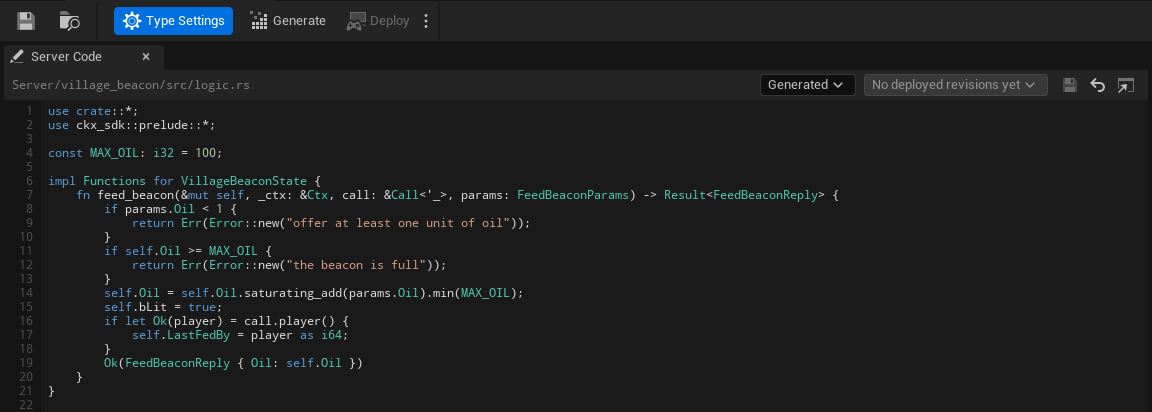
Generate and Deploy are in the editor's toolbar, after Save and Browse, not on the tab. **Generate** is the same as the Content Browser command, including the warning before a change would drop saved data (see [After you change the definition](#after-you-change-the-definition)). **Deploy** builds and deploys every Server Object type in the project, and the small arrow beside it opens **Open Server Compute** and **Show build output**. At the right of the toolbar a coloured dot and one line say where the type stands: **Ready**, **Needs generating**, **Out of date** or **Problem**, or how it compares with the live version (**No changes**, **Changed since version 7**, **Not deployed yet**, **Live code unknown**), the same states as on the [Server Compute](./deploy-with-server-compute.md#overview) page. Hover the line to read the reason.
Along the top of the tab, from left to right:
- **The file.** The path of the Server Functions file this type uses, relative to the project folder, `Server/village_beacon/src/logic.rs` for Generated. Until the Type Name is valid it reads "`Server//src/logic.rs`, once the Type Name is valid", and for My Own File with no file chosen "No file chosen: choose your .rs file with the folder button". "Unsaved changes" appears beside it while you have edits.
- **The source.** A **Code Source** combo, **Generated** or **My Own File**; see [Use your own logic file](#use-your-own-logic-file). With My Own File, a folder button beside it ("Chooses your .rs file") picks the file.
- **Deployed revisions.** A combo of the code this type had at earlier deploys, starting with **Your code**; see [View, compare and restore an earlier deploy](#view-compare-and-restore-an-earlier-deploy).
- **Three icon buttons.** **Save** ("Writes the code below to the logic file") is enabled only while you have edits, and keeps the file's line endings. **Revert** ("Shows the logic file as it is on disk again"). **Open in external editor** opens the file in the program your computer uses for `.rs` files; it is disabled until the file exists.
Below is **the code**: an editor with line numbers down its left edge, and Rust colouring for keywords, types, strings, comments and numbers. Long lines scroll sideways instead of wrapping. When the file does not exist yet, a line above the editor says so ("logic.rs does not exist yet. Generate writes it.") with a **Generate** button for a generated `logic.rs`.
When the code lacks a function the definition now has, or defines one it no longer has, a line above the editor says so as you type, for example "logic.rs is missing test_function, on_player_joined, which this type now has." Its **Add Stubs** button adds empty versions of the missing ones just before the closing brace of your `impl Functions` block, as unsaved changes: look them over, then **Save**. When the code has no `impl Functions for ` block, the button reads **Copy Stubs** and copies them for you to paste where they belong. It reads **Copy Stubs** too when that block uses a macro directly inside it, such as `my_macro!(...)`, since the macro may already define some of the functions: the line adds "logic.rs also uses my_macro, which may define some of these; check before adding them.", and nothing is inserted for you. If another program saves the file without the functions Add Stubs or Generate added, the tab says so: "logic.rs was saved by another program without the functions Generate added: test_function, on_player_joined." A function the type no longer has is only named ("logic.rs defines join, which this type no longer has: rename or delete it."); the editor never deletes your code.
The paths and the Type Name decide what the card can do:
- **Generate and Save are disabled until the Type Name is valid**, and their tooltips say why: "Set a valid Type Name first: lowercase letters, digits and underscores, starting with a letter, at most 48 characters". They are also disabled when the logic file would be outside the project folder ("The logic file must be inside the project folder"), and when another definition has the same Type Name. **Save** is also disabled when the file exists but could not be read ("The logic file could not be read, so saving could replace what it holds"). With no valid path the code editor is read-only, and says "Set a valid Type Name to edit this type's server code here."
- **Save asks before it could lose anything.** If the file changed on disk since the editor opened it: "`logic.rs` changed on disk since it was opened here. Overwrite it with your edits?" Yes overwrites the file; No discards your edits and shows the file from disk, after a second question, since they cannot be recovered; Cancel keeps your edits unsaved. If the definition now points at another logic file: "This definition's logic file is no longer `logic.rs`. Save your edits to `logic.rs` anyway?" If the file is not UTF-8 text, it warns that saving writes it as UTF-8, which can change characters that are not plain ASCII. If the file cannot be written: "Could not save `logic.rs`. Close any program using it and try again."
- **Revert** shows the file as it is on disk again, and asks first ("Discard your unsaved changes to `logic.rs`?") when you have edits.
- **Edits made in another editor show up by themselves.** The tab checks the file every second while it is visible. Saved in VS Code or another editor, the new code appears in the tab within a second when you have no unsaved changes here. If you do, the tab keeps them and says "`logic.rs` changed on disk, for example in another editor, while you have unsaved changes here." with **Reload**, which drops your changes after asking, and **Keep Mine**, after which Save still asks before it overwrites the file.
- **Generate** with unsaved edits asks "Save your changes to `logic.rs` first? Generating never replaces an existing logic file."
- **Deploy**, in the editor's toolbar, with unsaved edits asks "Save your changes to `logic.rs` first? A deploy sends the files as they are saved."
- **Changing the Type Name, Code Source or Logic File** while you have edits asks "Save your changes to `logic.rs`? If not, they stay unsaved and come back when this editor shows `logic.rs` again."
Unsaved edits are kept if the panel closes or refreshes. They are not on disk, so [Server Compute's Deploy](./deploy-with-server-compute.md#deploy) warns you about them before it sends the saved files, and closing the editor asks:
> These server code files have edits that are not saved: ... Quit anyway and lose the edits?
## Use your own logic file
The **Code Source** combo at the top of the Server Code tab, **Generated** or **My Own File** (the definition's Code Source), says where the type's Server Functions come from.
- **Generated**, the default, uses `Server//src/logic.rs`, the file Generate writes once.
- **My Own File** keeps them somewhere else, for example in a file shared in your repo. A folder button appears beside the combo; choose your `.rs` file with it, relative to the project folder. Choose **Generated** again to go back to `logic.rs`; the file you chose is remembered but not used.
The choice is explicit: an empty **Logic File** no longer means "use the generated file". With My Own File and no file chosen, nothing can be generated or deployed for the type, and the messages say so:
- The toolbar's status line and the type's Server Compute row read **Needs generating** with "Code Source is My Own File but no file is chosen; choose one, or switch Code Source to Generated".
- **Generate** still writes the generated files, then shows "Code Source is My Own File but no file is chosen. Choose one, or switch Code Source to Generated."
- The tab says "Choose your .rs file above, or switch to Generated to use the generated logic.rs.", and Save says "Choose your .rs file first".
With your own file chosen:
- **Generate** writes only the generated files, `Cargo.toml`, `src/lib.rs` and `src/types.rs`. It never creates or overwrites your file.
- **Deploy** sends your file as the type's `logic.rs`, whatever it is called on disk.
- **One file per type.** Each type builds its logic file against its own State, so two types cannot use the same file, nor one type the generated `logic.rs` of another. Deploy refuses it with "`` and `` use the same Logic File ...; each type needs its own".
- **If the file is missing**, the tab says "This file does not exist. Choose an existing file, switch to Generated, or type code below and Save to create it.", the type reads **Needs generating** with the reason "its Logic File ... does not exist; choose an existing file, or switch Code Source to Generated", and Generate says "The Logic File ... does not exist. Choose an existing file, or switch Code Source to Generated."
Your file implements the same `Functions` trait as the default one; see [Write logic.rs](#write-logicrs).
## View, compare and restore an earlier deploy
Every deploy [records](#what-a-deploy-records) the code it sent for each type, so the type's Server Code tab can show you what was live before. The revisions combo in the tab's header lists them, newest first. Its first entry is **Your code**, the editor as you have been using it. The others give the version, how long ago it was deployed ("just now", "5 min ago", "3 h ago", "2 d ago"), and the word "live" for the revision the live version runs, so the beacon might list Version 7, live, 3 h ago, then Version 6, 2 d ago. When the type has never been deployed, the list says "No deployed revisions yet" and is disabled. How many revisions are kept is set on the Server Compute page's [Settings tab](./deploy-with-server-compute.md#settings).
Pick a revision and the editor shows that revision's `logic.rs`, read only, under a line such as "Viewing version 6's code (deployed 2 d ago)". Three buttons act on it:
- **Compare with yours** shows a line-by-line difference against the code in your editor, unsaved edits included: lines the revision has that yours does not in red with a minus, lines yours adds in green with a plus. The button then reads **Show its code**, to switch back.
- **Restore** puts the revision's code in your editor **as unsaved changes**. Nothing is written until you press **Save**, and nothing is live until you **Deploy** afterwards, so you can look at it, change it, or press **Revert** to throw it away. If you already have unsaved edits it asks "Replace your unsaved changes to `logic.rs` with version 6's code?" first. Restore replaces only the `logic.rs` (or your own file); the generated files stay as **Generate** writes them from the definition today. It is disabled, with the reason on hover, when there is no file to put it in (the Type Name is not valid, or My Own File has none chosen), when the file cannot be read, or when the revision has no `logic.rs`.
- **Back to your code** returns to the editor.
A revision may have been built from an older definition: if you added a field or a function since, the old `logic.rs` no longer fits the types Generate writes now. The banner then warns "This revision was built from a different definition, so its code may not compile with the types Generate writes now." You can still restore it; expect to fix compile errors before it deploys.
To go back to an earlier version as it ran, without editing anything, use **Make active** on the [Versions tab](./deploy-with-server-compute.md#versions) instead: it switches the app to that whole version at once. Restore is for when you want that code back in your project.
## The Rust names
- **Structs** are named after the C++ struct without its `F`: `FVillageBeaconState` becomes `VillageBeaconState`. A Blueprint struct uses its name as the editor shows it, with every character other than letters, digits and underscores removed.
- **Enums** drop a leading `E`: `EBeaconColor` becomes `BeaconColor`. Each value keeps its name on the server.
- A type name that Rust or the generated code already uses (`Vec`, `Error`, `Functions` and the like), or that another of your types already has, gets `Type` added, then a number if that is taken too.
- **Fields** keep their names on the server exactly, so the beacon's code reads `self.Oil` and `self.bLit`. A field named like a Rust keyword, such as `type`, is written `r#type`.
- **Server Functions** become methods named by their Server Name: `FeedBeacon` is `feed_beacon`.
A few names cannot be written in Rust at all: a field or enum value named `self`, `Self`, `super`, `crate` or `_`, and a Server Function whose Server Name is `on_timer`, `on_topic`, `on_presence`, `on_session`, `on_player_joined` or `on_player_left`. Generation stops and names the one it hit; give it a different name on the server under the definition's **Server Names**, or the function a different **Server Name**.
Field types map like this:
| In Unreal | In Rust |
|---|---|
| `bool` | `bool` |
| `int8`, `int16`, `int32`, `int64` | `i8`, `i16`, `i32`, `i64` |
| `uint8`, `uint16`, `uint32`, `uint64` | `u8`, `u16`, `u32`, `u64` |
| `float`, `double` | `f32`, `f64` |
| `FString`, `FName`, `FGuid`, `FGameplayTag`, soft object and class paths | `String` |
| `FDateTime`, `FTimespan` | `i64` |
| `TArray` | `Vec` |
| `TSet` | `BTreeSet` |
| `TMap` | `BTreeMap` |
| `TOptional` | `Option` |
| `FVector`, `FVector2D`, `FRotator`, `FQuat` | generated structs `Vector`, `Vector2D`, `Rotator`, `Quat` with `f64` fields |
| `FIntPoint`, `FIntVector` | generated structs `IntPoint`, `IntVector` with `i32` fields |
| `FLinearColor`, `FColor` | generated structs `LinearColor` (`f32` fields) and `Color` (`u8` fields) |
The generated structs keep the Unreal field names too: `X`, `Y`, `Z`, `Pitch`, `Yaw`, `Roll`, `R`, `G`, `B`, `A`. Each field in `types.rs` ends with a comment naming its Unreal type, since several Unreal types share one Rust type.
For the beacon, `types.rs` holds the state struct with the defaults `FVillageBeaconState` gives it in C++:
```rust
#[derive(Serialize, Deserialize, Clone, PartialEq, Debug)]
#[serde(default)]
pub struct VillageBeaconState {
pub Oil: i32, // Int32
pub bLit: bool, // Bool
pub LastFedBy: i64, // Int64
}
impl Default for VillageBeaconState {
fn default() -> Self {
Self {
Oil: 50,
bLit: true,
LastFedBy: 0,
}
}
}
```
A new beacon on the server starts from these values, the same ones a client shows before the first values arrive. A default must be the same every time the struct is made: a field initialized with `FGuid::NewGuid()` or the current time cannot be written as server code, and Generate Server Code names it.
## Write logic.rs
`lib.rs` declares a trait, `Functions`, with one method per Server Function. For the beacon it reads:
```rust
pub trait Functions {
fn feed_beacon(&mut self, ctx: &Ctx, call: &Call<'_>, params: FeedBeaconParams) -> Result;
fn on_timer(&mut self, ctx: &Ctx, name: &str) -> Result<()> {
Ok(())
}
fn on_topic(&mut self, ctx: &Ctx, msg: TopicMsg<'_>) -> Result<()> {
Ok(())
}
fn on_presence(&mut self, ctx: &Ctx, presence: &Presence) -> Result<()> {
Ok(())
}
}
```
You implement it on the State struct in `logic.rs`. The first generation writes a version whose functions all refuse with "not written yet"; replace them with your own. Here is the beacon's, which takes the oil it is offered up to a limit, relights itself, and remembers who fed it:
```rust
use crate::*;
use ckx_sdk::prelude::*;
const MAX_OIL: i32 = 100;
impl Functions for VillageBeaconState {
fn feed_beacon(&mut self, _ctx: &Ctx, call: &Call<'_>, params: FeedBeaconParams) -> Result {
if params.Oil < 1 {
return Err(Error::new("offer at least one unit of oil"));
}
if self.Oil >= MAX_OIL {
return Err(Error::new("the beacon is full"));
}
self.Oil = self.Oil.saturating_add(params.Oil).min(MAX_OIL);
self.bLit = true;
if let Ok(player) = call.player() {
self.LastFedBy = player as i64;
}
Ok(FeedBeaconReply { Oil: self.Oil })
}
}
```
Each method gets:
- **`self`**: the Server Object's state, to read and change.
- **`ctx`**: the platform's context for this Server Object. `ctx.key` is its Instance Id, and `ctx.log` writes to the [logs](/exec/operations#logs).
- **`call`**: who is calling. `call.player()` is the calling player's user id, or an error when the caller is not a player (a developer tool or other server code).
- **`params`**: the function's inputs, already decoded into their struct (`FeedBeaconParams`). A function with no inputs has no `params` argument.
It returns its outputs' struct (`FeedBeaconReply`), or `Ok(())` for a function with no outputs. To refuse, return `Err(Error::new("..."))`. The state is then put back exactly as it was before the call, nothing is published, and the caller's `OnDone` sees `ServerError` with your message as its `Reason` (see [Troubleshooting](./troubleshooting.md#refusals-from-your-server-code)). So a function can change fields as it goes and still refuse halfway. Do not start your own messages with `unknown_method`, `denied` or `bad_params`: those words mean the generated code refused the call.
The beacon never trusts the amount it is offered: the params are a request, and the reply says what the server did with it.
### The optional hooks
`on_timer`, `on_topic` and `on_presence` do nothing unless you implement them in the same `impl`. They are the platform's hooks, described on [Timers, subscriptions and presence](/exec/timers-and-presence): `on_timer` runs when a timer your code set with `ctx.timer_after` or `ctx.timer_every` comes due, `on_topic` when another instance publishes on a topic your code subscribed to (the messages of a [Listen To](./access-members-and-timers.md#listen-to-other-server-objects) type reach their own `on__` function instead; see [Listen to a message](#listen-to-a-message)), and `on_presence` only on the app's root hub. A hook changes the state the same way a Server Function does: its changes reach watchers, and an `Err` puts the state back.
### A record per entity
For a type whose **Holds** is **A Record per Entity**, `Functions` is implemented on `Records`, not on the state struct, and the state struct (`RaiderState`) is one record's values. `Records` has `get`, `get_mut`, `insert`, `remove`, `set_owner`, `set_team`, `ids`, `len`, `owner`, `team`, `owned_by` and `Records::area_of(chunk_x, chunk_y)`. A function that returns an error puts back only the records it touched. The names `changes` (for a function) and `crowdy_flush` (for a timer) are reserved. See [Write the server code](./keep-a-record-per-entity.md#write-the-server-code).
## Send a message
A type that defines [messages](./create-a-type.md#server-messages) gets a `messages` module in `lib.rs`: one function for each message, `send_` followed by its server name, that takes the payload (no argument for a message with no values), and one constant for each, its topic in capitals, such as `messages::BOSS_DEFEATED`. Call it from any Server Function, timer or hook of the type.
The shared boss announces its fall from `hit`, and its return from `respawn`. Add `messages::send_boss_defeated` to the `Hit` code from [Shared boss fight](./examples/shared-boss.md#the-server-code), and a `BossRespawned` message with no values for the second:
```rust
fn hit(&mut self, ctx: &Ctx, call: &Call<'_>, params: BossHitInputs) -> Result {
// ... clamp, count, set the phase, as before
if self.Health == 0 {
timers::start(ctx, timers::RESPAWN)?;
messages::send_boss_defeated(&BossDefeatedMessage { Winner: self.LastHitBy, Hits: self.Hits })?;
}
Ok(BossHitOutputs { Health: self.Health, Hits: self.Hits })
}
fn respawn(&mut self, _ctx: &Ctx) -> Result<()> {
if self.Phase != BossPhase::Defeated {
return Ok(());
}
// ... restore the health, as before
messages::send_boss_respawned()?;
Ok(())
}
```
`BossDefeatedMessage` is the name the generated code gives a payload added in the asset: the message's name plus `Message`. A payload taken from a struct uses the struct's name without its `F`, so `FBossDefeated` is `BossDefeated`.
What a send does:
- **It waits for the function to succeed.** The message is queued and published only when the function returns `Ok`, after the change to the watched variables has been published, and in the order your code sent them. A function that refuses, or whose change is not kept, sends nothing, the way it publishes nothing and starts no timer.
- **It reaches everyone listening.** Every player who listens to this Server Object hears it, and so does every Server Object that listens to it. Nobody is named: the message cannot be aimed at one player.
- **It is not kept.** Nothing is saved or replayed. A listener that is not listening, or whose connection is closed, at that moment misses it.
- **A message that cannot be sent returns an error.** The payload may hold nothing a client cannot read and at most 1 MiB and 65,536 list, set and map entries, and the error names the message, such as `the change was not kept: message boss_defeated: it is larger than 1 MiB`. With `?` the function fails and sends nothing; without it the message is simply not sent.
## Listen to a message
A type listens to another type's messages when the other type is in its **Listen To** list, and its code then chooses which Server Object to listen to. The village beacon lights up when the Hollow Giant falls. On `CSO_VillageBeacon`, add `CSO_Boss` under **Listen To**, add a function `FollowBoss` with **Callable By** on **Developers Only** and one String input, `BossId`, and generate the server code. The generated code adds, for each message `CSO_Boss` defines, a handler to the `Functions` trait and two functions to a `listen::boss` module:
| Generated | For `BossDefeated` |
|---|---|
| The handler in `Functions` | `on_boss_boss_defeated(&mut self, ctx, key, payload)`: the type's name and the message's server name, joined |
| Start listening | `listen::boss::boss_defeated(ctx, key)` |
| Stop listening | `listen::boss::stop_boss_defeated(ctx, key)` |
The handler gets the Instance Id of the Server Object that sent the message as `key`, and the payload decoded into the sender's payload type, which `calls::boss` holds. A message with no values has no `payload` argument. The beacon's code:
```rust
fn follow_boss(&mut self, ctx: &Ctx, _call: &Call<'_>, params: FollowBossParams) -> Result<()> {
listen::boss::boss_defeated(ctx, ¶ms.BossId)
}
fn on_boss_boss_defeated(&mut self, _ctx: &Ctx, _key: &str, payload: calls::boss::BossDefeatedMessage) -> Result<()> {
self.Oil = MAX_OIL;
self.bLit = true;
self.LastFedBy = payload.Winner;
Ok(())
}
```
Deploy, then select `FollowBoss` in the Server Object panel and press **Call as Developer...** to call it on the beacon `oakford` with `boss-1`, the boss's Instance Id; see [Call as Developer](./deploy-with-server-compute.md#call-a-function-as-the-developer). From then on, each time boss `boss-1` falls the beacon refills, lights and credits the player who landed the last hit, and every player watching the beacon sees the change.
What listening does:
- **It lasts.** A listen is saved with the Server Object and renewed whenever it starts again, so call `listen::...` once, not every time it starts. `stop_boss_defeated(ctx, key)` ends it. A Server Object can listen to at most 256 messages at once.
- **It takes effect when the function succeeds.** Like a message sent, a listen or stop is applied after the function's change is kept. If the platform refuses one, the function fails with `could not listen to boss.boss_defeated:` followed by the reason, its state is put back, and any listen the same call already made is undone.
- **The handler is a handler like any other.** Its changes reach every watcher, an `Err` puts the state back, and it can send messages of its own, start timers, listen or stop. A payload that cannot be decoded fails the handler with `bad_message: boss.boss_defeated:` and the reason.
- **One handler for each message.** The handler's name must not be the name of a function or timer of the type, or of another handler; Generate refuses it, naming the clash, and you rename one of them. A message whose server name cannot be a Rust name is refused too; set another Server Name for it on the type that sends it. Any other topic the Server Object receives still reaches `on_topic`.
- **Only from a function, timer or hook.** Starting or stopping a listen anywhere else fails with "listening can only be started or stopped from a handler".
The type that sends does not know who listens. It sends the same message whether nobody, a hundred players or three Server Objects hear it.
## A Server Function Library
The server code of a [Server Function Library](./server-function-libraries.md) is generated the same way, with the same four files, but it has no state to hold. `lib.rs` implements the platform's `Spoke` instead of `Hub` and has no snapshot, no watched values, no saving, no timers, no sessions, no messages, no members, no cooldowns and no instance check. Your functions go on a struct with no fields that the generator names `Library` (`LibraryType` when one of your structs is already called `Library`), and the loot roller's `RollLoot` is:
```rust
impl Functions for Library {
fn roll_loot(&mut self, _ctx: &Ctx, _call: &Call<'_>, params: LootRollInputs) -> Result {
// ... turn the seed and the tier into an item, as in Loot for the Hollow Giant
}
}
```
It is the signature of a Server Object's function without the state: `self` is the empty `Library`, `ctx` is the platform's context, `call` says who is calling, `params` holds the decoded inputs, and an `Err` is the caller's `Reason`. The full function is in [Loot for the Hollow Giant](./examples/hollow-giant-loot.md#the-server-code).
What the generated code still does for you, before your function runs: **Callable By** (**Players**, **Server Only** and **Developers Only**; **Members** and **Leader** are refused when you save), **Required Feature**, decoding the inputs, the **Value Range**, and the limits on what a reply may hold; see [What the generated code does for you](#what-the-generated-code-does-for-you).
A library keeps nothing, and the platform runs each instance in several copies with their own memory. So:
- **Do not keep a value in a variable and expect it on the next call.** It may be there or not, and another instance never has it. If the answer has to be remembered, give it to a Server Object.
- **`ctx.key` is the name of the instance that answered,** such as `r0` or `r1`, and not an Instance Id. Do not compare it with anything; it is useful in a log line.
- **No timers, no listening and no platform events.** `ctx.timer_after` and `ctx.timer_every` are refused when the code runs, and so is subscribing to a topic, so a library cannot use `timers::`, `listen::` or `messages::`; it has no `on_player_joined` or `on_player_left`.
### A library that changes a Server Object
A library changes game truth by calling a Server Object. List the object's definition under **Can Call** on the library and call it with the typed helper, which takes the object's Instance Id like any call between types. This function turns coins into oil and feeds the village's beacon:
```rust
fn donate(&mut self, ctx: &Ctx, _call: &Call<'_>, params: DonateParams) -> Result {
let oil = (params.Coins / 10).max(1);
let fed = calls::village_beacon::feed_beacon(ctx, ¶ms.Village, &calls::village_beacon::FeedBeaconParams { Oil: oil })?;
Ok(DonateReply { Oil: fed.Oil })
}
```
The library keeps no oil: the beacon does, and everyone watching the beacon sees it change. As for any call between types, an error comes back with the type and function in front, and what the beacon already changed stays changed; see [Call other Server Objects](./access-members-and-timers.md#call-other-server-objects).
### A Server Object that calls a library
Put the library's definition under **Can Call** on the Server Object, or on another library. A library has one instance, so its typed helper takes no key:
```rust
let roll = calls::loot_roller::LootRollInputs { Seed: self.LastHitBy, Tier: 3 };
let loot = calls::loot_roller::roll_loot(ctx, &roll)?;
```
The first call to a library that has been idle can take over a second and fail with "call deadline passed" although the library may still finish; see [A call to a library from server code fails](./troubleshooting.md#a-call-to-a-library-from-server-code-fails). To call a type that is not in the list, tick **Can Call Any Type** and use `calls::any`; see [Call any type](./access-members-and-timers.md#call-any-type).
## What the generated code does for you
`lib.rs` handles everything the definition asset already says, so `logic.rs` holds only your rules:
- **Watched values.** It answers the SDK's request for the watched values, and after every Server Function or hook that succeeds it compares the watched fields with what they were before and tells every watcher about the ones that changed, all in one notice. A change to a field that is not watched, like `LastFedBy`, sends nothing.
- **Records.** On a type that keeps a record per entity, it collects the changes of the records, sends them every **Send Changes Every** and answers each player's request for the records they may see, with the Owner Only and Team Only variables left out for everyone else; the refusals it adds are `records_full` (past **Max Records**) and `bad_record` (an id or team that is empty, too long or not allowed, or a record that does not exist).
- **Owner Only.** On an Owner Only type, a player may read or call a Server Object only when its Instance Id is that player's user id. An Instance Id that is not a user id written plainly in digits (`007`, `abc`) starts no Server Object at all.
- **Values every client can read.** An Unreal client refuses some values:
- a number that is not finite;
- a list, set or map of more than 4,096 entries, or more than 65,536 entries in all the lists, sets and maps of one message;
- a text over 65,535 bytes, or a message over 1 MiB;
- two map keys or set values Unreal counts as one (it ignores the case of the letters A to Z, and reads an empty name as None);
- a text in an `FGuid` field that is not a GUID, a name or gameplay tag over 1,023 characters, a soft object or class path that is not an object path;
- a date outside the years 1 to 9999, or a time span longer than Unreal holds.
Params holding one are refused with `bad_params`. A change that would put one into a watched field, or a reply holding one, is not kept: the state goes back to what it was and the call fails with a message starting `the change was not kept`. This keeps one bad call from breaking the Server Object for everyone watching it. The starting values of a new Server Object are checked too, and a bad one refuses to start it (`bad_seed`). A value that is already in the state, for example one loaded from a save made by older server code, makes reads fail with `unreadable` and the field at fault: players' Server Objects wait in Connecting, with that reason, until your server code replaces the value. Only the client knows which gameplay tags exist and which content roots are mounted, so keep tags and paths valid in your code.
- **Callable By.** A player may call only functions their **Callable By** allows: **Players**, **Members** for a member, **Leader** for the leader; a **Server Only** function refuses a player's call with `denied`. Developer tools and other server code may call every function.
- **Members, Cooldown, Value Range, timers and Can Call.** The settings on [Access, members and timers](./access-members-and-timers.md) are enforced here, in order: who may call, the params, the **Value Range**, the **Cooldown**, then your function. Members, timers and calls to other types reach `logic.rs` as the `members`, `timers` and `calls` names listed under [For logic.rs](./access-members-and-timers.md#for-logicrs).
- **Refusals.** An unknown function is refused with `unknown_method`, a call the checks above do not allow with `denied` or `cooldown`, and params that cannot be read as the function's inputs, or are outside a **Value Range**, with `bad_params` and the field at fault. These are the reasons listed on [Troubleshooting](./troubleshooting.md#refusals-from-your-server-code).
- **Messages and listening.** It queues each `messages::send_...` and each `listen::...` call your code makes and applies them only when the function succeeds, after the change to the watched values is published; it sends the messages in order, and it routes each message the type listens to into its `on__` handler. See [Send a message](#send-a-message) and [Listen to a message](#listen-to-a-message).
- **Saving and loading.** It saves the whole state on the definition's Save Interval and loads it when the Server Object starts again. For a change that should not wait for the next save, call `ctx.persist_now()` from your function.
## After you change the definition
Generate the server code again after any change to the definition asset or to a struct it uses, then [build and deploy it](./deploy-with-server-compute.md). `Cargo.toml`, `types.rs` and `lib.rs` are rewritten to match; `logic.rs` is not.
- **A new Server Function, timer, event or listened message** (a message added to a type in your Listen To list) appears in the `Functions` trait, and the crate does not compile until `logic.rs` has its method. After writing the other files, Generate Server Code compares `logic.rs` with the trait and, when a method is missing, says which and asks: "Add empty versions of the missing functions?" **Yes** adds each one just before the closing brace of your `impl Functions for ` block, the way the first generation writes it: a Server Function refuses with "not written yet" until you write it, and a timer or event does nothing. The question ends "This writes them into logic.rs on disk. If another program has it open with unsaved changes, save or close it there first, or its next save removes them." **No**, the default, leaves the file as it is. If the file has no such block, is not UTF-8 text, or the block uses a macro such as `my_macro!(...)` that may define some of the functions, nothing is added and the empty versions are copied to the clipboard for you to paste. If the file changes while the question is open, for example saved from another editor, Yes adds the stubs to the file as it is then, or, when they no longer fit, adds nothing and asks you to generate again. If an open Server Code tab has unsaved edits to the file, Generate leaves it alone and the tab's [Add Stubs](#the-server-code-tab) line shows what is missing.
- **A renamed or removed Server Function, timer or event** leaves its old method in `logic.rs`, which no longer compiles against the trait. Generate Server Code names it ("logic.rs defines join, which this type no longer has: rename or delete it.") and never deletes it: rename it to the new name or delete it yourself. A rename is offered as a missing function plus a left-over one, so move your code from the old method into the new one.
- **A renamed variable, input or output added in the asset** is noticed, since each one keeps an id of its own. Before it writes anything, Generate Server Code lists each one, such as "Gold was renamed to Coins (VillageBeaconState)", and asks: **Yes** keeps the old names on the server, so saved values carry over and `logic.rs` keeps using `Gold` (it adds a [List Value Names](./create-a-type.md#every-setting) entry for each); **No** renames them on the server, and saved values under the old names are dropped; **Cancel** stops. Server code generated by an older SDK has no ids, so the first generation after updating reports a rename as the value being gone.
- **A removed or renamed field or enum value** is something your saved Server Objects may still hold. Before it writes anything, Generate Server Code compares the new types with the ones already in `types.rs` and, if a struct, field or enum value is gone or a field changed type, lists each one (for example `VillageBeaconState.Oil is gone`) and asks whether to regenerate anyway. Answer **No** and keep the old name on the server with a Server Name under **Field Names** or **Enum Value Names** on the definition, or keep the value instead of deleting it. See [Changing a type later](./create-a-type.md#changing-a-type-later) for what each change does to existing data.
- **Code in `logic.rs` that used a removed field** stops compiling; fix it there.
- **A new type name** (the definition's Type Name) goes into a new folder, `Server//`. Each generated `Cargo.toml` records the definition asset it was generated for, so Generate Server Code finds the folder it wrote under the old name and asks: **Yes** moves `Server//` to `Server//`, keeping your `logic.rs` and `revisions.json`, then generates; **No** generates into a fresh folder with a new `logic.rs` and leaves the old one as it is; **Cancel** stops. A folder generated for another asset, such as the one you duplicated this definition from, is never offered. If you move or rename the definition asset in the Content Browser, saving it updates the record in its crate's `Cargo.toml`, so a later Type Name change still finds the folder. Either way, to the server it is a new type, so Server Objects saved under the old name are not carried over (see [What a deploy records](#what-a-deploy-records)). A Type Name another definition already uses is refused.
## Keep it in version control
The crate folder is source: commit `Server//` with the rest of your project, `logic.rs` above all, and `revisions.json` with it (see the next section). Building it locally creates a `target/` folder inside it; leave that out, for example with a `target/` line in your ignore file.
## What a deploy records
The platform keeps only a fingerprint of what it built for each type (its build digest), never the code. So every deploy from the editor or the command line writes a record beside each type's crate, `Server//revisions.json`, and that record is what lets the editor tell you what changed. Per deployed revision of the type it holds:
- the files as they were sent: `Cargo.toml` (without the definition asset it records, which stays on your machine) and the `src` files, with your own file's code as `logic.rs` if you use one,
- a fingerprint of those files that ignores line endings and spaces at the end of a line, so opening a file in an editor that changes them does not make a new revision,
- the versions that ran it and the platform's build digests for it, and
- when it was deployed.
Deploying the same code again does not add a revision: it moves the existing one to the top and adds the version. The newest revisions are kept, as many as **Revisions to keep** on the [Settings tab](./deploy-with-server-compute.md#settings) says, 5 by default. The file is written the same way on every platform, so it only changes in version control when a revision does.
A type's state on the [Server Compute](./deploy-with-server-compute.md#overview) page is worked out from it. The platform tells the editor which build digest the live version runs for the type. If `revisions.json` has a revision with that digest, the type is compared with it: the fingerprint of the crate on disk now against the recorded one, and Save every and Stop when idle for against the live version's. Same means **No changes**; different means **Changed**, naming what differs (server code, save interval, idle timeout). If no revision has that digest, the type reads **Live code unknown**: the live version runs something this project has no record of. If the live version's manifest cannot be read at all, every type reads **Live code unknown**, never **No changes**.
**Commit `revisions.json` with the crate**, so your teammates see the same states you do. If a teammate deploys and you do not have their `revisions.json` yet, the type reads **Live code unknown** on your machine until you do, and Deploy's confirmation says it replaces live code you have no record of.
A `revisions.json` that cannot be read (someone edited it, or a merge left markers in it) is reported in the editor's log as "... is not a deploy record; fix or delete it", and its type reads **Live code unknown**. Deleting it forgets that type's history. The next deploy cannot add to a file it cannot read: it still deploys, then says "Deployed as version 8. Its record could not be saved, so its changes cannot be compared: ..." in the warning color, and the command line lists the same problems as `recordErrors`. Fix the file and deploy again. **Deploy starter pack** records nothing, since it does not send your code.
## Build and deploy it
Open Crowdy Studio, choose **Server Compute** in its navigation, and press **Deploy** in its title row, or press **Deploy** in a definition asset editor's toolbar. Deploy is offered only when something changed since the live version; see [Server Compute](./deploy-with-server-compute.md#deploy). The editor sends every Server Object type in the project to the platform, builds it there (no Rust toolchain needed on your machine), and deploys the result as your app's new active server code. The same page shows the build output, the versions you can make active again, and the logs and call activity of what is running, and `-run=CrowdyServerCompute` does it from the command line for CI. See [Server Compute](./deploy-with-server-compute.md).
A Server Object acquired before its type is deployed waits in Connecting and comes up once it is; see [Waiting is not failing](./troubleshooting.md#waiting-is-not-failing).
### By hand
The platform's own build and deploy do the same work without the editor, for a setup the Server Compute page does not cover:
1. **Build.** Send the crate's `Cargo.toml`, without its `[package.metadata.crowdy]` section (the platform's build accepts only `[package]`, `[lib]` and `[dependencies]`), and its three files under `src/` to the platform's build; see [Builds and starter packs](/exec/builds#building). CrowdyJS and CrowdyCPP wrap it: see [From an SDK](/exec/builds#from-an-sdk). You can also build locally with `cargo build --release --target wasm32-unknown-unknown` and deploy the module yourself; see [Deploying](/exec/intro#deploying).
2. **Deploy.** Give the type an entry in your app's [manifest](/exec/intro#the-manifest), named by its Type Name, and deploy the build with it; see [Deploying a build](/exec/builds#deploying-a-build). A deploy replaces the app's whole manifest, so it lists every type your app runs. The beacon's entry, as the editor writes it under its `root` type:
```json
"village_beacon": { "kind": "hub", "parent": "root", "crate": "village_beacon", "client": true, "persist_every_ms": 30000, "evict_after_ms": 300000 }
```
`client` must be `true` for players to reach it. `persist_every_ms` and `evict_after_ms` are the definition's **Save Interval Seconds** and **Idle Timeout Seconds** in milliseconds. A [Server Function Library](./server-function-libraries.md)'s entry has `"kind": "spoke"` and `replicas`, `max_replicas` and `concurrency` from its **Scaling** instead, and neither of those two.
Building and deploying need your organization's `manage_compute` permission. [Operations](/exec/operations#instances-and-versions) explains how to move a running Server Object to new code at once, and where a crashed call's log is.
## Related
- [Deploy it with Server Compute](./deploy-with-server-compute.md)
- [Create a Server Object type](./create-a-type.md)
- [Call its functions, from Blueprint](./from-blueprint/call-functions.md) and [from C++](./from-cpp/call-functions.md)
- [Hear its messages, from Blueprint](./from-blueprint/hear-server-messages.md) and [from C++](./from-cpp/hear-server-messages.md): what a player's game does with the messages sent here
- [Make a Server Function Library](./server-function-libraries.md): the asset behind [A Server Function Library](#a-server-function-library)
- [Troubleshooting](./troubleshooting.md#refusals-from-your-server-code): the refusals this code produces
- [Unreal and ck-exec names](./unreal-and-ck-exec-names.md)
- [ck-exec overview](/exec/intro): hubs, the manifest, and the `ckx-sdk` your code runs on
# Deploy it with Server Compute
Source: https://docs.dev.crowdedkingdoms.com/unreal-sdk/exec/deploy-with-server-compute
# Deploy it with Server Compute
:::note
Server Objects run on [ck-exec](/exec/intro).
:::
Once a type's [server code](./write-server-logic.md) is generated and its `logic.rs` written, the server still has to run it. **Server Compute** is the page in [Crowdy Studio](../studio/overview.md) that builds your project's server code on the platform, deploys it to your app, and then lets you watch it work: which version is live, what it logged, how players' calls to each Server Function went, and a switch to stop one type if it misbehaves. There is nothing to install: the build happens on the platform, so no Rust toolchain is needed on your machine.
## Open the page
Open Crowdy Studio (**Tools, Crowdy SDK, Crowdy Studio**) and choose **Server Compute** under **COMPUTE** in its navigation.
It uses the sign-in and the app you already set in Studio: [sign in](../studio/sign-in.md), then pick your app on the [Project page](../studio/projects-and-apps.md). If you are not signed in, or no app is set, the page says so ("Sign in to Crowdy Studio first" or "Set the app in Crowdy Studio first", then "Sign in and choose an app on the Project page.") and shows a **Try Again** button; fix it in Studio and press that.
The header holds the title, the line "Deploy your Server Objects' server code, then watch how players' calls to it go.", a line naming the app and backend ("App 12345 on Dev"), one status badge, and **Refresh**. The badge shows the first of these that applies:
| Badge | Meaning |
|---|---|
| **Budget paused** | The app's Server Compute is paused by billing, so players' calls are refused until it is resumed. Hover it for the reason the platform gives, such as `insufficient_funds` or `spend_cap`. |
| **Switched off** | The app's Server Compute is switched off, so players' calls are refused. A **Switch on** button sits beside the badge. |
| **Nothing deployed** | The app has no active server code yet. |
| **Live: version 7** | Version 7 is the app's active server code. |
Beside the badge a small line shows how much of the app's room the Server Objects use in this datacenter, for example "3 of 16 Server Objects · 192 of 1,024 MB": how many are placed against the app's limit, and the memory they reserve (each reserves its type's **Memory per Instance**, see [Server Limits](./create-a-type.md#every-setting)) against the app's memory limit. Both limits come from your organization's funding: an app with no funds can run 16 Server Objects at once within 1 GB, a funded app 16,384 within 64 GB. Past either, no new Server Object starts until some stop, and a call to one that is not running is answered **Unavailable** with the platform's reason. Each running instance of a [Server Function Library](./server-function-libraries.md#scaling) counts as one. The line is missing when the platform does not report it.
Hover a badge for a one-line explanation. **Refresh** reads the app's status, versions, logs and activity again and checks the project's Server Object types. If you change the app in Studio, the header line adds "The project's app has changed since; press Refresh to show it."
The page has five tabs: **Overview**, **Versions**, **Logs**, **Activity** and **Settings**. Building, deploying, making a version active and switching on or off need your organization's `manage_compute` permission; reading needs `view_compute_diagnostics`. A problem from the platform, such as a missing permission, is written in red under the tab it came from, for example "Could not read the app's status: ..."; a busy server is retried for you first.
## Overview
The left side lists every definition asset in the project, sorted by Type Name, then any type that is on the server but no longer in the project, each with its Type Name and **one badge**. **Search types** narrows the list by name, and the tabs above it filter it: **All**, **To deploy** (types that are new, changed, running code not recorded here, or removed) and **Problems** (types whose code cannot be built, or with a Server Object the platform holds back). Click a type to show it on the right; the first type is shown when the page opens.
The right side shows the selected type: its Type Name (hover it to see its asset), its badge, the running switch and a **...** menu, then the type's description, if its [definition](./create-a-type.md#every-setting) has one, and a small line with how many functions it has, how many variables are visible to players ("2 variables visible to players"), who can read it ("readable by every player", "readable by its members", "only its owner can read it", or "closed to players: only server code and developer tools reach it" for [a type players cannot reach](./access-members-and-timers.md#a-type-players-cannot-reach)) and, once the Activity numbers are in, how many calls it had over the Activity tab's period, for example "1.2k calls in the last hour", and how many of its Server Objects are running or starting now ("2 running"). The parts are separated by dots. A [Server Function Library](./server-function-libraries.md) says "Server Function Library" first, and in place of the variables and who can read it says how many instances it runs, "1 to 4 instances" for a Min Instances of 1 and a Max Instances of 4, or "4 instances" when the two are equal. When the platform will not place one of the type's Server Objects, for example after it crashed again and again, a red line under it says which and why: "village is held back: ...". Last, a box says what the badge means for this type, such as "Not live yet. Deploy to add it." or "Changed since version 7: server code. Deploy to make it live."
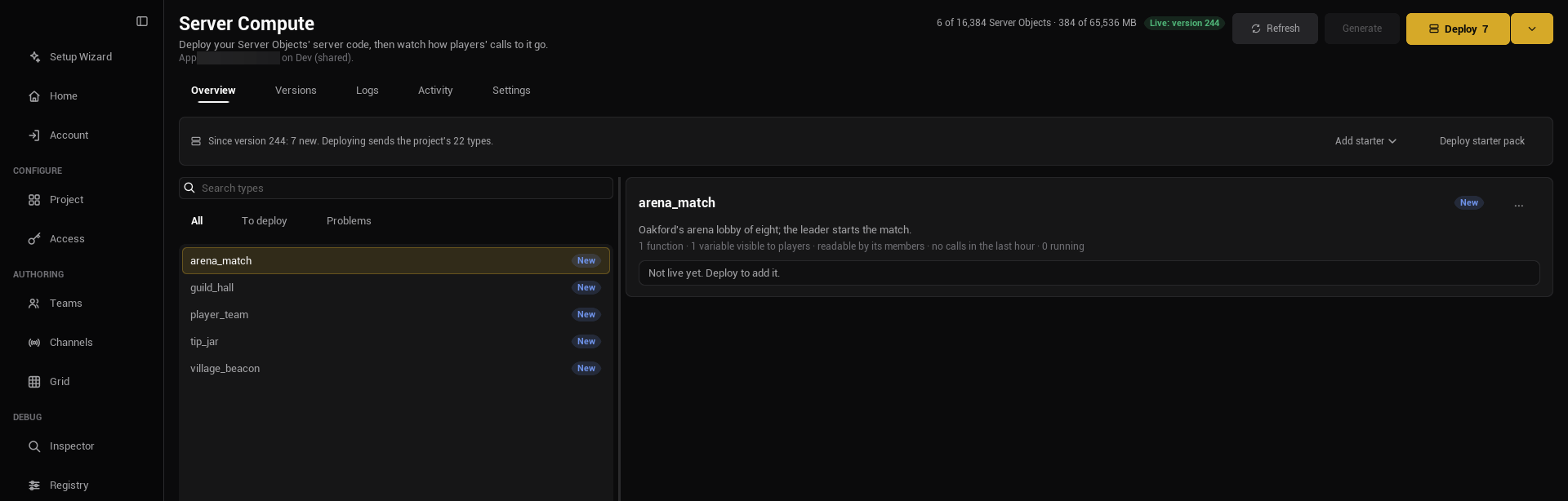
The badge is the first of these that applies. What stops the type's server code from being built comes first:
| Badge | Meaning |
|---|---|
| Needs generating | There is no folder for the type yet, `logic.rs` is missing, or the type uses [My Own File](./write-server-logic.md#use-your-own-logic-file) and no file is chosen or the file is missing. The reason is written under the Type Name. |
| Out of date | The definition or a struct it uses changed since the code was generated. Regenerate it with **Generate**. The reason names the file and the first line that differs, for example `... no longer matches the definition (line 7: the file has "...", Generate writes "..."); regenerate it with Generate Server Code`; a long line is cut after 80 characters. |
| Problem | The definition fails its checks, or its Type Name is `root`, the name of the platform's top-level type ("root is the name of the platform's root Server Object type; choose another Type Name"), or starts with `ck_staged_`, which is kept for the stand-ins of [a deploy in parts](#a-deploy-in-parts) ("Type Names starting ck_staged_ are kept for the stand-ins a deploy in parts stores its builds with; choose another Type Name"). The reason is written under the Type Name. |
Once the type's code is fine, the badge says how the type compares with the version that is live now:
| Badge | Meaning |
|---|---|
| No changes | The live version runs this code with these settings. Hover: "Live in version 7 exactly as it is here". |
| Changed | The live version runs another revision of the code, or other settings. Hover: "Changed since version 7: server code, save interval. Deploy to make it live." It can list server code, save interval, idle timeout, platform data (the [Platform Data](./access-members-and-timers.md#platform-data) settings), player access (whether [players can reach the type](./access-members-and-timers.md#a-type-players-cannot-reach)), server limits (the [Server Limits](./create-a-type.md#every-setting) settings), kind (the type is a Server Object live and a [Server Function Library](./server-function-libraries.md#switch-kind) here, or the reverse), scaling (a library's [Scaling](./server-function-libraries.md#scaling) settings), and, for a [Game Kit starter](./use-game-kit-starters.md#change-a-starter), config and parent. Limits are compared the way the platform applies them: a value out of range counts as the nearest value in range, and a limit written as a string in a manifest from another tool is read as a number, so such a manifest no longer shows "server limits" as changed on every check. |
| New | The live version does not run this type: "Not live yet. Deploy to add it." |
| Live code unknown | The live version runs code this project has no record of, for example deployed from another copy of the project. "Deploying replaces it." See [What a deploy records](./write-server-logic.md#what-a-deploy-records). |
| Ready | The type's server code is fine, but it has not been compared yet, because the app's versions have not been read (you are not signed in, or the read failed). Press **Refresh**. |
A type that the live version runs and the project no longer has is listed with a **Removed** badge ("On the server, not in this project"); selected, it shows its name, the running switch, and the line "On the server, not in this project. Your next deploy removes it." A project with no types left can still deploy: the deploy sends the Crowdy SDK's own root alone (see [Deploy](#deploy)), which removes every type from the server.
The definition asset's editor shows the same state for its type in the status readout at the right of its toolbar, with **Changed since version 7** and **Not deployed yet** in place of Changed and New; see [The asset editor](./create-a-type.md#the-asset-editor). Its **Deploy** dropdown has an **Open Server Compute** entry that brings you to this page.
The page does not regenerate code for you. Regenerate from the Content Browser or the asset, then open the tab again or press **Refresh**. With no definition assets it says "No Server Object types yet." and "Create a Server Object Definition asset to add one."
Once the app's status is known, a type the live version runs also says **Running** or **Switched off**, with a **Switch off** or **Switch on** button (see [Switching a type or the app off and on](#switching-a-type-or-the-app-off-and-on)), and a running one has a **Restart** button before it (see [Restarting a type](#restarting-a-type)). A type that is not live yet has nothing to switch, so it shows neither.
### Remove a type
The **...** menu on a type has two entries. **Open definition** opens the type's definition asset. **Remove from project...** takes the type out of the project: it deletes the definition asset and, when the folder is the type's own, its `Server//` folder. It is disabled while another operation runs, and it asks first, in a dialog titled "Remove village_beacon":
> Remove village_beacon from this project?
>
> This deletes its definition /Game/Beacon/CSO_VillageBeacon and its Server Code folder Server/village_beacon.
>
> village_beacon keeps running on the server (App 12345 on Dev) until your next deploy, which removes it.
The confirm changes with the situation:
- **What it deletes.** Everything in the type's `Server//` folder goes with it: `logic.rs`, the generated files and `revisions.json`, so the type's revision history goes too. Get them back from version control if you need them. A logic file of your own that lives outside that folder is never touched.
- **What it leaves, and why.** The folder is left alone, and the dialog says "This deletes its definition ... only." followed by the reason, when deleting it could hurt something else: "Another definition has the same Type Name and so the same Server Code folder, which is left as it is."; "Its Type Name is not a valid one, so its Server Code folder may be another type's; it is left as it is."; "Its Server Code folder is not directly inside the project's Server folder, so it is left as it is."; "It has no Server Code folder."; "Its Server Code folder holds server code the Crowdy SDK did not generate, so it is left as it is."; or "Its Server Code folder is, or holds, a link to somewhere else, and deleting it could delete what the link points to; it is left as it is, so delete it by hand." A folder that could not be deleted is reported in red under the tab: "Removed village_beacon's definition, but could not delete its Server Code folder Server/village_beacon. Delete it by hand."
- **Unsaved code edits.** If the type's code has edits you have not saved, the dialog lists the files: "Its unsaved code edits are lost:".
- **What it does on the server: nothing yet.** A type that is live keeps running, with players calling it, until your next deploy, which no longer includes it and removes it (the deploy's confirm says "It removes village_beacon, which this project does not have; their Server Objects stop."). Until then it shows as a **Removed** row, where you can still switch it off. The deploy stops its Server Objects and keeps their saved state, and the type's switch goes with it: a later deploy that adds a type of the same name starts those Server Objects from what they saved, switched on. A type that was never deployed ("New") says "village_beacon is not live on the server (App 12345 on Dev), so nothing changes there."
- **The last type.** Removing the project's last type is no different: the next deploy sends the Crowdy SDK's root alone and removes the type from the server. To stop players' calls to it before then, use **Switch off** on this page.
After you confirm, the editor's own delete runs, with its usual check of what still refers to the definition, for example a Blueprint slot holding it; it may ask again, and if you cancel there nothing else happens. If the row went stale (the asset moved, or its Type Name changed since the list was read) nothing is removed and the page says "/Game/Beacon/CSO_VillageBeacon is no longer the definition of village_beacon, so nothing was removed. The list is read again; try once more from it."
For a build server or a script, `-op=removetype` does the same from the command line; see [From the command line](#from-the-command-line).
### Deploy
**Deploy** sits in the page's title row, beside **Refresh**, so it stays in reach however long the list of types grows. It shows how many types the deploy adds, changes or removes ("Deploy 3"), reads **Up to date** when there is nothing to deploy, and **Working...** while an operation runs. Under the tabs, a strip holds the status line, **Add starter** (see [Use the Game Kit starters](./use-game-kit-starters.md#add-a-starter)) and **Deploy starter pack**; before anything is known it says "Deploy builds every type's server code on the server and makes it the app's live version. Players use it at once."
**Generate** sits between **Refresh** and **Deploy**. It reads "Generate 3" while 3 types are out of date or have no server code yet, and it is enabled only then, and only while no other operation runs. Game Kit starters are not counted, and neither are types that need you, such as a [My Own File](./write-server-logic.md#use-your-own-logic-file) type with no Logic File. Its tooltip reads "Generates the server code of every type that is out of date or has none yet, asking what a single Generate asks, then saves the definitions it changed." It generates those types one after another through the same Generate as a definition's own button, so it asks each question that Generate asks (see [Generate it](./write-server-logic.md#generate-it)), and a cancel stops the run. It then saves the definitions it changed, refreshes, and shows a notice of what was written and what was not, and why.
**Deploy is offered only when something changed.** Once every type's code is fine and the live version is known, the status line says what a deploy would do, and **Deploy** is enabled only if there is something to do:
- "Since version 7: 1 changed, 1 new. Deploying sends the project's 2 types." Any of "changed", "new", "running code not recorded here" (the live version runs something this project has no record of) and "removed" can appear, each with its count.
- "Nothing changed since version 7." **Deploy** reads **Up to date** and cannot be pressed.
- "Nothing is deployed yet. Deploying sends the project's 2 types." for an app with no active version.
- "Ready to deploy 2 Server Object types." when the live version could not be compared, for example because it has not been read yet; press **Refresh**.
- "This project has no Server Object types, so deploying sends only the Crowdy SDK's root (Players Online)." when the project has no types. A project like that can still deploy: the root goes alone, and any type the app ran before is removed.
A change you have just deployed keeps its "Deployed as version 8." line until something changes again, then the summary takes over. A failed or half-recorded deploy keeps its message until the next deploy. **Deploy** is disabled while any type is not fine, and the line says what to do: "Fix the 1 type marked Problem first." or "Generate Server Code for 1 type first (right-click the definition in the Content Browser)."; two definitions with one Type Name show "Two Server Object types are named village_beacon (...) and (...); each needs its own Type Name". A type whose `Server//` folder holds a crate the SDK did not generate is marked **Problem** with "... holds server code the Crowdy SDK did not generate; choose another Type Name, or move that folder" (see [Generate it](./write-server-logic.md#generate-it)). It is also disabled while another operation runs. The same rules apply to the **Deploy** button in a definition asset editor's toolbar.
**Deploy** asks first, in a dialog titled Deploy. The first sentence is always there, then one sentence for each kind of change that applies, naming the types, with what it removes first:
> Deploying replaces the active server code of App 12345 on Dev with this project's 2 Server Object types.
>
> It removes tip_jar, which this project does not have; their Server Objects stop. Their saved state is kept and is used again if you deploy them again.
>
> It adds lantern.
>
> It changes village_beacon (server code, save interval).
A type whose kind changes also gets a sentence of its own, "loot_roller changes from Server Object to Server Function Library: its saved data is kept, unused, and comes back if it becomes a Server Object again." or, the other way, "loot_roller changes from Server Function Library to Server Object: it starts from the saved data it had as a Server Object, if any."
A project with no Server Object types gets "Deploying replaces the active server code of App 12345 on Dev. This project has no Server Object types, so only the Crowdy SDK's root (Players Online) is deployed." as its first sentence. The other one is "It replaces live code this project has no record of in village_beacon." When what the app runs now could not be read, the dialog says "What the app runs now could not be read, so what this changes is not known." instead. Read the list before you answer Yes: it is the difference between what you have here and what players are running.
"It removes" names every type the live version runs that this project does not have, however it got there: a type you removed from the project, one deployed from another copy of the project, or server code deployed another way, such as a crate written by hand and deployed with the platform's API. Deploy cannot send such code, so answering Yes takes it offline. If your app runs code like that, deploy it the same way you deployed it before, not from this page.
If any server code file has edits you have not saved in the asset editor's Server Code tab, the dialog adds:
> 1 Server Code file has unsaved edits; Deploy sends the saved files.
and lists the file names. Answer No, save them, and deploy again if you meant to send them.
When the server code of some types is exactly what an earlier deploy to this app sent, the dialog adds "The server code of lantern, village_beacon is as it was deployed before, so it is not built again." When the deploy is built in parts, it adds "The server code is built in 2 parts. Each part but the last is first stored by a version that runs what runs now, so the version history gains 1 more version."; see [A deploy in parts](#a-deploy-in-parts).
If the server code calls into platform data its definition does not ask for, the dialog adds "Check before deploying:" and one line for each, such as:
> village_beacon: its server code calls world().set_voxels(), which needs world.write; turn on Changes the World or the platform refuses that call
Answer No, tick the setting in the definition, and deploy again; see [Platform data](./access-members-and-timers.md#platform-data). The check ignores code inside Rust raw strings and inside `#[cfg(test)]` items, so a call that only appears there is not listed.
The same list holds a function that cannot use what it sets: a **Developers Only** or **Server Only** function with a **Cooldown** or a **Required Feature** gets "village_beacon Refill: Cooldown has no effect, since only players' calls are limited." or "village_beacon Refill: Required Feature has no effect, since only players are checked." Only players are limited and checked, so clear the setting, or let players call the function. See [Cooldown](./access-members-and-timers.md#cooldown).
Confirm, and Studio sends the platform:
- the server code of **every** Server Object type in the project, exactly as it is on disk under `Server//` (a type whose Code Source is My Own File sends that file as its `logic.rs`), and
- a crate named `root` that the SDK generates for you from `CSO_PlayersOnline` in its own content. It is the top-level type every Server Object type sits under on the platform. It keeps one variable, the number of players in the app's world, which **Get Players Online** reads (see [How many players are online](./from-blueprint/read-and-follow-variables.md#how-many-players-are-online)), and you never edit it. An app whose root an older Crowdy SDK deployed keeps no count, and Server Compute offers a deploy until you make one. The root is not shown as a row, but it is tracked like a type: once a deploy from this SDK has recorded it, a later Crowdy SDK whose root code differs makes Server Compute offer a deploy again. An app whose root was deployed by an earlier SDK is compared only after your next deploy. A project with no Server Object types deploys the root alone. A project with the Game Kit's `world` starter does not send this crate: `world` is the root instead, and every other type runs under it; see [The world becomes the app's root](./use-game-kit-starters.md#the-world-becomes-the-apps-root).
together with an entry for each type saying whether players may reach it and what platform data its server code may use, and giving its **Save Interval Seconds** and **Idle Timeout Seconds** from the definition (the platform's [manifest](/exec/intro#the-manifest)). A Server Function Library's entry is `"kind": "spoke"` with its **Min Instances**, **Max Instances** (only when above Min Instances) and **Parallel Calls per Instance** as `replicas`, `max_replicas` and `concurrency`, and no save interval or idle timeout; a type with **Can Call Any Type** lists `"calls": ["*"]`.
A deploy replaces the app's active server code as a whole; it does not add to it. That is why every type goes together: a type left out of a deploy is a type the app no longer has in its active code, until a deploy or a version that includes it is active. That is also how [removing a type](#remove-a-type) takes effect. For the example world, a project with `CSO_VillageBeacon` and a `CSO_Lantern` sends `village_beacon`, `lantern` and `root` in one deploy, even when only the beacon's `logic.rs` changed. Only the beacon is built, though: see [Server code that is not built again](#server-code-that-is-not-built-again).
The status line follows the build: "Sending the server code...", "Waiting for a builder... 4 s", "Building on the server... 12 s", "Deploying...", and finally the line below. A deploy built in parts says which part it is on, "Part 1 of 2: building on the server... 12 s", and one with nothing to build goes straight to "Deploying...".
> Deployed as version 7.
Once the deploy succeeds, Studio also records what it sent in each type's `Server//revisions.json`, and the Crowdy SDK's root in `Server/root/revisions.json`, which is how the page tells you next time what changed; see [What a deploy records](./write-server-logic.md#what-a-deploy-records). If a record cannot be written the deploy still stands, and the line says so in the warning color: "Deployed as version 7. Its record could not be saved, so its changes cannot be compared: ..." Commit each `revisions.json` with the crate, and `Server/root/revisions.json` too.
A **Build output** button appears once a build has output, and opens it in a read-only box. A failed build deploys nothing: the line says "The build failed. See the build output below." and the box opens by itself, usually with a compiler error in a `logic.rs`. Only one operation runs at a time; the buttons are disabled until it ends.
Each type's server code, its crate, may have at most 64 files and 2 MB of source; the [builds page](/exec/builds#limits) has the platform's full list. A project with a crate over either shows the reason on the status line, such as "village_beacon's server code has 70 files; each type's server code can have at most 64" or "village_beacon's server code is 2.10 MB; one build takes at most 2 MB of source", and **Deploy** stays disabled. A deploy with more crates or more source than one build takes is not refused for it: it is [built in parts](#a-deploy-in-parts).
A running Server Object keeps its old code until it next starts; see [Operations](/exec/operations#instances-and-versions). So after a deploy that changed a type, the card reads the app's Server Objects, and when some of a changed type are still running it adds a line and two buttons:
> 3 running Server Objects of village_beacon still run the previous version until they stop when idle. Move them to the new version now?
**Move now** restarts those types (see [Restarting a type](#restarting-a-type)) without asking again; **Leave them** dismisses the line, and they move when they next start. Which Server Objects ran the previous version is decided from the Server Objects read as the deploy was sent, by their epoch, not from your computer's clock, so a clock that is off does not hide or add any.
### Server code that is not built again
A type's server code is not built again when its files are exactly those of a revision in its `revisions.json` that this app already holds, because one of the app's versions ran it. The deploy names that module by its digest instead, and the confirm says "The server code of lantern is as it was deployed before, so it is not built again." So a deploy that changed one type's code builds that one crate, a change of settings alone, such as a save interval, builds none, and a deploy with nothing to build sends no build at all. This needs the app's versions, so when they could not be read every crate is built. **Deploy** on the page always reuses what it can. To build every type's server code again, including types whose code did not change, so they pick up the platform's current SDK and toolchain, open the drop-down arrow beside **Deploy** and pick **Rebuild All and Deploy**. It is available even when there is nothing to deploy, and it asks to confirm first. The command line's `-op=deploy -rebuild` does the same, and both follow one rule.
### A deploy in parts
The platform builds at most 16 crates and 2 MB of source at a time. A deploy with more, such as a project with many types or with the [Game Kit starters](./use-game-kit-starters.md), is built in several parts, in order, each at most 16 crates and 2 MB. It still becomes one version, and what players run changes once:
1. **Every part is built first.** A part that fails deploys nothing, and nothing on the app changes.
2. **Each part but the last is stored.** The platform keeps a build's modules only once a version has used them, so each of those parts is deployed in a staging version: the types that run now, unchanged, plus a stand-in type for each of its crates, named `ck_staged_` and the crate's name, which nothing calls and players cannot reach. The version that was active is then made active again at once. Before the first of these, the versions are read again, and if the app's active version changed since the deploy started, it stops: "The app's active version is version 9, not version 8 as when the deploy started, so nothing was deployed; refresh, then deploy again".
3. **The deploy itself** names the stored and reused modules by their digest, with the last part's build, and its version runs no stand-in.
So the [Versions](#versions) tab gains one version per extra part, before the deploy's own. The confirm says how many parts there are and how many more versions they add. On an app with nothing deployed there is nothing to make active again, so a staging version stays active until the deploy.
If storing a part fails, the line says "Built, but storing the builds failed: " followed by the platform's words and what is active now, such as "Version 8 is active again, as before the deploy." A deploy in parts needs to know what runs now, so when the app's versions could not be read it refuses before building anything: "This deploy is built in parts, each first stored by a version that runs what runs now, and what runs now could not be read; refresh, then deploy again".
### Deploy starter pack
**Deploy starter pack** builds and deploys the platform's example types instead of your project, after asking:
> Deploying the starter pack replaces the active server code of App 12345 on Dev with the platform's example Server Object types.
>
> It removes village_beacon, lantern, which the active version runs, unless the starter pack has a type of the same name; that type then takes over its saved Server Objects. Their saved state is kept and is used again if you deploy them again.
The second sentence names what the live version runs, the SDK's `root` left out, and is missing when nothing is live. When what the app runs could not be read, it says "What the app runs now could not be read, so what this removes is not known." instead.
It is meant for trying the platform out on an empty app. It replaces your project's server code just as **Deploy** replaces the previous code, so do not press it on an app your game uses; if you do, make the earlier version active again on the Versions tab. See [Starter packs](/exec/builds#starter-packs).
## Versions
Every deploy makes a new version. The **Versions** tab lists them newest first: "Version 7", an **Active** badge on the live one, and a line such as "3 h ago by Ada, 2 types" (hover it for the exact time). Under it, a second line says what that deploy changed from the version before it, for example "Since version 6: village_beacon changed", or "Since version 6: lantern added" and "lantern removed" when a type came or went, several joined by dots. A deploy that changed nothing says "Same server code as version 6". Hover it: "The types whose server code or settings differ from the version before it". The platform reports each version's types, so this works for versions anyone deployed, from any copy of the project; the oldest version has no line, and neither does one whose code cannot be compared with the one before because the platform has no build digest for it. With nothing deployed the tab says "Nothing deployed yet." and "Deploy from the Overview tab."
**Make active** on any other version asks first, in a dialog titled "Make version 6 active":
> Makes version 6 the active server code of App 12345 on Dev.
That is a rollback: if version 7 has a bug, make 6 active and players get the earlier code, while you fix `logic.rs` and deploy again. It changes no Server Object's saved values. As with a deploy, a running Server Object moves to the code when it next starts, and the Server Objects of a type the older version lacks are stopped with their saved state kept. That type's switch goes too, so a type you switched off comes back switched on when a later version runs it again. Rolling back to a version older than a definition change can leave Server Objects saved in a newer shape; read [Changing a type later](./create-a-type.md#changing-a-type-later) before you go back across one.
## Switching a type or the app off and on
Each type the live version runs has a **Switch off** button on the Overview tab, beside its name when selected, or **Switch on** once the type is off. Use it when one type is causing trouble and you want it quiet while the rest of the app carries on. Switching off asks first, in a dialog titled "Switch off village_beacon":
> Players' calls to village_beacon in App 12345 on Dev are refused until it is switched on again. Its Server Objects are saved and stopped.
Switching on asks nothing. While a type is off, calls to it are refused and reach the client as the `Paused` outcome, which is retryable (see [Troubleshooting](./troubleshooting.md#outcomes)), and nothing of that type runs. Switch it on and its Server Objects start again, from what was saved, the next time a call reaches them. It is not the same as removing the type in a deploy: the code stays and the type stays live. To move running Server Objects onto newly deployed code, use **Restart** instead, which refuses no calls. The buttons are disabled until the app's status has loaded and while another operation runs.
When the whole app is switched off, the header badge says so and its **Switch on** button, after asking "Players can call the Server Functions of App 12345 on Dev again.", lets players call the app again. The page cannot switch the whole app off; see [the kill switch](/exec/operations#the-kill-switch) for that.
## Restarting a type
**Restart** on a running type moves its running Server Objects to the live version now. It asks first, in a dialog titled Restart:
> Move village_beacon's running Server Objects on App 12345 on Dev to version 8 now?
>
> Each is saved and stopped, and starts again on version 8 at its next call. Players watching one see it read again; a call that arrives while it stops may be answered Unavailable.
Nothing is refused while it happens and no state is lost: each Server Object is saved first and starts again from what was saved. Players watching one see its values read again on the new start, the way they do after a reconnect. The deploy line then says how many it stopped, for example "3 running Server Objects stopped; each starts again on the active version at its next call." Use it after a deploy, from the **Move now** button the deploy strip offers, or whenever a fix should reach Server Objects that are running now rather than when they next stop. From the command line, `-op=restart` with no `-type` restarts every type that still has an instance on older code; see [From the command line](#from-the-command-line).
## Call a function as the developer
A [Server Only or Developers Only](./create-a-type.md#callable-by) function has no player to call it, so you run it by hand from the definition asset: select the function in the Server Object panel, and in its Details press **Call as Developer...**. A window titled "Call as Developer" opens with:
- **Instance Id**, the Server Object to call, such as `boss-1`. A type that is **Owner Only** takes its owner's user id, and a type with **Only One Instance** always calls its one Server Object, whatever is typed. It is needed otherwise.
- the function's inputs, starting from their default values, to fill in;
- **Call**, and under it the answer: "Ok" and the outputs as JSON, such as `{"total":7}`, or the outcome and the reason, such as "Denied: only members may call Deposit". If the connection itself is refused it says why, for example "Unavailable: could not connect as the developer: start failed: denied: an owner-only Server Object's Instance Id is its owner's user id".
The built-in member functions that only server code may call, such as **Add Member** when **Members From** is **This Object**, can be called this way too. They sit greyed out in the **Built-in** list of the Members panel, and a play button beside the row ("Call as Developer: runs this function on a live Server Object as you, the app's developer") opens the same window.
The call goes to the live app with your Crowdy Studio sign-in, as you: the server code sees `Caller::Developer` with your user id, not a player, and whatever it changes stays changed. It starts the Server Object if it is not running. If the function's inputs change in the definition while the window is open, **Call** says so; close the window and open it again.
## Logs
The **Logs** tab shows the lines your server code writes with `ctx.log`. For the beacon:
```rust
ctx.log(Level::Info, &format!("fed {} oil, now {}", params.Oil, self.Oil));
```
Filter by type (type a name in the "All types" box and press Enter) and by level: **All**, **Info**, **Warnings** or **Errors**. Lines come newest first, 100 at a time; **Load older** at the bottom pages back. Each line has a colored dot (hover for Error, Warning, Info or Debug), its text, and a small line such as "3 min ago, village_beacon, 42": when, the type, and the Instance Id. Hover it for the exact time. The platform keeps lines for 24 hours; with none to show the tab says "No log lines match." and "Lines are kept for 24 hours."
A **flow** is the platform's name for one call and everything it causes. **Show this call** on a line shows only the lines of that call, and a **One call** chip appears beside the level choices; its x shows every call again. That is how you follow one `FeedBeacon` from a player's request through the beacon's own lines. Lines written outside a call, such as when a Server Object starts or stops, have no flow and no button. The limits on how many lines a call and an app may log are on [Operations](/exec/operations#following-one-call).
## Activity
The **Activity** tab shows "How players' calls to each Server Function went, busiest first." for the **Last hour**, **Last day** or **Last week**. Each Server Function gets a card, for example `village_beacon.FeedBeacon`:
- how many calls: "1.2k calls in the last hour" (or "1 call in the last hour"),
- "no failures", or "94% succeeded",
- "usually answers in 12 ms (slowest 1.4 s)",
- and a badge for each kind of problem there was: **N server errors** (your code answered with an error, or the call failed on the server), **N timed out** (a call past its **Time per Call** also restarts that Server Object from its last save, so see [Server Limits](./create-a-type.md#every-setting)), **N refused** (the caller was not allowed) and **N busy** (the server was busy; the caller may try again). Hover a badge for what it counts.
If `FeedBeacon` is slow or refusing, this is where it shows. With no calls it says "No calls yet in this period." The numbers come from [Calls per endpoint](/exec/operations#calls-per-endpoint) on the platform.
## Settings
The **Settings** tab holds Server Compute's settings for this project: "Server Compute's settings for this project. They are saved with the project, so everyone working on it shares them." It has one card so far, **Revisions**, with one setting.
**Revisions to keep** is how many deployed revisions of each type's server code the project keeps, to view, compare or restore in the definition asset editor's [Server Code tab](./write-server-logic.md#view-compare-and-restore-an-earlier-deploy). It is a number from 3 to 50 and starts at 5. The hint under it reads "Per type, how many deployed revisions of its server code the project keeps to view, compare or restore (3 to 50). Saved in Config/DefaultEditor.ini; keeping fewer takes effect at the next deploy." The number is changed when you press Enter or leave the box.
The setting is saved to `Config/DefaultEditor.ini` in your project, not to your own editor preferences, so commit that file and your team shares one value. If the file cannot be written the page says "Could not save to Config/DefaultEditor.ini, so the change lasts only until the editor closes. Check that the file can be written, for example that it is not read-only." Check the file out first if your version control keeps it read only. Each type's history is `Server//revisions.json`, which holds every kept revision's files in full, so a higher number makes it bigger; lowering the number trims each type the next time it is deployed.
## From the command line
For a build server or a script, the same operations run without the editor window:
```text
UnrealEditor-Cmd.exe Oakford.uproject -run=CrowdyServerCompute -op=deploy -yes
```
It uses Crowdy Studio's saved sign-in and app, so sign in and pick the app in the editor once on that machine first. There is no token to pass on the command line.
| Operation | What it does |
|---|---|
| `-op=status` | The app's active version, whether the app is switched off, which types are switched off, whether its budget is paused and why, and its Server Objects and reserved memory against its limits (`instances`, `instanceLimit`, `reservedMb`, `maxReservedMb`). |
| `-op=whoami` | Whether the machine is ready: `signedIn`, `scope` (`session` for a Studio sign-in, `organizationToken` for an organization token), `userId`, `appId`, `orgId` and `environment`. No token is read into the output. Without a sign-in it fails with "Sign in to Crowdy Studio on this machine", and without an app with "Choose the app in Crowdy Studio and press Sync"; both can be in one message. |
| `-op=versions` | The versions, newest first. |
| `-op=changes` | Which types differ from the live version, like the badges on the Overview tab, and whether a deploy would change anything. Read only. |
| `-op=deploy -yes` | Assembles the project, builds what changed, in [parts](#a-deploy-in-parts) when it needs more than one build, waits, deploys it, and records what it sent in each type's `revisions.json`, like **Deploy**. `-batch=N` puts at most N crates in a build, 1 to 16 (16 unless given). `-rebuild` builds every crate instead of [reusing](#server-code-that-is-not-built-again) what the app already holds, as **Rebuild All and Deploy** does. See [The deploy's result](#the-deploys-result). |
| `-op=starters -yes` | Builds and deploys the starter pack, like **Deploy starter pack**. It takes `-batch=N` too. |
| `-op=addstarter -starter=session` | Adds a Game Kit starter, and the starters it needs, to the project, like **Add starter**: their crates under `Server/` and their definitions under `/Game/ServerObjects/GameKit/`. `-starter=` is one of the seventeen: `world`, `matchmaker`, `session`, `leaderboard`, `player`, `market`, `npcs`, `minigame`, `tactics`, `director`, `instance`, `territory`, `zone`, `deck`, `arena`, `race` or `ball`. `-config=` sets the named starter's **Config**, as JSON or `@` and a file, like `-inputs=`. The result's `added` lists them. See [Use the Game Kit starters](./use-game-kit-starters.md#add-a-starter). |
| `-op=removestarter -starter=world -yes` | Removes a Game Kit starter from the project with every starter that runs under it or calls it: their definitions, their `Server/` folders with any edits, and the **Game Kit World** setting when it named one. The result's `removed` lists them. See [Remove starters](./use-game-kit-starters.md#remove-starters). |
| `-op=generate [-type=village_beacon] [-yes]` | Generates server code, like **Generate** (see [Generate it](./write-server-logic.md#generate-it)). Without `-type` it generates every type that is out of date or has no server code. A type that needs you (a My Own File type with no Logic File, or a missing one) and a type with a problem are listed under `skipped` and do not fail the run. With `-type`, it generates that one type even when it is up to date; an unknown name fails and lists the types. A question a single Generate would ask refuses that type, and the question is the reason, unless you pass `-yes`. `-yes` answers only the safe questions: keep the old List value names on the server, move the old Type Name folder to the new one (not when the type's own Logic File is inside it), and add empty versions of the missing functions. It never accepts dropping values that saved instances hold, rewriting `lib.rs` lines it would remove, or a move when both folders exist. See [The generate result](#the-generate-result). |
| `-op=exporttype`, `-op=newtype`, `-op=edittype` | Read a type's settings as a file, create a type from one, and change a type from one. See [Define a type from a file](#define-a-type-from-a-file). |
| `-op=removetype -type=village_beacon [-yes]` | Removes an ordinary type the way **Remove from project...** does (see [Remove a type](#remove-a-type)). It refuses a Game Kit starter (use `-op=removestarter`), a definition outside `/Game/`, and a definition that other assets use, naming them. A redirector that is still in use is named too: "fix up redirectors in the Content Browser first". It deletes the definition asset and then, only if the asset is really gone, the type's Server Code folder when the SDK generated it, any unused redirectors to the asset, and the type's Game Kit World and Actor Starters settings. Without `-yes` it says what it would remove, changes nothing and exits 1. |
| `-op=renametype -type=village_beacon -to=/Game/Beacon/CSO_Beacon [-yes]` | Moves or renames the definition asset the way the Content Browser does, which leaves a redirector. The type's Server Code folder follows it, and its Game Kit settings move with it. The Type Name does not change: a changed Type Name is a new type, which `-op=edittype` refuses. It refuses a definition or a target outside `/Game/`, and a target that is taken. Without `-yes` it says what it would do and changes nothing. |
| `-op=activate -version=6 -yes` | Makes version 6 the active one, like **Make active**. |
| `-op=disable -type=village_beacon -yes` | Switches one type off. |
| `-op=enable -type=village_beacon -yes` | Switches it on. Without `-type`, `-op=enable -yes` switches the whole app back on, as the app's **Switch on** does. `-op=disable` still needs `-type`: switching the whole app off stays an action of the page. |
| `-op=restart -type=village_beacon -yes` | Moves its running Server Objects to the active version, like **Restart**; the result's `stopped` says how many. |
| `-op=restart [-yes]` | With no `-type`, restarts every type that has an instance running code older than the active version. Each instance is compared with the version that was active when it started, and an instance that started within a minute of the deploy counts as old too. It stops every running or starting instance of those types, the ones already on the active version included. Without `-yes` it lists each such type's instances that it would stop (Instance Id, phase and age), changes nothing and exits 1. After a rollback (`-op=activate` to an older version) it refuses and asks for `-type=`. |
| `-op=call -type=village_beacon -fn=Refill -key=village -yes` | Calls a Server Only or Developers Only function as the developer, like **Call as Developer**. `-inputs=` gives its inputs as JSON, or `-inputs=@inputs.json` from a file, since a shell mangles quotes (a relative path is read from the folder the command runs in; a path with a space goes in quotes with its `@`, as in `-inputs="@C:\My Game\inputs.json"`, or with the quotes after the `@`, as in `-inputs=@"C:\My Game\inputs.json"`, where the whole path is read; `-config=` and `-bundle=` take the same forms); missing inputs keep their defaults, and a name the function has no input for is refused rather than ignored. `-key=` is needed unless the type has Only One Instance. `-fn=` finds a function by name, the built-in ones such as `AddMember` included, and the Developers Only functions of a [Game Kit starter](./use-game-kit-starters.md#functions-only-a-developer-calls), such as the matchmaker's `Configure`. It also calls a starter's read-only player functions as the developer, today the npcs starter's `state`. A 64-bit integer above 9007199254740991 must be written as a string, for example `{"Player": "9007199254740993"}`; a larger number written without quotes is refused with "... is above 9007199254740991; write it as a string, for example "9007199254740993"." The result gives `status`, `message` and `reply`, the outputs as JSON. A Game Kit starter's function that takes a `Ref`, such as the player's **Grant**, gets a fresh one when `-inputs=` leaves it out, and the result gives it as `ref`. |
| `-op=grant -player=101910912345678 -bundle=@reward.json -yes` | Gives one player in-game soft currency and items through the [player starter](./use-game-kit-starters.md#functions-only-a-developer-calls)'s **Grant**, never real money. `-bundle=` is an `FCrowdyKitBundle` as JSON or `@` and a file, such as `{"Currency": {"gold": 100}, "Items": {"wood": 5}}`; `-xp=N` adds experience; `-ref=R` sends a `Ref` of your own, else a fresh one is made; `-type=` names the player starter when its Type Name is not `player`. The result gives `ref`, `status`, `message` and `reply`, what the grant earned the player. |
| `-op=deposit -player=101910912345678 -bundle=@restore.json -yes` | Puts soft currency and items into one player's hub through **Deposit**, counting nothing toward quests or achievements, such as to give back what a bug took. It takes `-bundle=`, `-ref=` and `-type=` as `grant` does. |
| `-op=instances` | Every Server Object the platform has placed: its type, Instance Id, phase (`idle`, `starting`, `running` or `stopping`), epoch, `heldBack` when the platform will not place it, with the reason, and `orphaned`, true for one whose type the active version no longer deploys (a deploy or a rollback dropped the type and stopped it; it keeps its saved state). |
| `-op=logs` | Recent log lines. Optional `-type=`, `-flow=` and `-limit=`. `-level=all`, `info`, `warnings` or `errors` filters by level, like the Logs tab's choices. `-before=` pages back: pass the previous page's `nextBefore`. |
| `-op=stats` | Call counts per Server Function. Optional `-type=`. `-window=hour`, `day` or `week` picks the period, like the Activity tab's. |
| `-op=batch -ops=` | Runs the operations in a file, one per line, in this one editor start. See [Several operations in one start](#several-operations-in-one-start). |
`-yes` stands in for the confirmation the page asks. `deploy`, `starters`, `activate`, `disable`, `enable`, `restart`, `call`, `grant` and `deposit` replace, switch, restart or run the app's live server code, so without `-yes` they refuse with "This changes the app's live server code or what it holds; pass -yes to confirm." and send nothing. The read-only operations (`status`, `versions`, `changes`, `instances`, `logs`, `stats`) do not need it. `addstarter` changes only the project and needs neither `-yes` nor a sign-in. `removestarter` changes only the project too, but deletes the starters' code with any edits, so without `-yes` it names what it would remove and refuses, for example "This deletes session, matchmaker, world: their definitions and server code, edits included; pass -yes to confirm." An unknown `-op` is refused with the list of operations. `generate` and `newtype` change only the project and need no `-yes`; `edittype`, `removetype` and `renametype` change it only with `-yes`.
**Close the Unreal Editor first.** An operation that writes the project (`generate`, `newtype`, `edittype` with `-yes`, `addstarter`, `removestarter`, `removetype` and `renametype` with `-yes`) refuses while an Unreal Editor is running: "An Unreal Editor is running. Close it first: it holds this project's Server Object types in memory and would save its own copy over what this op writes. Pass -editoropen to write anyway." `-editoropen` writes anyway.
**A read-only `Config/DefaultGame.ini`.** The Game Kit World and Game Kit Actor Starters settings live in that file. When `removetype`, `renametype`, `addstarter` or `removestarter`, or **Remove from project...** on the page, would change them and the file is read-only, as a file checked in to source control can be, it refuses before changing anything: "...DefaultGame.ini is read-only (checked in?), and this changes the Game Kit settings it holds; make it writable, then run again; nothing was changed". The engine would otherwise keep the change in memory only and lose it when the editor closes.
The command's exit code is its own result: 0 when the operation succeeded and 1 when it did not, whatever else the editor logs. It writes one line per step to the log under `LogCrowdyExec`. Add `-out=` to also get the result as one JSON object: `op`, `ok`, `error` and `errorCode` (both empty when it succeeded), and the fields of that operation. A CI job can read it:
```text
UnrealEditor-Cmd.exe Oakford.uproject -run=CrowdyServerCompute -op=deploy -yes -out=Saved/deploy.json
```
A job that runs `-op=deploy` without `-yes` fails with exit code 1 and deploys nothing, so add it once you are sure the job should replace the app's server code.
`-op=deploy` refuses, as the page does, when a type's server code is not ready (it needs generating, is out of date, or has a problem), and says why. Regenerate and commit the server code before the job runs; a `Server/` folder that no longer matches its definition asset fails the job instead of deploying old code. Unlike the page, the command knows nothing about unsaved edits in an open editor; it sends what is on disk. It also does not check whether anything changed: it deploys what is on disk every time, as a new version, even when every crate is reused and nothing is built, so ask `-op=changes` first if the job should skip a deploy that would change nothing.
### Several operations in one start
Starting the editor takes most of the time of a short operation. `-op=batch` runs several in one start:
```text
UnrealEditor-Cmd.exe Oakford.uproject -run=CrowdyServerCompute -op=batch -ops=Saved/ops.txt
```
Each line of the file is the complete argument list one run of that operation would take. Blank lines and lines that start with `#` are skipped:
```text
# read first
-op=status -out=Saved/status.json
-op=changes -out=Saved/changes.json
-op=call -type=leaderboard -fn=Submit -key=weekly -inputs="@Saved/score.json" -yes -out=Saved/submit.json
```
The operations run in order. Each one connects on its own, has its own time limit, and writes its own `-out` file exactly as it would alone. The batch stops at the first operation that fails, and the operations after it write nothing; put `-batchcontinue` on a line to go on after that line fails. The exit code is 1 if any operation failed and 0 otherwise. The log has one line per operation, such as "Server Compute batch: 2/3 -op=changes ok". A line cannot be `-op=batch`, and a file with such a line, or with no operations, runs nothing.
### The deploy's result
`-op=deploy` logs what it builds and what it reuses, such as "building 3 pieces of server code in 1 build; 15 unchanged, named by their digest", then each build as it goes ("build 1 of 2: ... queued", "build ... succeeded against ckx-sdk 0.12.1 after 41 s"), "every build succeeded; deploying", and "deployed as version 9, now the app's active server code", which names the staging versions after it when there were any. With `-out=` the JSON result adds:
| Field | What it holds |
|---|---|
| `version` | The version the deploy made. |
| `builds` | Every build sent, in order, each with `buildId`, `buildStatus`, `buildLog`, `sdkVersion` and its `artifacts`. Empty when nothing was built. |
| `buildId`, `buildStatus`, `buildLog`, `sdkVersion` | The last build's, as before builds were split. `sdkVersion` is the `ckx-sdk` version the platform compiled the server code against, whatever version the crates name. |
| `reused` | Each crate that was not built again: `crate` and the `digest` it was named by. |
| `artifacts` | Every crate's module in this deploy, built or reused: `crate`, `digest` and `sizeBytes`. |
| `stagedVersions` | The staging versions a [deploy in parts](#a-deploy-in-parts) made, oldest first. Empty for a deploy in one part. |
| `restoredVersion` | The version made active again after the last staging version, or 0 when none was. |
A failed deploy fills the same fields as far as it got, and its `error` says what is active now, for example "... Version 8 is active again, as before the deploy." A build that failed gives "The build ... failed, so nothing was deployed; its log is above and in buildLog".
### Changes and records
`-op=changes` compares the project with the live version the way the page does, without changing anything or needing `-yes`. It logs one line per type, for example `village_beacon: changed (server code, save interval), live revision 2`, and a last line saying `nothing changed`, `a deploy would change what runs` or `not ready to deploy; see problems`. With `-out=` the JSON result adds:
| Field | What it holds |
|---|---|
| `liveVersion` | The live version's number, or 0 when nothing is live. |
| `types` | One row per type in the project, then one for each type on the server that the project no longer has: `type` (the Type Name), `change`, `what` and `liveRevision`. |
| `change` | `unchanged`, `changed`, `new`, `unknown` (the live version runs code this project has no record of), `removed` (on the server, not in the project) or `not_compared` (the type's server code is not ready). |
| `what` | For a changed type, what differs: any of `server code`, `save interval`, `idle timeout`, `platform data`, `player access`, `server limits`, `kind`, `scaling`, and for a Game Kit starter `config` and `parent`. Otherwise empty. |
| `liveRevision` | Where the revision the live version runs sits in the type's `revisions.json`, counting from 0 for the newest, or null when there is none. |
| `problems` | Why the project cannot be deployed yet, one sentence each, as the page shows them. Empty when it can. |
| `warnings` | What may go wrong after a deploy without stopping it, one sentence each, such as platform data the server code calls into without asking for it. `-op=deploy` writes them too, and both log each as a `warning:` line. |
| `ready` | True when `problems` is empty. |
| `hasChanges` | True when a deploy would change what runs (a type is `new`, `changed`, `unknown` or `removed`), and also when `ready` is false, since a type whose code is not ready differs from what a deploy would send once it is. |
A job that should deploy only when something changed can run `-op=changes`, stop when `hasChanges` is false, and otherwise run `-op=deploy -yes`.
`-op=deploy` writes each type's `revisions.json` after the deploy succeeds and logs "recorded the deployed revision of 2 types". A record that cannot be written does not fail the job: the deploy stands, the log warns "the deploy record was not saved for ...", and the JSON result lists each one under `recordErrors` (an empty list when all were saved). A job that builds the project's server code in CI should commit the changed `revisions.json` files afterwards, so the next `-op=changes` and everyone's Overview tab agree with what is live. `-op=starters` records nothing.
### The generate result
`-op=generate` logs one line per type. With `-out=` the JSON result adds:
| Field | What it holds |
|---|---|
| `generated` | The types it generated. |
| `refused` | The types it did not generate because a question a single Generate would ask was not answered by `-yes`: `type` and `reason`, the question itself. |
| `skipped` | The types it left alone because they need you (a My Own File type with no Logic File, or a missing one) or have a problem. These do not fail the run. |
| `notes` | Other lines about what the run did or did not do. |
| `saved` | The definitions it saved. Generating can change a definition, for example by adding List Value Names entries. |
| `logicGaps` | Per type, what `logic.rs` still needs: `logicFile` (the file), `missing` (functions to write), `leftover` (functions the file defines that the type no longer has) and `stubsAdded` (empty versions it added). |
The exit code is 1 if anything was refused or the save failed. A job can generate, then read `logicGaps` to see which functions to write next.
### Define a type from a file
A Server Object type is a definition asset you normally fill in with the Details panel. From the command line you write the same settings as a JSON file, a **spec**, and create or change the type from it. `-op=exporttype` shows what a spec looks like.
A spec holds the settings the Details panel shows, under their C++ property names: `TypeName`, `Functions`, `bOnlyOneInstance`, `StateForm`, `StateList` and so on, exactly as `-op=exporttype` writes them. What the bake rebuilds on its own, such as the baked field tables, is not in a spec.
- **Keys are matched with their capitals.** `typename` is not `TypeName`.
- **An enum is its value name** as the editor writes it, such as `"List"` for a StateForm or `"Every"` for a timer. A struct or enum asset is its path, such as `/Script/MyGame.MyState`, and `null` is none.
- **`CanCall` and `ListenTo` are Type Names,** not asset paths.
- **A 64-bit integer is a string,** such as `"9007199254740993"`.
- **A List is an array of variables.** `StateList`, `ParamsList`, `ReplyList` and `PayloadList` each hold objects with `Name`, `Type`, `TypeObject` (for Enum, Struct and object kinds), `Containers` (at most 2), `KeyType` and `KeyTypeObject` (for a map), `Id`, `MetaData` and `Default`. `ClampMin` and `ClampMax` in `MetaData` are a variable's Value Range.
A spec is refused whole, and nothing changes, when it has any problem: an unknown or wrongly capitalised key, a value of the wrong kind or outside its range, a path that does not load, control characters in a name or text, a Logic File outside the project or not a `.rs` file, or a problem the bake finds. Every problem is listed in `errors` of the result, not only the first.
For example, a tip jar with a Total and the last tipper, both visible to players, an `AddTip` function and a timer, saved as `tip_jar.json`:
```json
{
"TypeName": "tip_jar",
"bOnlyOneInstance": true,
"StateForm": "List",
"StateList": [
{ "Name": "Total", "Type": "Int64" },
{ "Name": "LastTipper", "Type": "String" }
],
"WatchedFields": ["Total", "LastTipper"],
"Functions": [
{
"Name": "AddTip",
"ParamsForm": "List",
"ParamsList": [
{ "Name": "Amount", "Type": "Int32", "MetaData": { "ClampMin": "1", "ClampMax": "100" } }
],
"ReplyForm": "List",
"ReplyList": [
{ "Name": "Total", "Type": "Int64" }
]
}
],
"Timers": [
{ "Name": "Hourly", "Repeat": "Every", "Seconds": 3600 }
]
}
```
Create the type, then generate its server code:
```text
UnrealEditor-Cmd.exe Oakford.uproject -run=CrowdyServerCompute -op=newtype -spec=@tip_jar.json
UnrealEditor-Cmd.exe Oakford.uproject -run=CrowdyServerCompute -op=generate -type=tip_jar
```
The operations:
| Operation | What it does |
|---|---|
| `-op=exporttype [-type=T] [-spec=]` | Reads the type's settings. The spec is under `definition` in the `-out` result; with `-spec=` it also writes the bare spec to that file. Without `-type` it exports a new type's defaults, as a template to fill in. |
| `-op=newtype -spec= [-path=/Game/...]` | Creates a definition asset `CSO_`, so `tip_jar` becomes `CSO_TipJar`, in `-path` (`/Game/ServerObjects` unless given; it must start with `/Game/`). A setting the spec leaves out keeps its default. It refuses a Type Name that any type in the project already has, in any capitals, and a Code Source of Game Kit Starter: add a starter with `-op=addstarter`. When another type already holds the asset name (`tip__jar` and `tip_jar` both make `CSO_TipJar`), the refusal names that type and suggests `-path=` to put the new asset somewhere else. |
| `-op=edittype -type=T -spec= [-yes]` | Replaces the type's settings with the spec's. The spec must hold every top-level setting, so start from `-op=exporttype`; a partial spec cannot empty `Functions` by leaving it out. Settings inside a nested object may be left out. Without `-yes` it changes nothing: it reports `changed` (what would differ) and `renamedListValues`, and exits 1, except that a spec identical to the type succeeds with `changed` empty. With `-yes` it saves the definition, and if the save fails it puts the type back as it was. |
`edittype` refuses a changed Type Name, because to the server a new name is a new type (see [After you change the definition](./write-server-logic.md#after-you-change-the-definition)), and a switch to or from a Code Source of Game Kit Starter. `newtype`, and `edittype` with `-yes`, write the project, so they refuse while an editor runs, as described above. The next step after either is `-op=generate -type=T`.
## Be careful on a shared app
A deploy replaces the app's active server code for every player and every teammate on that app at once, and there is no separate step to try it first: the staging versions of [a deploy in parts](#a-deploy-in-parts) run what was already live and are not a preview. Use an app of your own for experiments, keep `Server/` in version control so a deploy can be repeated, and know how to make the previous version active before you deploy.
## Related
- [Write its server logic](./write-server-logic.md)
- [Create a Server Object type](./create-a-type.md)
- [Use the Game Kit starters](./use-game-kit-starters.md): Add starter, world as the root, and removing starters
- [Call its functions, from Blueprint](./from-blueprint/call-functions.md) and [from C++](./from-cpp/call-functions.md)
- [Troubleshooting](./troubleshooting.md): outcomes, refusals and `crowdy.exec.trace`
- [Unreal and ck-exec names](./unreal-and-ck-exec-names.md)
- [Crowdy Studio](../studio/overview.md)
- [Builds and starter packs](/exec/builds) and [Operations](/exec/operations) on the platform
# Use the Game Kit starters
Source: https://docs.dev.crowdedkingdoms.com/unreal-sdk/exec/use-game-kit-starters
# Use the Game Kit starters
:::note
Server Objects run on [ck-exec](/exec/intro). The starters themselves are the platform's; see [Game Kit](/game-kit/intro).
:::
The platform's [Game Kit](/game-kit/intro) ships **starters**: ready-made server code for systems most games need, such as a world clock, matchmaking and a game session. In Unreal a starter is not a new kind of thing. It is an ordinary [Server Object type](./create-a-type.md) whose **Code Source** is **Game Kit Starter**: a definition asset with variables and Server Functions, and a Rust crate under `Server//` that is the starter's own code instead of code Generate writes. You add it to the project once, deploy it with your own types, and use it with the same nodes and the same C++ calls as any other Server Object.
## The starters
**Add starter** offers seventeen of the platform's starters. Each becomes a type of the project with the Type Name of the starter:
| Type Name | Definition | What it keeps | Instance Id |
|---|---|---|---|
| `world` | `CSO_Kit_World` | The game day's clock, the weather, resource nodes that grow back, liveops events with their modifiers, and the players online. While the project has it, it is the app's root. | None: it has **Only One Instance**. |
| `matchmaker` | `CSO_Kit_Matchmaker` | One matchmaking queue per Instance Id, with a rating window that widens while players wait, and a match every player must accept, which reserves a session. | The queue's name, such as `ranked` or `casual`. |
| `session` | `CSO_Kit_Session` | One game session per Instance Id, from lobby to result: a host, ready checks, turns with a time limit, scores and a winner. With a board in its Config, a finished session posts each player's score to that leaderboard. | The session's key, such as the one a match reserved. |
| `leaderboard` | `CSO_Kit_Leaderboard` | One leaderboard per Instance Id: it ranks the scores your server code submits, with ties, seasons that end on a schedule, and the last season's standings. Players read it; they never submit to it. | The board's name, such as `weekly-score` or `fastest-lap`. |
| `player` | `CSO_Kit_Player` | One hub per player: their items, in-game soft currency, crafting, loot, idle production, levels, achievements and quests. Only that player reads their inventory, wallet and progress; anyone reads their profile. | The player's user id; empty for the signed-in player. |
| `market` | `CSO_Kit_Market` | One market per Instance Id: vendors with fixed prices, an order book for each item it lists, and trades between two players. It holds nothing itself: what a player puts up waits in their own `player` hub until it settles. | The market's name, such as `town` or `harbor`, at most 48 bytes. |
| `npcs` | `CSO_Kit_Npcs` | One area per Instance Id: six mobs that wander, chase the nearest player and take players' hits, two NPCs that walk their routes and talk, and the pets players adopt there. They are shown to the players near them as [actors](#show-a-starters-actors). | The area's place on a grid of 4 by 4 chunks, `x,y`, such as `10,-4`: the key **This Actor's Area** gives for a player standing in it. |
| `minigame` | `CSO_Kit_Minigame` | One duel per Instance Id: two players each throw rock, paper or scissors, the hub keeps both throws hidden until both are in or the round's time runs out, and the first to win a majority of the rounds wins (best of 3 by default). | Any name you choose, such as `tavern-1`. |
| `tactics` | `CSO_Kit_Tactics` | One turn-based grid battle per Instance Id, up to 4 players: each brings a unit, the host starts it, every unit moves and attacks once in the players' phase, then the hub's enemies move and strike, until one side has no unit standing. | Any name you choose, such as `skirmish-1`. |
| `director` | `CSO_Kit_Director` | One tower defence per Instance Id: waves of enemies walk a lane to the players' base, players build towers with the gold kills pay and strike enemies themselves, and the last wave brings a boss that changes phase as it weakens. It sends its events as one message, **EncounterEvent**. | Any name you choose, such as `gate-defense`. |
| `instance` | `CSO_Kit_Instance` | One dungeon run per Instance Id for a party: floors the hub generates from the run's seed, room by room (fight, treasure, rest, boss), until the party clears the last floor, is wiped, abandons the run or leaves it idle. With a board in its Config, a cleared or wiped run posts each member's depth to that leaderboard. | Any name you choose, such as `cellar-run-7`. |
| `territory` | `CSO_Kit_Territory` | One war over control points per Instance Id: players join a faction, a faction captures a point by having more members standing on it than any other, points pay income, and the first faction to the winning score wins. It reads where players are in the world, and sends its events as one message, **TerritoryEvent**. | The map's name, such as `valley`. |
| `zone` | `CSO_Kit_Zone` | One shrinking circle per Instance Id, as in a battle royale: it holds, then shrinks phase by phase, and wears down every player outside it until one is left. It reads where players are in the world, and sends its events as one message, **ZoneEvent**. | The match's name, such as `match-1`. |
| `deck` | `CSO_Kit_Deck` | One card table per Instance Id, two to six players, playing crazy eights: the hub keeps the deck's order and every hand, the table shows only how many cards each player holds, and each player reads their own hand with a call of their own. | Any name you choose, such as `tavern-2`. |
| `arena` | `CSO_Kit_Arena` | One real-time fight per Instance Id, up to 10 players: each picks a class, warrior or mage, with abilities the hub referees, a strike on the fighter nearest the aim, a projectile or an area that goes off after a delay. Each player's client reports where they are a few times a second and the hub keeps what their class's speed allows. The fallen come back after a few seconds, and the first to ten kills, or the most kills when the time runs out, wins. It sends its events as one message, **ArenaEvent**. | Any name you choose, such as `yard-1`. |
| `race` | `CSO_Kit_Race` | One race per Instance Id, up to 8 racers: a countdown on the start line, then a course of gates in order for a number of laps, with checkpoint and lap times, places and the winner's run as a ghost. Each racer's client reports where they are, and the hub times the positions it kept. With a board in its Config, a finished race posts each finisher's time to that leaderboard. It sends its events as one message, **RaceEvent**. | Any name you choose, such as `mill-loop-1`. |
| `ball` | `CSO_Kit_Ball` | One ball game per Instance Id, red against blue, up to 5 a side: a ball the hub moves, claimed near it, passed and shot, a goal in each end, the first to the winning score or the better score when time runs out. Each player's client reports where they are, and the ball is shown to the players near it as an [actor](#show-a-starters-actors). It sends its events as one message, **BallEvent**. | The match's name, such as `green-1`, of at most 29 characters, with no `@` or spaces, when its ball is shown. |
The `player` and `market` starters keep in-game soft currency, such as gold and gems, which is game state like a score. It is never real money, and nothing in them buys, sells or pays out real money.
What each one does, function by function, is on the platform's pages: [World and liveops](/game-kit/modules/world), [Matchmaking](/game-kit/modules/matchmaking), [Sessions](/game-kit/modules/sessions), [Leaderboards](/game-kit/modules/leaderboards), [Player](/game-kit/modules/player), [Market](/game-kit/modules/market), [NPCs](/game-kit/modules/npcs), [Duels](/game-kit/modules/minigames), [Grid battles](/game-kit/modules/tactics), [Waves and bosses](/game-kit/modules/encounters), [Private runs](/game-kit/modules/instances) and [Control points and circles](/game-kit/modules/territory), which also covers the zone, [Card tables](/game-kit/modules/tables), [Arenas](/game-kit/modules/arenas) and [Races and ball games](/game-kit/modules/racing). The SDK names the functions in Unreal style, so the platform's `harvest` is **Harvest**, `state` is **GetState**, `status` is **GetStatus** and `me` is **GetMyPlace**.
A starter brings the starters it needs. The matchmaker runs under the world and calls the session, and the session runs under the matchmaker, so adding `session` or `matchmaker` adds those three, and adding `world` adds only `world`. The leaderboard runs under the world, so adding it adds `world` and `leaderboard`. A session calls a leaderboard only when [its Config names a board](#post-a-sessions-scores-to-a-leaderboard), so adding the session does not add the leaderboard: add it yourself when you want one. The player runs under the world; the market runs under the world and calls the player, so adding `market` adds `world`, `market` and `player`. The npcs starter runs under the world and reads its day and night, so adding `npcs` adds `world` and `npcs`. The six game-mode starters, `minigame`, `tactics`, `director`, `instance`, `territory` and `zone`, each run under the world and call nothing that they need, so adding one adds `world` and itself. An `instance` calls a leaderboard only when [its Config names a board](#send-a-party-down-a-dungeon), as the session does. The `deck` runs under the world and calls nothing either, so adding it adds `world` and `deck`. The `arena` runs under the world and calls nothing too, so adding it adds `world` and `arena`, and the `ball` the same. The `race` runs under the world and calls a leaderboard only when [its Config names a board](#run-a-race), as the session does.
**Add starter** is not **Deploy starter pack**. The starter pack deploys every starter of the platform as it is, in place of your project, to try the platform out; see [Deploy starter pack](./deploy-with-server-compute.md#deploy-starter-pack). **Add starter** makes a starter part of your project, deployed with your own types.
## Add a starter
On the [Server Compute](./deploy-with-server-compute.md) page, the strip under the tabs has an **Add starter** menu beside **Deploy starter pack**. Pick any of the seventeen, from `world` to `ball`. It asks first, naming every starter it adds:
> Adds world, matchmaker, session to the project as Server Object types: each one's Rust under `Server/`, which you can change, and its definition under /Game/ServerObjects/GameKit. With world, world is the app's root from the next deploy in place of the Crowdy SDK's: your own types run under it, and Get Players Online reads it.
Confirm, and for each starter it:
- copies the starter's crate, its `Cargo.toml` and `src/lib.rs`, from the Crowdy SDK into `Server//`, and
- saves its definition under `/Game/ServerObjects/GameKit/`: `CSO_Kit_World`, `CSO_Kit_Matchmaker`, `CSO_Kit_Session`, `CSO_Kit_Leaderboard`, `CSO_Kit_Player`, `CSO_Kit_Market`, `CSO_Kit_Npcs`, `CSO_Kit_Minigame`, `CSO_Kit_Tactics`, `CSO_Kit_Director`, `CSO_Kit_Instance`, `CSO_Kit_Territory`, `CSO_Kit_Zone`, `CSO_Kit_Deck`, `CSO_Kit_Arena`, `CSO_Kit_Race` or `CSO_Kit_Ball`.
A notice says "Added world, matchmaker, session; deploy to run them". The types appear on the Overview tab as **New**, and the next **Deploy** sends them with your own types. A starter the project already has is skipped, and picking one the project has whole says "The project already has the world starter."
Nothing is written when something is in the way, and the message says what to do:
- "The project already has a Server Object type named session (...), which the session starter needs; rename that type first"
- "... already exists, so the world starter's server code would replace what it holds; move that folder first"
- "/Game/ServerObjects/GameKit/CSO_Kit_World already exists; move or delete it to add the world starter"
Commit the new `Server//` folders and the definitions with the rest of your project.
From the command line, `-op=addstarter` does the same without asking:
```text
UnrealEditor-Cmd.exe Oakford.uproject -run=CrowdyServerCompute -op=addstarter -starter=session
```
It changes only the project, so it needs no `-yes` and no sign-in. It logs "added world, matchmaker, session", and its `-out=` result has `starter` and `added`, the Type Names it added. `-config=` sets the named starter's **Config** as it is added, as JSON or as `@` and a file holding it, so `-starter=session -config=@session.json` with `{"board": "weekly-score"}` in `session.json` adds a session that posts its scores to that board; the starters it brings keep an empty Config. A Config that is not a JSON object is refused before anything is written: "the Config for session is not a JSON object: ...". So is a `world` Config whose `day_ms`, `nodes`, `node_amount` or `regrow_ms` is not a whole number without a decimal point or exponent, from 0 (`nodes` at most 65535), in the editor's **Add starter** too; [Change a starter](#change-a-starter) says more. So is a Config for a starter the project already has, which it would not use: "The project already has the session starter, so this Config would not be used; set Config in its definition's Game Kit category instead". See [From the command line](./deploy-with-server-compute.md#from-the-command-line).
### The world becomes the app's root
Every app has one root type, which every other type runs under. Without starters it is the Crowdy SDK's own root, which keeps the players online for **Get Players Online**. Once the project has `world`, `world` is the root instead: Deploy does not send the SDK's root, your own types run under `world`, and the first deploy lists `root` among what it removes.
Adding `world` also sets **Project Settings, Crowdy SDK, Server Objects, Game Kit World** (`GameKitWorld` in `Config/DefaultGame.ini`) to `CSO_Kit_World`. **Get Players Online** reads the count from the definition that setting names, the `Online` variable of the world, and from the SDK's root when it is empty. Commit `Config/DefaultGame.ini` too, so a packaged game reads the same root the app runs. When the setting and the project disagree, Deploy warns, for example "Get Players Online reads ..., but this deploy's root is world; set Game Kit World to ... in Project Settings, Crowdy SDK".
Until the app runs a deploy with `world`, **Get Players Online** returns false and logs "This app has no Game Kit world, so Players Online has no count: deploy the app from Server Compute, or clear the Game Kit World setting if the project no longer has the world starter. It is asked again every minute." See [How many players are online](./from-blueprint/read-and-follow-variables.md#how-many-players-are-online).
**Get Players Online** also returns false, with 0, for good when the world's snapshot carries no player count: a world deployed from the platform's own starter pack sends none, where the SDK's `world` starter does. The log says why once. `FCrowdyKitWorldConditions` has a `bHasOnline` flag for this, so read it before `Online` in C++, or call `UCrowdyServerObjectLibrary::ReadKitWorldOnline(Target, World, Online, bUnsent)`, which returns false with `bUnsent` set when the world sent no count. A `world` definition saved with an earlier SDK reports "has changed since ... was saved" until you save it again.
## Use it from Blueprint and C++
A starter is used like any other Server Object type, so the pages on [getting one](./from-blueprint/get-a-server-object.md), [reading its variables](./from-blueprint/read-and-follow-variables.md), [hearing its messages](./from-blueprint/hear-server-messages.md) and [calling its functions](./from-blueprint/call-functions.md) apply as they are, from Blueprint and [from C++](./from-cpp/get-a-server-object.md):
- **Get the object** with **Get Server Object**, a typed node with **Find By Asset**, or the **Crowdy Server Object** component, given the starter's definition and its Instance Id. The world has **Only One Instance**, so its nodes need neither a Target nor an Instance. In C++, `Acquire` the definition with the Instance Id.
- **Its variables** are what the starter shows every player: the world's conditions, a queue's counts, a session's whole state. **Get** and **On Changed** read and follow them, such as **Get Online (CSO_Kit_World)** or **On Phase Changed (CSO_Kit_Session)**. In C++, `GetState()` holds the State struct and `WatchValues` reports each change.
- **Values only this player reads.** A player's inventory, wallet and progress, and a market's orders and trades for this player, are variables too: **Get Wallet (CSO_Kit_Player)**, **On Wallet Changed (CSO_Kit_Player)**, **On Orders Changed (CSO_Kit_Market)** and `GetState()` hold them. See [Values only the player reads](#values-only-the-player-reads).
- **Its functions** have a **Call** node each, such as **Call Harvest (CSO_Kit_World)**, and `Call` in C++. The answer comes back as for any Server Function, with the [outcome and code](#refusals-and-their-codes) below.
- **Its messages.** A hub's `event` messages reach the game as the type's [server messages](./create-a-type.md#server-messages), matched by their topic, which is the message's server name. The world, matchmaker and session starters put everything in their state and send no events, so their definitions declare no messages. The `director`, `territory` and `zone` starters send their events as [one message each](#react-to-a-directors-waves), and the `arena` sends **ArenaEvent**, described in [Fight in an arena](#fight-in-an-arena). If you change a starter to send one, add the message to its definition.
What is particular to a starter:
- **Its records.** A starter whose hub keeps a collection, a set of members it changes one at a time, holds them as [records](./from-blueprint/read-and-follow-variables.md), one per member, keyed by the member's id as text. The world's resource nodes are its records: **Find Record** with `3` gives node 3's values (`FCrowdyKitWorldNode`: `Id`, `Amount`, `RegrowAt`), **Get Record Ids** lists every node, **On Records Changed** and **On Records Updated** report each harvest and regrowth, and **Watch Record** follows one node. A record has no owner or team. The object is **Ready** once both its variables and its records are read, so a record is there when **On Status Changed** says Ready. The events come back from **Call GetState** (`Events`), and a player's place in a queue from **Call GetStatus**.
- **Pacing and resending.** Calls to starters go through the Game Kit's own client, which keeps them under the platform's limit and sends one again when that is safe. The SDK's own retry of a busy call is not added on top.
- **A starter that will not let this player read it** fails with "The server code for session refused to let this player read it (forbidden): ..." and stays **Failed**, as an [Owner Only](./from-cpp/get-a-server-object.md#owner-only-types) object of someone else's does. A refusal coded `cooldown` or `unavailable` is waited out like any other.
### The values in C++
The State, inputs and outputs of the starters are C++ structs and enums the SDK declares in `CrowdyGameKitTypes.h`, in the `CrowdyExec` module, and Blueprint sees them too:
| Starter | Structs and enums |
|---|---|
| world | `FCrowdyKitWorldConditions` (the State: `TimeOfDay`, `bNight`, `Weather`, `Modifiers`, `Online` with `bHasOnline`), `FCrowdyKitWorldView` (what **GetState** answers: `Conditions`, `ClockMs`, `Nodes`, `Events`, `Online`), `FCrowdyKitWorldNode`, `FCrowdyKitWorldEvent`, `FCrowdyKitHarvestInputs`, `FCrowdyKitHarvestReply`, `FCrowdyKitCancelEventInputs`, `FCrowdyKitCancelEventReply`, `ECrowdyKitWeather` |
| matchmaker | `FCrowdyKitQueueCounts` (the State: `Waiting`, `Proposals`, `Forming`), `FCrowdyKitMatchJoinInputs`, `FCrowdyKitMatchPlace` (what **Join**, **Accept** and **GetStatus** answer), `ECrowdyKitMatchState`, `FCrowdyKitMatchmakerConfig` |
| session | `FCrowdyKitSessionState` (the State, which **GetState** answers too), `FCrowdyKitSessionConfig` (with `Board`), `FCrowdyKitSessionMove`, `FCrowdyKitSessionReadyInputs`, `FCrowdyKitSessionReadyReply`, `FCrowdyKitSessionActInputs`, `FCrowdyKitSessionActReply`, `ECrowdyKitSessionPhase` |
| leaderboard | `FCrowdyKitBoardView` (the State: `Season`, `SeasonStarted`, `Entries`, `Top`), `FCrowdyKitBoardPlace` (`Rank`, `Player`, `Score`; what **GetMyPlace** answers), `FCrowdyKitBoardPlaces` (what **GetTop** and **GetAround** answer), `FCrowdyKitBoardPageInputs`, `FCrowdyKitBoardAroundInputs`, `FCrowdyKitBoardSeason`, `FCrowdyKitBoardSubmitInputs`, `FCrowdyKitBoardSubmitReply`, `FCrowdyKitBoardConfig`, `FCrowdyKitBoardRollReply`, `ECrowdyKitBoardKeep`, `ECrowdyKitBoardOrder` |
| player | `FCrowdyKitPlayerState` (the State: the public profile, `Player`, `Level`, `Achievements`, `QuestsDone`, and the player's own `Inventory`, `Wallet` and `Progress`), `FCrowdyKitBundle` (`Items` and `Currency`, each a `TMap`: a price, a reward, an offer), `FCrowdyKitPlayerMe` (what **GetMe** answers), `FCrowdyKitInventory` (**GetInventory**: `Slots`, `Stacks` of `FCrowdyKitStack`, `Mail`, `Held`), `FCrowdyKitWallet` (**GetWallet**: `Balances`, `Held`), `FCrowdyKitProgress` (**GetProgress**: `Level`, `Xp`, `Next`, `TotalXp`, `Achievements` of `FCrowdyKitAchievement`, `Quests` of `FCrowdyKitQuest`, each with `FCrowdyKitObjective`s), `FCrowdyKitProduction` and `FCrowdyKitProducer` (in **GetMe**), `FCrowdyKitPlayerProfile` (**GetProfile**), `FCrowdyKitPlayerRules` (**GetRules**: the `FCrowdyKitItemDef` items, soft currencies, `FCrowdyKitRecipe`s, `FCrowdyKitLootTable`s with their `FCrowdyKitLootEntry`s, `FCrowdyKitQuestDef`s and `FCrowdyKitAchievementDef`s its Config sets), `FCrowdyKitEarned`, `FCrowdyKitCraftInputs`, `FCrowdyKitCraftReply`, `FCrowdyKitOpenLootInputs`, `FCrowdyKitOpenLootReply` (with an `FCrowdyKitLootRoll`), `FCrowdyKitQuestInputs`, `FCrowdyKitStepInputs`, `FCrowdyKitDiscardInputs`, `FCrowdyKitGrantInputs`, `FCrowdyKitRecordInputs`, `FCrowdyKitDepositInputs`, `ECrowdyKitQuestState` |
| market | `FCrowdyKitMarketState` (the State: `Vendors`, `Currency`, `Quotes`, `OpenTrades`, `PendingSteps`, and this player's `Orders` and `Trades`; **GetState** answers it too, without those two), `FCrowdyKitVendors` (**GetVendors**), `FCrowdyKitVendor`, `FCrowdyKitVendorOffer`, `FCrowdyKitQuote`, `FCrowdyKitBookInputs`, `FCrowdyKitBook` (**GetBook**: `Bids` and `Asks`, each a list of `FCrowdyKitPriceLevel`), `FCrowdyKitOrders` (**GetOrders**), `FCrowdyKitOrder`, `FCrowdyKitTrades` (**GetTrades**), `FCrowdyKitTrade`, `FCrowdyKitTradeSide`, `FCrowdyKitShopInputs` (**Buy** and **Sell**), `FCrowdyKitOrderInputs`, `FCrowdyKitPlacedOrder`, `FCrowdyKitCancelOrderInputs`, `FCrowdyKitOpenTradeInputs`, `FCrowdyKitTradeReply`, `FCrowdyKitTradeOfferInputs`, `FCrowdyKitTradeInputs`, `FCrowdyKitAcceptTradeReply`, `ECrowdyKitOrderSide`, `ECrowdyKitTradeState` |
| npcs | `FCrowdyKitAreaState` (the State, which is empty), `FCrowdyKitAreaMember` (a record: `Id`, `Type` of `ECrowdyKitAreaMemberType`, `X`, `Y`, and the fields of its type), `FCrowdyKitAreaMembers` (what **GetState** and **GetPets** answer: `Members`), `FCrowdyKitAttackInputs` (`Mob`), `FCrowdyKitAttackReply` (`Hp`), `FCrowdyKitTalkInputs` (`Npc`; **Talk** answers the NPC's `FCrowdyKitAreaMember`), `FCrowdyKitAdoptInputs` (`Species`, `Name`, each 1 to 24 characters), `FCrowdyKitAdoptReply` (`Pet`, the new pet's id), `FCrowdyKitPetInputs` (`Pet`: **SummonPet**, **DismissPet** and **ReleasePet**), `FCrowdyKitRenamePetInputs` (`Pet`, `Name`) |
| minigame | `FCrowdyKitMinigameState` (the State: `Phase`, `Seats` of `FCrowdyKitMinigameSeat`, `BestOf`, `Round`, `Deadline`, `Last` an `FCrowdyKitMinigameReveal`, `Winner`), `FCrowdyKitMinigameJoinReply`, `FCrowdyKitMinigameThrowInputs`, `FCrowdyKitMinigameThrowReply`, `ECrowdyKitMinigamePhase` |
| tactics | `FCrowdyKitTacticsState` (the State: `Phase`, `Round`, `Width`, `Height`, `Obstacles` of `FCrowdyKitGridCell`, `Units` of `FCrowdyKitTacticsUnit` with their `FCrowdyKitTacticsStats`, `Players`, `Host`, `EndedTurn`, `PhaseEnds`, `Log`), `FCrowdyKitTacticsMoveInputs`, `FCrowdyKitTacticsAttackInputs`, `FCrowdyKitTacticsAttackReply`, `ECrowdyKitTacticsPhase`, `ECrowdyKitTacticsTeam` |
| director | `FCrowdyKitDirectorState` (the State: `Phase`, `Players`, `Width`, `Height`, `Spawn`, `Base`, `BaseHp`, `Gold`, `Wave` with `bHasWave`, `Waves`, `NextWaveAt`, `Enemies` of `FCrowdyKitDirectorEnemy`, `Towers` of `FCrowdyKitDirectorTower`, `BossPhase`, `Kills`), `FCrowdyKitDirectorEvent` (the **EncounterEvent** message: `Type` with `bHasType`, `Wave`, `Phase`), `FCrowdyKitDirectorBuildInputs`, `FCrowdyKitDirectorBuildReply`, `FCrowdyKitDirectorHitInputs`, `FCrowdyKitDirectorHitReply`, `ECrowdyKitDirectorPhase`, `ECrowdyKitDirectorEventType` |
| instance | `FCrowdyKitInstanceState` (the State: `Phase`, `Owner`, `Seed`, `Floor`, `Floors`, `Room`, `Rooms` of `FCrowdyKitInstanceRoom`, `Members` of `FCrowdyKitInstanceMember`, `Invited`, `Gold`, `Relics`, `Grid`, `Log`), `FCrowdyKitInstanceOpenInputs` (`Seed`, `bHasSeed`, `Party`), `FCrowdyKitInstanceOpenReply`, `FCrowdyKitInstanceInviteInputs`, `FCrowdyKitInstanceEnterReply`, `FCrowdyKitInstanceDescendReply`, `ECrowdyKitInstancePhase`, `ECrowdyKitInstanceRoomKind` |
| territory | `FCrowdyKitTerritoryState` (the State: `Phase`, `Points` of `FCrowdyKitTerritoryPoint`, `Scores`, `Members`, `Winner`), `FCrowdyKitTerritoryEvent` (the **TerritoryEvent** message: `Type` with `bHasType`, `Point`, `Owner`, `Previous`, `Paid`, `Faction`), `FCrowdyKitTerritoryJoinInputs`, `ECrowdyKitTerritoryPhase`, `ECrowdyKitTerritoryEventType` |
| zone | `FCrowdyKitZoneState` (the State: `Phase`, `Center` an `FCrowdyKitZoneCenter`, `Radius`, `Stage` with `bHasStage`, `NextRadius`, `Players` of `FCrowdyKitZonePlayer`, `Alive`, `Winner`), `FCrowdyKitZoneEvent` (the **ZoneEvent** message: `Type` with `bHasType`, `Phase`, `ToRadius`, `Radius`, `ShrinksAt`, `Player`, `Place`), `ECrowdyKitZonePhase`, `ECrowdyKitZoneEventType` |
| deck | `FCrowdyKitDeckState` (the State, which **GetState** answers too, plus this player's own `Hand`: `Phase`, `Players`, `Host`, `HandCounts`, `Top`, `Suit` with `bHasSuit`, `DrawCount`, `Turn`, `TurnEnds`, `Last`, `Winner`, `Scores`), `FCrowdyKitCard` (`Id`, `Rank`, `Suit`), `FCrowdyKitDeckHand` (`Cards`, `Playable`, `bDrawn`; what **GetHand** and **Draw** answer), `FCrowdyKitDeckPlayed`, `FCrowdyKitDeckPlayInputs` (`Card`, `Suit`, `bHasSuit`), `FCrowdyKitDeckPlayReply` (`bPlaying`), `ECrowdyKitDeckPhase`, `ECrowdyKitDeckAction`, `ECrowdyKitCardSuit` |
| arena | `FCrowdyKitArenaState` (the State, which **GetState** answers too: `Phase`, `Origin` an `FCrowdyKitGroundPosition`, `Width`, `Depth`, `Fighters` of `FCrowdyKitArenaFighter`, `Projectiles` of `FCrowdyKitArenaShot`, `Areas` of `FCrowdyKitArenaBlast`, `KillTarget`, `EndsAt`, `Winner`), `FCrowdyKitArenaEvent` (the **ArenaEvent** message: `Type` with `bHasType`, `Ability`, `Caster`, `X`, `Y`, `Victim`, `Damage`, `Killer`, `Player`, `What`, `Detail`, `Why`, `Winner`), `FCrowdyKitArenaJoinInputs` (`HeroClass`), `FCrowdyKitArenaMoveInputs` (`X`, `Y`), `FCrowdyKitGroundPosition` (what **Move** answers: `X`, `Y`), `FCrowdyKitArenaCastInputs` (`Ability`, `X`, `Y`), `FCrowdyKitArenaCastReply` (`bHit`), `ECrowdyKitArenaPhase`, `ECrowdyKitArenaEventType` |
`FCrowdyKitMatchPlace` is the player's place in a queue, and only the fields of its `State` are filled: `Rating`, `WaitedMs` and `Window` while **Queued**; `Players`, `Accepted` and `ExpiresInMs` while **Proposed**; `Session`, the Instance Id of the session reserved for the match, once **Matched**. A session's `Scores` is a `TMap` from user id to score, and the world's `Modifiers` a `TMap`, which is why these are structs of the SDK's rather than variables added in the asset.
On a leaderboard, players with the same score share a `Rank`, and **GetMyPlace** answers a `Rank` of 0 when the player is not on the board. Blueprint cannot leave an input out, so a `Limit` of 0 on **GetTop** means the board's own Top Size, and a `Player` of 0 on **GetAround** means the player calling.
Blueprint has no empty value either, so where the player and market starters answer "none", the field reads a value they never use: a vendor offer's `Stock` and `PerPlayer` read -1 for no limit, a `FCrowdyKitQuote`'s `Bid`, `Ask` and `Last` read 0 for no price yet, `FCrowdyKitProgress`'s `Next` reads 0 at the top level, and an achievement's `UnlockedAt` reads 0 while it is locked. A player's **GetMe**, **GetInventory**, **GetWallet** and **GetProgress** answer only that player; anyone else is refused **Denied** with **Code** `forbidden`. When both players **AcceptTrade**, the answer's `State` is **Settling**: the market then moves each side's offer to the other player, and their wallets and inventories show it a moment later, when the trade reads **Done**. The functions a market calls on a player's hub to hold and move what is traded are not in `CSO_Kit_Player`, since only the market's server code may call them.
### Values only the player reads
A starter's hub keeps some values for one player alone, which its snapshots never carry: the player starter's inventory, wallet and progress, a market's orders and trades of the player calling, and a card table's hand. The SDK reads each with its own call, so they are ordinary variables of the State, with **Get**, **On Changed** and `WatchValues` as for any other:
- The object reads them after every read of its State: when it first connects, after a reconnect, after the server restarted, and after a missed snapshot. It is **Ready** only once they are read, so **On Status Changed** saying Ready brings them.
- When the hub says one of them changed for the signed-in player, such as the wallet after a **Craft** or a market trade settling, the SDK reads that one again, and **On Wallet Changed** follows a moment after the change. A change for another player reads nothing.
- When the object fails, as after a sign-out, they go back to their defaults, so one player's wallet is never left for the next.
- After a hub restart that arrives as a pushed snapshot, they are read again.
- If a customized starter's snapshot carries a field that is also an Owner Value, the snapshot's value wins.
For the player starter they are read only on the signed-in player's own player. Get `CSO_Kit_Player` with an empty Instance Id for that: the SDK uses the signed-in player's user id, and **Get Server Object** refuses with "Nobody is signed in yet, so player has no player to read: sign in first, or give a player's user id as the Instance Id" before anyone signs in. A **Crowdy Server Object** component with `CSO_Kit_Player` and its **Instance Id** left empty does the same as **Signed-In Player**: it waits for the sign-in instead of failing, and joins the new player's own hub whenever another player signs in. Get it with another player's user id and you read their public profile, `Player`, `Level`, `Achievements` and `QuestsDone`, while `Inventory`, `Wallet` and `Progress` are not read: their **Has Value** pins are false and **Get** gives the default, as it does for every player's while nobody is signed in. In C++, the object's `IsUnreadOwnerValue(TEXT("Wallet"))` is true for such a value. A market reads the orders and trades of whoever is signed in, whatever its Instance Id, and so does a deck: its `Hand` is the signed-in player's own at the table the Instance Id names. See [Play a card game with a hidden hand](#play-a-card-game-with-a-hidden-hand).
In `CSO_Kit_Player`, `CSO_Kit_Market` and `CSO_Kit_Deck` these are listed under **Game Kit**, **Owner Values** (`FCrowdyKitOwnerValue`: `Method`, `What`, `Variable`): each names the call that answers it (`wallet`), what the hub's changed messages call it (`wallet`) and the State variable it fills (`Wallet`). **Keyed By Player** is on for the player, which a definition's `IsKeyedByPlayer()` reads in C++. A definition whose Owner Value names no variable of its State reports the problem, such as "Owner Value Wallet is not a variable of the State", and so does one with Owner Values and no State Topic.
### Field names are snake_case
The starters' Rust names its fields in snake_case, so a starter's definition does too, by default: `TimeOfDay` is `time_of_day` on the server, and a bool's `b` is dropped, so `bNight` is `night`. Enum values follow the same rule. An entry under the definition's **Server Names** still wins over it. It matters when you point a starter at a struct of your own, and in C++, where the field names `WatchValues` reports are the server names: `Fields.Contains(TEXT("night"))`, not `bNight`.
### Send Once
A function of a starter has a **Send Once** setting in its Details, which no other type shows. With it on, each call carries an id of its own, and the starter runs the call once however often it is sent again, so a call resent after a lost answer does not harvest, join or score twice. Add starter turns it on for every function that changes something and off for those that only read, such as **GetState**, **GetStatus** and **GetTop**. Leave it as it is unless you change what a function does.
## Refusals and their codes
A starter refuses a call with a code the game can branch on and words to show, such as `full`, `not_your_turn` or `empty`. The codes are listed on the platform's [Refusals carry a code](/game-kit/protocol#refusals-carry-a-code). In Unreal a refusal arrives on **On Failed**, or in `OnDone`, with:
- **Outcome** **Refused** (`ECrowdyServerCallOutcome::Refused`) for a refusal of the game's own, such as a full match or another player's turn. A Blueprint Switch on the outcome has a **Refused** pin.
- **Code**, the code itself as a name, such as `full`. On a **Call** node it is in the advanced area with **Outcome**, **Reason** and **Retryable**: click the small arrow at the bottom of the node to show it. In C++ it is `FCrowdyServerCallResult::Code`, an `FName`, and `None` for anything that is not a starter's refusal.
- **Reason**, the starter's own words, such as "only the host starts the session". When it gives none, "The server refused the call to Start: " followed by the code.
Three codes read as an outcome a call already has, and fill **Code** too:
| Code | Outcome | Retryable |
|---|---|---|
| `forbidden` | Denied | No |
| `cooldown` | Denied | Yes |
| `unavailable` | Unavailable | Yes |
So a game that already handles **Denied** and **Unavailable** handles these without change, and can still read **Code** to tell them apart. Every other code is **Refused** and not retryable. Your own types never answer **Refused**. See [Outcomes](./troubleshooting.md#outcomes).
In an actor whose **Crowdy Server Object** component holds `CSO_Kit_Session` with the session's Instance Id, so the **Call** node needs no **Target**:
[Blueprint snippet: kit-refused-code, see /bp/unreal-sdk/kit-refused-code.txt]
## Functions only a developer calls
Some of a starter's functions are for you, not for players. Their definition makes them [Developers Only](./create-a-type.md#callable-by), and the starter's Rust refuses anyone else with `forbidden`, which a game reads as **Denied**:
| Starter | Function | What it does |
|---|---|---|
| world | **ScheduleEvent** | Schedules or replaces a liveops event (`FCrowdyKitWorldEvent`: `Name`, `StartMs`, `EndMs` and `Modifiers`); while it runs, its modifiers apply. |
| world | **CancelEvent** | Cancels one by `Name`, and answers whether there was one. |
| matchmaker | **Configure** | A queue's settings (`FCrowdyKitMatchmakerConfig`): `PlayersPerMatch`, the rating window, how long players have to accept. |
| leaderboard | **Submit** | Puts a player's score on the board (`FCrowdyKitBoardSubmitInputs`: `Player`, `Score`), and answers their score now. Other server code, such as a session, submits too; a player never does. |
| leaderboard | **Configure** | A board's settings (`FCrowdyKitBoardConfig`): whether it keeps a player's best, sum or latest score, whether high or low ranks first (points or times), its Top Size, a cron schedule that ends each season, and how many players it holds. |
| leaderboard | **Roll** | Ends the season now: the board keeps its final standings, which **GetSeason** answers as `Last`, and starts the next one empty. |
| player | **Grant** | Gives a player a reward of items and in-game soft currency (`FCrowdyKitGrantInputs`: `Ref`, `Bundle`, `Xp`, `Counters`), and answers what it earned them (`FCrowdyKitEarned`). Items that do not fit wait in their mail. |
| player | **Record** | Counts something the player did toward quests and achievements (`FCrowdyKitRecordInputs`: `Ref`, `Counter`, `N`). |
| player | **Deposit** | Puts items and soft currency into a player's hub without counting anything (`FCrowdyKitDepositInputs`: `Ref`, `Bundle`). |
| territory | **Reset** | Starts a new war: every point and score starts again and the phase reads **Open**. Players keep their factions. |
Run them with **Call as Developer...** in the function's Details in the definition asset, or with `-op=call` from the command line; see [Call a function as the developer](./deploy-with-server-compute.md#call-a-function-as-the-developer). For a one-player test of the `ranked` queue:
```text
UnrealEditor-Cmd.exe Oakford.uproject -run=CrowdyServerCompute -op=call -type=matchmaker -fn=Configure -key=ranked -inputs=@ranked.json -yes
```
with `{"PlayersPerMatch": 1}` in `ranked.json`; the inputs left out keep their defaults. The world has Only One Instance, so a call to it needs no `-key=`. A session's **Configure** is not Developers Only: the session's host calls it in the lobby.
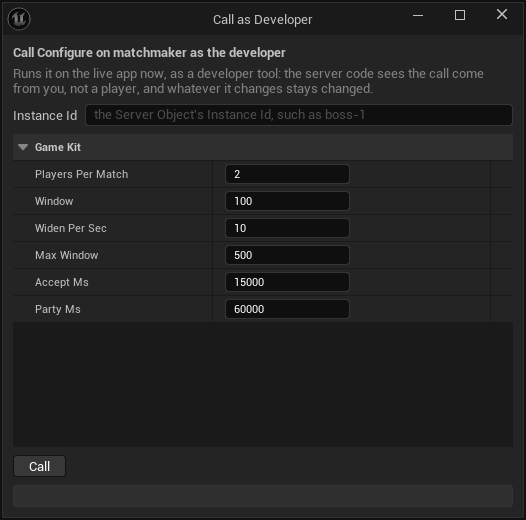
A player's **Grant**, **Record** and **Deposit** each take a `Ref`, up to 128 characters, that names that one change. The player's hub runs a change once per `Ref` and, for up to seven days (its last 4096 changes), answers a second call with the same `Ref` as it answered the first, giving nothing more and saying nothing about it. So give every grant its own `Ref`, such as `quest-reward:4211`, and reuse one only to send the same grant again after a lost answer. The `-key=` of a call to the player is the player's user id.
### Grant and deposit soft currency from Studio
On the [Server Compute](./deploy-with-server-compute.md) page, the **...** menu of the `player` row has **Grant soft currency...** and **Deposit soft currency...**. Each opens **Call as Developer** on that function, which runs it on the live app now. Fill **Player** with the player's user id, and the `Bundle`'s `Currency` and `Items` with the amounts, such as `gold` 100. The window says what it gives is in-game soft currency, never real money. Leave `Ref` empty: each press of **Call** makes a fresh one, such as `studio-grant-` and 32 hex digits, so each press gives again, and the answer shows the `Ref` it sent. To send a grant again after its answer was lost, copy that `Ref` into the field and press once more: the player's hub answers as it did the first time and gives nothing more.
From the command line, `-op=grant` and `-op=deposit` do the same:
```text
UnrealEditor-Cmd.exe Oakford.uproject -run=CrowdyServerCompute -op=grant -player=101910912345678 -bundle=@reward.json -xp=50 -yes
```
with `{"Currency": {"gold": 100}, "Items": {"wood": 5}}` in `reward.json`. Without `-ref=` a fresh `Ref` is made, which the result gives as `ref`.
Both refuse, before sending anything, a call that would give a player nothing they would see: a player id other than their user id as a game reads it ("007 is not a player's user id as a game reads it, ..."; a number above 0, no sign or leading zero), a grant or deposit with an empty bundle and no experience ("this gives the player nothing: fill the Bundle's Currency or Items, such as gold 100"), a `-bundle=` key other than `Items` and `Currency`, and an `-xp=` that is not a whole number. See [From the command line](./deploy-with-server-compute.md#from-the-command-line).
## Post a session's scores to a leaderboard
A leaderboard ranks scores that your server code decided, never scores a player sends, so a player's **Submit** comes back **Denied** with **Code** `forbidden`. The session starter posts for you: give it a board and, when a session finishes, it submits each player's score to that leaderboard.
1. Add the `leaderboard` starter, if the project does not have it.
2. In `CSO_Kit_Session`, under **Game Kit**, set **Config** to `{"board": "weekly-score"}`, with the board's name. The session's **Calls** already lists `leaderboard`, and Deploy sends that link while the project has the leaderboard.
3. Deploy.
From then on, every session that finishes, by reaching the target score, running out of rounds or losing too many players, submits each player's score once to the `weekly-score` board. A session sees its board as `Config.Board` in its variables. **Configure** leaves the board as the Config set it, so a host cannot send a session's scores elsewhere. To read the board, get `CSO_Kit_Leaderboard` with `weekly-score` as its Instance Id: its variables are the top of the board and the season, which **On Top Changed** follows, and **Call GetMyPlace**, **GetTop**, **GetAround** and **GetSeason** read more.
A board keeps each player's best score by default, higher ranking first. For other rules, call its **Configure** as the developer, for example `{"Keep": "Sum"}` for a total over the season, or `{"Order": "Low"}` for times. A project with a board in a Config and no leaderboard deploys with a warning: "session: its Config posts scores to the board weekly-score, but the project has no leaderboard, so they go nowhere; add the leaderboard starter". If the leaderboard is not deployed, a finished session's scores go nowhere; when the platform refuses the post, the session's server log says "a score did not reach board weekly-score: ...".
The session checks its Config as **Configure** checks its inputs: `min_players` at least 1 and at most `max_players`, `max_players` at most 64, `turn_ms` at least 1000, and every key of the right kind. A Config it refuses stops each of its sessions from starting, so test a new Config on one session before you rely on it.
## Find a match and take turns
The matchmaker tells a player nothing on its own: a player in a queue asks its **GetStatus** to learn they were proposed a match, accepts it, and asks again until they are matched. **Find Match** does all of that.
**In Blueprint**, add **Find Match** (Crowdy SDK, Game Kit). Its **Matchmaker** is the queue's Server Object: **Get Server Object** with `CSO_Kit_Matchmaker` and the queue's name, such as `ranked`, held by your Owner while the search runs. Set **Rating**, **Auto Accept** and **Timeout** (seconds; 0 waits for as long as it takes). Its pins:
- **Queued** runs when the player waits in the queue.
- **Proposed** runs when a match is proposed, and again when who has accepted it changes, with **Players** and **Accepted** (user ids).
- **Matched** runs once, with **Session Id**: get `CSO_Kit_Session` with it as the Instance Id, then **Call Join**, **Call Ready** and, as the host, **Call Start**.
- **Failed** runs once, with **Code** and **Reason**: the matchmaker's refusal (such as `full`), `cancelled`, `timeout`, `expired` (a proposed match this player did not accept in time) or `left` (the player left the queue another way).
With **Auto Accept** the node accepts each proposed match itself. Without it, call **Accept** on the node's **Search** pin from **Proposed**, for example after the player presses a button; **Cancel** on the same pin stops the search. A match that falls through after this player accepted, because another player declined or let it expire, is searched for again. Every ending but **Matched** leaves the queue, so nobody is proposed a match with a player who stopped looking. **Cancel** and the **Timeout** wait for a call already sent, and end with **Matched** if it made the match. A matchmaker that cannot reserve a session puts its players back in the queue, so a search with no Timeout then waits on.
[Blueprint snippet: kit-find-match, see /bp/unreal-sdk/kit-find-match.txt]
**Is My Turn** and **Get Turn Player** read the session's turn: give them the session's Server Object. **Is My Turn** is true while the session plays and it is the signed-in player's turn; **Get Turn Player** gives the user id whose turn it is, and is false, with **Player** 0, in the lobby, once the session finished, and before it is read. Call them from **On Turn Changed (CSO_Kit_Session)** and **On Phase Changed (CSO_Kit_Session)** to enable the player's controls: **Turn** reads 0 in the lobby and on the first turn alike, so it is the phase changing to **Playing** that starts the first turn. In a widget whose `SessionId` variable holds the **Session Id** from **Matched**, and whose Play button is named `PlayButton` with **Is Variable** ticked:
[Blueprint snippet: kit-session-turn, see /bp/unreal-sdk/kit-session-turn.txt]
From queue to result, every player of a match runs the same steps. The matchmaker matches two players by default (`players_per_match`), and each player's **Find Match** ends **Matched** with the same **Session Id**. Each player gets that session, calls **Join** and then **Ready**. The session's **Host** variable is the first player to join: compare it with **Get User ID** on the Crowdy Game Session, and only that player calls **Start**. **Start** is refused with `not_ready` until every player is ready, so the host calls it again when **Ready** changes. The other players wait for **Phase** to read **Playing**. Then each player calls **Act** only while **Is My Turn** is true; a move out of turn is refused with `not_your_turn`. A player who runs out of the session's `turn_ms` is skipped. When a player reaches `target_score`, or the rounds run out, **Phase** reads **Finished** with the **Winner**. If the session's Config names a `board`, every player's score is posted to that leaderboard exactly once, so a board that keeps a **Sum** grows by each session's score.
**In C++**, `CrowdyKit::FindMatch` in `CrowdyGameKitMatch.h` is the same search, with a function for each update:
```cpp
#include "CrowdyGameKitMatch.h"
UCrowdyServerObject* Queue = GetGameInstance()->GetSubsystem()->Acquire(KitMatchmaker, TEXT("ranked"), this, Error);
Search = CrowdyKit::FindMatch(Queue, 1000, /*bAutoAccept*/ true, /*TimeoutSeconds*/ 60.f, [this](const FCrowdyKitMatchProgress& Progress)
{
if (Progress.Stage == ECrowdyKitMatchStage::Matched)
{
JoinSession(Progress.Session);
}
UE_CLOG(Progress.Stage == ECrowdyKitMatchStage::Failed, LogTemp, Log, TEXT("No match: %s (%s)"), *Progress.Code.ToString(), *Progress.Reason);
});
```
`Search` is a `TSharedPtr`, whose `Accept()` and `Cancel()` match the node's and whose `IsOver()` says whether it ended; the search keeps itself going whether or not you hold it. `CrowdyKit::IsMyTurn(Session)` and `CrowdyKit::GetTurnPlayer(Session, Player)` read the turn. The Blueprint node is `UCrowdyFindMatchAction`, whose pins are `FCrowdyFindMatchUpdate` delegates, and the turn nodes are in `UCrowdyGameKitLibrary`.
## Trade between two players
Two players swap in-game soft currency and items through a market; it is game state, never real money. The market moves nothing until both players accepted both offers, and until then what each player offers waits, held, in their own `player` hub.
1. Both players get `CSO_Kit_Market` with the same market name, such as `town`, and their own `CSO_Kit_Player` with an empty Instance Id, whose **Wallet** and **Inventory** they watch.
2. One player calls **OpenTrade** with the other player's user id as **With**. Its answer's **Trade** is the trade's id. The other player's **Trades** shows the trade a moment later, so **On Trades Changed (CSO_Kit_Market)** is where that player learns of it and reads its **Id**.
3. Each player calls **Offer** with the **Trade** and a **Bundle**, such as **Currency** `gold` 5. What they offer moves to their wallet's **Held** at once. A new offer from either player takes back both acceptances, so a player accepts only once the other's offer, in **Trades**, is what they agreed to.
4. Each player calls **AcceptTrade**. The first answer's **State** is **Open**; the second's is **Settling**, and the market moves each offer to the other player. Once it is **Done** the trade leaves both players' **Trades**, and each **On Wallet Changed (CSO_Kit_Player)** brings the new balances.
**DeclineTrade** calls a trade off, and so does the market when the trade is still open after its `trade_ms` (five minutes by default); either way each offer goes back to the player who made it. A player can offer only what their wallet and inventory hold; **Offer** is refused otherwise. A player is in at most 10 open or settling trades, the market's `trades_max`, so nobody can fill another player's **Trades**: past that, **OpenTrade** is refused with `limit`, whichever of the two players is full. Set another number in `CSO_Kit_Market`'s **Config**, such as `{"trades_max": 3}`. Two players have at most one open trade with each other: **OpenTrade** while one is open answers that trade's id. A trade that is done or called off is gone, so a later **Offer**, **AcceptTrade** or **DeclineTrade** on it is refused `not_found`.
## Run a game mode on a starter
`minigame`, `tactics`, `director`, `instance`, `territory` and `zone` each run one kind of match. Each keeps one hub per Instance Id, which is any name you choose: a table, a battle, a map, a run. Get it as any Server Object, with **Get Server Object** and the starter's definition, and the Instance Id of the match; the players of one match all get the same one. Every player id in their variables is a user id. A match is read from its variables, which everyone in it sees, and changed with the functions below; the hub decides what a move does, and a refusal comes back with the **Code** named under each. The `deck` is a card table and has [its own section](#play-a-card-game-with-a-hidden-hand) after these, since it also keeps a value only its player reads. The `arena` is a real-time fight and has [its own section](#fight-in-an-arena) at the end, since a player's client also [reports where the player is](#report-where-the-player-is).
Two of them keep a board, `tactics` and `director`, and a board keeps its server's x and z axes: a cell is **X** and **Z** (`FCrowdyKitGridCell`), and z is not height. `territory` and `zone` are the world: z is up, as in Unreal, the ground is x and y, and positions are in chunks of 1600 units, as for the [npcs](#the-npcs-starters-area). Their definitions have [Reads World Data](./access-members-and-timers.md) on, since their hubs read where players are in the world: a client never says it stands on a point or inside the circle. A player's position is the chunk the platform tracks, to one chunk, and never the actor state the player's own client writes, so a client cannot place itself inside the circle or on a point.
### Duel two players
In Oakford's tavern, two villagers play rock, paper, scissors at the table `tavern-1`.
- **Join** seats a player. The second to sit starts the match, and its answer's `bStarted` says so. A third player is refused `full`. **Leave** stands up before the match starts or once it is over, and is refused `started` while it is under way. A caller who is not seated is refused `not_member` in every phase, and nothing changes.
- **Throw** takes a **Hand**: `rock`, `paper` or `scissors`. Nobody sees a throw before both are in, or the round's time runs out: `Seats` says only whether each player has thrown (`bThrown`). Then `Last` holds the round's `Hands` in seat order, with empty text for a throw that was not in time, and its `Winner`, a user id, or 0 for a draw. A player who does not throw in time loses the round. Another hand is refused `bad_request`.
- The first to win a majority of `BestOf` rounds (3 by default) wins: `Phase` reads **Finished** and `Winner` is the user id. **Rematch** plays again at the same table once it is over, and is refused `conflict` before.
- `Deadline` is when the round closes, in Unix milliseconds, and 0 while no round waits on throws. A rematch times out its round too, also when the match is a best of 1, which the platform's own `minigame` does not.
### Fight a grid battle
- **Join** brings a player's unit, up to 4 players. The first to join is the `Host`, and only the host calls **Start**; anyone else is refused `forbidden`. The enemies take the far side.
- In the players' phase every unit may **Move** once, to an **X** and **Z** it can reach within its `Moves` and around obstacles and other units, and **Attack** once, with the **Target** unit's `Id` within its `Range`. **EndTurn** hands over early. A call out of turn is refused `not_your_turn`, a second move or attack `conflict`, and a cell or target too far `out_of_reach`.
- When every player has ended their turn, or `PhaseEnds` passes, the hub's enemies move and strike, and `Round` goes up. `Phase` reads **Won** or **Lost** when a side has no unit standing. `Log` keeps the last 24 lines of what moved and hit.
### Defend against waves
- **Join** takes up to 8 players. The first to join, or a developer, calls **Start**; anyone else is refused `forbidden`.
- Enemies walk one lane from `Spawn` to `Base`, and an enemy that arrives takes from `BaseHp`. **Build** puts a tower on a free cell with **X** and **Z**, for gold; its answer is the `Gold` left. A cell that is taken is refused `conflict`, a cell off the field `bad_request`, too little gold `insufficient`, and a tower that would close the lane `blocks_lane`. **Hit** strikes the enemy with the **Enemy** id for its `Hp` left, and a player may strike again only after the Config's cooldown, or is refused `cooldown`. A hit still answers with the enemy's health at once.
- While an encounter runs, the hub publishes only events on a hit or a build; the next tick, at most 500 ms later, carries the snapshot.
- `Wave` is the wave under way, `Waves` how many there are, and `NextWaveAt` when the next one starts. The last wave brings a boss, and `BossPhase` reads 0 to 3 as it weakens. `Enemies` and `Towers` are what is on the field, and `Kills` counts each player's kills.
- Its events arrive as one message, **EncounterEvent**, described in [React to a director's waves](#react-to-a-directors-waves).
### Send a party down a dungeon
- **Open** starts the run for the player calling, who becomes its `Owner`; opening it again is refused `started`. **Invite** adds a player, which only the owner does, and the invited player calls **Join** (a player who was not invited is refused `forbidden`). A developer's **Open** may name the whole party in **Party**.
- **Enter** resolves the room the party is at: a fight, a treasure, a rest or the boss. The hub rolls a fight from the party's strength, so `Rooms` shows each room's `Kind` and `bDone`, `Members` each member's `Hp`, and `Log` what happened. A member who is down is refused `forbidden`, and **Enter** on a cleared floor `conflict`. The owner calls **Descend** when the floor's rooms are done, refused `not_ready` before. **Abandon** ends the run, by the owner or a developer.
- The run ends **Cleared** when the party clears the last floor, **Wiped** when nobody is standing, **Abandoned**, or **Expired** when nobody touched it for the Config's `idle_ms`. A call to a run that is over is refused `finished`, and to one nobody opened `not_ready`.
- **Seed** decides the floors: the same seed makes the same dungeon. It is 0 to 2^63-1, so it fits an `int64` exactly, and a larger one is refused `bad_request`. In **Open**, **Has Seed** decides whether the **Seed** is sent: with it set the run uses your seed, and with it unset the hub draws one. Either way the answer's `Seed` is the one the run uses. The seed is in `Seed` for everyone in the run, so it gives away the whole dungeon.
- With a board in its Config, such as `{"board": "oakford-deepest"}`, a run that is cleared or wiped posts each member's depth, the floors reached and rooms done as one score, to that leaderboard, once. Add the `leaderboard` starter for it, as for [a session's scores](#post-a-sessions-scores-to-a-leaderboard); when the post fails, the run's server log says "the run's depth did not reach board ...". With a `volume` in its Config, `Grid` is the id of the grid of the world reserved for the run, and 0 without one.
### Fight over control points
- **Join** takes a **Faction**, one of the Config's `factions` such as `red`, once: a player keeps theirs, and a different one is refused `conflict`. A faction that is not in the Config is refused `bad_request`, and a war with all the members it takes `full`. Faction names must differ by more than case.
- A faction captures a point by having more members standing on it than any other faction has. Each `Points` entry has its `Owner`, the faction `Capturing` and its `Progress` from 0 to 1, and `Present`, how many of each faction stood on it at the last scan. A point sits at ground x and y with a height z in the Config, in chunks; players within one chunk of its height count.
- Points pay income to the faction that holds them; `Scores` and `Members` count by faction. The first faction to the Config's `win_score` wins: `Phase` reads **Won** and `Winner` is the faction.
- **Reset**, for a developer, starts a new war.
### Shrink a circle
- **Join** takes players, and the first to join, or a developer, calls **Start**; anyone else is refused `forbidden`. A match takes two (`not_ready`), and a full or running match refuses a join (`full`, `started`).
- The circle holds, then shrinks phase by phase to the radii of the Config's `phases`. `Center` is its ground x and y, `Radius` what it is now, and `NextRadius` what it shrinks to in the phase `Stage`. Every player outside it loses health, and `Players` shows each one's `Hp`, whether they are `bOutside` at the last scan, and their `Place` once they fall, with the winner at 1. `Alive` counts those standing, and `Winner` is the last one.
- Players more than one chunk above or below the circle's height, or more than 10 chunks from its centre on either ground axis, count as outside, so the first circle's radius is at most 10 chunks. Each scan makes more world reads than the platform's `zone` does: 21 at the default radius of 10, fewer as the circle shrinks, and 1 at the end. A scan that cannot read the world carries its damage over to the next good scan, up to 5 scan periods' worth.
- The circle is scanned every 2 seconds by default (it was every second), which halves its world reads. Damage scales with the time a player spends outside, so a second outside costs the same as before. Set `scan_ms` in the Config, at least 250, to scan faster.
- Its events arrive as one message, **ZoneEvent**, in the same way. The realtime ZoneChange event carries `centerZ` beside `centerY`, both the ground value.
The `territory` and `zone` of the platform keep y up. The SDK's keep z up, so a war or a match the platform's starter saved starts again.
### Play a card game with a hidden hand
In Oakford's tavern, two to six villagers play crazy eights at the table `tavern-2`: match the top card's suit or rank, an eight is wild and names the next suit, draw when you cannot play, and the first to empty their hand wins the points left in the others'. Add `deck`, deploy, and have the players at the table get `CSO_Kit_Deck` with the Instance Id `tavern-2`. A table is one game: when it is over, open a new Instance Id for the next one.
- **Join** seats a player, up to six; a seventh is refused `full`, and a table that has started refuses a new player `started`. **Leave** stands up. During a game the leaver's cards go to the bottom of the deck, and when only one player is left that player wins. Someone else leaving keeps the current player's clock and their one draw; the last seat leaving on its own turn hands the turn to the first seat. The platform's own `deck` resets the clock and the draw instead, and hands the turn back a seat. **Start** deals five cards to each player and turns the first card up. Only the host, the first to join, calls it, and anyone else is refused `forbidden`; with fewer than two players it is refused `too_few_players`.
- **Play** takes the **Card**, which is a card's `Id`, and, for an eight, the suit it names: set **Suit** and **Has Suit**. An eight with **Has Suit** unset is refused `bad_request`. A card that is not in the hand is refused `not_found`, one that does not go on the top card `not_playable`, and any move out of turn `not_your_turn`. Its answer is **Playing**, false when that card emptied the hand and ended the game.
- **Draw** takes one card, once a turn, and its answer is the new hand (`FCrowdyKitDeckHand`). A second draw is refused `conflict`, and `empty` when no cards are left. **Pass** ends a turn after drawing, and is refused `conflict` before.
- A turn lasts 30 seconds. A player who runs out of time draws, if they had not, and passes; `Last.Action` reads **Timeout**.
- **GetState** answers the table, and **GetHand** the caller's own hand, which the object reads for you.
The table's variables are public, and never show a card in anyone's hand:
- `Phase` reads **Lobby**, **Playing** or **Finished**. `Players` are the user ids in seat order, `Host` the first to join, `Turn` the player whose turn it is and `TurnEnds` when it runs out, in Unix milliseconds; `Turn` and `TurnEnds` read 0 outside **Playing**.
- `HandCounts` says how many cards each player holds, by user id, `DrawCount` how many are left to draw, and `Top` the card on the table.
- `Suit` is the suit in play, which an eight changes. It has **Has Suit** beside it, false in the lobby, as for [a value that may be none](#read-a-value-that-may-be-none).
- `Last` is the last move (`FCrowdyKitDeckPlayed`): its `Player`, its `Card` (empty for a draw, a pass or a timeout) and its `Action`, **Play**, **Draw**, **Pass** or **Timeout**. `Player` reads 0 before the first move.
- `Winner` is the user id of the first to empty their hand, and `Scores` holds each player's points: the winner is given what the others' hands are worth, eights 50, tens and faces 10, aces 1 and any other card its number.
The `Hand` is the [value only this player reads](#values-only-the-player-reads). It holds `Cards`, every card in the signed-in player's hand, `Playable`, and `bDrawn`, whether they have drawn this turn. Nobody else's cards reach the game, and a player who is not seated reads an empty hand. The object reads it after every read of the table, and again when the table says it changed for the signed-in player: after they play or draw, and also when their turn begins and when it ends, so `Playable` is always the server's own list of the cards that may go now, and it is empty when it is not their turn. Use it for the controls and do not work the rule out in the game. Right after a turn moves, **On Turn Changed** can run before the new `Hand` arrives, and when no card in the hand can go, the `Hand` does not change at all as the turn begins, so **On Hand Changed** does not run then: refresh the controls from both.
A card (`FCrowdyKitCard`) is its `Id`, the text **Play** takes, a `Rank`, 1 for an ace up to 13 for a king, with the jack 11 and the queen 12, and a `Suit`, **Spades**, **Hearts**, **Diamonds** or **Clubs**. A Blueprint can **Switch on ECrowdyKitCardSuit** and pick a card's art from its rank and suit, without reading the text. A card that is none, such as `Top` in the lobby, has an empty `Id`.
**In Blueprint**, in the tavern table's widget:
1. Add **On Hand Changed (CSO_Kit_Deck)** and wire **Construct** into its **Bind**, with the Server Object from **Get Server Object** as its **Target**. From **Changed**, add **Get Hand** and show a card for each of its **Cards** with **For Each Loop**, using **Break Crowdy Kit Card** and a **Switch on ECrowdyKitCardSuit** to choose its art.
2. Add **On Turn Changed (CSO_Kit_Deck)** bound the same way, and from both events call one function that enables the buttons: **Play** only for a card that is in the hand's **Playable**, and **Draw** while it is this player's turn and **bDrawn** is false. **Pass** is for **bDrawn** true. The table's **Turn** is a user id, so compare it with **Get User ID** on the Crowdy Game Session.
3. On the button, add **Call Play (CSO_Kit_Deck)** with **Card** set to the card's **Id**. For an eight, set **Suit** to the suit the player picked and tick **Has Suit**. **Call Draw**, **Call Pass**, **Call Join**, **Call Start** and **Call Leave** are the other buttons. Under **On Failed**, **Code** says why, such as `not_playable`.
[Blueprint snippet: kit-deck-play, see /bp/unreal-sdk/kit-deck-play.txt]
**In C++**, with `KitDeck` a `UPROPERTY` holding `CSO_Kit_Deck`, the villager's table plays the first card the server says may go:
```cpp
#include "CrowdyGameKitTypes.h"
#include "CrowdyServerObjectSubsystem.h"
FString Error;
Table = GetGameInstance()->GetSubsystem()->Acquire(KitDeck, TEXT("tavern-2"), this, Error);
Table->WatchValues(FOnCrowdyServerValuesChanged::FDelegate::CreateWeakLambda(this, [this](UCrowdyServerObject* Object, TConstArrayView Fields)
{
if (Fields.Contains(TEXT("hand")) || Fields.Contains(TEXT("turn")))
{
PlayFirstPlayable();
}
}));
```
```cpp
void ATavernTable::PlayFirstPlayable()
{
const FCrowdyKitDeckState* State = Table->GetState().GetPtr();
if (!State || State->Phase != ECrowdyKitDeckPhase::Playing || State->Turn != Table->GetSignedInUserId() || State->Hand.Playable.IsEmpty())
{
return;
}
const FCrowdyKitCard& Card = State->Hand.Playable[0];
FCrowdyKitDeckPlayInputs Inputs;
Inputs.Card = Card.Id;
Inputs.Suit = ECrowdyKitCardSuit::Hearts;
Inputs.bHasSuit = Card.Rank == 8;
Table->Call(TEXT("Play"), FInstancedStruct::Make(Inputs), [](const FCrowdyServerCallResult& Result)
{
UE_CLOG(!Result.IsSuccess(), LogTemp, Log, TEXT("Not played: %s (%s)"), *Result.Code.ToString(), *Result.Reason);
});
}
```
**Draw** and **Pass** are `Table->Call(TEXT("Draw"), FInstancedStruct())` and `Table->Call(TEXT("Pass"), FInstancedStruct())`. A draw's `Result.Reply` holds the new `FCrowdyKitDeckHand`, and the table's `Hand` changes with it.
To play another game, replace `playable` and `card_points` in the crate's `Server/deck/src/lib.rs`: `playable` says which cards may go on the top card, and `card_points` what a card left in a hand is worth. Keep the function names and the `table` topic as they are, as for [any starter](#change-a-starter). The platform's [Card tables](/game-kit/modules/tables) page has the rest of the starter.
**Add starter** gives the deck's **Config** a random `secret`, such as `{"secret": "6f1c..."}`, and the hub mixes it into every shuffle. Everything else a deal is seeded from, the table's name, the time and the epoch, is something a player can see, so without the secret a modified game could work out every hand. Keep it when you edit the Config, and give the deck one of your own if you add it with a Config of yours. The **Config** stays in the editor and is never cooked into the game. The player starter's loot rolls use a `secret` the same way, and **Add starter** writes one for it too. If a Config of yours leaves the `secret` out, Deploy warns about it for the `deck` and the `player`; a `secret` that is not a string is a problem that blocks Deploy.
### Read a value that may be none
Blueprint cannot leave a value out, so where a variable may be none, the struct has a **Has** flag beside it, and the value means nothing while the flag is false.
- An index that may be none has a flag. In the director's state, **Wave** is valid only while **Has Wave** is true, which is false before the first wave starts and after the last. In the zone's, **Stage** is valid only while **Has Stage** is true, which is false until the first warning. In C++ these are `bHasWave` and `bHasStage`. A flag changes with its value, so it has a **Get** node and no **On Changed** of its own: **On Wave Changed (CSO_Kit_Director)** runs when either changes, and **Get bHasWave (CSO_Kit_Director)** reads the flag there.
- For an input, the flag decides whether the value is sent. **Open** on the instance sends **Seed** only when **Has Seed** is set; with it unset the hub draws a seed and the **Seed** you set is ignored.
- Anything else that is never 0 reads 0 for none: a user id such as `Winner` or `Host`. A time reads 0 when nothing is waiting, such as `Deadline` and `NextWaveAt`, and text reads empty, such as a point's `Owner`.
In C++, with `Gate` acquired as [below](#react-to-a-directors-waves) does:
```cpp
const FCrowdyKitDirectorState* State = Gate->GetState().GetPtr();
if (State && State->bHasWave)
{
WaveText->SetText(FText::Format(INVTEXT("Wave {0} of {1}"), State->Wave + 1, State->Waves));
}
```
### React to a director's waves
`director`, `territory` and `zone` send their events as a single message each, **EncounterEvent**, **TerritoryEvent** and **ZoneEvent**, rather than a message for each kind of event. Its `Type` says which event it is, and its other fields carry what that event has: only the fields of its `Type` are filled, and the rest read 0 or empty. `Type` has a flag beside it, **Has Type** (`bHasType`): it is false when this client does not know the event's type, as when the server is newer than the game, and then you ignore the event. An event arrives just before the snapshot that shows its effect, so read the event's own fields; the State catches up on the next snapshot. The territory's `Type` is **Captured**, **Income** or **Won**; the zone's is **Warning**, **Shrinking**, **Settled**, **Final**, **Eliminated** or **Won**; the director's is **Wave Started**, **Wave Cleared**, **Boss Phase**, **Won** or **Lost**. A message is an event and not a value, so read the variables for what is true now; see [Hear its messages](./from-blueprint/hear-server-messages.md).
Oakford's village gate is attacked in waves. Add `director`, deploy, and have the gate's players get `CSO_Kit_Director` with the Instance Id `gate-defense`. The gate rings its bell for each wave and shows the boss's phase.
**In Blueprint**, in the gate's event graph:
1. Add **On EncounterEvent Received (CSO_Kit_Director)** and wire **Event BeginPlay** into its **Bind**, with the Server Object from **Get Server Object** as its **Target**, or the actor's **Crowdy Server Object** component.
2. From **Received**, add a **Branch** on **Has Type**, and from its true pin a **Switch on ECrowdyKitDirectorEventType** wired to the **Type** pin.
3. On **Wave Started**, ring the bell and show **Wave** plus 1, since it counts from 0. On **Boss Phase**, show **Phase**, 1 to 3. On **Won** and **Lost**, show the result. **Wave Cleared** needs nothing here: the last wave's end is **Won**, not **Wave Cleared**.
Here the gate's **Crowdy Server Object** component holds `CSO_Kit_Director`, so the node's **Target** is left empty:
[Blueprint snippet: kit-director-event, see /bp/unreal-sdk/kit-director-event.txt]
**In C++**, with `KitDirector` a `UPROPERTY` holding `CSO_Kit_Director`:
```cpp
#include "CrowdyGameKitTypes.h"
#include "CrowdyServerObjectSubsystem.h"
FString Error;
UCrowdyServerObject* Gate = GetGameInstance()->GetSubsystem()->Acquire(KitDirector, TEXT("gate-defense"), this, Error);
if (!Gate)
{
return;
}
Gate->WatchMessage(TEXT("EncounterEvent"), FOnCrowdyServerMessage::FDelegate::CreateWeakLambda(this, [this](UCrowdyServerObject* Object, FName Message, const FInstancedStruct& Payload)
{
const FCrowdyKitDirectorEvent* Event = Payload.GetPtr();
if (!Event || !Event->bHasType)
{
return;
}
switch (Event->Type)
{
case ECrowdyKitDirectorEventType::WaveStarted:
Bell->Play();
UE_LOG(LogTemp, Log, TEXT("Wave %d is coming"), Event->Wave + 1);
break;
case ECrowdyKitDirectorEventType::BossPhase:
UE_LOG(LogTemp, Log, TEXT("The boss weakens: phase %d"), Event->Phase);
break;
case ECrowdyKitDirectorEventType::Won:
case ECrowdyKitDirectorEventType::Lost:
ShowResult(Event->Type == ECrowdyKitDirectorEventType::Won);
break;
default:
break;
}
}));
```
The territory and zone work the same way with `FCrowdyKitTerritoryEvent` and `FCrowdyKitZoneEvent`: on a zone's **Warning**, `Phase`, `ToRadius` and `ShrinksAt` say how and when the circle will shrink, and on **Eliminated**, `Player` and `Place` say who fell and where they placed.
### Report where the player is
Some starters decide what a player may do from where the player is: the `arena`, the `race` and the `ball`. Their definitions say so in the **Game Kit** category: **Position Function** names the Server Function that takes the position (`Move` on each of the three), and **Position Reports Per Second**, from 1 to 10 and 5 by default, says how often to send it. A definition is marked as a problem when the function is not there, is **Send Once**, takes inputs without `X` and `Y` doubles, or answers something other than nothing or a struct with `X` and `Y`. A starter with no Position Function reports nothing.
You do not call that function. The **Crowdy Server Object** component on the player's pawn holding such a starter sends it for you, from the moment the Server Object is **Ready**:
- **Position Report** (`PositionReport`, an `ECrowdyPositionReport`) says who is reported. **Player Pawn**, the default, reports only when the owner is a pawn this game's player controls, so an AI-controlled pawn, or an actor such as a scoreboard that holds the arena, never reports. **This Actor** reports any owner, for an actor that stands in for the player, such as a vehicle or a camera rig. **Off** turns the reports off.
- **Snap To Kept Position** (`bSnapToKeptPosition`, on by default) corrects the owner when the server kept another place than the one reported. It moves the owner by the server's correction, the place the server kept minus the place that was sent, from where the owner is now, so movement made while the answer was on its way is kept.
- **On Position Kept** (`OnPositionKept`, an `FOnCrowdyPositionKept`) runs when the server kept another place, with the **Location** the owner was moved to, in Unreal units, at the owner's own height. It runs after the owner was moved when Snap To Kept Position is on, so a stumble effect or a camera nudge belongs there.
- In C++, `ReportsPosition()` on a definition (`UCrowdyServerObjectDefinition`) says whether it has a Position Function, so whether its components report at all.
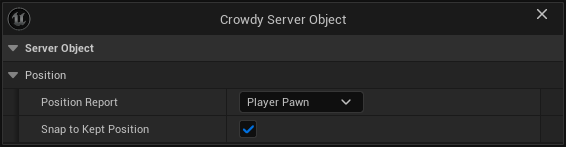
When several components hold the same Server Object, one of them reports; another takes over when it leaves.
How it reports:
- **Positions are world metres.** The report's **X** and **Y** are the owner's location in Unreal units over 100: a pawn at 20000, 12000 reports 200, 120. Only the ground is sent. Height stays the owner's own, also after a snap.
- **One report is in flight at a time, and the newest wins.** When the last report has not been answered by the time the next is due, that one is skipped, so a slow moment never leaves a queue of old places in front of the new one or in front of the starter's other calls. A player who stands still, moved by less than a centimetre, is reported once a second.
- **A refusal holds the reports.** When the hub refuses a report, because the player is not a fighter yet, the fight is not running, the fighter is down or was removed, the component sends no more for at least 1 second, and after that until the object's State changes, and at most 5 seconds. When the report did not reach the server, it waits 1 second. Reports stop when the object is released or the player leaves, and start again when it is **Ready** again.
- **With Player Pawn, only a pawn this game controls is reported.** A pawn another player drives never is: that player's own game reports it.
- **A paused game keeps reporting.** The reports run on real time, not game time, so a player who opens a pause menu in the middle of an arena fight is not benched as idle.
- **The call budget.** The Game Kit's client keeps its calls under 100 every 10 seconds. At 5 reports a second the component uses half of that, which leaves the rest for **Cast**, **Join** and the other calls; lower the rate in the definition if your game casts a lot.
Snapping is what keeps a player honest and in the fight. The hub keeps what the player's class allows: it cuts a move that is too fast to the farthest place the class's speed reaches, keeps a fighter where they were after a jump of the Config's `teleport` metres or more, and answers with the place it kept. When that place is more than 5 centimetres from the one reported, the component teleports the owner by the difference. Without that the pawn would stay ahead of its fighter and every report would be cut again. A jump of `teleport` metres or more, and a cut of more than 1 metre, each count as a strike against the player. Strikes clear only after 10 seconds without one, and `remove_after_strikes` of them (8 by default) remove the fighter for the rest of the fight. Turn **Snap To Kept Position** off only if you move the owner yourself from **On Position Kept**.
The `territory` and `zone` starters do not use reports: they read where players are from the world, as [above](#run-a-game-mode-on-a-starter) says.
**In Blueprint**, there is nothing to wire: add a **Crowdy Server Object** component to the pawn, give it `CSO_Kit_Arena` and the arena's Instance Id, and leave **Position Report** on **Player Pawn** and **Snap To Kept Position** on. Until the player has **Join**ed, the hub refuses the reports, and the component holds them for at least a second and then until the State changes, or 5 seconds at most. To react to a snap, select the component and add **On Position Kept** from its Events.
**In C++**, the component's event is a dynamic delegate:
```cpp
#include "CrowdyServerObjectComponent.h"
UCrowdyServerObjectComponent* Reporter = FindComponentByClass();
if (Reporter)
{
Reporter->OnPositionKept.AddDynamic(this, &AYardPawn::HandlePositionKept);
}
```
```cpp
void AYardPawn::HandlePositionKept(FVector Location)
{
PlayStumbleEffect(Location);
}
```
### Fight in an arena
In Oakford's practice yard, villagers fight in the arena `yard-1`. Add `arena`, deploy, and have the fighters get `CSO_Kit_Arena` with the Instance Id `yard-1`. There is one fight for each Instance Id, so a second yard is a second name.
The arena is a rectangle of the world. In `CSO_Kit_Arena`'s **Game Kit** category, **Config** places it: `origin` is its corner in world metres, `width` runs along X from there and `depth` along Y, 40 each by default. The yard is a 40 by 40 metre square at 200, 120, so its Config is `{"origin": [200, 120]}`. The hub keeps fighters inside the rectangle, so build the yard's floor to match, and change the level and the Config together. A fight that is already under way keeps the Config it started with. The other keys, each with the default it keeps when the Config leaves it out:
- `spawns`, offsets from the origin in metres where the fighters stand when the fight starts (the four corners, 5 metres in), and `classes`, the classes and their abilities (`warrior` with `strike` and `slam`, `mage` with `bolt` and `ignite`).
- `players_max` (10), `kill_target` (10), `duration_ms` (300000, five minutes) and `respawn_ms` (3000).
- `teleport` (12), the metres a reported move may jump at once, and `remove_after_strikes` (8), the strikes that remove a fighter for the rest of the fight. A strike is a jump of `teleport` metres or more, or a speed cut of more than 1 metre, and strikes clear only after 10 seconds without one.
- `idle_ms` (15000), how long a running, standing fighter may go without a report before they are benched; 0 never does. A paused game keeps reporting, so a pause menu does not bench a fighter.
- `realtime` (false) and `height` (0): with `realtime` on, casts, impacts and the hub's movement flags are also sent on the realtime channel to the players around the arena's centre, at `height` metres.
The functions:
- **Join** takes a **Hero Class**, `warrior` or `mage`. Another class is refused `bad_request`, a full arena `full`, and a different class once the fight is running `started`. A player may join a fight that is already running.
- **Start** is called by the first to join, or a developer; anyone else is refused `forbidden`, and one fighter is refused `not_ready`. It puts every fighter at a spawn point. A player's next report, if it comes from farther than the player could have moved, is answered with the spawn point, a success and not a refusal, and the component moves the player there; a player already nearer stays where they are.
- **Cast** takes an **Ability**, such as `strike`, and an aim **X** and **Y** in world metres, not Unreal units. A `strike` or `ignite` lands at once on the fighter nearest the aim, within 1.5 metres of it, and the answer's `bHit` says whether it hit someone; `bolt` flies on from the caster, and `slam` goes off at the aim after a short delay, so their answer is false and the hits arrive in the State and the events. A cast is refused `cooldown`, `insufficient` (the class's resource), `out_of_reach` (the aim is farther than the ability reaches), `not_found` (the class has no such ability), `conflict` while the fighter is down, `not_ready` before the fight runs and `not_member` before **Join**.
- **Leave** stands the player down. **Move** is the position function the component calls for you. **GetState** answers the State.
The State, which everyone in the fight sees:
- `Phase` reads **Waiting**, **Running** or **Finished**. `Origin`, `Width` and `Depth` are the Config's, so a client can draw the yard.
- `Fighters` has an `FCrowdyKitArenaFighter` each: `Player`, `HeroClass`, `X` and `Y` in world metres, `Hp` and `MaxHp`, `Resource`, `Statuses` (such as `burning`), `Kills`, `Deaths` and `bDown`. To place an actor at a fighter, multiply `X` and `Y` by 100.
- `Projectiles` are the shots in the air (`Ability`, `Caster`, `X`, `Y`), and `Areas` the blasts waiting to go off (`Ability`, `Caster`, `X`, `Y`, `Radius` and `At`, in Unix milliseconds).
- `KillTarget` is the kills that win. `EndsAt` is when the time runs out, in Unix milliseconds, and 0 outside **Running**. `Winner` is a user id, and 0 until the fight is won, and when the time ran out with the most kills tied.
A fighter whose health runs out is down (`bDown`) for `respawn_ms`, and cannot cast or move meanwhile. Then they come back at their spawn point with full health and no statuses, and a burn that kills credits whoever set it. The first to `KillTarget` wins, or the most kills when `EndsAt` passes.
The events arrive as one message, **ArenaEvent**, heard as the director's is: its `Type` says which event it is, with **Has Type** false for a type this client does not know, and only the fields of that `Type` are filled. **Cast** has `Ability`, `Caster`, `X` and `Y`; **Impact** `Ability`, `Caster`, `Victim` and `Damage`; **Kill** `Killer` and `Victim`; **Respawn** `Player`; **Violation** `Player`, `What` and `Detail`, for a move the hub cut or held back; **Removed** `Player` and `Why`, `movement` or `idle`; and **Finished** `Winner`. An event arrives just before the snapshot that shows its effect.
Where the SDK's copy differs from the platform's [Arenas](/game-kit/modules/arenas):
- **Positions are world metres, z up.** The platform's keep x and z on the ground inside `(0, 0)` to `(width, depth)`, and place an arena in the world with an `anchor` chunk. The SDK's `Move`, `Cast`, State and events are in the world's own metres, ground X and Y, and the arena sits where `origin` says.
- **A NaN or infinite aim or move is refused `bad_request`,** and spends nothing, not even the cooldown.
- **Leaving and joining again keeps your record.** A fighter who leaves while the fight runs is set aside with their class, health, kills, deaths, cooldowns, resource and respawn, and **Join** brings them back as they were. A fighter removed for movement is set aside as removed: their **Join** is refused `forbidden` until the next **Start**.
- **The movement check is a travel budget, and its slack does not grow with the report rate.** The platform's allows half a metre more on every report, so a client that reports often could move about twice as fast as its class. The SDK's holds a sustained speed to 1.25 times the class's speed whatever the rate. A late report's unused allowance covers the next one, and that banking stops at about a second of travel, so a player on a slow connection, whose reports arrive further apart, is not cut short. Only a cut of more than 1 metre counts against a player toward being removed.
- **The hub's own placements never count against a player.** Join, start, a respawn and a rejoin put the fighter somewhere. A report after one from farther than the player could have moved is answered with the placed point, a success and not a refusal, and the component moves the player there; a nearer player stays where they are. A player pressing against the arena's edge is clamped to it without a strike.
- **A fighter who leaves stays a target for `respawn_ms`** for projectiles, areas and burns, at the spot they left, and then is not; a fighter benched as idle is never a target. An instant ability, such as `strike`, also needs its target within the ability's range of the caster, not only of the aim. At most four times `players_max` set-aside records are kept.
- **An idle fighter is benched.** A running, standing fighter with no report for `idle_ms` is set aside with a **Removed** event whose `Why` is `idle`, and rejoins as they were. The platform's keeps them.
- **`Resource` is current.** The State shows a fighter's resource with its regeneration up to now. The platform's shows the value from their last cast.
**In Blueprint**, in the yard pawn's event graph, with the **Crowdy Server Object** component holding `CSO_Kit_Arena` and `yard-1`:
1. On the join button, add **Call Join (CSO_Kit_Arena)** with **Hero Class** set to `warrior`. The first player to join then presses another button wired to **Call Start**.
2. On a click in the yard, add **Call Cast (CSO_Kit_Arena)** with **Ability** `strike` and the clicked point's X and Y divided by 100 into **X** and **Y**. Under **On Failed**, **Code** says why, such as `cooldown`.
3. Add **On ArenaEvent Received (CSO_Kit_Arena)** and wire **Event BeginPlay** into its **Bind**, with the component as its **Target**. From **Received**, add a **Branch** on **Has Type**, and a **Switch on ECrowdyKitArenaEventType** on its true pin. On **Kill**, show **Killer** and **Victim**; on **Finished**, show **Winner**.
4. To draw the fighters, add **On Fighters Changed (CSO_Kit_Arena)** on the same object and place an actor at each fighter's **X** and **Y** times 100.
**In C++**, with `Arena` the acquired `CSO_Kit_Arena` (`Acquire(KitArena, TEXT("yard-1"), this, Error)`), the pawn strikes the nearest fighter that is standing. Acquiring the arena this way does not report the pawn's place: the pawn still needs the **Crowdy Server Object** component holding `CSO_Kit_Arena` to report, or the game must call **Move** itself. Otherwise the fighter never moves on the hub and is benched as idle after `idle_ms`.
```cpp
void AYardPawn::StrikeNearest()
{
const FCrowdyKitArenaState* State = Arena->GetState().GetPtr();
if (!State || State->Phase != ECrowdyKitArenaPhase::Running)
{
return;
}
const FVector2D Me(GetActorLocation().X / 100.0, GetActorLocation().Y / 100.0);
const FCrowdyKitArenaFighter* Nearest = nullptr;
double NearestDistance = TNumericLimits::Max();
for (const FCrowdyKitArenaFighter& Fighter : State->Fighters)
{
const double Distance = FVector2D::Distance(Me, FVector2D(Fighter.X, Fighter.Y));
if (Fighter.Player == Arena->GetSignedInUserId() || Fighter.bDown || Distance >= NearestDistance)
{
continue;
}
Nearest = &Fighter;
NearestDistance = Distance;
}
if (!Nearest)
{
return;
}
FCrowdyKitArenaCastInputs Inputs;
Inputs.Ability = TEXT("strike");
Inputs.X = Nearest->X;
Inputs.Y = Nearest->Y;
Arena->Call(TEXT("Cast"), FInstancedStruct::Make(Inputs), [](const FCrowdyServerCallResult& Result)
{
const FCrowdyKitArenaCastReply* Reply = Result.Reply.GetPtr();
UE_CLOG(Reply && Reply->bHit, LogTemp, Log, TEXT("Hit"));
UE_CLOG(!Result.IsSuccess(), LogTemp, Log, TEXT("Not cast: %s (%s)"), *Result.Code.ToString(), *Result.Reason);
});
}
```
The ArenaEvent is heard with `WatchMessage` and an `FCrowdyKitArenaEvent`, as the director's is in [React to a director's waves](#react-to-a-directors-waves). The platform's [Arenas](/game-kit/modules/arenas) page has the rest of the starter.
### Run a race
On Oakford's fair day, villagers race their carts around the mill loop, `mill-loop-1`. Add `race`, deploy, and have each racer's pawn hold `CSO_Kit_Race` with that Instance Id in a **Crowdy Server Object** component, which [reports where the racer is](#report-where-the-player-is). A race runs once for each Instance Id: the next heat is a new name, such as `mill-loop-2`.
The course is a list of gates in the world. In `CSO_Kit_Race`'s **Game Kit** category, **Config** sets it: `gates` is a list of `{"x", "y", "radius"}`, each a ring on the ground in world metres, and `laps` how many times round. The first gate is the start and finish line. A racer passes the gates in order, and a gate counts when the path between two of their reports comes within its radius. The default is a triangle of three gates at 0, 0 and 30, 0 and 15, 25, 3 metres across, twice round. The other keys, each with the default it keeps when the Config leaves it out:
- `course_id` (`loop`), the course's name in the realtime timing events; `countdown_ms` (3000) and `racers_max` (8).
- `rules`, the movement check: `max_speed` (12 metres a second), `teleport` (20 metres at once), `bounds` (none: a `[x0, y0, x1, y1]` rectangle in world metres keeps racers inside) and `grace` (1.25). The hub allows up to `grace` times `max_speed`, so set `max_speed` to your cart's top speed over 1.25 for a strict limit.
- `finish_grace_ms` (30000), how long the others have once the winner is in, and `time_limit_ms` (600000, ten minutes), how long after the start the race closes whoever is still out; 0 is no limit.
- `idle_ms` (15000), how long a racer who has not finished may go without a report before they retire; 0 never does.
- `board`, a leaderboard's Instance Id: with one, a closed race posts each finisher's time to it in milliseconds. Configure that board with `order: "low"`, so the fastest time ranks first, and add the `leaderboard` starter yourself.
- `realtime` (false) and `height` (0): with `realtime` on, timing is also sent on the realtime channel to the players around the start line, at `height` metres.
The functions:
- **Join** puts the player on the start line; it is refused `started` once the countdown begins, unless the player is already racing, and `full` past `racers_max`. A player's next report from farther than they could have moved is answered with the line, a success and not a refusal, and the component moves them there.
- **Start** is called by the first to join, or a developer; anyone else is refused `forbidden`, and a race with no racers `not_ready`. It begins the countdown, which holds every racer on the line: their reports are answered with it.
- **Leave** takes a player off the grid in the lobby. Once the countdown begins, it retires them: they did not finish and cannot join again.
- **GetGhost** answers the winner's run, `FCrowdyKitRaceGhost`: `Player`, `TotalMs`, and `Frames`, each an `FCrowdyKitRaceGhostFrame` with an `AtMs` from their start and an `X` and `Y` in world metres, to replay as a ghost cart. Before anyone has won, `Player` is 0 and `Frames` is empty.
- **Move** is the position function the component calls for you. **GetState** answers the State.
The State, which everyone sees:
- `Phase` reads **Lobby**, **Countdown**, **Racing** or **Finished**. `CourseId`, `Gates` (`X`, `Y` and `Radius` each) and `Laps` are the Config's, so a client can draw the course.
- `GoAt` is when the countdown ends, `ClosesAt` when the finish grace runs out, and `EndsAt` when the time limit does, in Unix milliseconds, each 0 when there is none.
- `Racers` has an `FCrowdyKitRacer` each: `Player`, `X` and `Y` in world metres, `Lap`, `NextGate` (the index in `Gates` of the gate to pass next), `BestLapMs`, `Place` and `TotalMs` once they finish, and `bDidNotFinish`. A value that is not there yet reads 0.
The events arrive as one message, **RaceEvent** (`FCrowdyKitRaceEvent`), heard as the arena's is: **Go** has `At`; **Timing** has a `Stage` (an `ECrowdyKitRaceStage`: **Started**, **Checkpoint**, **Lap** or **Finished**, with **Has Stage** false for one this client does not know), `Player`, `Checkpoint`, `Lap` and `ElapsedMs`; **Violation** has `Player`, `What` and `Detail`, for a report the hub cut or held back; **Retired** has `Player` and `Why`, `left` or `idle`; and **Finished** has `Results`, an `FCrowdyKitRaceResult` for every racer with their `Player`, `Place` and `TotalMs`, the finishers first in place order and then, with 0 for both, those who did not finish.
Where the SDK's copy differs from the platform's [Races and ball games](/game-kit/modules/racing):
- **Positions are world metres, z up,** for the gates, `Move`, the State, the ghost and the events. The platform's keep x and z in its own units from the course's origin.
- **A NaN or infinite position is refused `bad_request`,** and changes nothing.
- **The movement check is the arena's travel budget,** so a client that reports more often does not move faster, a slow connection is not cut short, and the hub's own placements on the line never count against a racer.
- **No flying start.** The countdown holds racers on the line and the start sets them there with no travel saved, so a racer cannot be past the line at the go.
- **A gate between two reports counts,** and its time is when the path crossed it, not when the report arrived. The platform's checks only the reported points, so a racer who reports less often could miss a gate, and is timed later.
- **A race always ends.** It closes when every racer has finished or retired, `finish_grace_ms` after the winner, or at `time_limit_ms`. A racer who leaves or stops reporting retires. The platform's waits for every racer to finish.
- **Snapshots are not sent for every report:** at most five a second, as the arena's, and one at once when the race starts, goes, or closes.
- **Results list every racer, the finishers first in place order,** and a time reaches the board whatever the length of the race's Instance Id. The ghost covers the whole run, however long.
**In Blueprint**, with the **Crowdy Server Object** component holding `CSO_Kit_Race` and `mill-loop-1`:
1. On the join button, add **Call Join (CSO_Kit_Race)**. The first to join then presses a button wired to **Call Start**.
2. Add **On RaceEvent Received (CSO_Kit_Race)**, bound at **Event BeginPlay** with the component as its **Target**. From **Received**, **Switch on ECrowdyKitRaceEventType**: on **Go**, hide the countdown; on **Timing**, show **Lap** and **Elapsed Ms** when **Player** is the signed-in player; on **Finished**, show the podium from **Results**.
3. Add **On Racers Changed (CSO_Kit_Race)**, and for the signed-in player's racer, light the gate at **Next Gate** in the State's **Gates**.
**In C++**, with `Race` the acquired `CSO_Kit_Race`, the pawn finds the gate to drive to next:
```cpp
bool AMillCart::NextGate(FVector& OutWhere) const
{
const FCrowdyKitRaceState* State = Race->GetState().GetPtr();
if (!State || State->Phase != ECrowdyKitRacePhase::Racing)
{
return false;
}
const int64 Me = Race->GetSignedInUserId();
const FCrowdyKitRacer* Mine = State->Racers.FindByPredicate([Me](const FCrowdyKitRacer& Racer) { return Racer.Player == Me; });
if (!Mine || Mine->bDidNotFinish || Mine->Place > 0 || !State->Gates.IsValidIndex(Mine->NextGate))
{
return false;
}
const FCrowdyKitRaceGate& Gate = State->Gates[Mine->NextGate];
OutWhere = FVector(Gate.X * 100.0, Gate.Y * 100.0, GetActorLocation().Z);
return true;
}
```
### Play a ball game
On the village green, two teams play ball in `green-1`. Add `ball`, deploy, and have each player's pawn hold `CSO_Kit_Ball` with that Instance Id in a **Crowdy Server Object** component.
The pitch is a rectangle of the world. In `CSO_Kit_Ball`'s **Game Kit** category, **Config** places it: `origin` is its corner in world metres, `width` runs along X from there (60 by default) and `depth` along Y (40), and each end wall, at `origin` and at `origin` plus `width`, has a goal `goal_width` wide (12) at its middle. Red attacks the far end, at `origin` plus `width`, and blue the near end. To draw the ball, set `realtime` to `true` and give **Kit Actors**' kind `ball` your ball's class, as [Show a starter's actors](#show-a-starters-actors) says: the ball is then shown to every player within reach of the pitch, at `height` metres (0 by default). With `realtime` on, the match's Instance Id may be at most 29 characters, with no `@` or spaces, since the ball's actor carries it. The other keys, each with its default:
- `team_max` (5), `score_to_win` (3) and `duration_ms` (300000, five minutes).
- `claim_radius` (1.5 metres), how near the ball a player must be to claim it, and `protect_ms` (1500), how long a new holder cannot be robbed.
- `pass_speed` (18) and `shoot_speed` (28) in metres a second, and `friction` (0.8), the share of its speed a loose ball loses each second.
- `max_speed` (9), `teleport` (15) and `grace` (1.25), the movement check as the race's.
- `idle_ms` (15000), how long a player may go without a report while the game is played before they are taken off the pitch; 0 never does.
The functions:
- **Join** takes a **Team** (`FCrowdyKitBallJoinInputs`), **Red** or **Blue**, and puts the player at the middle of their half; a full team is refused `full`. Before the game and after it, Join again changes team. While it is played, a player keeps their team (another is refused `started`), and one who left comes back where they left, so leaving and joining is not a shortcut across the pitch.
- **Start** is called by the first to join, or a developer, and needs a player on each team (`not_ready`). It puts every player at the middle of their half and the ball at the centre.
- **Claim** takes a loose ball within `claim_radius`, or the ball from an opponent once their `protect_ms` is over. It is refused `out_of_reach`, `conflict` when a teammate has it, and `cooldown` while the holder is protected or when claiming twice within half a second.
- **Pass** takes **To** (`FCrowdyKitBallPassInputs`), a teammate's user id (`bad_request` for anyone else), and **Shoot** an aim **X** and **Y** in world metres; both are refused `conflict` when the player does not have the ball. The ball runs on, slows, and turns off the side and end walls; it scores when it crosses an end wall inside the goal.
- **Leave** takes the player off the pitch; a ball they held drops loose where they were. **Move** is the position function. **GetState** answers the State.
The State, which everyone sees:
- `Phase` reads **Lobby**, **Playing** or **Finished**; `Origin`, `Width`, `Depth` and `GoalWidth` are the Config's.
- `Ball` is an `FCrowdyKitBall`: `X` and `Y` in world metres, `VX` and `VY` in metres a second, `Holder` (0 when loose), `HeldSince` and `LastTouch`. A held ball is where its holder is.
- `Players` has an `FCrowdyKitBallPlayer` each: `Player`, `Team`, `X` and `Y`. `Score` is red's then blue's. `EndsAt` is when time runs out, 0 outside a game being played, and `Winner` the winning team when **Has Winner** is true (false before the end, and for a draw).
The events arrive as one message, **BallEvent** (`FCrowdyKitBallEvent`, whose `Type` is an `ECrowdyKitBallEventType`): **Claimed** (`Player`, `Team`, and `From`, the user id they took it from, 0 for a loose ball), **Passed** (`Player`, `To`, `Team`), **Shot** (`Player`, `Team`), **Goal** (`Team`, `Player`, the last to touch it, and `Score`), **Violation** (`Player`, `What`, `Detail`), **Left** (`Player`, `Team`), **Removed** (`Player`, `Team`, and `Why`, `idle`) and **Finished** (`Winner` with **Has Winner**, and `Score`).
Where the SDK's copy differs from the platform's [Races and ball games](/game-kit/modules/racing):
- **Positions are world metres, z up,** and `origin` places the pitch. The platform's keep the pitch at its own origin, and show the ball at an `anchor` chunk.
- **The ball's actor names its match.** Its **Instance Id** on the Crowdy Kit Actor component is the match's, so a client with several games near each other knows which ball is whose; it reaches every player within the pitch's size of it.
- **A NaN or infinite position or aim is refused `bad_request`,** and changes nothing.
- **There is a Leave, and a player may join a game being played,** at their place when they come back. The platform's has no way to leave and refuses a join once the game starts, so a player who dropped could never return.
- **A player who stops reporting is taken off the pitch** after `idle_ms`, with a **Removed** event, and the ball they held drops loose. The platform's keeps them, and the ball, until the game ends.
- **The movement check is the arena's travel budget,** the pitch's edge is no strike, and **Start** puts the teams at their halves.
**In Blueprint**, with the component holding `CSO_Kit_Ball` and `green-1`:
1. On the team buttons, add **Call Join (CSO_Kit_Ball)** with **Team** set to **Red** or **Blue**.
2. On the kick button, add **Call Claim** when **Holder** in the State's **Ball** is not the signed-in player, and **Call Shoot** with the goal's X and Y otherwise: red's goal is at **Origin X** plus **Width**, and both goals at **Origin Y** plus **Depth** over 2.
3. Add **On BallEvent Received (CSO_Kit_Ball)**, bound at **Event BeginPlay**, and on **Goal** show **Score**.
**In C++**, with `Ball` the acquired `CSO_Kit_Ball`, the pawn shoots at the goal it attacks:
```cpp
void AGreenPlayer::ShootAtGoal(ECrowdyKitBallTeam MyTeam)
{
const FCrowdyKitBallState* State = Ball->GetState().GetPtr();
if (!State || State->Phase != ECrowdyKitBallPhase::Playing || State->Ball.Holder != Ball->GetSignedInUserId())
{
return;
}
FCrowdyKitGroundPosition Aim;
Aim.X = MyTeam == ECrowdyKitBallTeam::Red ? State->Origin.X + State->Width : State->Origin.X;
Aim.Y = State->Origin.Y + State->Depth / 2.0;
Ball->Call(TEXT("Shoot"), FInstancedStruct::Make(Aim), [](const FCrowdyServerCallResult& Result)
{
UE_CLOG(!Result.IsSuccess(), LogTemp, Log, TEXT("No shot: %s (%s)"), *Result.Code.ToString(), *Result.Reason);
});
}
```
The ball's actor is drawn and moved by the SDK; its **Crowdy Kit Actor** component's **Owner** is the holder, so a glow on the held ball listens to **On Kit Actor Changed**. The platform's [Races and ball games](/game-kit/modules/racing) page has the rest of both starters.
## Show a starter's actors
Some of the platform's starters show actors their server code moves: of the ones Add starter offers, `npcs`, whose mobs, NPCs and pets are its actors, and `ball`, whose ball is one when its Config's `realtime` is on. Such an actor reaches the players near it on the realtime channel, and the SDK draws it like another player's character.
1. In the starter's definition, in the **Game Kit** category, give each kind in **Kit Actors** the actor class it is drawn as, such as `mob` and `BP_Wolf`. `CSO_Kit_Npcs` comes with the kinds `mob`, `npc` and `pet` and no classes. While Kit Actors has a kind, the definition is listed in the **Game Kit Actor Starters** project setting (**Crowdy SDK**, **Server Objects**; `GameKitActorStarters` on `UCrowdySDKDeveloperSettings`), which a packaged game reads, and which cooks the definition and its classes. A kind with no class that loads is not drawn, and the log says so once for that kind.
2. Every actor drawn for a kit actor has a **Crowdy Kit Actor** component, which the SDK adds when the class has none. Its **Kit Actor** is the actor as its hub last showed it: **Kind**, **Id** (its id in its hub, which that hub's calls take), **Instance Id** (the Instance Id of the hub that shows it, such as the area `2,-1` of an `npcs` mob: the Server Object to call for that actor; empty when the hub's actor id does not name one), **Name**, **Hp** and **Max Hp** when **Has Hp** is true, **Mode**, **Owner**, **Location** and **Rotation**. **On Kit Actor Changed** (`OnKitActorChanged`, an `FOnCrowdyKitActorChanged` with the component and the Kit Actor) runs when the actor starts drawing a kit actor and whenever anything but where it is changes, so a health bar or a nameplate listens there; the actor itself moves smoothly to where it is. To bind the event at **Begin Play**, add the component to the class yourself.
3. On a map drawn with Mass, which has no actor per entity, the Crowdy Kit Actor subsystem lists the kit actors this player sees now. **Get Kit Actor Count** (**Kind**) says how many, and **Get Kit Actor** (**Kind**, **Index**, and a **Kit Actor** output) returns true and fills the one at that index, or false when there is none. **Kind** None means every kind. **Get Kit Actors** returns them all as a copy, so a Blueprint that reads every tick, such as a Mass map's, uses the count and **Get Kit Actor**. An actor's index changes as others come and go, so follow an actor by its **Id**, not its index.
A kit actor leaves when its hub says so, or after **Kit Actor Timeout** without an update: 1 second by default, a setting of the map profile's actor management beside the timeout for other actors. A kind that no starter's Kit Actors names reads as None. Positions on the wire are in chunks with z up, which the SDK turns into units by the session's chunk size (`UCrowdyGameSession::SetChunkSize`, 1600 units unless your project changes it). **Chunk Position** (`ChunkPosition`) on a **Kit Actor** holds the raw chunks the hub sent, and **Location** is in world units. In C++ the subsystem's `GetChunkSize()` gives the size it uses, and `PlaceInWorld(KitActor)` turns a Kit Actor's chunks into a place in this world. An update whose **Name** is over 128 bytes or whose **Mode** is over 32 bytes is dropped, and so is one whose **Id**, **Hp**, **Max Hp** or **Owner** is not a whole 64-bit integer.
What the component holds is view state: an actor's health and mode are its hub's to decide, as with any [Server Object](/exec/intro) value. Nothing on the realtime channel proves a hub sent an update, so another player's game can send one under a kit actor's id: show what **Kit Actor** says, and never decide gameplay from it. Call the hub, which checks every call, as **Attack** does.
### The npcs starter's area
A player is in an area while they stand in its 4 by 4 chunks, within one chunk (1600 units) of the area's ground height, so a **Crowdy Server Object** component on the player's pawn holding `CSO_Kit_Npcs`, with its Instance Id set to **This Actor's Area**, follows the area they are in. The ground height is 0 chunks unless the starter's **Config** says otherwise: `{"z": 3}` puts it at 3 chunks, so areas work on a map whose ground is far from Unreal Z 0. `z` is a whole number of chunks within plus or minus 4294967296. The scan counts players within 1 chunk of that height and the area's actors are drawn at it, so give their classes a way to stand on your ground if it is not flat at that height. An area keeps the height it was created with, so changing `z` affects only areas made afterwards.
- Its records are the area's members, one **FCrowdyKitAreaMember** each: its **Type** (**Mob**, **Npc** or **Pet**), **Id**, **X** and **Y** in chunks, and the fields of its type (a mob's **Kind**, **Hp**, **Max Hp** and **Mode**; an NPC's **Name** and **Line**; a pet's **Species**, **Name** and **Mode**). Its State is empty.
- Mobs live 1.5 chunks from the middle of the area (it was 3). So a player standing beside a mob is always in the area, and **Attack** never refuses `not_in_area` there, and one mob is always in view and within day aggro range from anywhere in the area: a player at the centre is always chased. An area saved earlier puts its mobs at the new distance when it loads and keeps its pets.
- **Attack** with a mob's **Id** hits it for 10, once every half second, while the player is within 1.5 chunks of it; its answer is the mob's **Hp**, and at 0 the mob is down (refused with `down`) for 10 seconds. Mobs never hurt players. **Talk** with an NPC's **Id** answers that NPC.
- **Adopt** gives the player a pet where they stand (at most 3 a player and 64 an area), and **RenamePet**, **SummonPet** (it follows them), **DismissPet** and **ReleasePet** take one of their own pets; **GetPets** answers their pets with each one's **Bond**, which only its owner reads.
- A refusal's **Code** is `not_in_area`, `out_of_reach`, `cooldown`, `down`, `limit`, `full` or `forbidden`.
The SDK's `npcs` keeps x and y on the ground and z up, as Unreal does, so its areas and actors are not where the platform's own `npcs` starter, which is y up, puts them; an area the platform's starter saved starts again.
```cpp
#include "Replication/Components/CrowdyKitActorComponent.h"
#include "Replication/Subsystems/CrowdyKitActorSubsystem.h"
// In the wolf's BeginPlay, with the component on the class: its health bar follows its hub.
if (UCrowdyKitActorComponent* Kit = FindComponentByClass())
{
Kit->OnKitActorChanged.AddDynamic(this, &AWolf::HandleKitActorChanged);
}
// Anywhere in the game world: every mob this player sees now.
const TArray Mobs = GetWorld()->GetSubsystem()->GetKitActors(TEXT("mob"));
// Every tick, without a copy: a reference to the subsystem's own list. A Kind of None is the actors of no named kind.
const TArray& Wolves = GetWorld()->GetSubsystem()->ViewKitActors(TEXT("mob"));
```
### Hit a drawn mob
Two neighbouring areas each number their mobs from 1, so a wolf's **Id** alone does not say which area it belongs to. Its **Instance Id** does: the SDK's `npcs` names each actor `M`, `N` or `P` (mob, NPC or pet), the area's key, `@` and the actor's id, such as `M2,-1@3`, and the SDK reads the area out of it. In Oakford, with `BP_Wolf` given to the `mob` kind and `CSO_Kit_Npcs` added and deployed, a villager hits the wolf they click.
**In Blueprint**, in `BP_Wolf`'s event graph, on a click:
1. Add a **Crowdy Kit Actor** component to `BP_Wolf` in its Components panel, named `CrowdyKitActor`, so the graph can read it. Get its **Kit Actor**, and break it with **Break Crowdy Kit Actor State**. Its **Instance Id** is the wolf's area, such as `2,-1`.
2. Put that **Instance Id** into **Get Server Object** for `CSO_Kit_Npcs`, then **Call Attack (CSO_Kit_Npcs)** on it with **Mob** set to the Kit Actor's **Id**. (Or use a **Crowdy Server Object** component on the wolf holding `CSO_Kit_Npcs`, with its Instance Id set from the same pin.)
3. Under **On Success**, **Hp** is the wolf's health after the hit. At 0 the wolf is down: it stops being drawn and comes back after 10 seconds. Under **On Failed**, **Code** is `out_of_reach` when the villager is too far away, `cooldown` when they hit again within half a second, and `down` when the wolf is already down.
[Blueprint snippet: kit-npc-attack, see /bp/unreal-sdk/kit-npc-attack.txt]
**Talk** works the same with an NPC: its **Instance Id** and **Call Talk (CSO_Kit_Npcs)** with **Npc** set to its **Id**.
**In C++**, with `KitNpcs` a `UPROPERTY` holding `CSO_Kit_Npcs`, in the wolf's click handler:
```cpp
#include "CrowdyGameKitTypes.h"
#include "CrowdyServerObjectSubsystem.h"
#include "Replication/Components/CrowdyKitActorComponent.h"
const UCrowdyKitActorComponent* Kit = FindComponentByClass();
if (!Kit || Kit->KitActor.InstanceId.IsEmpty())
{
return;
}
FString Error;
UCrowdyServerObject* Area = GetGameInstance()->GetSubsystem()->Acquire(KitNpcs, Kit->KitActor.InstanceId, this, Error);
if (!Area)
{
return;
}
FCrowdyKitAttackInputs Inputs;
Inputs.Mob = Kit->KitActor.Id;
Area->Call(TEXT("Attack"), FInstancedStruct::Make(Inputs), [](const FCrowdyServerCallResult& Result)
{
if (const FCrowdyKitAttackReply* Reply = Result.Reply.GetPtr())
{
UE_LOG(LogTemp, Log, TEXT("The wolf has %d left"), Reply->Hp);
return;
}
UE_CLOG(Result.Code == FName(TEXT("out_of_reach")), LogTemp, Log, TEXT("Too far: %s"), *Result.Reason);
});
```
An empty **Instance Id** means the hub's actor id does not name one, which a kit actor of the SDK's `npcs` never does. An `npcs` added before this keeps the Rust it was added with, and sends the old ids, so **Instance Id** reads empty until you remove it and add it again, or bring the SDK's `Resources/GameKit/npcs/` changes into your `Server/npcs/`, and deploy.
## Change a starter
A starter is a beginning, not a black box, and changing one is changing two things, as for a type of your own:
- **Its Rust.** A starter's server code is `Server//src/lib.rs`, the starter's own, and the definition asset's [Server Code tab](./write-server-logic.md#the-server-code-tab) shows and edits that file. Its Code Source reads **Game Kit Starter**, which you cannot choose there: only Add starter makes one. **Generate** never writes a starter's code, and refuses with "world is a Game Kit starter: its server code is the starter's own Rust in .../src/lib.rs, which Generate never writes; edit that file". Keep the functions' names and the topics as they are, and the SDK keeps reaching them; the platform's [Your own version of a starter](/game-kit/deploy#your-own-version-of-a-starter) says what to keep.
- **Its definition.** The functions, their inputs and outputs, and the State struct, which you can point at a struct of your own. A **Game Kit** category in Details holds what only starters have: **State Topic**, the topic whose snapshots are the variables (`world`, `queue`, `session`, `board`, `player`, `market`, `duel`, `battle`, `encounter`, `run`, `territory`, `zone`, `table`, `arena`, `race` or `ball`); **Collection Topic** and **Record Struct**, the topic whose members are the records and the struct each one fills (`nodes` and `FCrowdyKitWorldNode` on the world, `area` and `FCrowdyKitAreaMember` on the npcs, empty on the others; a field whose server name is `id` takes the member's id); **Owner Values** and **Keyed By Player**, the [values only the player reads](#values-only-the-player-reads); **Position Function** and **Position Reports Per Second**, the function the component [reports where the player is](#report-where-the-player-is) with, and how often (the arena's are `Move` and 5); **Parent**, the type it runs under (empty makes it the app's root); **Calls**, the types its Rust calls; and **Config**, a JSON object the starter reads when one of its Server Objects first starts, such as `{"day_ms": 600000}` for a ten-minute game day on the world, whose keys are `day_ms`, `nodes`, `node_amount` and `regrow_ms`. Each must be a whole number written without a decimal point or an exponent, from 0, and `nodes` at most 65535. A key in another case, such as `Nodes`, is ignored by the starter and by the check. **Add starter** and **Deploy** refuse a starter Config that holds two ids of one kind (item, currency, faction, counter or pity group) differing only by case, such as `Gold` and `gold`, since the SDK reads them as one. The session's keys are those of `FCrowdyKitSessionConfig` in snake_case (`min_players`, `max_players`, `turn_ms`, `target_score`, `max_rounds`, `lobby_idle_ms`) and `board`. The player's Config, one for every player, sets the inventory's `slots`, the `items` catalog, the soft `currencies`, the `start` bundle a new player gets, `levels`, `achievements`, `quests`, the `client_counters` a client may report with **Step**, `recipes`, `loot` tables, idle `production` and a `secret` mixed into loot rolls; the market's sets its `vendors`, the `book_items` with an order book, the `book_currency` they trade in, `orders_max` per player, `trade_ms` before an open trade is called off, and `player_type`, the Type Name of the players' hubs. The platform's [Player](/game-kit/modules/player) and [Market](/game-kit/modules/market) pages give each key's shape. The deck's Config holds one key, the `secret` mixed into every shuffle, which **Add starter** writes for you, as it writes the player's. The matchmaker and leaderboard read no Config. The other game-mode starters do: the minigame's `best_of` and `round_ms`; the tactics battle's board size, obstacles, phase time and units; the director's field, lane, towers, `kinds`, `waves` and `boss`; the instance's `floors`, `rooms_per_floor`, `party_max`, `idle_ms` and `board`; the territory's `points`, `factions`, `win_score` and income; the zone's `center`, `radius`, `phases` and damage; and the arena's `origin`, `width`, `depth`, `spawns`, `classes`, `players_max`, `kill_target`, `duration_ms`, `respawn_ms`, `teleport`, `remove_after_strikes`, `idle_ms`, `realtime` and `height`, as [Fight in an arena](#fight-in-an-arena) lists them; the race's and the ball's are in [Run a race](#run-a-race) and [Play a ball game](#play-a-ball-game). The platform's [Duels](/game-kit/modules/minigames), [Grid battles](/game-kit/modules/tactics), [Waves and bosses](/game-kit/modules/encounters), [Private runs](/game-kit/modules/instances) and [Control points and circles](/game-kit/modules/territory) and [Arenas](/game-kit/modules/arenas) pages give each one's shape. The settings a starter's Rust decides for itself are hidden: Readable By, the visibility of each variable, Members, Records, Timers and Events, Callable By, Required Feature and Cooldown.
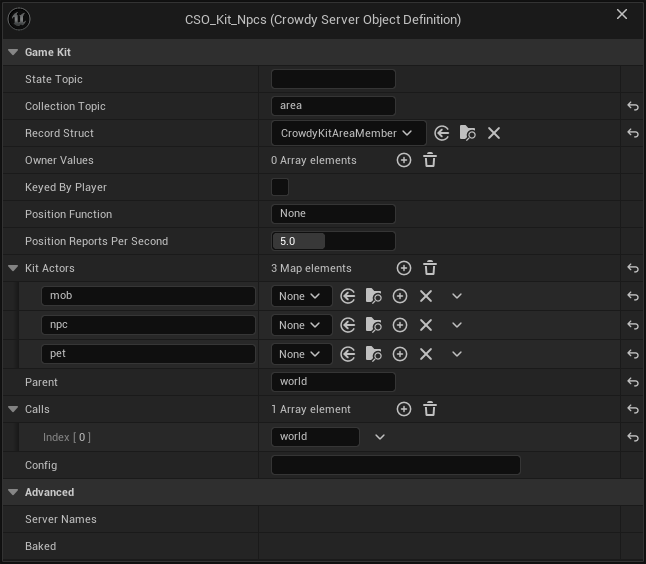
On the Overview tab a changed starter reads **Changed** like any type, and lists `config` or `parent` when those changed. A starter is marked **Problem** when its Config is not a JSON object ("its Game Kit Config is not a JSON object; correct it, or empty it to keep the starter's defaults"), when two starters have no Parent ("... an app has one root; give one of them a Parent"), when Parents run in a circle, when a Parent is a Server Function Library, when the `world` starter's Config has a `day_ms`, `nodes`, `node_amount` or `regrow_ms` that is not a whole number as described above, or when a `player` or `deck` starter's `secret` is not a string, since the starter would refuse its Config. A problem blocks Deploy. Deploy also warns, without stopping, when a `player` or `deck` starter's Config has no `secret` (exactly that key, a non-empty string), since players could then work out loot rolls and deals; see [Play a card game with a hidden hand](#play-a-card-game-with-a-hidden-hand). It is marked **Needs generating** when its crate lost a file: "its server code is missing ...; restore it, or remove the type in Server Compute and add the starter again".
## Remove starters
From the command line, `-op=removestarter` takes a starter out of the project together with every starter that runs under it or calls it:
```text
UnrealEditor-Cmd.exe Oakford.uproject -run=CrowdyServerCompute -op=removestarter -starter=world -yes
```
Removing `world` removes every starter, since they all run under it; removing `matchmaker` removes the matchmaker and the session; removing `session` removes the session and the matchmaker, which calls it, and leaves the leaderboard; removing `leaderboard` removes only the leaderboard, since a session or an instance calls it only when its Config names a board; removing `player` removes the player and the market, which calls it, and removing `market` removes only the market. Removing `npcs`, `minigame`, `tactics`, `director`, `instance`, `territory`, `zone`, `deck` or `arena` removes only that starter, since nothing else calls it. For each it deletes the definition and the whole `Server//` folder, your edits to its Rust included, and it clears **Game Kit World** when that named one of them. Without `-yes` it names what it would remove and changes nothing: "This deletes session, matchmaker, world: their definitions and server code, edits included; pass -yes to confirm." It logs "removing session, matchmaker, world", then "removed session, matchmaker, world", and its result has `starter` and `removed`.
Before it changes anything it checks, and removes nothing when:
- a starter's folder is, or holds, a link to somewhere else, since deleting it could delete what the link points to;
- a definition's file is read-only, for example checked in to source control without a checkout: make it writable and run it again;
- something else uses a definition, such as a Blueprint whose Server Object component holds `CSO_Kit_World`: the message names each one, so remove those uses first.
If a file is held open while it deletes, for example by an IDE or `cargo`, the message ends "run -op=removestarter again to finish", which picks up where it stopped.
On the Server Compute page, **Remove from project...** in a starter's **...** menu does the same, after a dialog naming every starter it removes and what the next deploy takes offline.
Either way the server is not touched until your next deploy, which no longer sends the starters and removes them. Without `world`, that deploy sends the Crowdy SDK's root again, and **Get Players Online** reads it.
## In the example world
Oakford's lantern posts light up at night, and villagers gather oil from the world's resource nodes. Add the `world` starter on Server Compute and deploy.
**In Blueprint**, in the lantern post's event graph:
1. Add **On bNight Changed (CSO_Kit_World)** and wire **Event BeginPlay** into its **Bind**. It needs no Target, since the world has Only One Instance. From **Changed**, wire its **bNight** to **Set Visibility** on the lantern's Point Light component, named `Light`.
2. To gather oil, add **Call Harvest (CSO_Kit_World)** and set its **Node** input to a node's id. The world's resource nodes are its records: from the world's **Get Server Object**, **Get Record Ids** lists them, and **Watch Record** on the oil node's id runs with what it holds now and after each harvest, read with **Find Record** and **Get Server Value** `Amount`.
3. Under **On Success**, its **Left** output is what the node holds now. Under **On Failed**, show the arrow at the bottom of the node: **Outcome** is **Denied** with **Retryable** true and **Code** `cooldown` when the villager harvests too soon, and **Refused** with **Code** `empty` when the node is bare until it grows back.
[Blueprint snippet: kit-world-night, see /bp/unreal-sdk/kit-world-night.txt]
[Blueprint snippet: kit-world-harvest, see /bp/unreal-sdk/kit-world-harvest.txt]
**In C++**, with `KitWorld` a `UPROPERTY` holding `CSO_Kit_World`, the lantern post follows the night and a villager harvests:
```cpp
#include "CrowdyGameKitTypes.h"
#include "CrowdyServerObjectSubsystem.h"
FString Error;
UCrowdyServerObject* World = GetGameInstance()->GetSubsystem()->Acquire(KitWorld, FString(), this, Error);
World->WatchValues(FOnCrowdyServerValuesChanged::FDelegate::CreateWeakLambda(this, [this](UCrowdyServerObject* Object, TConstArrayView Fields)
{
const FCrowdyKitWorldConditions* Conditions = Object->GetState().GetPtr();
if (Conditions && Fields.Contains(TEXT("night")))
{
Light->SetVisibility(Conditions->bNight);
}
}));
FCrowdyKitHarvestInputs Inputs;
Inputs.Node = NodeId;
World->Call(TEXT("Harvest"), FInstancedStruct::Make(Inputs), [](const FCrowdyServerCallResult& Result)
{
if (const FCrowdyKitHarvestReply* Reply = Result.Reply.GetPtr())
{
UE_LOG(LogTemp, Log, TEXT("The node holds %d"), Reply->Left);
return;
}
UE_CLOG(Result.Code == FName(TEXT("empty")), LogTemp, Log, TEXT("Bare until it grows back: %s"), *Result.Reason);
});
const FString OilNode = LexToString(NodeId);
World->WatchRecord(OilNode, FOnCrowdyServerValuesChanged::FDelegate::CreateWeakLambda(this, [OilNode](UCrowdyServerObject* Object, TConstArrayView Fields)
{
const FCrowdyServerRecord* Record = Object->GetRecord(OilNode);
const FCrowdyKitWorldNode* Node = Record ? Record->Values.GetPtr() : nullptr;
UE_CLOG(Node != nullptr, LogTemp, Log, TEXT("Oil left: %d"), Node ? Node->Amount : 0);
}));
```
The world's Instance Id is ignored, since it has Only One Instance. For a match, [Find Match](#find-a-match-and-take-turns) on `CSO_Kit_Matchmaker` with the queue's name, then acquire `CSO_Kit_Session` with its **Session Id** and call **Join**, **Ready** and, as its host, **Start**; **Is My Turn** says when to let the player move.
Oakford also keeps a weekly board of its lantern-lighting matches. Add the `leaderboard` starter, set `CSO_Kit_Session`'s **Config** to `{"board": "oakford-weekly"}` and deploy. Each finished match then posts its players' scores, and the village notice board, with `KitLeaderboard` a `UPROPERTY` holding `CSO_Kit_Leaderboard`, reads them:
```cpp
UCrowdyServerObject* Board = GetGameInstance()->GetSubsystem()->Acquire(KitLeaderboard, TEXT("oakford-weekly"), this, Error);
Board->Call(TEXT("GetMyPlace"), FInstancedStruct(), [](const FCrowdyServerCallResult& Result)
{
const FCrowdyKitBoardPlace* Place = Result.Reply.GetPtr();
UE_CLOG(Place && Place->Rank > 0, LogTemp, Log, TEXT("This week you are number %d with %lld"), Place ? Place->Rank : 0, Place ? Place->Score : 0LL);
});
```
In Blueprint the same is **Call GetMyPlace (CSO_Kit_Leaderboard)** on the object **Get Server Object** gives for `CSO_Kit_Leaderboard` and `oakford-weekly`, with its **Rank** and **Score** outputs; **On Top Changed (CSO_Kit_Leaderboard)** keeps the notice board's top ten current.
At Oakford's market, villagers swap the planks they craft for gold. Add the `market` starter, which brings `player`, and deploy. [Trade between two players](#trade-between-two-players) is the whole exchange; in C++, with `KitMarket` and `KitPlayer` `UPROPERTY`s holding `CSO_Kit_Market` and `CSO_Kit_Player`, the villager selling planks offers them on the trade the buyer opened, and the purse follows the wallet:
```cpp
UCrowdyServerObjectSubsystem* Objects = GetGameInstance()->GetSubsystem();
UCrowdyServerObject* Market = Objects->Acquire(KitMarket, TEXT("oakford"), this, Error);
UCrowdyServerObject* Me = Objects->Acquire(KitPlayer, FString(), this, Error);
FCrowdyKitTradeOfferInputs Offer;
Offer.Trade = TradeId;
Offer.Bundle.Items.Add(TEXT("plank"), 3);
Market->Call(TEXT("Offer"), FInstancedStruct::Make(Offer), [](const FCrowdyServerCallResult& Result)
{
UE_CLOG(!Result.IsSuccess(), LogTemp, Log, TEXT("Not offered: %s (%s)"), *Result.Code.ToString(), *Result.Reason);
});
Me->WatchValues(FOnCrowdyServerValuesChanged::FDelegate::CreateWeakLambda(this, [this](UCrowdyServerObject* Object, TConstArrayView Fields)
{
const FCrowdyKitPlayerState* State = Object->GetState().GetPtr();
if (State && Fields.Contains(TEXT("wallet")))
{
Purse->SetText(FText::AsNumber(State->Wallet.Balances.FindRef(TEXT("gold"))));
}
}));
```
In Blueprint the offer is **Call Offer (CSO_Kit_Market)** with the trade's id and a **Bundle** made with **Make Crowdy Kit Bundle**, and the purse is **On Wallet Changed (CSO_Kit_Player)** on the player's own `CSO_Kit_Player`. Gold here is in-game soft currency, never real money.
## Related
- [Game Kit](/game-kit/intro), [The starter hubs](/game-kit/starters) and [Deploying the starters](/game-kit/deploy) on the platform
- [Deploy it with Server Compute](./deploy-with-server-compute.md): deploying the starters with your types, and the command line
- [Create a Server Object type](./create-a-type.md) and [Write its server logic](./write-server-logic.md)
- [Call its functions, from Blueprint](./from-blueprint/call-functions.md) and [from C++](./from-cpp/call-functions.md): the **Code** pin and `FCrowdyServerCallResult::Code`
- [Troubleshooting](./troubleshooting.md#outcomes): every outcome, **Refused** included
# Keep a record per entity
Source: https://docs.dev.crowdedkingdoms.com/unreal-sdk/exec/keep-a-record-per-entity
# Keep a record per entity
:::note
Server Objects run on [ck-exec](/exec/intro). Records per entity are new in v2.19.0; see [What's Changed](../guides/whats-changed.md#2026-10-12-sdk-v2190).
:::
A crowd of raiders on Oakford's north road is hundreds of entities, and each one has values the server must own: how hurt it is, what it carries, who hired it. A Server Object with **Holds** set to **A Record per Entity** keeps those values once for each entity, in one object, and tells each player only what that player may see.
## When to use it
Use a record per entity when:
- you have many entities, such as a crowd, a warband or a field of crops, each with the same few values;
- the values are the server's to decide, so they belong in a [Server Object](./overview.md) and not in [Crowdy State](../runtime/crowdy-state.md);
- players should see some values of an entity and others only for their own entities or their team's.
The object that holds the records is a shared one: one for an area of the world, for a match or for a team. It is not one object per entity. An app can run at most 1,024 instances at once (see [Operations](/exec/operations#instances-and-versions)), so a Server Object for each of two thousand raiders cannot work, while one object per area holding their records can.
A thing that has one set of values, such as a boss, a beacon or a player's stash, stays a normal Server Object. See [Relate Server Objects to each other](./relate-server-objects.md).
The worked version of this page is [Raiders on the north road](./examples/raiders-on-the-north-road.md).
## Make the type
Make the asset as on [Create a Server Object type](./create-a-type.md), then select **Type Settings** and set:
| Setting | Where | Default | What it does |
|---|---|---|---|
| **Holds** | Server Object | **One Set of Variables** | Choose **A Record per Entity**. The variables become the fields of each record. |
| **Visible to Players** | Each variable's Details | | **Server Only**, **Everyone**, **Owner Only** or **Team Only**. See [Who receives a value](#who-receives-a-value). |
| **Max Records** | Records | 2048 | The most records one object keeps, 1 to 4096. |
| **Send Changes Every** | Records | 250 ms | How often the server sends what changed, 50 to 5000 ms. |
| **Team From** | Records | **This Object's Records** | Where a team comes from: **This Object's Records** or **Crowdy Team**. See [Who receives a value](#who-receives-a-value). |
| **Area Size** | Areas | 4 | The side of one area, in chunks, 1 to 64. See [Pick the object](#pick-the-object). |
| **Areas Followed Around a Player** | Areas | 1 | How many areas out from a player's own are followed, 0 to 3. 1 follows the 3 by 3 around it. |
| **Reads World Data** | Platform Data | Off | Lets the server code ask which actors are near a chunk. Deploying asks for the `world.read` permission. |
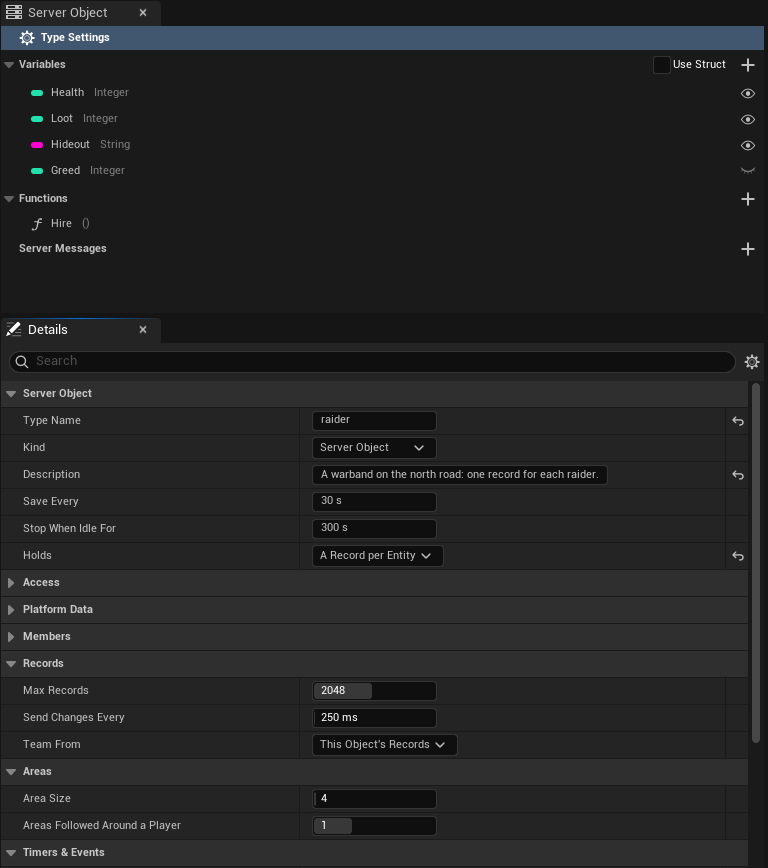
**Readable By** must be **Every Player**: who sees which variable is decided per variable, not for the whole object. **Members From** must be **None**, since each record carries its own owner and team. Saving the asset says so when either is wrong.
**Area Size** and **Areas Followed Around a Player** work for every type, whatever it holds. **Reads World Data** does too.
A type of this kind starts with no records. The server code adds them.
## Who receives a value
Every variable of a record has one audience:
| Audience | Who receives it |
|---|---|
| **Server Only** | Nobody. It stays on the server. |
| **Everyone** | Every player who watches the object. |
| **Owner Only** | The player who owns the record's entity. |
| **Team Only** | A player whose own record in this object has the same team as this record. |
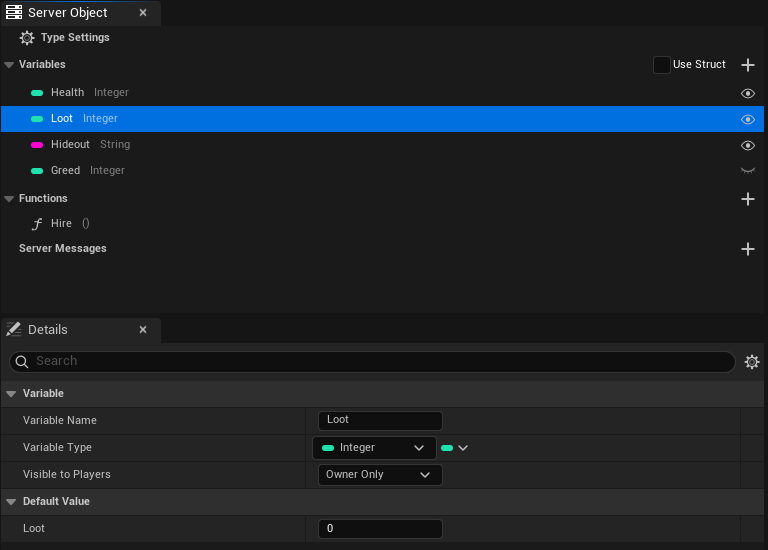
Each record has an **owner**, a player's user id or 0 for none, and a **team**, a string. Your server code sets both. They are not variables of your struct, and no player can set them.
Which players count as the record's team depends on **Team From**:
- **This Object's Records**, the default. A player's team in an object is the team of a record that player owns in that same object. A player who owns several records in one object uses the first by id. An empty team matches nothing. The team is a string you choose, such as `ravens`.
- **Crowdy Team**. A record's team is the id of a [Crowdy Team](../services/teams.md), written in digits, and a player is on it when the platform says they are a member of that team. `insert` and `set_team` refuse a team that is not digits; an empty team means no team. Deploying asks for the `players.read` permission, since the server checks membership through the platform.
Choose by how far a team reaches. With **This Object's Records** a player's team is known only inside one object. When records are kept per area, that means Team Only values reach a teammate only while both players are in the same area. If teams must see each other's values across areas, use **Crowdy Team**.
A player who owns no record in the object and is on no matching team sees the Everyone values and nothing else.
How the values travel depends on the audience:
- **Everyone values** come in batches. The server collects the changes and, every **Send Changes Every**, sends the records that changed, each with only the Everyone variables that changed. A record that changes twice in between is sent once with its last value. A record you remove is removed on every player's side with the same batch.
- **Owner Only and Team Only values** are fetched. The batch carries a notice that some changed, and the owner's or team's game asks the server for them, at most once a second for each object. They arrive a moment after the Everyone values.
- **A player who joins, or whose game missed a batch,** reads every record again, a page at a time.
A value a player does not receive reads as the variable's default, and raises no change. When a record's owner or team changes, the Owner Only and Team Only values of that record go back to their defaults for everyone who just lost access. When a player's own team changes, their game reads the object again.
## Pick the object
The component on an actor, and a crowd row, choose which object holds the records. For a crowd the usual choice is the area the entity stands in.
- **Only One Instance** (a setting of the type): one object for the whole world. Only for a small number of entities.
- **Instance Id**: a name you choose, such as `match-7`, for a match or a team.
- **This Actor's Area**: the object for the area the actor stands in, which changes as the actor moves.
**This Actor's Area** cuts the ground into squares of **Area Size** by **Area Size** chunks. The object's Instance Id is the square's `x,y`: the chunk's x and y, which are Unreal's X and Y over the session's chunk size, each divided by Area Size and rounded down, so the area at chunk (-1, 5) with an Area Size of 4 is `-1,1`. The height is not part of the key. The component checks every half second and, when the actor crosses into another area, joins that area's object and lets go of the old one after a short grace period, so an actor on a border does not flap.
Moving a record from one area's object to the next is your server code's job. One approach: the census in each area adds the entities it finds standing there and removes the ones that left, as the code below does.
## Write the server code
Generate the type as on [Write its server logic](./write-server-logic.md). In `logic.rs` the functions are implemented on `Records`, the object's records, and not on the state struct:
```rust
impl Functions for Records {
fn skirmish(&mut self, _ctx: &Ctx) -> Result<()> {
let ids: Vec = self.ids().map(str::to_string).collect();
for id in ids {
let Some(raider) = self.get_mut(&id) else { continue };
raider.Health -= 5;
if raider.Health <= 0 {
self.remove(&id);
}
}
Ok(())
}
}
```
`Records` gives your code:
| Name | What it does |
|---|---|
| `get(id)` | The record's values, or `None`. |
| `get_mut(id)` | The record's values to change, or `None`. |
| `insert(id, owner, team, state)` | Adds the record, or replaces the one with that id. Returns an error past **Max Records** (`records_full`), for an id that is empty or over 64 bytes, for a team over 64 bytes, and for either holding a control character (`bad_record`). |
| `remove(id)` | Removes the record and returns its values. |
| `set_owner(id, owner)`, `set_team(id, team)` | Change who owns the record and which team it is on. An error (`bad_record`) when there is no such record. |
| `owner(id)`, `team(id)` | The record's owner (0 for none) and team. |
| `ids()`, `len()` | Every id in order, and how many records there are. |
| `owned_by(player)` | The ids of the records a player owns. |
| `Records::area_of(chunk_x, chunk_y)` | The Instance Id of the area holding a chunk, worked out with this type's **Area Size**: the same key the component uses. |
Changes made in one call are kept or put back together, like the variables of any Server Object: a function that returns an error leaves the records as they were. Ids are text, 1 to 64 bytes, and compared exactly, capitals included.
### Count who stands in the area
To add the entities standing in an area, turn on **Reads World Data** and ask the world from a timer. `actors(at)` returns the actors in one chunk, and each one's `uuid` is the id its record uses. Ask for each chunk of the area in turn:
```rust
fn census(&mut self, ctx: &Ctx) -> Result<()> {
let Some((x, y)) = area_origin(&ctx.key) else { return Ok(()) };
for cx in x..x + AREA_SIZE {
for cy in y..y + AREA_SIZE {
let Ok(actors) = ctx.world().actors(ChunkPos::new(cx, cy, 0)) else { return Ok(()) };
for actor in actors {
if self.get(&actor.uuid).is_none() {
let _ = self.insert(&actor.uuid, 0, "", RaiderState::default());
}
}
}
}
Ok(())
}
```
Three things to know about the census:
- **It reads the heights it asks for.** The call above reads ground level, height 0, and sees nothing standing higher. Ask for more heights if your world has them.
- **One call answers up to 200 actors.** A chunk with 200 in the answer may hold more. Do not remove a record because its actor is missing from an answer that is full: skip the removals for that tick.
- **Do not use `actors_near` for a dense crowd.** It answers at most 500 actors across several chunks, so a crowded area is cut short, and records of live entities would look as if they had left.
`area_origin` turns the `x,y` in `ctx.key` back into the area's first chunk. [Raiders on the north road](./examples/raiders-on-the-north-road.md) shows the whole census, with the removal of the entities that left. The platform's pages on these calls are [World and platform data](/exec/world-and-platform-data).
## From Blueprint
Put a **Crowdy Server Object** component on the actor, with **Definition** set to the type and **Instance Mode** set to **This Actor's Area**, **Instance Id** or the type's single instance. The actor needs a **Crowdy Entity** component as well: its id names the actor's record. Without one the component fails with "needs a Crowdy Entity component on this actor".
The component reads **its actor's own record**, so the nodes work as they do for any Server Object. The typed **Get** and **On Changed** nodes, **On Variables Changed**, **Get Variables** and **Get Server Value** all give that record's values, and **Changed** runs when one of them changes. See [Read and follow its variables](./from-blueprint/read-and-follow-variables.md).
To reach other entities' records, take the Server Object from the component with **Get Server Object**, and use these nodes on it:
| Node | What it does |
|---|---|
| **Find Record** | Takes an **Id** and gives that record's **Values**, its **Owner** and its **Team**. Returns false when there is no such record. Read a variable out of **Values** with **Get Server Value**. |
| **Get Record Ids** | The id of every record the player can see, in no particular order. |
| **Holds Records** | True when the type keeps a record per entity rather than one set of variables. |
| **Num Records** | How many records the object holds now. |
| **Watch Record** | Takes a **Record Id** and an event (the delegate `FCrowdyServerRecordEvent`). The event runs with the **Object**, the **Record Id** and the **Changed** variables after each change of that record, and when it is removed (**Find Record** is then false). When the record is already current it runs once at once, naming all its variables. A watch added from an **On Records Changed** or **On Records Updated** handler gets that catch-up and does not run a second time for the same change. Records dropped because the object **Failed** are not reported; **On Status Changed** is. |
| **Stop Watching Record** | Takes the same **Record Id** and event, and stops that watch. |
| **On Records Changed** | An event that runs after every read, batch or fetch that changed records, with the **Object**, the ids that are new or changed, and the ids that were removed. |
| **On Records Updated** | Like **On Records Changed**, but each changed record comes with its changed variables: a list of **Record Id** and **Changed Variables**, then the removed ids. **Changed Variables** is empty when only the record's owner or team changed. |
**Watch Record** works like **Watch Message**: get the Server Object from the component, call **Watch Record** with a **Record Id**, and wire a custom event with the delegate's pins (the **Object**, the **Record Id** and the **Changed** variables) to its **Event**. The figure follows one record, here an id `raider-1` that your server code inserted, and prints its id each time it changes.
[Blueprint snippet: so-record-watch, see /bp/unreal-sdk/so-record-watch.txt]
Pan a Blueprint figure with the right mouse button. Press **Copy nodes**, then Ctrl+V in your own event graph.
**Stop Watching Record** takes the same **Record Id** and the same event:
[Blueprint snippet: so-record-unwatch, see /bp/unreal-sdk/so-record-unwatch.txt]
**On Records Updated** is bound from **Begin Play** like any event of the object, with **Bind Event to On Records Updated** on the Server Object. Its event gets the changed records, each with its **Record Id** and **Changed Variables**, and the removed ids. The figure prints how many records changed:
[Blueprint snippet: so-records-updated, see /bp/unreal-sdk/so-records-updated.txt]
**Find By Asset** and the by-name **Watch Variables** read a type of this kind as if it had no records, so they give its defaults. Use the component, or **Find Record**.
## From C++
The component works as in Blueprint, and its `GetVariables()` and `OnVariablesChanged` give the actor's own record. To read others, acquire the area's object yourself. `FindGroundChunk` gives the chunk under a location as actor updates place it, and `GetAreaKey` on the definition turns it into the Instance Id:
```cpp
UCrowdyServerObjectSubsystem* Objects = GetGameInstance()->GetSubsystem();
int64 ChunkX = 0;
int64 ChunkY = 0;
if (!Objects || !Objects->FindGroundChunk(GetActorLocation(), ChunkX, ChunkY))
{
return;
}
FString Error;
UCrowdyServerObject* Area = Objects->Acquire(RaiderDefinition, RaiderDefinition->GetAreaKey(ChunkX, ChunkY), this, Error);
if (Area)
{
Area->OnRecordsChanged.AddUObject(this, &ARoadWatch::HandleRecords);
}
```
`OnRecordsChanged`, an `FOnCrowdyServerRecordsChanged`, runs after every read, batch or fetch that changed records. It gives the object, the ids that are new or changed, the ids removed, and for each changed id the State fields that changed, one bit per field. Read a record with `GetRecord`, which returns an `FCrowdyServerRecord` holding the `Values`, the `Owner` and the `Team`:
```cpp
void ARoadWatch::HandleRecords(UCrowdyServerObject* Object, TConstArrayView Changed, TConstArrayView Removed, TConstArrayView> ChangedFields)
{
for (const FString& Id : Changed)
{
const FCrowdyServerRecord* Record = Object->GetRecord(Id);
const FRaiderState* Raider = Record ? Record->Values.GetPtr() : nullptr;
if (Raider)
{
UpdateBar(Id, Raider->Health);
}
}
}
```
`HoldsRecords()` says whether the definition keeps records, `NumRecords()` counts them, `GetRecordIds()` lists them, and `WatchRecord(Id, Listener)` follows one record, naming its variables on each change. Ids are compared with capitals significant. `WatchValues` and `GetState()` on a records object give the type's defaults, not a record.
The rest of the C++ surface for records:
- `UCrowdyServerObject::FindValues` gives a record's values by id, or the object's own when the id is null. The Blueprint **On Records Changed** is the `RecordsChanged` property, an `FCrowdyServerRecordsChanged`, and **On Records Updated** is the `RecordsUpdated` property, an `FCrowdyServerRecordsUpdated` whose `FCrowdyServerRecordChange` entries hold a `RecordId` and its `ChangedVariables`.
- `UCrowdyServerObjectComponent::ReadsRecord` says whether the component reads its actor's record, and `UCrowdyServerObjectComponent::GetRecordId` gives that record's id.
- `UCrowdyServerObjectDefinition::GetAreaKey` and the static `UCrowdyServerObjectDefinition::MakeAreaKey` turn a chunk into an area's Instance Id, and `UCrowdyServerObjectDefinition::HasCrowdyTeamRecords` says whether the type keeps records on Crowdy Teams. `UCrowdyServerObjectSubsystem::GetChunkSize` gives the chunk size the game session uses.
- The settings are typed by `ECrowdyServerObjectHolds`, `ECrowdyServerFieldAudience` (**Everyone**, **Owner Only**, **Team Only**) and `ECrowdyServerTeamSource` (**This Object's Records**, **Crowdy Team**).
## Crowd rows
A crowd drawn with the Crowdy Mass Rendering Backend has no actor for most entities, only rows, but a row reads the same records. See [Draw a crowd with Mass](../mass/draw-a-crowd-with-mass.md). The record's id is the entity's id, the 32 characters the census calls report as `uuid`, so a census that keys records by the actor's `uuid` lands each record on its row.
- Set the **Crowdy Server Object** component's **Instance Mode** on the entity's actor class to **Only One Instance**, **Instance Id** with an id typed, or **This Actor's Area**. With any other mode the rows get no server values, and the log says why once for the class.
- Read the values with [Read its server values, from Blueprint](../mass/from-blueprint/read-its-server-values.md) or [Read its server values, from C++](../mass/from-cpp/read-its-server-values.md).
## Size it
What a player receives is the changed records, times the bytes of each record, times the sends a second:
> 500 records changed in a send, 20 bytes each, 4 sends a second: about 40 KB a second to each player.
- **Raise Send Changes Every** when records change more than once in between: the last value is the only one sent. Lower it for faster feel, at the cost of more sends.
- **Keep records small.** Put a value in a record only if a player or the server logic needs it per entity.
- **Max Records** is 2048 unless you change it, and 4096 at most. A call that inserts past it is refused with `records_full`.
- A client refuses a message over 1 MiB. The server splits a batch at 4,096 records or 512 KiB into several sends, in order, and a player's first read comes in pages of up to 512 KiB.
- A player on a slow link falls behind and catches up. Batches queue instead of dropping.
- Size the area so one object holds the records you want its watchers to receive. A player follows `(2r+1)` squared objects, with `r` the **Areas Followed Around a Player**: 9 by default.
## Limits and rules
- **Readable By** must be **Every Player**, and **Members From** must be **None**.
- A variable's audience is set per variable, and only a variable that is **Visible to Players** can be Owner Only or Team Only. A variable cannot be both. Saving checks both.
- The function name `changes` and a timer whose name in snake case is `crowdy_flush` or `crowdy_sessions` are reserved.
- A record's id is 1 to 64 bytes of text with no control characters. Ids that differ only in capitals are different records.
- A team is at most 64 bytes. With **Team From** on **Crowdy Team** it is a team id in digits or empty, and anything else is refused.
- A type starts with no records, so a seed must be empty.
- The owner and team are set by server code only.
## If a value is not what you expect
- **Always the default.** A player gets Owner Only values only for records they own, and Team Only values only when their own record in the object has the same team. A player who owns no record sees neither.
- **A Team Only value arrives late.** Owner Only and Team Only values are fetched, at most once a second for each object.
- **The component stays Connecting or fails.** See [Troubleshooting](./troubleshooting.md#a-server-object-does-not-become-ready). A record type needs its census or other server code to add records first.
- **To see the pushes and fetches,** turn on [`crowdy.exec.trace`](./troubleshooting.md#seeing-what-a-server-object-is-doing).
## Related
- [Raiders on the north road](./examples/raiders-on-the-north-road.md): a warband with a record per raider
- [Create a Server Object type](./create-a-type.md#every-setting): every setting
- [Access, members and timers](./access-members-and-timers.md#who-receives-a-variable-of-a-record): the audience of a variable, and the checks when you save
- [Write its server logic](./write-server-logic.md#a-record-per-entity): the functions in `logic.rs`
- [Get a Server Object, from Blueprint](./from-blueprint/get-a-server-object.md#add-the-component) and [from C++](./from-cpp/get-a-server-object.md#one-object-per-area): This Actor's Area
- [Read and follow its variables, from Blueprint](./from-blueprint/read-and-follow-variables.md#records) and [from C++](./from-cpp/read-and-follow-variables.md#records)
- [Draw a crowd with Mass](../mass/draw-a-crowd-with-mass.md): the entities drawn as crowd rows that read these records
# Make a Server Function Library
Source: https://docs.dev.crowdedkingdoms.com/unreal-sdk/exec/server-function-libraries
# Make a Server Function Library
:::note
Server Objects run on [ck-exec](/exec/intro).
:::
A **Server Function Library** is a Server Object type that has functions and nothing else. It is the server's counterpart of a Blueprint Function Library: a place for logic that many callers share, with no instance of its own to hold. You describe it in the same [definition asset](./create-a-type.md) as any Server Object type, choose **Kind: Server Function Library**, and the editor hides what it cannot have.
| | Server Object | Server Function Library |
|---|---|---|
| Keeps variables, saved between calls | Yes | No |
| Instances | One for each Instance Id | One name for everyone; the server runs several instances of it and picks one for each call |
| Calls answered at the same time | One for each Server Object | Several for each instance, on several instances |
| Players watch its values, hear its messages | Yes | No: there is nothing to watch |
| Members, timers, records, messages, cooldowns | Yes | No |
| Players call its functions | Yes | Yes |
| Other server code calls its functions | Yes | Yes |
## When to use one
Use a library for a rule or a calculation that has no memory of its own and that several callers need: turning a seed into a loot drop, pricing an item, checking whether a move is legal, scoring a result. Because several instances answer at once, a busy game keeps getting answers where one Server Object would make its callers queue. A library can also change game truth, but only by calling a Server Object: a library function that rewards a player calls the player's own Server Object and that object changes its values.
Do not use one for anything that has to remember. A counter, a stockpile, a match or a record per player belongs in a [Server Object](./create-a-type.md), because a library saves nothing: each instance runs your code in several copies, each with its own memory, so a value a function leaves in a variable can be there for one call and gone for the next. A library has no [timers](./access-members-and-timers.md#timers-and-events) and cannot [listen to messages](./access-members-and-timers.md#listen-to-other-server-objects), and a player cannot watch it; whatever players should see goes in a Server Object that the library's caller changes.
Two things to plan for:
- **The first call after the library has been idle can take over a second.** Players wait a little; server code calling it may be told the call timed out. See [A call to a library from server code fails](./troubleshooting.md#a-call-to-a-library-from-server-code-fails).
- **Each instance counts toward the app's limit on running Server Objects**, 16 for an app with no funds and 16,384 for a funded one. A library that keeps 4 instances running leaves an unfunded app room for 12 other Server Objects. See [Scaling](#scaling).
## In the example world
The Hollow Giant should drop something when it falls, and a chest on the north road should hand out a trinket. Both want the same rule: turn a seed and a tier into an item name. That rule keeps nothing, so it is a library, `CSO_LootRoller`, with one function, `RollLoot`. The chest calls it from a Blueprint or from C++, and the boss's server code calls it too. [Loot for the Hollow Giant](./examples/hollow-giant-loot.md) builds all of it. This page makes the asset.
## Make the asset
Make a **Crowdy Server Object Definition** as on [Create a Server Object type](./create-a-type.md#make-the-asset) and name it `CSO_LootRoller`. Select **Type Settings**, the first row of the Server Object panel. In Details, under **Server Object**:
| Setting | Value |
|---|---|
| Type Name | `loot_roller` |
| Kind | **Server Function Library** |
| Description | Turns a seed and a tier into an item name. |
**Kind** is the second row, after **Type Name**. It is **Server Object** until you change it, and changing it rebuilds Details at once. The Server Object panel then shows **Type Settings** and **Functions**, and no Variables or Server Messages. Add the function `RollLoot` with **+** in **Functions**, as on [Create a Server Object type](./create-a-type.md#make-the-asset): **Callable By** on **Players**, and two inputs, `Seed` (Integer64) and `Tier` (Integer, starting at 1, with a **Value Range** of 0 to 4), and one output, `Item` (String). Or use structs, as the [boss](./examples/shared-boss.md#what-the-server-keeps) does.
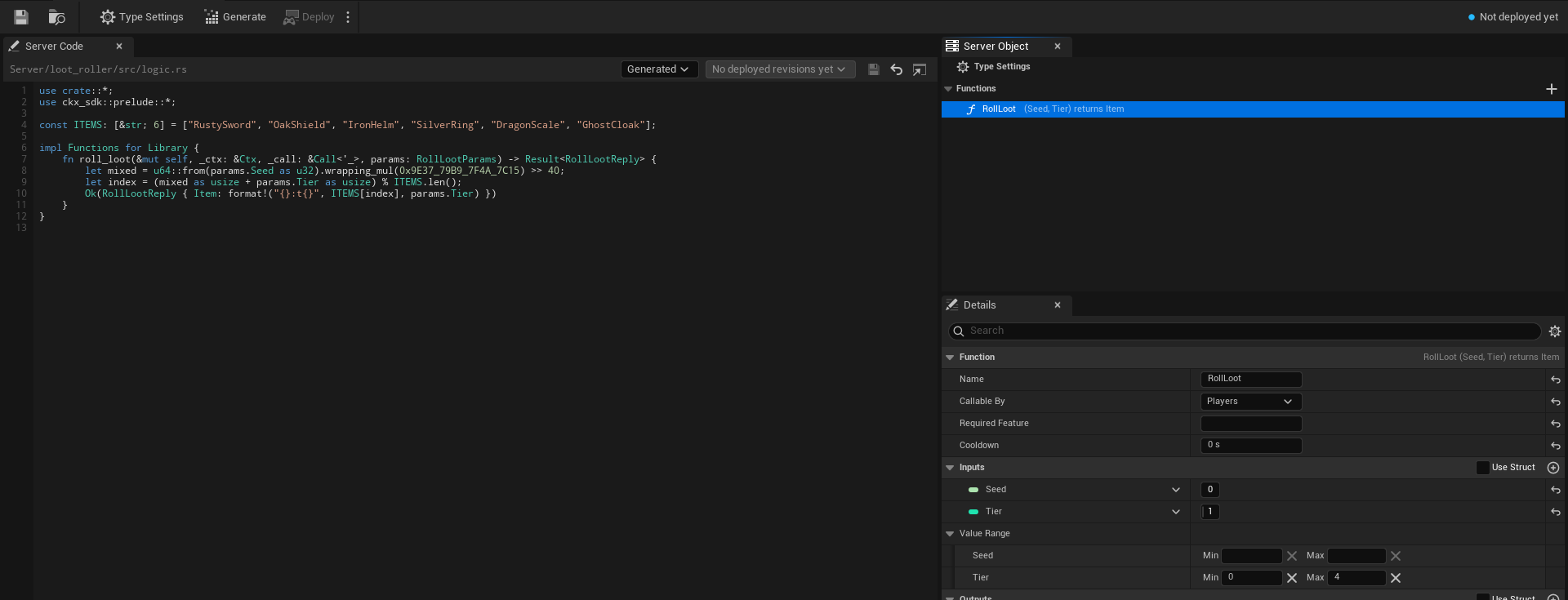
A library has these settings, and no others:
- **Type Name**, **Kind** and **Description**.
- **Functions**, with their **Name**, **Callable By**, **Required Feature**, inputs, outputs, **Value Range** and **Server Name**. **Callable By** can be **Players**, **Server Only** or **Developers Only**; see [Callable By](./create-a-type.md#callable-by).
- **Platform Data**, as on [Access, members and timers](./access-members-and-timers.md#platform-data), for what the library's server code reads and changes of players, the world and grids.
- **Can Call** and **Can Call Any Type**, the types its server code may call; see [Call other Server Objects](./access-members-and-timers.md#call-other-server-objects).
- **Scaling**, below.
- **Server Limits**, collapsed, and **Server Names**, in the Advanced group, as on [Every setting](./create-a-type.md#every-setting).
Everything else is hidden in Details and ignored everywhere, even if the asset still holds values from when it was a Server Object: it is not checked when you save, not in the generated server code, not deployed and not used by the game. That is the variables or State struct, **Visible to Players**, **Readable By**, **Only One Instance**, **Holds** and its records, **Members From** and the other member settings, **Areas**, **Timers**, **On Player Joined** and **On Player Left**, **Server Messages**, **Listen To**, **Save Every** and **Stop When Idle For**.
Nothing picks an instance of a library, so a caller gives no Instance Id. A library whose functions are all **Server Only** is [closed to players](./access-members-and-timers.md#a-type-players-cannot-reach): only other server code and developer tools reach it. That is what a library that only your Server Objects use should be.
## Scaling
The **Scaling** category, shown only for a library, says how many instances the server runs and how many calls each answers at once. The platform term is in brackets.
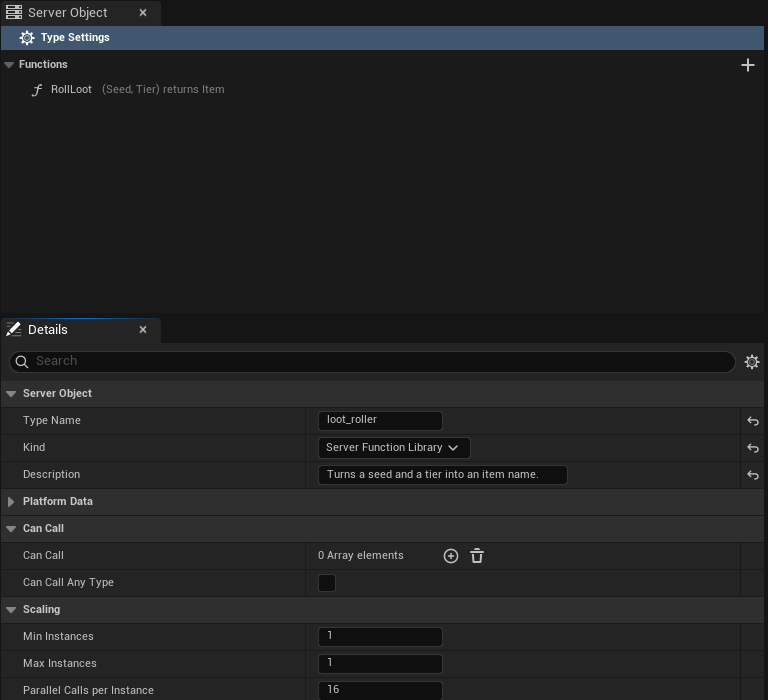
| Setting | C++ | Range | Default | What it does |
|---|---|---|---|---|
| **Min Instances** [`replicas`] | `MinInstances` | 1 to 64 | 1 | How many instances run all the time. |
| **Max Instances** [`max_replicas`] | `MaxInstances` | 1 to 64 | 1 | The most the server adds when calls wait. Equal to Min Instances, it never adds any. |
| **Parallel Calls per Instance** [`concurrency`] | `ParallelCallsPerInstance` | 1 to 256 | 16 | How many calls one instance answers at the same time. |
The server adds an instance, up to **Max Instances**, once calls have waited 2 seconds for an answer, and removes an added instance after about 30 seconds in which it is nearly idle. It never goes below **Min Instances**. So the library answers at least Min Instances times Parallel Calls per Instance calls at once, and more when it has grown.
Start with the defaults. Raise **Max Instances** when bursts of callers wait, **Min Instances** to have those instances ready before the burst, and **Parallel Calls per Instance** to let each instance answer more at once. The longest one call may run is still the type's **Time per Call**, 2 seconds unless you change it, and a call that runs past it is answered **Timeout** like any other; see [Server Limits](./create-a-type.md#every-setting). Calls one instance runs at the same time share its processor and Time per Call counts the time that passes, so a function that keeps the processor busy needs a Time per Call that covers Parallel Calls per Instance of them; see [Library calls time out during a burst](./troubleshooting.md#library-calls-time-out-during-a-burst).
Every instance that runs counts toward the app's limit on running Server Objects, and the Server Compute header shows it ("3 of 16 Server Objects"); past the limit no new instance starts. See [Large groups](./access-members-and-timers.md#large-groups) for the limits, and [Deploy it with Server Compute](./deploy-with-server-compute.md#overview) for how a library's row reads.

With a Min Instances of 1 and a Max Instances of 4 the same line says "1 to 4 instances".
## Checks when you save
Saving a library lists these problems at once, with the usual checks of the visible settings (the Type Name, the function and server names, inputs and outputs). A library needs no State struct and no variable, so "Choose a State struct" does not apply to it.
- A function's **Callable By** is **Members** or **Leader**: "RollLoot: Members and Leader need members, and a Server Function Library has none."
- A function has a **Cooldown**: "RollLoot: a cooldown is saved data, and a Server Function Library saves none." Clear it. A library cannot remember when a player last called.
- **Max Instances** is below **Min Instances**: "Max Instances must be at least Min Instances."
- Another Server Object type lists the library under **Listen To**: "loot_roller is a Server Function Library and sends no messages." Remove it from **Listen To**; a type can still list it under **Can Call** and call it.
The editor shows the first two as a warning under the function's row too.
## Switch Kind
You can change **Kind** on a type that is already deployed, in either direction, and nothing is lost:
- **To Server Function Library.** The type's variables, members, timers, messages and the rest stay in the asset, hidden and unused. The server keeps the saved data of its Server Objects, unused, and it comes back if the type becomes a Server Object again. Server Objects of the type that were running stop answering. The deploy asks first and names the change: "loot_roller changes from Server Object to Server Function Library: its saved data is kept, unused, and comes back if it becomes a Server Object again."
- **To Server Object.** The hidden settings apply again, and the server starts each Server Object from the saved data it had, if any: "loot_roller changes from Server Function Library to Server Object: it starts from the saved data it had as a Server Object, if any."
Games that used the type change with it. A library has only **Call** nodes, and they take no **Target** and no Instance Id; **Get**, **On Changed** and **On Received** nodes of the type no longer apply, so remove them. See [Call a Server Function Library](./from-blueprint/call-a-library.md). The Server Compute row reads **Changed** with "kind" in its list, and **Changed** with "scaling" when only Min Instances, Max Instances or Parallel Calls per Instance differ from the live version.
After you change **Kind**, **Scaling** or a function, [generate the server code](./write-server-logic.md#after-you-change-the-definition) and deploy again.
## Write and call it
- **Its server code** is a `logic.rs` like a Server Object's, without a state: [A Server Function Library](./write-server-logic.md#a-server-function-library) shows the function, a library calling a Server Object, a Server Object calling a library, and what a library cannot do.
- **A game calls it** with the **Call RollLoot** node, or `UCrowdyServerObjectLibrary::CallLibraryFunction` in C++: [Call a Server Function Library, from Blueprint](./from-blueprint/call-a-library.md) and [from C++](./from-cpp/call-a-library.md).
- **Server code calls it** with a typed helper that takes no key, once the library is in the caller's **Can Call** list: [Call other Server Objects](./access-members-and-timers.md#call-other-server-objects).
## Related
- [Create a Server Object type](./create-a-type.md): the asset editor, **Callable By** and every setting
- [Loot for the Hollow Giant](./examples/hollow-giant-loot.md): the loot roller, a chest and the boss, step by step
- [Access, members and timers](./access-members-and-timers.md#call-other-server-objects): Can Call and Can Call Any Type
- [Write its server logic](./write-server-logic.md#a-server-function-library): the server code of a library
- [Deploy it with Server Compute](./deploy-with-server-compute.md): a library's row and the deploy that changes a Kind
- [Troubleshooting](./troubleshooting.md#a-call-to-a-library-from-server-code-fails): a cold first call
- [Unreal and ck-exec names](./unreal-and-ck-exec-names.md): Kind, Scaling and Can Call Any Type on the platform
# Troubleshooting
Source: https://docs.dev.crowdedkingdoms.com/unreal-sdk/exec/troubleshooting
# Troubleshooting
:::note
Server Objects run on [ck-exec](/exec/intro).
:::
This page is for Blueprint and C++ alike. In Blueprint, **Get Status** and **Get Failure Reason** are the nodes for what `GetStatus()` and `GetFailureReason()` answer in C++, and **On Failed** carries the **Outcome**, **Reason**, **Retryable** and **Code** that `OnDone` receives. On a **Call** node those pins are in the advanced area: click the small arrow at the bottom of the node to show them. **Code** is filled only by a [Game Kit starter](./use-game-kit-starters.md#refusals-and-their-codes).
## A Server Object does not become Ready
Read its status first; the four statuses are on [Get a Server Object](./from-cpp/get-a-server-object.md#status). Then the reason it gives.
### Waiting is not failing
Most problems on the server clear up by themselves, so reading and watching a Server Object recover from every temporary one without your help. Before its first values arrive, a Server Object waits them out in **Connecting** instead of failing. It keeps trying, a little less often each time and, unless the server asks for longer, never more than 15 seconds apart, and becomes Ready on its own once the cause is gone. Every wait before a retry or a redial is stretched by a random amount, up to half again: a failed read's first retry waits 1 to 1.5 seconds, and a lost connection is redialled after 1 to 1.5 seconds, then 2 to 3, and so on up to 30 to 45. So many players do not retry in step after a server restart. While it waits, `GetFailureReason()` says what it is waiting for. It waits when:
- the type is not deployed on the server yet, or the app now runs an older version without it: the reason reads "`village_beacon` is not deployed on the server";
- the type is switched off on the server, or the whole app is switched off or paused (by its owner, or because it ran out of funds): the reason reads "The server is switched off or paused, so this Server Object waits: " followed by the platform's own words, such as "`village_beacon` is switched off in app 456" or "app 456 is switched off". It reads the same whether the server says so with its pause and switch-off statuses (`AppPaused`, `AppDisabled`, `TypeDisabled`) or, on an older server, with a refusal in words, and a read made while the connection is redialling into a paused or switched-off app shows this reason too. To show the player a message instead of retrying, see [When the app is paused](../services/authentication.md#when-the-app-is-paused);
- the server does not let players use the type;
- the server code crashed and its Server Object is restarting;
- the server did not answer in time, or failed internally;
- the server code refused the read, such as `unreadable` when the state holds a value players cannot read (see [refusals from your server code](#refusals-from-your-server-code));
- the server is busy or cannot be reached; when the platform could not start the Server Object to read it, for example because the app is at its instance or memory limit, the reason reads "The server could not be reached: " followed by the platform's words;
- the connection to the server could not be opened: the reason reads "Could not open the connection to the server for ``: " followed by why, and names the type the SDK tried it with. When the refusal is that the server is switched off or paused, its error ending in `(APP_PAUSED)`, `(APP_DISABLED)` or `(TYPE_DISABLED)`, or saying so in words on an older server, it reads "The server is switched off or paused for ``: " followed by the error instead. A try made with the root or a Server Function Library names no type, since the platform is not told one: "Could not open the connection to the server: " or "The server is switched off or paused: ". The next try uses another type's Server Object, so one type that is not deployed or is switched off does not hold up the others.
So a game can acquire its Server Objects before their server code is deployed, and they come up as soon as it is.
### What makes it fail
A Server Object moves to **Failed**, and stays there, only when waiting cannot help:
- this player may not read it: an [Owner Only](./from-cpp/get-a-server-object.md#owner-only-types) Server Object that belongs to someone else, or a [Game Kit starter](./use-game-kit-starters.md) that refused the read with a code, such as "The server code for session refused to let this player read it (forbidden): ..." (a starter's `cooldown` or `unavailable` is waited out instead);
- the deployed server code does not serve the variables players can see, or was built for another version of the SDK: generate and deploy it again;
- the values the server sends do not match the definition's State struct: the definition and the deployed code are out of step, so generate and deploy again;
- the server refused the SDK's request as malformed;
- the Game API named a Server Object gateway outside its own domains, so the SDK will not connect to it: the reason reads "Could not open the connection to the server: the Game API named a gateway outside its own domains (" followed by why and "); if you host the server yourself, add its domain to Allowed Exec Gateway Domains in Project Settings". It is not retried until you acquire an object again (or call Restart). See [Server Object gateway domains](../reference/project-settings.md#server-object-gateway-domains) for the setting;
- the player signed out (`The player signed out`);
- the player's access to the game ended (`Your access ended: ` followed by the reason); see [When access ends](#when-access-ends).
To try again after a failure, call `Acquire` again with the same definition and Instance Id, from the same owner or another; in Blueprint, call **Rejoin** on the component. The same object starts over from Connecting, and its values start from the definition's defaults.
### When access ends
A player's access to the game can end while they play: it is suspended, revoked or expired, the platform signs the player out, or the account is blocked. The Game Session fires **On Access Ended** (see [When the player's access ends](../services/authentication.md#when-the-players-access-ends)) and Server Objects stop:
- Every Server Object fails with `Your access ended: ` followed by the reason, whatever its status was.
- A call in flight, and every call made afterwards, finishes as the outcome **Access Ended** (`ECrowdyServerCallOutcome::AccessEnded`), with the same reason. It is not retryable.
- Nothing reconnects or retries by itself, since the server would refuse it.
Show the reason and send the player back to sign in. A successful sign-in clears the ended state: a **Crowdy Server Object** component and a typed node set to **Find By Asset** get their Server Object again on their own. Code that called `Acquire` itself calls it again.
## A value is not what you expect
- **A newer server sends an enum value this build does not have.** The field keeps its default and the SDK logs a warning once, under `LogCrowdyExec`. Update the game, or keep the value's old name under **Enum Value Names** if it was a rename.
- **The connection dropped.** Changes made while it was gone are not replayed. The SDK reads the values again when it reconnects and reports the fields that differ as one change. See [Get a Server Object](./from-cpp/get-a-server-object.md#sign-out-shutdown-and-dropped-connections).
- **The values stopped changing, or never arrived.** Check `GetStatus()` and `GetFailureReason()`. A Server Object waiting in Connecting (its type not deployed yet, or switched off) or one that has Failed keeps the last values it had, and the reason says what it is waiting for or why it stopped. See [Status](./from-cpp/get-a-server-object.md#status).
## A message never arrives
A [message](./create-a-type.md#server-messages) is heard once, when the server sends it, and nothing keeps it. When a game or a Server Object expects one and gets nothing, check these in order.
**In a game, from Blueprint or C++:**
- **Players Can Listen is off.** Only the server code of a type that Listens To this one hears the message. A Blueprint **Received** node for it does not compile ("heard only by other Server Object types; turn on Players Can Listen"), and **Watch Message** or `WatchMessage` logs "... is heard only by other Server Object types; turn on Players Can Listen to hear it in a game" once and does nothing. Tick it in the asset, then generate and deploy the type. Likewise a name the definition does not have logs "... has no message named ..., so nothing can listen to it".
- **The deployed server does not send it yet.** A message you added, renamed or changed reaches the server only with the generated code and a deploy; see [After you change the definition](./write-server-logic.md#after-you-change-the-definition).
- **The function that sends it did not succeed.** A message is published only when the function that sent it succeeds, after its changes. A refusal sends nothing; look at the caller's `Reason` and the server code's [logs](./deploy-with-server-compute.md).
- **The game was not listening at that moment.** A message sent before the game started listening, or while its connection was closed, is lost and never replayed. Check `GetStatus()`: a Server Object that is not Ready announces nothing, and a message that arrives while it is still reading its values is held and announced once they are current, at most 32 of them. Past 32 the oldest is dropped and the log warns "held back 32 messages while reading its values, so the oldest was dropped".
- **The platform refused to let the player listen.** The log warns once, "`` could not listen to its `` message, so it is asked again after a wait: " followed by the platform's reason. The SDK asks again after a wait that grows from 1 second to 30, and nothing else about the Server Object fails. A message sent while the listen is refused is lost.
- **A limit was reached.** A connection allows 256 subscriptions, and each time the game listens it counts against the 120 calls a connection may make every 10 seconds. Each message a game listens to on each Server Object is one subscription, so many objects with several messages each can reach it: give back the objects the game no longer needs, and listen only to the messages it uses.
- **The message comes before the change it follows.** A type that keeps [a record per entity](./keep-a-record-per-entity.md) sends its records in batches, so a message sent right after a record changed can arrive first. Put what the listener needs into the payload.
- **The payload does not fit its struct.** The message is dropped with a warning that names it. The definition and the deployed code are out of step: generate and deploy again.
**In server code, listening to another type:**
- **The listen was never applied.** A `listen::...` call takes effect only when the function that made it succeeds, and the function fails, with `could not listen to boss.boss_defeated:` and the reason, when the platform refuses it. A type can listen to 256 messages at once. Check the function's result.
- **The key is not the sender's.** The key is the sender's Instance Id, with capitals significant: `boss-1` and `Boss-1` are two Server Objects.
- **The sender is not in Listen To.** Without it the `listen` functions and the `on__` handler do not exist; see [Listen to a message](./write-server-logic.md#listen-to-a-message). Generate and deploy after adding it.
- **The message was sent too early.** One sent before the listen was applied, or while the listener was stopped, is missed.
- **The handler failed.** A handler that returns an error puts its state back, and a payload it cannot read fails it with `bad_message: .: ...`; read the logs.
## Outcomes
`Outcome` is an `ECrowdyServerCallOutcome`. The platform's own status is in brackets.
| Outcome | What happened | What to do |
|---|---|---|
| Success [`Ok`] | The server code ran and answered. `Reply` holds the outputs. | Nothing. The watched values change for everyone, you included. |
| ServerError [`AppError`, `Internal`] | The server code refused the call or failed, or the platform failed handling it. `Reason` carries the message. Also returned when the reply does not fit the function's outputs. | Show or log `Reason`. See [refusals from your server code](#refusals-from-your-server-code). |
| Busy [`Busy`, `RateLimited`] | The server stayed busy through every retry. | Try again later, and call less often. If one Server Object takes many calls at once, raise **Calls Waiting** in the type's [Server Limits](./create-a-type.md#every-setting). |
| Unavailable [`Unavailable`, `Moved`] | The server could not be reached, so the call may or may not have run; or the Server Object has Failed (`Reason` is its failure reason). When the platform says why, such as the app being at its instance limit, `Reason` adds its words after "The server could not be reached:". Not retried by the SDK. A Game Kit starter's `unavailable` refusal (another hub the call needed did not answer) arrives as Unavailable too, with **Code** `unavailable` and `bRetryable` set. | Check `GetStatus()`. Call again only if running the function twice is harmless, or after the watched values show it did not happen. |
| NotDeployed [`NotFound`] | This type is not deployed on the server. The Server Object itself waits in Connecting until it is. | Deploy the type's server code to the app. |
| Timeout [`DeadlineExceeded`] | Nobody answered in time, and `Reason` says which side gave up. "AttackBoss ran past its Time per Call on the server: handler exceeded its deadline" means the server's own limit stopped the call (the type's **Time per Call**, 2 seconds unless changed), followed by the server's message; for a read it reads "The server took longer than this type's Time per Call to read this Server Object" (or "watch"). "The server sent no answer in time; the connection may be slow or lost" means no answer reached the game within the project's **Server Object Call Timeout** (20 seconds unless changed; see [Project settings](../reference/project-settings.md#server-object-timeouts)): the longest **Time per Call** (10 seconds) plus time spent waiting behind other calls on the server. "No answer within 5 seconds; FeedBeacon may still have run on the server" means the call's own **Timeout** ran out first (5 seconds here); it is not retryable, and an answer that arrives later is not reported. The call may or may not have taken effect. A call past **Time per Call** also restarts that Server Object from its last save, so changes since the last save are lost. | Watch the values before you call again. If the function does real work that needs longer, raise **Time per Call** in the type's [Server Limits](./create-a-type.md#every-setting); otherwise keep functions short, and set **Save Every** low on a type whose recent changes matter. **Time per Call** counts the function only, not the time a call waits behind others. A call that gives up earlier than the project's timeout has a **Timeout** set on its Call node (`TimeoutSeconds` in C++); clear it, or raise it, if the server needs longer. |
| Denied [`Denied`] | The server refused the call. Either the platform refused it, because players may not call this type at all, and `Reason` reads "The server refused the call to Feed: " followed by the platform's words; or the type's own server code refused the player by a rule in the asset, such as **Callable By**, **Owner Only** or a **Cooldown**, and `Reason` says why. A Game Kit starter's `forbidden` and `cooldown` refusals arrive as Denied too, with **Code** set and the starter's words in `Reason`; `cooldown` is `bRetryable`. A call refused because the server is switched off or paused is [Paused](#outcomes), not Denied. | Show `Reason`. A refusal by a rule stays a refusal until something changes, except a cooldown, which is `bRetryable`: call again after the seconds it names. See [refusals from your server code](#refusals-from-your-server-code). |
| Paused [`AppPaused`, `AppDisabled`, `TypeDisabled`; `Denied` in words from an older server] | The game's server, or this type, is switched off or paused, by its owner or because the app ran out of funds. The platform says which with its own status: `AppPaused` for an app paused by billing, `AppDisabled` for the whole app switched off, `TypeDisabled` for one type switched off. A server from before those statuses refuses with `Denied` and says so in words, and the SDK reads that as Paused too. It is retryable, and `Reason` reads "The server is switched off or paused, so it refused the call to Feed: " followed by the platform's words, such as "`village_beacon` is switched off in app 456", "app 456 is switched off" or "app 456 is paused: ...". A call that got no answer because the connection was redialling into a paused or switched-off app reports Paused with the platform's words too, not Timeout. | Try again later, or show the player a paused message; see [When the app is paused](../services/authentication.md#when-the-app-is-paused). Code that only checked for Denied should handle Paused too, and a Blueprint Switch on the outcome has a **Paused** pin. |
| AccessEnded | The player's access to the game ended: suspended, revoked, expired, signed out by the platform, or the account blocked. `Reason` reads `Your access ended: ` followed by why. Not retryable, and it applies to every Server Object until the player signs in again. | Show `Reason` and return the player to sign in; see [When access ends](#when-access-ends). A Blueprint Switch on the outcome has an **Access Ended** pin. |
| Refused [`AppError` with a Game Kit code] | A [Game Kit starter](./use-game-kit-starters.md#refusals-and-their-codes) refused the call for a reason of the game's, such as a full match (`full`) or another player's turn (`not_your_turn`). **Code** (`Code` in C++) holds the code and `Reason` the starter's words. Not retryable. Your own types never answer Refused. | Branch on **Code**, and show `Reason`. The codes are on the platform's [Refusals carry a code](/game-kit/protocol#refusals-carry-a-code). A Blueprint Switch on the outcome has a **Refused** pin. |
| ServerCrashed [`Trapped`] | The server code crashed handling the call. The Server Object restarts on the server from its last save, so its most recent changes may be lost; the SDK reads its values again and reports what differs. | Read the server code's log. |
| BadRequest [`BadRequest`] | The call could not be sent as asked: an unknown function name, params of the wrong struct, or params that could not be encoded. `Reason` says which. | Fix the call. |
| Canceled | The Server Object was given back, or the player signed out, before the call finished. | Nothing, usually; the owner is gone or the session ended. |
## Refusals from your server code
A refusal whose message starts with one of these words came from the [server code generated for the type](./write-server-logic.md#what-the-generated-code-does-for-you), not from your own logic:
- `unknown_method`: the deployed server code has no such function. The definition is newer than what is deployed; generate and deploy the server code again. It reaches `OnDone` as a `ServerError`.
- `denied`: a player called a function they may not: **Server Only**, **Members** or **Leader** without being one, or, on an Owner Only type, a Server Object that is not theirs. It reaches `OnDone` as `Denied`, and `Reason` is the text after the word, such as "only members may call Deposit". A Server Only function is one no player may call, so a call from a game client is refused this way every time; only other server code and developer tools can call it. Set it back to **Players** in the [definition asset](./create-a-type.md#callable-by) if players should be able to. Deploy the type again afterwards, since the server code carries the choice.
- `cooldown`: the player called a function inside its **Cooldown**. It reaches `OnDone` as `Denied` with `bRetryable` set, and `Reason` says how many seconds to wait, such as "Feed can be called again in 4 s".
- `bad_params`: the server could not read the params, or a number is outside its **Value Range** (`bad_params: Amount must be 1 to 100`), and the rest of the reason names the field. Usually the deployed code is older than the definition. It reaches `OnDone` as a `ServerError`.
- `unreadable`: the Server Object's state holds a value no Unreal client could read, such as text in an `FGuid` field that is not a GUID, often one loaded from a save that older server code made. The rest of the reason names the field, such as `unreadable: Id: the server state holds a value players cannot read: a GUID is not in a form Unreal reads`. Reads are refused until your server code replaces the value, so players' Server Objects wait in Connecting with this as their reason and become Ready by themselves once it is fixed. See [the values every client can read](./write-server-logic.md#what-the-generated-code-does-for-you).
- `bad_seed`: the starting values given to a new Server Object hold a value no Unreal client could read, and the rest of the reason names the field. The Server Object does not start.
- `the change was not kept`: the call or hook would have put such a value into a watched field, or the reply held one, or a message it sent held one or was larger than 1 MiB, so the state went back to what it was. It reaches `OnDone` as a `ServerError`.
- `bad_message`: a message this type listens to could not be read as its payload, as in `bad_message: boss.boss_defeated: ...`. The handler fails and the state goes back; the sender's definition and this type's deployed code are out of step, so generate and deploy both again.
The [full list of what a refused player sees](./access-members-and-timers.md#what-a-refused-player-sees) is on the members page.
Any other `ServerError` reason is the message your server code refused with, such as the beacon saying it is full.
## A call to a library from server code fails
The first call to a [Server Function Library](./server-function-libraries.md) after it has been idle can take over a second. A player's game just waits for it. A Server Object's function that calls the library is held to the platform's call deadline, and a call that outlasts it fails with "call deadline passed" although the library may still finish. A boss that rolls loot when it falls sees it as `loot_roller.roll_loot failed: call deadline passed`.
- **Decide what a failed call means.** If the answer is optional, as a drop is, take it only when the call came back: `if let Ok(loot) = calls::loot_roller::roll_loot(ctx, &roll) { ... }`, as in [Loot for the Hollow Giant](./examples/hollow-giant-loot.md#the-boss-rolls-on-its-fall).
- **Call again once when the function is safe to repeat.** A pure calculation is. The second call finds the library warm:
```rust
let loot = calls::loot_roller::roll_loot(ctx, &roll).or_else(|_| calls::loot_roller::roll_loot(ctx, &roll))?;
```
Do not repeat a call that changes a Server Object unless repeating it is harmless; see [Call other Server Objects](./access-members-and-timers.md#call-other-server-objects).
- **The helper does not exist.** `calls::loot_roller` is made only when the caller lists the library under **Can Call**, or the caller uses `calls::any` with **Can Call Any Type**. Add it, generate the caller's server code and deploy again.
- **`app N has no node type`.** A call by `calls::any` named a type the app does not run, or misspelled it. Deploy does not check names given to `calls::any`.
- **`denied`.** A player called a function that is **Server Only** ("players may not call this function") or **Developers Only** ("only developer tools may call this function"). Other server code can call a Server Only one, and developer tools both; see [Callable By](./create-a-type.md#callable-by).
- **Unavailable, with the platform's words.** The app is at its limit on running Server Objects, and every instance of the library counts toward it; see [Scaling](./server-function-libraries.md#scaling).
A function that sees a value reset between two calls is working as designed: a library keeps nothing, and each instance runs several copies of your code with their own memory. Keep the value in a Server Object.
## Library calls time out during a burst
A burst of calls that each keep the processor busy, such as many loot rolls at once, can come back as **Timeout** with "ran past its Time per Call on the server", even though one call alone is quick. The calls an instance runs at the same time share its processor, and **Time per Call** counts the time that passes, not the work done. The platform adds an instance only after calls have waited 2 seconds, so the first moments of a burst all land on the instances already running. In a test with one instance running four calls at once, 300 ms of work per call, and two players each sending 24 at once, a Time per Call of 2000 ms failed some calls and 5000 ms answered all of them.
- **Give the function room.** Raise **Time per Call** to cover **Parallel Calls per Instance** times the work one call does.
- **Start with more instances.** Raise **Min Instances** when bursts are expected, such as when a round ends and every player opens a chest.
- **Run fewer at once per instance.** A lower **Parallel Calls per Instance** gives each call more of the processor; raise **Max Instances** to keep the total.
## A Server Function Library will not save
Saving shows these for a library, and they are the whole list besides the usual checks of its Type Name, functions and server names:
| Message | What to do |
|---|---|
| "RollLoot: Members and Leader need members, and a Server Function Library has none." | Set the function's **Callable By** to **Players**, **Server Only** or **Developers Only**. |
| "RollLoot: a cooldown is saved data, and a Server Function Library saves none." | Set its **Cooldown** to 0. To limit how often a player may call, put the function on a Server Object. |
| "Max Instances must be at least Min Instances." | Raise **Max Instances**, or lower **Min Instances**. They are under **Scaling**. |
| "loot_roller is a Server Function Library and sends no messages." | A Server Object lists the library under **Listen To**. Move it to **Can Call**. |
See [Checks when you save](./server-function-libraries.md#checks-when-you-save).
## A ping fails
**Ping Server Objects** (`UCrowdyServerObjectSubsystem::Ping` in C++) fails with a `Reason` instead of a round trip when:
- "No Server Object connection is open": a ping never opens a connection. Acquire a Server Object first and ping once it is Ready, or ping again after the connection comes back.
- "Too many pings: the platform answers at most 60 every 10 seconds": the platform drops the rest of a connection's pings without a word, so the SDK refuses them before sending. Ping on a timer of a second or more, not every frame.
See [Ping the platform](./from-blueprint/call-functions.md#ping-the-platform).
## Seeing what a Server Object is doing
When a Server Object never becomes Ready, stops changing, or two players disagree about it, turn on `crowdy.exec.trace`. It is off by default, and the warnings and errors print whether it is on or not. Turn it on in the editor's console (press the backtick key, in Play In Editor too):
```text
crowdy.exec.trace 1
```
or, for a packaged game or an editor started from the command line, add this to the command line:
```text
-ini:Engine:[ConsoleVariables]:crowdy.exec.trace=1
```
The lines go to the Output Log under `LogCrowdyExec`, at Log verbosity, each starting with `exec:`, then the type and Instance Id (`boss/boss-1`). An [Owner Only](./from-cpp/get-a-server-object.md#owner-only-types) Server Object prints `owner` in place of the Instance Id, so the player's user id never reaches the log. The Players Online root has no Instance Id, so it prints `-` in its place, such as `exec: root/- read applied ...`. For a shared boss being hit by two players, one player's log reads:
```text
exec: boss/boss-1 status Connecting -> Ready
exec: boss/boss-1 subscribe ok
exec: boss/boss-1 read applied epoch=3 seq=41 changed=Health,MaxHealth,Phase,Respawns,Hits,LastHitBy
exec: boss/boss-1 call Hit sent
exec: boss/boss-1 push applied epoch=3 seq=42 changed=Health,Hits,LastHitBy
exec: boss/boss-1 call Hit answered Success ms=63
exec: boss/boss-1 push applied epoch=3 seq=43 changed=Health,Phase,Hits,LastHitBy
exec: boss/boss-1 push stale epoch=3 seq=43
exec: boss/boss-1 call Hit sent
exec: boss/boss-1 call Hit answered Denied ms=41
exec: connection closed
exec: redial ok
exec: boss/boss-1 reread reason=reconnect
exec: boss/boss-1 read applied epoch=3 seq=47 changed=Health,Hits,LastHitBy
```
What it prints:
- **Status changes**, such as `status Connecting -> Ready`.
- **Every read and push that was applied**, with its `epoch`, its `seq` and the names of the variables that changed (`changed=-` when none did). The `epoch` changes when the server restarts the Server Object, and `seq` orders its changes. The `seq` printed is the one the SDK applied, so if two players' logs show the same `epoch` and `seq` lines, they saw the same changes. The names come in the order Watch Variables reports them. A push that is older than what the object already has prints `push stale`, with the object's current `epoch` and `seq`, and is not applied.
- **Why it read again**, as `reread reason=` followed by `gap` (a change was missed), `overflow` (so many changes arrived while a read was in flight that they could not all be held), `epoch` (the server restarted the object), `reconnect` (the connection came back) or `ownerOnly` (an [Owner Only](./from-cpp/get-a-server-object.md#owner-only-types) or Members type, which tells watchers to read instead of sending the values).
- **Subscribes**, as `subscribe ok` or `subscribe failed` followed by the reason.
- **Calls**: `call Hit sent`, and `call Hit answered` with the [outcome](#outcomes) and how many milliseconds the answer took. A call the SDK retries for you because the server was busy prints `sent` once.
- **Connection**: `exec: dial failed` with the reason when the first connection could not be made, `exec: connection closed` when an open one drops, then `exec: redial ok` or `exec: redial failed` with the reason. Every `redial ok` is preceded by a `connection closed`. A close on purpose names why, and no redial follows it: `exec: connection closed (no Server Object in use)`, `(signed out)` or `(shutting down)`. The next Server Object you get opens a fresh connection.
It prints the names of the variables that changed, never their values, and never a token. Turn it off again with `crowdy.exec.trace 0` once you have your answer, since a busy fight writes a line for every hit.
## Related
- [Get a Server Object, from Blueprint](./from-blueprint/get-a-server-object.md) and [from C++](./from-cpp/get-a-server-object.md): the statuses, and what sign-out and a dropped connection do
- [Read and follow its variables, from Blueprint](./from-blueprint/read-and-follow-variables.md) and [from C++](./from-cpp/read-and-follow-variables.md)
- [Hear its messages, from Blueprint](./from-blueprint/hear-server-messages.md) and [from C++](./from-cpp/hear-server-messages.md): when a message is heard, held or lost
- [Call its functions, from Blueprint](./from-blueprint/call-functions.md) and [from C++](./from-cpp/call-functions.md): what the SDK retries
- [Make a Server Function Library](./server-function-libraries.md), and calling one [from Blueprint](./from-blueprint/call-a-library.md) or [from C++](./from-cpp/call-a-library.md)
- [Access, members and timers](./access-members-and-timers.md#what-a-refused-player-sees): every refusal a rule in the asset can cause
- [Deploy it with Server Compute](./deploy-with-server-compute.md): the Logs tab and the Activity tab
- [ck-exec operations](/exec/operations): logs, including a crashed call's
# Unreal and ck-exec names
Source: https://docs.dev.crowdedkingdoms.com/unreal-sdk/exec/unreal-and-ck-exec-names
# Unreal and ck-exec names
:::note
Server Objects run on [ck-exec](/exec/intro).
:::
The SDK names things the way an Unreal project would. The platform's [ck-exec pages](/exec/intro), its operations tools and its logs use their own words. This table maps one to the other.
| Unreal SDK | ck-exec |
|---|---|
| Server Object type: one definition asset, `UCrowdyServerObjectDefinition` | hub node type |
| Type Name | node type name |
| Server Object: `UCrowdyServerObject`, from `UCrowdyServerObjectSubsystem` | a hub instance |
| Instance Id | instance key |
| Variables: the State Struct, or the variables added in the asset | the hub's state, kept in its snapshots |
| Server Function | method |
| Server Name of a function | method name |
| Calling a Server Function: `UCrowdyServerObject::Call` | a call |
| Call outcome: `ECrowdyServerCallOutcome` | reply status (mapped on [Troubleshooting](./troubleshooting.md#outcomes)) |
| Variables Visible to Players, and following them: `WatchValues` | the hub's `state` topic, subscribed to, and its `read` method |
| Server message, sent by `messages::send_...` | a topic the hub publishes on (any topic but `state`) |
| Server Name of a message | topic |
| Listening to a message: `WatchMessage` in a game, `listen::::` in server code | subscribing to a hub instance's topic |
| Listen To | the types in the manifest's `calls`, which may subscribe |
| Kind: Server Function Library | a spoke node type, `"kind": "spoke"` in the manifest |
| Min Instances | `replicas` |
| Max Instances | `max_replicas` |
| Parallel Calls per Instance | `concurrency` |
| Calling a library: `UCrowdyServerObjectLibrary::CallLibraryFunction`, the **Call** node with no Target | a call to the spoke with the empty key; the platform picks an instance |
| Can Call Any Type | `"calls": ["*"]`; in server code, `calls::any` over `ctx.call` |
| Save Interval Seconds | `persist_every_ms` |
| Idle Timeout Seconds | `evict_after_ms` |
| The type's server code, generated into `Server//` by **Generate Server Code** | the type's crate, built into the module its manifest entry names |
| Your code in `logic.rs`, implementing `Functions` | the hub's handlers: the generated `lib.rs` implements `Hub` and calls yours. For a library, it implements `Spoke` |
| Deploy on the Server Compute page, and `-op=deploy` | a build (`execBuild`) then a deploy (`execDeploy`) of a manifest that lists every type under a `root` hub type |
| Version: one deploy, listed on the Versions tab of the Server Compute page, with **Make active** to go back | a version (`execVersions`); activating an earlier one is `execActivateVersion`, a rollback |
| Switch off and Switch on for a type | the kill switch, `execSetEnabled` with a node type; calls are refused with `Paused` meanwhile |
| A call and its log lines: click a line's flow to follow it | a flow, the 32 hex digits every line of one call carries (`execLogs`) |
| The Activity tab of the Server Compute page | `execEndpointStats`, calls per endpoint |
Mods and CLIENT halves have no Unreal SDK counterpart yet. A spoke is a [Server Function Library](./server-function-libraries.md).
Two platform names show up where you might not expect them. `read` is the method the SDK calls to fetch the watched values, which is why no Server Function may use that name. And `state` is the topic every Server Object's server code publishes its variable changes on; a message cannot use it.
## Related
- [What a Server Object is](./overview.md)
- [Make a Server Function Library](./server-function-libraries.md)
- [ck-exec overview](/exec/intro)
# Move from Game Models
Source: https://docs.dev.crowdedkingdoms.com/unreal-sdk/exec/move-from-game-models
# Move from Game Models
:::note
Server Objects run on [ck-exec](/exec/intro). v2.18.0 added them and deprecated the Game Model API; [v2.19.0 removes it](../guides/whats-changed.md#2026-10-12-sdk-v2190).
:::
The SDK's Game Model API is removed in v2.19.0, the release after the one that adds Server Objects. It was built on a game API engine that ck-exec replaced, so it had no server to talk to. This page says what went, what to do in your project before you upgrade, what takes the place of each part, and how to move a system across. The replacement is [Server Objects](./overview.md), from Blueprint or C++.
## What was removed
- **The Game Model API.** Containers and attributes (the `CrowdyModel` and `CrowdyContainer` metadata), model functions, Crowdy Effects (the assets, the effect graph editor and the Apply Effect nodes), sessions on the Game Model subsystem, automations, signals, pre-seeding, the Game Kit, container manifests, and `UCrowdyGameModelSubsystem`. **Get Local User Id** goes with it: use **Get User ID** on the Crowdy Game Session.
- **Its settings and logging.** The `crowdy.gamemodel.*` console variables, the `LogCrowdyGameModel` log category and the `DefaultModelNotificationCarrier` setting.
- **Server Owned in the Replication dropdown.** A Blueprint variable's **Crowdy Replication** dropdown now offers only **None** and **Replicated**.
- **CrowdyMass's Game Model values.** `GetModelValue`, `GetModelTargetState`, `GetEffectTarget` and the model fields are gone. Crowd rows read Server Object values instead, from a record per entity; see [Crowd rows](./keep-a-record-per-entity.md#crowd-rows).
- **Crowdy Studio's Game Model page.** The **Features** and **Tier-feature grants** cards that were on it are on the new **Access** page, under **Project** in the Configure group.
## Upgrade steps
Do these in order.
1. **Compile and open the project on the release that adds Server Objects first.** That release still has the Game Model API, and every use of it is listed: each C++ use gets a compiler warning (C4996 on MSVC), and each Blueprint that uses Game Models gets one compiler warning listing its uses when it compiles, loads or cooks. Write the list down, and [move each system](#move-a-system) off Game Models while the nodes are still there to read.
2. **Search your C++ for `CrowdyModel`, and for `CrowdyContainer`.** A property or Blueprint variable that still carries either marker compiles and does nothing, and nothing warns you. Remove the marker, or the property if it was only a Game Model attribute.3. **Know what the upgrade drops without a message.** A Blueprint that still has **Apply Effect** nodes loses those nodes when it loads, with no error, so step 1 is the only place they are listed. Crowdy Effect, container manifest and Game Kit assets no longer load; note what they described and delete them. An old saved `DefaultModelNotificationCarrier` is ignored and can be deleted from your config.
4. **Fix the C++ that no longer compiles** (see [the removed C++ API](#the-removed-c-api)).
5. **Do a clean cook.** Do not cook iteratively over the upgrade: the baked registry's layout changed, so rebuild it and cook from scratch. See [Packaging](../guides/packaging.md).
6. **Check your channel code.** The SDK no longer drops channel payloads that begin `cmc:`, `csg:` or `gms|`, so a payload that starts that way now reaches your handler. See [Channels](../runtime/channels.md).
## The removed C++ API
- `ICrowdyEntitySubscriber::ApplyModelChanges` is gone. A class that implements the interface and marks it `override` stops compiling; delete the function.
- `UCrowdyEntitySubsystem::RegisterSubParticipant`, `RegisterSubParticipantAs` and `DeriveSubParticipantID` are gone.
- `FCrowdyModelIdentity` is gone. `FCrowdyEntityIdentity` has `StableNetIDFromActorPath` and `NetIDFromBindingKey` for the same jobs.
- `FCrowdyEntityRecord::AnchorNetID` is gone.
- `ICrowdyBindingKeyProvider` stays. Its header now lives under `Replication/Components/`, so fix an include that names the old path.
The CrowdyState layout's message for a container property now reads "use a CrowdyEvent RPC or a Server Object" where it used to name a Game Model container; see [Crowdy State](../runtime/crowdy-state.md).
## What takes the place of each part
| Game Models | Server Objects |
|---|---|
| A container type | A Server Object definition asset: [Create a Server Object type](./create-a-type.md) |
| Container attributes (`CrowdyModel`) | The state struct's variables. What players may read is the values that are **Visible to Players**, the ones they watch: [Create a Server Object type](./create-a-type.md#the-details-tab) |
| Model functions and Effects | Server Functions, written in the type's `logic.rs`: [Write its server logic](./write-server-logic.md) |
| Invoke policies | **Callable By** and **Readable By** on the asset, and checks in the logic: [Access, members and timers](./access-members-and-timers.md#access) |
| A match session | One Server Object per match, with the match id as its Instance Id: [Relate Server Objects to each other](./relate-server-objects.md) |
| Change pings, **Listen for Model Changes**, OnRep on model attributes | Following the watched variables, from [Blueprint](./from-blueprint/read-and-follow-variables.md) or [C++](./from-cpp/read-and-follow-variables.md) |
| Automations: interval schedules | The type's timers: [Timers and events](./access-members-and-timers.md#timers-and-events) |
| Automations: cron schedules | No setting on the asset for now; the platform's [Cron schedules](/exec/timers-and-presence#cron-schedules) |
| `player_joined`, `player_left`, `player_count_changed` triggers | **On Player Joined** and **On Player Left** on the type, and presence on the server: [Presence](/exec/timers-and-presence#presence) |
| Authority rules (tier features, group and grid permissions) | A tier feature: [Required Feature](./access-members-and-timers.md#required-feature) on the function. Group and grid permissions: checks in the logic against the player and the world, [World and platform data](/exec/world-and-platform-data) |
In Oakford, had the beacon that a villager feeds with oil been a Game Model container, it would have had an `Oil` attribute and a `FeedBeacon` model function, guarded by an invoke policy. As a Server Object it is the `AVillageBeacon` type from [What a Server Object is](./overview.md): `Oil` is a variable players watch, and `FeedBeacon` is a Server Function that adds the oil or refuses.
## Move a system
Do this for each system on your list, while the project is still on the release that has both Game Models and Server Objects.
1. **Author each system as a Server Object type**: make the [definition asset](./create-a-type.md), set [who may read and call it](./access-members-and-timers.md), [write its logic](./write-server-logic.md) and [deploy it with Server Compute](./deploy-with-server-compute.md).
2. **Switch the call sites.** Read and follow values and call functions [from Blueprint](./from-blueprint/get-a-server-object.md) or [from C++](./from-cpp/get-a-server-object.md), and remove the Game Model nodes and calls as you go.
3. **Seed any data that must persist.** Nothing moves automatically. A one-off script writes the starting values into the new type, for example by calling a [Server Only](./create-a-type.md#callable-by) Server Function, which developer tools can call and players cannot.
Server Objects need ck-exec on your app's environment, so a project can finish moving once its environment has it.
## Why Server Objects are not marked on the class
Game Models were declared by markers on your own classes. Server Objects are declared in one asset, on purpose:
- **The truth is the server code.** A property on an actor that looks writable is only a request to the server. Keeping the state in the server code makes that plain.
- **A Server Object is not an actor.** It is picked by an Instance Id, exists before any actor does and outlives them, and many actors can share one.
- **One versioned contract.** The asset is the single place the type is described, so compiling a Blueprint can never silently change what the server expects.
- **Marker metadata is stripped when a game is cooked,** so a property marker is not something a packaged game can read back.
- **A call answers or refuses plainly,** with an outcome and a reason, which an OnRep on an attribute cannot.
## Related
- [What a Server Object is](./overview.md)
- [From the legacy engines](/exec/from-the-legacy-engines): the platform's full mapping from game models and automations to ck-exec
- [Port a compute module](/exec/port-a-compute-module): a worked port to a hub
- [Unreal and ck-exec names](./unreal-and-ck-exec-names.md): the SDK's words next to the platform's
- [Troubleshooting](./troubleshooting.md): outcomes and refusals
# Get a Server Object
Source: https://docs.dev.crowdedkingdoms.com/unreal-sdk/exec/from-blueprint/get-a-server-object
# Get a Server Object
:::note
Server Objects run on [ck-exec](/exec/intro).
:::
Everything on the [C++ pages](../from-cpp/get-a-server-object.md) can be done from Blueprint, and most of it needs no variable, no cast and no setup of your own. Open any Blueprint graph, type the name of a variable or function from a [definition asset](../create-a-type.md), and pick the node that appears. The node reads the variable, tells you when it changes, or calls the function, with a real pin for every value. A Blueprint and a C++ class can use the same Server Object at the same time.
To build one from nothing, following each click, see [Tip jar: your first Server Object](../examples/tip-jar.md).
## The typed nodes
Type a variable's name in the graph's palette or in the menu that opens when you drag off a pin, and the asset offers its nodes under **Server Objects**, then the asset's name. For the village beacon's `CSO_VillageBeacon` the category is **CSO Village Beacon**:
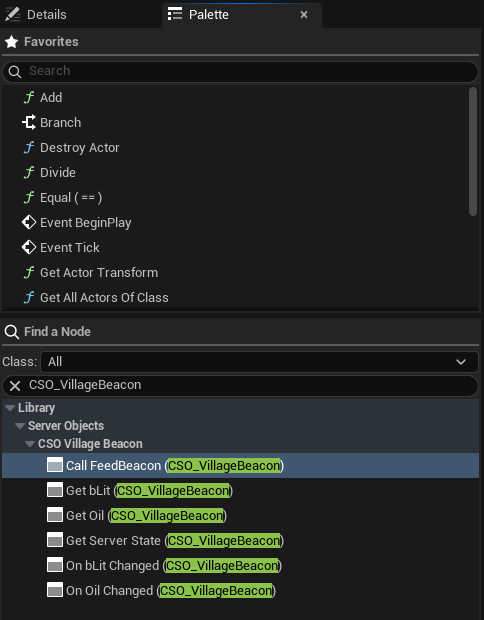
| Node | What it does |
|---|---|
| **Get Oil (CSO_VillageBeacon)** | Reads the variable `Oil`. A pure node: it has no execution pins. |
| **On Oil Changed (CSO_VillageBeacon)** | Runs when `Oil` changes. |
| **Call FeedBeacon (CSO_VillageBeacon)** | Calls the function `FeedBeacon`, with a pin for each input and each output. |
| **Get Server State (CSO_VillageBeacon)** | Every variable of the object at once, one output pin each. |
[Blueprint snippet: so-typed-nodes, see /bp/unreal-sdk/so-typed-nodes.txt]
Pan a Blueprint figure with the right mouse button. Press **Copy nodes**, then Ctrl+V in your own event graph. The figure shows the four nodes for `Oil`; `bLit` has a **Get** and an **On bLit Changed** of its own, as the palette shows.
There is one **Get** and one **On Changed** for each variable and one **Call** for each function of the asset, and one **On Received** for each message players can listen to; see [Hear its messages](./hear-server-messages.md). Only variables ticked **Visible to Players** are offered, since a **Server Only** variable never reaches a player. There is also a generic **Call Server Function** under **Server Objects**, with a **Function** dropdown that lists every function of every asset, for when you would rather pick than type.
A [Server Function Library](../server-function-libraries.md) is different: it has no values and no instance, so its only nodes are **Call** nodes, under **Server Function Libraries** in the palette, and they need no **Target**; see [Call a Server Function Library](./call-a-library.md).
There is no bookkeeping to do. A Server Object is one shared object that the SDK keeps current. **Get** reads that object's current value directly, never a copy you have to refresh. **On Changed** follows it, so you do not keep a variable holding the last value, compare it, or unbind anything. Rename or retype a variable in the asset and the nodes follow; see [When the asset changes](./pins-for-every-type.md#when-the-asset-changes).
## Where the object comes from
Every typed node needs a Server Object. There are three ways to give it one.
- **Target.** The default. The **Target** pin takes the Server Object, a **Crowdy Server Object** component, or an actor that has a component for that asset. Left empty it is **Self**, so a node in a Blueprint that has the component just works. Anything else cannot be connected to it, and the editor says why.
- **Find By Asset.** For a widget or other Blueprint with no reference to pass in. Right-click the node and choose **Find By Asset**; the **Target** pin is replaced by the choice of **Instance**, which you can also change in the node's Details.
- **Instance Id**: a pin takes the id, such as `oakford`.
- **Signed-In Player**: the signed-in player's own object, for an [Owner Only](../from-cpp/get-a-server-object.md#owner-only-types) type.
- **Player's Team**: the signed-in player's [Crowdy Team](../access-members-and-timers.md#crowdy-team). A **Team Id** pin picks the team when the player is in several; 0 uses the first.
In C++ the choice of **Instance** is the enum `ECrowdyServerObjectFind`, with the values `InstanceId`, `SignedInPlayer` and `PlayersTeam`.
The object is acquired the first time a node of this Blueprint uses it, and held while the Blueprint lives. Right-click the node and choose **Use Target** to go back.
- **Only One Instance.** A type with [Only One Instance](../access-members-and-timers.md#only-one-instance) has just the one object, so its nodes need neither a Target nor an Instance. Place the node and use it.
## Add the component
The typed nodes take **Self** as the default **Target**, so the simplest way to have a Server Object is an actor with a component. Open the Blueprint actor, click **Add** in the Components panel, and choose **Crowdy Server Object**. In its Details panel, under **Server Object**:
- **Definition**: the definition asset, such as the `CSO_VillageBeacon` from [Create a Server Object type](../create-a-type.md).
- **Instance Mode**: which Server Object of that type this actor uses. A type with Only One Instance ignores it.
- **Instance Id**: the id typed in **Instance Id**. Every actor with the same id shares one Server Object. The beacon uses the village's name, `oakford`.
- **Signed-In Player**: the signed-in player's user id. Use it for an [Owner Only](../from-cpp/get-a-server-object.md#owner-only-types) type, so each player gets their own. The component waits for the player to sign in, and joins again after a new sign-in or a new account.
- **This Actor**: the actor's placement in the level, which is the same on every player's machine. Only for an actor placed in the level with the component already on it, not one spawned at run time or given the component at run time.
- **Player's Team**: the signed-in player's [Crowdy Team](../access-members-and-timers.md#crowdy-team), for a type whose **Members From** is **Crowdy Team**. **Team Id** picks the team; 0 uses the player's only team. The component gets the player's teams if the game has not, and joins again when **On My Teams Changed** runs. A player in several teams fails with "This player is in 2 teams; set Team Id": set **Team Id**, then call **Rejoin**.
- **This Actor's Area**: the Server Object of the area the actor stands in. The ground is cut into squares of the definition's **Area Size** chunks on each side, and the Instance Id is the square's `x,y`. The component checks every half second and, when the actor crosses into another area, joins that area's object and lets go of the old one. For a type that keeps [a record per entity](../keep-a-record-per-entity.md#pick-the-object), the actor also needs a **Crowdy Entity** component, since its id names the actor's record. Needs a game session, which gives the chunk size. In C++ the mode is `ECrowdyServerObjectInstanceMode::ThisActorsArea`.
- **From Server Value**: the Instance Id is a variable of another Server Object, followed as it changes. Set **Source Definition**, **Source Instance** (the enum `ECrowdyServerObjectSourceInstance`: **Instance Id**, with **Source Instance Id**, or **Signed-In Player**) and **Source Variable**, a String or an integer. While the variable is empty the component waits ("Waiting for TeamId"), and when it changes the component joins the new one. See [Guild Halls](../examples/guild-halls-and-arenas.md#guild-halls).
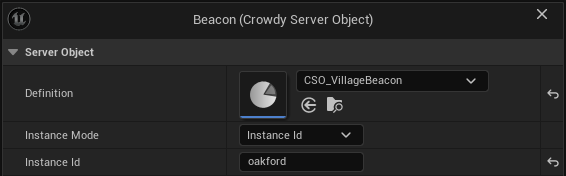
The component joins at Begin Play and lets go at End Play. The Server Object is given back a few seconds after its last holder lets go, so a beacon that is destroyed and placed again straight away keeps its values. See [Get a Server Object](../from-cpp/get-a-server-object.md#one-object-many-owners).
When the player's access to the game ends, the Server Object fails and its **Get Failure Reason** says why. After the player signs in again, the component, like a typed node set to **Find By Asset**, gets its Server Object again on its own; you do not call **Rejoin**. Show the reason from **On Access Ended**, which [Authentication](../../services/authentication.md#when-the-players-access-ends) covers.
If you change **Definition** or **Instance Id** in a graph after the actor has begun play, call **Rejoin** on the component. It also tries again after a failure. While the component is joining, Rejoin does nothing, so calling it from the component's own **On Status Changed** cannot loop.
### Its events and nodes
| Event or node | What it does |
|---|---|
| **On Variables Changed** (event) | Runs after every change of the Variables players can see, and once when they are first read. It gives the Server Object and the names that changed. The delegate is `FCrowdyServerVariablesChanged`. |
| **On Status Changed** (event) | Runs when the Server Object's status changes. **Object** is None when it could not be joined. The delegate is `FCrowdyServerStatusChanged`, which gives the Server Object and its status. |
| **Get Server Object** | The Server Object the component holds, or None before it joins one or after it could not. |
| **Get Failure Reason** | Why there is no usable Server Object, or empty. |
| **Rejoin** | Joins again. |
## Without the component
The component is a convenience over the same nodes. You can use them from any Blueprint, such as a widget that shows the beacon's oil without owning it. A widget needs no component for this: either use a typed node with **Find By Asset**, or call **Get Server Object** with the widget as the **Owner** and connect the result to the typed nodes' **Target**. These nodes, and **Set Server Value** and **Get Server Value**, are in the function library `UCrowdyServerObjectLibrary`:
- **Get Server Object**: takes a **Definition**, an **Instance Id** and an **Owner** (which defaults to the Blueprint itself), and returns the Server Object, or None with **Error** saying why. Owners that ask for the same one share it. It is held until the owner is destroyed.
- **Release Server Object**: stops one owner holding it, for an owner that lives on after it stops needing it, such as a widget that is reused.
- **Get Player Instance Id**: the signed-in player's user id, which is the Instance Id of their own [Owner Only](../from-cpp/get-a-server-object.md#owner-only-types) object. It is empty when nobody is signed in.
On the Server Object itself:
| Node | What it does |
|---|---|
| **Get Status** | Connecting, Ready, Failed or Released. See [Status](../from-cpp/get-a-server-object.md#status). |
| **Get Failure Reason** | Why it Failed, or what it is waiting for. |
| **Get Instance Id** | The Instance Id it was joined with. |
| **Get Definition** | The definition asset the object was made from, to pass to nodes that take one. A pure node. |
| **On Status Changed** | An event that runs when the status changes. |
The statuses are the ones from C++; see [Status](../from-cpp/get-a-server-object.md#status).
## Related
- [Get a Server Object, from C++](../from-cpp/get-a-server-object.md): the same rules, from C++
- [Read and follow its variables](./read-and-follow-variables.md): the next page, **Get** and **On Changed**
- [Tip jar: your first Server Object](../examples/tip-jar.md): the component, click by click
- [Create a Server Object type](../create-a-type.md): the asset these nodes come from
- [Access, members and timers](../access-members-and-timers.md): Only One Instance, members and teams
- [Guild halls and arena lobbies](../examples/guild-halls-and-arenas.md): the component's From Server Value mode
- [Keep a record per entity](../keep-a-record-per-entity.md): the component's This Actor's Area mode, for a crowd
- [Troubleshooting](../troubleshooting.md): a Server Object that stays in Connecting or Fails
# Read and follow its variables
Source: https://docs.dev.crowdedkingdoms.com/unreal-sdk/exec/from-blueprint/read-and-follow-variables
# Read and follow its variables
:::note
Server Objects run on [ck-exec](/exec/intro).
:::
Players see the variables their [definition](../create-a-type.md) marks **Visible to Players**. The typed nodes read them and follow their changes, each with a real pin of the variable's type. The examples use the village beacon, whose `CSO_VillageBeacon` asset has `Oil`, `bLit` and a Server Only `LastFedBy`. Every node here needs a Server Object; see [Get a Server Object](./get-a-server-object.md#where-the-object-comes-from).
## Get a variable
**Get Oil** has one output pin, **Oil**, typed as the variable is. It reads the object's current value each time the node is used. Before the server has sent the values it reads the variable's default from the asset. A **Get** with nothing behind it, such as a **Target** that holds no object for that asset, gives the default too.
To tell a real zero from "the server has not answered yet", use the node's advanced pin, **Oil Is Ready**. It is collapsed by default: click the small arrow at the bottom of the node to show it. It is false until the server has sent this Server Object's values, and true after. A variable that is an optional in C++ has a **Has Value** pin that is always shown, and it is false when the optional is empty or the values have not arrived; see [What the pins are](./pins-for-every-type.md#what-the-pins-are).
**Get Server State** is the same for every visible variable at once, with one advanced **Is Ready** pin that is false until the server has sent the values. It is not offered for a Server Object whose State has no variable visible to players, such as the Game Kit `CSO_Kit_Npcs`; a **Get Server State** already placed on one fails to compile with a message saying so.
The nodes work whether the definition takes its variables from a struct or you [added them in the asset](../create-a-type.md#variables-inputs-and-outputs-or-a-struct) (the List form): **Get**, **Get Server State** and **On Changed** read and follow a variable added in the asset with the same pins.
## Follow a variable
**On Oil Changed** is for an event graph. It has a **Bind** execution pin in, **Then** and **Changed** execution pins out, and the value as an output pin. Wire **Bind** from **Begin Play** once:
```text
Event BeginPlay -> On Oil Changed (Bind)
Changed -> Set Text (Oil)
```
- **Changed** runs right away with the current value as soon as the object is ready, and again after every change of that variable, and only of that variable. A Game Kit starter's **On Changed** and **On Variables Changed** run once when it is Ready, not also before: a snapshot pushed while it is still connecting does not announce.
- Each **On Changed** node you place is its own binding, so you can use the same variable's node more than once in one graph: bind one from **Begin Play** and another from a custom event, and each runs **Changed** once per change.
- Run the same node's **Bind** again, for example with another **Target**, and it replaces its own binding; it does not run twice. It runs **Changed** once at once with the current value when the object is Ready.
- There is nothing to unbind. A binding goes away when the Blueprint that owns it is destroyed or the Server Object is given back.
- Through a component or an actor it follows whatever object that component joins. If the player's team changes and the component joins another team's object, **Changed** runs with the new object's value.
- A node whose **Bind** is not connected never runs, so the compile gives a warning.
- Bound to something that is not a Server Object of that asset, nothing is watched and the log says so.
## Show the oil
The village square's beacon, `BP_VillageBeacon`, has a Crowdy Server Object component with **Definition** set to `CSO_VillageBeacon`, **Instance Mode** on **Instance Id**, and **Instance Id** set to `oakford`. In its Event Graph:
1. Add **On Oil Changed (CSO_VillageBeacon)** and wire **Event BeginPlay** into its **Bind**.
2. From **Changed**, use **Oil**, for example to set a text or a light's intensity. The figure sends it through a conversion to a **Print String**. It runs once when the object is ready, and again after every change, so this one graph covers both.
3. For the lamp, add **On bLit Changed (CSO_VillageBeacon)** from the **Then** pin of the first node, and wire its **bLit** to **Set Visibility** on the light, `Light` in the figure.
[Blueprint snippet: so-show-oil, see /bp/unreal-sdk/so-show-oil.txt]
Pan a Blueprint figure with the right mouse button. Press **Copy nodes**, then Ctrl+V in your own event graph.
Anywhere else in the graph, **Get Oil (CSO_VillageBeacon)** gives the current amount. `LastFedBy` is Server Only, so it has no nodes here.
## A widget that shows the oil
A widget has no component, so use **Find By Asset**. In its Event Construct, add **On Oil Changed (CSO_VillageBeacon)**, right-click it, choose **Find By Asset**, leave **Instance** on **Instance Id** and type `oakford` into its **Instance Id** pin. Wire Construct into **Bind**, and **Changed** into **SetText** on the widget's `OilText`, with **To Text** turning the **Oil** into text. The widget holds the beacon while it lives.
[Blueprint snippet: so-widget-oil, see /bp/unreal-sdk/so-widget-oil.txt]
## How many players are online
Every app has one root Server Object, which Server Compute deploys along with your types. It counts the players in the app's world. **Get Players Online** reads that count:
- It takes an **Owner**, the Blueprint itself unless you connect another object, and gives **Players Online** and a return value that is false until the count first arrives.
- The first call starts following the count, and the owner keeps it followed until the owner is destroyed. So a widget can read it in a binding, or an actor on Tick.
- The count is the number of players the platform's realtime servers report for your app. A player who leaves is still counted for a few minutes, until their session ends.
The root's definition is `CSO_PlayersOnline`, in the Crowdy SDK's content under **Data**. Use it like any other definition, for example with **Find By Asset** on the **On Changed** node for **PlayersOnline**, to run a graph each time the count changes. Leave the asset as it is: deploying sends the root's server code as the SDK writes it.
A project with the Game Kit's `world` starter has `world` as its root instead, and **Get Players Online** reads the world's `Online` variable, from the definition **Game Kit World** in Project Settings names (`CSO_Kit_World`, set when you add the starter). See [The world becomes the app's root](../use-game-kit-starters.md#the-world-becomes-the-apps-root). If the world's snapshot carries no player count, as a world deployed from the platform's own starter pack does not, **Get Players Online** returns false, with 0, for good, and the log says why once.
An app last deployed with an older Crowdy SDK, or never deployed from Server Compute, has no Crowdy SDK root. Deploy once from Server Compute. Until then **Get Players Online** returns false, and the log says why once for each reason in each game instance (so once per Play In Editor client): "This app has no Crowdy SDK root, so Players Online has no count: deploy the app from Server Compute (an app last deployed with an older Crowdy SDK, or by another tool, has none). It is asked again every minute." The root waits and asks again once a minute instead of every few seconds, and once the app is deployed the count arrives without restarting the game.
## Records
A type whose **Holds** is **A Record per Entity** keeps its variables once for each entity; see [Keep a record per entity](../keep-a-record-per-entity.md). A component on an entity's actor reads that actor's own record, so everything above works unchanged. **Get**, **On Changed**, **On Variables Changed** and **Get Server Value** read the record, and a variable the player may not receive reads its default and never changes.
To read the other records, take the Server Object from the component with **Get Server Object**. On it:
- **Find Record** takes an **Id** and gives that record's **Values**, its **Owner** (a user id, 0 for none) and its **Team**. It returns false when there is no such record. Read a variable out of **Values** with **Get Server Value**.
- **Get Record Ids** gives the id of every record the player can see, in no particular order.
- **Holds Records** says whether the type keeps records, and **Num Records** counts them.
A Game Kit starter whose hub keeps a collection, such as the world's resource nodes, holds its members as records too, read with the same nodes on its Server Object; see [Its records](../use-game-kit-starters.md#use-it-from-blueprint-and-c).
- **Watch Record** takes a **Record Id** and an event (the delegate `FCrowdyServerRecordEvent`), which runs with the **Object**, the **Record Id** and the **Changed** variables after each change of that record and when it is removed (**Find Record** is then false). If the record is already current it also runs once at once, naming all its variables. A watch added from an **On Records Changed** or **On Records Updated** handler gets that catch-up and does not run a second time for the same change. **Stop Watching Record** removes it. Records dropped because the object **Failed** are not reported; **On Status Changed** is.
- **On Records Changed** is an event. Bind it with **Assign** on the Server Object. It runs after every read, batch or fetch that changed records, with the **Object**, the ids that are new or changed (**Changed Ids**) and the ids that were removed (**Removed Ids**).
- **On Records Updated** is bound the same way and runs at the same times, but gives a list of **Record Id** with its **Changed Variables**, then the removed ids. **Changed Variables** is empty when only the record's owner or team changed.
Ids are compared with capitals significant. **Find By Asset**, and **Watch Variables** on a Server Object of this kind, read its defaults and not a record: use the component or **Find Record**.
## By name
The typed nodes cover a Server Object whose shape you know. The by-name nodes work by name and by type, for the dynamic cases: a graph that shows any variable by a name in a data table, or one that works for several types. They are the ones every Blueprint had before typed nodes, and they still work.
### Show the oil by name
Select the component and add its **On Variables Changed** event. The event runs once when the Variables are first read and again after each change, so one graph covers both:
1. From **Object**, call **Get Variables**.
2. Call **Get Server Value** on that, with **Name** set to `Oil`. Its **Value** pin takes the type of whatever you connect to it, here an Integer.
3. Use the value, for example to set a text or a light's intensity. `bLit` reads the same way, into a Boolean.
**Get Server Value** returns false when the Variables have no value by that name or it is of another type. Names are matched ignoring case, spaces and punctuation, so `Max Health` and `maxhealth` find the same Variable, in the editor and in a packaged game. A C++ `float` Variable reads into a Blueprint Float. A Variable that is **Server Only** is never sent to players, so it always reads its default here.
### The nodes for reading and watching
| Node | What it does |
|---|---|
| **Get Variables** | The Variables the server last sent, to read with **Get Server Value**. They hold their defaults until the object is Ready. |
| **Watch Variables** | Takes an event (the delegate `FCrowdyServerVariablesEvent`) and runs it after every change, with the names that changed. If the Variables are already current it also runs once at once, naming them all. |
| **Stop Watching Variables** | Removes an event that **Watch Variables** was given. |
| **Get Members** | The user ids of the members, in the order they joined. Only for a type whose **Members From** is **This Object** with **Show Members to Players** on; empty otherwise. |
| **Get Member Count** | How many members there are, even when the list is not shown. |
| **Get Leader** | The leader's user id, or 0 when there is none. |
| **Is Open For Joining** | Whether **Join** is accepted. |
| **Is Member** | Whether the signed-in player is a member. |
| **Is Leader** | Whether the signed-in player is the leader. |
The member nodes answer for a type with [members](../access-members-and-timers.md#members). **Get Members**, **Get Member Count**, **Get Leader** and **Is Open For Joining** are for members the Server Object keeps itself; **Is Member** and **Is Leader** also work for a **Crowdy Team**. With the list shown, **Is Member** and **Is Leader** follow it and the signed-in user id. Otherwise a successful **Join** or **Leave** makes the object read again, and each read sets both.
**On Variables Changed** and **Watch Variables** name a change of these too: `Members`, `MemberCount`, `Leader` and `OpenForJoining`, so a lobby's list refreshes when someone joins.
A widget that only shows the oil by name would call **Get Server Object** in its Construct event, bind **Watch Variables** to a custom event, and read `Oil` there. It needs no component.
Two things to know about the by-name nodes:
- **Set Server Value** and **Get Server Value** work by name and by type. A misspelled name or a wrong type gives false, not an error, so branch on the result while you are wiring a graph. The typed nodes have no such failure: a wrong name or type does not compile.
- The names **On Variables Changed** and **Watch Variables** give are the ones **Get Server Value** takes, the variable's own name in the asset, even when the definition's **Server Names** gives a Variable a different name on the server.
## Related
- [Read and follow its variables, from C++](../from-cpp/read-and-follow-variables.md): the same rules, from C++
- [Get a Server Object](./get-a-server-object.md): the previous page, where the object comes from
- [Hear its messages](./hear-server-messages.md): the next page, the messages a type sends
- [Pins for every type](./pins-for-every-type.md): which pin each variable type gets
- [Tip jar: your first Server Object](../examples/tip-jar.md): **On Total Changed**, click by click
- [Shared boss fight](../examples/shared-boss.md): a health bar, a phase and a respawn message
- [Raiders on the north road](../examples/raiders-on-the-north-road.md): the same nodes on a record per raider, with values only some players see
- [Troubleshooting](../troubleshooting.md#a-value-is-not-what-you-expect): when a value is not what you expect
# Hear its messages
Source: https://docs.dev.crowdedkingdoms.com/unreal-sdk/exec/from-blueprint/hear-server-messages
# Hear its messages
:::note
Server Objects run on [ck-exec](/exec/intro).
:::
A message is the server telling everyone listening that something happened, such as the Hollow Giant falling. The type's [definition](../create-a-type.md#server-messages) lists its messages, and its [server code](../write-server-logic.md#send-a-message) sends them. A game hears one with a typed node, **On Message Received**, or with **Watch Message** when it has to work by name. Every node here needs a Server Object; see [Get a Server Object](./get-a-server-object.md#where-the-object-comes-from).
A message is an event, not a value. **Received** runs when the server sends the message and not at any other time: not when the object becomes ready, and not for a message sent before the game was listening. To show what is true now, such as whether the boss is defeated, read a variable with **Get** and **On Changed**; see [Read and follow its variables](./read-and-follow-variables.md).
## Hear a message
**On BossDefeated Received (CSO_Boss)** has a **Bind** execution pin in, **Then** and **Received** execution pins out, and one output pin for each value the message carries: `Winner`, an Integer64, and `Hits`, an Integer. Wire **Bind** from **Begin Play** once:
```text
Event BeginPlay -> On BossDefeated Received (Bind)
Received -> Print String (Winner, Hits)
```
- **Received** runs once for each message the server sends, with that message's values on the output pins.
- Each **On Received** node you place is its own binding, so you can use the same message's node more than once in one graph, and each runs **Received** once per message.
- Run the same node's **Bind** again, for example with another **Target**, and it replaces its own binding; it does not run twice.
- There is nothing to unbind. A binding goes away when the Blueprint that owns it is destroyed or the Server Object is given back.
- Through a component or an actor it follows whatever object that component joins.
- A node whose **Bind** is not connected never runs, so the compile gives a warning. Bound to something that is not a Server Object of that asset, nothing is heard and the log says so.
- It takes the object the way **On Changed** does: **Target**, the actor's component, or **Find By Asset**; see [Where the object comes from](./get-a-server-object.md#where-the-object-comes-from).
The palette offers a node for each message whose **Players Can Listen** is ticked and whose payload values all have a pin; see [Pins for every type](./pins-for-every-type.md). A message with no values has a node with **Received** and no value pins.
## Announce the fall
The boss actor `BP_Boss` from [Shared boss fight](../examples/shared-boss.md#the-blueprint) has a Crowdy Server Object component with **Definition** set to `CSO_Boss`. In its Event Graph:
1. Add **On BossDefeated Received (CSO_Boss)**. Wire its **Bind** from the **Then** pin of the last **On Changed** node you added, or from **Event BeginPlay** if it is the first.
2. From **Received**, add a **Print String** that builds the line with **Build String**: the **Winner** pin, " felled the Hollow Giant in ", the **Hits** pin and " hits".
3. Compile and save.
The figure turns **Winner** into a string first, since it is an Integer64, and builds the line from it.
[Blueprint snippet: so-boss-defeated, see /bp/unreal-sdk/so-boss-defeated.txt]
Pan a Blueprint figure with the right mouse button. Press **Copy nodes**, then Ctrl+V in your own event graph.
Play with two players, as on that page. When the boss falls, both windows print the line once, with the same **Winner**. A player who joins a moment later sees the boss already **Defeated** through **On Phase Changed**, and prints nothing: the message is gone.
If the node is not in the palette, check that the message is ticked **Players Can Listen** in the asset and that you have saved it. If the graph fails to compile with "heard only by other Server Object types; turn on Players Can Listen", the message was ticked once and is not now. If it says the asset has "no message ... any more", the message was renamed or removed: place the node again from the menu, or give the message its old name back.
## When a message is heard
The game listens to a message while a node or a **Watch Message** wants it and the connection is open. When the last one goes away it stops listening, and it starts again after a dropped connection comes back.
- **A message that arrives while the object is reading its values is held.** It runs after the values are current, so a graph that reads the variables from **Received** sees the state the message followed. At most 32 are held; past that the oldest is dropped and the log warns.
- **A message is announced only while the Server Object is Ready.** One that arrives while it is Connecting is held until it is.
- **A message sent while the connection is closed is lost.** Nothing is replayed when it comes back; the game reads the variables again, and **On Changed** reports what differs, but a message is not a value and cannot be read again.
- **A message in a record type can arrive before the record change it follows.** A type that keeps [a record per entity](../keep-a-record-per-entity.md) sends its records in batches, so a message sent right after a record changed may be heard before that record shows the change. Put what the listener needs into the payload, or read the record when the next batch arrives.
- **A refused listen is asked again.** If the server refuses to let the game listen to a message, the log warns once with the platform's reason and the game asks again after a wait that grows from 1 second to 30. Nothing else about the Server Object fails.
- **Every message listened to is a subscription.** A connection allows 256 subscriptions in all, and each subscribe counts against the 120 calls a connection may make every 10 seconds. A game that listens to a few messages on a few Server Objects never gets near either; see [A message never arrives](../troubleshooting.md#a-message-never-arrives).
## By name
The typed nodes cover a message you know. **Watch Message** and **Stop Watching Message** work by name, for a graph that listens to a message from a data table, or to one of several assets. Both are on the Server Object itself, so get it first with **Get Server Object** or from a component.
| Node | What it does |
|---|---|
| **Watch Message** | Takes a **Message**, the message's Name, and an event (the delegate `FCrowdyServerMessageEvent`), and runs the event each time the server sends that message. The event gives the **Object**, the **Message** and the **Payload**. |
| **Stop Watching Message** | Removes an event that **Watch Message** was given. |
Read the values from **Payload** with **Get Server Value**, as you would read the variables:
1. Call **Get Server Object** in the actor's or widget's start event, and from its result call **Watch Message** with **Message** set to `BossDefeated`.
2. Drag from the **Event** pin and choose **Add Custom Event**, named `OnBossMessage`.
3. In the event, call **Get Server Value** on **Payload** with **Name** set to `Winner`, into an Integer64, and again for `Hits`.
The first figure is steps 1 and 2: **Watch Message** on the component's Server Object, and the custom event wired to its **Event** pin. The second is step 3, where the event reads both values from its **Payload** and prints the same line as the typed node.
[Blueprint snippet: so-watch-message, see /bp/unreal-sdk/so-watch-message.txt]
[Blueprint snippet: so-message-payload, see /bp/unreal-sdk/so-message-payload.txt]
The same rules hold as for the typed node. Nothing runs for a message sent before you watched. Watching the same event twice runs it once. **Stop Watching Message** removes it, and an event whose Blueprint is destroyed stops running by itself. It takes the same **Message** and the same event that **Watch Message** was given:
[Blueprint snippet: so-unwatch-message, see /bp/unreal-sdk/so-unwatch-message.txt]
Watching a name the definition does not have, or one whose **Players Can Listen** is off, does nothing: the log warns "CSO_Boss has no message named ... so nothing can listen to it", or "... is heard only by other Server Object types; turn on Players Can Listen to hear it in a game", and the event never runs. The by-name nodes check at run time, not when you compile, so test the graph once. **Get Server Value** returns false when **Payload** has no value by that name or of that type; see [By name](./read-and-follow-variables.md#by-name).
## Related
- [Hear its messages, from C++](../from-cpp/hear-server-messages.md): the same rules, from C++
- [Read and follow its variables](./read-and-follow-variables.md): the previous page, **Get** and **On Changed**
- [Call its functions](./call-functions.md): the next page
- [Server messages](../create-a-type.md#server-messages): defining a message and who hears it
- [Send a message](../write-server-logic.md#send-a-message): what the server code does
- [Shared boss fight](../examples/shared-boss.md): the boss these nodes announce
- [Troubleshooting](../troubleshooting.md#a-message-never-arrives): a message that never arrives
# Call its functions
Source: https://docs.dev.crowdedkingdoms.com/unreal-sdk/exec/from-blueprint/call-functions
# Call its functions
:::note
Server Objects run on [ck-exec](/exec/intro).
:::
A client never changes a Server Object's values. It calls one of the Server Functions its [definition](../create-a-type.md) lists, and the server decides. The examples use the village beacon's `FeedBeacon` function, which takes an `Oil` amount and answers with the oil the beacon now holds. Every node here needs a Server Object; see [Get a Server Object](./get-a-server-object.md#where-the-object-comes-from).
## The Call node
**Call FeedBeacon** has an execution pin and a pin for each input on the left. On the right it has **Then**, **On Success** and **On Failed**, then a pin for each output. It is a latent node, so it goes in an event graph. **On Success** or **On Failed** runs, one of them and only once, when the server answers.
**Outcome** and **Reason** are shown on the node, after the function's outputs. **Retryable**, **Code** and **Timeout** are in the node's advanced area: click the small arrow at the bottom of the node to show them. **Timeout** is an input, explained in [Give up sooner](#give-up-sooner). **Code** is an output that only a [Game Kit starter](../use-game-kit-starters.md#refusals-and-their-codes) fills, with its refusal code, such as `full`; it is None for every other type. A pin you have already wired stays visible when the area is collapsed.
- **On Success** runs with the outputs set. Wire them straight from their pins.
- **On Failed** runs with **Outcome**, **Reason**, **Retryable** and **Code**. **Outcome** is one of the [call outcomes](../troubleshooting.md#outcomes). A call the server refuses by a rule in the asset, such as **Callable By**, arrives as **Denied** with the reason to show, and a call inside a **Cooldown** as **Denied** with **Retryable** true; see [What a refused player sees](../access-members-and-timers.md#what-a-refused-player-sees). A call to a server, or a type, that is switched off or paused arrives as **Paused** with **Retryable** true, so a Switch on **Outcome** has a **Paused** pin: try again later or show a paused message. A Game Kit starter's refusal for a reason of the game's, such as a full match, arrives as **Refused** with its **Code**, so the Switch has a **Refused** pin too. A call made after the player's access ended, or still waiting when it did, arrives as **Access Ended**, not retryable, so the Switch has an **Access Ended** pin too: show **Reason** and send the player back to sign in; see [When access ends](../troubleshooting.md#when-access-ends). A call that times out says in **Reason** whether the server's own limit or the connection gave up; see [Timeout](../troubleshooting.md#outcomes).
- An input you leave alone sends its default from the asset.
- An input that does not fit its type, such as -1 for a `uint32` or 70,000 for an `int16`, sends nothing: **On Failed** runs as a **Bad Request** and **Reason** names the input.
The beacon's oil changes on the server, not on the client when the call succeeds. **On Oil Changed** shows the new amount to every player watching, the way it does in C++. **Call** reports what the server answered; use **On Changed** to show the state.
When **Members From** is **This Object**, the built-in functions **Join**, **Leave**, **Add Member**, **Remove Member**, **Make Leader** and **Set Open for Joining** are offered as **Call** nodes too.
A busy server is retried for you, up to three tries, and nothing else is; see [What the SDK retries](../from-cpp/call-functions.md#what-the-sdk-retries).
## Feed the beacon
When the player walks into the beacon, feed it ten units of oil:
1. Add **Call FeedBeacon (CSO_VillageBeacon)** and wire the overlap event, **Event ActorBeginOverlap**, into its execution pin.
2. Set its **Oil** input to 10.
3. Under **On Success**, use its **Oil** output, the oil the server says the beacon now holds. Under **On Failed**, show **Reason**, or try again later when **Retryable** is true; show both with the arrow at the bottom of the node first. The figure prints the oil, and the reason, with a **Print String** each.
[Blueprint snippet: so-feed-beacon, see /bp/unreal-sdk/so-feed-beacon.txt]
Pan a Blueprint figure with the right mouse button. Press **Copy nodes**, then Ctrl+V in your own event graph.
The call needs no **Target**: it uses the beacon's own component.
## Give up sooner
A call waits for the answer as long as the project's **Server Object Call Timeout** allows, 20 seconds unless you changed it; see [Project settings](../../reference/project-settings.md#server-object-timeouts). The advanced **Timeout** pin of a **Call** node, typed or generic, is a limit of its own for that one call, in seconds. It is counted from the call, retries and waiting to send included. It can only shorten the wait: a value above the project's timeout changes nothing, and 0, the default, leaves only the project's. When the function has an input named **Timeout** of its own, the typed **Call** node labels its limit pin **Call Timeout** so the two do not clash; otherwise the pin is **Timeout**. A graph saved with either label keeps its links.
When it runs out, **On Failed** runs with **Outcome** **Timeout** and **Retryable** false, and **Reason** reads, for a **Timeout** of 5, "No answer within 5 seconds; FeedBeacon may still have run on the server". The server is not told to stop, so the call may still take effect, and an answer that arrives later is not reported. Watch the beacon's oil with **On Oil Changed** before you feed it again.
## Ping the platform
**Ping Server Objects** is a latent node under **Crowdy SDK > Server Objects**. It asks the platform for an answer over the connection the Server Objects already hold and measures how long it took:
- **On Success** runs with **Round Trip Ms**, how long the platform took to answer.
- **On Failed** runs with **Reason**.
The node is the async action `UCrowdyServerPingAction`, and both of its pins are the delegate `FCrowdyServerPingDone`.
It never opens a connection. With no Server Object connection open, such as before the first Server Object is used, it fails at once with "No Server Object connection is open". The platform answers at most 60 pings every 10 seconds on a connection and drops the rest without a word, so the SDK refuses more than that itself, failing with "Too many pings: the platform answers at most 60 every 10 seconds". Ping on a timer of a second or more, not every frame.
## By name
The generic **Call Server Function** under **Server Objects** has a **Function** dropdown that lists every function of every asset, for when you would rather pick than type. Its pins are laid out like a **Call** node's, with **Outcome** and **Reason** shown and **Retryable** and **Code** in the advanced area. The nodes below work by name and by type instead, for a graph that calls whichever function it is told to.
### Feed the beacon by name
1. Call **Get Server Object** on the component. Drag the result into **Is Valid** first: it is None until the object joins.
2. From the Server Object, call **Make Inputs** with **Function** set to `FeedBeacon`. It returns the function's **Inputs** with their default values. It has execution pins: wire it in before **Set Server Value**, and pass its result to both of the next two nodes.
3. Call **Set Server Value** with those Inputs, **Name** `Oil` and **Value** `10`. It changes the Inputs you pass in and returns true, or false when there is no Input by that name or the type differs.
4. Call **Call Server Function** with the Server Object, **Function** `FeedBeacon` and those Inputs.
5. Under **On Success**, call **Get Server Value** on **Outputs** with **Name** `Oil` to read the oil the server says the beacon now holds. Under **On Failed**, show **Reason**, or try again later when **Retryable** is true.
[Blueprint snippet: so-untyped-feed, see /bp/unreal-sdk/so-untyped-feed.txt]
The figure is steps 1 to 4 only: it has no trigger event, no **Is Valid** and nothing on **On Success** or **On Failed**, and it reads the Server Object from a component variable named `Beacon`. Add your own trigger and the **Is Valid**, and wire step 5.
**Call Server Function** here is the one with no **Function** dropdown, found under **Crowdy SDK > Server Objects**; it takes a Server Object and Inputs. It is latent like the typed one, and its **On Success** and **On Failed** behave the same. Both are the delegate `FCrowdyServerCallDone`, which carries **Outputs**, **Outcome**, **Reason**, **Retryable** and **Code**; a C++ handler bound to them takes all five, see [Bind the Blueprint call in C++](../from-cpp/call-functions.md#bind-the-blueprint-call-in-c).
**Make Inputs** returns a function's Inputs with their default values, and is empty when the function takes none.
Two things to know about the by-name nodes:
- **Set Server Value** and **Get Server Value** work by name and by type. A misspelled name or a wrong type gives false, not an error, so branch on the result while you are wiring a graph. The typed nodes have no such failure: a wrong name or type does not compile.
- For a function with no Inputs, leave the **Inputs** pin of the untyped **Call Server Function** empty.
## Related
- [Call its functions, from C++](../from-cpp/call-functions.md): the same rules, from C++, and what the SDK retries
- [Hear its messages](./hear-server-messages.md): the previous page
- [Call a Server Function Library](./call-a-library.md): the next page, the **Call** node of a type with no instance
- [Pins for every type](./pins-for-every-type.md): which pin each input and output gets
- [Use the Game Kit starters](../use-game-kit-starters.md): the **Refused** outcome and its **Code**
- [Troubleshooting](../troubleshooting.md#outcomes): every outcome, and the refusals from your server code
- [Access, members and timers](../access-members-and-timers.md#what-a-refused-player-sees): what a refused player sees
- [Tip jar: your first Server Object](../examples/tip-jar.md): **Call Tip**, click by click
- [Shared boss fight](../examples/shared-boss.md): **Call Hit** with a cooldown and a value range
# Call a Server Function Library
Source: https://docs.dev.crowdedkingdoms.com/unreal-sdk/exec/from-blueprint/call-a-library
# Call a Server Function Library
:::note
Server Objects run on [ck-exec](/exec/intro).
:::
A [Server Function Library](../server-function-libraries.md) has functions and nothing else: no variables to read, no messages to hear, and no instance of its own to pick. So from Blueprint it has one kind of node, **Call**, and that node needs no **Target**, no component and no Instance Id. Place it and use it.
## The Call node
Right-click in an event graph, type the function's name or open the category **Server Function Libraries**, then the asset's name, for the loot roller's `CSO_LootRoller` **CSO Loot Roller**, and choose **Call RollLoot**. The node is **Call RollLoot (CSO_LootRoller)**.
[Blueprint snippet: so-library-call-node, see /bp/unreal-sdk/so-library-call-node.txt]
Pan a Blueprint figure with the right mouse button. Press **Copy nodes**, then Ctrl+V in your own event graph.
It is the same node as the [Call node of a Server Object](./call-functions.md#the-call-node), without its **Target**:
- an execution pin in, and a pin for each input of the function;
- **Then**, **On Success** and **On Failed**, and a pin for each output;
- in the advanced area, **Outcome**, **Reason**, **Retryable** and **Timeout** (click the small arrow at the bottom of the node). **Timeout** is the limit of [Give up sooner](./call-functions.md#give-up-sooner).
It is latent, so it goes in an event graph, and **On Success** or **On Failed** runs, one of them and only once, when the server answers. **On Failed** carries the same [outcomes](../troubleshooting.md#outcomes) as any call: **Denied** for a function that is **Server Only** or **Developers Only**, **Bad Request** for an input that does not fit, **Timeout**, **Paused** when the type or app is switched off or paused, and so on.
A library offers only **Call** nodes, one for each function. There is no **Get**, **On Changed** or **On Received**, since a library keeps no values and sends no messages, and no **Get Server State**. If the asset is a Server Object when you place a node and you change its **Kind** later, remove the nodes that no longer apply; see [Switch Kind](../server-function-libraries.md#switch-kind).
## Roll loot from the chest
The chest on the north road, `BP_Chest`, hands out a trinket when a player walks into it. In its Event Graph:
1. Add **Event ActorBeginOverlap**.
2. Add **Call RollLoot (CSO_LootRoller)** from the menu above and wire the overlap event into its execution pin.
3. Set its **Seed** pin to 7 and its **Tier** pin to 1.
4. From **On Success**, add a **Print String** and wire the **Item** output to it. From **On Failed**, add another and wire **Reason**; show it with the arrow at the bottom of the node first. The figure prints the item, and the reason, with a **Print String** each.
[Blueprint snippet: so-chest-roll, see /bp/unreal-sdk/so-chest-roll.txt]
Compile and save, and walk into the chest. The screen prints `SilverRing:t1`. The library keeps nothing, so the same **Seed** and **Tier** give the same item every time; a game that wants variety passes a different **Seed** each time, such as a counter that goes up. Set **Tier** to 5 and the server refuses the call before the function runs, because the input's **Value Range** is 0 to 4: **On Failed** gets the **Outcome** Server Error and the **Reason** `bad_params: Tier must be 0 to 4`.
## What to expect
- **Nothing to acquire first.** A library has no values to read, so it is ready as soon as the connection opens, and a call made before then waits for it.
- **The first call after the library has been idle can take over a second.** Players see the answer a moment late. A call that goes on past the project's **Server Object Call Timeout**, 20 seconds unless you changed it, ends as **Timeout**.
- **Calls run side by side.** Two **Call** nodes that run together are two independent calls, and the server may answer them on different instances, in either order. A library has no state, so nothing links them; do not rely on one call's effect being there for the next.
- **A library changes game truth through a Server Object.** If a roll should give the player the item, the library's server code calls the player's own Server Object and that object changes its values; the game then sees the change with **On Changed** on that object. See [A Server Function Library](../write-server-logic.md#a-server-function-library).
## Related
- [Call a Server Function Library, from C++](../from-cpp/call-a-library.md): the same call, from C++
- [Call its functions](./call-functions.md): the previous page, the **Call** node of a Server Object
- [Pins for every type](./pins-for-every-type.md): the next page, which pin each input and output gets
- [Make a Server Function Library](../server-function-libraries.md): the asset, **Kind** and **Scaling**
- [Loot for the Hollow Giant](../examples/hollow-giant-loot.md): the loot roller, the chest and the boss
- [Troubleshooting](../troubleshooting.md#outcomes): every outcome
# Pins for every type
Source: https://docs.dev.crowdedkingdoms.com/unreal-sdk/exec/from-blueprint/pins-for-every-type
# Pins for every type
:::note
Server Objects run on [ck-exec](/exec/intro).
:::
The typed nodes give every value a pin of its own type, so none needs a cast. This page is what the pins are, and what happens to them when the asset changes.
## What the pins are
Every value has a pin of its own type, with no casting.
| In the asset or C++ | Pin |
|---|---|
| `bool` | Boolean |
| `uint8` | Byte |
| `int32` | Integer |
| `int64` | Integer64 |
| `float`, `double` | Float |
| `FString` | String |
| `FName` | Name |
| Enums | The enum |
| `FVector`, `FRotator`, `FVector2D`, `FQuat`, `FIntPoint`, `FIntVector`, `FLinearColor`, `FColor`, `FDateTime`, `FTimespan`, `FGuid`, `FGameplayTag` | The struct of that name |
| Soft object and soft class references | A soft reference pin |
| Your own structs | The struct; right-click its pin and choose **Split Struct Pin** to get a pin for each field |
| `TArray`, `TSet`, `TMap` | An Array, Set or Map pin |
| `int8`, `int16`, `uint16` (C++ only) | Integer |
| `uint32`, `uint64` (C++ only) | Integer64 |
| `TOptional